

kJhlGKIx
1
Learn how to get free credits on KlingAI with AI-generated guides. Unlock premium features with AI-made tips and tricks.












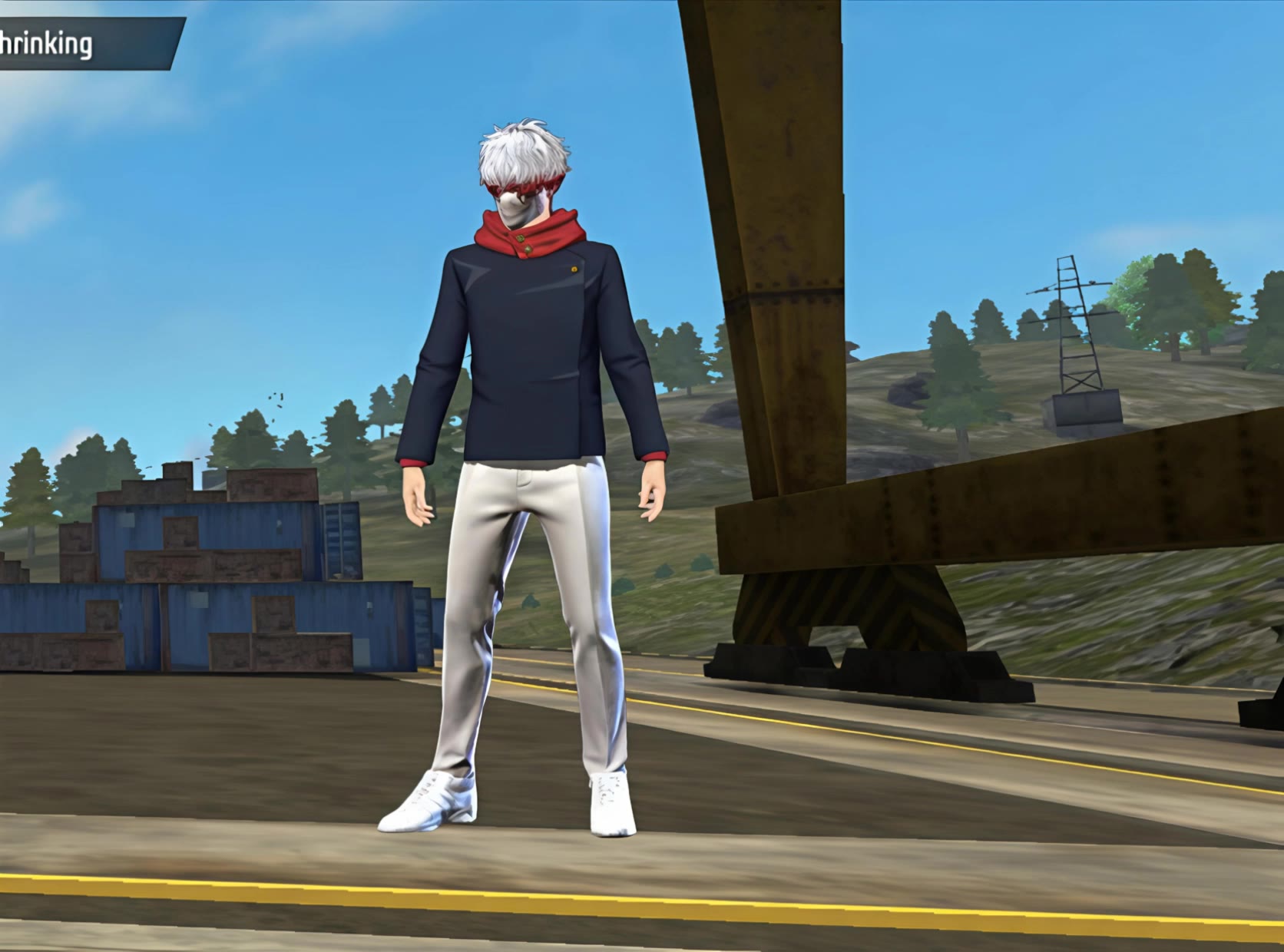



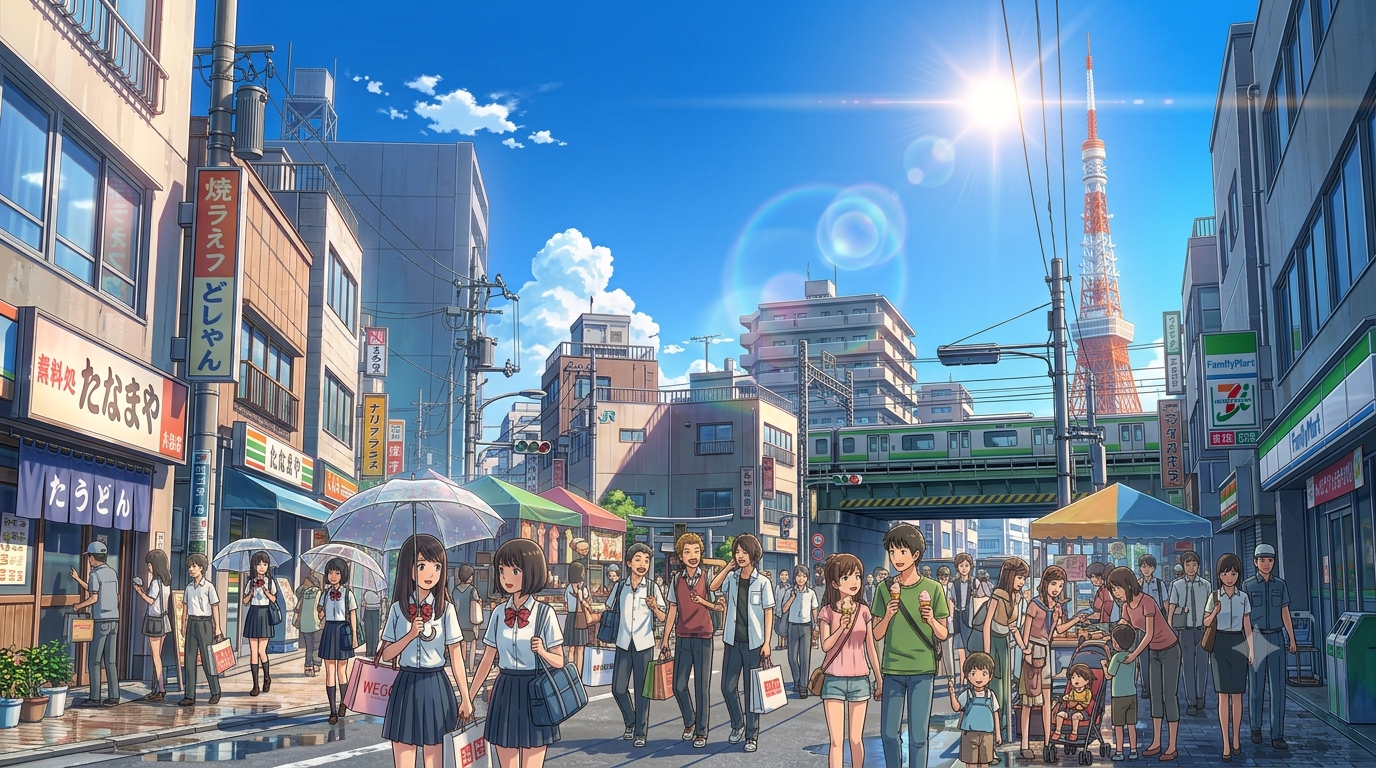

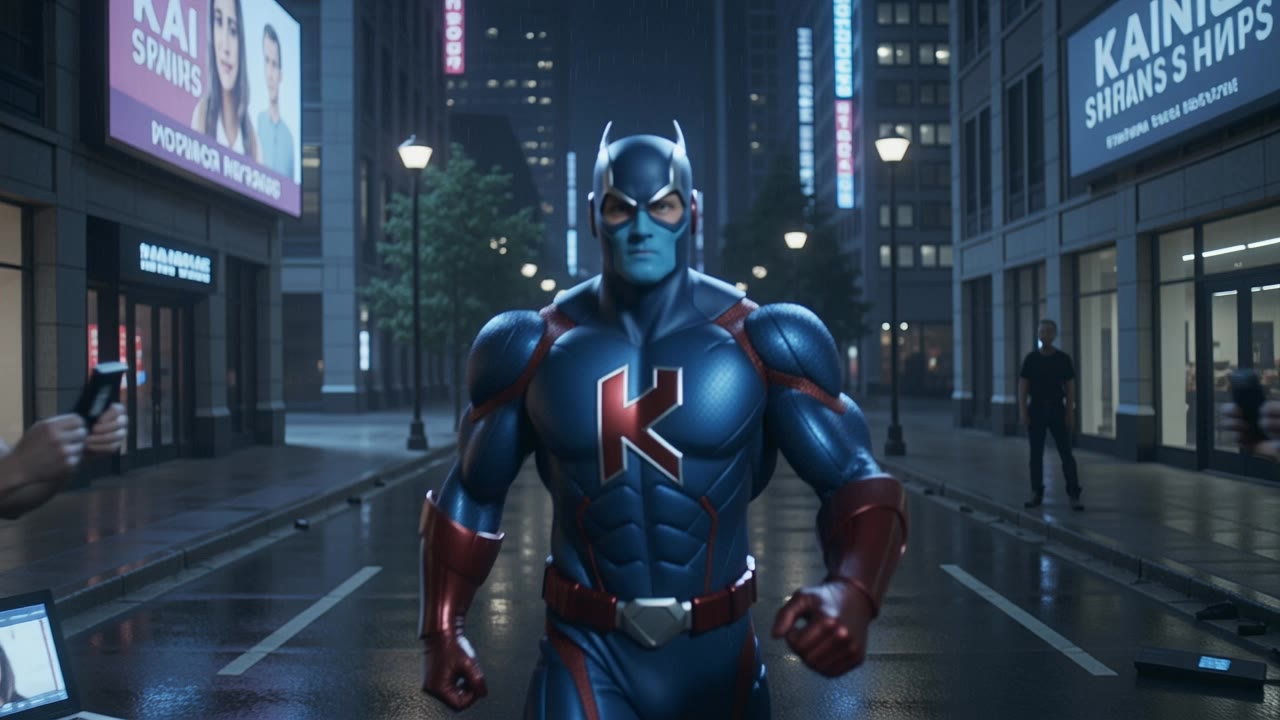
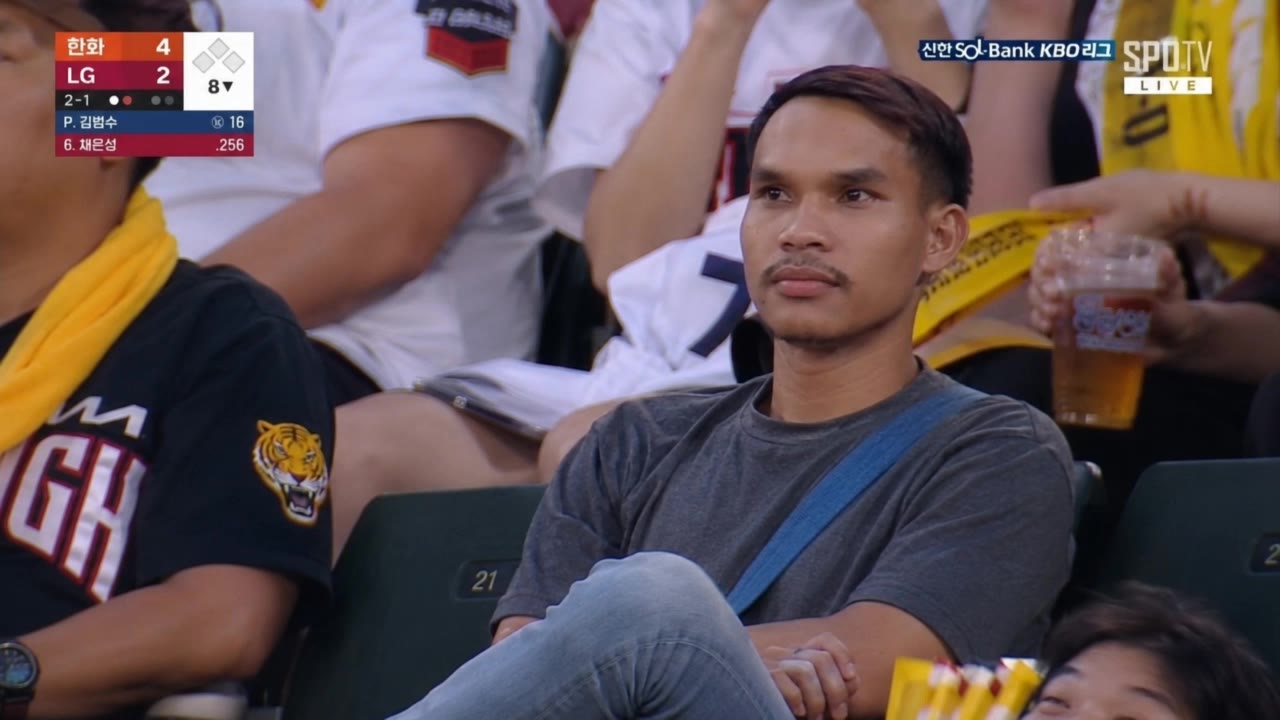



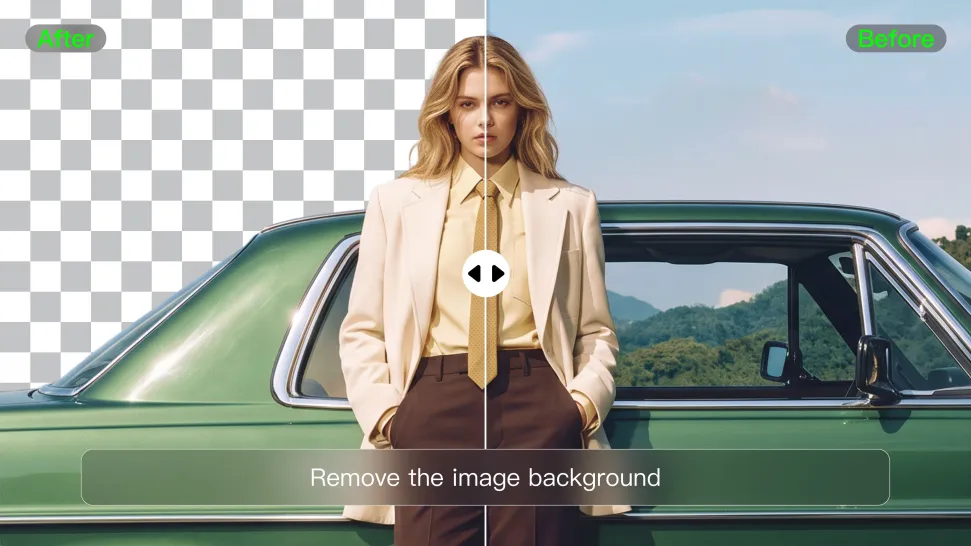
When you want to isolate a person, product, or other subject, Kling AI keeps background removal simple. A short prompt like “Remove the background” or “Keep the person and remove everything behind them” can clear away the surroundings without tracing edges by hand.
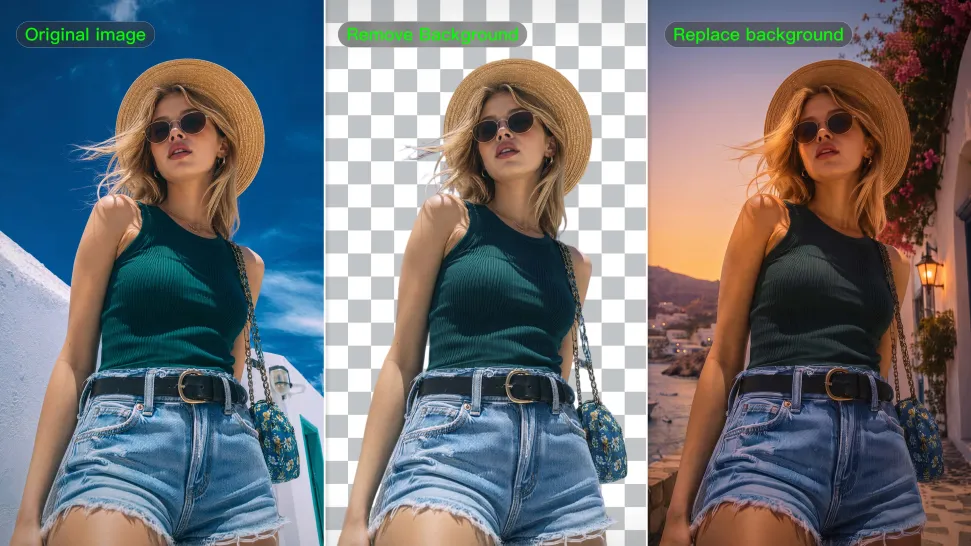
Removing the background does not mean you want the subject itself to change. Kling IMAGE 3.0 supports targeted image editing while helping preserve important visual characteristics such as the subject's appearance, shape, style, lighting, and texture. You can also specify what should stay unchanged when the image includes details that matter to the final result.
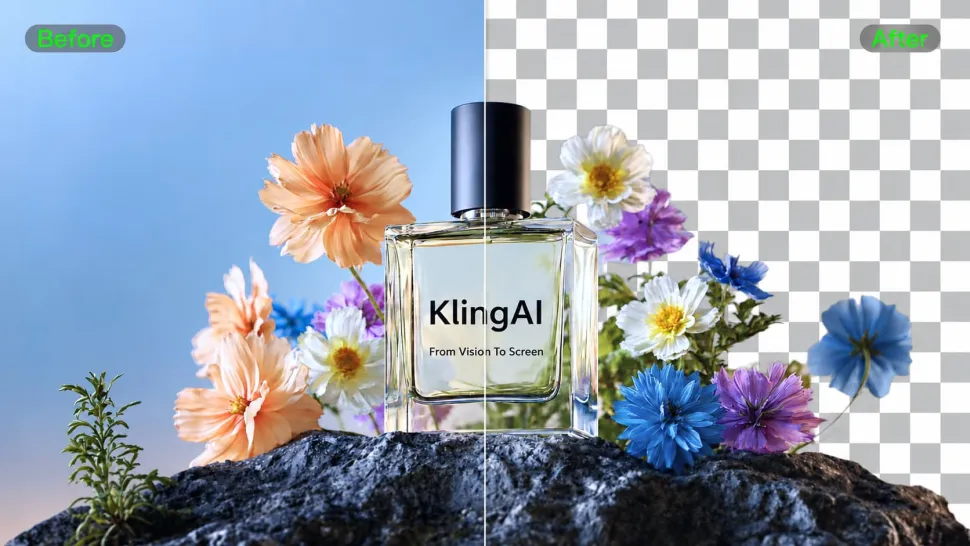
When you need more detail or higher resolution, Kling IMAGE 3.0 Omni lets you create images with background removals and output them in 2K or 4K. They’re ideal for product displays, posters, marketing assets, presentations, and designs that need to work across different sizes.
















Kling AI has transformed my workflow by collapsing timelines and democratizing production. It’s shifted my mindset from resource-dependent filmmaking to a boundless creative sandbox, where experimentation yields unexpected beauty.

I use AI daily and Kling AI is a crucial part of my workflow, whether for client work or personal projects. What I love most about using Kling AI is that it provides all the tools I need in one place, from keyframes to character references, elements and special effects.
I use Kling AI daily to push the limits of AI filmmaking. It allows me to create highly cinematic content, blending AI and VFX to develop innovative projects. It has significantly impacted my creative process, enabling me to achieve complex animations that would otherwise require high production budgets.
Start with the image you have and rework it for the look, message, or moment you have in mind.
Object removal | Background changes | Portrait retouching | Photo restyling
