Creative Studio
API Platform
Resources
About Us

KlingAI Free Methods: AI-Generated Techniques

Get AI-generated methods with KlingAI. Quickly find and adapt AI-made techniques to suit your needs without any design skills.

KlingAI Free Methods: AI-Generated Techniques

Recommended

work cover
video-play
Alla_nov
work cover
video-play
BoldlyWithAi
work cover
video-play
QdkfjjcO
work cover
24601NotGuilty
work cover
UN_RE_AI_vision
work cover
24601NotGuilty
work cover
video-play
RamZ
work cover
YqbNReqj
work cover
video-play
NorBelma
work cover
BoldlyWithAi
work cover
leVHgRpB
work cover
BoldlyWithAi
work cover
BoldlyWithAi
work cover
24601NotGuilty
work cover
video-play
MidGuruAI
work cover
V. Dalmatina
work cover
BoldlyWithAi
work cover
24601NotGuilty
work cover
video-play
NAJwyedd

How to Master AI Motion Control in 3 Steps

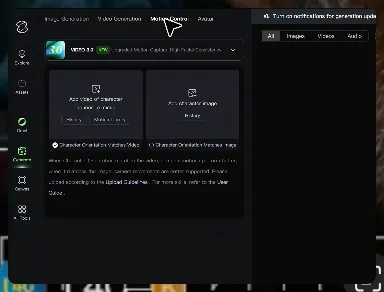
Upload Your Assets

Upload Your Assets

Provide a static character image and a motion reference video showing the exact expressions you want to replicate.

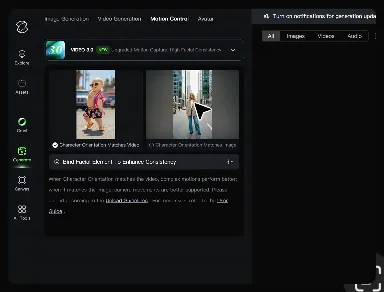
Bind Face Subject

Bind Face Subject

Enable this feature to lock facial consistency. Upload multi-angle photos to create a precise facial reference map.

Generate & Export

Generate & Export

Process your motion-controlled video and download the final render in high resolution.

Why Kling Motion Control Stands Out

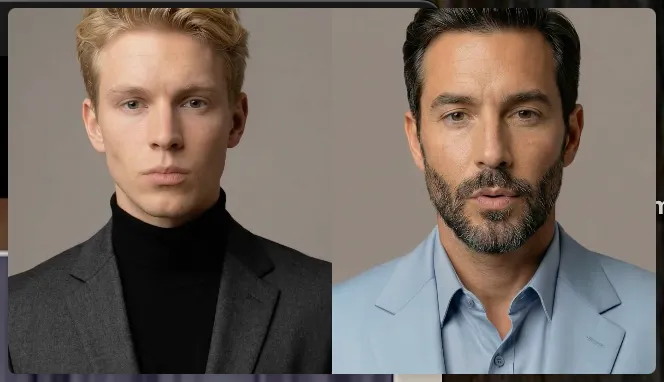
Flawless Facial Consistency in Any Angle

Flawless Facial Consistency in Any Angle

Unlike standard AI video generators that distort features during head turns, Kling locks your character’s identity for stable, recognizable results from any perspective.
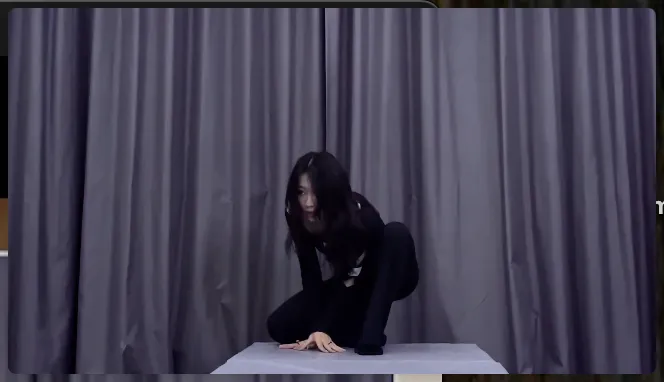
Extreme Precision for Complex Emotions

Extreme Precision for Complex Emotions

Replicate micro-expressions and dramatic emotional transitions with elite motion transfer technology. Kling captures every subtle muscle movement from your reference.
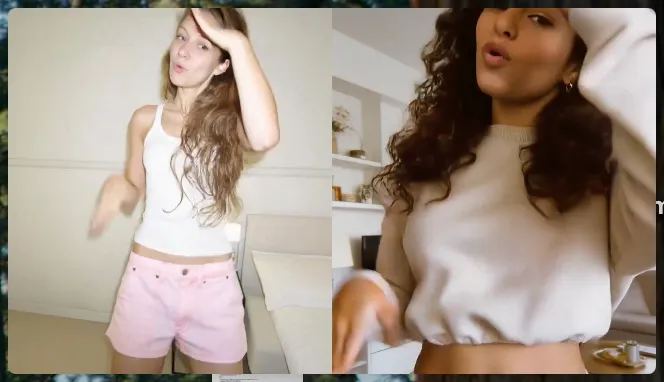
Stable Across Angles, Occlusion, and Distance

Stable Across Angles, Occlusion, and Distance

Maintain character consistency even when the subject is partially blocked or moves between close-up and long shots

Apps

Image to Video
Image to Video

Image to Video

Text to Video
Text to Video

Text to Video

Omni
Omni

Omni

Digital Human
Digital Human

Digital Human

Restyle
Restyle

Restyle

Text to Image
Text to Image

Text to Image

60M+
60M+
Users
600M+
600M+
AI Videos Generated
4.7 ★
4.7 ★
App Store
Industry-Leading
Industry-Leading
Cinematic 4K

Reviews

Halim Alrasihi

Halim Alrasihi

★★★★★

I use AI daily and Kling AI is a crucial part of my workflow, whether for client work or personal projects. What I love most about using Kling AI is that it provides all the tools I need in one place, from keyframes to character references, elements and special effects.
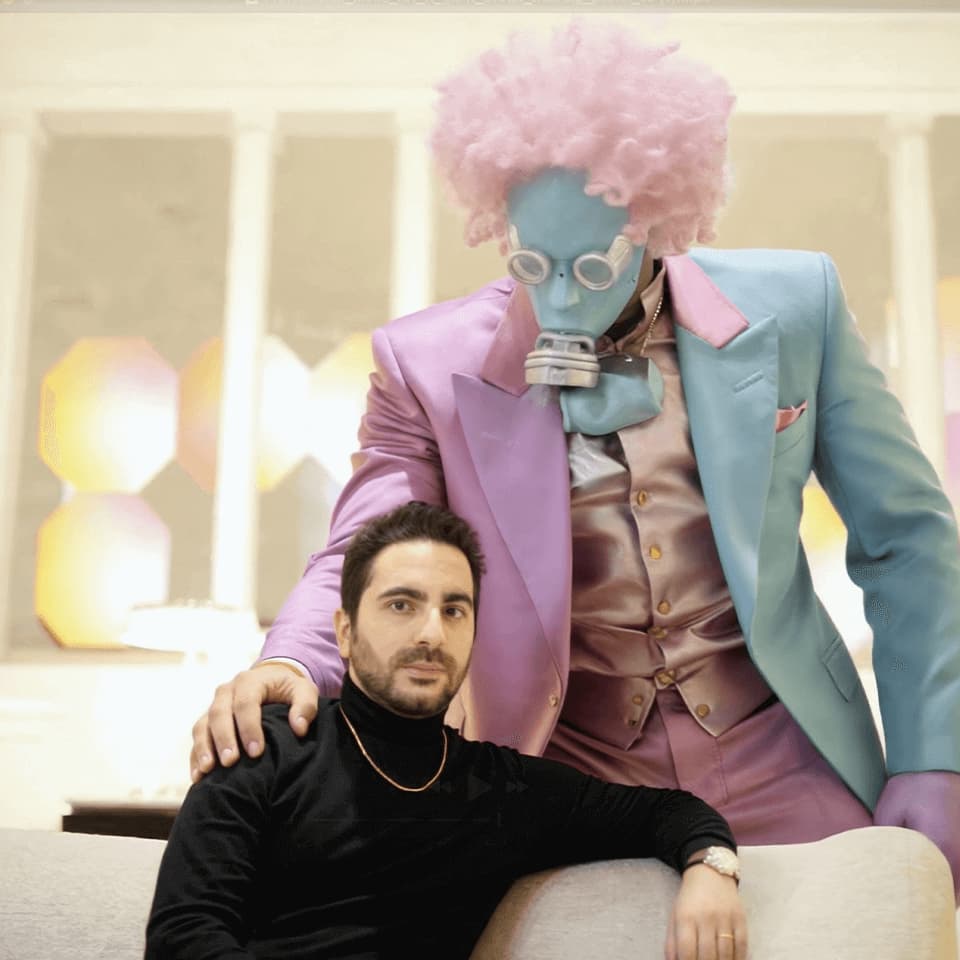
Vincent Smadja

Vincent Smadja

★★★★★

Kling AI seamlessly integrates into my creative workflow, playing a key role in transforming my images. After generating and upscaling an image, Kling becomes a crucial element, bringing my creations to life with movement and depth.
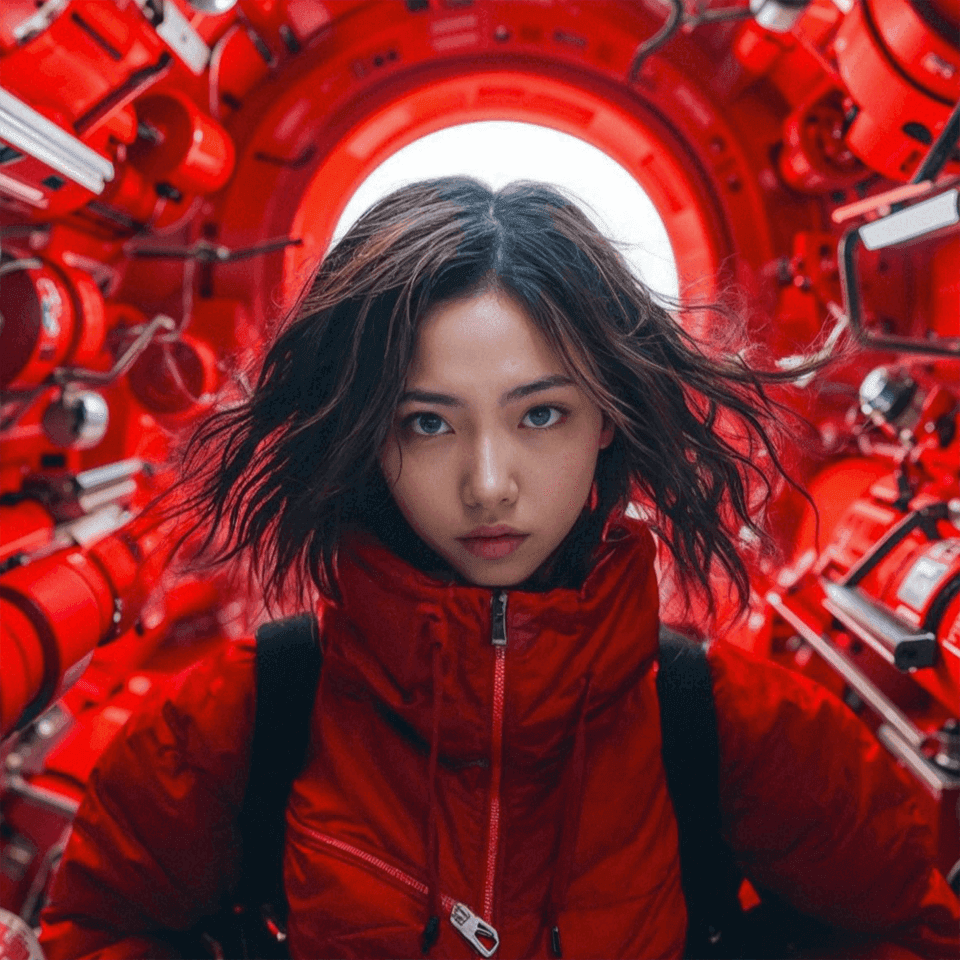
KakuDrop

KakuDrop

★★★★★

I have successfully collaborated with world-renowned artists and well-known companies that are recognized globally

FAQ

Q1What is the best AI video generator?
Q2Can I create AI videos from images?
Q3Does Kling support audio and talking characters?

Experience Video 3.0 on Kling

Create cinematic, multi-shot videos with native audio and precise control—all in one generation.

Native audio | Multi-shot control | Up to 15s continuous output