Creative Studio
API
Resources
Features
About Us
Download

KlingAI Free Stages: AI-Powered Techniques

Discover AI-generated stages and techniques with KlingAI. Customize and use AI results to save time and effort.

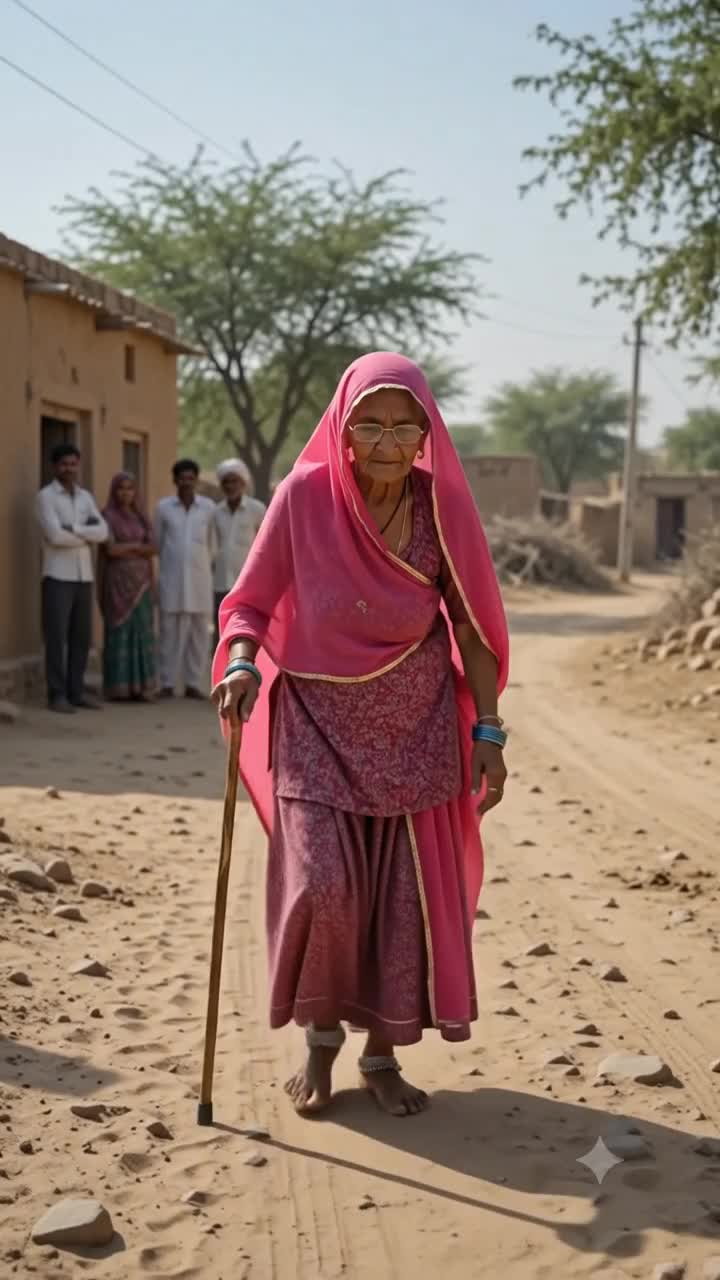
KlingAI Free Stages: AI-Powered Techniques

Recommended

Kling ai is good
 - kling ai free stages AI video
sPomeRcP avatar
sPomeRcP
Kling Ai is the best - kling ai free stages AI video
00:33
oRsWyRYw avatar
oRsWyRYw
Kling AI work 310642245503324 - kling ai free stages AI image
Al PICTURE avatar
Al PICTURE
How to use Kling AI - kling ai free stages AI video
00:24
Brendan avatar
Brendan
Beyond Time with Kling AI - kling ai free stages AI video
00:40
IwxqALHL avatar
IwxqALHL
kling - kling ai free stages AI video
00:15
OKCrtAKg avatar
OKCrtAKg
Kling ai made video - kling ai free stages AI video
00:27
zcIhxAQC avatar
zcIhxAQC
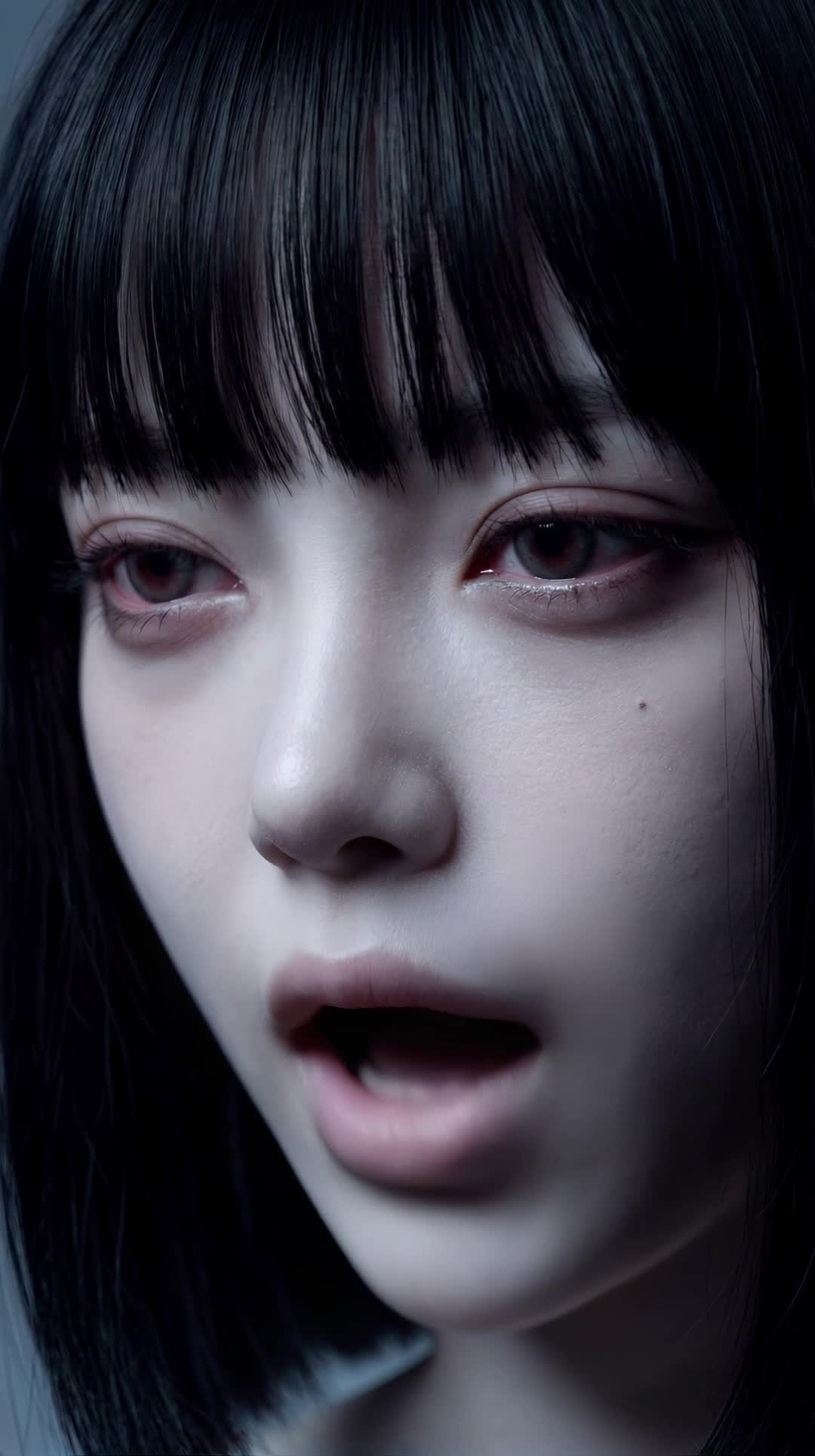
Kling AI Prompt:
Realistic hair  - kling ai free stages AI image
pssEICto avatar
pssEICto
kling ai - kling ai free stages AI video
nYDQIKuy avatar
nYDQIKuy
kling AI - kling ai free stages AI video
00:45
YNlBrrnZ avatar
YNlBrrnZ
Kling Ai is the best - kling ai free stages AI video
00:33
oRsWyRYw avatar
oRsWyRYw
so many, stages - kling ai free stages AI image
artisticvideo avatar
artisticvideo
Elite Creator
AI video made with kling ai - kling ai free stages AI video
03:31
IA Krea avatar
IA Krea
created with Kling AI - kling ai free stages AI video
00:17
VwppnZLs avatar
VwppnZLs
kling saves humanity - kling ai free stages AI video
medtkr avatar
medtkr
Kling Ai - kling ai free stages AI image
PlUpHqkN avatar
PlUpHqkN
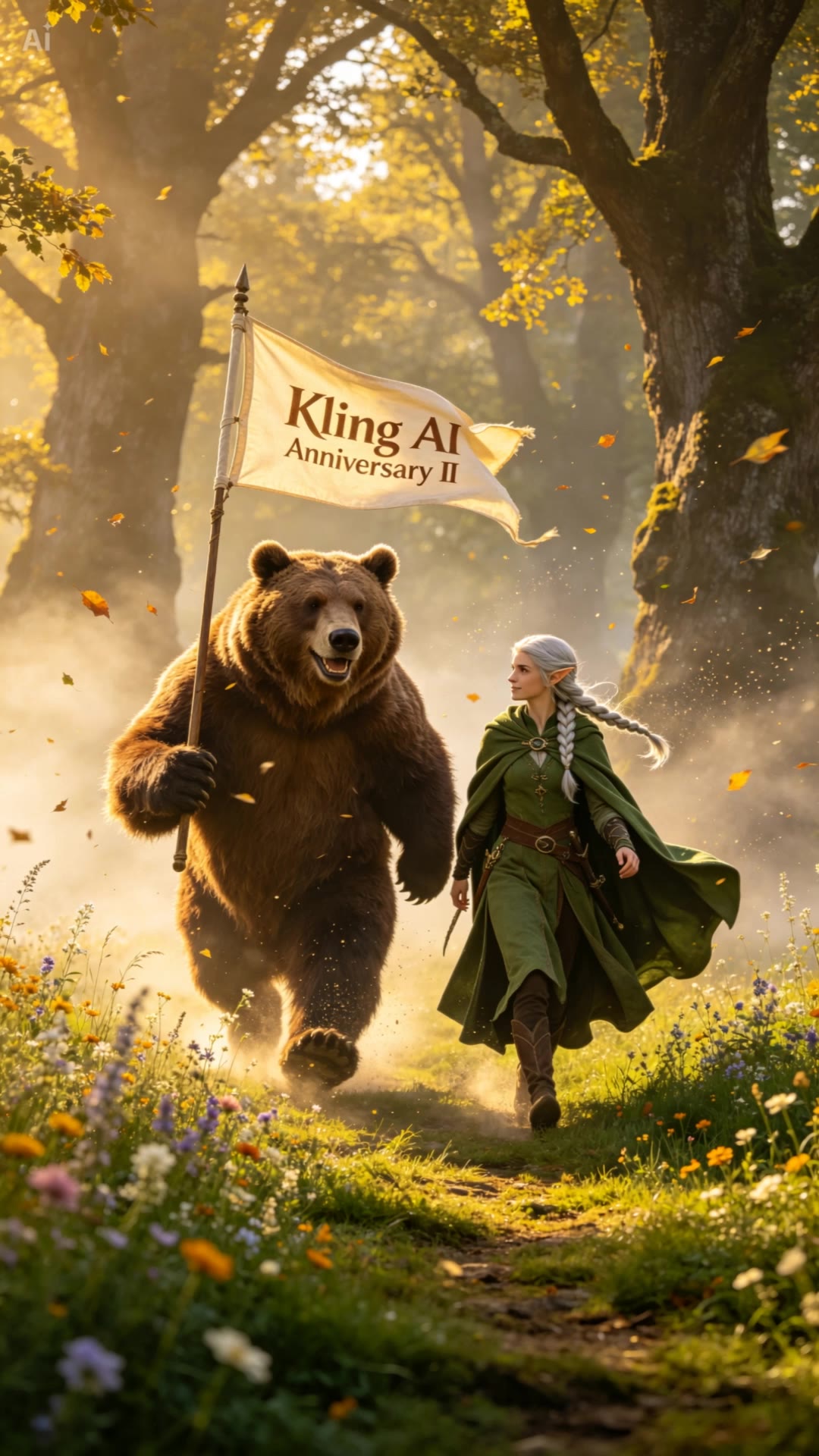
Kling AI II - kling ai free stages AI video
01:00
RamZ avatar
RamZ
Elite Creator
Kling AI: 2 Years - kling ai free stages AI video
00:19
NorBelma avatar
NorBelma
My Journey with Kling AI - kling ai free stages AI video
01:26
Jonathan Wilson avatar
Jonathan Wilson

How to Generate Images with Kling AI

Write Your Prompt

Write Your Prompt

Describe your idea in natural language or start with recommended prompts. Add details about the subject, scene, and style to guide your image creation.

Add References And Generate

Add References And Generate

Upload reference images, select your aspect ratio and number of outputs, then generate visuals based on your creative direction.

Refine And Create More

Refine And Create More

Edit your results with tools for local changes, image expansion, and enhancement. You can also turn your images into videos and continue creating with Kling AI.

Create AI Art with More Creative Control

Bring More Than a Prompt to Your Art

Bring More Than a Prompt to Your Art

Start with words, a sketch, a photo, or the references that already capture part of your idea. IMAGE 3.0 can use up to 10 reference images, so you can bring a character from one image, an outfit from another, and a different setting or art style into the same creation. Use references for the details you want to keep, then use your prompt to decide what changes.

Find the Look That Fits Your Idea

Find the Look That Fits Your Idea

Create pencil drawings, watercolor paintings, anime art, comics, concept art, 3D-inspired images, and more. Try a completely different style, or fine-tune the one you already have. Kling AI also gives you control beyond the art style. Reframe the scene, shift the viewing angle, change the lighting or color palette, and keep refining the image until the whole piece comes together

Create a Series, Not Just a Single Image

Create a Series, Not Just a Single Image

Keep a character, setting, or visual style recognizable across multiple pieces of artwork with IMAGE 3.0 Omni. Generate new poses, scenes, and compositions while keeping the details that tie the series together. It works especially well for character concepts, comics, storyboards, and other ideas that need to develop across several images. Generate in native 2K or 4K when you want more detail in the finished artwork.

Apps

Image to Video
Image to Video

Image to Video

Text to Video
Text to Video

Text to Video

Omni
Omni

Omni

Digital Human
Digital Human

Digital Human

Restyle
Restyle

Restyle

Text to Image
Text to Image

Text to Image

60M+
60M+
Users
600M+
600M+
AI Videos Generated
4.7 ★
4.7 ★
App Store
Industry-Leading
Industry-Leading
Cinematic 4K

Reviews

Halim Alrasihi

Halim Alrasihi

★★★★★

I use AI daily and Kling AI is a crucial part of my workflow, whether for client work or personal projects. What I love most about using Kling AI is that it provides all the tools I need in one place, from keyframes to character references, elements and special effects.

Samuele Poggi (@visualsk2)

Samuele Poggi (@visualsk2)

★★★★★

I use Kling AI daily to push the limits of AI filmmaking. It allows me to create highly cinematic content, blending AI and VFX to develop innovative projects. It has significantly impacted my creative process, enabling me to achieve complex animations that would otherwise require high production budgets.

PJ Ace

PJ Ace

★★★★★

Kling AI has made it easy for us to generate world class visuals for Fortune 500 companies, TV shows and music for big artists. We love the easy of use of the platform and the quality of the generations. My first time using Kling AI, I got 22 million views on just one video. It's that good.

FAQ

Q1How do I keep the face from changing or distorting?
Q2What makes a good reference video for Motion Control?
Q3What kind of images work best for Motion Control?

Start Controlling Character Motion

Stop accepting distorted AI movements. Upload your reference and let Kling replicate it precisely.

Works on humans, anime & 3D | High-precision motion | Zero distortion