Creative Studio
API
Resources
About Us
Download

KlingAI Free Usage: Explore Possibilities

Explore the possibilities of KlingAI's free usage. Discover AI-generated insights and features available with KlingAI free usage.


KlingAI Free Usage: Explore Possibilities

Recommended

Kling is all you need - kling ai free usage AI image
susu avatar
susu
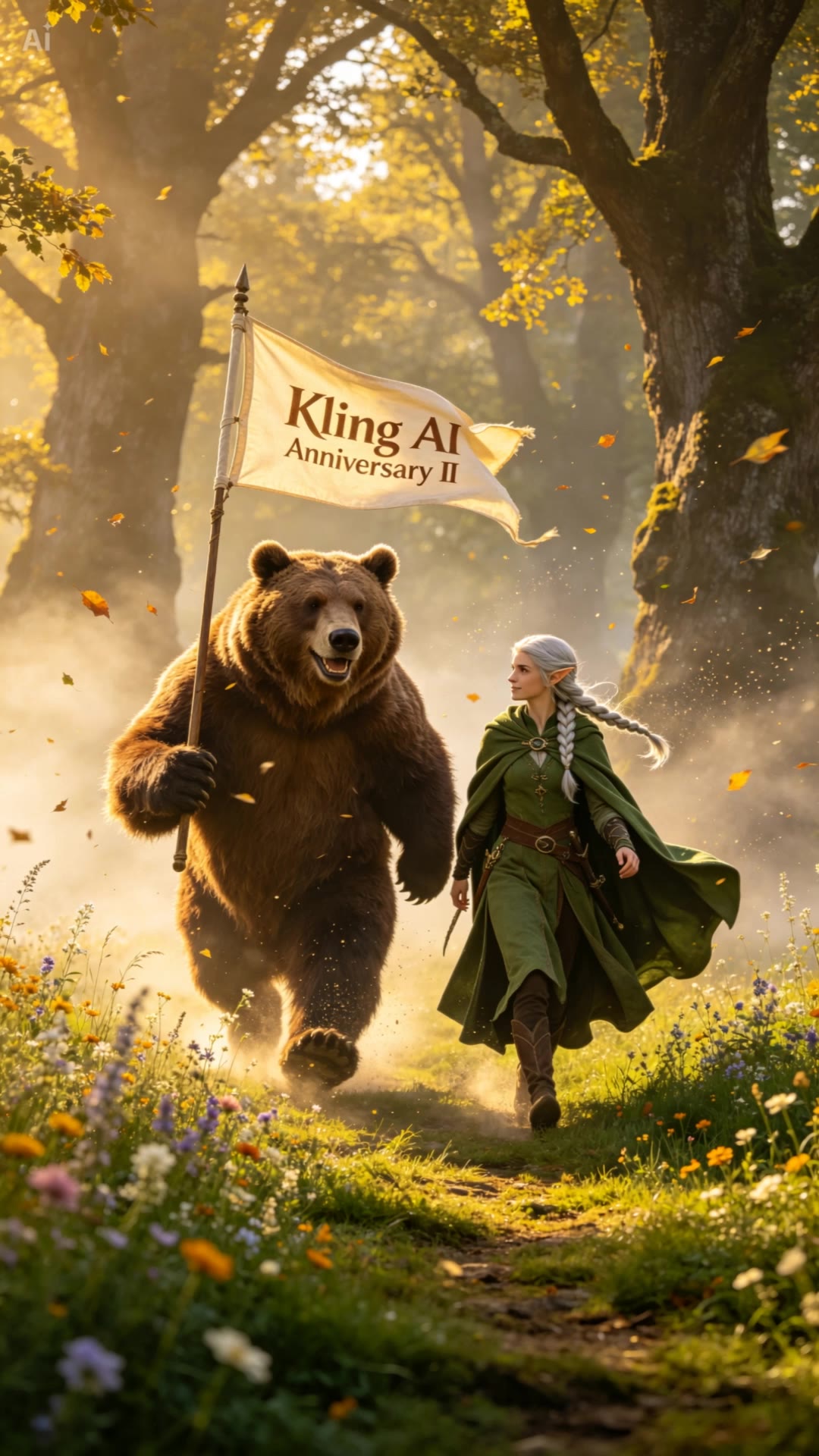
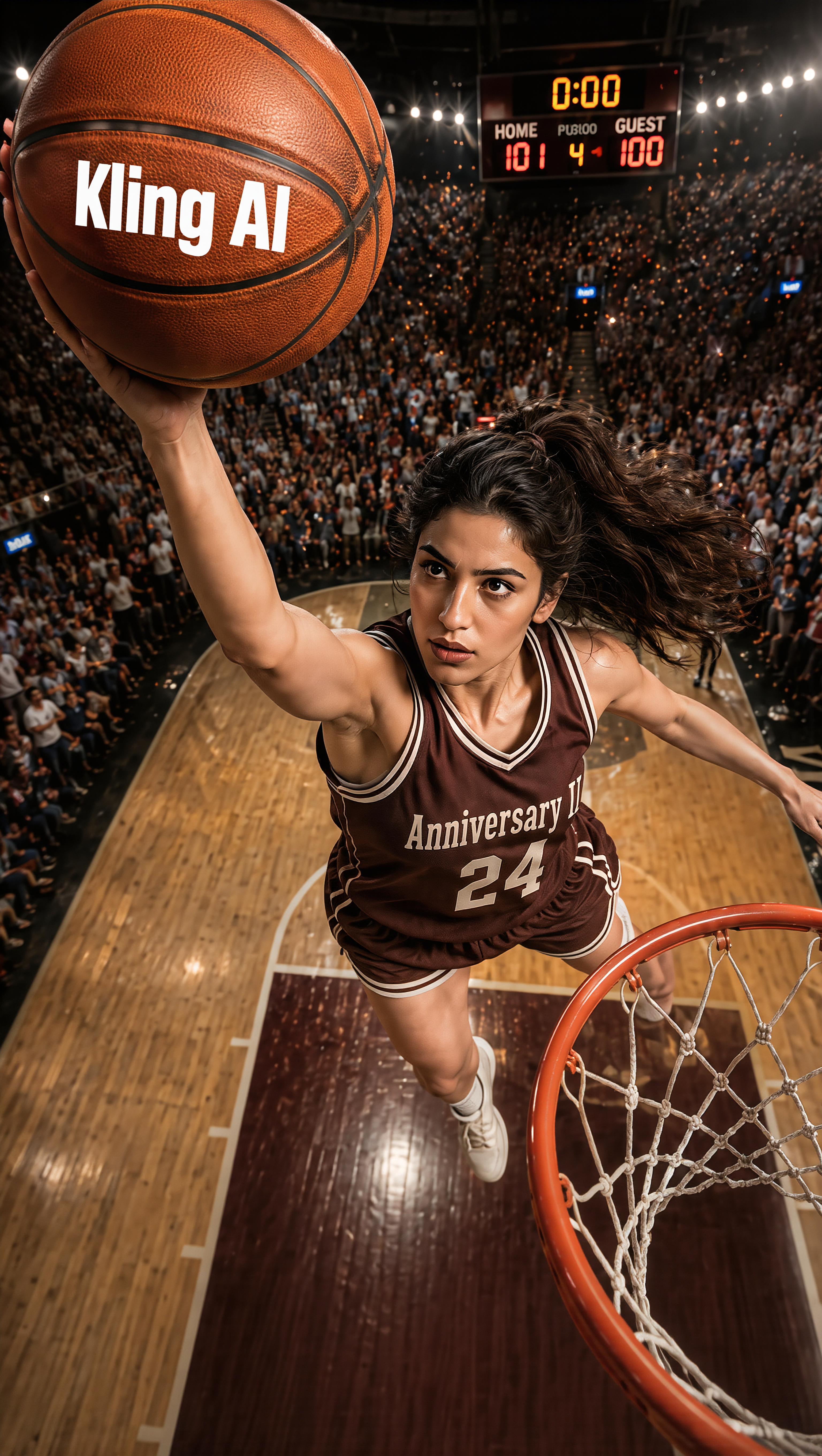
Kling Anniversary Asset - kling ai free usage AI image
BoldlyWithAi avatar
BoldlyWithAi
Elite Creator
Kling MCP - kling ai free usage AI image
KIGOLD89 avatar
KIGOLD89
EVEN THIS KLING CAN'T CREATE !!! - kling ai free usage AI video
KLINGS_CKS avatar
KLINGS_CKS
Thank you, Kling AI! - kling ai free usage AI video
Alla_nov avatar
Alla_nov
Elite Creator
Kling Anniversary Character - kling ai free usage AI image
BoldlyWithAi avatar
BoldlyWithAi
Elite Creator
Creator’s Glow with Kling AI - kling ai free usage AI image
blucon avatar
blucon
KLING Man  - kling ai free usage AI video
KENZO avatar
KENZO
Kling AI Can - kling ai free usage AI image
UN_RE_AI_vision avatar
UN_RE_AI_vision
Kling Anniversary Asset #1 - kling ai free usage AI video
BoldlyWithAi avatar
BoldlyWithAi
Elite Creator
Happy 2nd anniversary, Kling! - kling ai free usage AI video
Max Casu avatar
Max Casu
Elite Creator
Happy 2nd anniversary, Kling AI - kling ai free usage AI video
NAJwyedd avatar
NAJwyedd
Elite Creator
My 2 Years with Kling AI - kling ai free usage AI video
NorBelma avatar
NorBelma
Kling IMAGE 3.0 Model User Guide - kling ai free usage AI image
YxIAgcaB avatar
YxIAgcaB
Kling 2nd Anniversary Intro - kling ai free usage AI video
Cuzzo avatar
Cuzzo
kling AI Turn 2 - kling ai free usage AI video
RamZ avatar
RamZ
Elite Creator
Kling Anniversary Character - kling ai free usage AI image
BoldlyWithAi avatar
BoldlyWithAi
Elite Creator
Kling Anniversary Character - kling ai free usage AI image
BoldlyWithAi avatar
BoldlyWithAi
Elite Creator
Happy Kling day - kling ai free usage AI video
NAJwyedd avatar
NAJwyedd
Elite Creator

How to Use Kling AI Image to Image

Upload Your Images

Upload Your Images

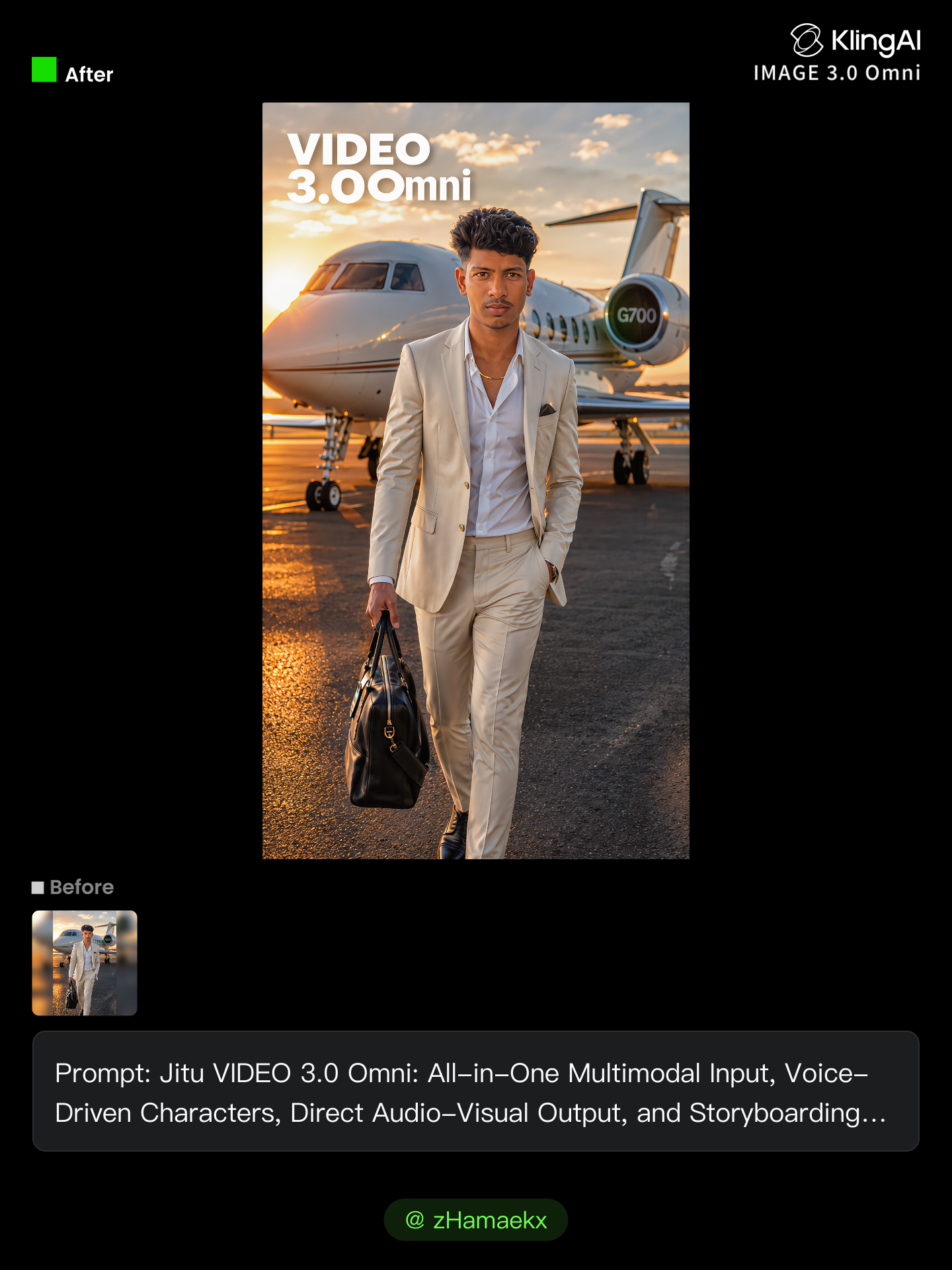
Open Image Generation, select IMAGE 3.0 Omni, and upload the image you want to transform and add reference images to carry into the result.

Set the Creative Direction

Set the Creative Direction

You can combine elements from several references, change the style, adjust the camera angle, or enable Image Series mode to create multiple connected visuals in one generation.

Generate and Create More

Generate and Create More

Select the aspect ratio, number of images, and 2K or 4K resolution, then generate and review your results. Download or share the finished image, or use it for your new AI video.

What’s New in Video 3.0

Cinematic Audiovisual Synergy

Cinematic Audiovisual Synergy

Cinematic AI Video Generator with Native Audio Create multi-shot cinematic sequences with native audio and precise character-level lip-sync in one seamless automated content creation output. This next-generation AI video production model ensures perfect audio-visual alignment for professional storytelling.

Ultimate Element & Character Consistency

Ultimate Element & Character Consistency

Stable Character Consistency for Professional Filmmaking Maintain perfect character consistency and object stability across frames, ensuring a reliable visual identity even with complex camera movements. Our AI video model locks subjects to prevent flickering, delivering high-fidelity results for advanced video generation.

Professional Commercial Rendering

Professional Commercial Rendering

High-Fidelity 15s Sequences and Native Text Rendering Produce up to 15 seconds of uninterrupted video featuring clear, readable native text rendering—perfect for professional ads, product demos, and commercial content. This feature optimizes commercial video production by preserving brand elements directly within the AI-generated video.

Apps

Image to Video
Image to Video

Image to Video

Text to Video
Text to Video

Text to Video

Omni
Omni

Omni

Digital Human
Digital Human

Digital Human

Restyle
Restyle

Restyle

Text to Image
Text to Image

Text to Image

60M+
60M+
Users
600M+
600M+
AI Videos Generated
4.7 ★
4.7 ★
App Store
Industry-Leading
Industry-Leading
Cinematic 4K

Reviews

PJ Ace

PJ Ace

★★★★★

Kling AI has made it easy for us to generate world class visuals for Fortune 500 companies, TV shows and music for big artists. We love the easy of use of the platform and the quality of the generations. My first time using Kling AI, I got 22 million views on just one video. It's that good.

Déborah

Déborah

★★★★★

I use Kling AI every day. It's amazing to see the almost daily progress it makes. I used AI for fun at first, and I now find that Kling AI's animations allow me to gain professional visibility, with three times more views on my animated posts than on my static posts.

Samuele Poggi (@visualsk2)

Samuele Poggi (@visualsk2)

★★★★★

I use Kling AI daily to push the limits of AI filmmaking. It allows me to create highly cinematic content, blending AI and VFX to develop innovative projects. It has significantly impacted my creative process, enabling me to achieve complex animations that would otherwise require high production budgets.

FAQ

Q1What is text-to-image AI?
Q2Can I use reference images with Kling AI?
Q3What types of images can I create with Kling AI?

Take Your Photo in a New Direction

Start with the image you have and rework it for the look, message, or moment you have in mind.

Object removal | Background changes | Portrait retouching | Photo restyling