Creative Studio
API
Resources
Features
About Us
Download

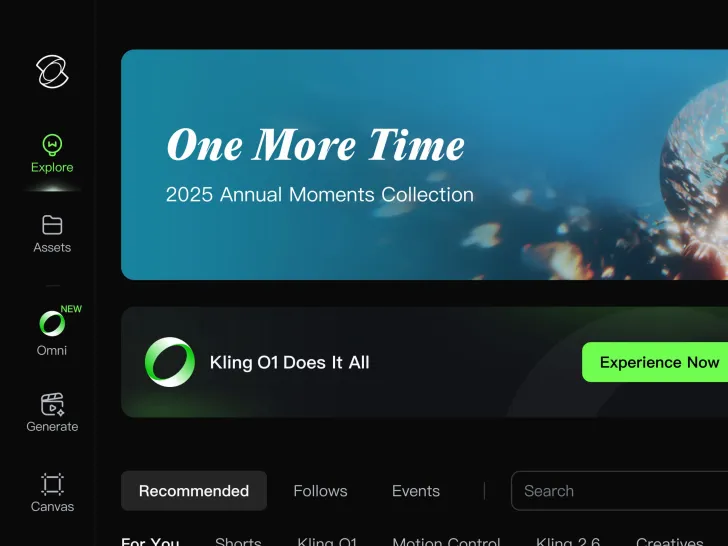
KlingAI Creative Hub - Explore AI-Generated Ideas

Dive into the KlingAI Creative Hub for a wide range of AI-generated ideas. Quickly explore and adapt unique visuals and concepts to enhance your projects. Experience the power of AI-driven creativity.


KlingAI Creative Hub - Explore AI-Generated Ideas

Recommended

Kling ai is good
 - kling ai kling ai AI video
sPomeRcP avatar
sPomeRcP
kling - kling ai kling ai AI video
00:15
OKCrtAKg avatar
OKCrtAKg
created with Kling AI - kling ai kling ai AI video
00:17
VwppnZLs avatar
VwppnZLs
Kling AI work 305815132614507 - kling ai kling ai AI image
FihqBiwF avatar
FihqBiwF
Beyond Time with Kling AI - kling ai kling ai AI video
00:40
IwxqALHL avatar
IwxqALHL
super hero kling ai - kling ai kling ai AI video
medtkr avatar
medtkr
Happy Kling day - kling ai kling ai AI video
NAJwyedd avatar
NAJwyedd
Elite Creator
Kling AI without limits - kling ai kling ai AI video
KLING6928 avatar
KLING6928
Kling Ai - kling ai kling ai AI image
PlUpHqkN avatar
PlUpHqkN
Kling Ai is the best - kling ai kling ai AI video
00:33
oRsWyRYw avatar
oRsWyRYw
Kling AI work 319393230523462 - kling ai kling ai AI image
brtoHgGk avatar
brtoHgGk
Luna just validated Kling 2.6 - kling ai kling ai AI video
Minuit avatar
Minuit
Elite Creator
kling ai - kling ai kling ai AI video
nYDQIKuy avatar
nYDQIKuy
Kling AI work 313713338618002 - kling ai kling ai AI video
eqQTwXnm avatar
eqQTwXnm
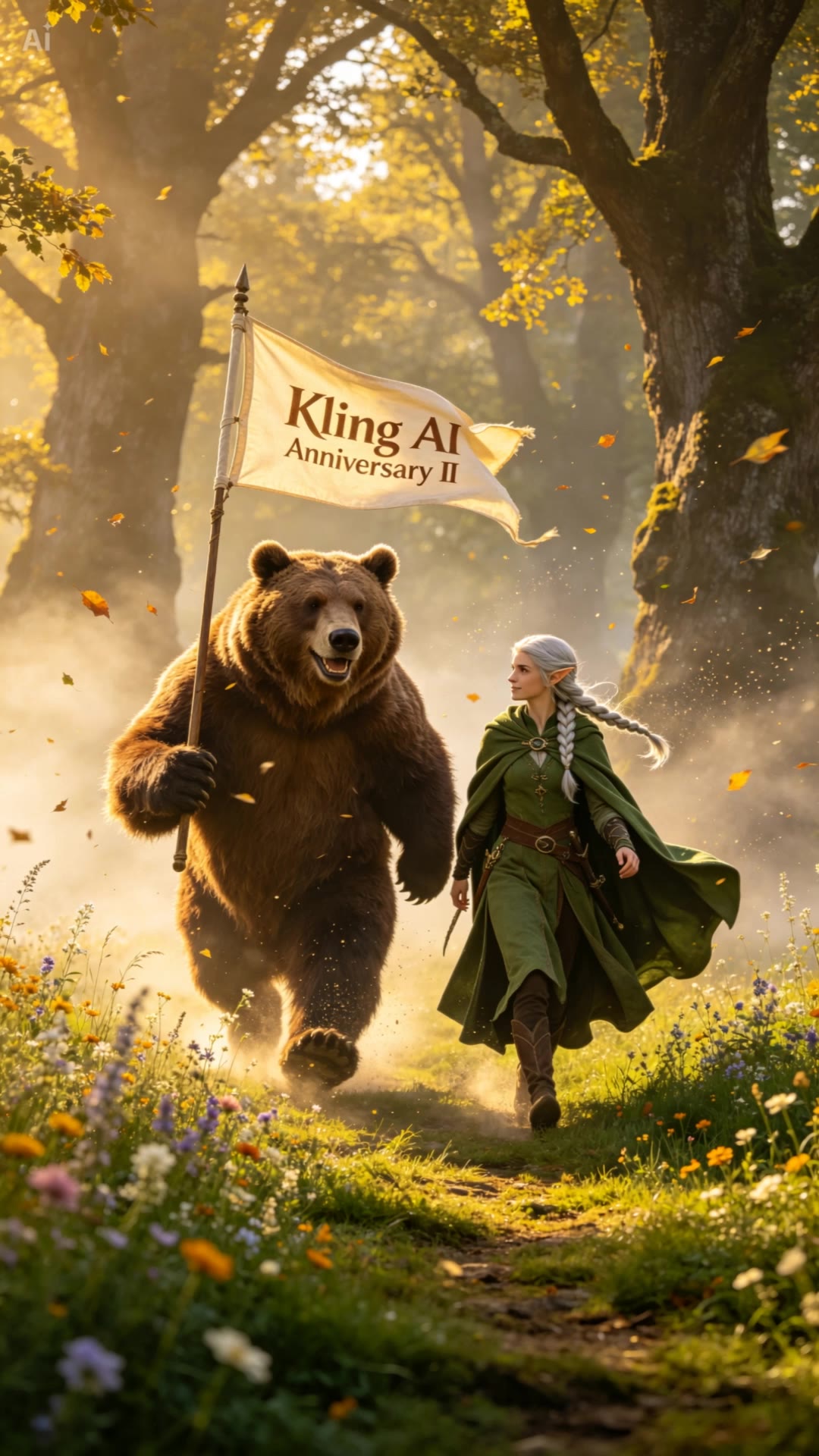
Happy 2nd anniversary, Kling AI. - kling ai kling ai AI video
NAJwyedd avatar
NAJwyedd
Elite Creator
Kling AI Prompt:
Realistic hair  - kling ai kling ai AI image
pssEICto avatar
pssEICto
kling saves humanity - kling ai kling ai AI video
medtkr avatar
medtkr
Kling AI 2nd Anniversary - kling ai kling ai AI video
UKTR avatar
UKTR
Elite Creator
Kling MCP - kling ai kling ai AI image
KIGOLD89 avatar
KIGOLD89

How to Use Kling AI Text to Speech

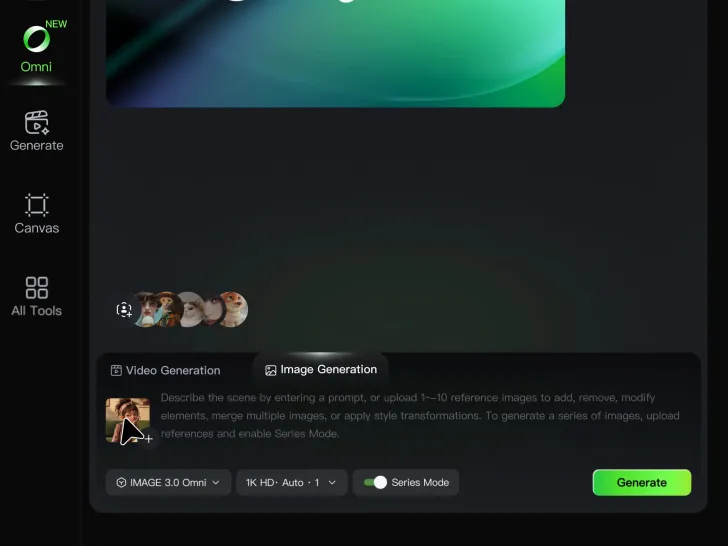
Step 1: Enter the Video Generation Workspace

Step 1: Enter the Video Generation Workspace

Edit your prompt to set the scene, characters, and style, or upload a reference image to shape the look of your video.

Step 2: Add Dialogue and Speech Instructions

Step 2: Add Dialogue and Speech Instructions

Add dialogue to your prompt and clearly specify which character speaks each line. You can also describe the language or dialect, speaking pace, tone, and delivery style in the prompt to guide how each character sounds.

Step 3: Choose Your Settings and Generate

Step 3: Choose Your Settings and Generate

Choose your resolution (720p, 1080p, or 4K), video length (3–15 seconds), and aspect ratio (16:9, 9:16, or 1:1). Then click Generate to create your video.

Create Voices That Match Your Characters

Generate Character Voices Directly with the Video

Generate Character Voices Directly with the Video

Write the dialogue into your video prompt and let Kling generate the spoken performance together with the scene. Because voice, facial performance, mouth movement, visuals, ambience, and supporting sound are created in the same workflow, the dialogue feels connected to what the character is doing on screen rather than added as a separate layer afterward.

Create Dialogue Across Languages and Accents

Create Dialogue Across Languages and Accents

Create character voices in multiple languages, including English, Chinese, Japanese, Korean, and Spanish. You can also customize accents, dialects, and speaking styles to make characters sound more authentic for different regions, cultures, and story settings.

Keep a Character's Voice Consistent Across Scenes

Keep a Character's Voice Consistent Across Scenes

For recurring characters, Kling VIDEO 3.0 Omni lets you add voice to reusable Character Elements. A character can carry both recognizable visual traits and a connected voice into supported future generations. This makes it easier to build recurring presenters, fictional characters, or story leads that not only look familiar across scenes, but also keep a more consistent vocal identity.

Apps

Image to Video
Image to Video

Image to Video

Text to Video
Text to Video

Text to Video

Omni
Omni

Omni

Digital Human
Digital Human

Digital Human

Restyle
Restyle

Restyle

Text to Image
Text to Image

Text to Image

60M+
60M+
Users
600M+
600M+
AI Videos Generated
4.7 ★
4.7 ★
App Store
Industry-Leading
Industry-Leading
Cinematic 4K

Reviews

Déborah

Déborah

★★★★★

I use Kling AI every day. It's amazing to see the almost daily progress it makes. I used AI for fun at first, and I now find that Kling AI's animations allow me to gain professional visibility, with three times more views on my animated posts than on my static posts.

KakuDrop

KakuDrop

★★★★★

I have successfully collaborated with world-renowned artists and well-known companies that are recognized globally

PJ Ace

PJ Ace

★★★★★

Kling AI has made it easy for us to generate world class visuals for Fortune 500 companies, TV shows and music for big artists. We love the easy of use of the platform and the quality of the generations. My first time using Kling AI, I got 22 million views on just one video. It's that good.

FAQ

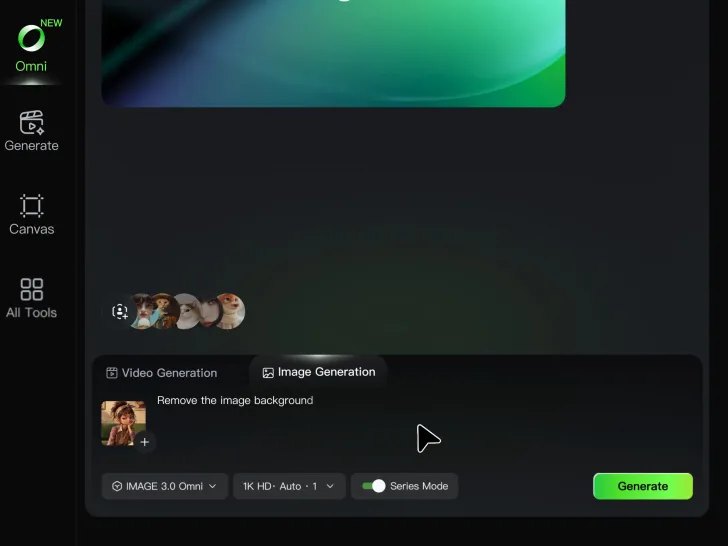
Q1Is Kling AI Background Remover free?
Q2Can I make the background of a photo white?
Q3What is the difference between a background remover and a background changer?

Remove the Background. Create What Comes Next.

Remove the background, replace the scene, and take your visual somewhere new with Kling AI.

Free tier available | Image and video workflows | High-resolution options