
Creative Studio
API
Resources
Features
About Us
Download

KlingAI Face Swap – Fun and Easy

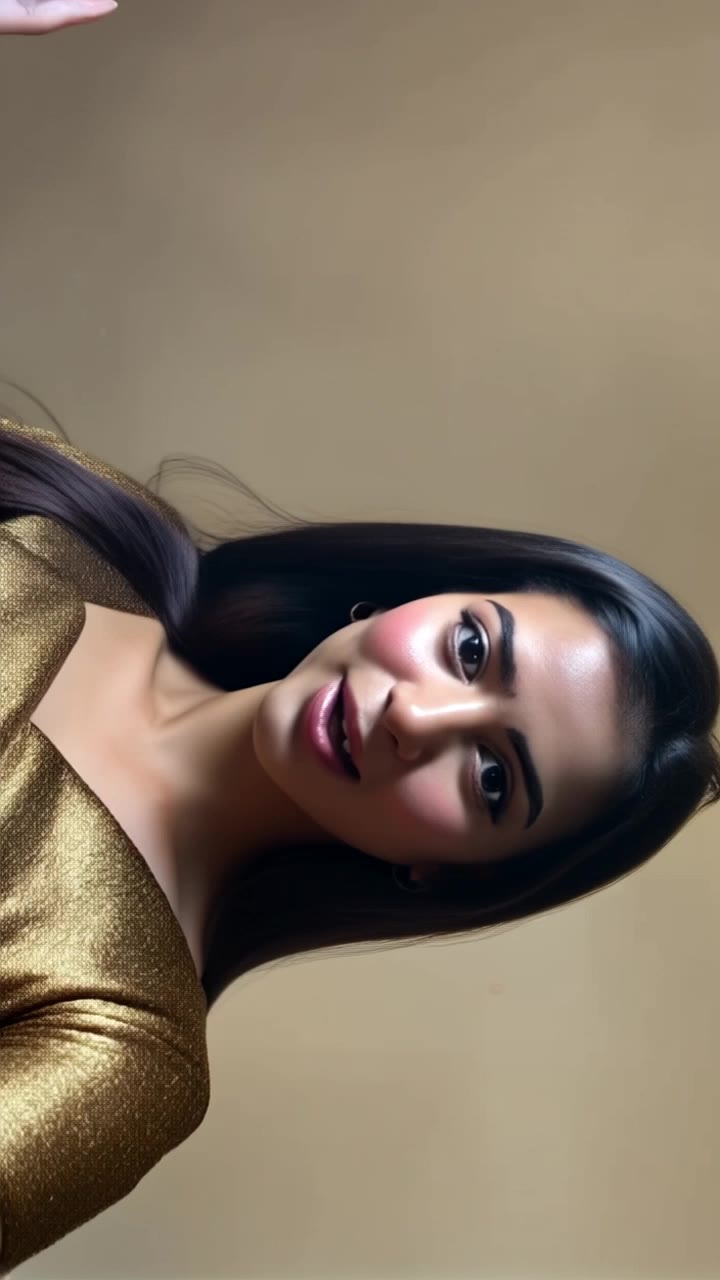
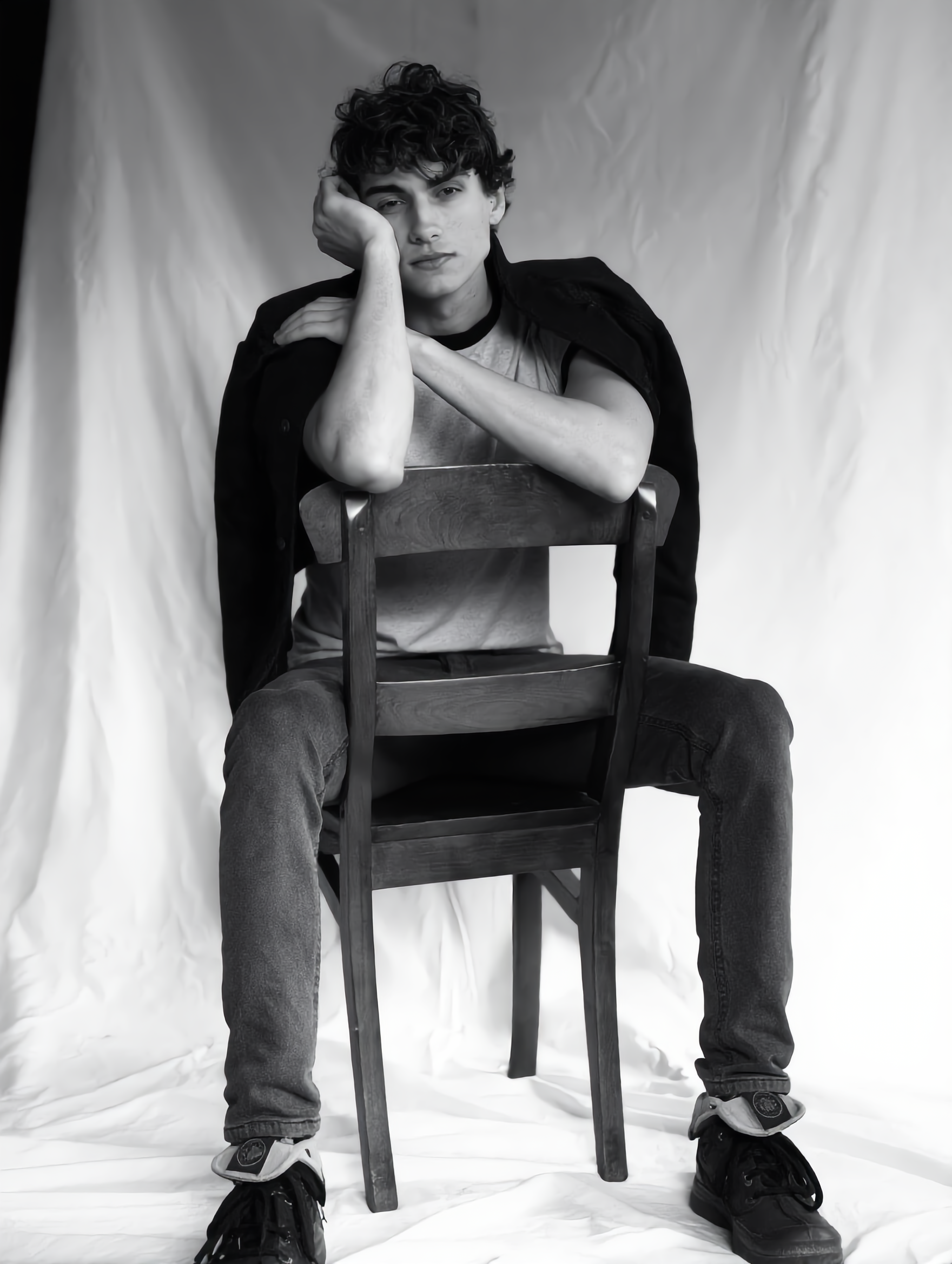
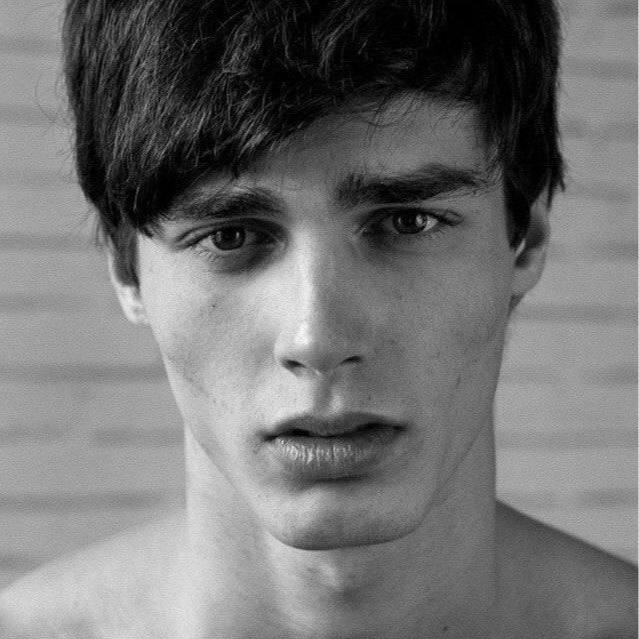
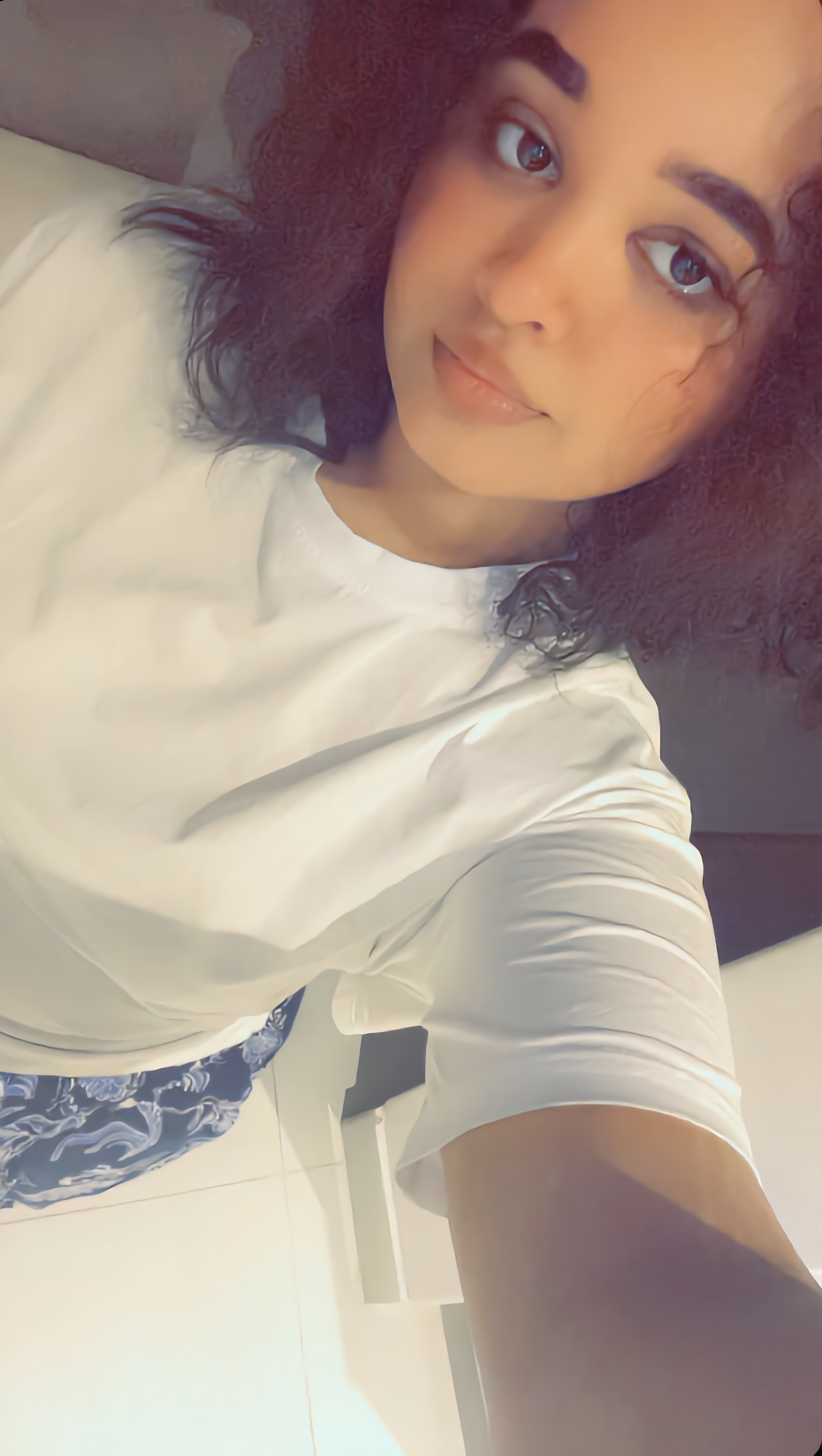
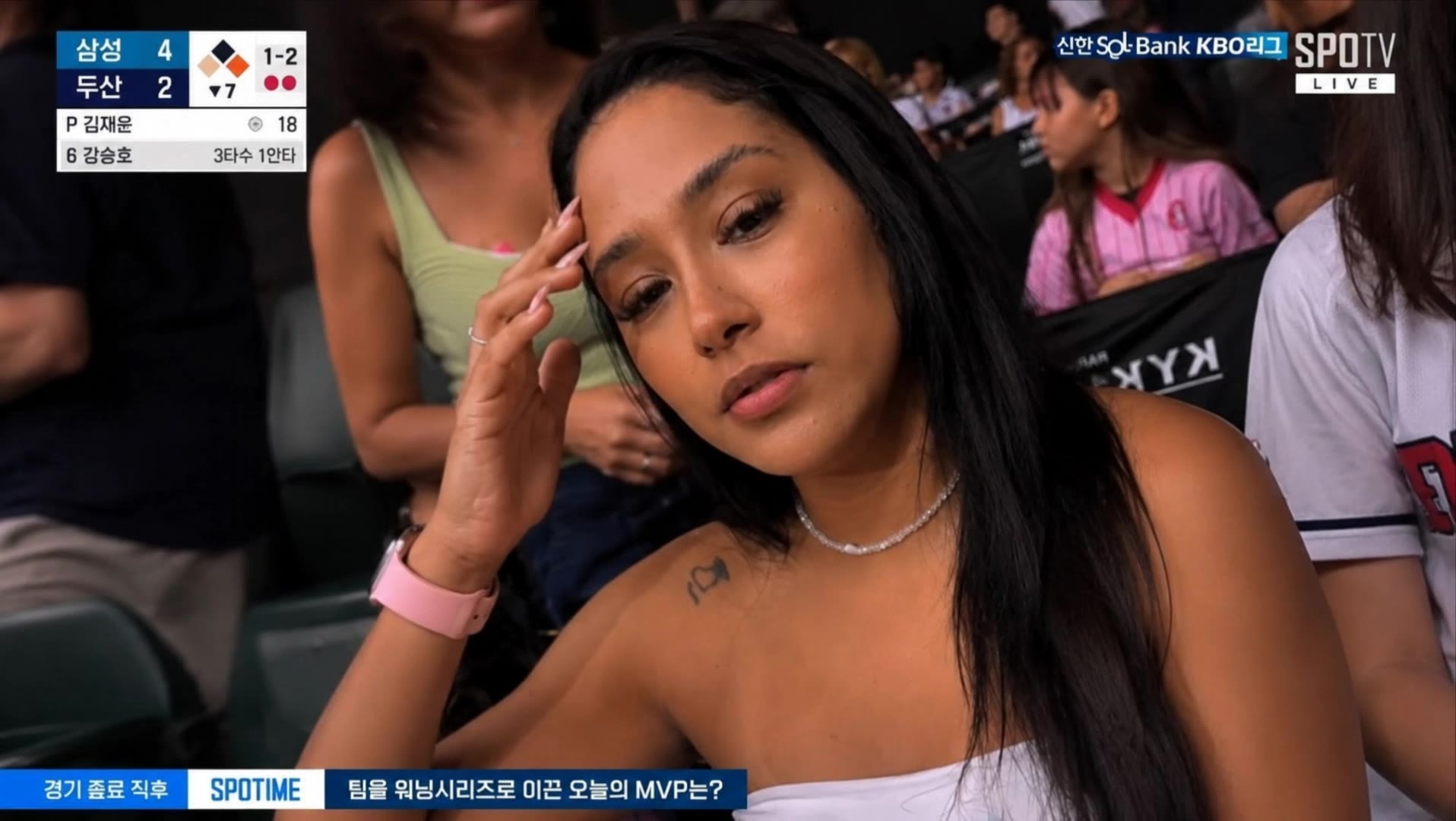
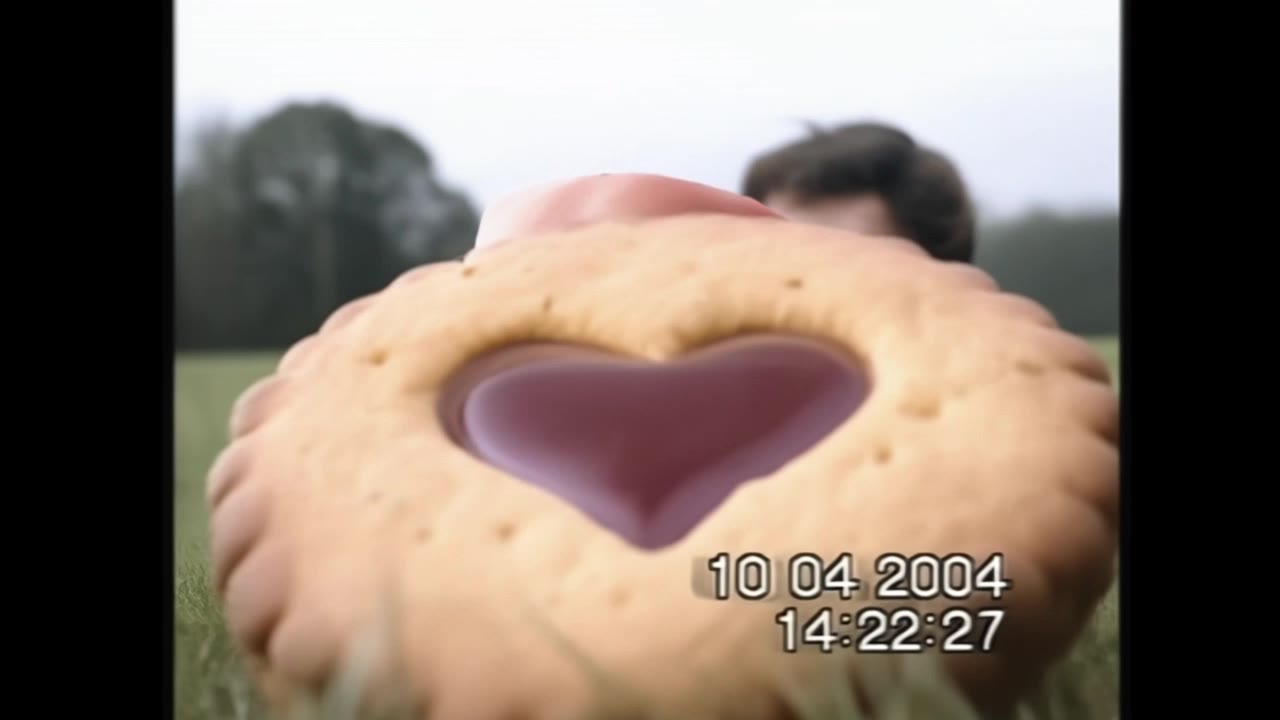
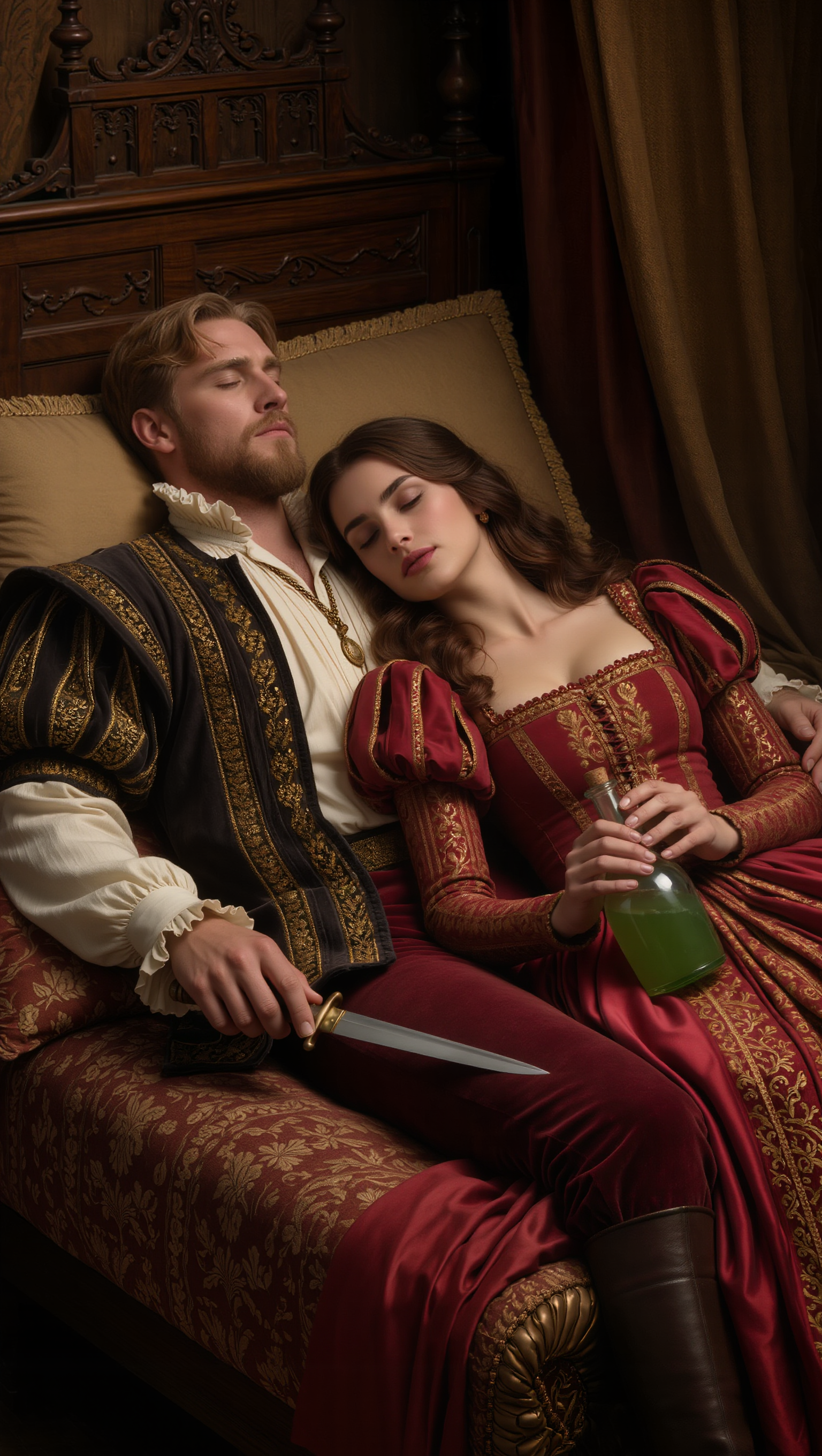
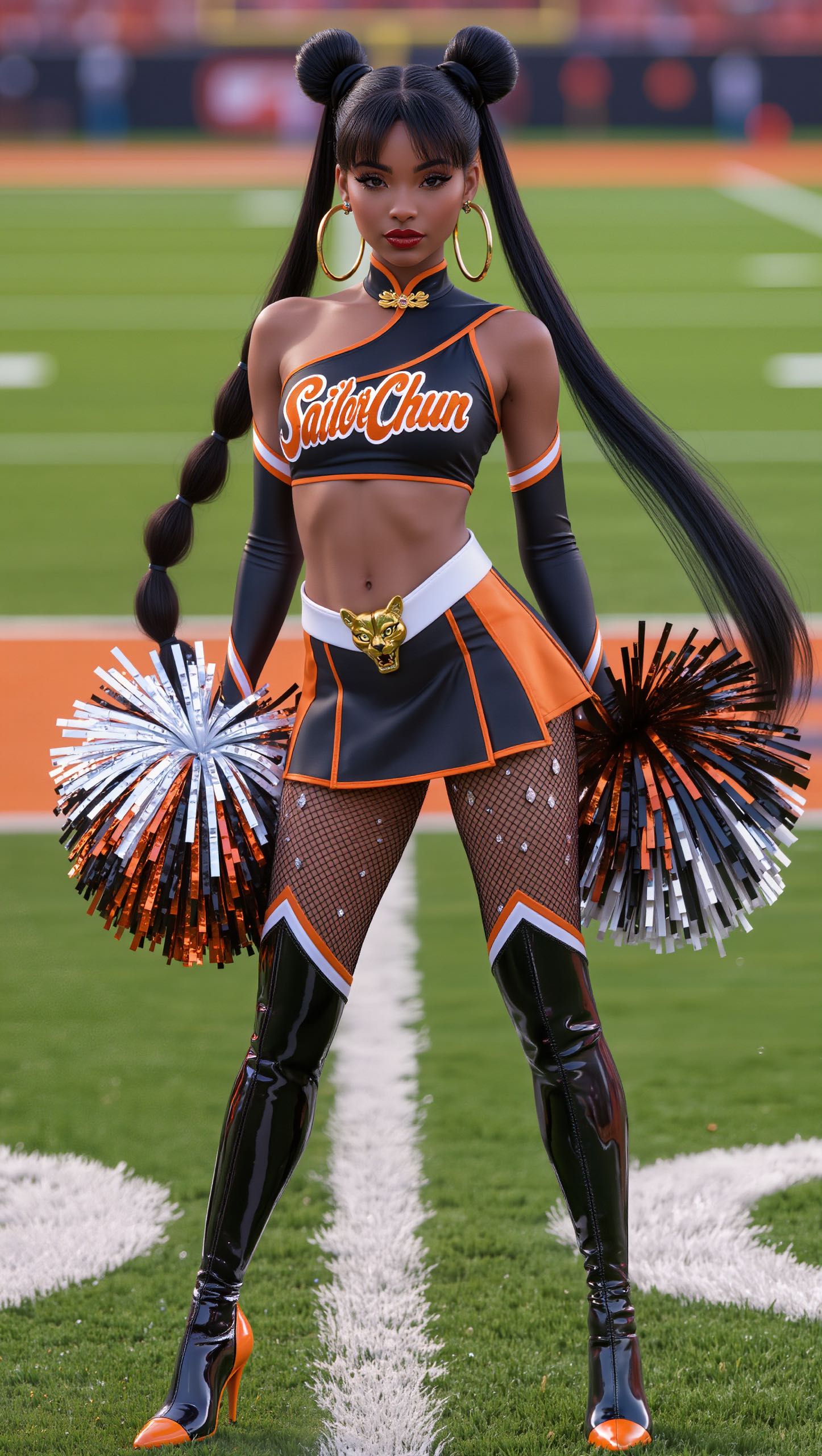
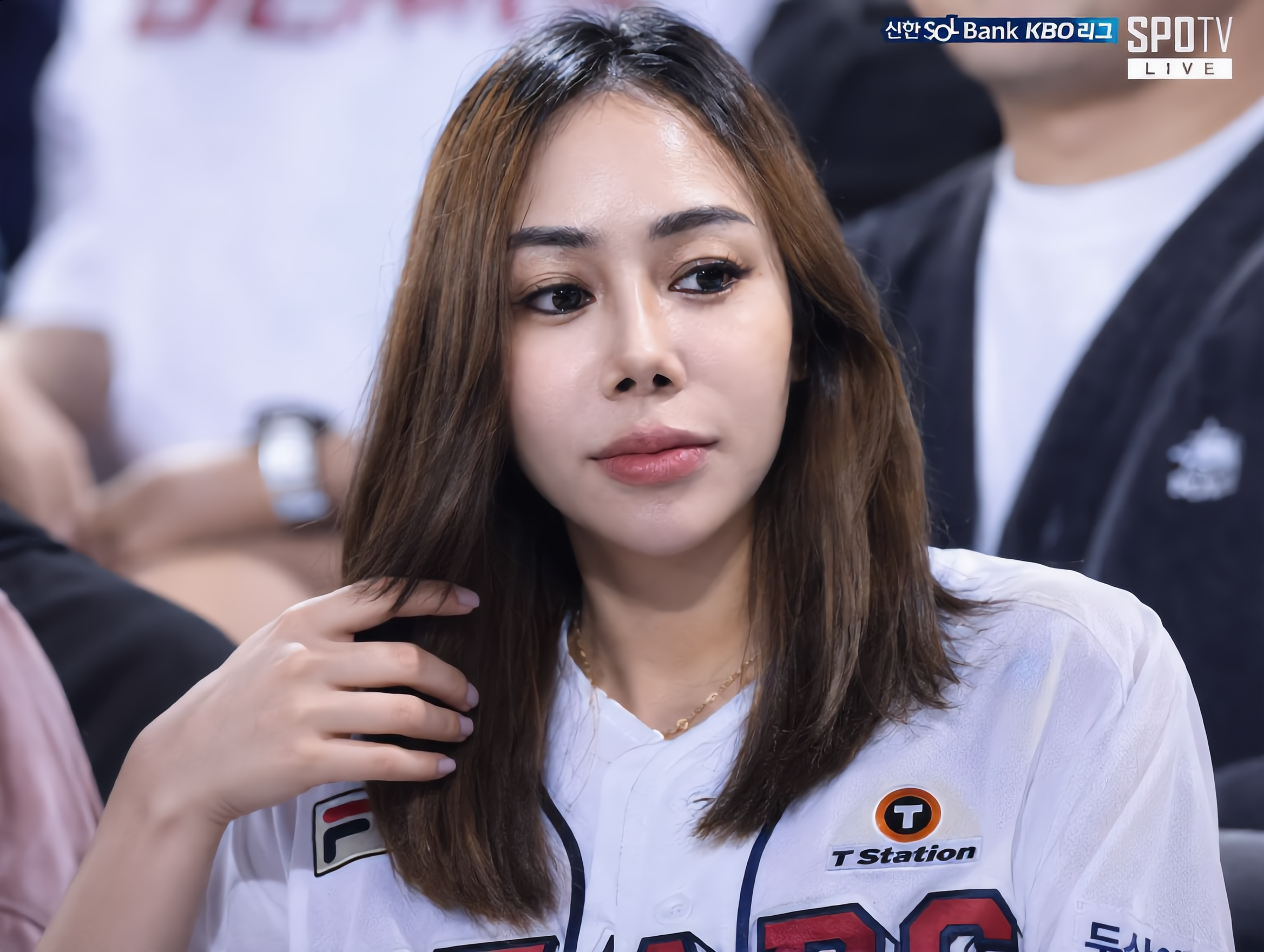
Enjoy fun and easy face swaps with KlingAI. AI-generated solutions provide quick and entertaining results for your photos.

KlingAI Face Swap – Fun and Easy

Recommended

Kling AI work 314939795661289 - klingai face swap AI image
nlEWboUk avatar
nlEWboUk
Kling AI work 310357682508321 - klingai face swap AI image
hrjmVwYD avatar
hrjmVwYD
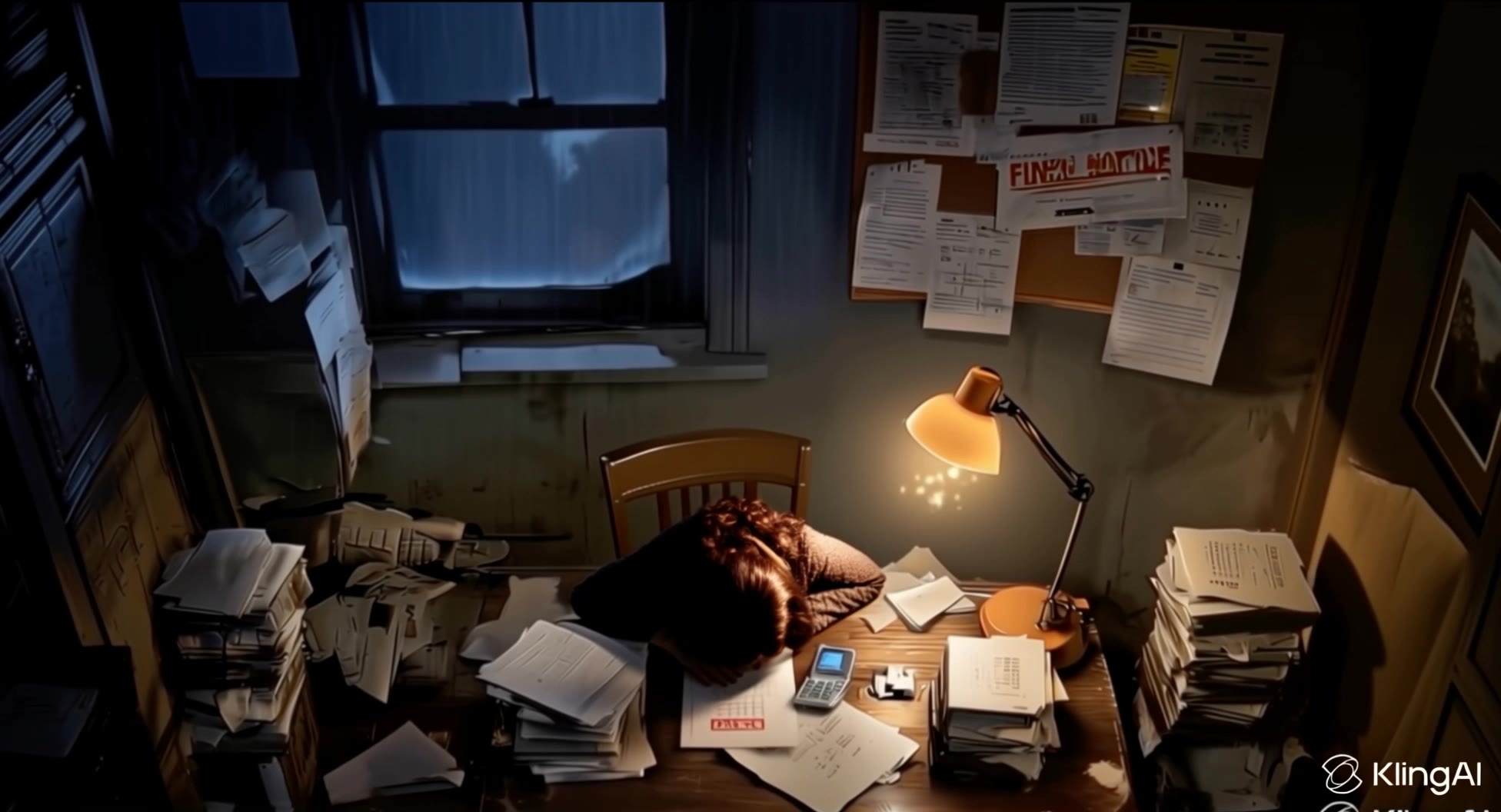
phone buzz + tired gasp - klingai face swap AI video
lorsSnHH avatar
lorsSnHH
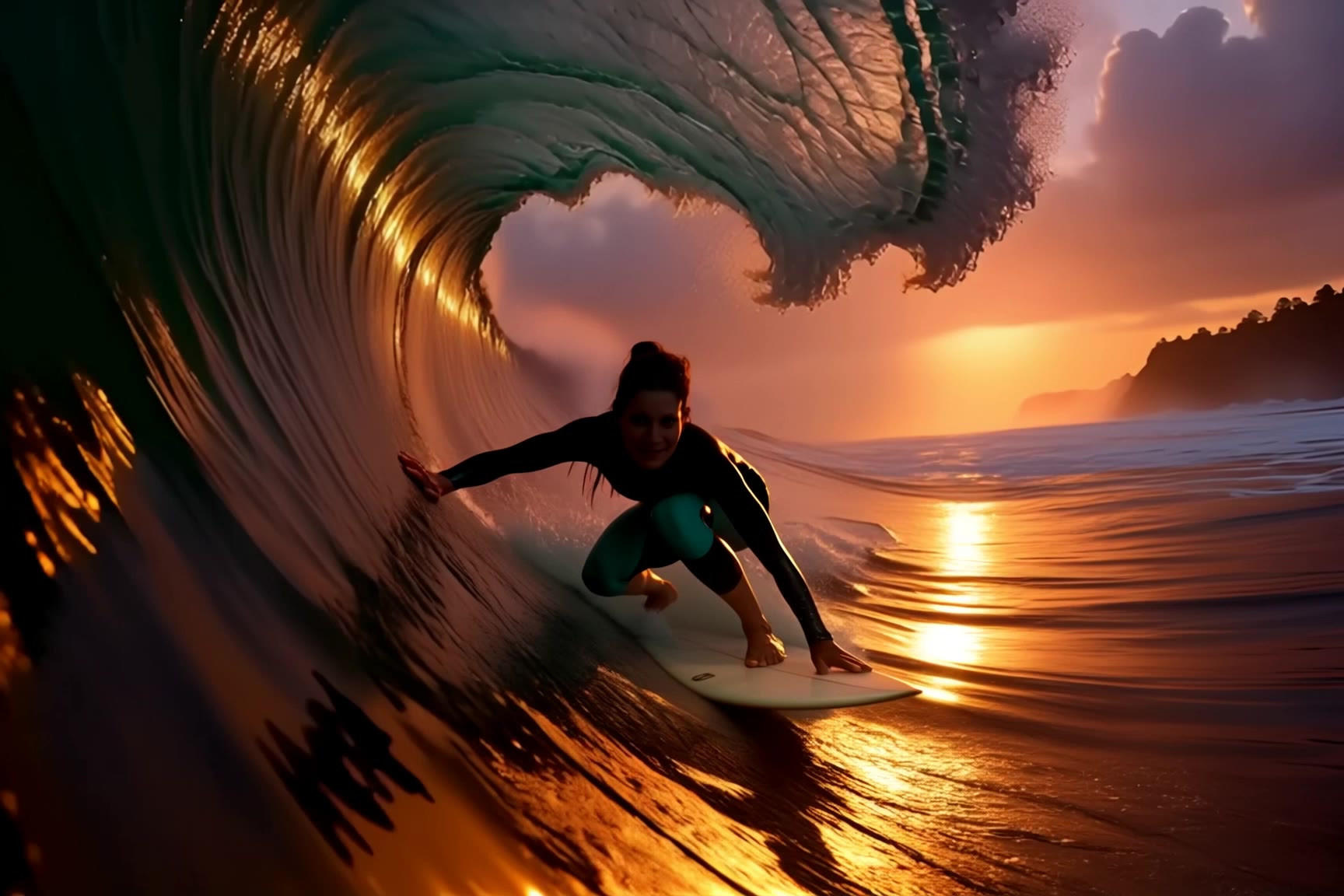
surfing - klingai face swap AI video
jingle6913 avatar
jingle6913
different face, face swap, face  - klingai face swap AI video
00:14
ujSwUVGQ avatar
ujSwUVGQ
Kling AI work 296019089617125 - klingai face swap AI video
MYbsRFoB avatar
MYbsRFoB
Kling AI work 310526659662269 - klingai face swap AI video
wORRDzuN avatar
wORRDzuN
Character Swap AI - klingai face swap AI image
BHzmNhKN avatar
BHzmNhKN
Kling AI work 310479271615696 - klingai face swap AI image
kQDzslsI avatar
kQDzslsI
Kling AI work 310562947662809 - klingai face swap AI image
OnbIThgb avatar
OnbIThgb
Kling AI work 309397035502983 - klingai face swap AI video
smNkawAv avatar
smNkawAv
wang  klingai - klingai face swap AI video
00:08
UPFjeKdS avatar
UPFjeKdS
Kling AI work 288259247322699 - klingai face swap AI video
lEvEcJbp avatar
lEvEcJbp
Kling AI work 310600281617057 - klingai face swap AI video
MyKkkZFo avatar
MyKkkZFo
Kling AI work 296869392666384 - klingai face swap AI video
shIIUCyc avatar
shIIUCyc
Julian & Roma - klingai face swap AI image
YQIeLnqq avatar
YQIeLnqq
Kling AI work 307835032664290 - klingai face swap AI video
qisKpfJc avatar
qisKpfJc
Kling AI work 310512415664357 - klingai face swap AI video
BCgfkGmN avatar
BCgfkGmN

How to Use Kling AI Face Swap

Step 1: Upload Your Target and References

Step 1: Upload Your Target and References

Add the photo or video you want to edit, then add the face reference you want Kling AI to follow. For video, you can also use multiple views or a character element when you need stronger identity consistency across different angles.

Step 2: Describe the Face Swap You Want

Step 2: Describe the Face Swap You Want

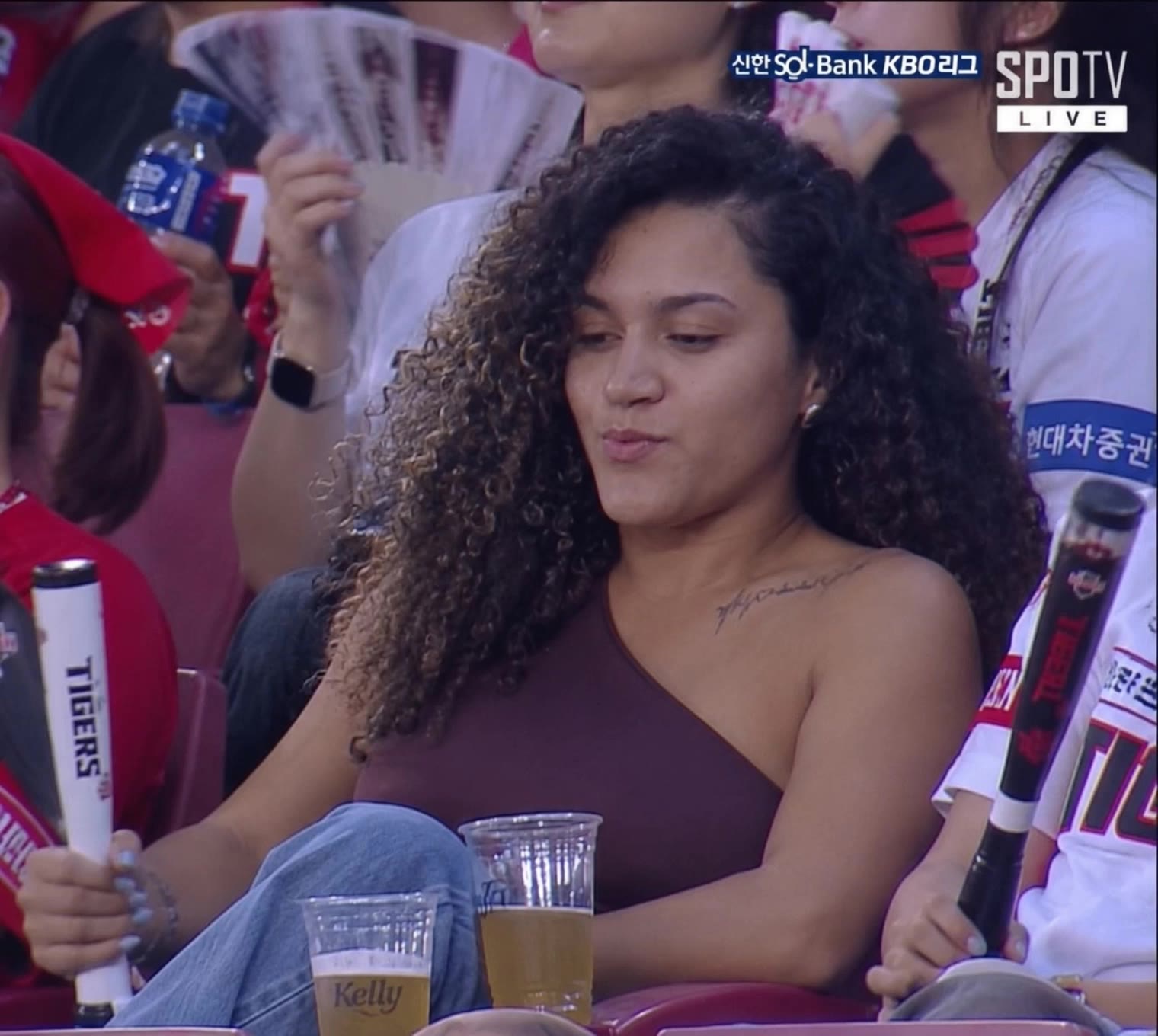
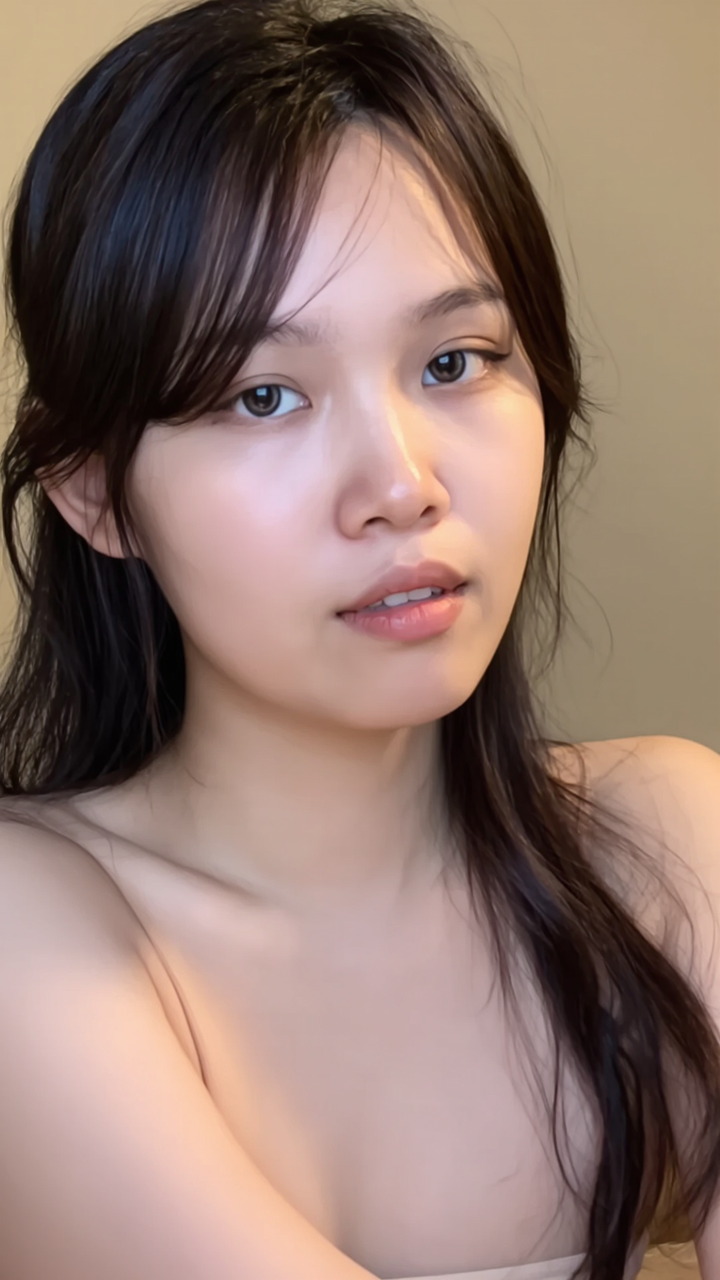
Tell Kling AI which face to replace and what reference to use. For example: "Replace the face in [Image 1] with the face from [Image 2] while keeping all other content unchanged."

Step 3: Generate Your Face Swap

Step 3: Generate Your Face Swap

Choose your preferred output settings, such as the generation mode and aspect ratio, then click Generate. Kling AI will apply your instructions and chosen settings to create your face-swapped image or video.

Shape AI Characters, Build Creative Worlds

Create Characters from Prompts or References

Create Characters from Prompts or References

Start with a text prompt to shape an original character, from facial features and hairstyle to clothing, expression, pose, and visual style. If you already have a specific look in mind, add reference images to guide the result more closely. Kling IMAGE 3.0 Omni supports creative directions ranging from realistic and cinematic characters to anime-inspired, fantasy, and CG-style designs.

Turn One Character into a Visual Series

Turn One Character into a Visual Series

Once you have a character you like, use Kling IMAGE 3.0 Omni Series Mode to build a connected set of images around it. Explore new expressions, viewpoints, scenes, and story moments while keeping the character and overall visual direction consistent across the series. It's well suited for storyboards, comics, campaign concepts, social content, and ongoing character development.

Build a Reusable Character Element

Build a Reusable Character Element

Create a reusable Character Element from a reference image, multiple views, or a supported character video. You can start with one main image and let Kling AI generate additional views, add your own reference angles for more visual information, or use a video to capture richer character details. Once saved, the Element can be called up again in supported image and video workflows without redefining the character from scratch.

Apps

Image to Video
Image to Video

Image to Video

Text to Video
Text to Video

Text to Video

Omni
Omni

Omni

Digital Human
Digital Human

Digital Human

Restyle
Restyle

Restyle

Text to Image
Text to Image

Text to Image

60M+
60M+
Users
600M+
600M+
AI Videos Generated
4.7 ★
4.7 ★
App Store
Industry-Leading
Industry-Leading
Cinematic 4K

Reviews

Maria Rubtsova

Maria Rubtsova

★★★★★

I’m Maria Rubtsova, an AIGC digital artist passionate about creating stunning visuals in the worlds of fashion, aesthetics, and fantasy. I use KlingAi to bring imagination to life through video. My work is all about exploring beauty, emotion, and the limitless possibilities of digital art.

Vincent Smadja

Vincent Smadja

★★★★★

Kling AI seamlessly integrates into my creative workflow, playing a key role in transforming my images. After generating and upscaling an image, Kling becomes a crucial element, bringing my creations to life with movement and depth.

Déborah

Déborah

★★★★★

I use Kling AI every day. It's amazing to see the almost daily progress it makes. I used AI for fun at first, and I now find that Kling AI's animations allow me to gain professional visibility, with three times more views on my animated posts than on my static posts.

FAQ

Q1Is Kling AI free to use online?
Q2What languages does Kling AI native audio support?
Q3How should I write prompts for text-to-video generation?

Ready to See What Your Image Can Become?

Create a finished visual designed to stand out, tell your story, and take your idea further with Kling AI.

Free tier available | Image stylization | 2K/4K output