
Creative Studio
API
Resources
Features
About Us
Download

KlingAI.com: Image Creation

Create images on KlingAI.com and explore AI-generated visual concepts.

KlingAI.com: Image Creation

Recommended

Kling AI work 307536892662348 - klingai.com image AI image
ikZdDnEa avatar
ikZdDnEa
Kling IMAGE O1 - klingai.com image AI video
00:34
KLING AI avatar
KLING AI
ivvy image - klingai.com image AI image
NQHmTVSz avatar
NQHmTVSz
Upload any image  - klingai.com image AI video
@Tiny Ai Dancers avatar
@Tiny Ai Dancers
Kling IMAGE 3.0 Model User Guide - klingai.com image AI image
YxIAgcaB avatar
YxIAgcaB
 image 1 - klingai.com image AI image
CXThSvTE avatar
CXThSvTE
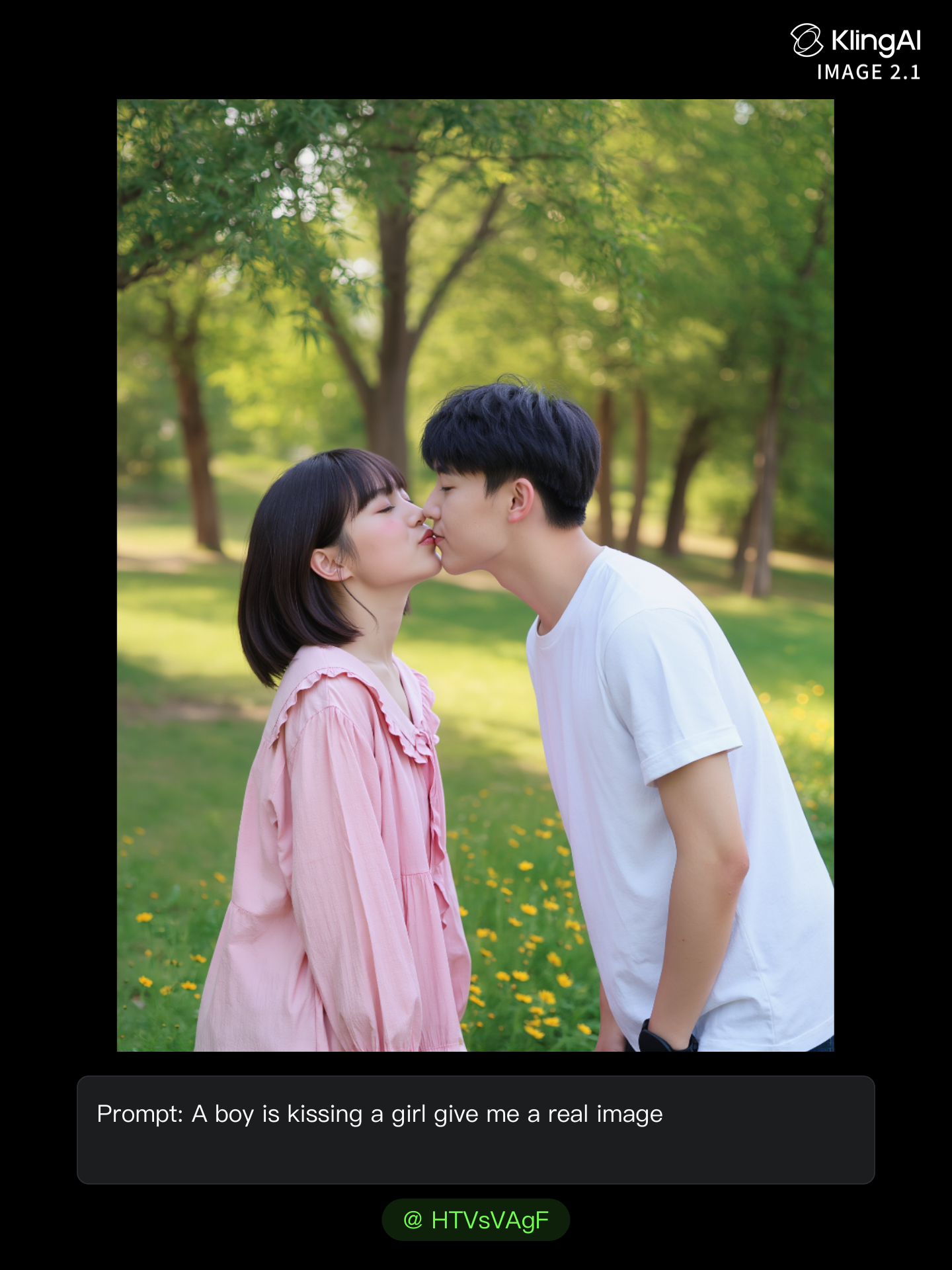
real kissing image  - klingai.com image AI image
HTVsVAgF avatar
HTVsVAgF
Upload any image - klingai.com image AI video
@Tiny Ai Dancers avatar
@Tiny Ai Dancers
Kling IMAGE 3.0 Model User Guide - klingai.com image AI image
YxIAgcaB avatar
YxIAgcaB
Perfume product image💐 - klingai.com image AI image
souvenir avatar
souvenir
image reference - klingai.com image AI image
ESYkocAi avatar
ESYkocAi
dumb video - klingai.com image AI video
MUsCJprG avatar
MUsCJprG
Kling AI work 308084277612754 - klingai.com image AI image
HTOnmjCQ avatar
HTOnmjCQ
Image becomes high definition - klingai.com image AI image
Mrfighter01 avatar
Mrfighter01
Kling AI work 318065702520889 - klingai.com image AI video
ajisWXNh avatar
ajisWXNh
Kling AI work 318162403664613 - klingai.com image AI video
iYkZCipg avatar
iYkZCipg
Image to video - klingai.com image AI video
jc avatar
jc
Animate this image - klingai.com image AI image
AAROHI avatar
AAROHI
I used Kling Image for this - klingai.com image AI image
Jenny_M avatar
Jenny_M
Elite Creator

How to Upscale Video to 4K with Kling AI

Upload Your Video

Upload Your Video

Upload the video you want to improve to Kling VIDEO 3.0 Omni. You can work with clips between 3 and 10 seconds, including lower-resolution, blurry, compressed, or AI-generated footage.

Describe the Result You Want

Describe the Result You Want

Enter a prompt for any changes you want alongside the upscale. You can ask for clearer detail or adjust lighting, color, atmosphere, background, and other visual elements while keeping the original footage as your starting point.

Generate Your 4K Video

Generate Your 4K Video

Select 4K as the output resolution and generate your new video. Review the result for clarity, detail, and subject appearance, then refine your prompt or references if you want another version.

Natural Face Swaps Without the Editing Hassle

Image Face Swap Without the Busywork

Image Face Swap Without the Busywork

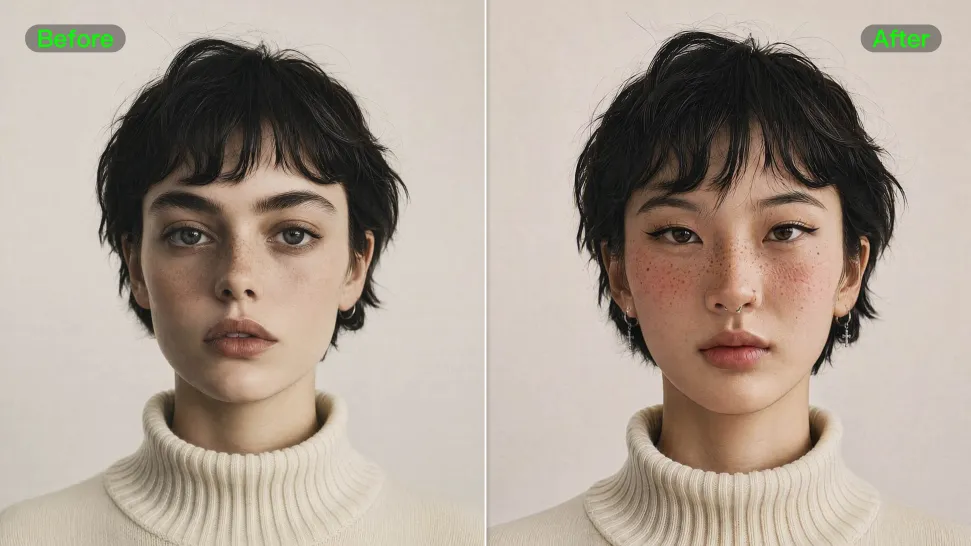
From portrait-style shots to playful creative images, Kling IMAGE 3.0 helps you create more natural and consistent face swaps. Add the photo you want to edit, provide a face reference, and tell Kling AI what you want to change. The edit can stay close to the original photo, helping the new face feel like part of the image rather than something added on top.
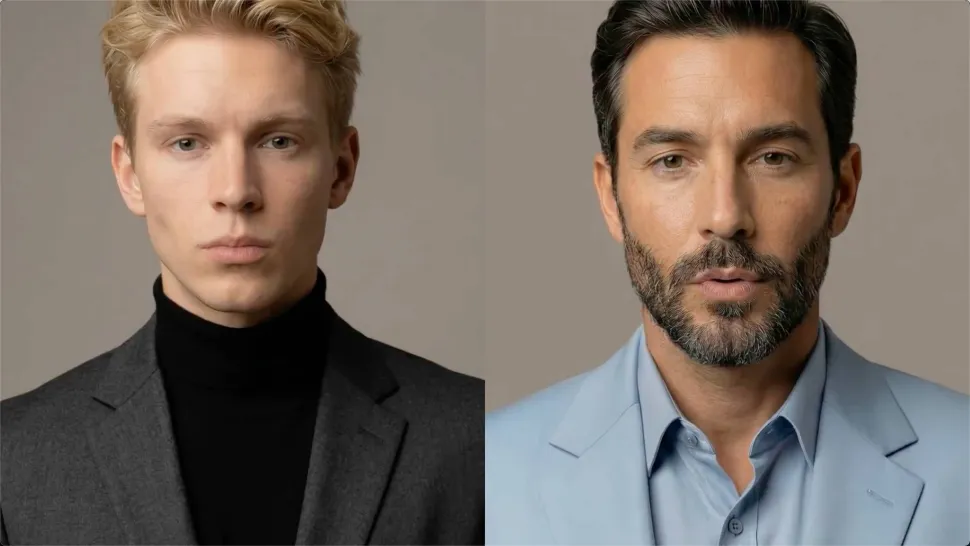
Keep the Same Face Across Angles and Shots

Keep the Same Face Across Angles and Shots

A single reference does not always show everything. Add multiple views or use a character element to give Kling AI more information about the person you want to preserve. Kling VIDEO 3.0 Omni uses those references to help maintain key identity features as the subject changes pose, the camera moves, or the scene shifts—especially useful for moving footage and multi-shot videos where consistency matters.
Change the Face, Keep the Scene

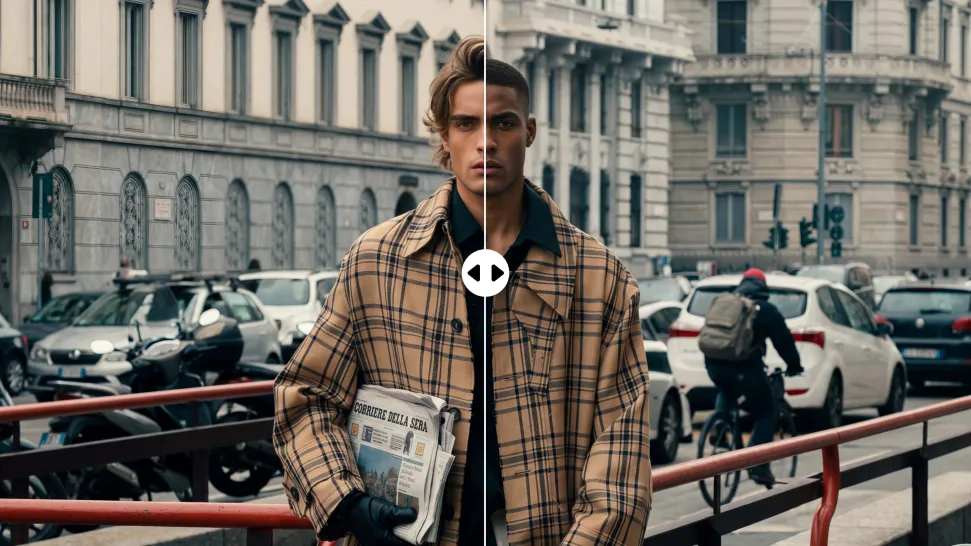
Change the Face, Keep the Scene

Swap the face, not the whole scene. Kling AI keeps the original lighting, mood, and overall look in place, helping the new face blend naturally into the shot while the setting and visual feel stay true to the original.

Apps

Image to Video
Image to Video

Image to Video

Text to Video
Text to Video

Text to Video

Omni
Omni

Omni

Digital Human
Digital Human

Digital Human

Restyle
Restyle

Restyle

Text to Image
Text to Image

Text to Image

60M+
60M+
Users
600M+
600M+
AI Videos Generated
4.7 ★
4.7 ★
App Store
Industry-Leading
Industry-Leading
Cinematic 4K

Reviews

Ozan Sihay

Ozan Sihay

★★★★★

Kling AI allows me to rapidly prototype ideas, refine storytelling elements, and produce visually compelling content efficiently. It has not only accelerated my creative processes, but also deepened my understanding of how AI can enrich visual storytelling.

James Phillips

James Phillips

★★★★★

Kling AI has transformed my workflow by collapsing timelines and democratizing production. It’s shifted my mindset from resource-dependent filmmaking to a boundless creative sandbox, where experimentation yields unexpected beauty.

Maria Rubtsova

Maria Rubtsova

★★★★★

I’m Maria Rubtsova, an AIGC digital artist passionate about creating stunning visuals in the worlds of fashion, aesthetics, and fantasy. I use KlingAi to bring imagination to life through video. My work is all about exploring beauty, emotion, and the limitless possibilities of digital art.

FAQ

Q1What languages does Kling AI Text to Speech support?
Q2How does Kling AI Text to Speech work?
Q3What is Text to Speech?

Bring Out the Best in Every Image

Transform ordinary images into refined visuals with Kling AI. Enhance details, improve the overall look, and create images that better match your creative direction.

AI image quality enhancement | Prompt-guided refinement | 2K/4K output