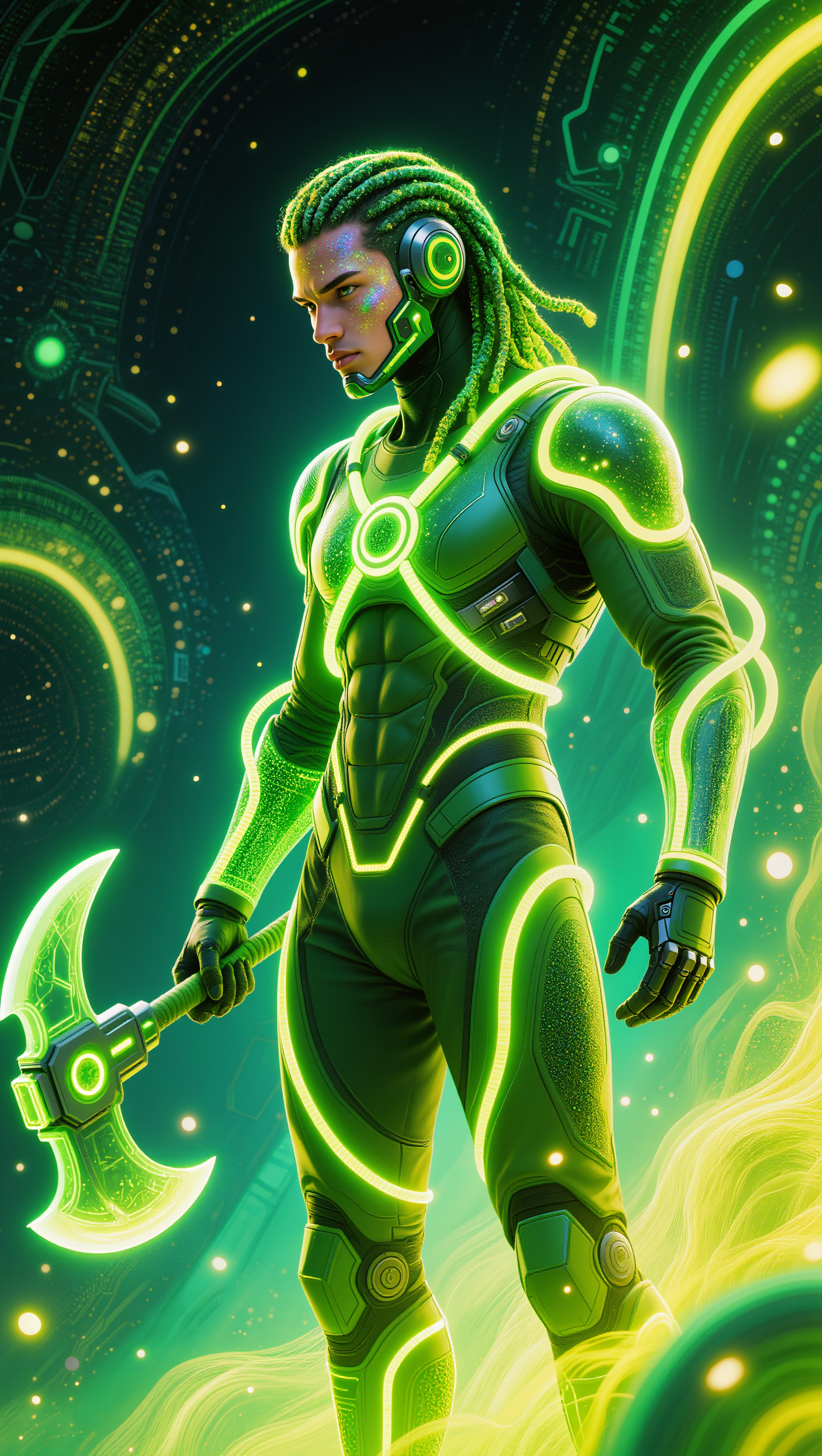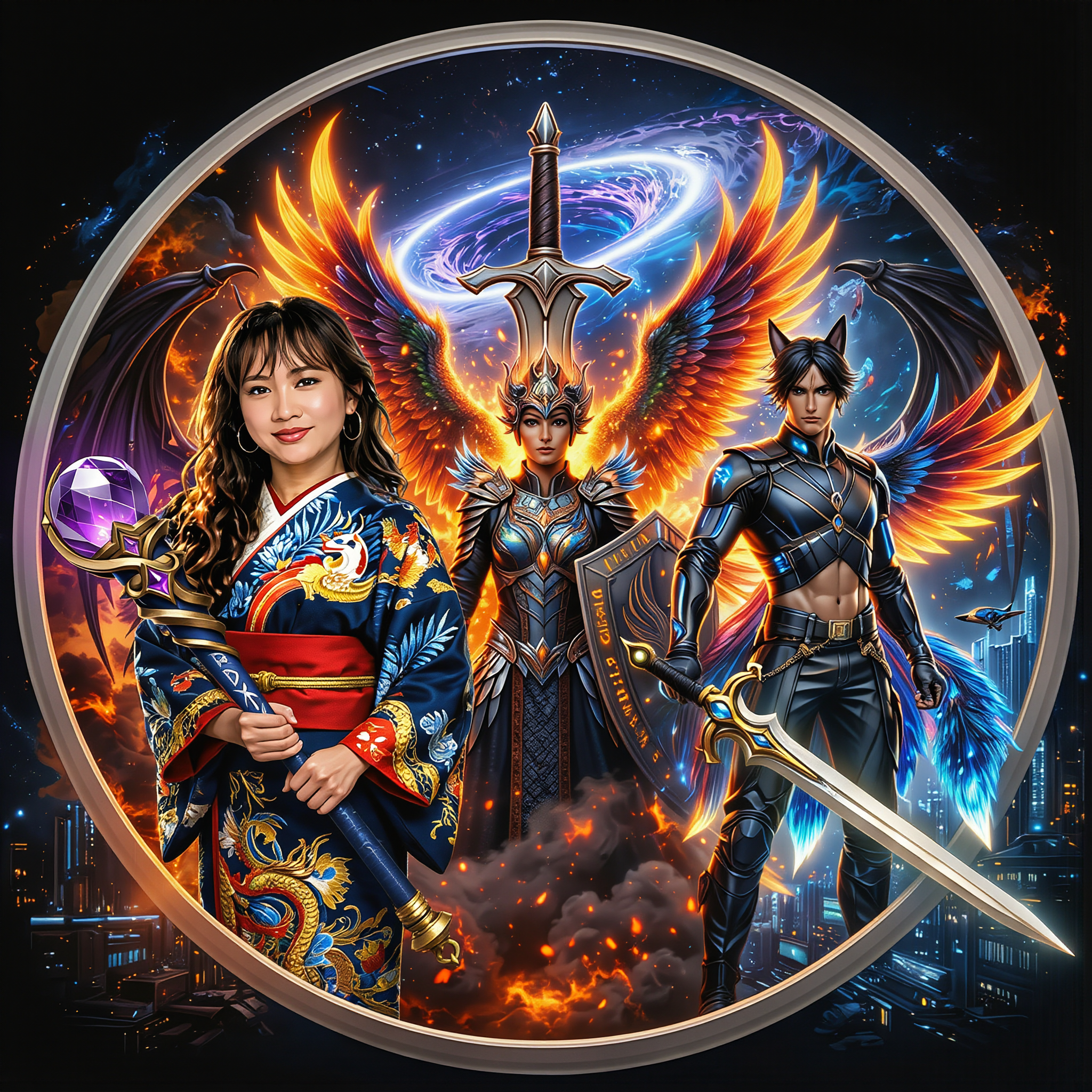

Creative Studio
API
Resources
Features
About Us
Download

KlingAI . com – Your AI Creative Hub

Visit KlingAI . com for AI-generated creative tools. Explore AI-made resources to enhance your creative projects.

KlingAI . com – Your AI Creative Hub

Recommended

Kling AI work 310392941660686 - klingai . com AI image
oAcwlSci avatar
oAcwlSci
Kling AI work 310505249610109 - klingai . com AI image
BOJJmhWa avatar
BOJJmhWa
Kling AI work 310569536616125 - klingai . com AI image
bXVfZcoT avatar
bXVfZcoT
Kling AI work 310448479618951 - klingai . com AI image
sQaIBUES avatar
sQaIBUES
Kling AI work 310556829661431 - klingai . com AI image
uKzepFyu avatar
uKzepFyu
Kling AI work 310593029668890 - klingai . com AI video
PszYOMup avatar
PszYOMup
Kling AI work 296464278613390 - klingai . com AI image
TurbM3L0s3/AlohaKaim avatar
TurbM3L0s3/AlohaKaim
Kling AI work 307544222660200 - klingai . com AI video
PacifistJpn avatar
PacifistJpn
Kling AI work 310299554613969 - klingai . com AI image
aLRbdIXS avatar
aLRbdIXS
Kling AI work 310525565660650 - klingai . com AI video
QvEyjQWA avatar
QvEyjQWA
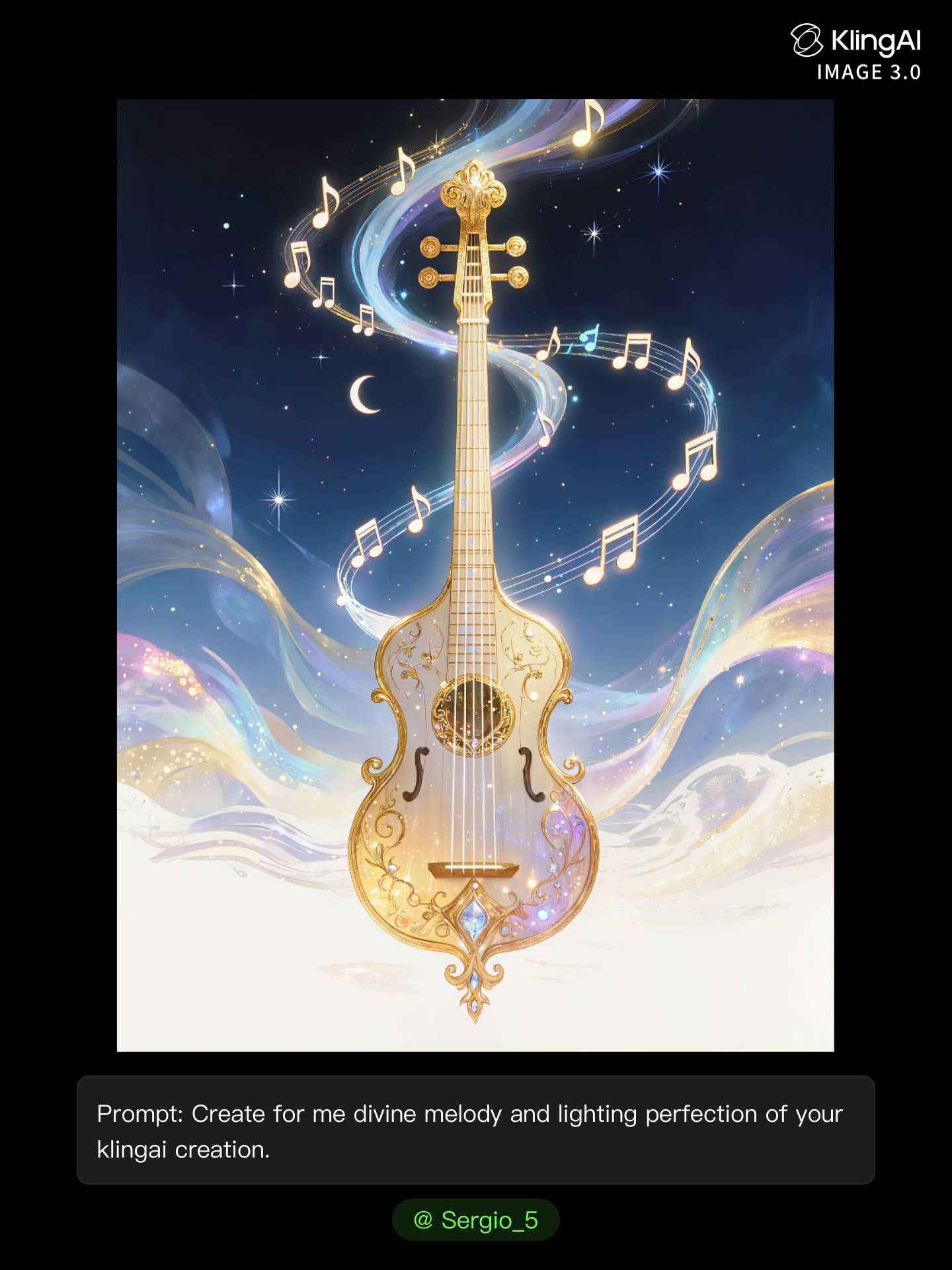
Kling AI work 313706661505861 - klingai . com AI image
Sergio_5 avatar
Sergio_5
Kling AI work 310357682508321 - klingai . com AI image
hrjmVwYD avatar
hrjmVwYD
klingai - klingai . com AI video
00:30
qwYBfMAM avatar
qwYBfMAM
Kling AI work 310282963618377 - klingai . com AI image
HZoPvdyz avatar
HZoPvdyz
Kling AI work 310670374614404 - klingai . com AI image
wxxMQEuO avatar
wxxMQEuO
Kling AI work 310603058666914 - klingai . com AI video
rogJlMZS avatar
rogJlMZS
Kling AI work 310479271615696 - klingai . com AI image
kQDzslsI avatar
kQDzslsI
Kling AI work 310562947662809 - klingai . com AI image
OnbIThgb avatar
OnbIThgb
Kling AI work 310305000617848 - klingai . com AI image
kuAlVwEw avatar
kuAlVwEw

How to Extend an Image with AI

Step 1: Upload and Describe

Step 1: Upload and Describe

Upload the image you want to expand, such as a portrait, product photo, landscape, or social media visual. Use a text prompt to specify which side to extend and what should appear in the new area, such as more sky, scenery, or background details, while keeping the main subject unchanged.

Step 2: Choose the Output Settings and Generate

Step 2: Choose the Output Settings and Generate

Choose the image ratio, number of outputs, and resolution, then generate your extended image. Creating multiple versions makes it easier to compare the results and choose your favorite.

Step 3: Expand Your Image with Image Expansion

Step 3: Expand Your Image with Image Expansion

Open the Image Expansion workflow when you want a dedicated way to extend an existing image. Upload your source image, describe what should appear beyond the original frame, choose from the available output settings, and generate the expanded result.

Choose the Right Voice Workflow

Add New Audio to an Existing Video

Add New Audio to an Existing Video

Use the dedicated Lip Sync tool when your character video is already created. Upload a voiceover or song, or generate speech from text, then match the new audio to the character’s mouth movements.

Generate Dialogue with the Scene

Generate Dialogue with the Scene

Starting from scratch? Kling VIDEO 3.0 and VIDEO 3.0 Omni create dialogue, lip movement, visuals, sound effects, and ambience together. Native Audio supports Chinese, English, Japanese, Korean, and Spanish.

Keep Character and Voice Consistent

Keep Character and Voice Consistent

Create a reusable Character Element from images or a video, bind a voice tone, and carry the same appearance and voice into new scenes with VIDEO 3.0 Omni.

Apps

Image to Video
Image to Video

Image to Video

Text to Video
Text to Video

Text to Video

Omni
Omni

Omni

Digital Human
Digital Human

Digital Human

Restyle
Restyle

Restyle

Text to Image
Text to Image

Text to Image

60M+
60M+
Users
600M+
600M+
AI Videos Generated
4.7 ★
4.7 ★
App Store
Industry-Leading
Industry-Leading
Cinematic 4K

Reviews

Samuele Poggi (@visualsk2)

Samuele Poggi (@visualsk2)

★★★★★

I use Kling AI daily to push the limits of AI filmmaking. It allows me to create highly cinematic content, blending AI and VFX to develop innovative projects. It has significantly impacted my creative process, enabling me to achieve complex animations that would otherwise require high production budgets.


Ozan Sihay

Ozan Sihay

★★★★★

Kling AI allows me to rapidly prototype ideas, refine storytelling elements, and produce visually compelling content efficiently. It has not only accelerated my creative processes, but also deepened my understanding of how AI can enrich visual storytelling.

Halim Alrasihi

Halim Alrasihi

★★★★★

I use AI daily and Kling AI is a crucial part of my workflow, whether for client work or personal projects. What I love most about using Kling AI is that it provides all the tools I need in one place, from keyframes to character references, elements and special effects.

FAQ

Q1Does Kling AI support 2K or 4K image generation?
Q2Can I create images from reference photos?
Q3How do I create an AI image with Kling AI?

Change the Shot Without Reshooting It

Upload your footage, describe the result, and let Kling rebuild the scene around your direction.

Free tier available | Simple prompt editing | Up to 4K output | Fast generation