
Creative Studio
API
Resources
Features
About Us
Download

KlingAI Credits – Manage Your AI Subscription

Explore AI-generated tips for managing your KlingAI credits efficiently. Discover how to maximize your subscription benefits with AI-made insights.

KlingAI Credits – Manage Your AI Subscription

Recommended

Kling AI work 312458815612007 - klingai credits AI video
hMkBDlln avatar
hMkBDlln
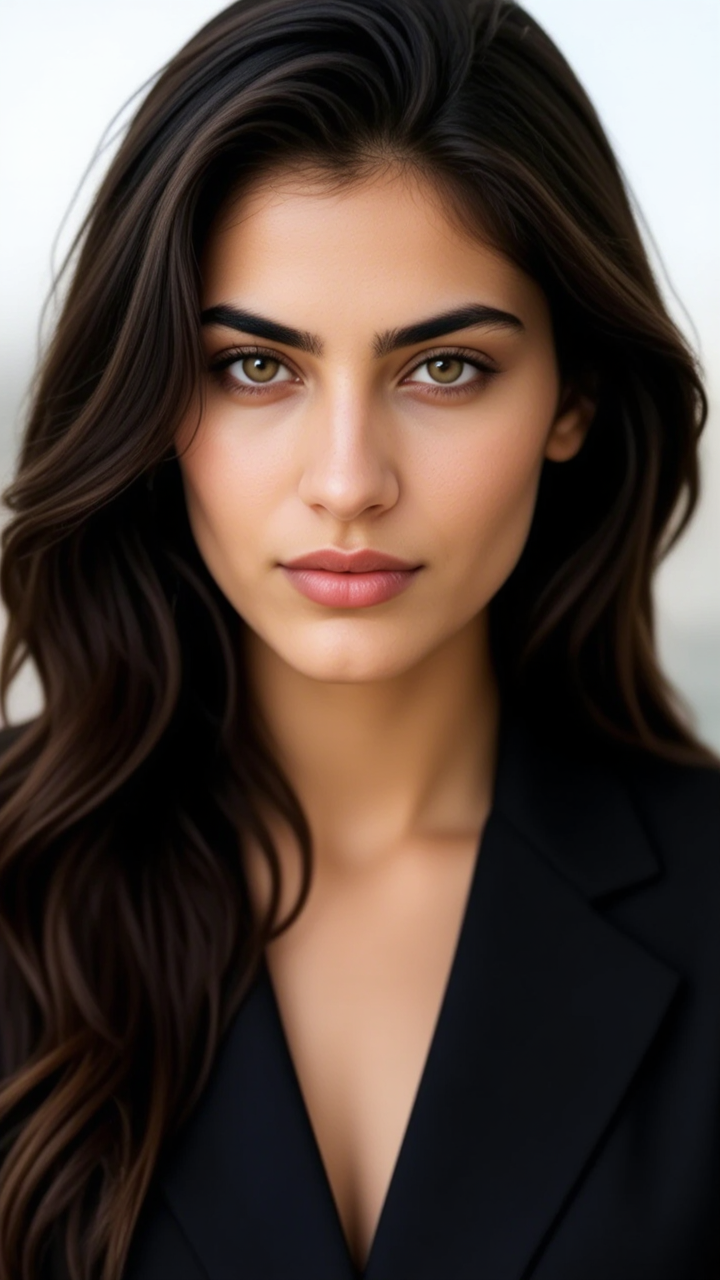
Kling AI work 310479271615696 - klingai credits AI image
kQDzslsI avatar
kQDzslsI
Kling AI work 310282963618377 - klingai credits AI image
HZoPvdyz avatar
HZoPvdyz
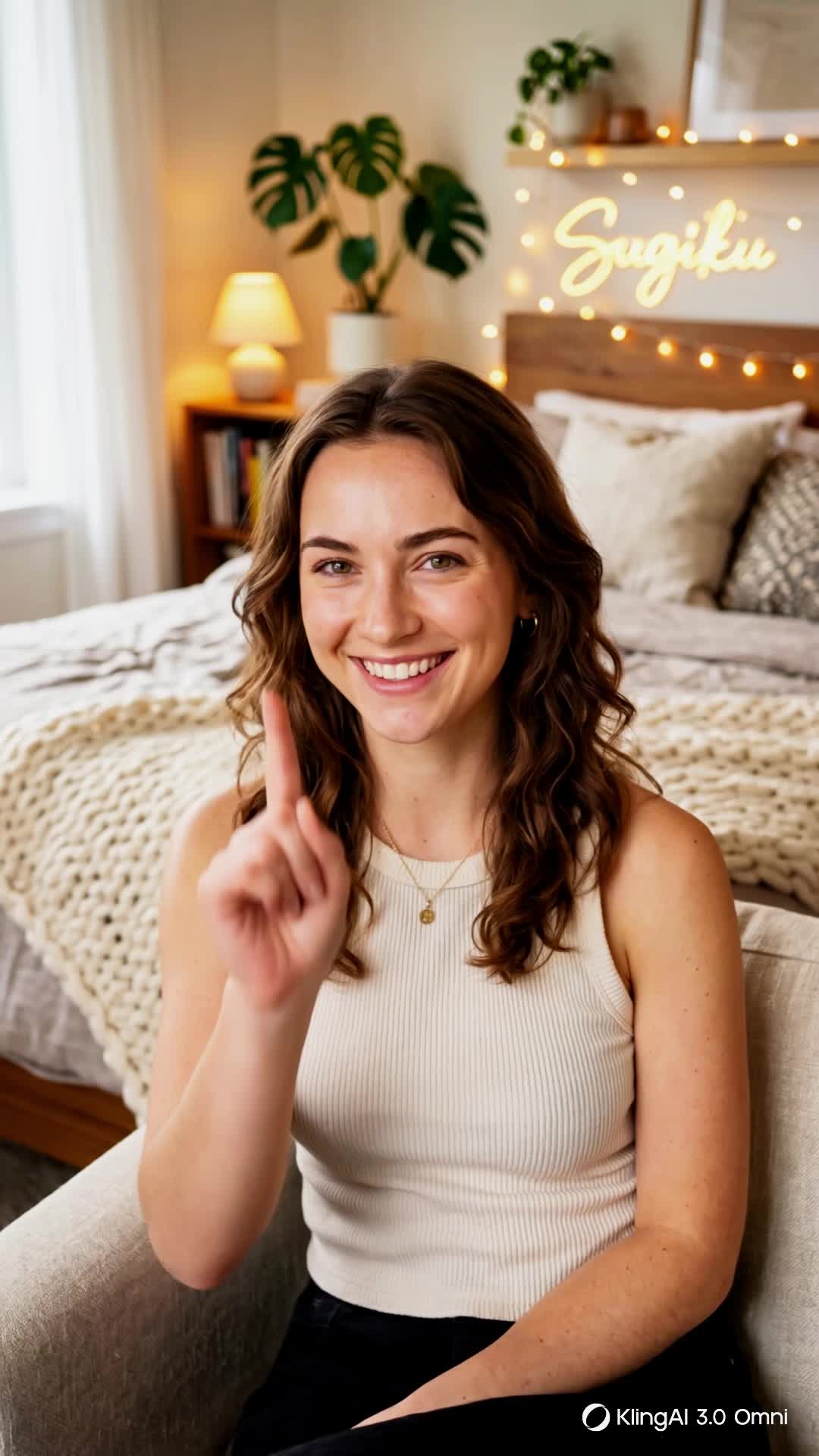
zero credits expression - klingai credits AI video
00:15
SugikuSynth avatar
SugikuSynth
Kling AI work 310357682508321 - klingai credits AI image
hrjmVwYD avatar
hrjmVwYD
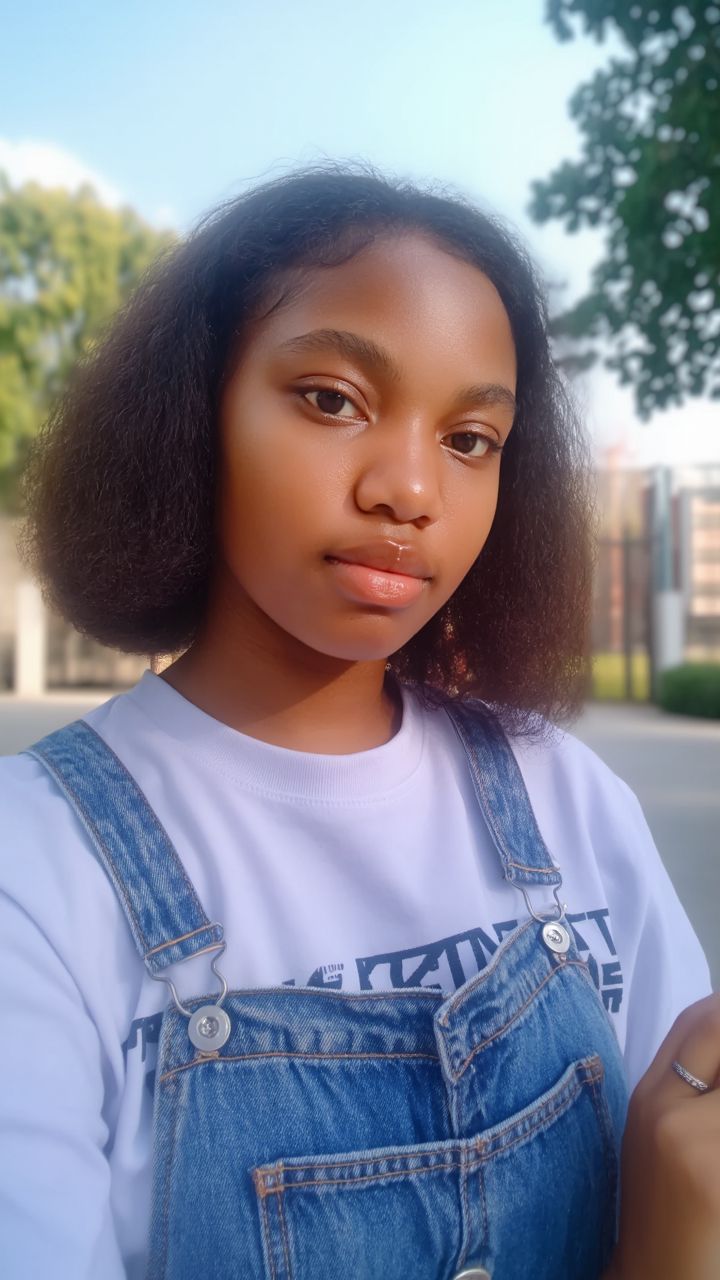
Taija Klingai  - klingai credits AI image
AHNOriginals avatar
AHNOriginals
Kling AI work 311636238525225 - klingai credits AI image
NVFdokIi avatar
NVFdokIi
Kling AI work 310520446612805 - klingai credits AI image
EnusxDnc avatar
EnusxDnc
Kling AI work 310392941660686 - klingai credits AI image
oAcwlSci avatar
oAcwlSci
give me some credits - klingai credits AI video
LuAsIwUb avatar
LuAsIwUb
Kling AI work 316760367507706 - klingai credits AI video
XiMXsjli avatar
XiMXsjli
Kling AI work 310448479618951 - klingai credits AI image
sQaIBUES avatar
sQaIBUES
Kling AI work 310299554613969 - klingai credits AI image
aLRbdIXS avatar
aLRbdIXS
Animation by kling.ai - klingai credits AI video
wfynRnRD avatar
wfynRnRD
Kling AI work 310525565660650 - klingai credits AI video
QvEyjQWA avatar
QvEyjQWA
Kling AI work 317463227502041 - klingai credits AI image
caZYaagg avatar
caZYaagg
Kling AI work 312906807501047 - klingai credits AI image
Nayana avatar
Nayana
Kling AI work 310350688523251 - klingai credits AI image
QGZIpSBZ avatar
QGZIpSBZ
need credits - klingai credits AI video
00:05
MDATckjL avatar
MDATckjL

How to Create Images with Kling AI

Write Down You Ideas

Write Down You Ideas

Open the AI Image Generator and choose the model that fits your project. Describe the subject and scene, then add details such as lighting, color, and visual style to shape the result.

Add References Or Not

Add References Or Not

Upload reference images for a character, product, composition, or style. References are optional, but they give Kling AI a clearer visual foundation when specific features, colors, or design details need to carry into the final image.

Generate Your Image

Generate Your Image

Choose your preferred format and output settings, then hit Generate. Once the result is ready, download it directly or open it in the image-to-video workflow to bring it to life with motion.

Remove Objects from Images with More Control

Remove Objects with Simple Text Prompts

Remove Objects with Simple Text Prompts

Skip complex masks and manual retouching. Tell Kling IMAGE 3.0 what you want gone in a text prompt, and it interprets your instruction as a targeted image edit. It gives you a faster way to clean up photos without a complicated editing workflow.

Target the Exact Object You Want Gone

Target the Exact Object You Want Gone

When several similar people or objects appear in the same image, describe the target by its position, appearance, or nearby context. Clearer instructions give you more control over which element is removed while helping reduce unintended changes to unrelated parts of the scene.

Keep the Edited Area Visually Consistent

Keep the Edited Area Visually Consistent

Removing an object also means recreating the area it once covered. Kling IMAGE 3.0 is designed to preserve surrounding style, lighting, and texture during targeted edits, helping the cleared area feel more connected to the rest of the image instead of standing out as an obvious edit.

Apps

Image to Video
Image to Video

Image to Video

Text to Video
Text to Video

Text to Video

Omni
Omni

Omni

Digital Human
Digital Human

Digital Human

Restyle
Restyle

Restyle

Text to Image
Text to Image

Text to Image

60M+
60M+
Users
600M+
600M+
AI Videos Generated
4.7 ★
4.7 ★
App Store
Industry-Leading
Industry-Leading
Cinematic 4K

Reviews

Halim Alrasihi

Halim Alrasihi

★★★★★

I use AI daily and Kling AI is a crucial part of my workflow, whether for client work or personal projects. What I love most about using Kling AI is that it provides all the tools I need in one place, from keyframes to character references, elements and special effects.

Maria Rubtsova

Maria Rubtsova

★★★★★

I’m Maria Rubtsova, an AIGC digital artist passionate about creating stunning visuals in the worlds of fashion, aesthetics, and fantasy. I use KlingAi to bring imagination to life through video. My work is all about exploring beauty, emotion, and the limitless possibilities of digital art.

Déborah

Déborah

★★★★★

I use Kling AI every day. It's amazing to see the almost daily progress it makes. I used AI for fun at first, and I now find that Kling AI's animations allow me to gain professional visibility, with three times more views on my animated posts than on my static posts.

FAQ

Q1Can Kling keep the same character and voice consistent across scenes and videos?
Q2How long can a script-to-video AI video be?
Q3What is an AI script-to-video generator?

Give Your Next Video a Cinematic 4K Finish

Start with the footage you already have. Improve visual quality, refine lighting and color with prompts, and choose 4K output when you need a higher-resolution result.