
Creative Studio
API
Resources
Features
About Us
Download

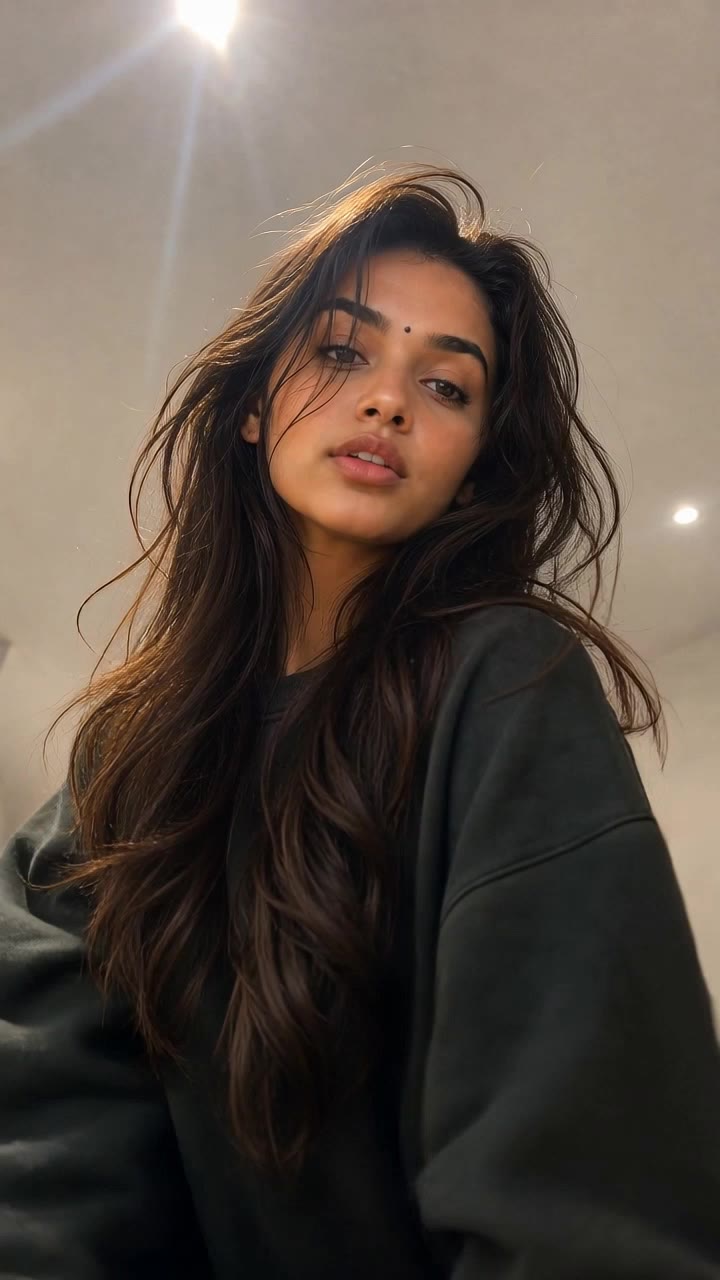
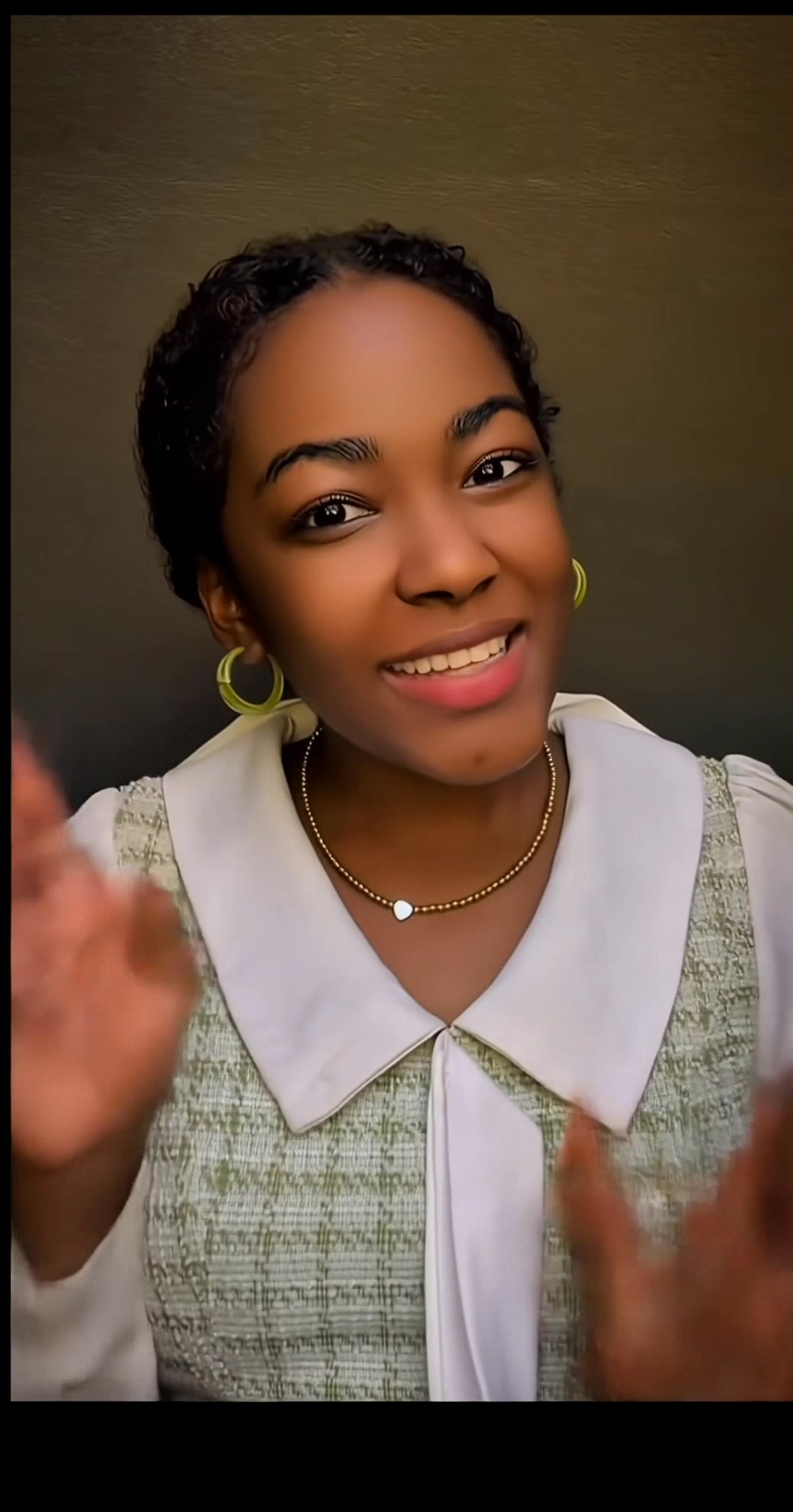
KlingAI Lipsync – Sync Your Audio

Sync your audio with KlingAI Lipsync. AI-generated solutions provide quick and accurate lip-syncing for your videos.

KlingAI Lipsync – Sync Your Audio

Recommended

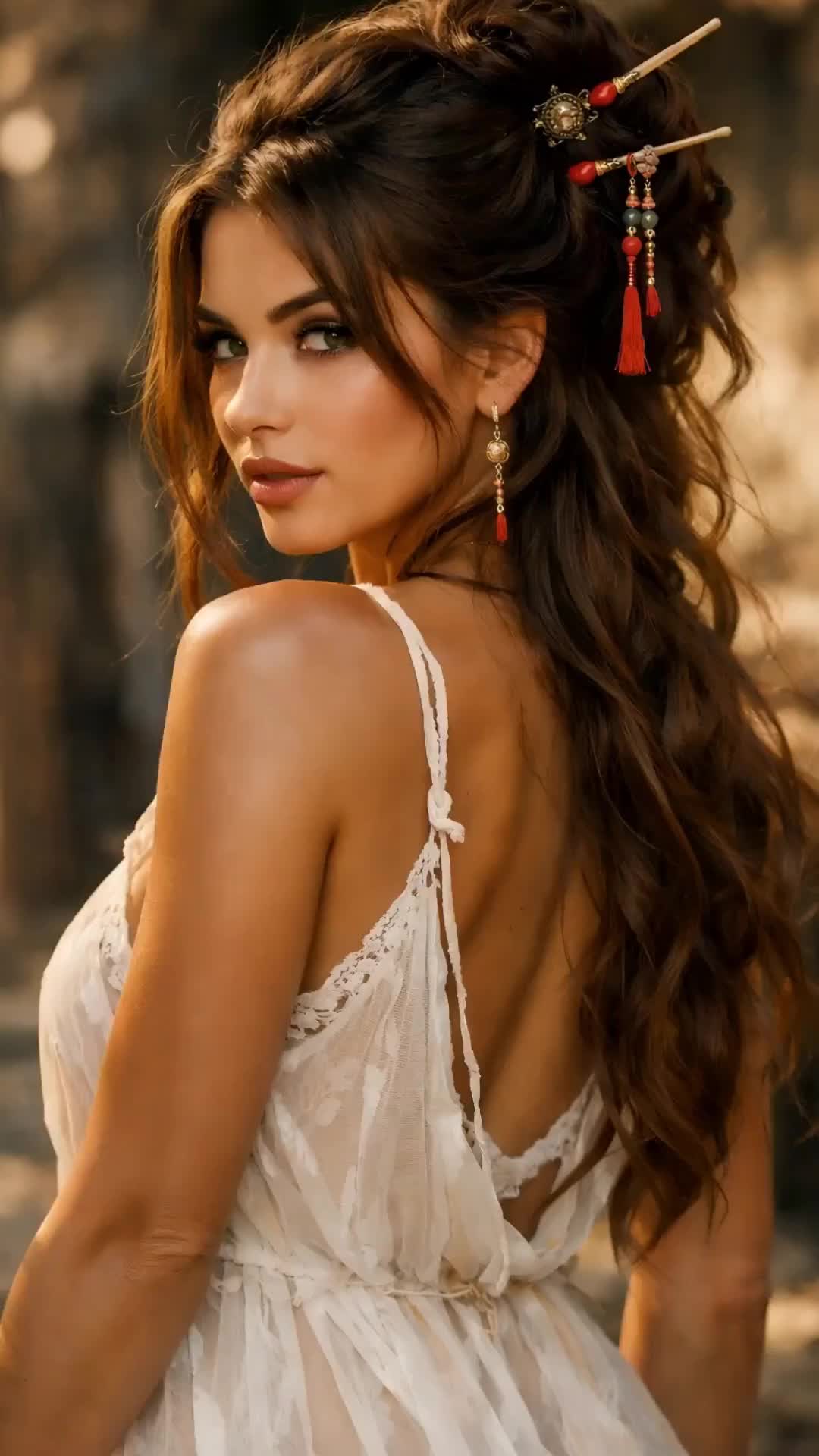
Dance video and lipsync - klingai lipsync AI video
VJZxNcoa avatar
VJZxNcoa
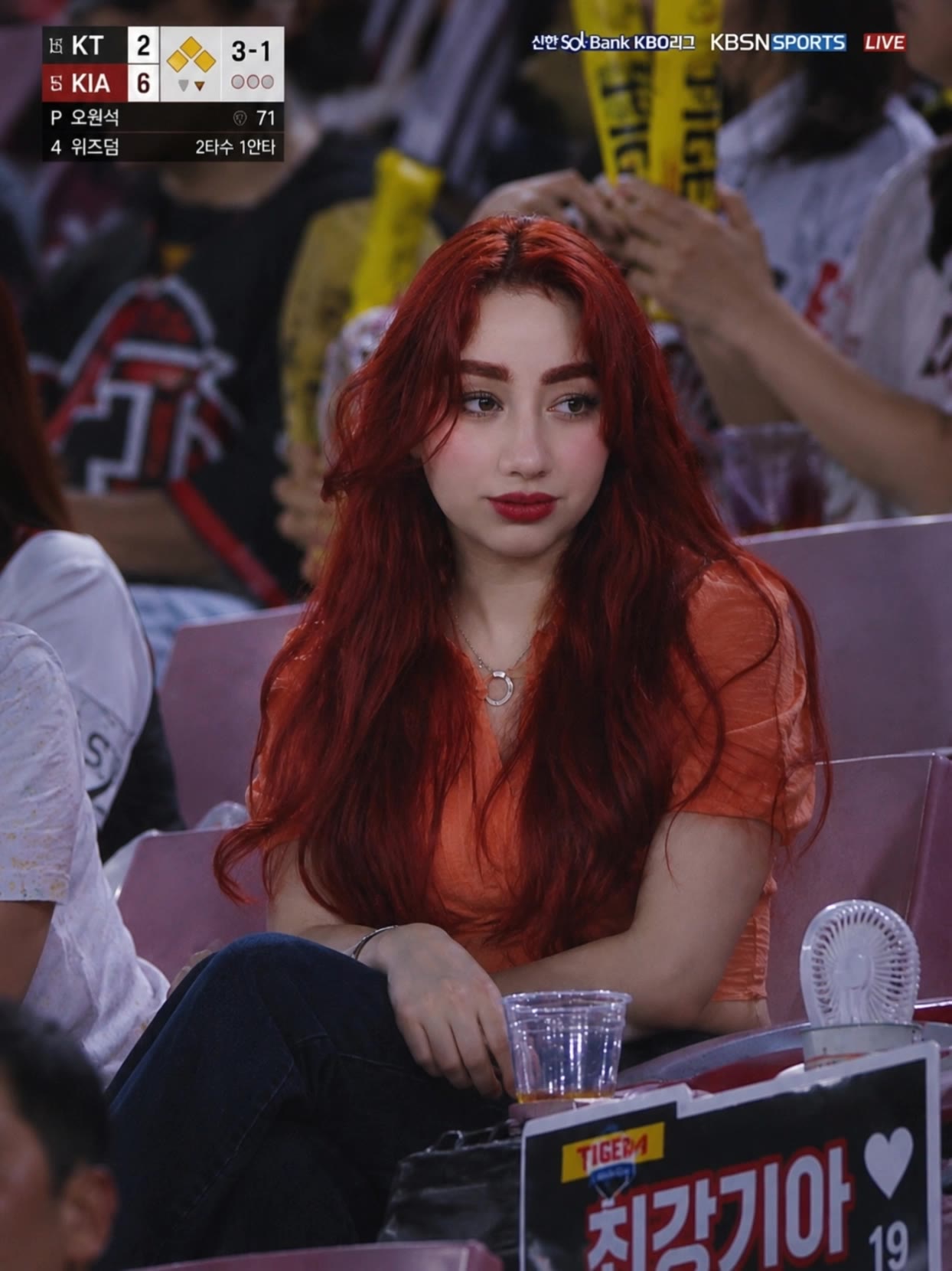
Kling AI work 319158379663544 - klingai lipsync AI video
EsPAhfFI avatar
EsPAhfFI
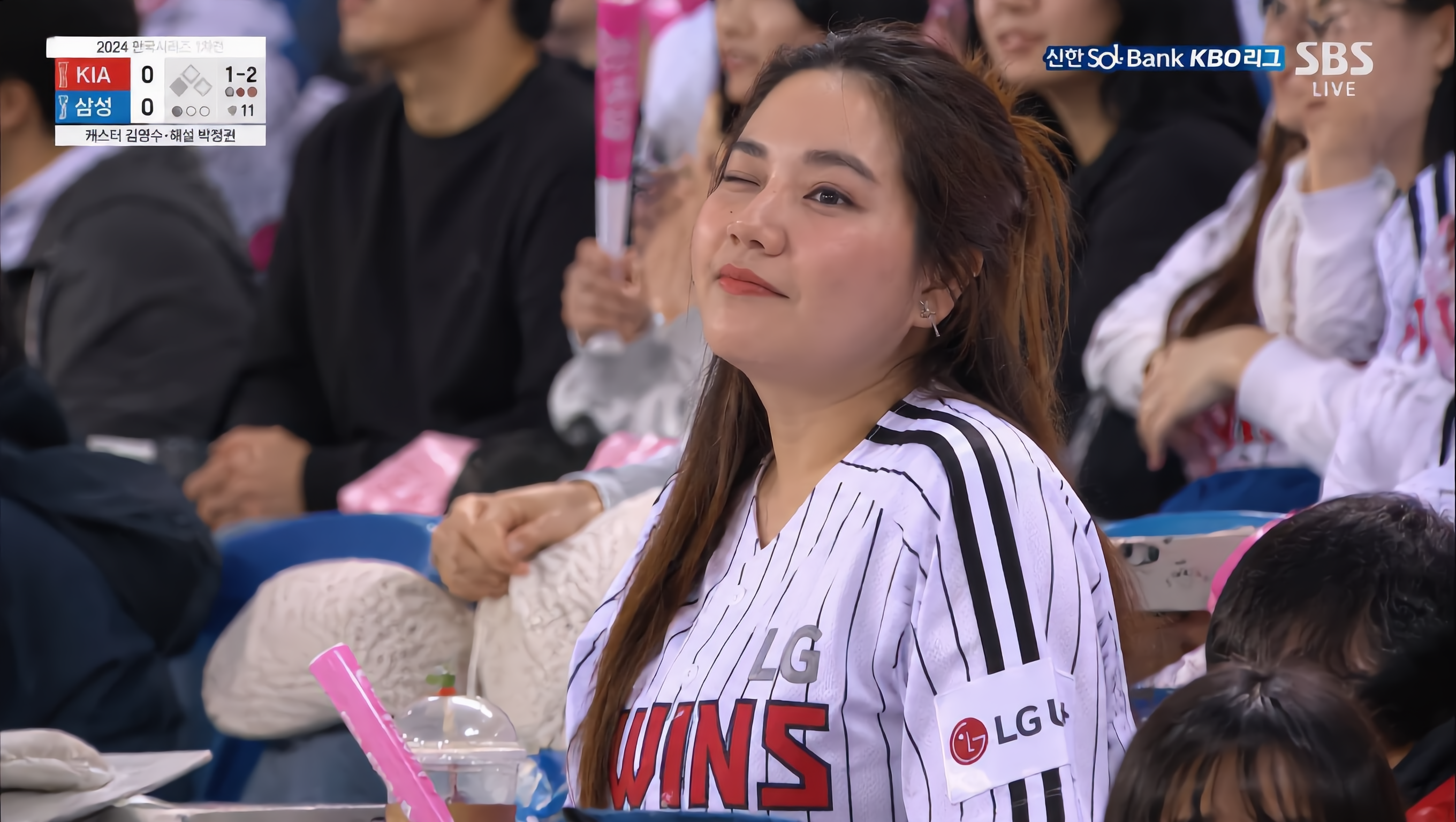
Kling AI work 310360598525924 - klingai lipsync AI video
dFyCqJIc avatar
dFyCqJIc
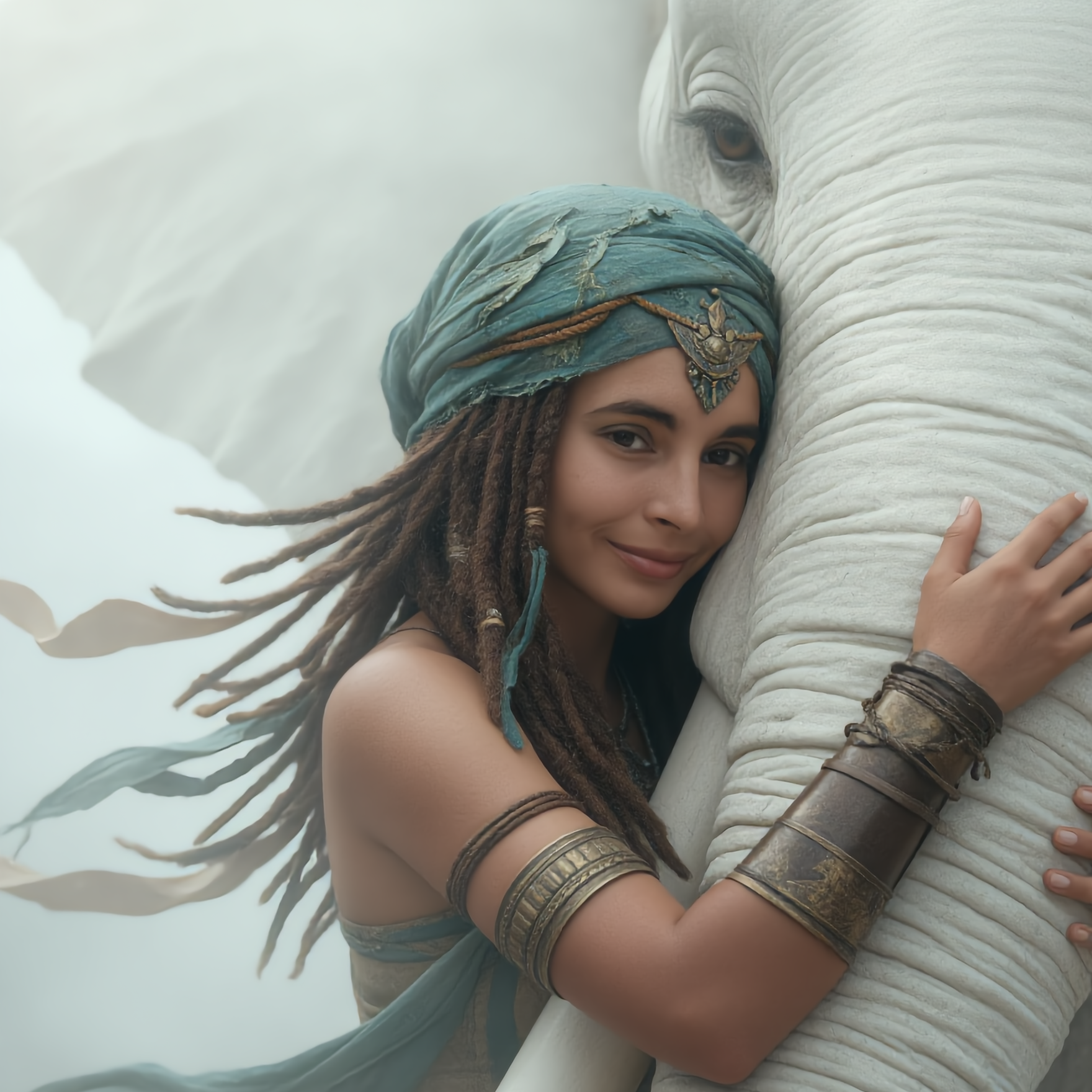
Kling AI work 310355553616000 - klingai lipsync AI image
UsseyQoV avatar
UsseyQoV
Kling AI work 310603058666914 - klingai lipsync AI video
rogJlMZS avatar
rogJlMZS
Kling AI work 310448479618951 - klingai lipsync AI image
sQaIBUES avatar
sQaIBUES
Kling AI work 316574415505112 - klingai lipsync AI video
tbuSPLzr avatar
tbuSPLzr
Kling AI work 310451475664641 - klingai lipsync AI video
dwviWIBw avatar
dwviWIBw
Baby Lipsync - klingai lipsync AI video
Yatharth avatar
Yatharth
Kling AI work 310520553615649 - klingai lipsync AI image
EnusxDnc avatar
EnusxDnc
sonic KlingAi - klingai lipsync AI video
00:14
Itzizbushka avatar
Itzizbushka
Kling AI work 310534499660889 - klingai lipsync AI video
xHpyTSwX avatar
xHpyTSwX
Kling AI work 310479271615696 - klingai lipsync AI image
kQDzslsI avatar
kQDzslsI
Kling AI work 310305000617848 - klingai lipsync AI image
kuAlVwEw avatar
kuAlVwEw
Kling AI work 314993069662633 - klingai lipsync AI video
Carlitos avatar
Carlitos
Kling AI work 310440540610176 - klingai lipsync AI video
pJnHMYwX avatar
pJnHMYwX
Testing the lip-sync function - klingai lipsync AI video
00:24
Tatiana avatar
Tatiana
Kling AI work 310441009661264 - klingai lipsync AI video
DJToFmwy avatar
DJToFmwy
Kling AI work 310293883664737 - klingai lipsync AI image
QLGpuSPy avatar
QLGpuSPy

How to Create Images with Kling AI

Write Down You Ideas

Write Down You Ideas

Open the AI Image Generator and choose the model that fits your project. Describe the subject and scene, then add details such as lighting, color, and visual style to shape the result.

Add References Or Not

Add References Or Not

Upload reference images for a character, product, composition, or style. References are optional, but they give Kling AI a clearer visual foundation when specific features, colors, or design details need to carry into the final image.

Generate Your Image

Generate Your Image

Choose your preferred format and output settings, then hit Generate. Once the result is ready, download it directly or open it in the image-to-video workflow to bring it to life with motion.

Why Kling Sets the Standard for Video Creation

Flawless Character Consistency for High-Quality Videos

Flawless Character Consistency for High-Quality Videos

Unlike standard tools that distort faces when moving, Kling Video 3.0 lets you strictly lock a character’s appearance. Upload a single photo, or use a short video/multiple angles as a reference to completely eliminate the “AI morphing” effect.

All-in-One Native Audio & Lip-Sync

All-in-One Native Audio & Lip-Sync

Your video isn’t just silent footage; it speaks. Generate perfectly matched voices and realistic lip movements in multiple languages or regional accents. Even in multi-character scenes, you can precisely assign who speaks—no third-party tools required.

Up to 15s Multi-Shot Cinematic Output

Up to 15s Multi-Shot Cinematic Output

Go beyond a basic 3-second clip. Kling 3.0 extends generation to 15 seconds of smooth, uninterrupted narrative. You can even use native storyboard controls to direct multi-shot sequences in a single click—outputting in crystal-clear 4K for professional use.

Apps

Image to Video
Image to Video

Image to Video

Text to Video
Text to Video

Text to Video

Omni
Omni

Omni

Digital Human
Digital Human

Digital Human

Restyle
Restyle

Restyle

Text to Image
Text to Image

Text to Image

60M+
60M+
Users
600M+
600M+
AI Videos Generated
4.7 ★
4.7 ★
App Store
Industry-Leading
Industry-Leading
Cinematic 4K

Reviews

Huang Lu (Elson)

Huang Lu (Elson)

★★★★★

I’ve been using Kling AI since its initial release, and it’s remained one of the leading AI media generators ever since. With Kling AI, I’ve created hundreds of videos, collectively amassing millions of views.

Maria Rubtsova

Maria Rubtsova

★★★★★

I’m Maria Rubtsova, an AIGC digital artist passionate about creating stunning visuals in the worlds of fashion, aesthetics, and fantasy. I use KlingAi to bring imagination to life through video. My work is all about exploring beauty, emotion, and the limitless possibilities of digital art.

KakuDrop

KakuDrop

★★★★★

I have successfully collaborated with world-renowned artists and well-known companies that are recognized globally

FAQ

Q1Can I change the background of a photo?
Q2Can Kling AI edit text inside an image?
Q3Can I change the lighting, colors, or camera angle?

Take Your Photo in a New Direction

Start with the image you have and rework it for the look, message, or moment you have in mind.

Object removal | Background changes | Portrait retouching | Photo restyling