
Creative Studio
API
Resources
Features
About Us
Download

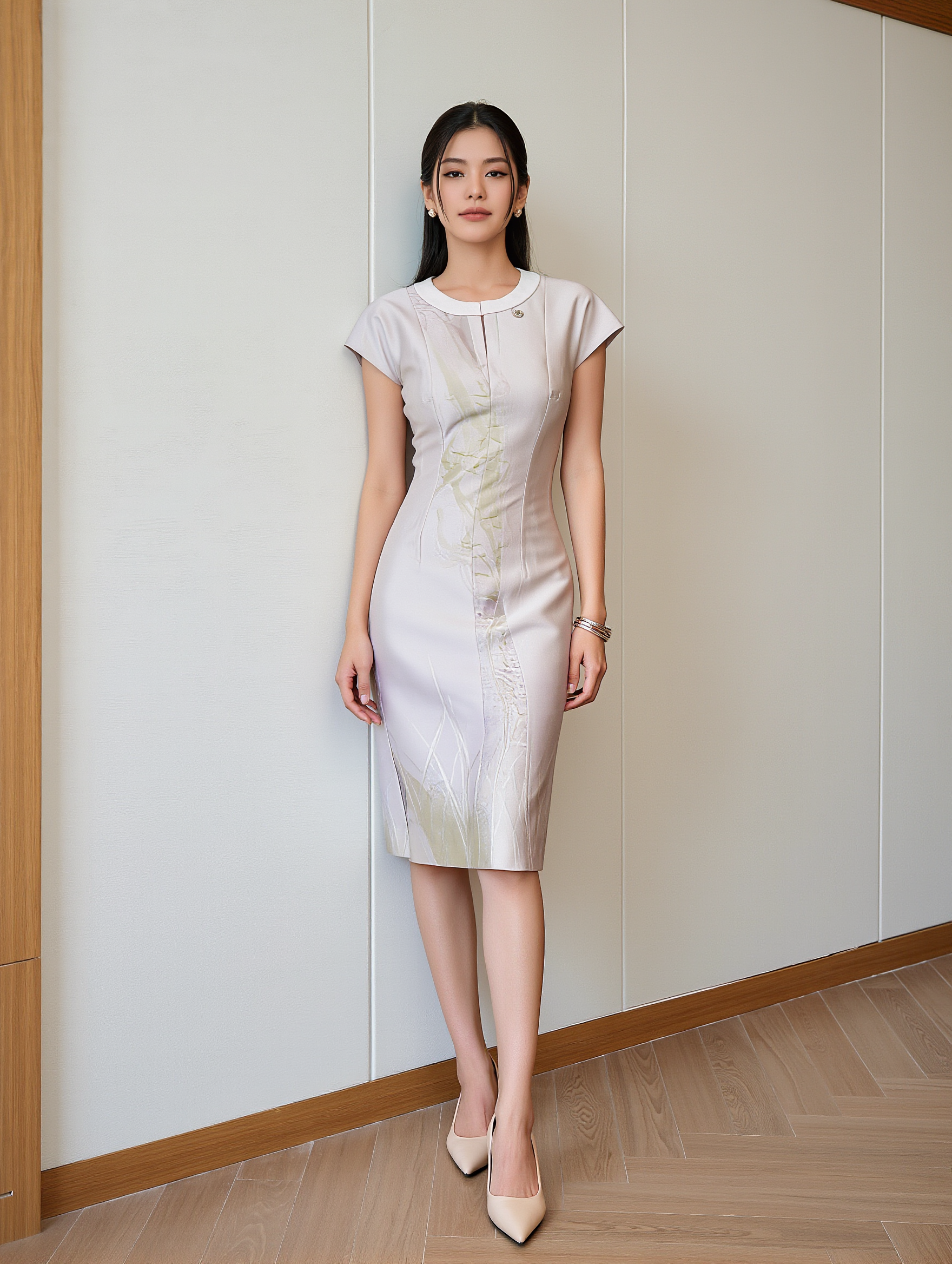
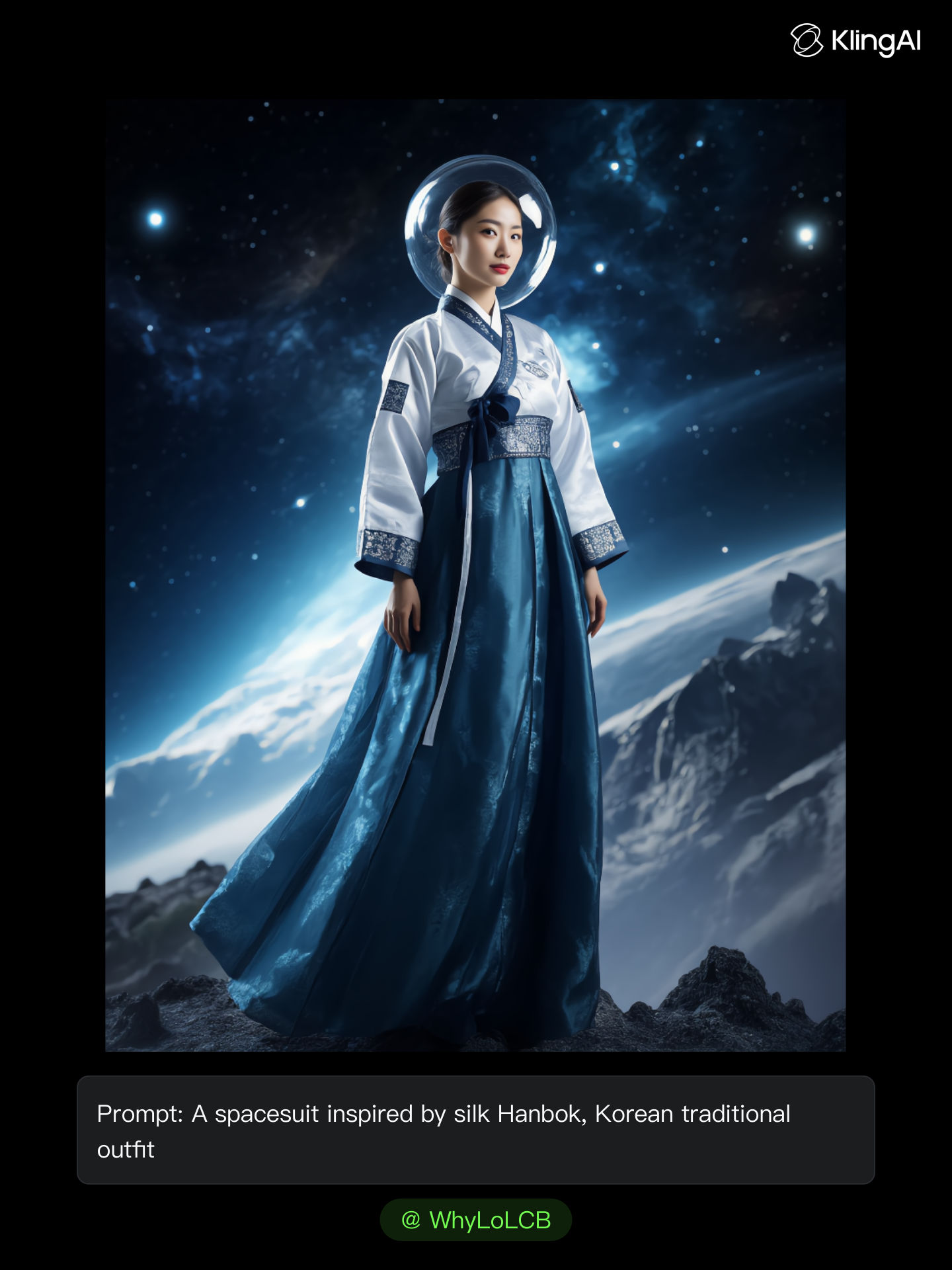
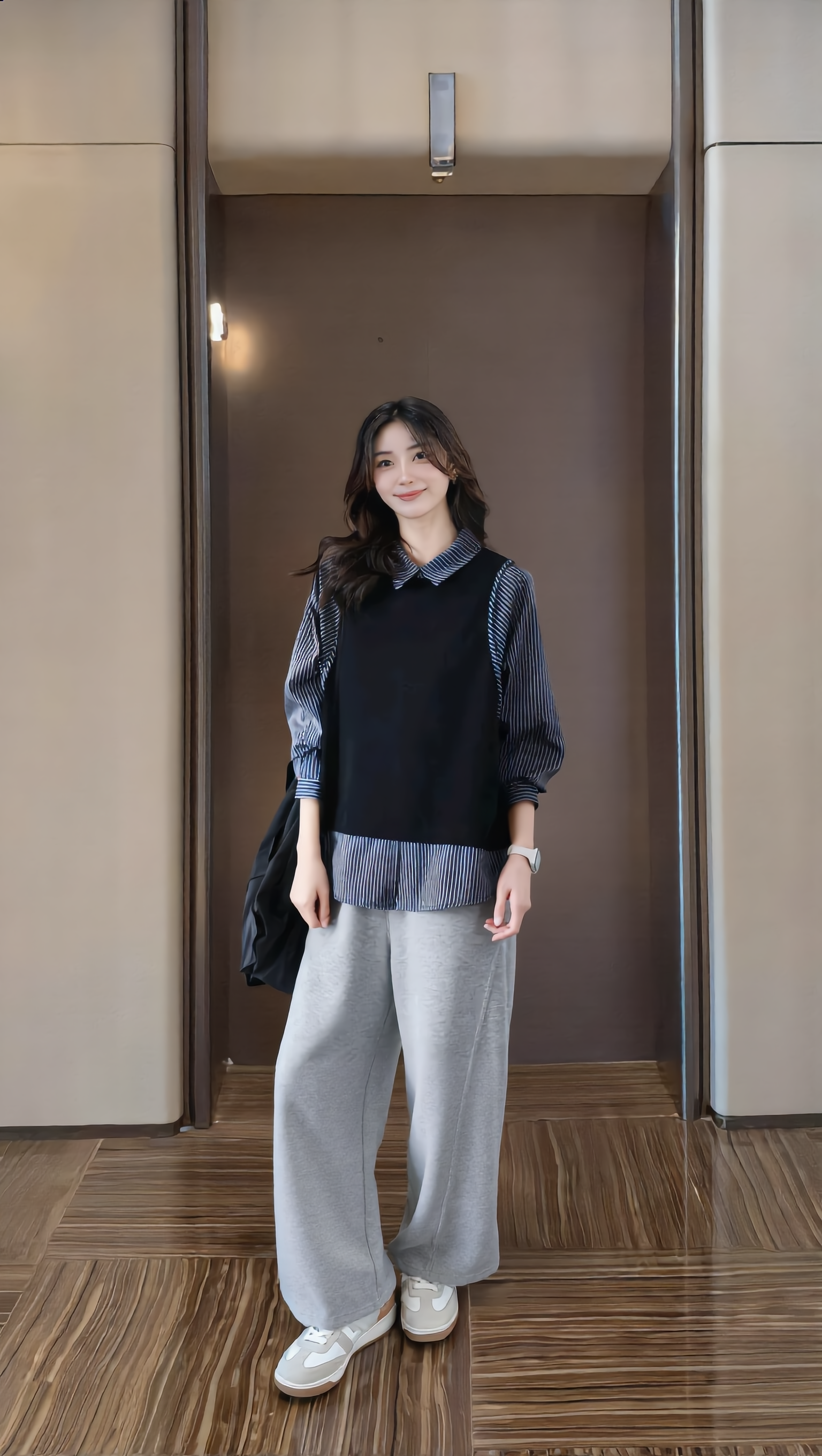
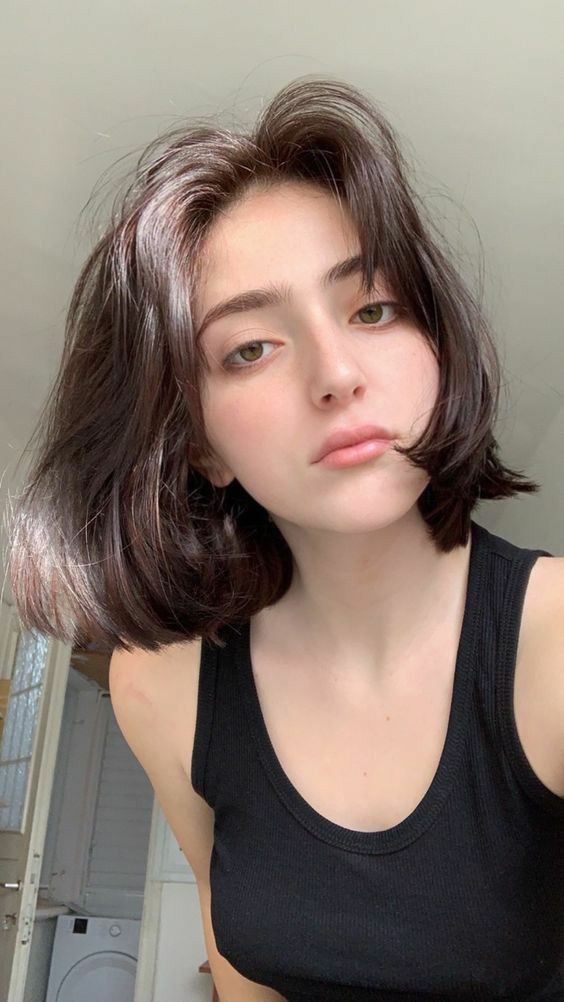
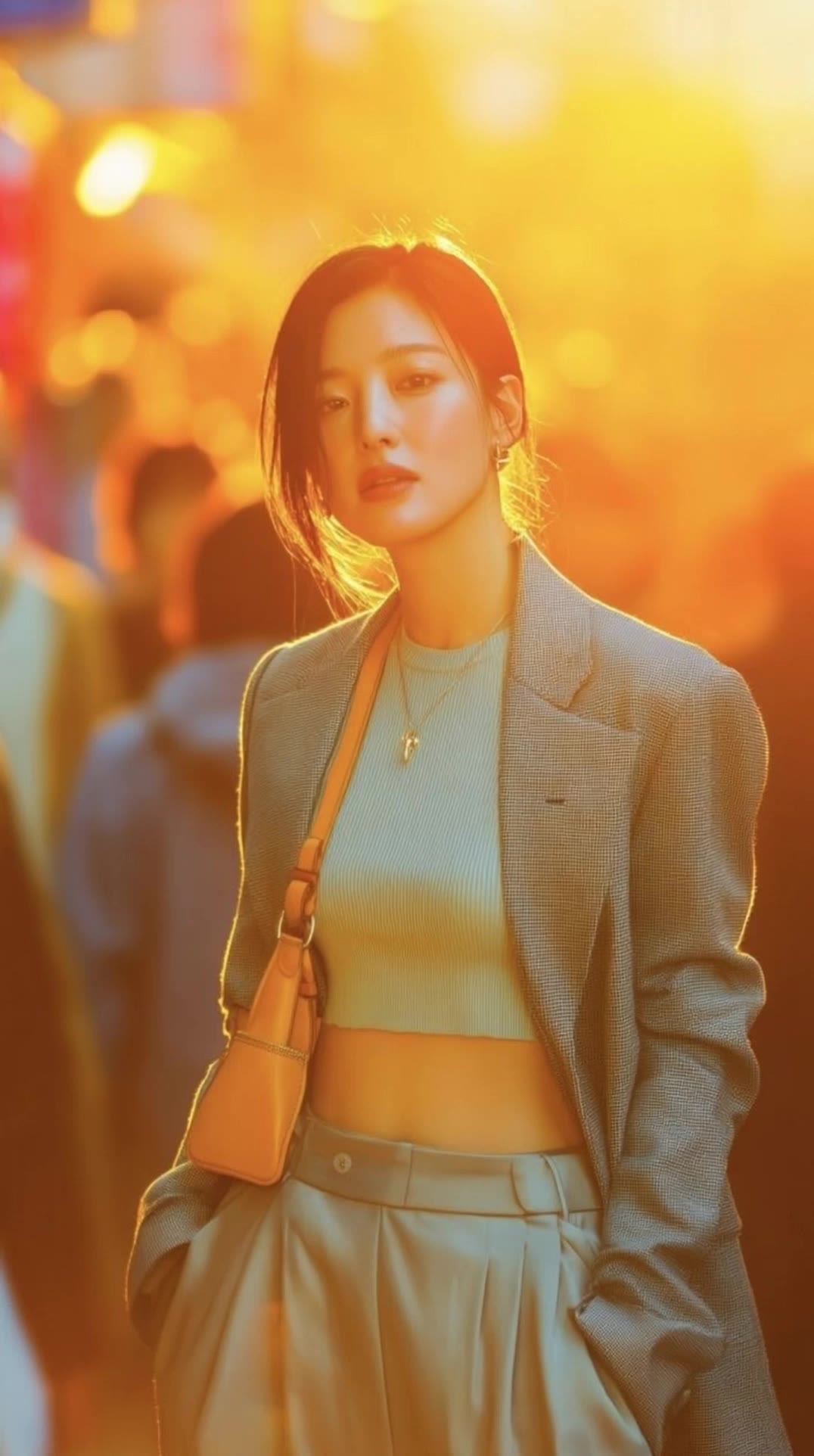
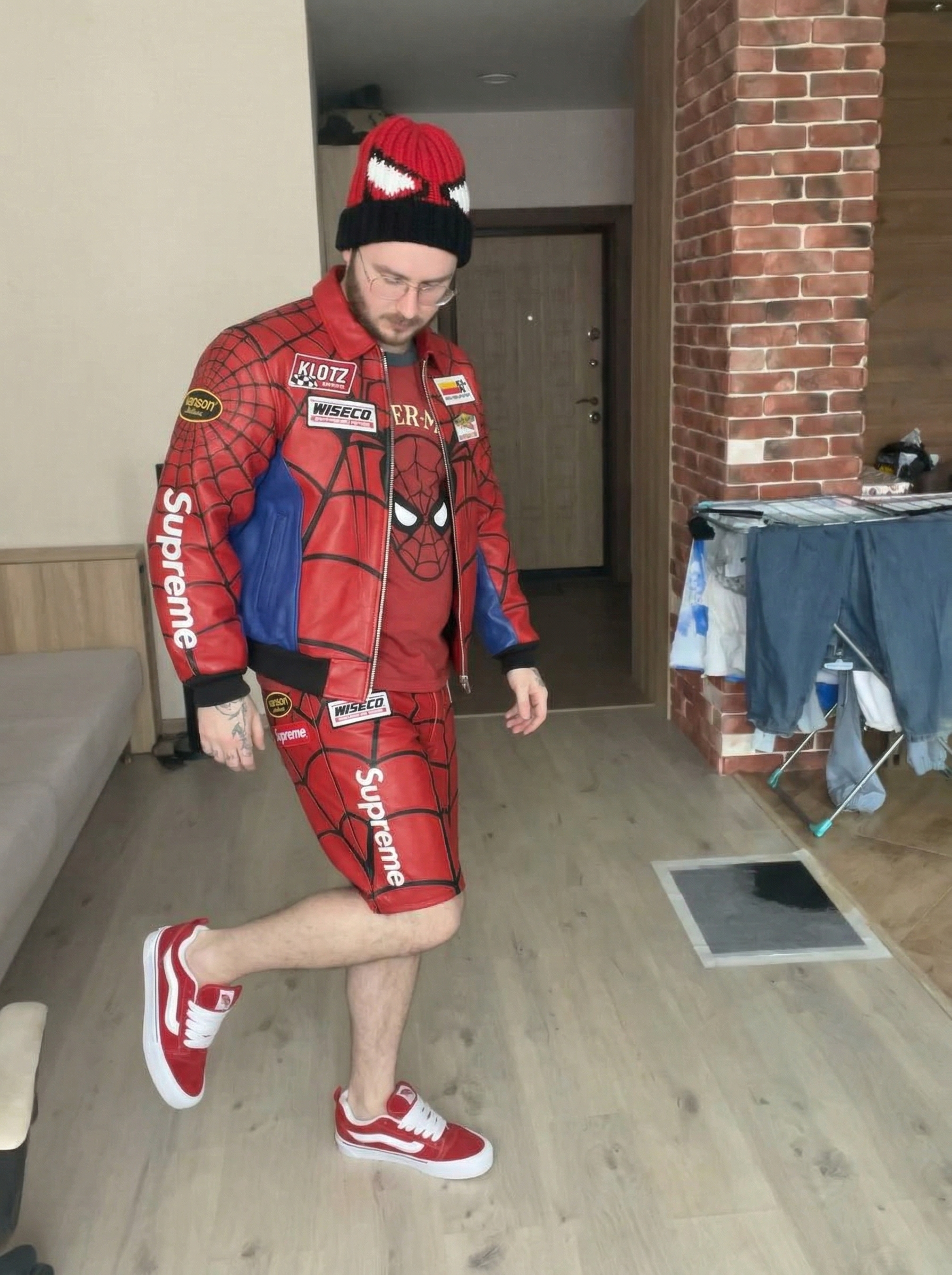
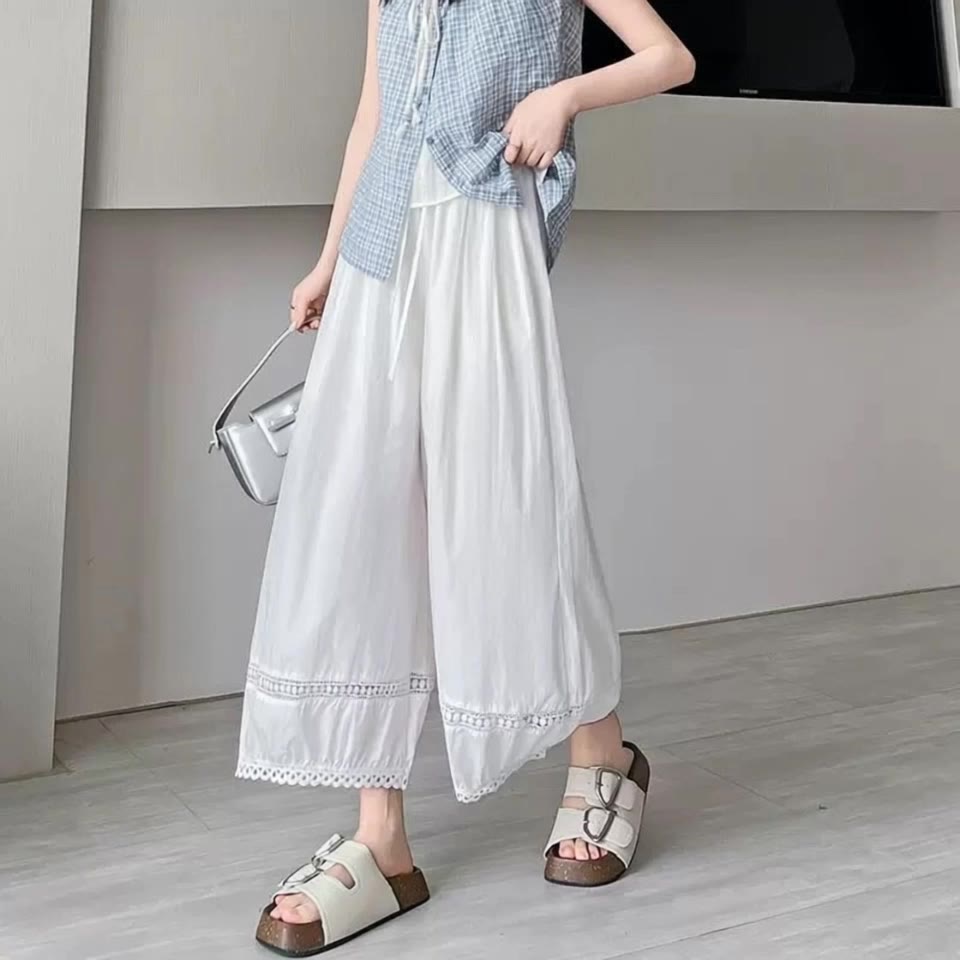
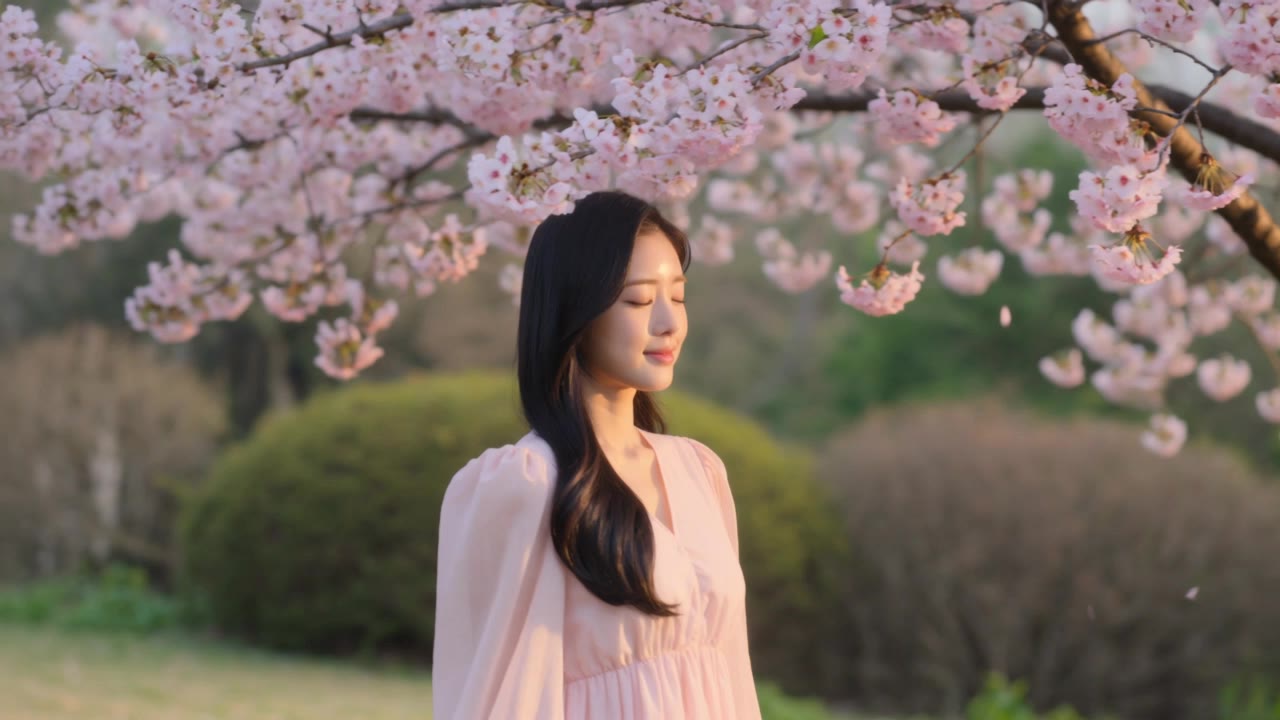
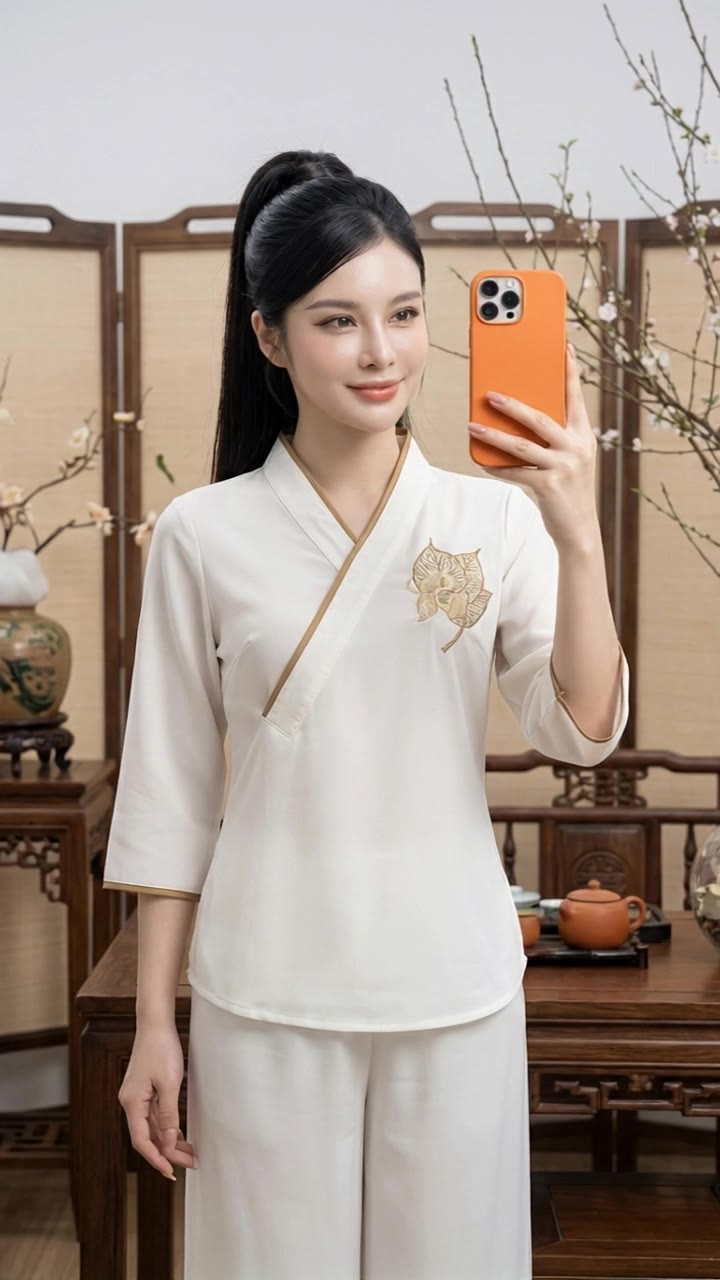
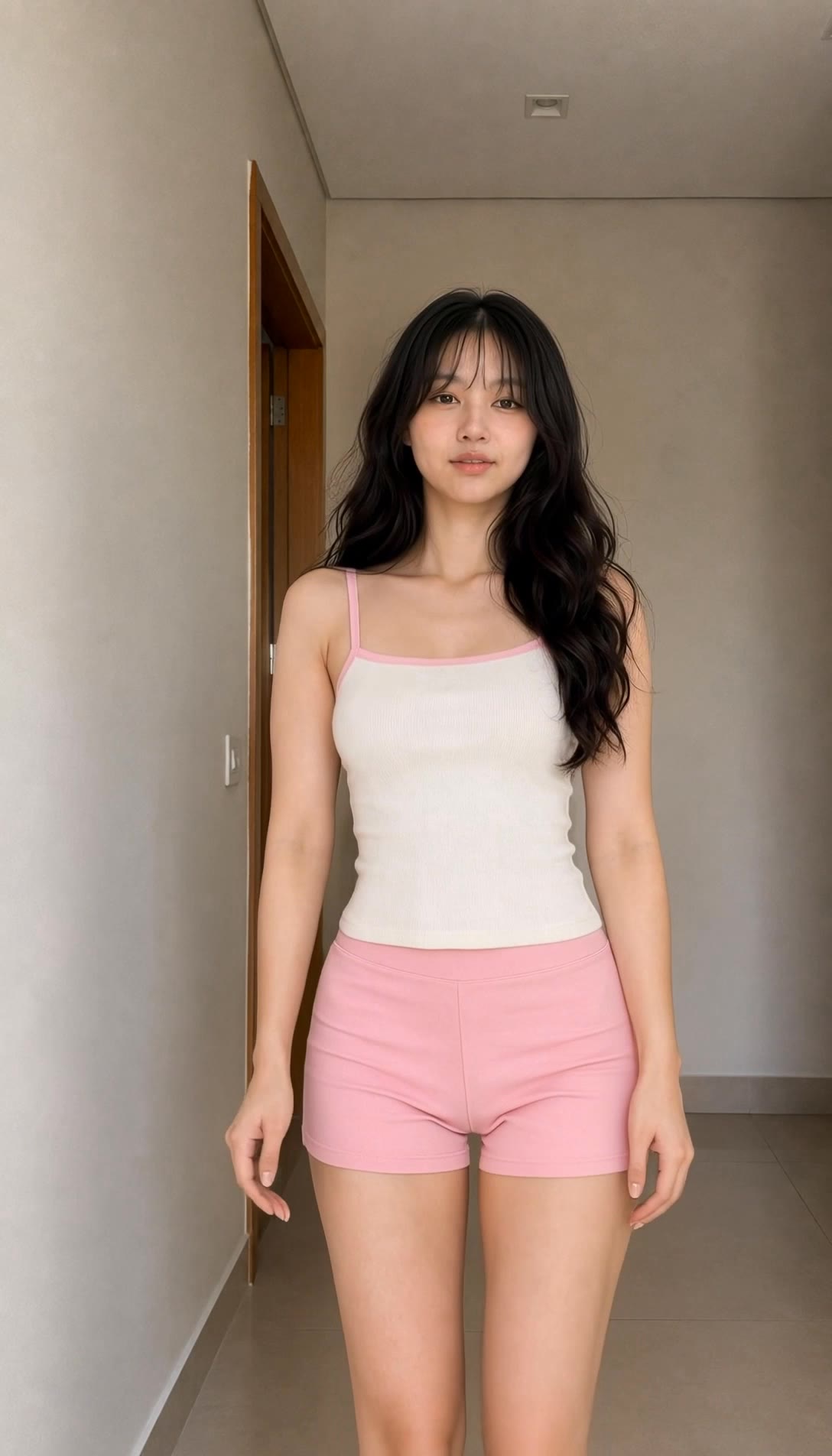
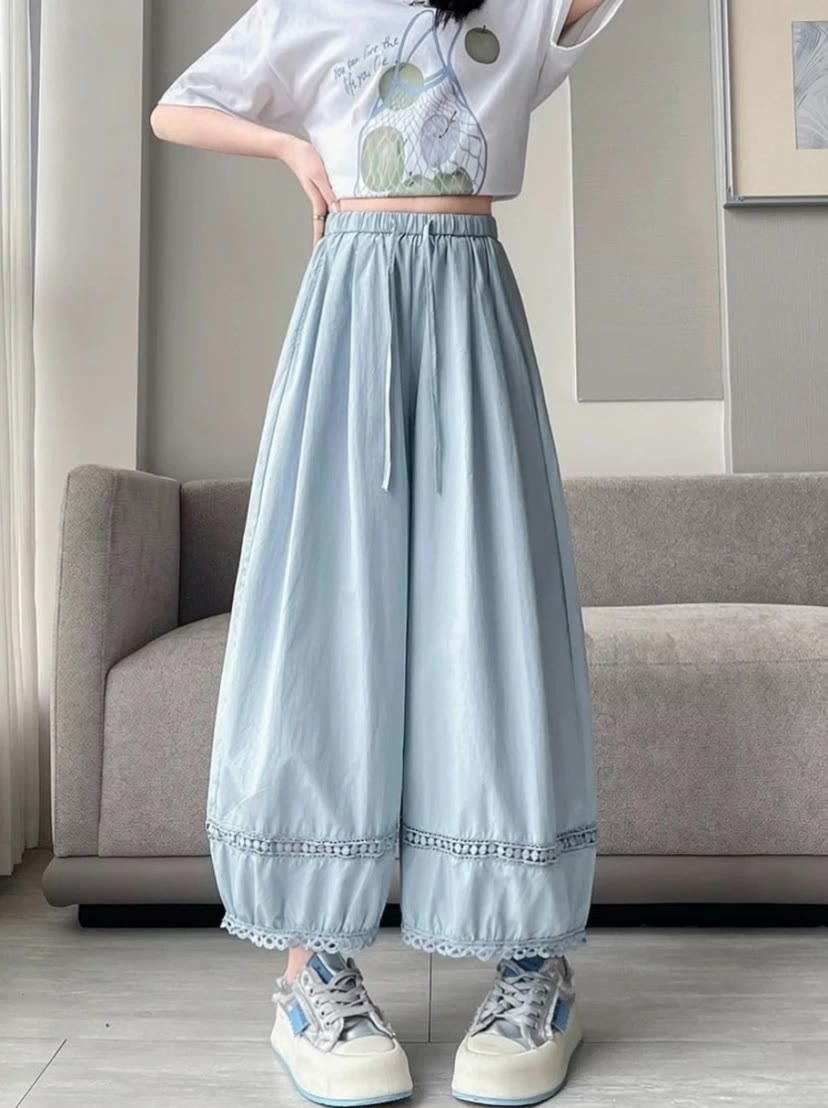
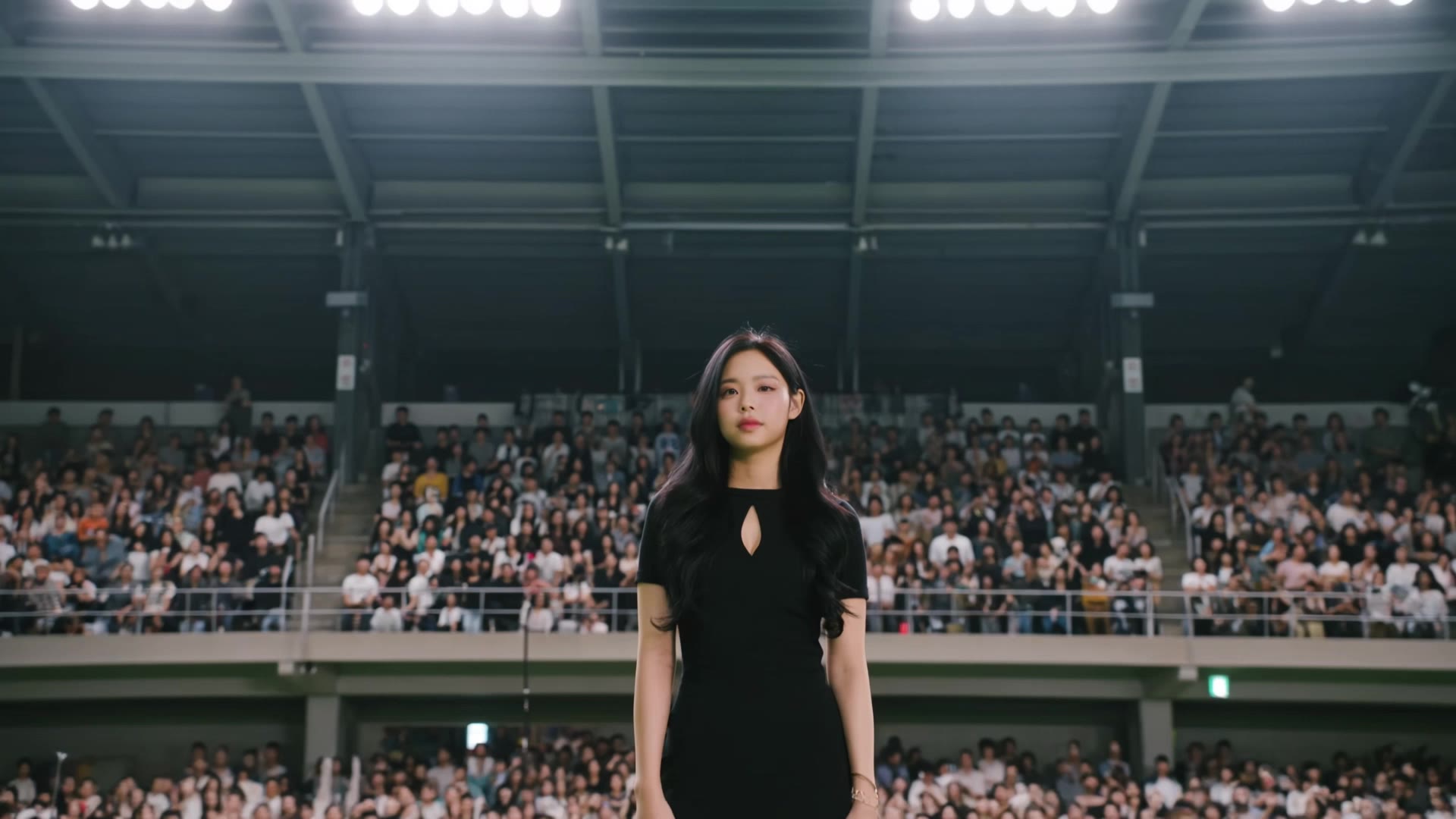
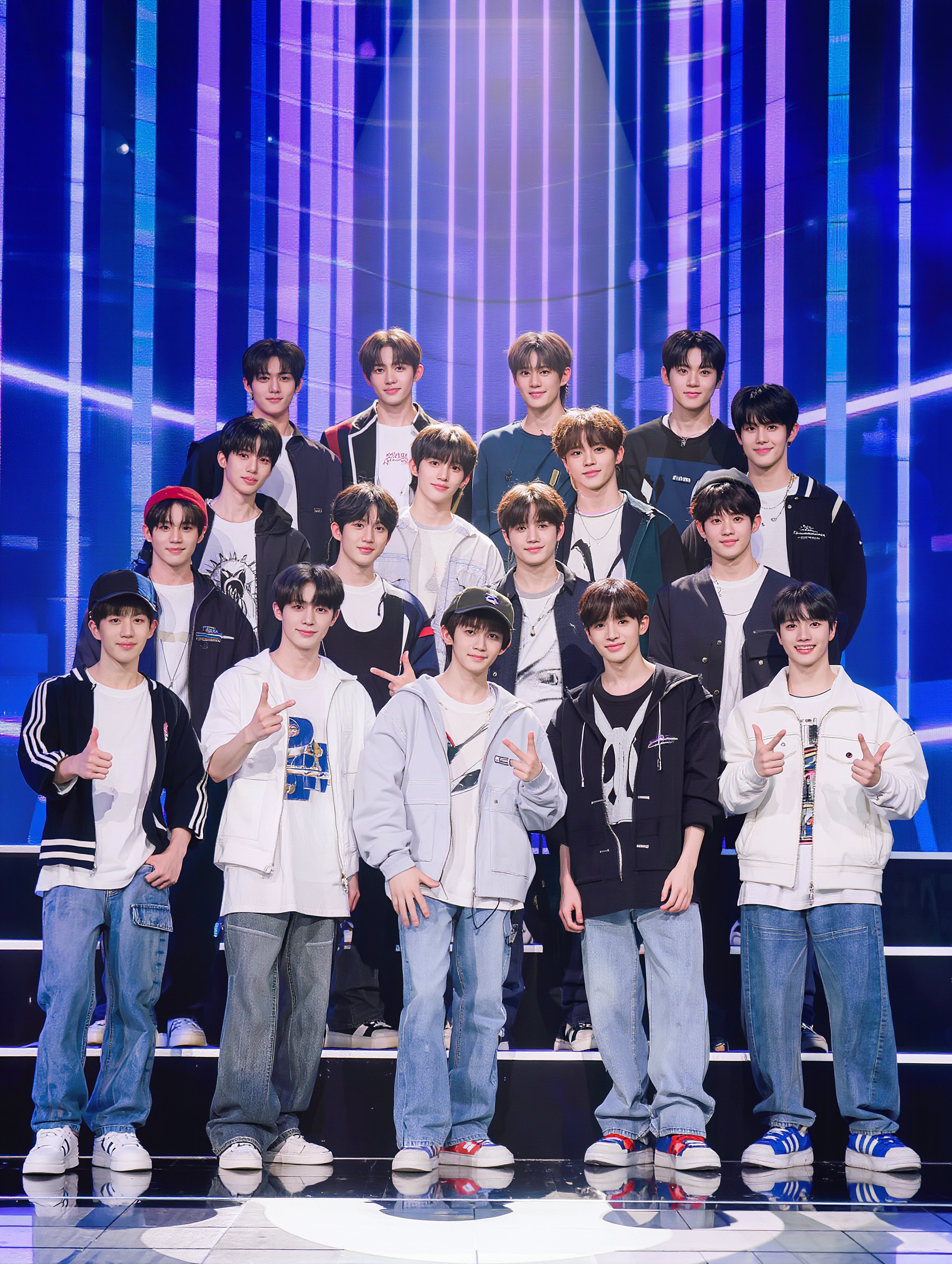
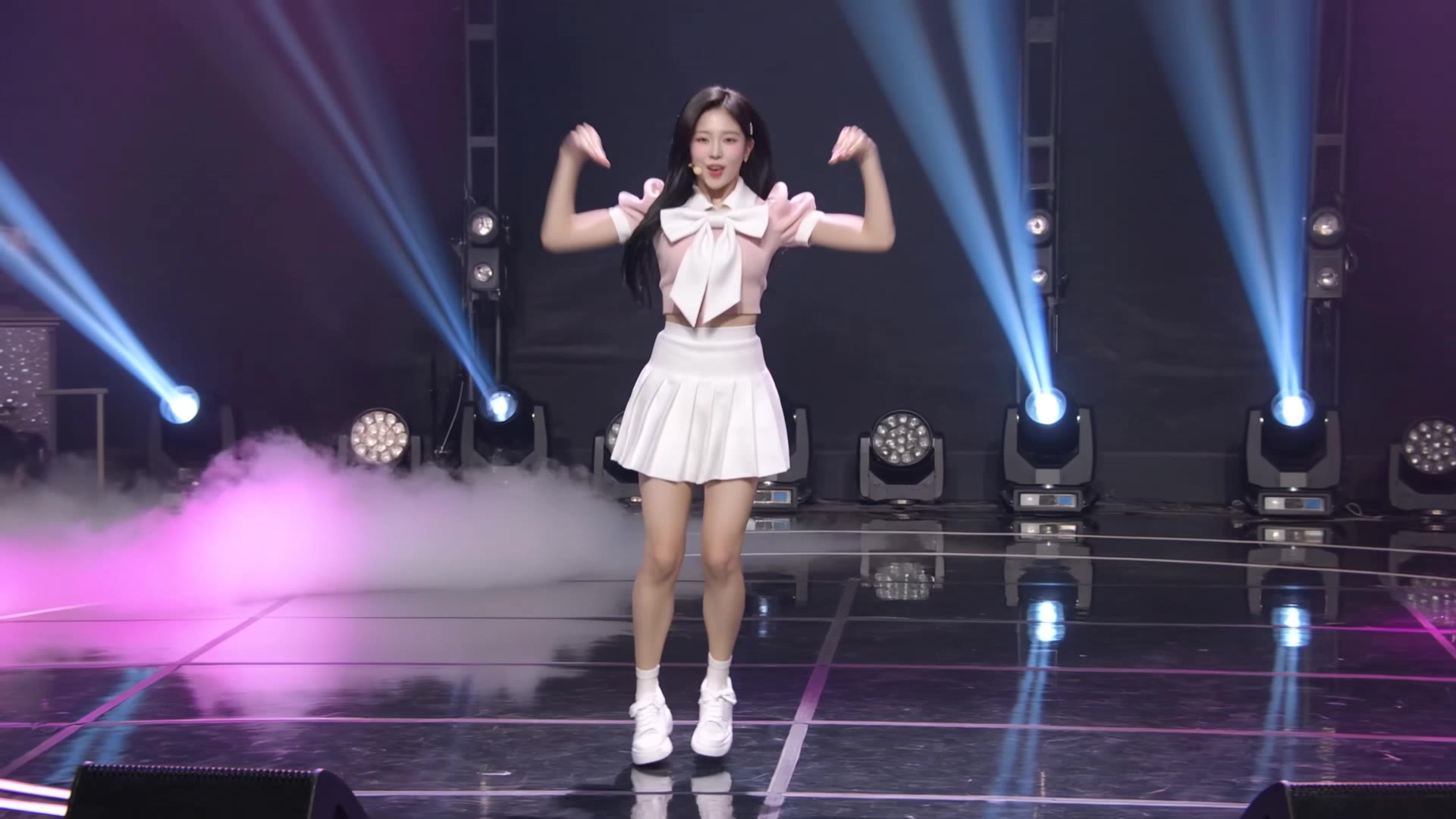
korean pop outfit - pop art fusion & bold street glam

Embrace bold textures and vibrant pop art patterns with our curated Korean pop outfit selections, inspired by sugary rebellion and modern glam. Witness stunning Kpop idols in premium fashion, igniting your style with electrifying street art fusion. Start exploring korean pop outfit ideas and generate your own content with AI.

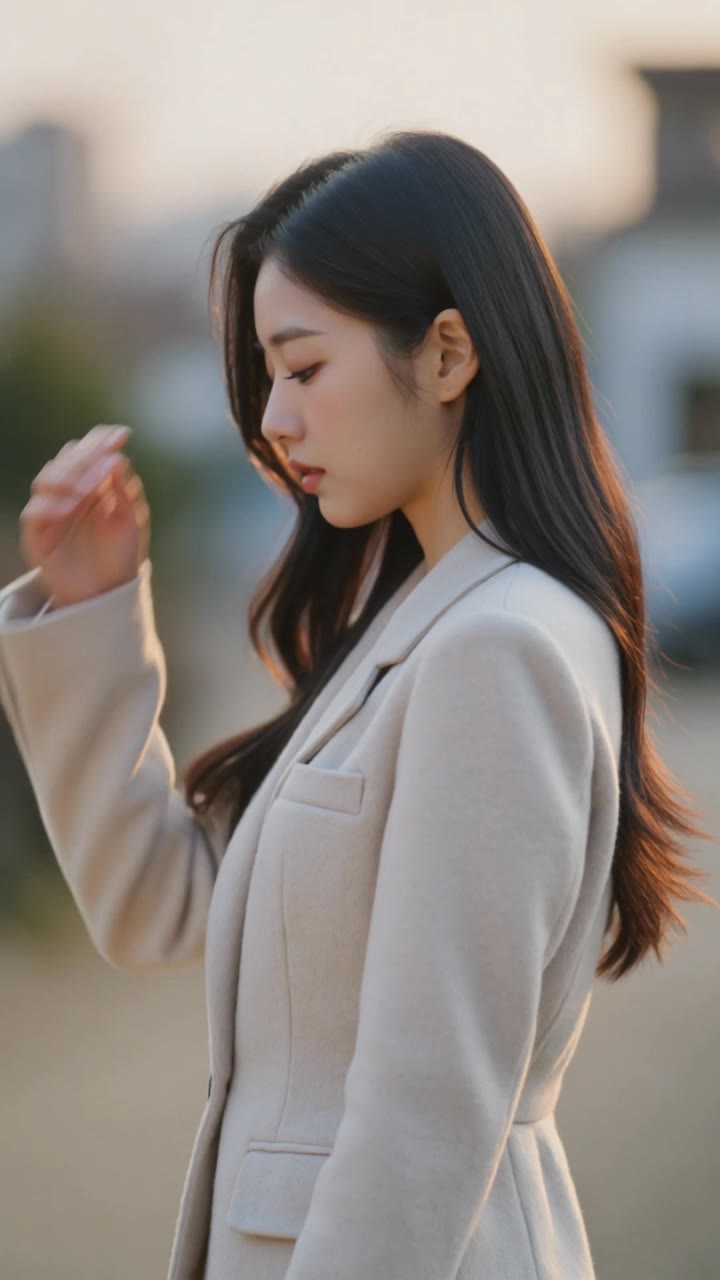
korean pop outfit - pop art fusion & bold street glam

Recommended

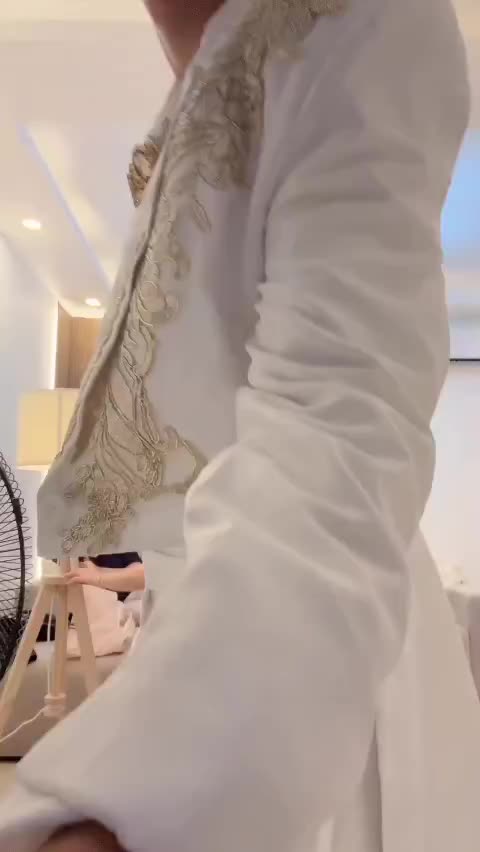
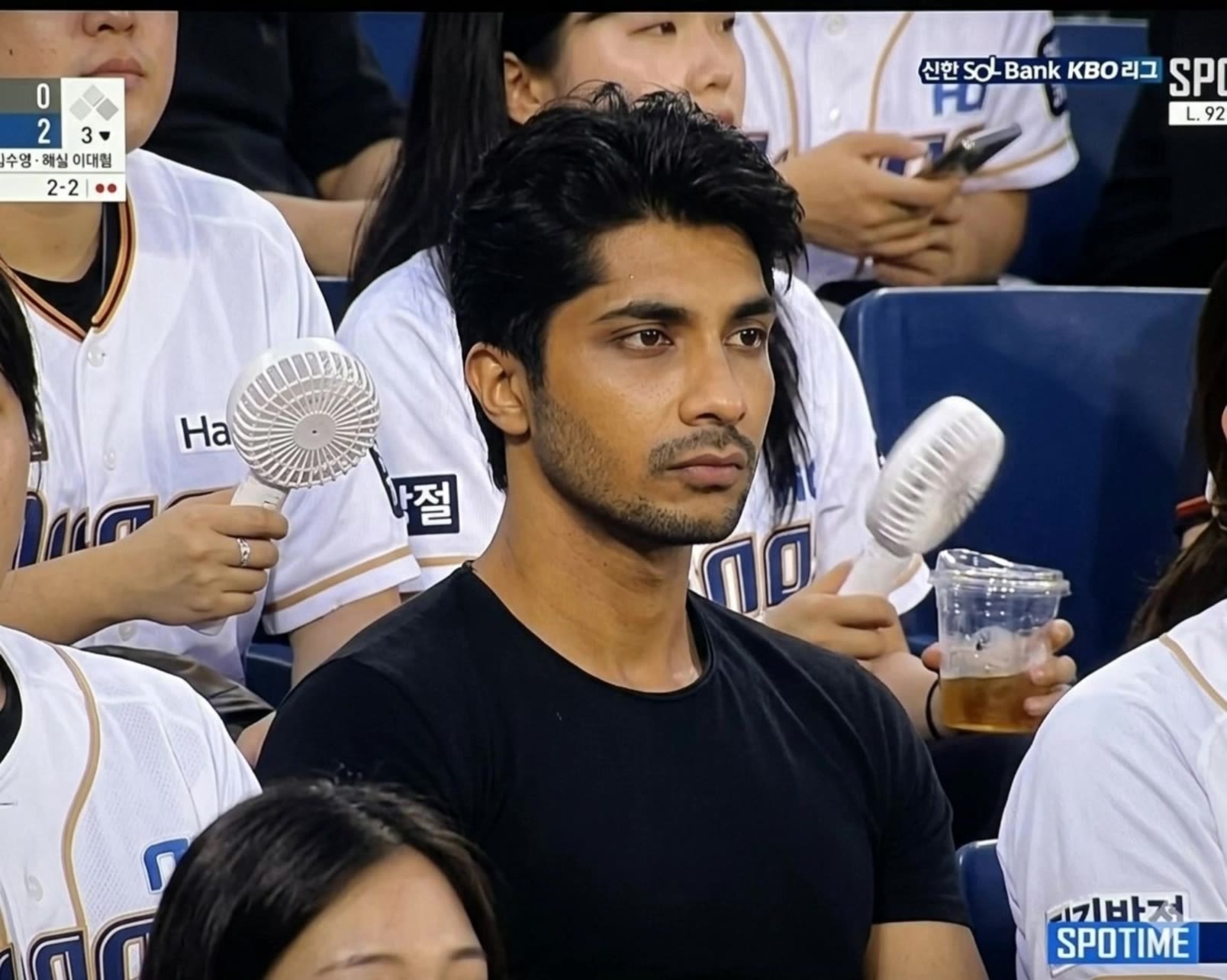
Korean Baseball⚾️ - korean pop outfit AI video
Korean Baseball
souvenir avatar
souvenir
Korean Baseball - korean pop outfit AI video
Korean Baseball
Vc929 avatar
Vc929
Korean Baseball ai⚾️ - korean pop outfit AI video
Korean Baseball
souvenir avatar
souvenir
A young Korean couple - korean pop outfit AI video
MgNPfwHF avatar
MgNPfwHF
AI Korean baseball - korean pop outfit AI video
Korean Baseball
MoussTV avatar
MoussTV
Elite Creator
Korean ai baseball⚾️ - korean pop outfit AI video
Korean Baseball
souvenir avatar
souvenir
Korean Baseball - korean pop outfit AI video
Korean Baseball
susu avatar
susu
My Korean Baseball⚾️ - korean pop outfit AI video
Korean Baseball
souvenir avatar
souvenir
Korean Baseball⚾️ - korean pop outfit AI video
Korean Baseball
souvenir avatar
souvenir
Korean Baseball - korean pop outfit AI video
Korean Baseball
souvenir avatar
souvenir
Korean Baseball 🌀SUGAR - korean pop outfit AI video
Korean Baseball
Ady Media Design avatar
Ady Media Design
Elite Creator
Korean Baseball Effect - korean pop outfit AI video
Korean Baseball
Vc929 avatar
Vc929
Hello Cute Korean Movement - korean pop outfit AI video
ARRHsCcw avatar
ARRHsCcw
Korean ai baseball⚾️ - korean pop outfit AI video
Korean Baseball
souvenir avatar
souvenir
Korean baseball - korean pop outfit AI video
Vc929 avatar
Vc929
korean baseball - korean pop outfit AI video
Lily avatar
Lily

How to Use Kling AI Image to Image

Upload Your Images

Upload Your Images

Open Image Generation, select IMAGE 3.0 Omni, and upload the image you want to transform and add reference images to carry into the result.

Set the Creative Direction

Set the Creative Direction

You can combine elements from several references, change the style, adjust the camera angle, or enable Image Series mode to create multiple connected visuals in one generation.

Generate and Create More

Generate and Create More

Select the aspect ratio, number of images, and 2K or 4K resolution, then generate and review your results. Download or share the finished image, or use it for your new AI video.

Edit the Parts That Matter

Change Subjects, Backgrounds, and Style

Change Subjects, Backgrounds, and Style

Keep what works and change what does not. Replace a character or product, update an outfit, remove a distraction, or move the action into a different setting. You can also change the weather, lighting, time of day, or overall look. With Kling VIDEO 3.0 Omni, you can start with a prompt and add a reference image when a face, product, or branded detail needs a closer match.

Reframe the Shot

Reframe the Shot

Keep the original action, then change how the moment is framed. Move in for a close-up, open to a wider view, shift the angle, or rebalance the composition around the subject. The source footage keeps the motion and scene context in place while your prompt sets the new framing.

Extend the Video

Extend the Video

Continue a clip beyond its current ending without building the next scene from scratch. Kling carries the subject, motion, and setting into the new footage; add a prompt when you want to steer what happens next. Use Video Extension when a clip ends too soon, an action needs more time, or the next beat is still missing.

Apps

Image to Video
Image to Video

Image to Video

Text to Video
Text to Video

Text to Video

Omni
Omni

Omni

Digital Human
Digital Human

Digital Human

Restyle
Restyle

Restyle

Text to Image
Text to Image

Text to Image

60M+
60M+
Users
600M+
600M+
AI Videos Generated
4.7 ★
4.7 ★
App Store
Industry-Leading
Industry-Leading
Cinematic 4K

Reviews

Huang Lu (Elson)

Huang Lu (Elson)

★★★★★

I’ve been using Kling AI since its initial release, and it’s remained one of the leading AI media generators ever since. With Kling AI, I’ve created hundreds of videos, collectively amassing millions of views.

Samuele Poggi (@visualsk2)

Samuele Poggi (@visualsk2)

★★★★★

I use Kling AI daily to push the limits of AI filmmaking. It allows me to create highly cinematic content, blending AI and VFX to develop innovative projects. It has significantly impacted my creative process, enabling me to achieve complex animations that would otherwise require high production budgets.

James Phillips

James Phillips

★★★★★

Kling AI has transformed my workflow by collapsing timelines and democratizing production. It’s shifted my mindset from resource-dependent filmmaking to a boundless creative sandbox, where experimentation yields unexpected beauty.

FAQ

Q1Can I use these generated videos for my e-commerce store or social media ads?
Q2Can I make the character in my image speak?
Q3Is this image to video AI free to use?

Start Controlling Character Motion

Stop accepting distorted AI movements. Upload your reference and let Kling replicate it precisely.

Works on humans, anime & 3D | High-precision motion | Zero distortion