
Creative Studio
API
Resources
Features
About Us
Download

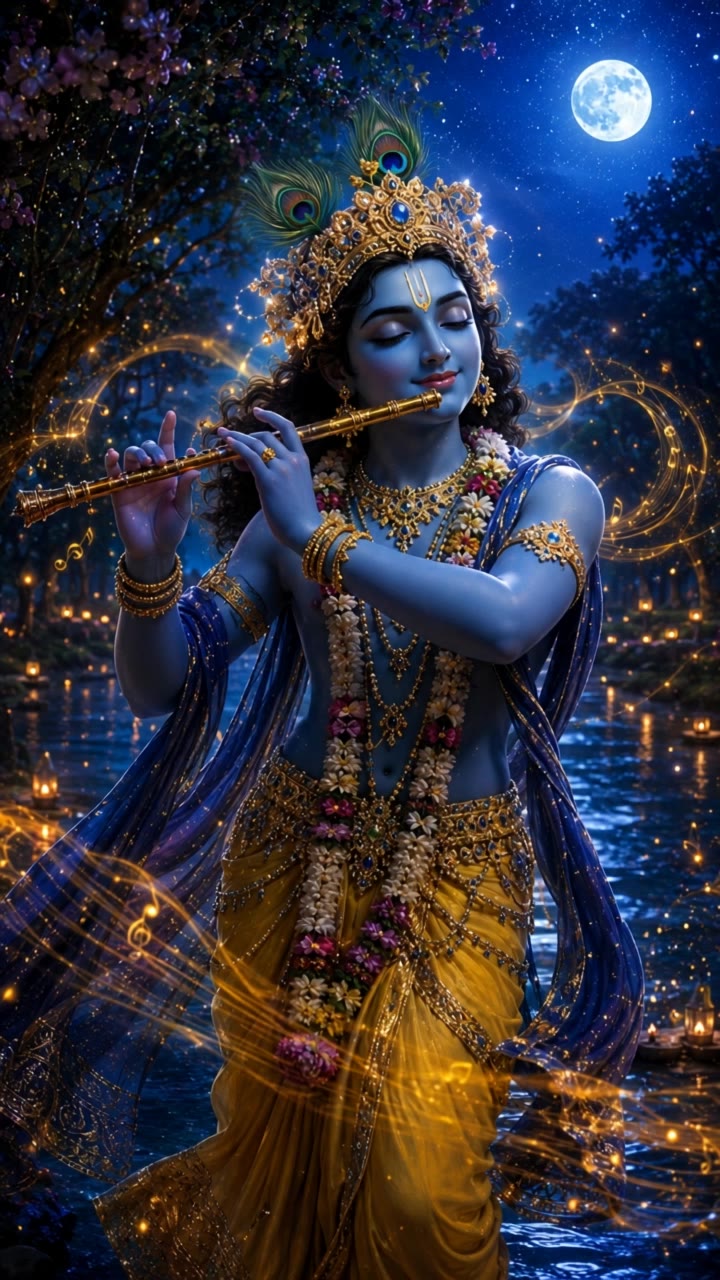
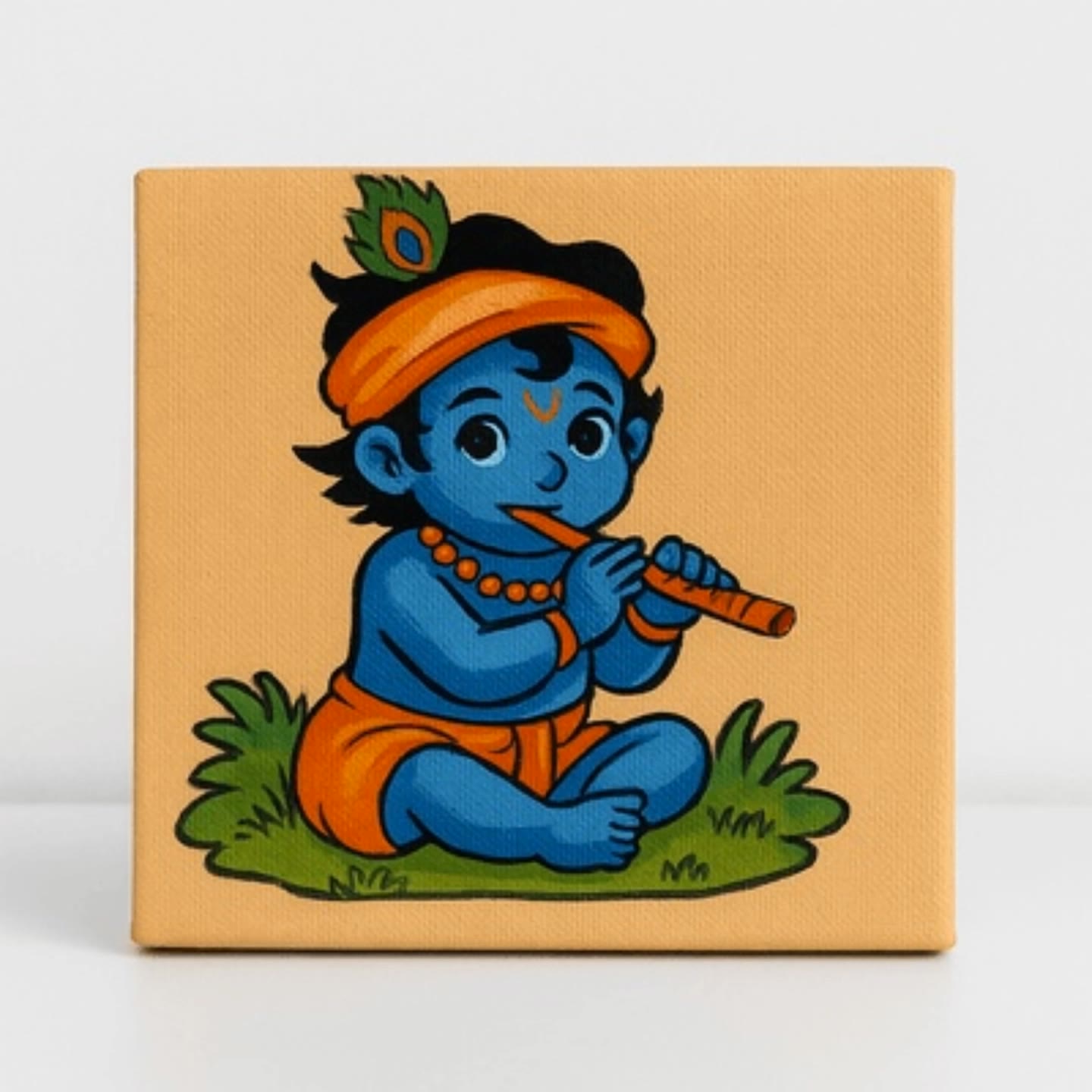
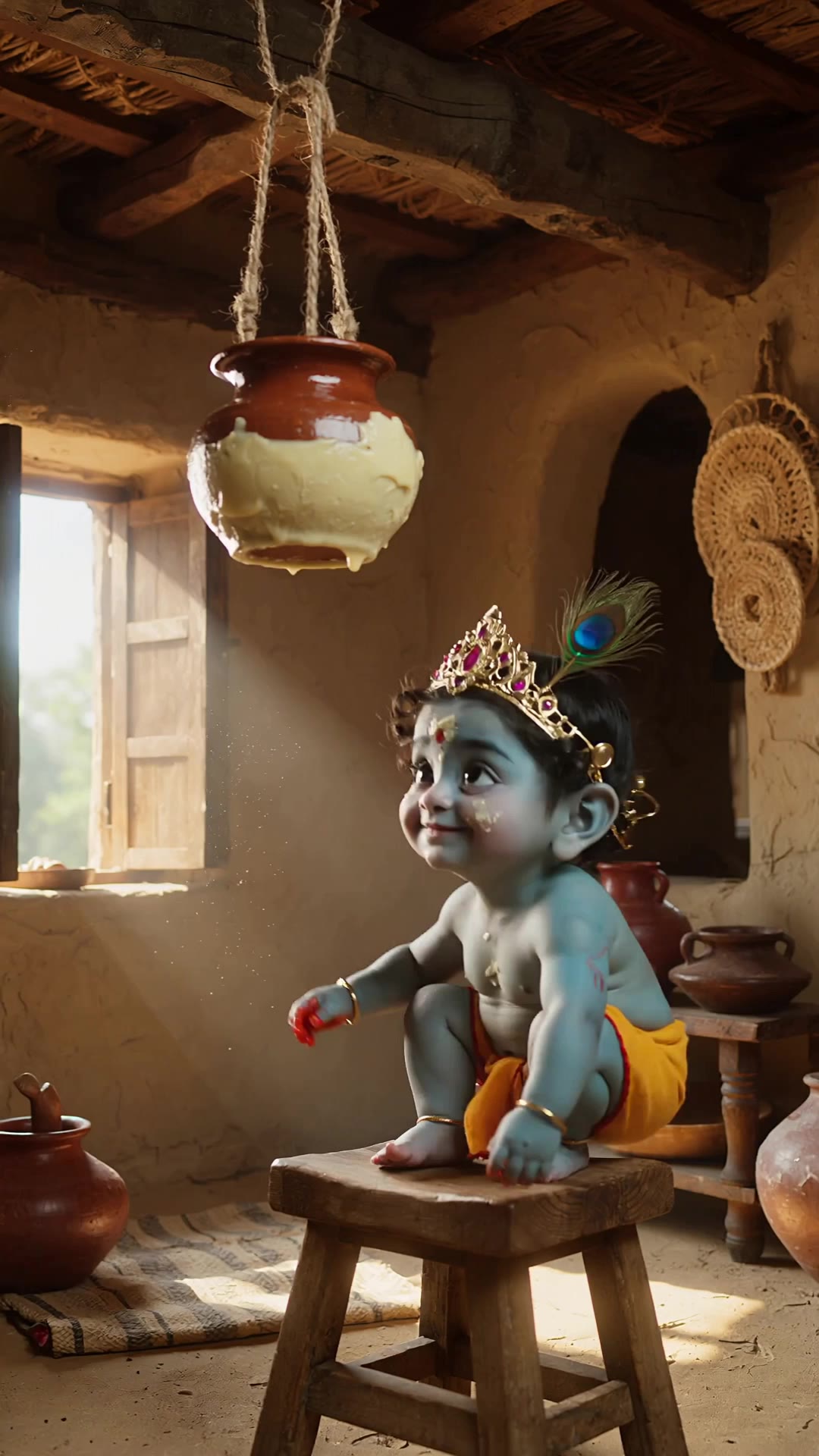
AI-generated krishna lipsync ideas – Explore spiritual concepts

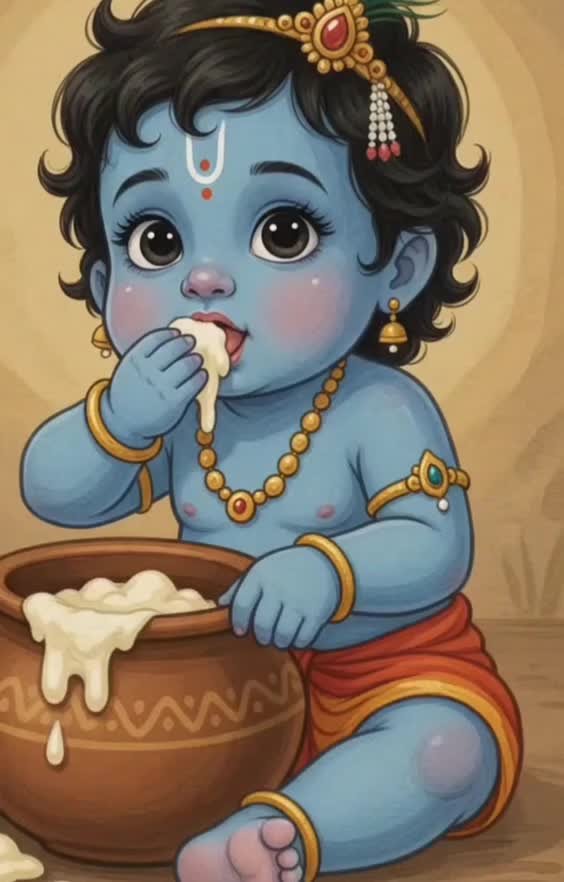
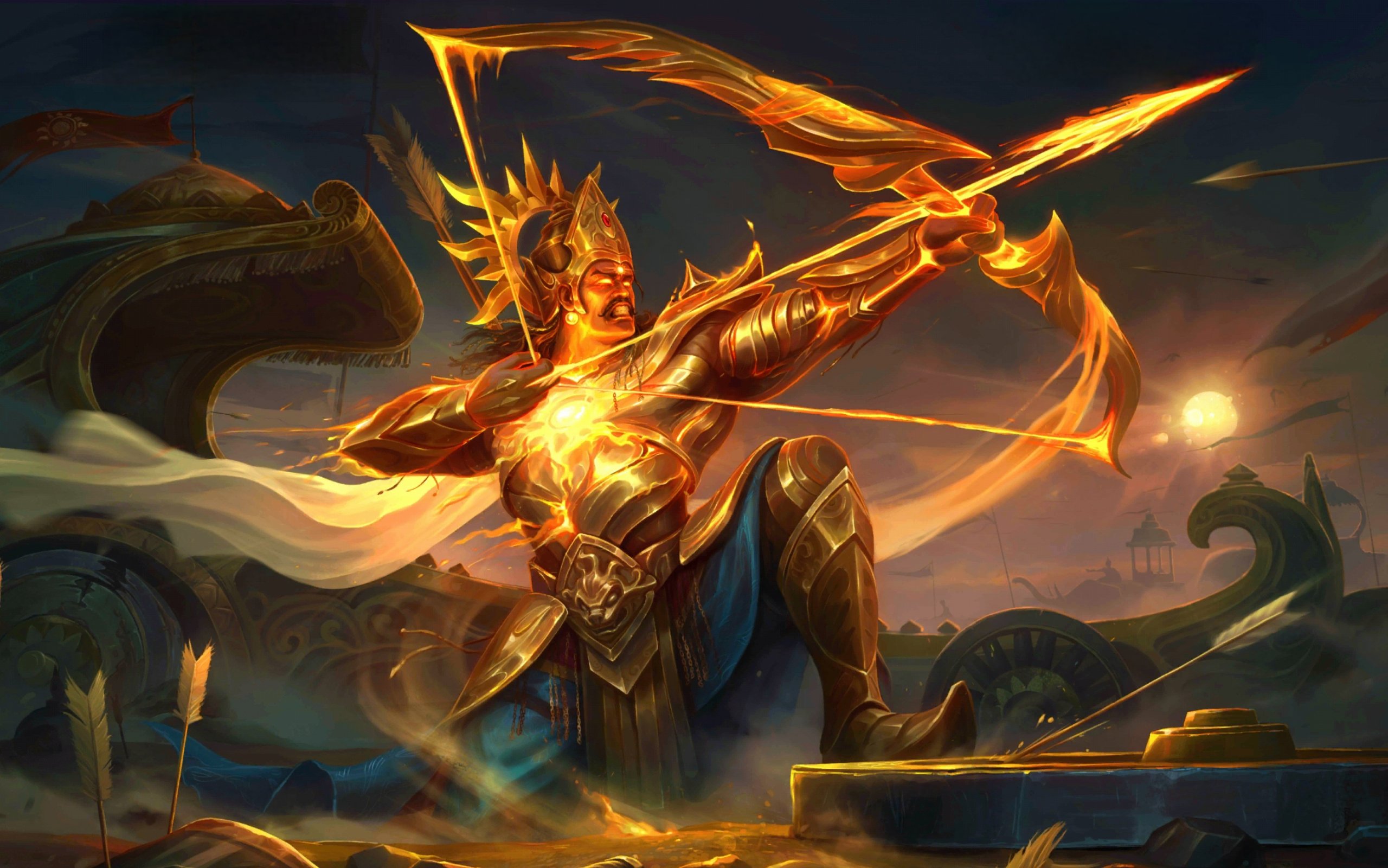
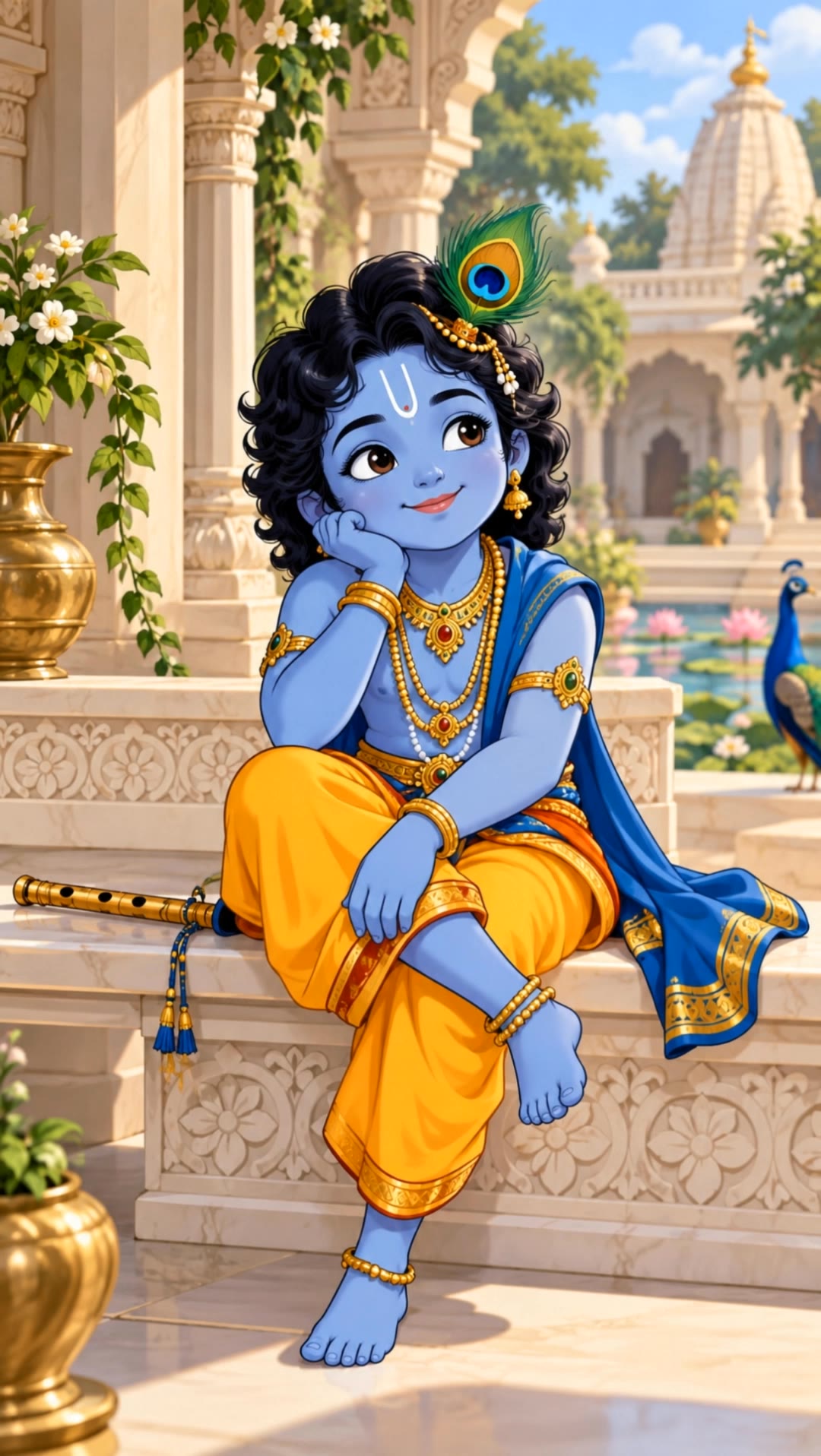
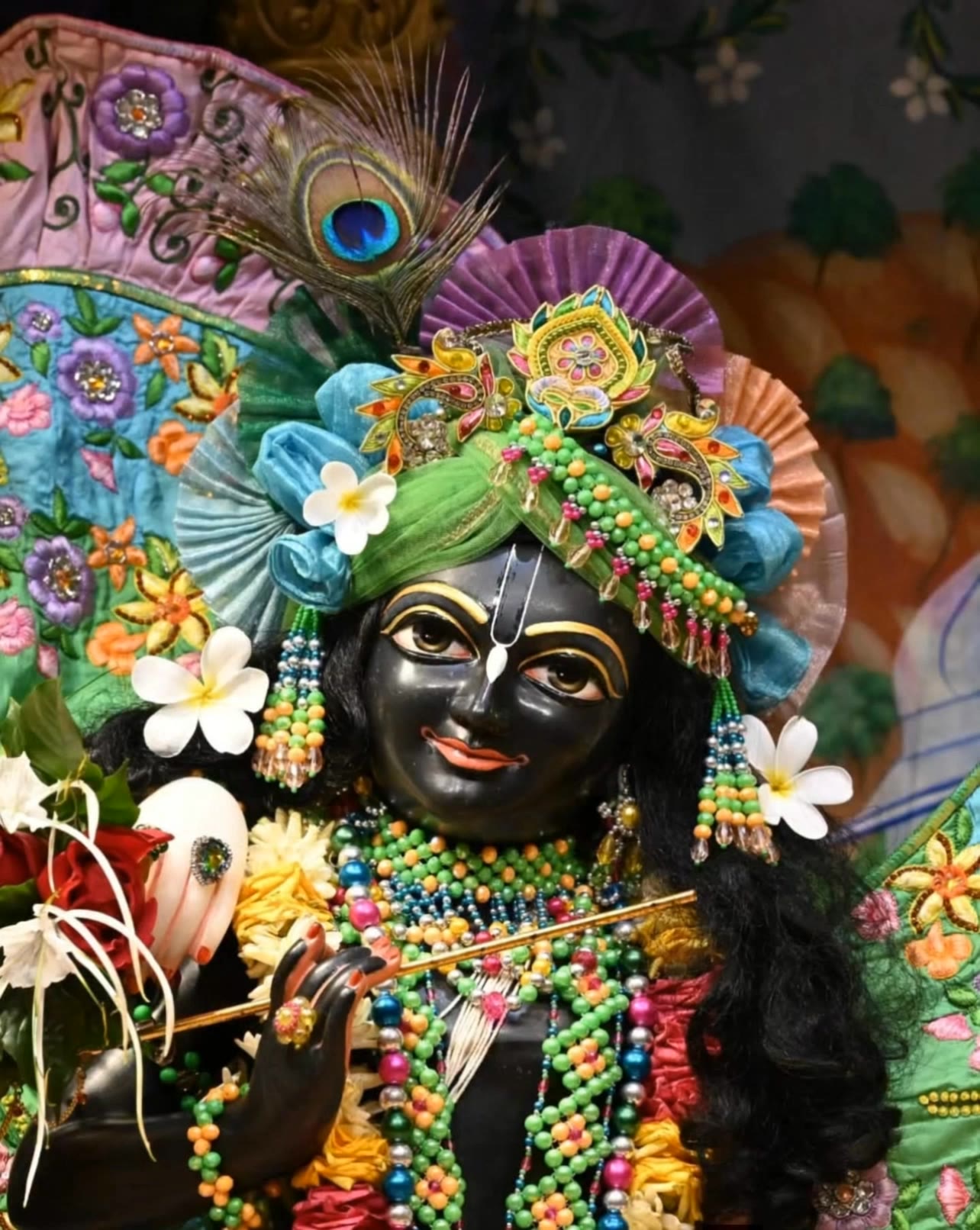
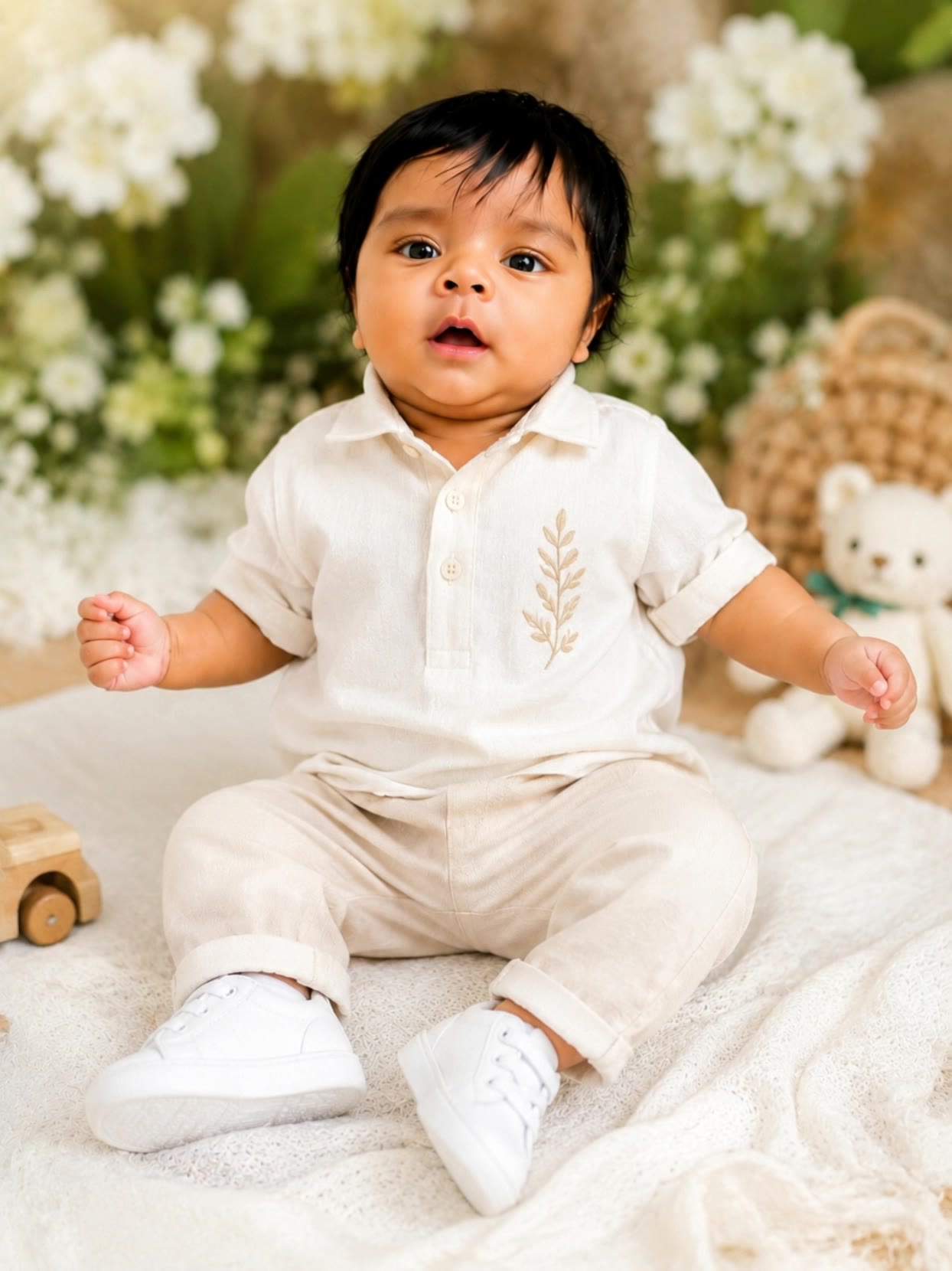
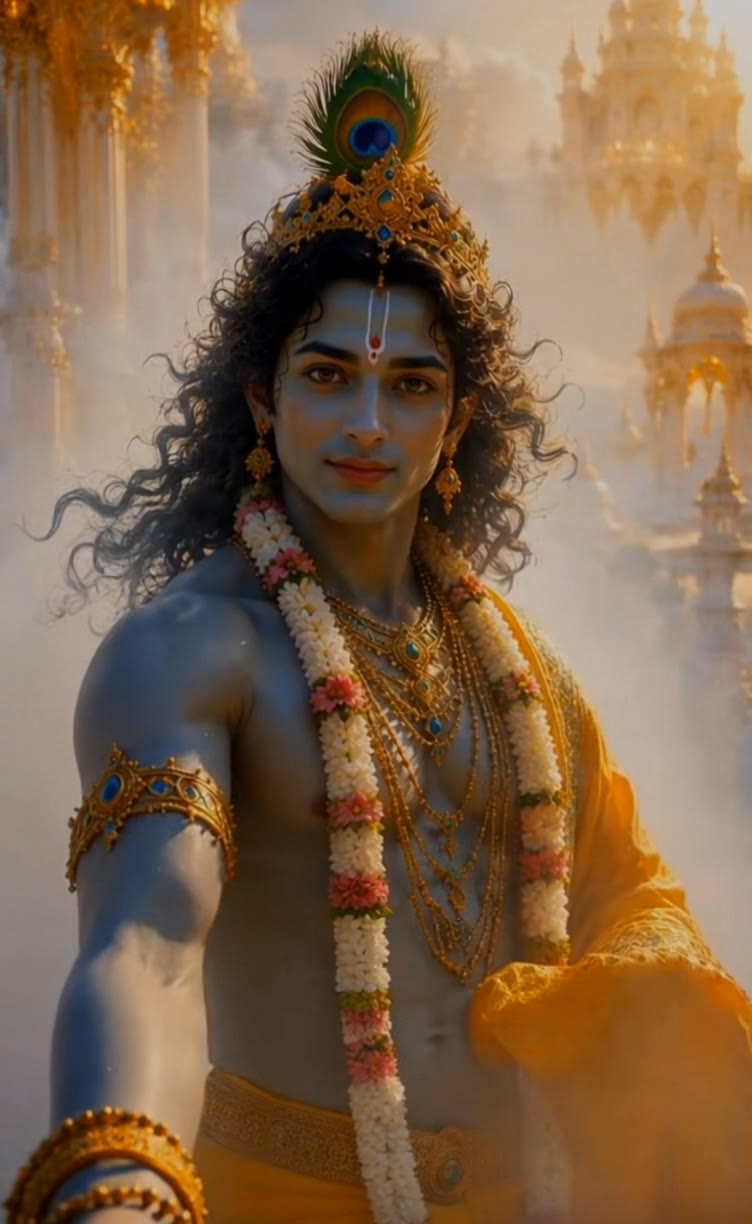
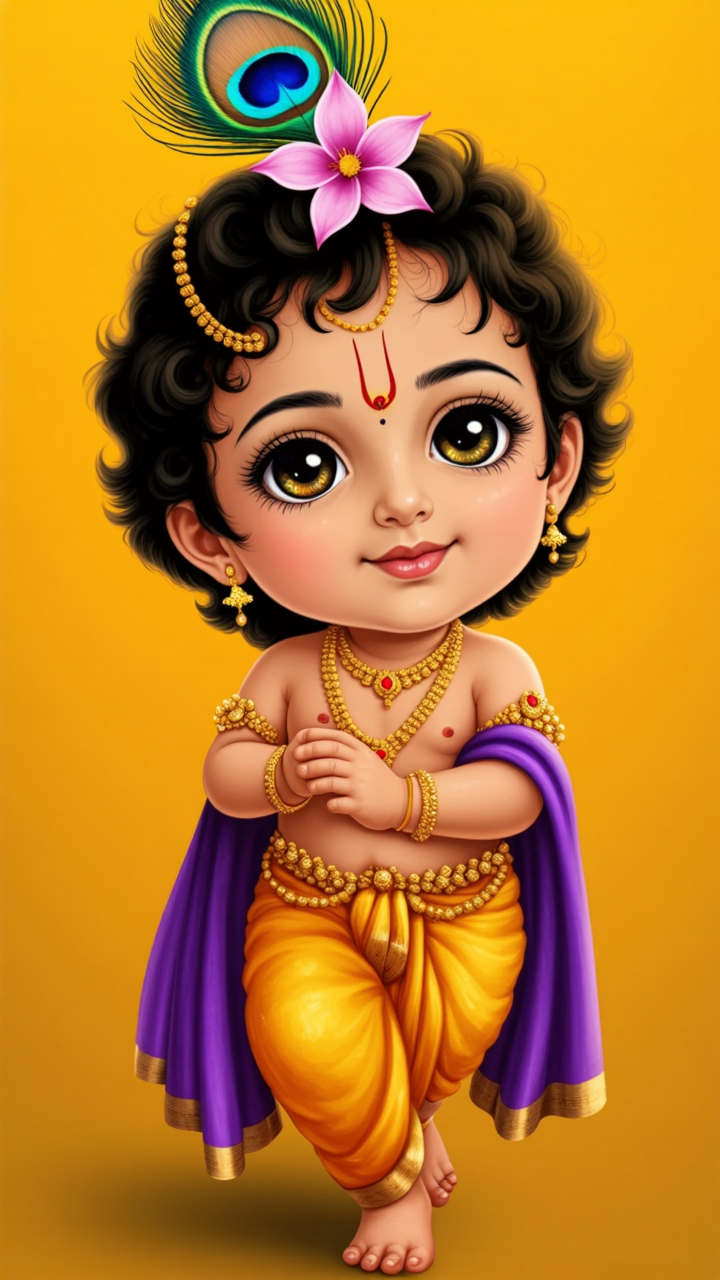
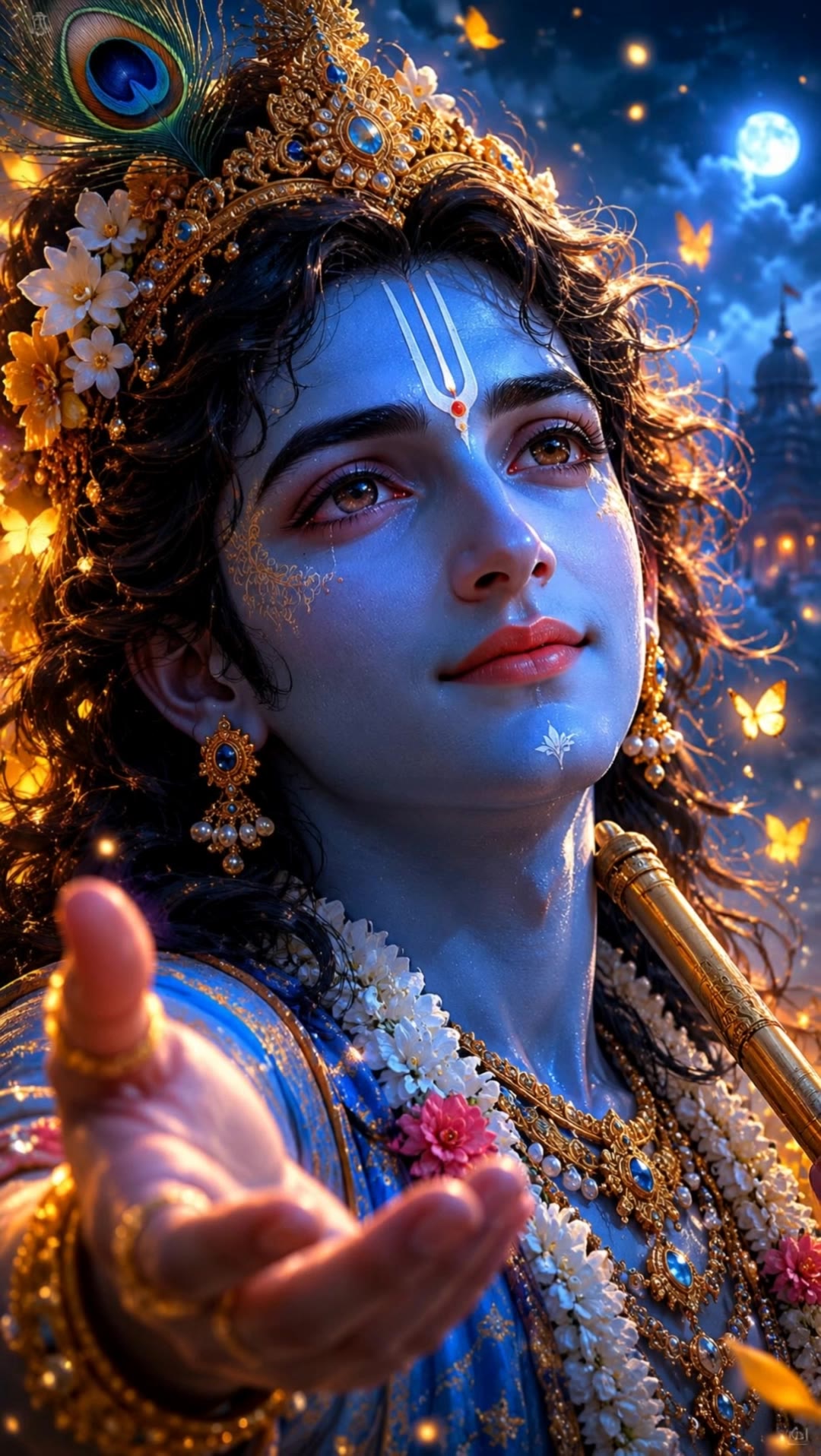
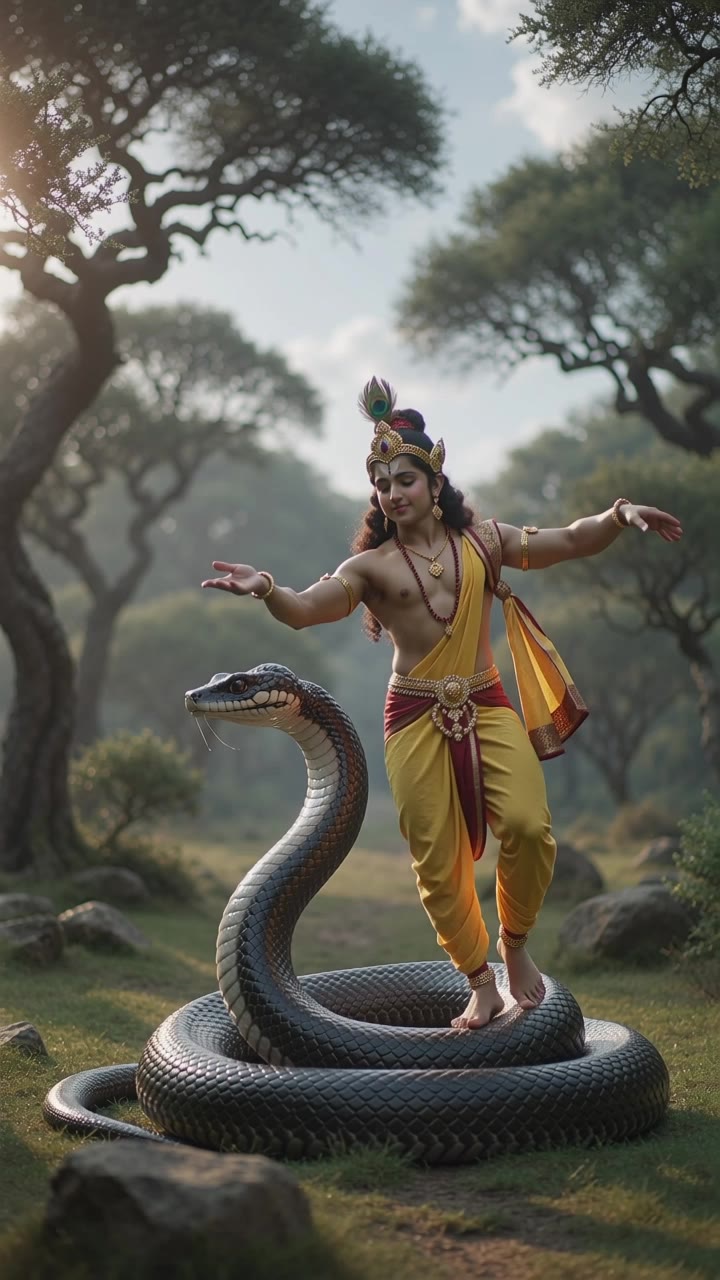
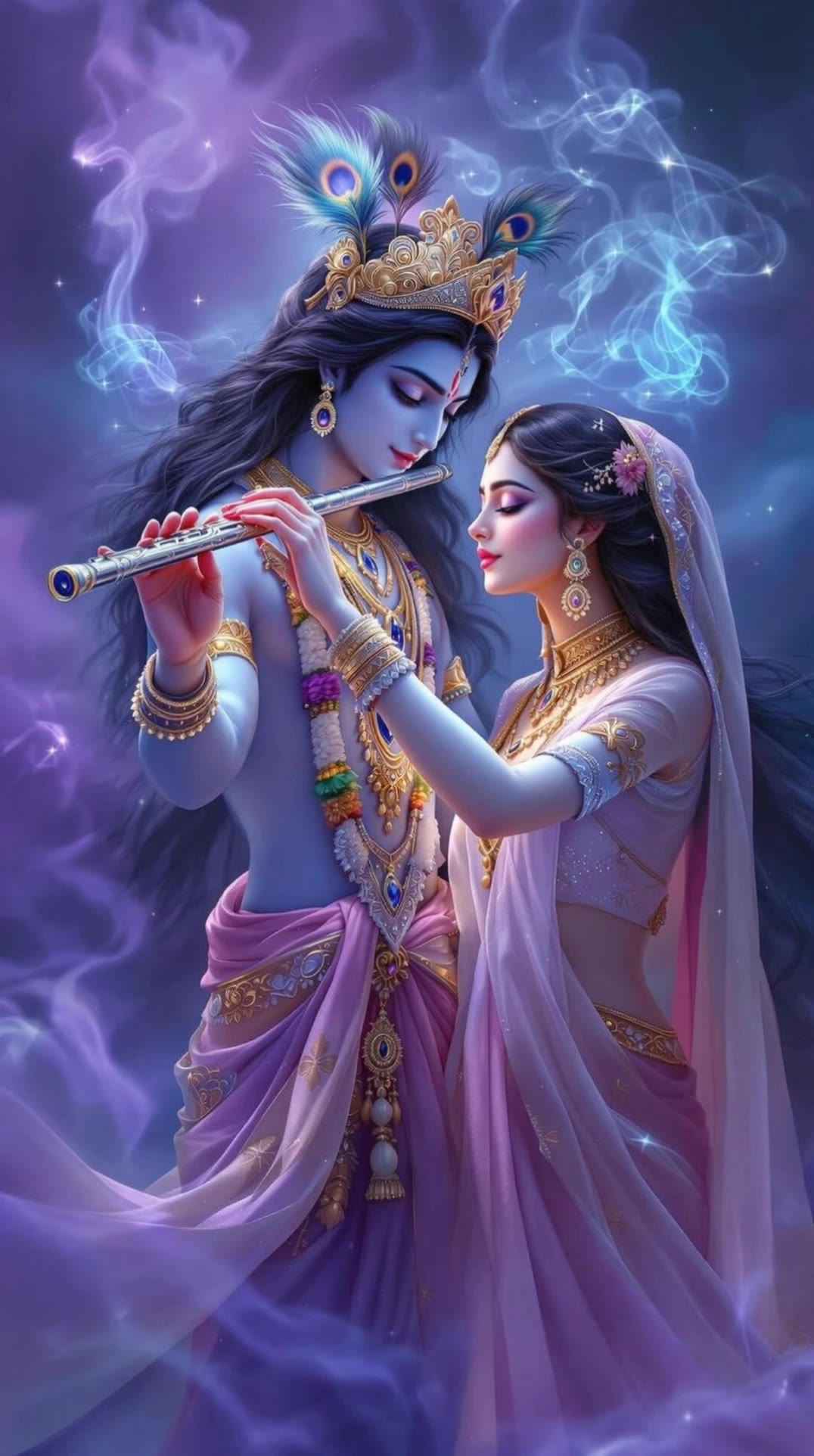
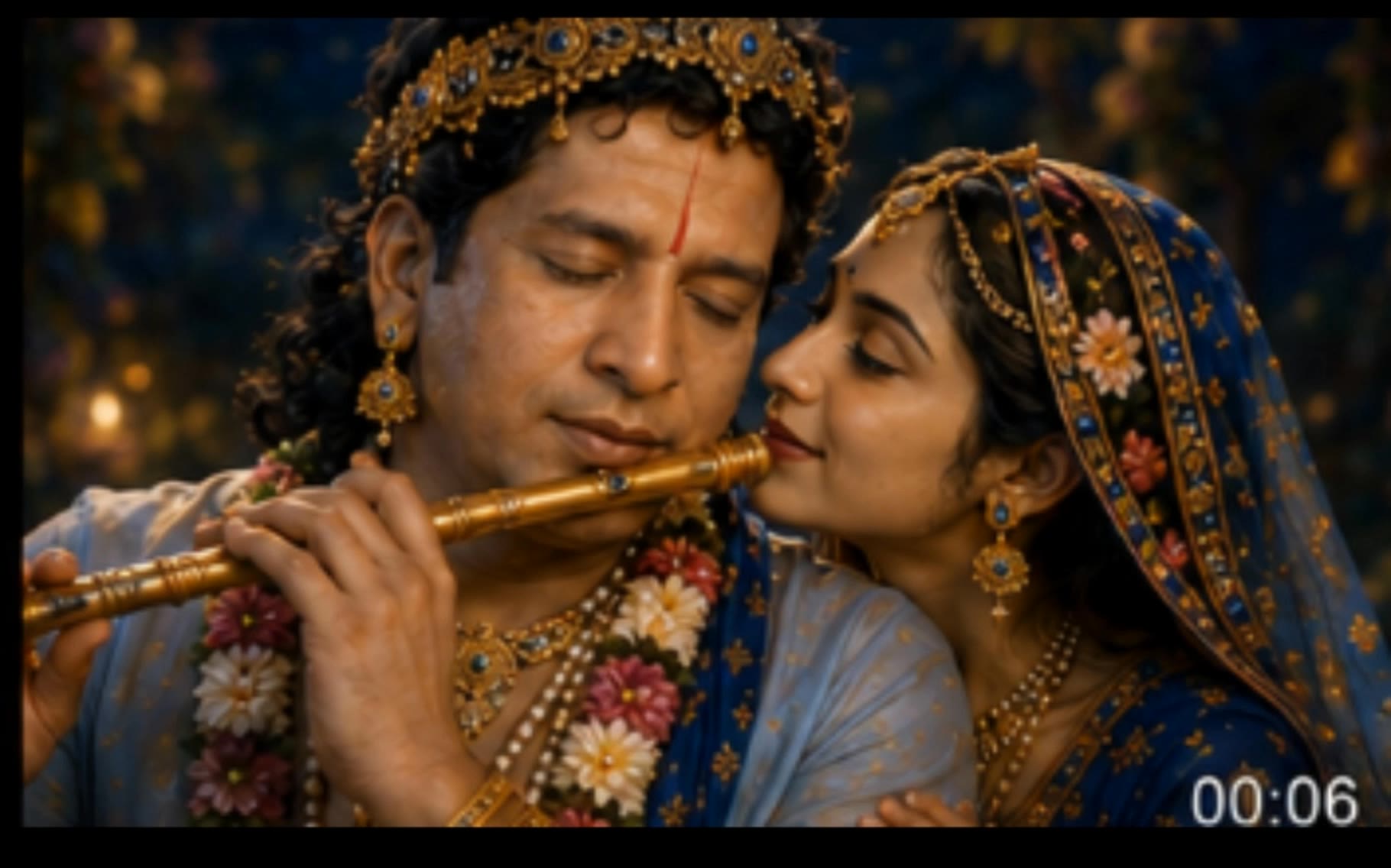
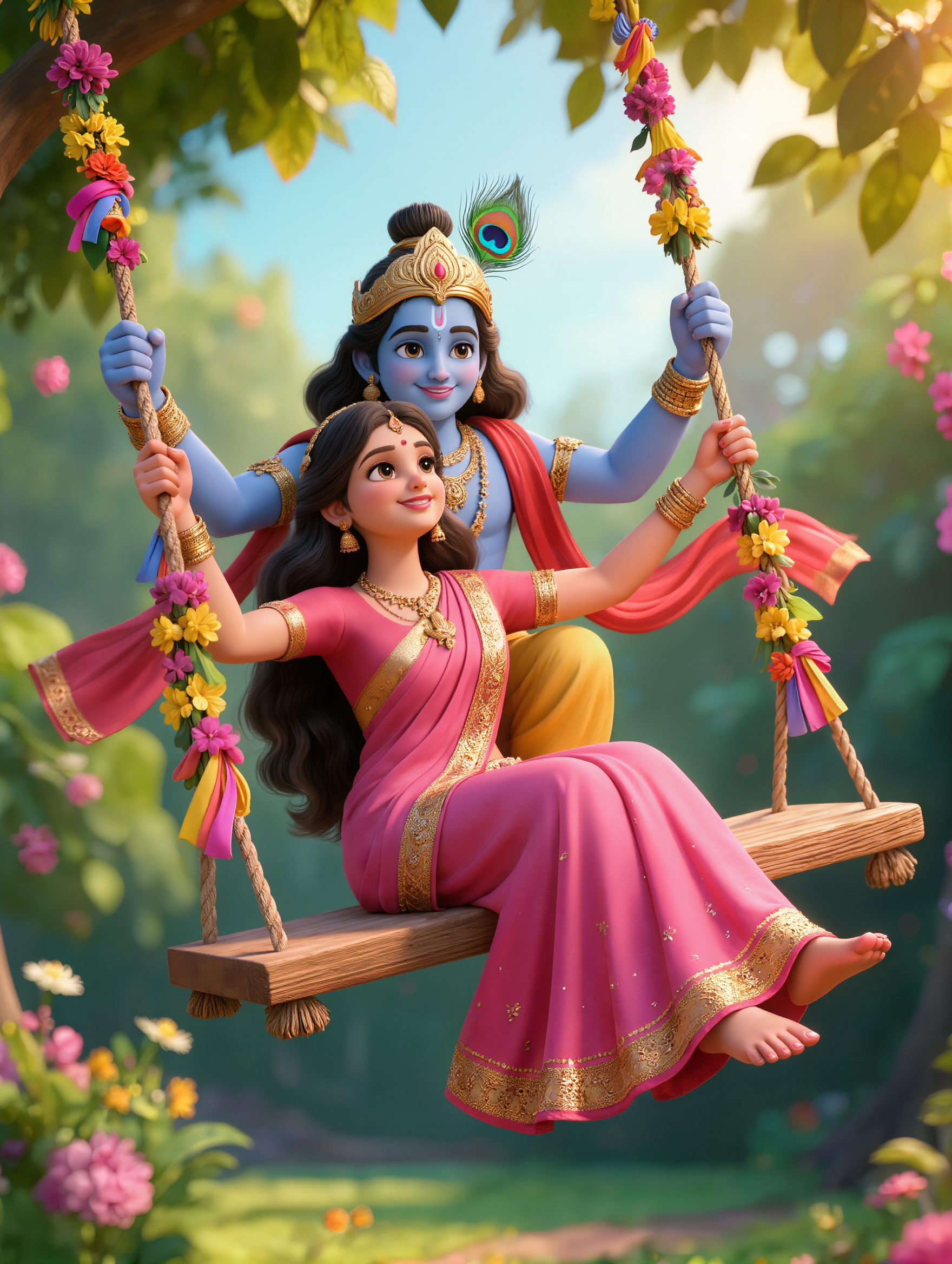
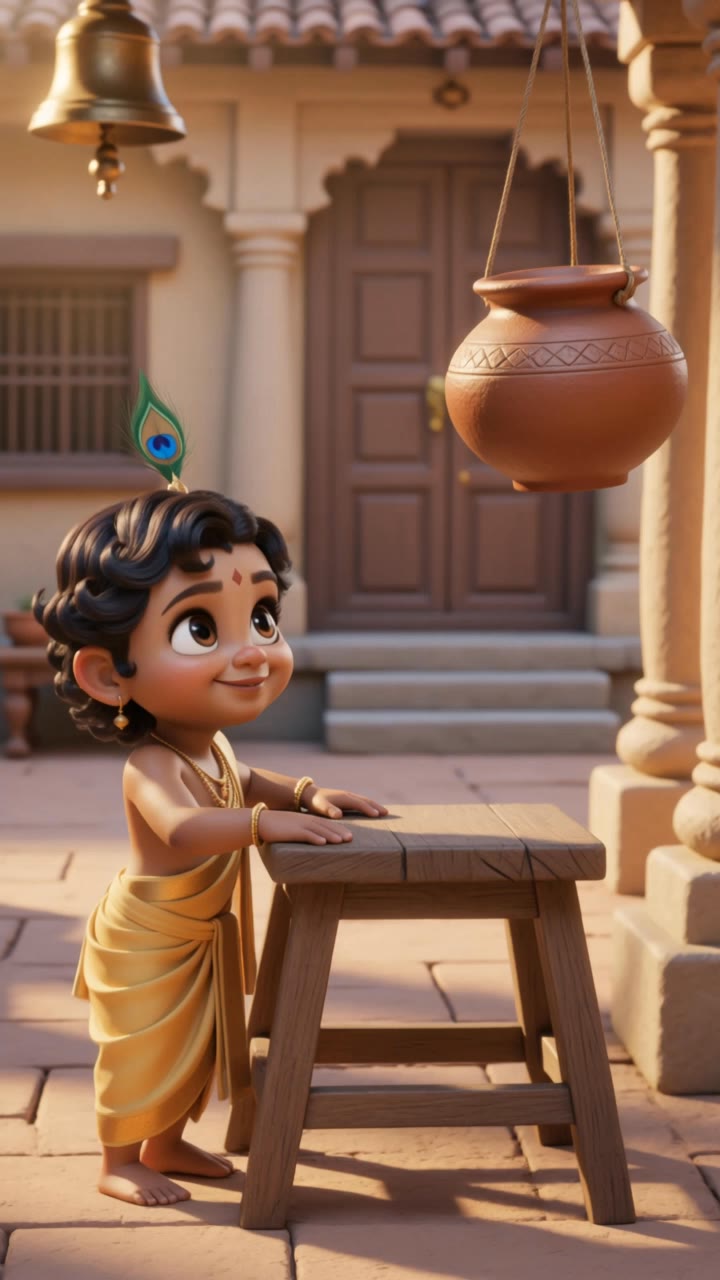
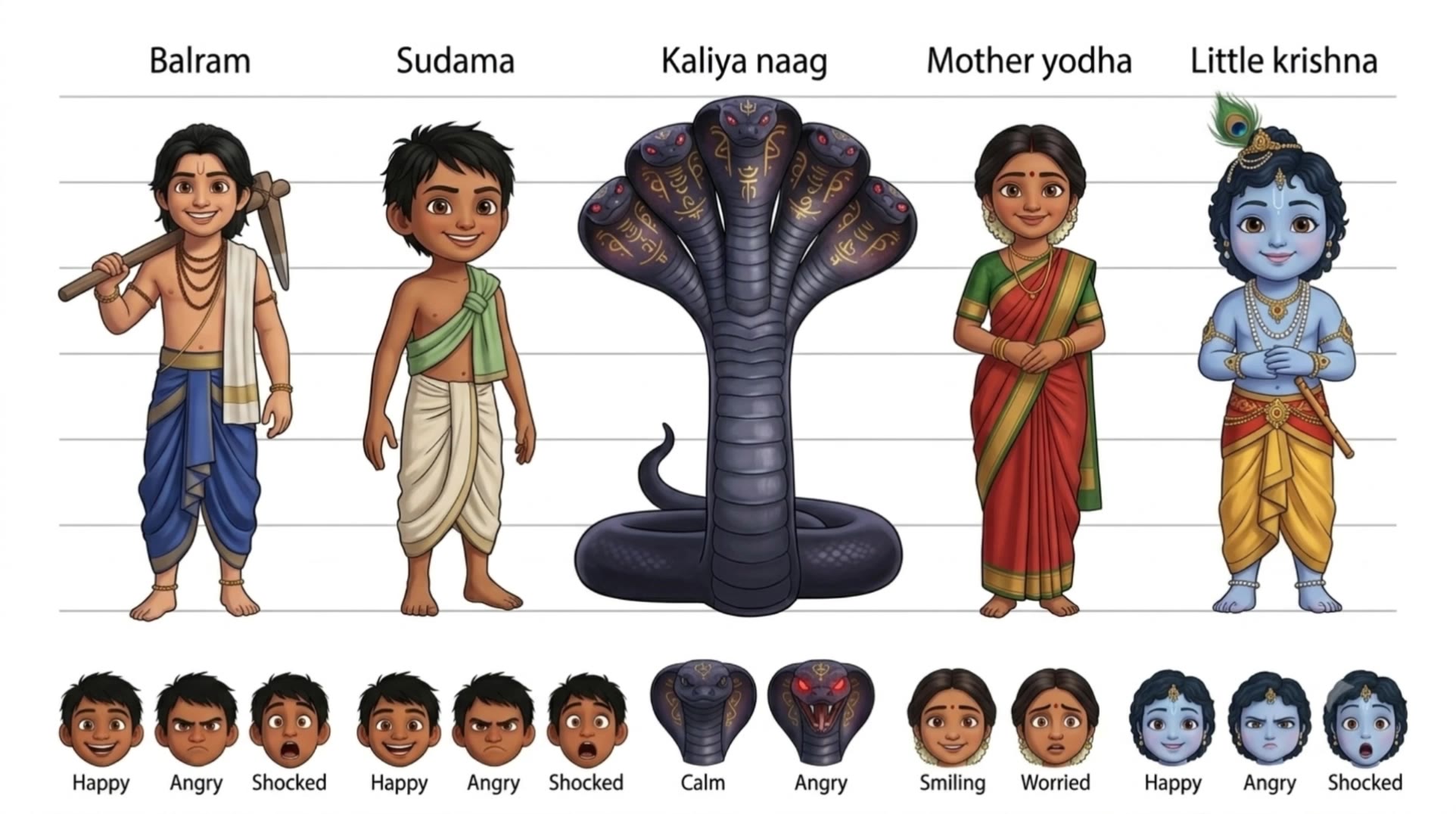
Krishna lipsync ideas created with AI. Explore spiritual and customizable concepts that can be adapted to your needs. AI helps you quickly explore different themes and styles.

AI-generated krishna lipsync ideas – Explore spiritual concepts

Recommended

Dance video and lipsync - krishna lipsync AI video
VJZxNcoa avatar
VJZxNcoa
Kling AI work 306256397611856 - krishna lipsync AI image
gRhLJXGl avatar
gRhLJXGl
Testing lipsync - krishna lipsync AI video
IAPEP avatar
IAPEP
lipsync testing video - krishna lipsync AI video
XhIrTsLo avatar
XhIrTsLo
Kling AI work 313930576508240 - krishna lipsync AI video
Anshu avatar
Anshu
Radha Krishna na ki prem kahani - krishna lipsync AI image
vXOlaeEi avatar
vXOlaeEi
Kling AI work 306248641652451 - krishna lipsync AI video
dVXGiUhU avatar
dVXGiUhU
Kling AI work 314025682506009 - krishna lipsync AI image
nAhYJkKb avatar
nAhYJkKb
Avatar AI Lipsync Luna - krishna lipsync AI video
Tu Casa Express avatar
Tu Casa Express
Kling AI work 315164841525180 - krishna lipsync AI video
lRCXWPEl avatar
lRCXWPEl
Kling AI work 319158379663544 - krishna lipsync AI video
EsPAhfFI avatar
EsPAhfFI
Kling AI work 311870860501353 - krishna lipsync AI video
pxQkZPLs avatar
pxQkZPLs
Testing movement with lipsync - krishna lipsync AI video
IAPEP avatar
IAPEP
Testing lipsync - krishna lipsync AI video
IAPEP avatar
IAPEP
Song Lip-Sync - krishna lipsync AI video
KLING7526 avatar
KLING7526
Kling AI work 313836935663383 - krishna lipsync AI image
yFDMdBnj avatar
yFDMdBnj
Kling AI work 310487267307632 - krishna lipsync AI video
zZYNspSx avatar
zZYNspSx
Lipsync test - krishna lipsync AI video
Catallorqui avatar
Catallorqui
Kling AI work 318921921668095 - krishna lipsync AI video
Micky  avatar
Micky

How to Use Kling AI Image to Image

Upload Your Images

Upload Your Images

Open Image Generation, select IMAGE 3.0 Omni, and upload the image you want to transform and add reference images to carry into the result.

Set the Creative Direction

Set the Creative Direction

You can combine elements from several references, change the style, adjust the camera angle, or enable Image Series mode to create multiple connected visuals in one generation.

Generate and Create More

Generate and Create More

Select the aspect ratio, number of images, and 2K or 4K resolution, then generate and review your results. Download or share the finished image, or use it for your new AI video.

From Clean Cutouts to Completely New Backgrounds

Clean Cutouts, Ready to Use

Clean Cutouts, Ready to Use

Clear away a distracting background without tracing around the subject by hand. Create transparent product shots, portraits, logos, and graphics for listings, profile images, presentations, and design work. When you need a higher-resolution de-priming effect, IMAGE 3.0 Omni also supports 2K and 4K output.

Go Straight to the Background You Want

Go Straight to the Background You Want

Already know what belongs behind the subject? Skip the extra editing and go straight to the final look. Describe a new setting or add a reference image to guide it, whether you're refreshing a product shot, portrait, social graphic, or campaign visual.

Refresh Video Footage Without Reshooting

Refresh Video Footage Without Reshooting

Keep the clip you already have and change the setting around it. With VIDEO 3.0 Omni, use a prompt or reference image to update backgrounds for ads, product videos, presenter clips, and social content—without another shoot or a green screen.

Apps

Image to Video
Image to Video

Image to Video

Text to Video
Text to Video

Text to Video

Omni
Omni

Omni

Digital Human
Digital Human

Digital Human

Restyle
Restyle

Restyle

Text to Image
Text to Image

Text to Image

60M+
60M+
Users
600M+
600M+
AI Videos Generated
4.7 ★
4.7 ★
App Store
Industry-Leading
Industry-Leading
Cinematic 4K

Reviews

Maria Rubtsova

Maria Rubtsova

★★★★★

I’m Maria Rubtsova, an AIGC digital artist passionate about creating stunning visuals in the worlds of fashion, aesthetics, and fantasy. I use KlingAi to bring imagination to life through video. My work is all about exploring beauty, emotion, and the limitless possibilities of digital art.

Jyo John Mulloor

Jyo John Mulloor

★★★★★

Kling AI has been instrumental in transforming my creative workflow, unlocking new dimensions of artistic expression that were once unimaginable. I use Kling AI extensively to develop high-concept visuals, animate surreal dreamscapes, and create AI-assisted films that blur the line between reality and fantasy. Kling AI’s deep learning capabilities have not only enhanced my creative efficiency but also inspired me to explore storytelling in ways I never thought possible.

Samuele Poggi (@visualsk2)

Samuele Poggi (@visualsk2)

★★★★★

I use Kling AI daily to push the limits of AI filmmaking. It allows me to create highly cinematic content, blending AI and VFX to develop innovative projects. It has significantly impacted my creative process, enabling me to achieve complex animations that would otherwise require high production budgets.

FAQ

Q1How do I write a good AI image prompt?
Q2Can I create images from reference photos?
Q3Can Kling AI keep characters consistent across multiple images?

Your Next Visual Starts Here

Start with a sentence, a sketch, or a reference photo. Shape the composition, dial in the details, and keep iterating in Kling AI.

Free tier available | Text-to-image | Image-to-image | Fast generation