Labubu Album Cover Ideas – AI-Created Art
Create unique Labubu album covers with AI. Explore a range of artistic styles and themes to make your music visual.
Create unique Labubu album covers with AI. Explore a range of artistic styles and themes to make your music visual.




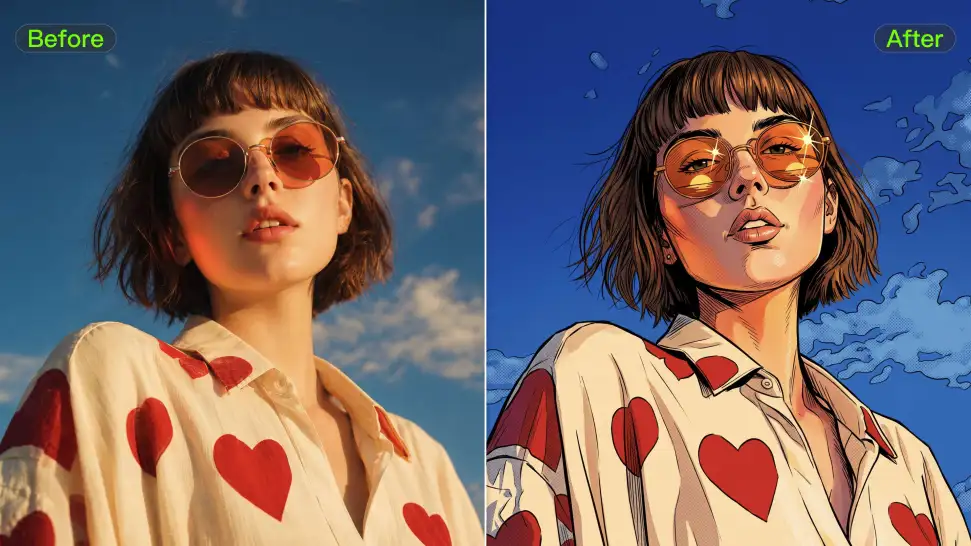
Ever wondered what you would look like as an anime character, a clean 3D-style portrait, a cartoon, or an illustrated character? Use your photo as the starting point and take it in a new visual direction, or use a style reference when there is already a look you love.
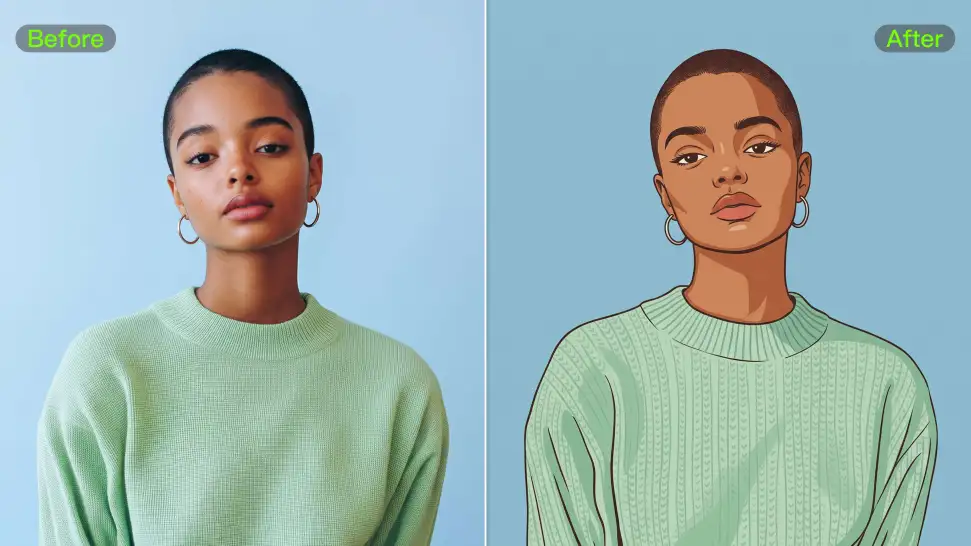
A strong avatar can look completely different without losing the features that make the person recognizable. Your reference photo gives Kling IMAGE 3.0 something familiar to work from, so details such as the face and hairstyle can stay closer to the source even when the clothing, setting, or art style changes.
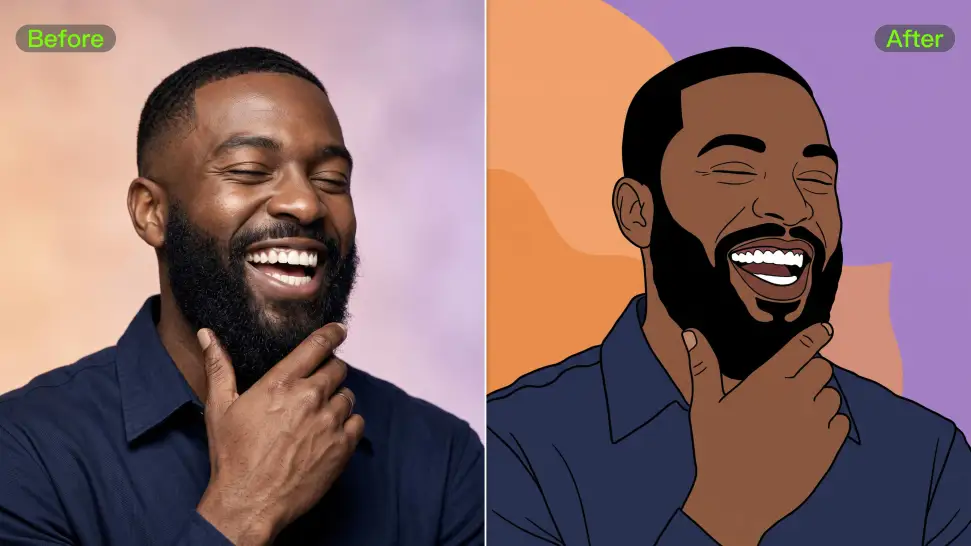
Upload a portrait to create an avatar that resembles you, or start with a text prompt to design an original character from scratch. Kling IMAGE 3.0 supports both approaches, giving you the freedom to create your own avatar even without a reference image.

















Kling AI has transformed my workflow by collapsing timelines and democratizing production. It’s shifted my mindset from resource-dependent filmmaking to a boundless creative sandbox, where experimentation yields unexpected beauty.

Kling AI has made it easy for us to generate world class visuals for Fortune 500 companies, TV shows and music for big artists. We love the easy of use of the platform and the quality of the generations. My first time using Kling AI, I got 22 million views on just one video. It's that good.

I’m Maria Rubtsova, an AIGC digital artist passionate about creating stunning visuals in the worlds of fashion, aesthetics, and fantasy. I use KlingAi to bring imagination to life through video. My work is all about exploring beauty, emotion, and the limitless possibilities of digital art.
Start with a sentence, a sketch, or a visual reference. Shape the idea until the style, composition, and details feel like yours.
Free tier available | Text to Art | Reference Images | Style Transfer