labubu concept art - boxing arena & LEGO house
Immerse in the whimsical world of Labubu concept art featuring playful LEGO creations and energetic boxing arena scenes. Start exploring labubu concept art ideas and generate your own content with AI.
Immerse in the whimsical world of Labubu concept art featuring playful LEGO creations and energetic boxing arena scenes. Start exploring labubu concept art ideas and generate your own content with AI.




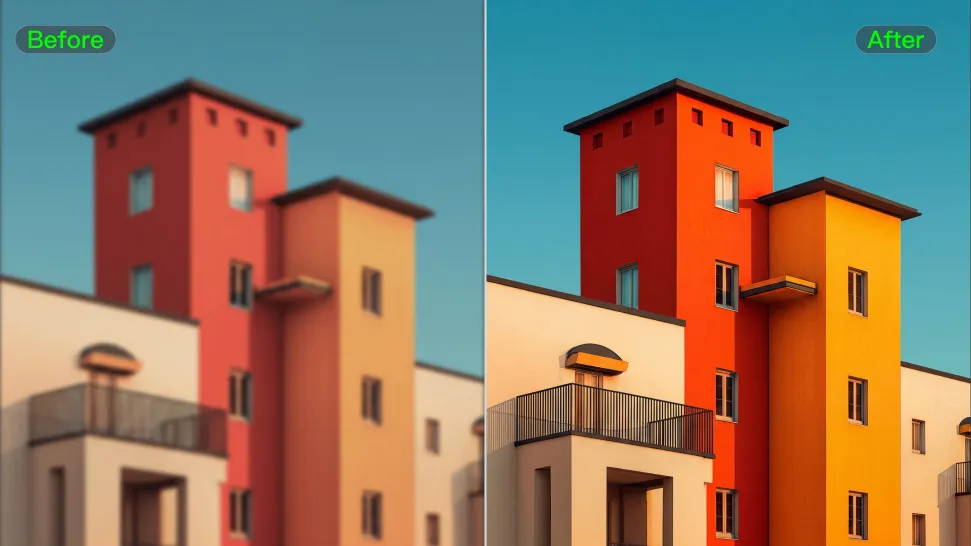
Improve images that look soft, blurry, or short on detail so important subjects appear clearer and easier to recognize. Kling IMAGE 3.0 Omni can refine facial features, object edges, textures, and other key areas while preserving the overall look and character of the original image.
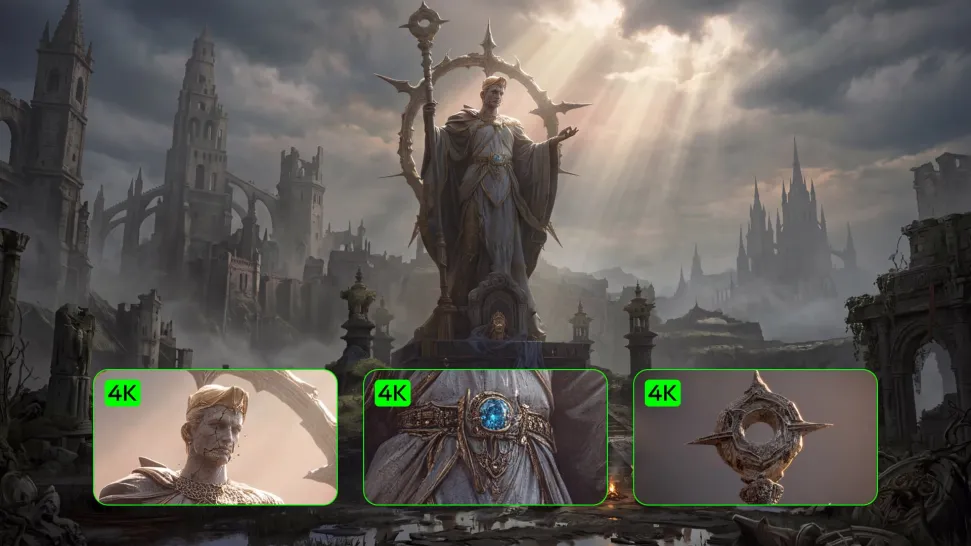
Need more resolution for a larger screen, campaign visual, product image, or creative project? Use your existing image as the starting point and generate a higher-resolution version in native 2K or 4K. You get more room for fine textures and visual detail to come through, making your result better suited to larger displays, print, presentations, and other high-resolution uses.

If your image feels too dark, flat, or visually uneven, describe the look you want and guide changes to lighting, shadows, contrast, color tone, or saturation. You can create softer light, richer color, or a more balanced finish while keeping control over the overall visual direction.

















I use AI daily and Kling AI is a crucial part of my workflow, whether for client work or personal projects. What I love most about using Kling AI is that it provides all the tools I need in one place, from keyframes to character references, elements and special effects.

Kling AI seamlessly integrates into my creative workflow, playing a key role in transforming my images. After generating and upscaling an image, Kling becomes a crucial element, bringing my creations to life with movement and depth.

Kling AI has transformed my workflow by collapsing timelines and democratizing production. It’s shifted my mindset from resource-dependent filmmaking to a boundless creative sandbox, where experimentation yields unexpected beauty.
Turn your ideas into distinctive AI characters with Kling AI. Create unique designs, explore different styles, and develop consistent characters for stories, games, and creative projects.
Free tier available | 2K/4K output | Reference-Based Creation