Labubu Transition Ideas – AI Results
Find AI results for Labubu transitions. Easily explore different styles and customize to create your unique visuals.
Find AI results for Labubu transitions. Easily explore different styles and customize to create your unique visuals.

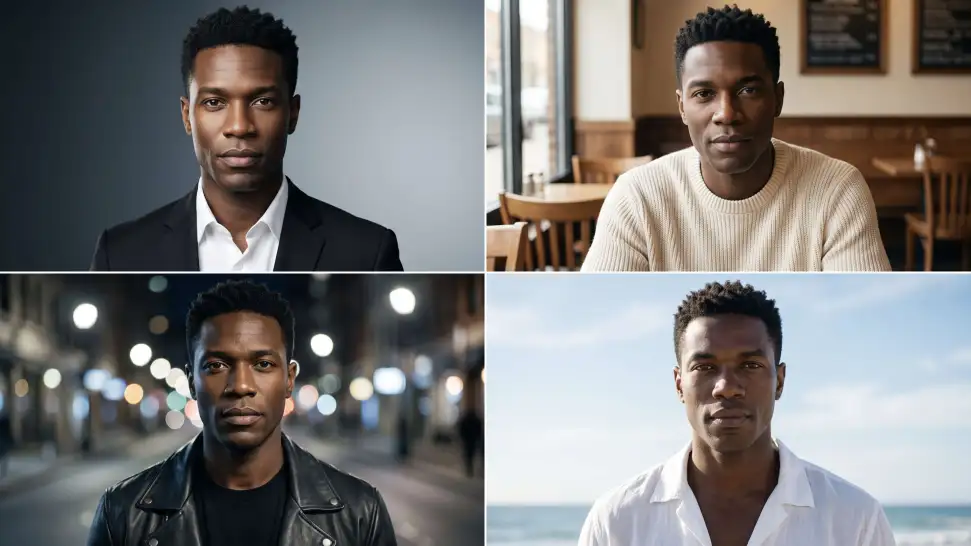
You do not need a new photoshoot every time your profile picture feels dated. Start with a photo you already like, then improve the lighting, composition, styling, or overall presentation to give it a cleaner, more intentional look for a résumé profile, business page, creator account, or personal site.
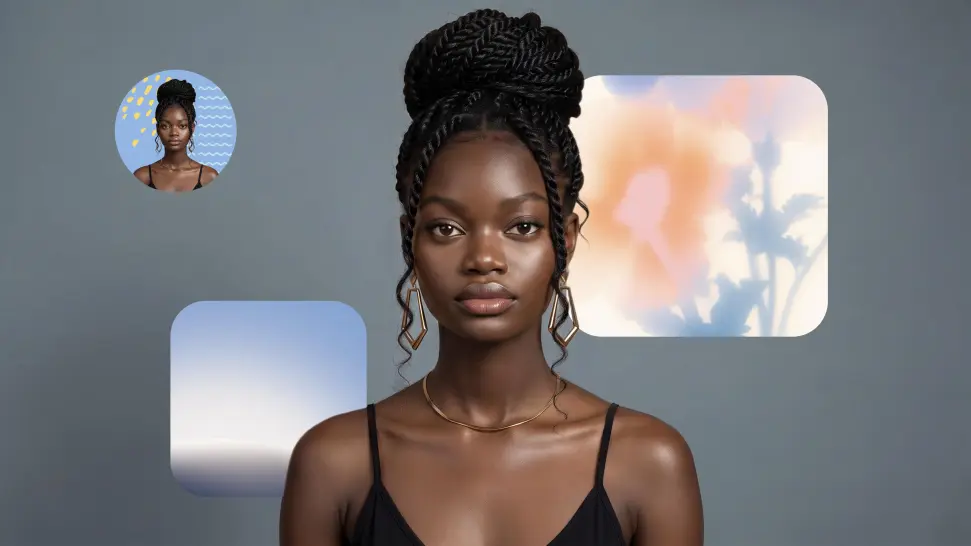
A new profile picture should still feel familiar. Use your portrait as the visual reference while you change the mood, styling, background, or setting, so recognizable facial details and your overall appearance can stay closer to the photo you started with.
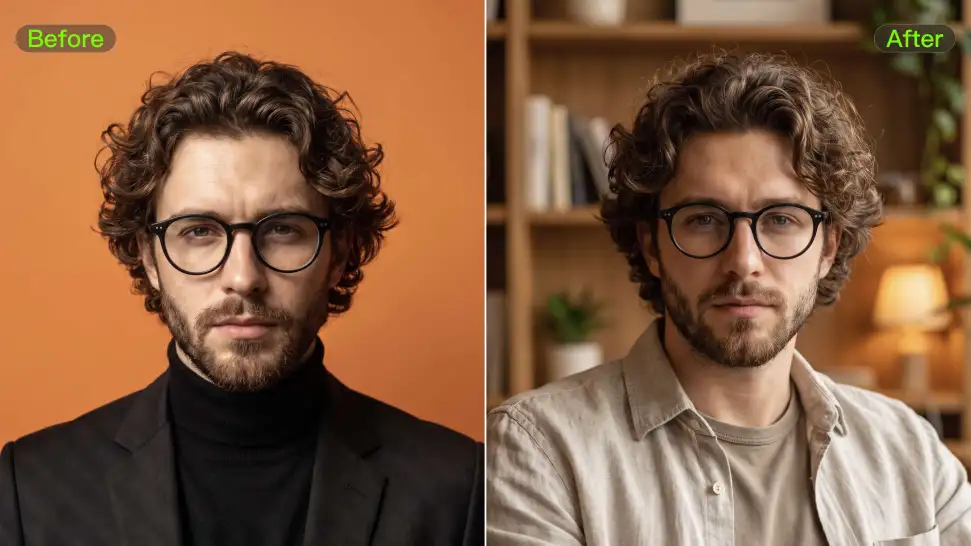
The photo that works on LinkedIn may not be the one you want on YouTube, Instagram, Discord, or a gaming profile. Give the same portrait a different mood, crop, background, or visual treatment depending on where you plan to use it. Go understated for work, more expressive for social, or give your creator profile a look that feels more like your brand.

















Kling AI allows me to rapidly prototype ideas, refine storytelling elements, and produce visually compelling content efficiently. It has not only accelerated my creative processes, but also deepened my understanding of how AI can enrich visual storytelling.

Kling AI seamlessly integrates into my creative workflow, playing a key role in transforming my images. After generating and upscaling an image, Kling becomes a crucial element, bringing my creations to life with movement and depth.

Kling AI has made it easy for us to generate world class visuals for Fortune 500 companies, TV shows and music for big artists. We love the easy of use of the platform and the quality of the generations. My first time using Kling AI, I got 22 million views on just one video. It's that good.
Stop accepting distorted AI movements. Upload your reference and let Kling replicate it precisely.
Works on humans, anime & 3D | High-precision motion | Zero distortion