Creative Studio
API
Resources
Features
About Us
Download

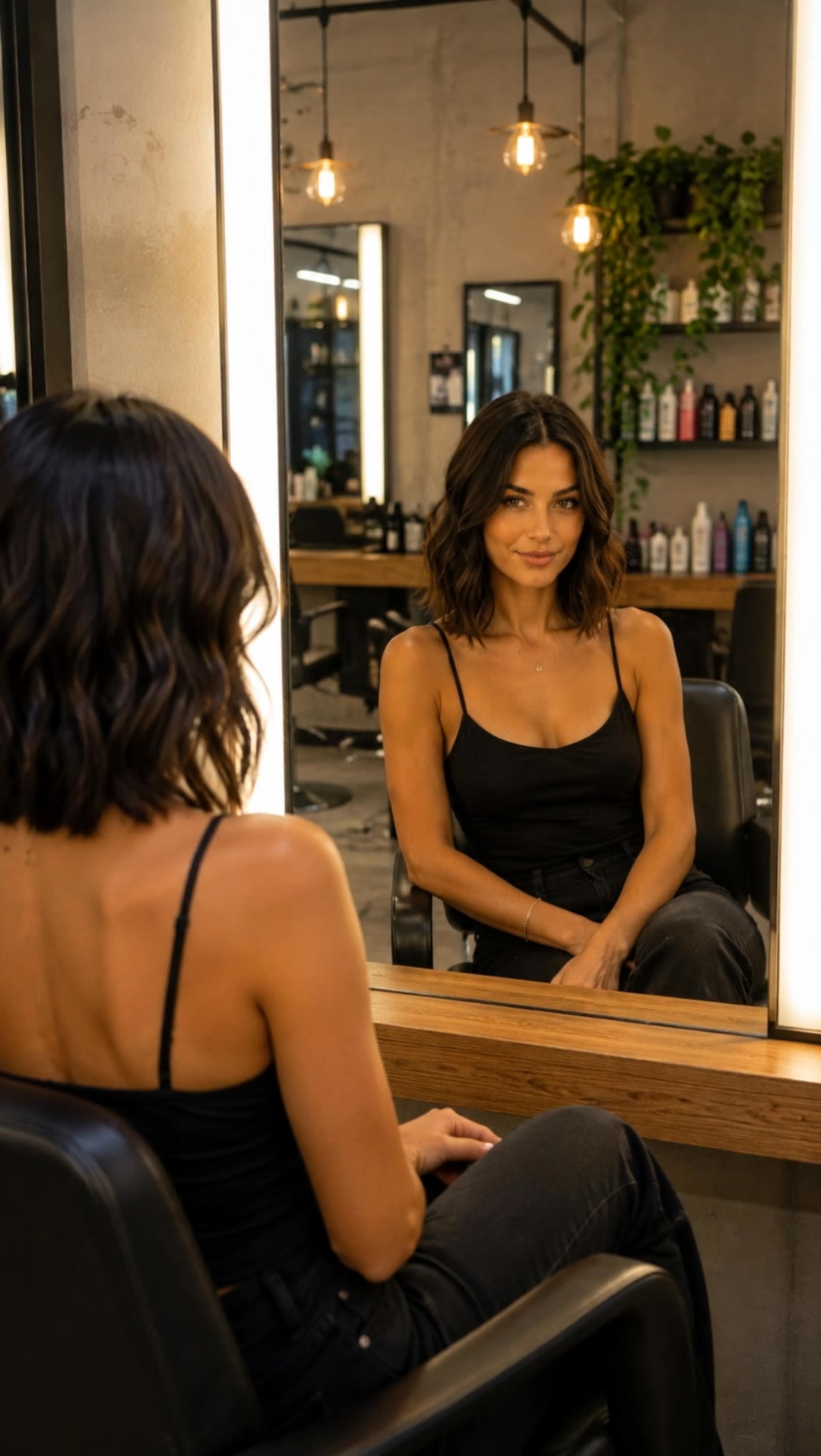
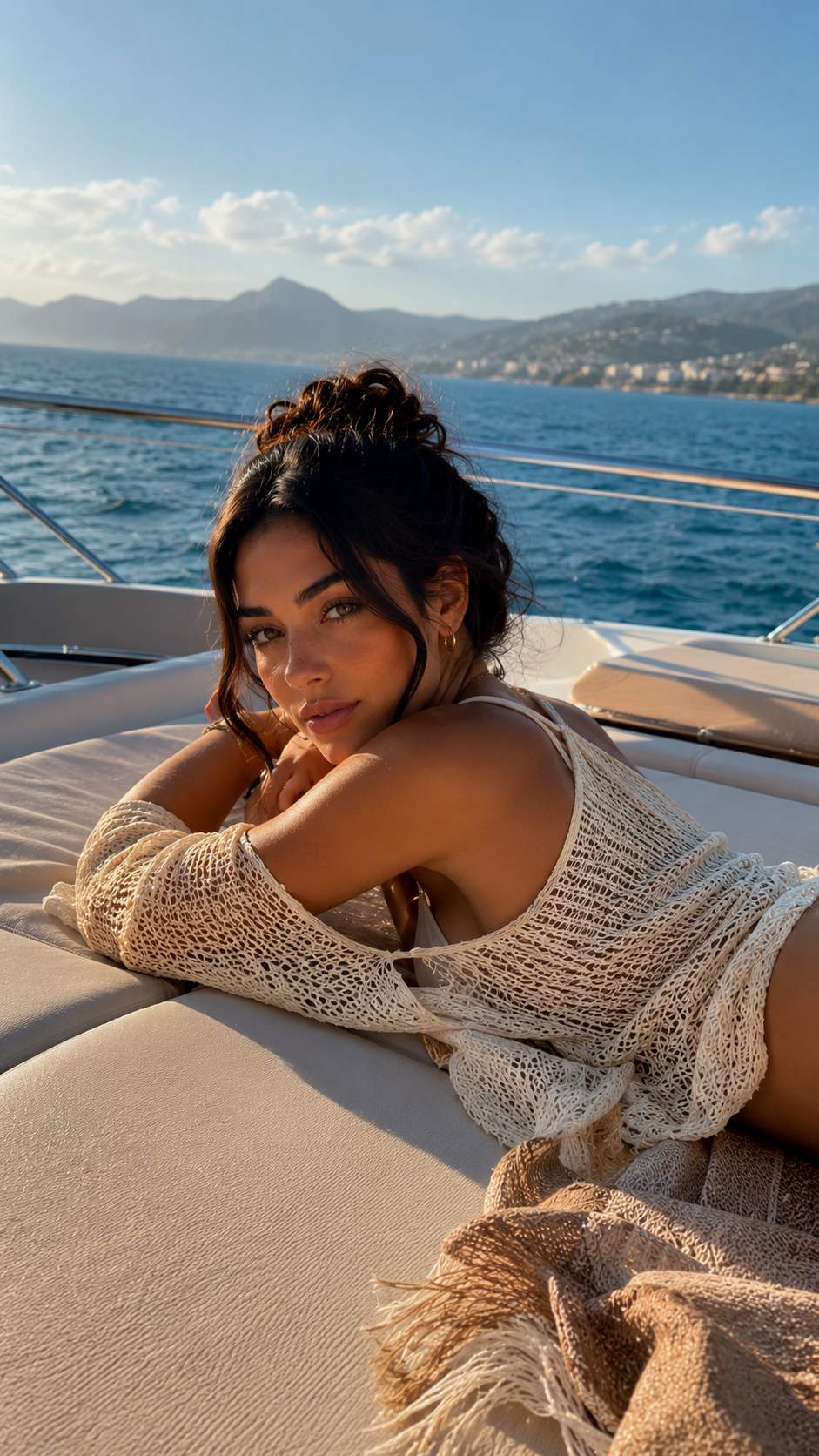
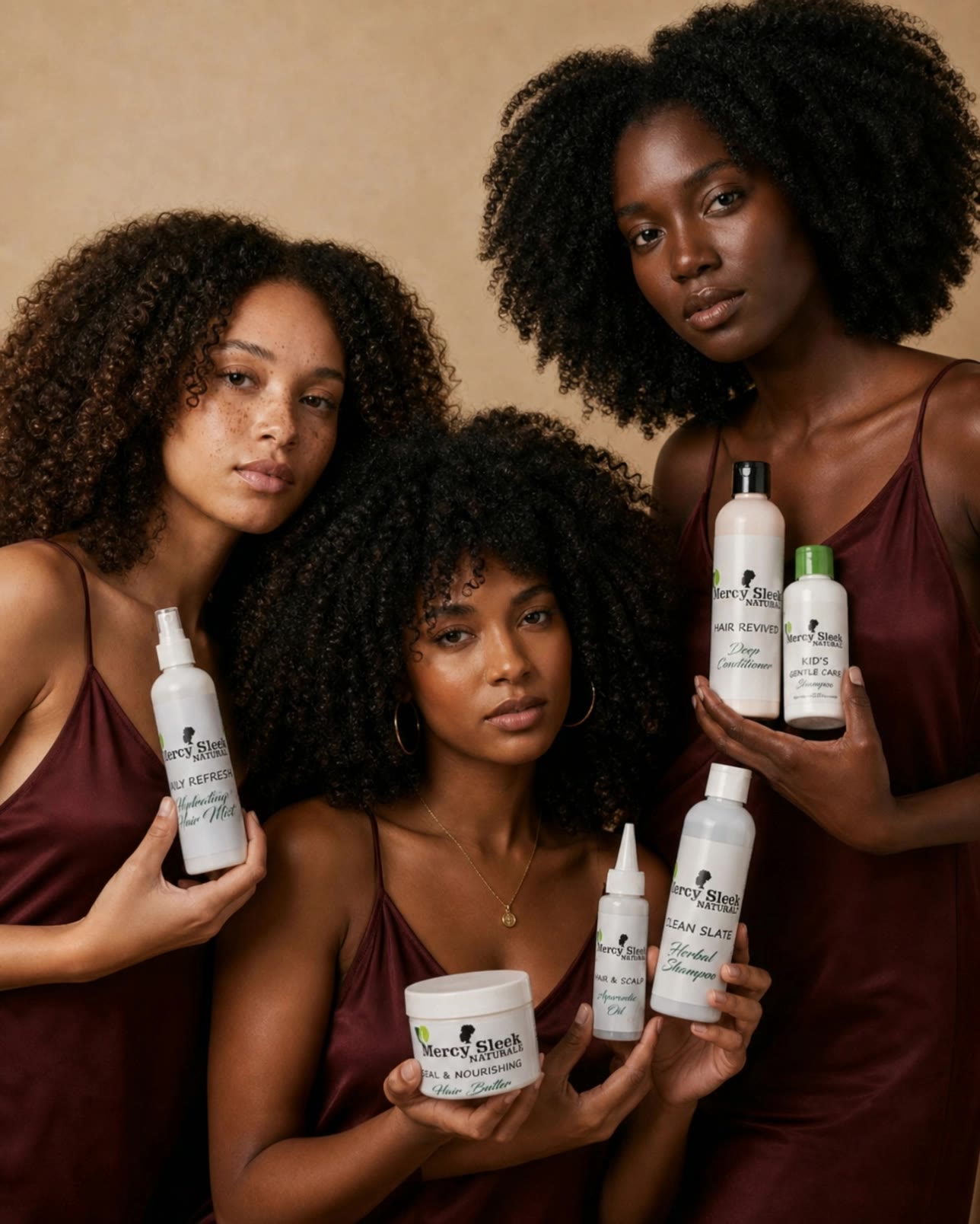
ladies undercut hair - wind movement & hair dye advertisement

Embrace the elegance of cinematic luxury hair and the playful charm of summer styles with our curated ladies undercut hair collection. Start exploring ladies undercut hair ideas and generate your own content with AI.

ladies undercut hair - wind movement & hair dye advertisement

Recommended

Kling AI work 307888557507728 - ladies undercut hair AI video
FvsevlgS avatar
FvsevlgS
shorrt hair - ladies undercut hair AI image
klingai.video.ai avatar
klingai.video.ai
Kling AI work 308733238660448 - ladies undercut hair AI image
LAGTydSI avatar
LAGTydSI
Hair - ladies undercut hair AI video
MahdiMahyar avatar
MahdiMahyar
New Hair, New Look - ladies undercut hair AI video
Freya Sage avatar
Freya Sage
Kling AI work 311492141524122 - ladies undercut hair AI image
KYOHJrjg avatar
KYOHJrjg
Kling AI work 309077501501355 - ladies undercut hair AI image
lQeXuSIw avatar
lQeXuSIw
Beautiful Hair Transformation ✨ - ladies undercut hair AI video
kdAsEVKv avatar
kdAsEVKv
Kling AI work 314833286507094 - ladies undercut hair AI video
fRqIvfzJ avatar
fRqIvfzJ
Ken Smith - ladies undercut hair AI image
FaoguUAQ avatar
FaoguUAQ
Kling AI work 317341784326865 - ladies undercut hair AI video
DhpHXhAK avatar
DhpHXhAK
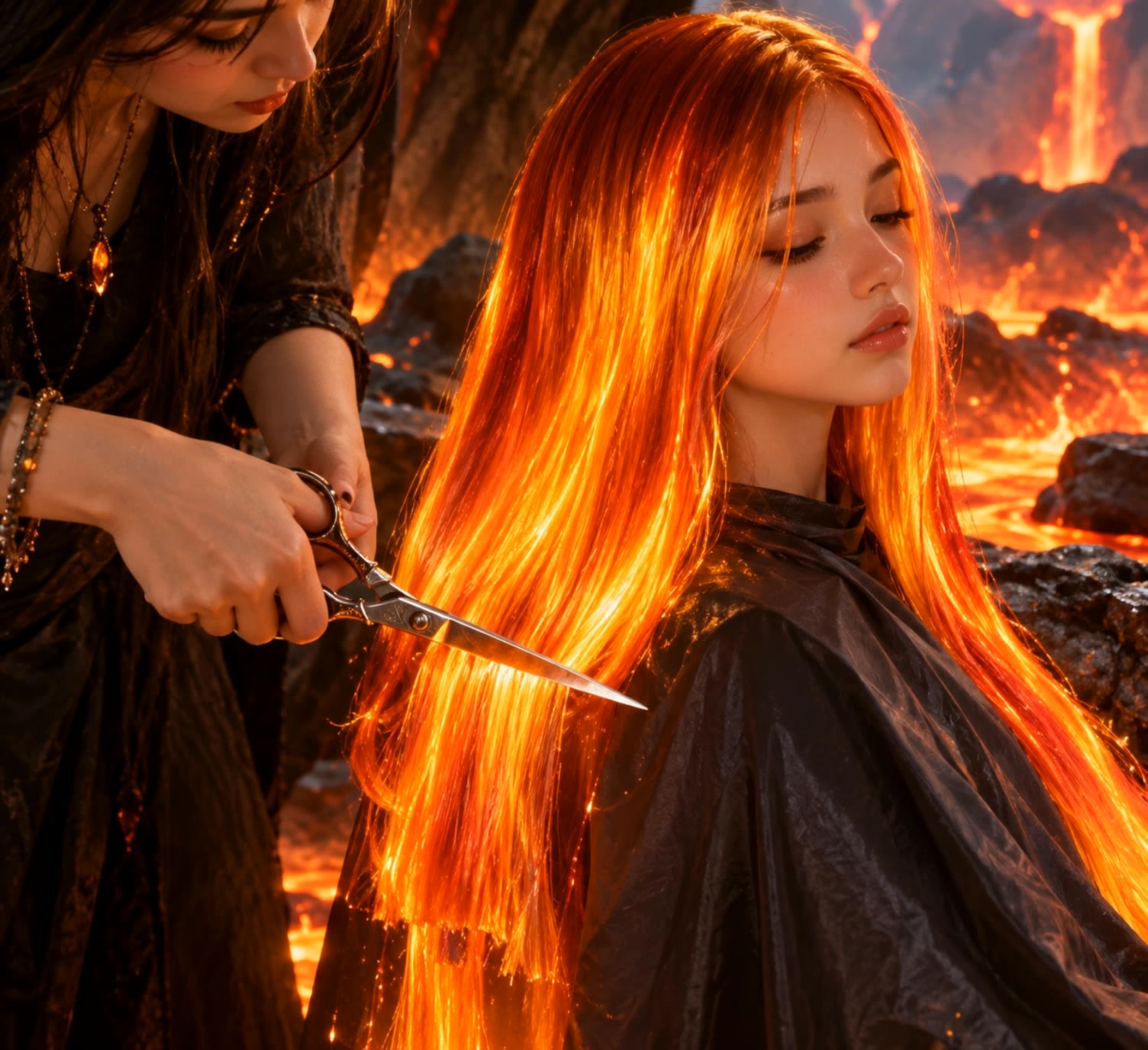
lava hair  - ladies undercut hair AI video
creative avatar
creative
Kling AI work 317668092614213 - ladies undercut hair AI image
RZhwFKLf avatar
RZhwFKLf
Kling AI work 300543736615768 - ladies undercut hair AI video
The Operation Medita avatar
The Operation Medita
Hair Down - ladies undercut hair AI video
KLING4599 avatar
KLING4599
Kling AI work 316073629502419 - ladies undercut hair AI image
DCAwgBDp avatar
DCAwgBDp
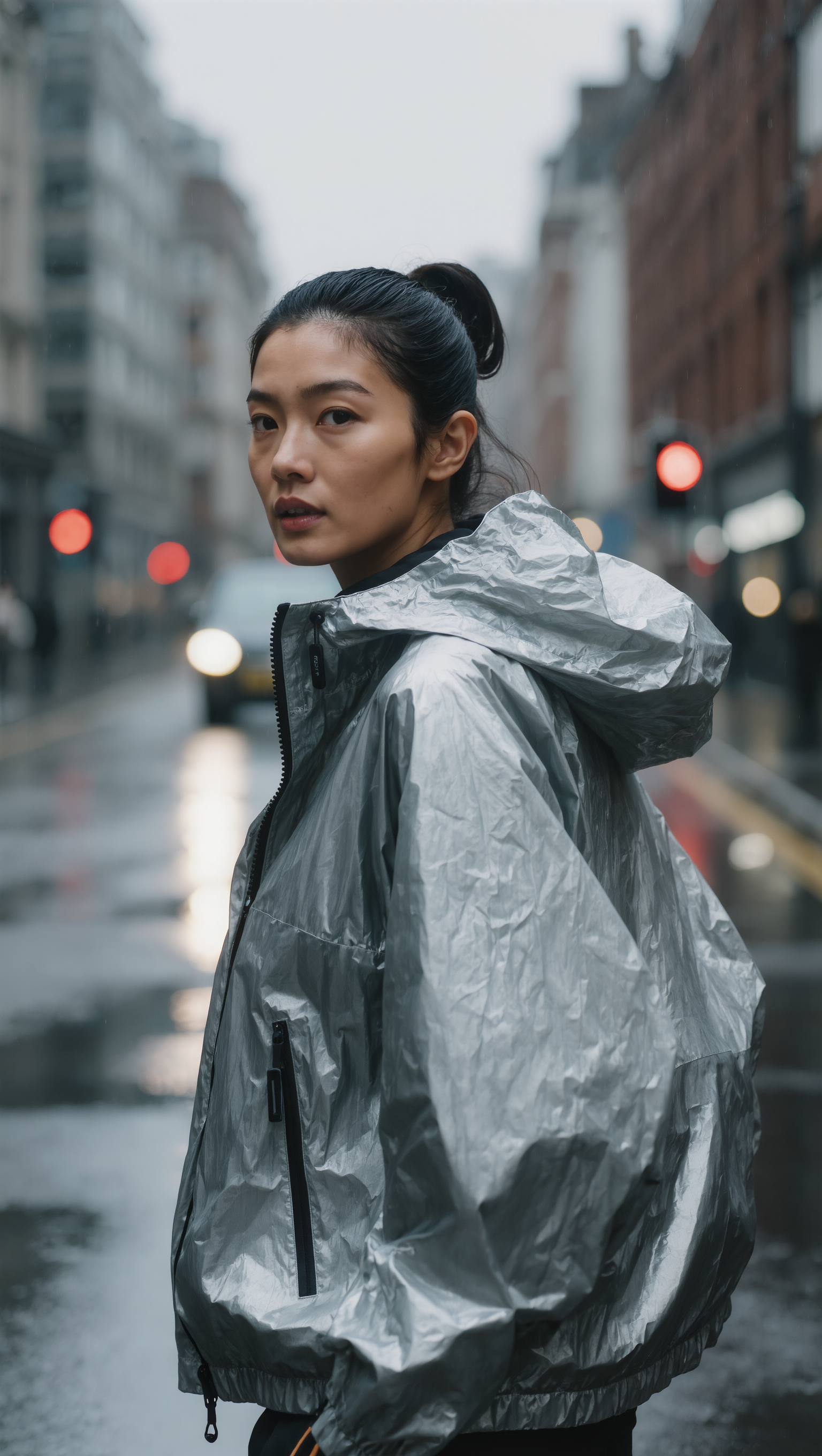
SLICKED-BACK HAIR & REFLECTIVE N - ladies undercut hair AI image
Dreaming avatar
Dreaming
Elite Creator
Kling AI work 314163486618337 - ladies undercut hair AI video
QWSmNkte avatar
QWSmNkte
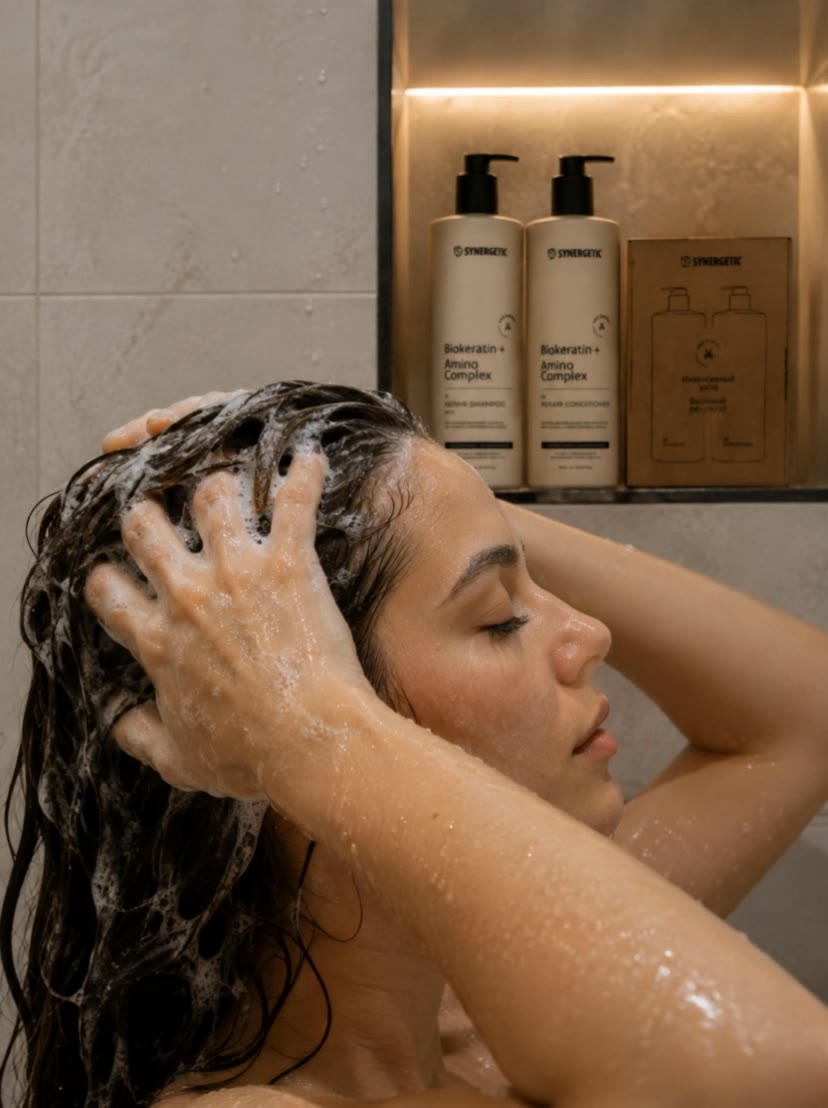
 woman is washing hair - ladies undercut hair AI video
htjxBhMn avatar
htjxBhMn

How to Create an AI Video from a Script

Start with a Scene or Story Beat

Start with a Scene or Story Beat

Paste in the part of your script you want to see on screen. Include the setting, characters, action, and dialogue that matter to the scene. Camera direction and visual style can stay simple at first, you can get more specific when you start shaping the shots.

Turn the Scene into a Shot Sequence

Turn the Scene into a Shot Sequence

Switch on Multi-Shot and let Kling work out the scene transitions and camera coverage from your prompt. Already have the sequence in your head? Open Custom Multi-Shot and lay out the individual shots yourself, including how long they last and what happens in each one.

Generate with Native Audio

Generate with Native Audio

Set the duration and available output options, then generate your sequence. Native Audio can bring dialogue, ambience, and sound effects into the same generation, so the result does not have to begin as a silent set of shots. Kling VIDEO 3.0 supports scenes up to 15 seconds in a single generation.

Create AI Art with More Creative Control

Bring More Than a Prompt to Your Art

Bring More Than a Prompt to Your Art

Start with words, a sketch, a photo, or the references that already capture part of your idea. IMAGE 3.0 can use up to 10 reference images, so you can bring a character from one image, an outfit from another, and a different setting or art style into the same creation. Use references for the details you want to keep, then use your prompt to decide what changes.

Find the Look That Fits Your Idea

Find the Look That Fits Your Idea

Create pencil drawings, watercolor paintings, anime art, comics, concept art, 3D-inspired images, and more. Try a completely different style, or fine-tune the one you already have. Kling AI also gives you control beyond the art style. Reframe the scene, shift the viewing angle, change the lighting or color palette, and keep refining the image until the whole piece comes together

Create a Series, Not Just a Single Image

Create a Series, Not Just a Single Image

Keep a character, setting, or visual style recognizable across multiple pieces of artwork with IMAGE 3.0 Omni. Generate new poses, scenes, and compositions while keeping the details that tie the series together. It works especially well for character concepts, comics, storyboards, and other ideas that need to develop across several images. Generate in native 2K or 4K when you want more detail in the finished artwork.

Apps

Image to Video
Image to Video

Image to Video

Text to Video
Text to Video

Text to Video

Omni
Omni

Omni

Digital Human
Digital Human

Digital Human

Restyle
Restyle

Restyle

Text to Image
Text to Image

Text to Image

60M+
60M+
Users
600M+
600M+
AI Videos Generated
4.7 ★
4.7 ★
App Store
Industry-Leading
Industry-Leading
Cinematic 4K

Reviews

Huang Lu (Elson)

Huang Lu (Elson)

★★★★★

I’ve been using Kling AI since its initial release, and it’s remained one of the leading AI media generators ever since. With Kling AI, I’ve created hundreds of videos, collectively amassing millions of views.

Vincent Smadja

Vincent Smadja

★★★★★

Kling AI seamlessly integrates into my creative workflow, playing a key role in transforming my images. After generating and upscaling an image, Kling becomes a crucial element, bringing my creations to life with movement and depth.

Maria Rubtsova

Maria Rubtsova

★★★★★

I’m Maria Rubtsova, an AIGC digital artist passionate about creating stunning visuals in the worlds of fashion, aesthetics, and fantasy. I use KlingAi to bring imagination to life through video. My work is all about exploring beauty, emotion, and the limitless possibilities of digital art.

FAQ

Q1What is AI Face Swap?
Q2Can I use Kling AI Face Swap for videos?
Q3What type of photos or videos work best for AI Face Swap?

Create Characters That Inspire New Stories

Turn your ideas into distinctive AI characters with Kling AI. Create unique designs, explore different styles, and develop consistent characters for stories, games, and creative projects.

Free tier available | 2K/4K output | Reference-Based Creation