Creative Studio
API
Resources
Features
About Us
Download

lamp draw - Aladdin's magic & lava lamp bubbles

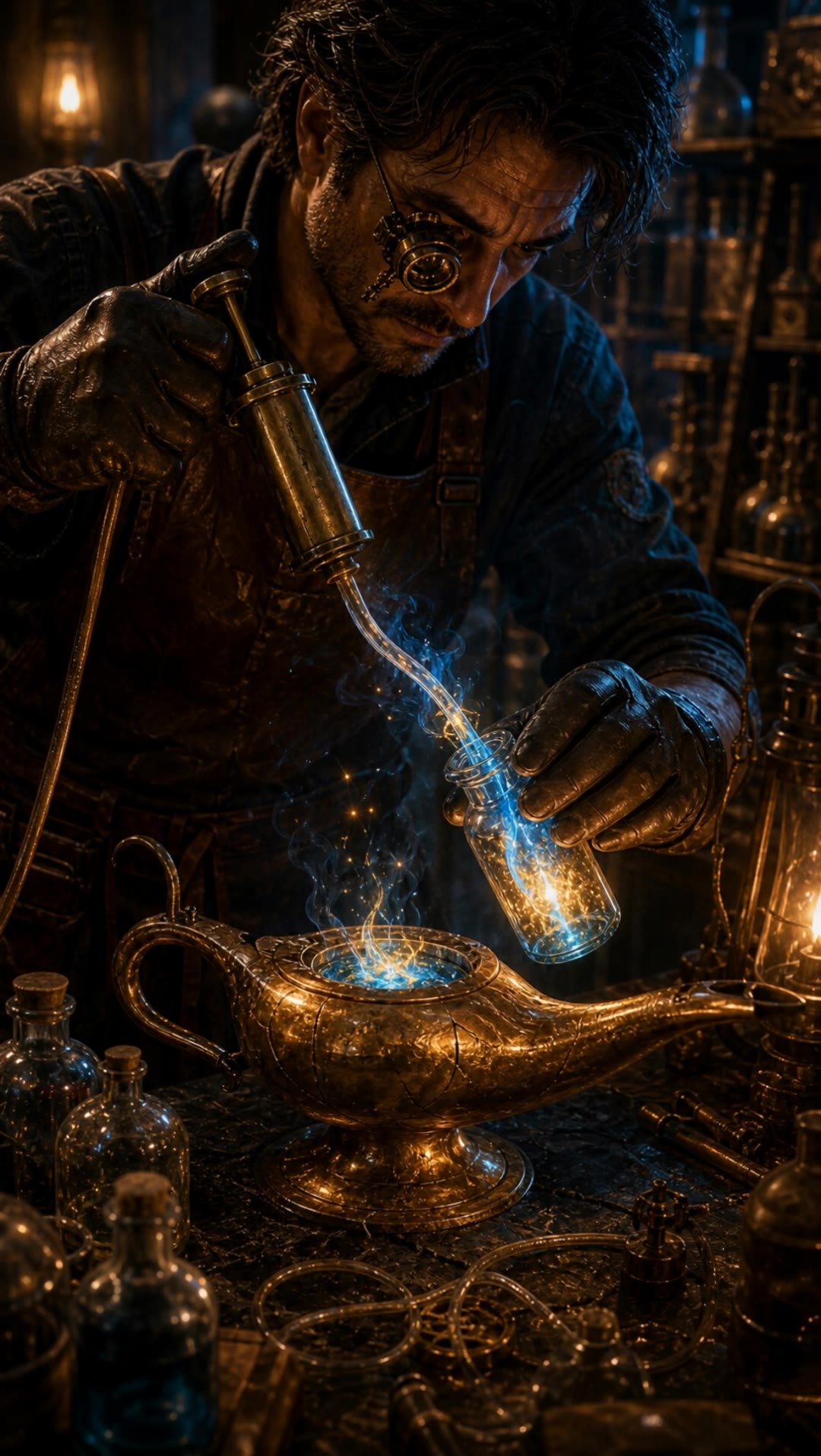
Unveil the enchanting themes of antique Aladdin's lamps and the mesmerizing motion of lava lamp bubbles. Start exploring lamp draw ideas and generate your own content with AI.

lamp draw - Aladdin's magic & lava lamp bubbles

Recommended

lamp - lamp draw AI image
VxrEaBhp avatar
VxrEaBhp
Kling AI work 314124796526141 - lamp draw AI image
IkTqcTrr avatar
IkTqcTrr
Kling AI work 311784524617584 - lamp draw AI video
BunwTmGZ avatar
BunwTmGZ
Kling AI work 293487327520697 - lamp draw AI video
Anuh G avatar
Anuh G
Kling AI work 320723691521981 - lamp draw AI video
MjIsheGe avatar
MjIsheGe
Kling AI work 306624459613962 - lamp draw AI image
nawtynetty avatar
nawtynetty
Kling AI work 311605517663050 - lamp draw AI video
lorenc1o avatar
lorenc1o
Magic Lamp Spirit Check - lamp draw AI video
00:05
LlwnTzKW avatar
LlwnTzKW
Kling AI work 306780318617194 - lamp draw AI video
pzjpiBcq avatar
pzjpiBcq
Kling AI work 316186386612272 - lamp draw AI video
HenenKvY avatar
HenenKvY
mysterious ancient magical lamp  - lamp draw AI image
PHnVNTgV avatar
PHnVNTgV
Magic Lamp Repairer 02 - lamp draw AI video
LlwnTzKW avatar
LlwnTzKW
magic lamp - lamp draw AI image
desertmira avatar
desertmira
Kling AI work 285691258668009 - lamp draw AI video
EaLIBmlP avatar
EaLIBmlP
Kling AI work 297439869318455 - lamp draw AI video
VR1480 avatar
VR1480
Kling AI work 321300332663777 - lamp draw AI video
gtdtzXLb avatar
gtdtzXLb
Miona Lamp ✨ - lamp draw AI video
Pinusa avatar
Pinusa
luxury wooden flour lamp - lamp draw AI image
rBZFVaug avatar
rBZFVaug
Kling AI work 308078250611169 - lamp draw AI image
Draco2025 avatar
Draco2025

How to Enhance Image Quality with Kling

Step 1: Upload Your Image

Step 1: Upload Your Image

Upload the image you want to improve to Kling 3.0 Omni. Start with a portrait, product photo, artwork, social visual, or any other existing image you want to recreate at a higher resolution.

Step 2: Generate Up to 4K

Step 2: Generate Up to 4K

Describe what you want to improve, such as facial details, textures, or other important parts of the image. Choose your preferred resolution, including 2K or 4K, then generate the enhanced result.

Step 3: Upscale Existing AI Images

Step 3: Upscale Existing AI Images

Already generated an image with Kling AI? Hover over the result and select Upscale to increase its resolution without uploading the image again. Choose the available output quality that fits your needs.

Why Kling Sets the Standard for Video Creation

Flawless Character Consistency for High-Quality Videos

Flawless Character Consistency for High-Quality Videos

Unlike standard tools that distort faces when moving, Kling Video 3.0 lets you strictly lock a character’s appearance. Upload a single photo, or use a short video/multiple angles as a reference to completely eliminate the “AI morphing” effect.

All-in-One Native Audio & Lip-Sync

All-in-One Native Audio & Lip-Sync

Your video isn’t just silent footage; it speaks. Generate perfectly matched voices and realistic lip movements in multiple languages or regional accents. Even in multi-character scenes, you can precisely assign who speaks—no third-party tools required.

Up to 15s Multi-Shot Cinematic Output

Up to 15s Multi-Shot Cinematic Output

Go beyond a basic 3-second clip. Kling 3.0 extends generation to 15 seconds of smooth, uninterrupted narrative. You can even use native storyboard controls to direct multi-shot sequences in a single click—outputting in crystal-clear 4K for professional use.

Apps

Image to Video
Image to Video

Image to Video

Text to Video
Text to Video

Text to Video

Omni
Omni

Omni

Digital Human
Digital Human

Digital Human

Restyle
Restyle

Restyle

Text to Image
Text to Image

Text to Image

60M+
60M+
Users
600M+
600M+
AI Videos Generated
4.7 ★
4.7 ★
App Store
Industry-Leading
Industry-Leading
Cinematic 4K

Reviews

Vincent Smadja

Vincent Smadja

★★★★★

Kling AI seamlessly integrates into my creative workflow, playing a key role in transforming my images. After generating and upscaling an image, Kling becomes a crucial element, bringing my creations to life with movement and depth.

Maria Rubtsova

Maria Rubtsova

★★★★★

I’m Maria Rubtsova, an AIGC digital artist passionate about creating stunning visuals in the worlds of fashion, aesthetics, and fantasy. I use KlingAi to bring imagination to life through video. My work is all about exploring beauty, emotion, and the limitless possibilities of digital art.

Déborah

Déborah

★★★★★

I use Kling AI every day. It's amazing to see the almost daily progress it makes. I used AI for fun at first, and I now find that Kling AI's animations allow me to gain professional visibility, with three times more views on my animated posts than on my static posts.

FAQ

Q1Can I make the character in my image speak?
Q2How do I keep the face from changing or morphing in my video?
Q3Can I generate 4K videos from an image?

Start Controlling Character Motion

Stop accepting distorted AI movements. Upload your reference and let Kling replicate it precisely.

Works on humans, anime & 3D | High-precision motion | Zero distortion