Creative Studio
API
Resources
Features
About Us
Download

Landscape Scene Ideas – AI Image Inspiration

Browse through AI-generated landscape scene ideas. These visuals are created with AI, offering a variety of concepts to help you get started quickly.

Landscape Scene Ideas – AI Image Inspiration

Recommended

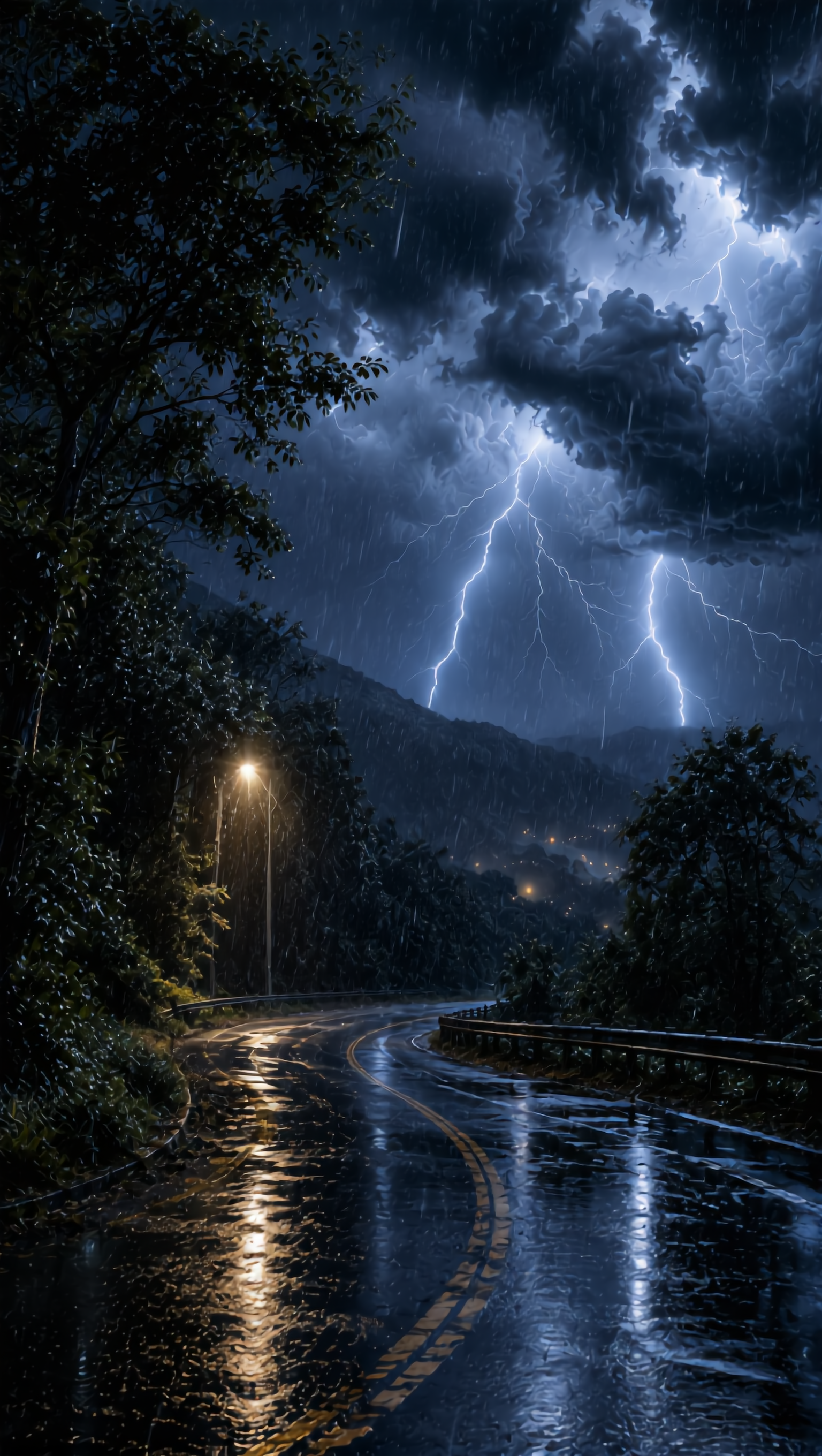
Kling AI work 316662495503262 - landscape scene AI image
XtYSyvPf avatar
XtYSyvPf
Peaceful Nature Landscape - landscape scene AI image
TAHA SARWAR avatar
TAHA SARWAR
Kling AI work 318969096500144 - landscape scene AI image
IOnsscvl avatar
IOnsscvl
Kling AI work 317358258506773 - landscape scene AI image
G avatar
G
Kling AI work 317321225324909 - landscape scene AI image
kathi avatar
kathi
Kling AI work 319902949610605 - landscape scene AI image
eYohoKVb avatar
eYohoKVb
Kling AI work 319638731668865 - landscape scene AI image
rHbQCssX avatar
rHbQCssX
A peaceful natural landscape - landscape scene AI image
cuaDzJwp avatar
cuaDzJwp
Kling AI work 316116136520164 - landscape scene AI image
fyhcwHGu avatar
fyhcwHGu
Kling AI work 318748467526529 - landscape scene AI image
IOnsscvl avatar
IOnsscvl
Wide landscape shot. - landscape scene AI video
00:10
VFdPEpfF avatar
VFdPEpfF
Kling AI work 318223778522488 - landscape scene AI image
NGWJRKcx avatar
NGWJRKcx
Kling AI work 316925197505018 - landscape scene AI image
myhfEAQY avatar
myhfEAQY
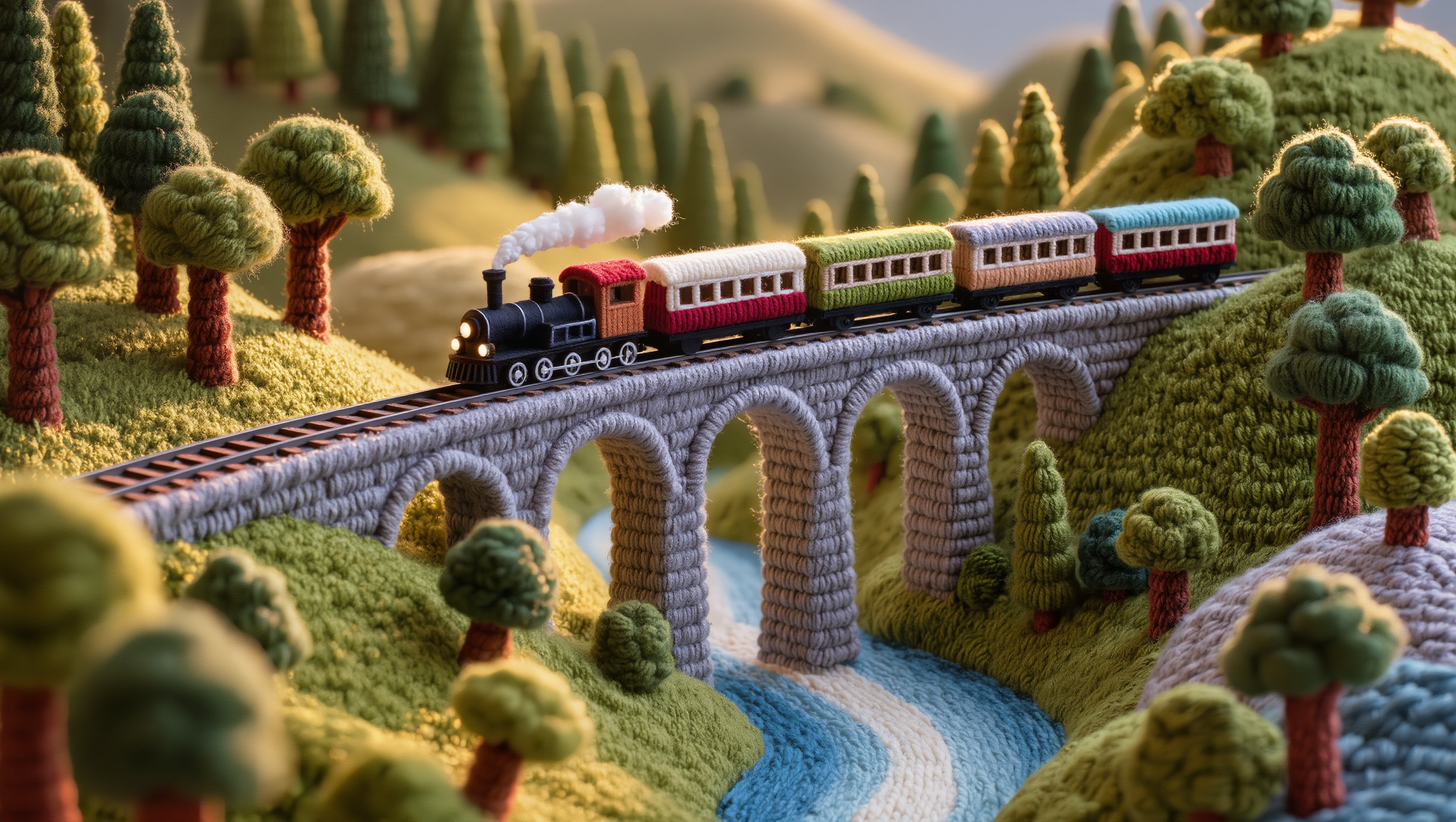
Woolen Train Landscape - landscape scene AI image
gGEEsYTj avatar
gGEEsYTj
tropical landscape - landscape scene AI video
Logotypin avatar
Logotypin
Elite Creator
Aerial landscape - landscape scene AI video
jangel85 avatar
jangel85
quiet, cinematic scene. A young - landscape scene AI video
craftneed AI avatar
craftneed AI

How to Create AI Characters with Kling AI

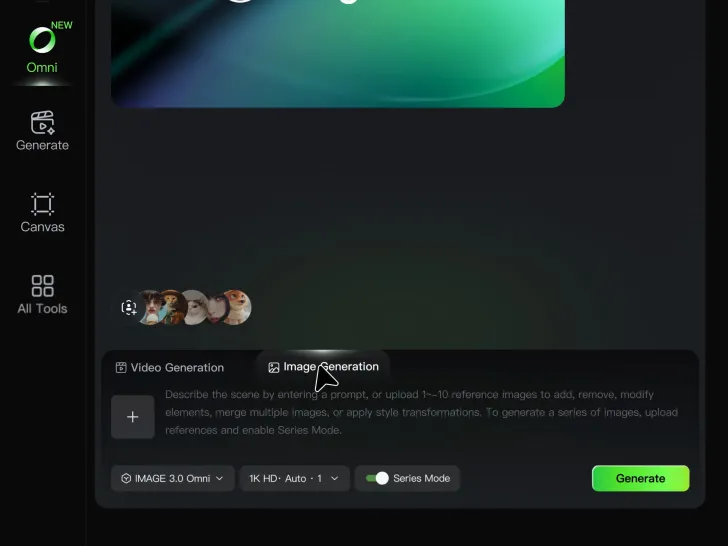
Step 1: Describe Your Character

Step 1: Describe Your Character

Start with a text prompt describing the character you want to create. Define key details such as appearance, hairstyle, clothing, visual style, expression, pose, or setting to help Kling AI generate a character that matches your description.

Step 2: Add Reference Images if Available

Step 2: Add Reference Images if Available

Already have a character design or visual direction in mind? Add one or more reference images to guide the character's appearance and key visual traits. Multiple views can help Kling AI maintain consistency across different angles.

Step 3: Generate and Develop Your Character

Step 3: Generate and Develop Your Character

Generate your character, review the result, and continue refining the design. Explore new poses, scenes, styles, and related images, or reuse the character in later creative workflows.

Why Kling Motion Control Stands Out

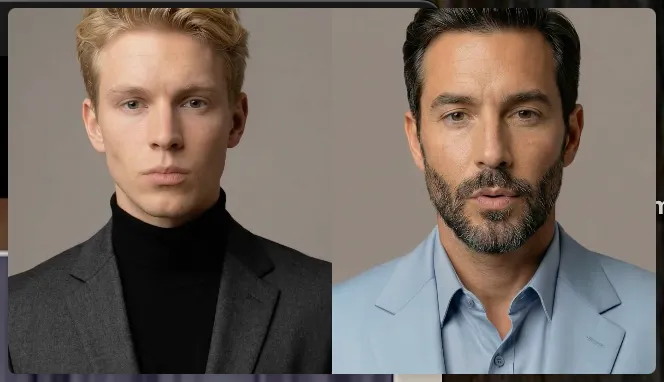
Flawless Facial Consistency in Any Angle

Flawless Facial Consistency in Any Angle

Unlike standard AI video generators that distort features during head turns, Kling locks your character’s identity for stable, recognizable results from any perspective.
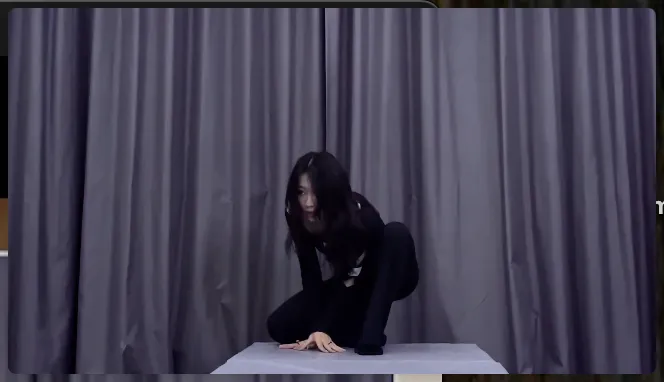
Extreme Precision for Complex Emotions

Extreme Precision for Complex Emotions

Replicate micro-expressions and dramatic emotional transitions with elite motion transfer technology. Kling captures every subtle muscle movement from your reference.
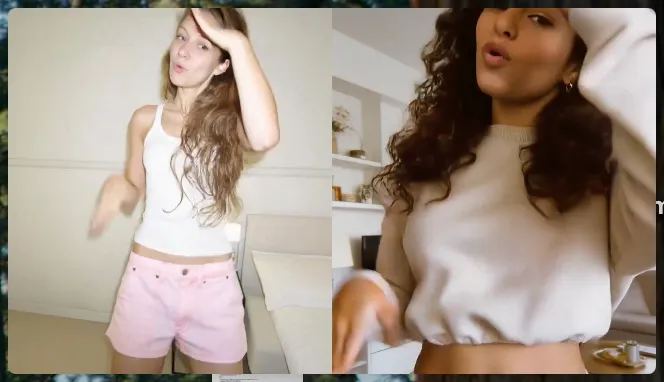
Stable Across Angles, Occlusion, and Distance

Stable Across Angles, Occlusion, and Distance

Maintain character consistency even when the subject is partially blocked or moves between close-up and long shots

Apps

Image to Video
Image to Video

Image to Video

Text to Video
Text to Video

Text to Video

Omni
Omni

Omni

Digital Human
Digital Human

Digital Human

Restyle
Restyle

Restyle

Text to Image
Text to Image

Text to Image

60M+
60M+
Users
600M+
600M+
AI Videos Generated
4.7 ★
4.7 ★
App Store
Industry-Leading
Industry-Leading
Cinematic 4K

Reviews

Vincent Smadja

Vincent Smadja

★★★★★

Kling AI seamlessly integrates into my creative workflow, playing a key role in transforming my images. After generating and upscaling an image, Kling becomes a crucial element, bringing my creations to life with movement and depth.

Halim Alrasihi

Halim Alrasihi

★★★★★

I use AI daily and Kling AI is a crucial part of my workflow, whether for client work or personal projects. What I love most about using Kling AI is that it provides all the tools I need in one place, from keyframes to character references, elements and special effects.

Ozan Sihay

Ozan Sihay

★★★★★

Kling AI allows me to rapidly prototype ideas, refine storytelling elements, and produce visually compelling content efficiently. It has not only accelerated my creative processes, but also deepened my understanding of how AI can enrich visual storytelling.

FAQ

Q1Is it suitable for product demo videos?
Q2Does Video 3.0 support multiple characters speaking?
Q3What’s the difference between Video 2.6 and 3.0?

Turn Text into Cinematic Videos

Create 4K videos with native audio and consistent characters from a single prompt.

Free tier available | Watermark-free membership | HD to 4K export | Fast generation