Creative Studio
API
Resources
About Us
Download

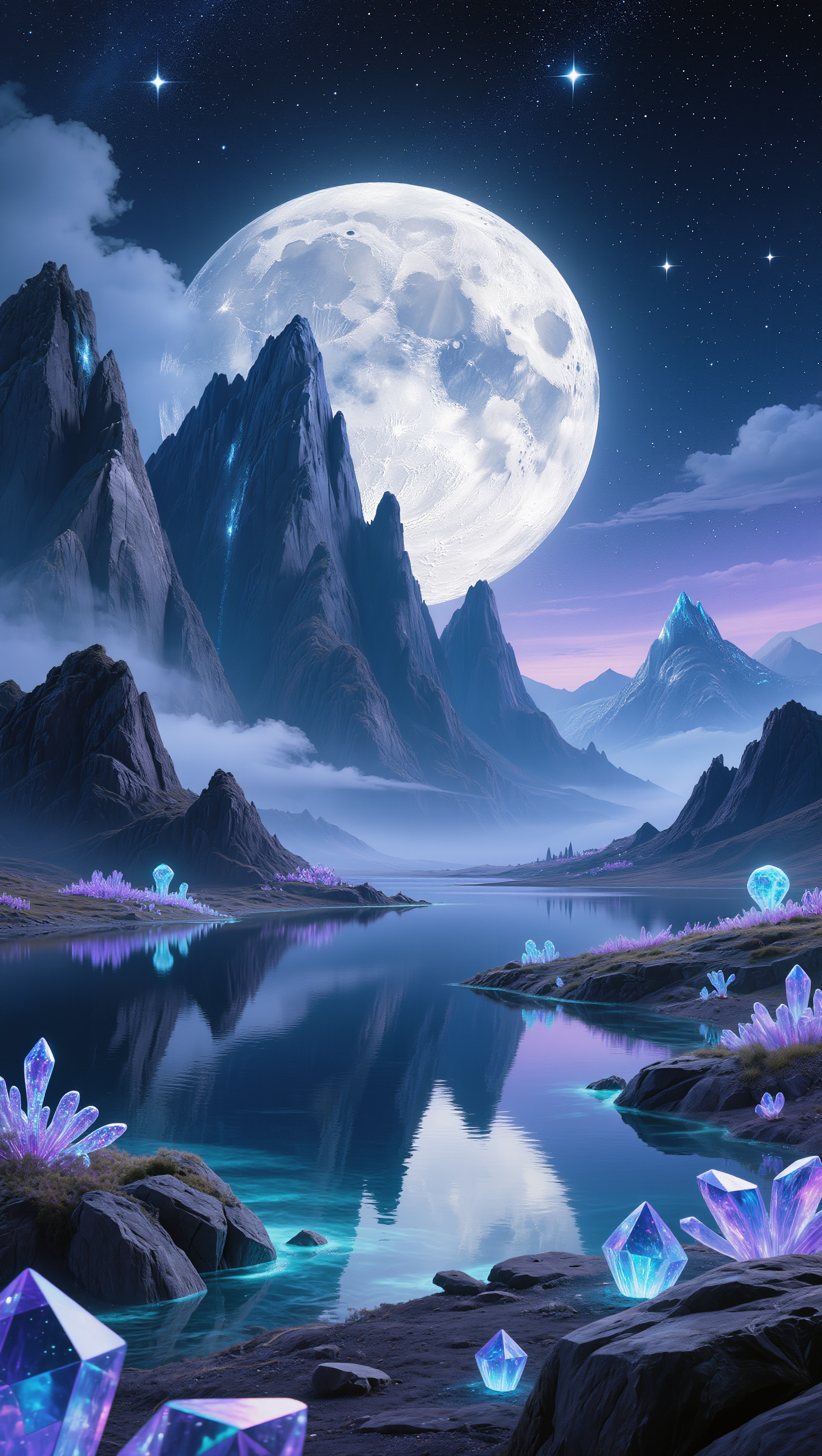
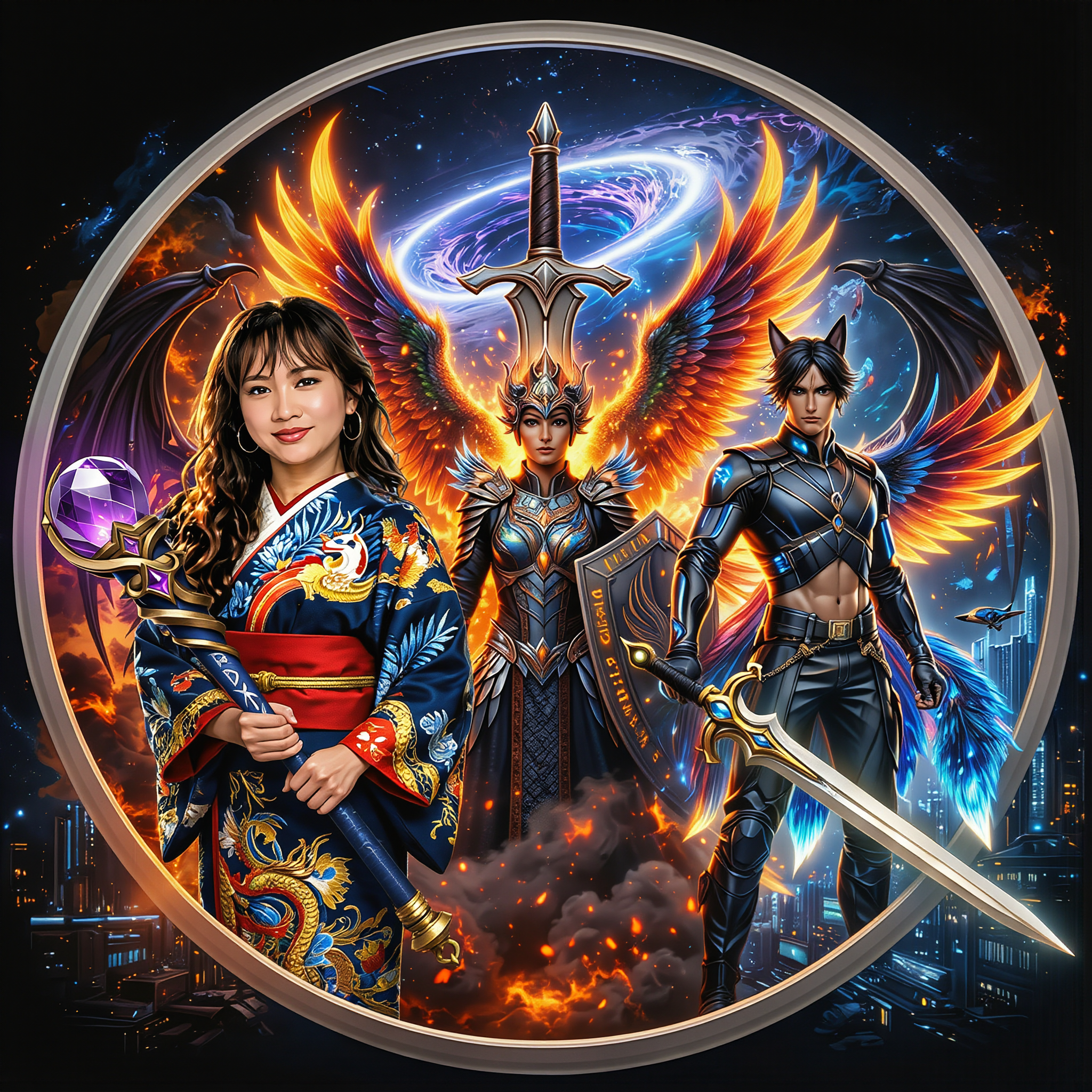
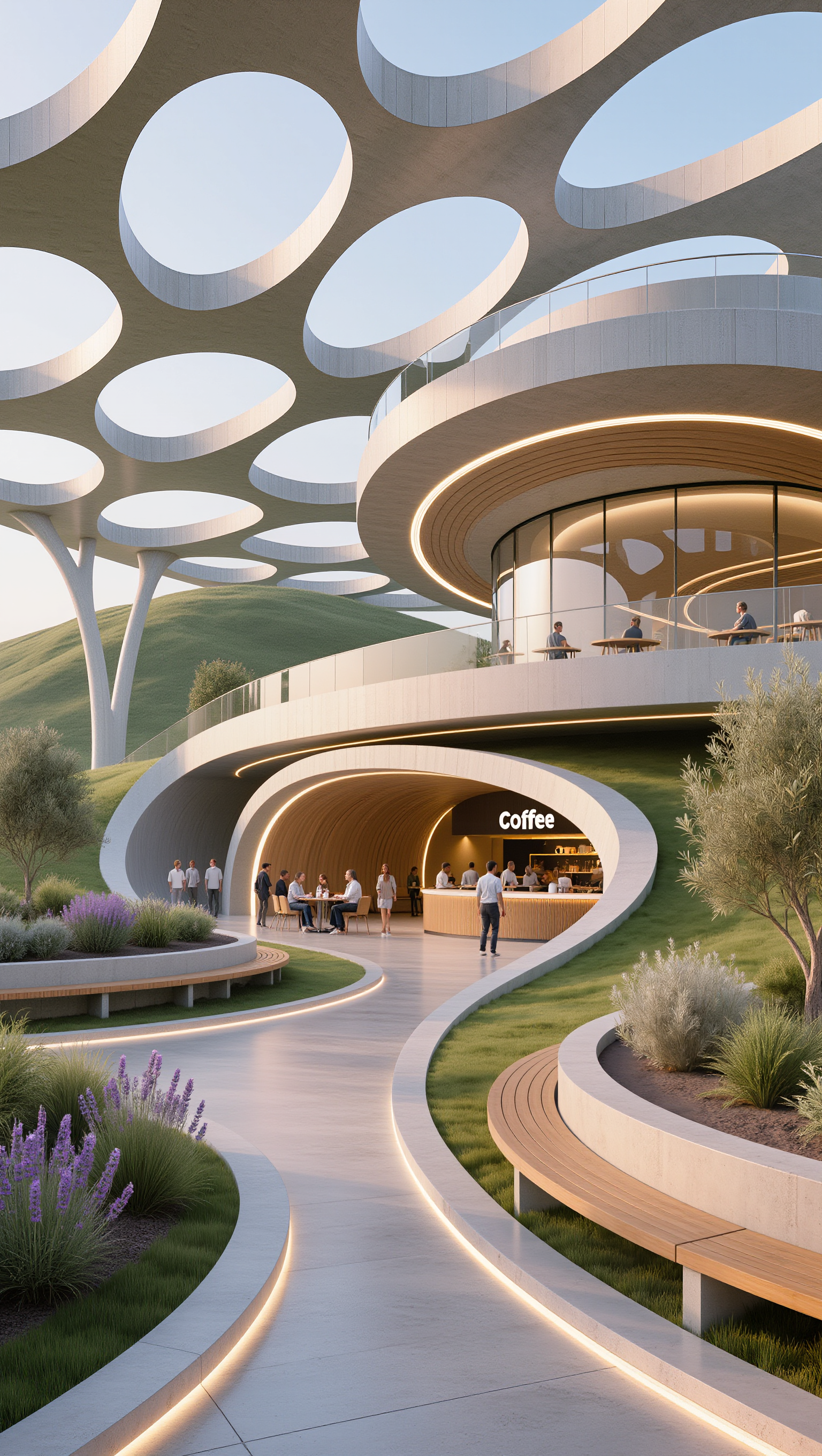
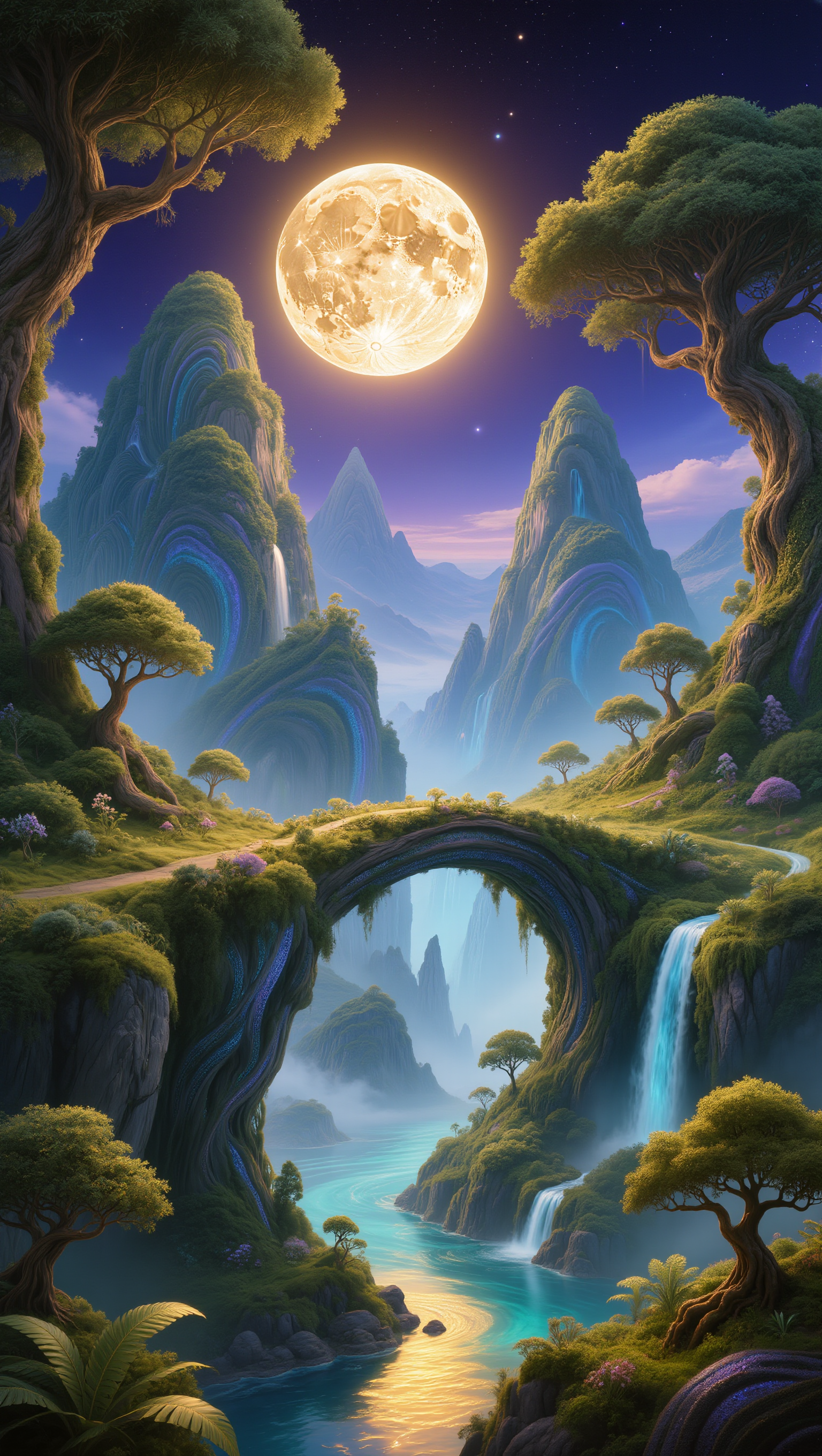
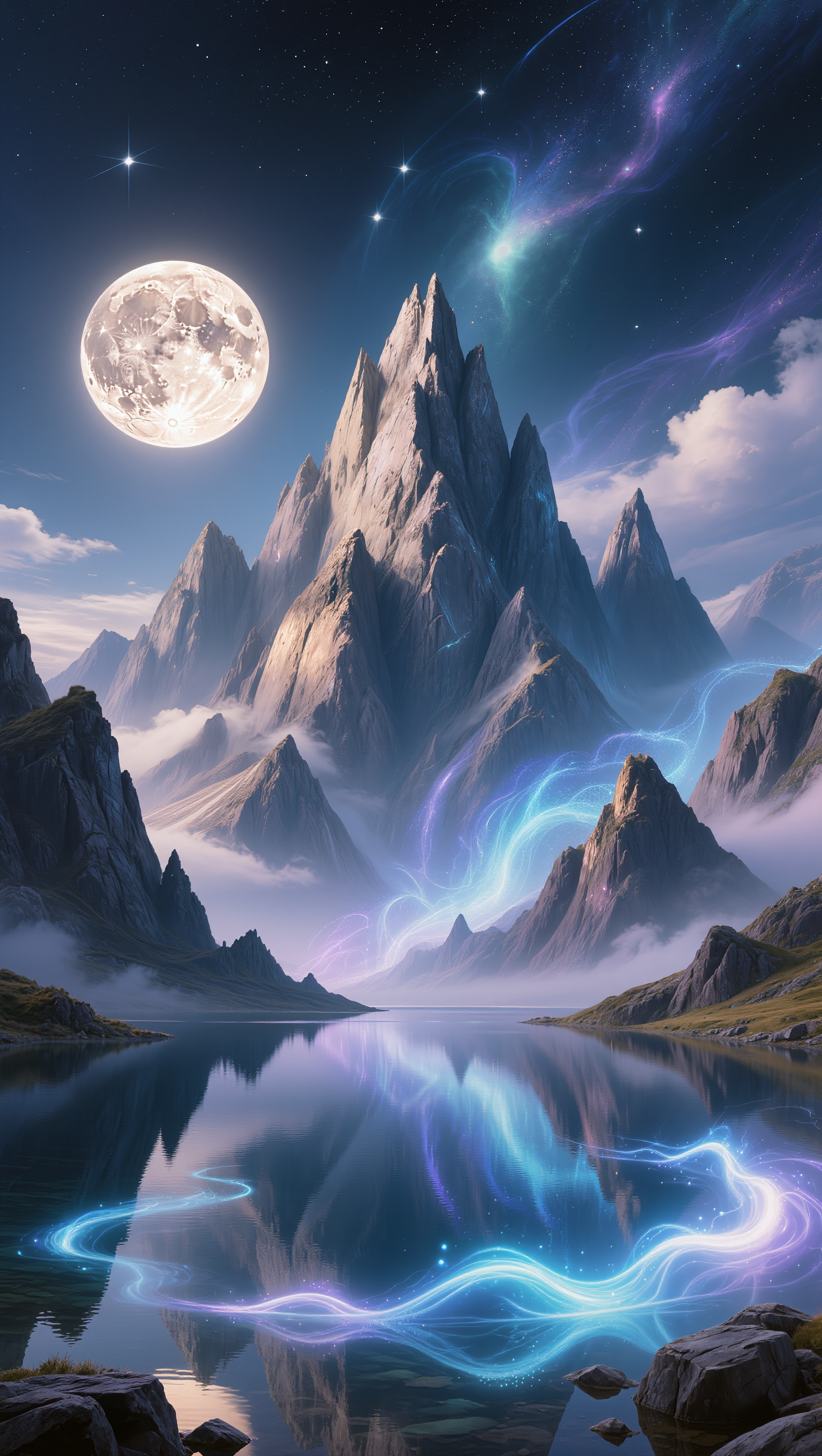
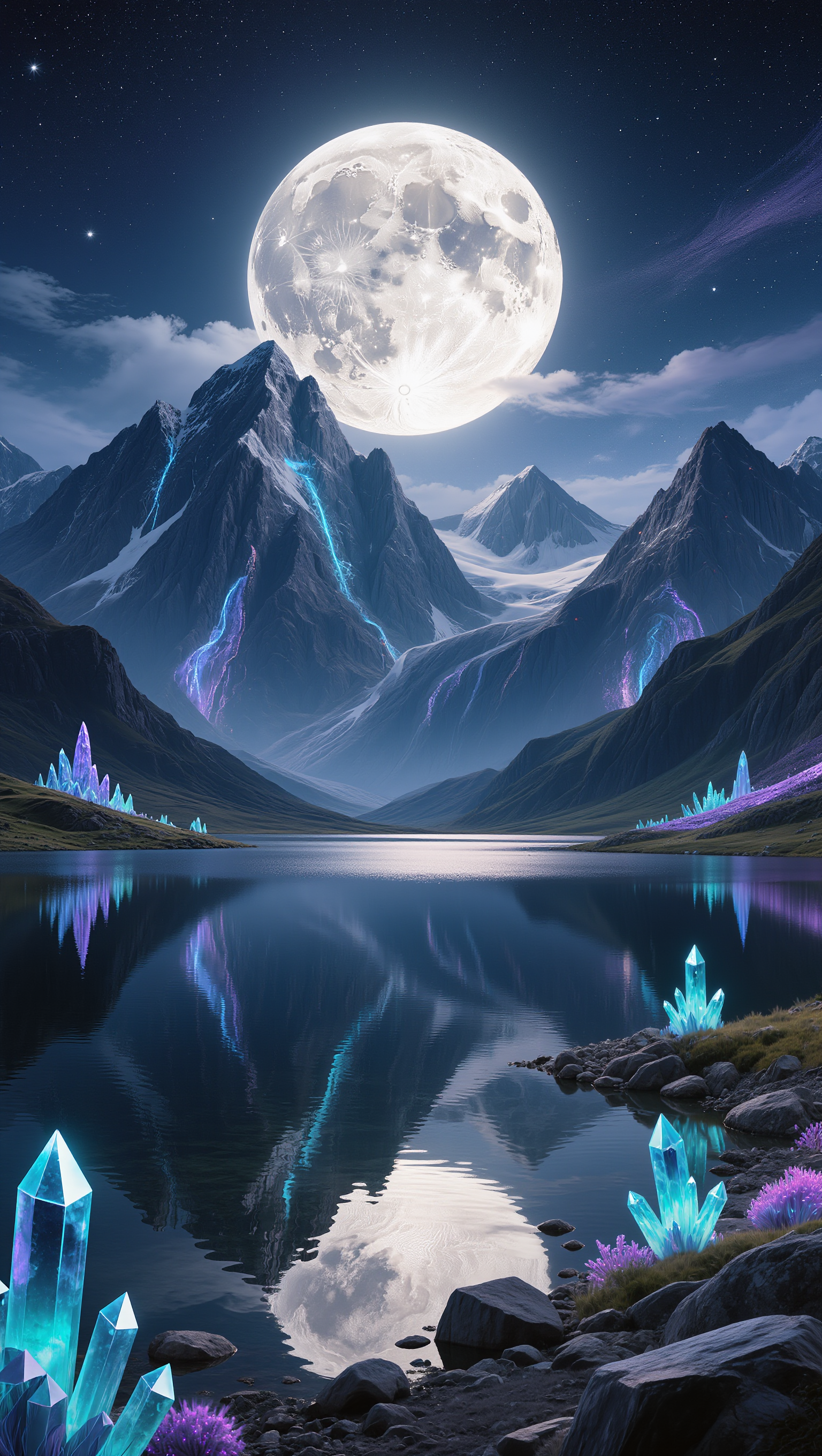
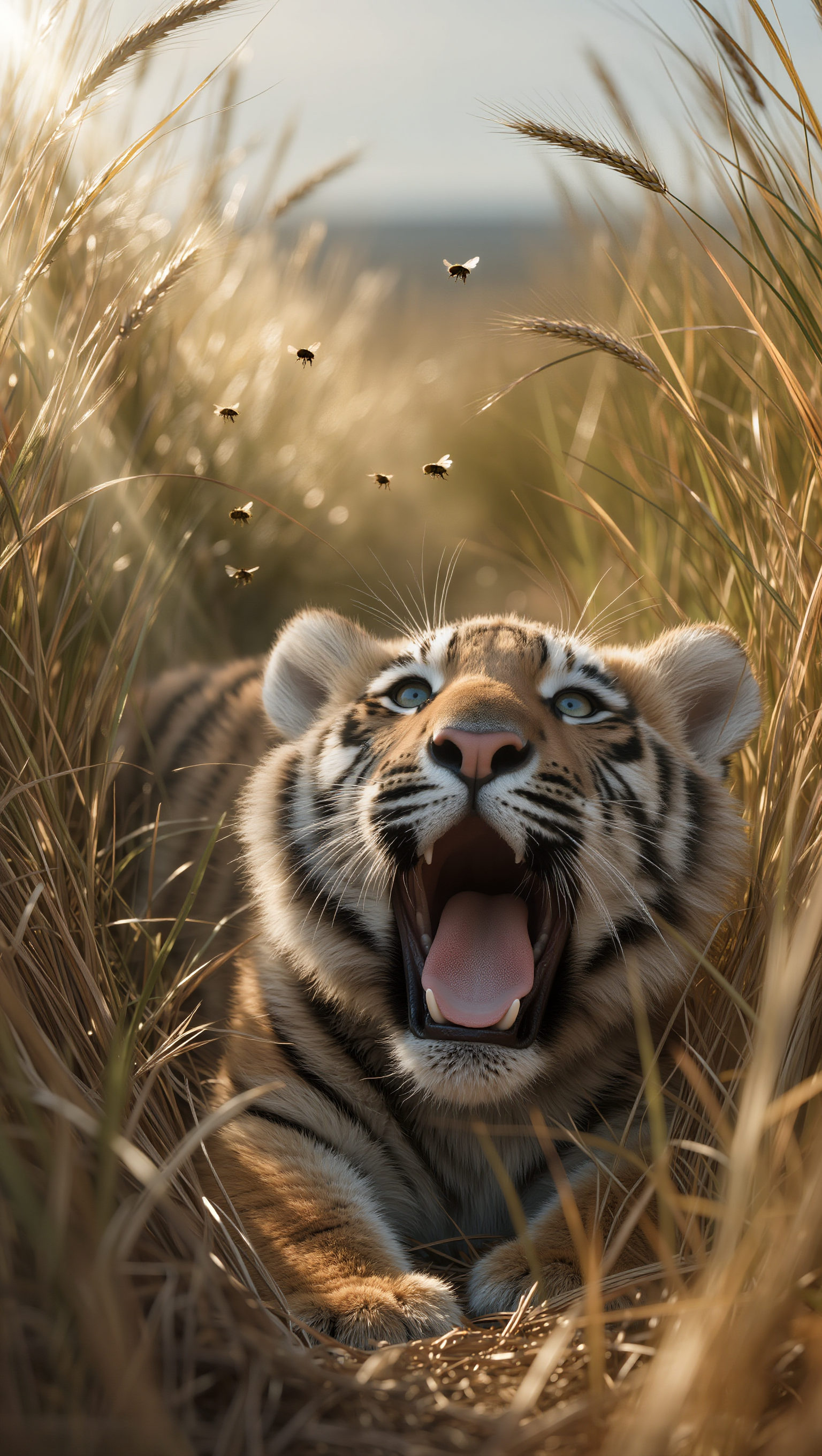
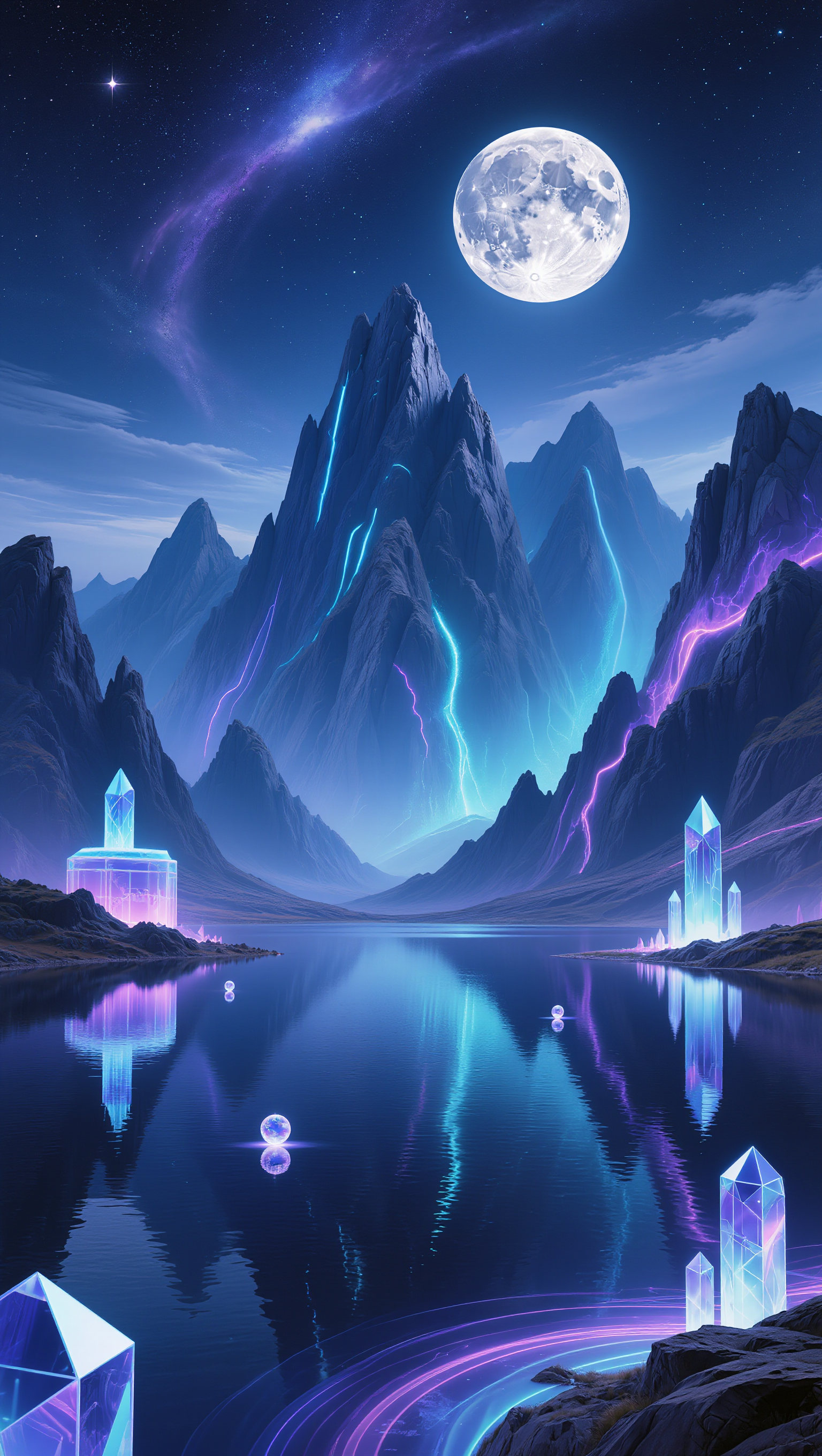
AI landscape wallpaper concepts – Scenic visuals

Explore AI-generated landscape wallpaper concepts. Get scenic visuals that can be customized to fit your theme and style. Create stunning wallpapers with ease.

AI landscape wallpaper concepts – Scenic visuals

Recommended

wallpaper - landscape wallpaper AI video
EDCxWRhK avatar
EDCxWRhK
wallpaper - landscape wallpaper AI video
EDCxWRhK avatar
EDCxWRhK
wallpaper - landscape wallpaper AI video
EDCxWRhK avatar
EDCxWRhK
Cat Wallpaper - landscape wallpaper AI image
aBgQkBke avatar
aBgQkBke
wallpaper - landscape wallpaper AI video
EDCxWRhK avatar
EDCxWRhK
Best wallpaper - landscape wallpaper AI image
SlBDeJKb avatar
SlBDeJKb
wallpaper - landscape wallpaper AI video
EDCxWRhK avatar
EDCxWRhK
Live Wallpaper - landscape wallpaper AI video
Louis avatar
Louis
Elite Creator
wallpaper - landscape wallpaper AI video
EDCxWRhK avatar
EDCxWRhK
wallpaper - landscape wallpaper AI video
EDCxWRhK avatar
EDCxWRhK
wallpaper - landscape wallpaper AI video
EDCxWRhK avatar
EDCxWRhK
Live Wallpaper - landscape wallpaper AI video
Louis avatar
Louis
Elite Creator
wallpaper - landscape wallpaper AI video
EDCxWRhK avatar
EDCxWRhK
wallpaper - landscape wallpaper AI video
EDCxWRhK avatar
EDCxWRhK
wallpaper - landscape wallpaper AI video
EDCxWRhK avatar
EDCxWRhK
Live Wallpaper - landscape wallpaper AI video
Louis avatar
Louis
Elite Creator
wallpaper - landscape wallpaper AI video
EDCxWRhK avatar
EDCxWRhK
knight wallpaper - landscape wallpaper AI video
cristian prado avatar
cristian prado
wallpaper - landscape wallpaper AI video
EDCxWRhK avatar
EDCxWRhK

How to Animate an Image

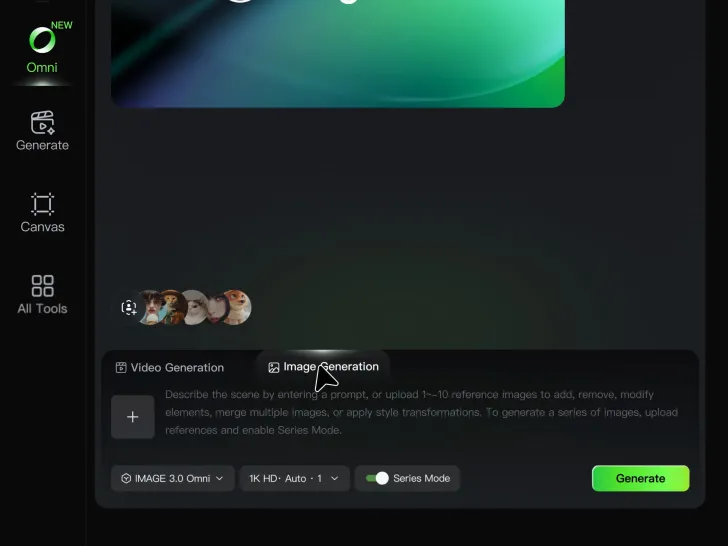
Upload Your Image

Upload Your Image

Upload any image—drag and drop a portrait, product photo, or illustration. Kling supports various formats and brings images to life while maintaining consistent, high-quality results.

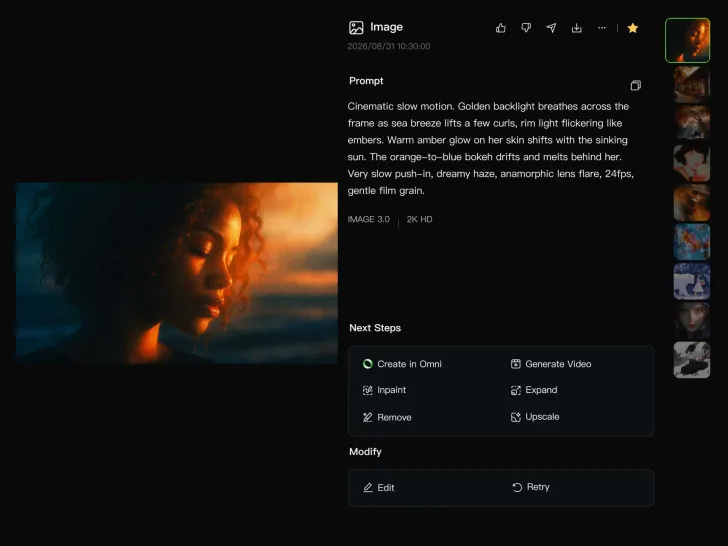
Describe the Motion

Describe the Motion

Type what you want to see, like “she turns, smiles, and starts talking to the camera.” For advanced control, you can also upload a start and end frame to define the exact transition.

Generate & Export

Generate & Export

Hit generate, wait a few seconds, and download your animated video. Free image to video generation is available in 1080p, while Pro users can unlock stunning native 4K resolution.

Why Kling Motion Control Stands Out

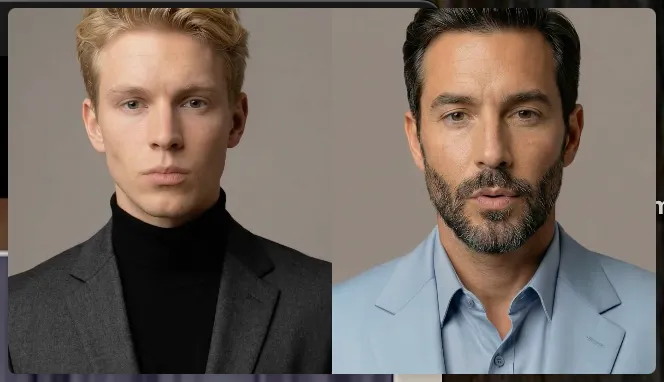
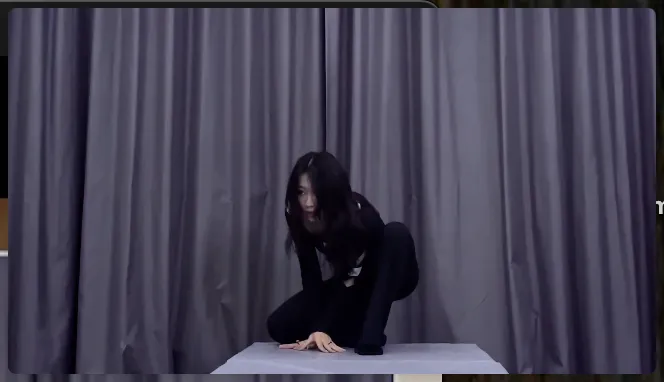
Flawless Facial Consistency in Any Angle

Flawless Facial Consistency in Any Angle

Unlike standard AI video generators that distort features during head turns, Kling locks your character’s identity for stable, recognizable results from any perspective.
Extreme Precision for Complex Emotions

Extreme Precision for Complex Emotions

Replicate micro-expressions and dramatic emotional transitions with elite motion transfer technology. Kling captures every subtle muscle movement from your reference.
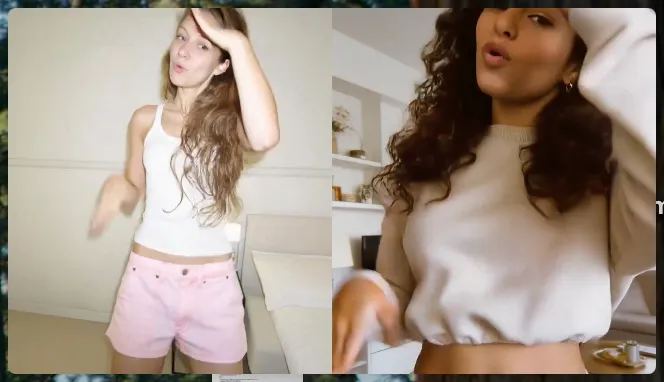
Stable Across Angles, Occlusion, and Distance

Stable Across Angles, Occlusion, and Distance

Maintain character consistency even when the subject is partially blocked or moves between close-up and long shots

Apps

Image to Video
Image to Video

Image to Video

Text to Video
Text to Video

Text to Video

Omni
Omni

Omni

Digital Human
Digital Human

Digital Human

Restyle
Restyle

Restyle

Text to Image
Text to Image

Text to Image

60M+
60M+
Users
600M+
600M+
AI Videos Generated
4.7 ★
4.7 ★
App Store
Industry-Leading
Industry-Leading
Cinematic 4K

Reviews

Vincent Smadja

Vincent Smadja

★★★★★

Kling AI seamlessly integrates into my creative workflow, playing a key role in transforming my images. After generating and upscaling an image, Kling becomes a crucial element, bringing my creations to life with movement and depth.

Ozan Sihay

Ozan Sihay

★★★★★

Kling AI allows me to rapidly prototype ideas, refine storytelling elements, and produce visually compelling content efficiently. It has not only accelerated my creative processes, but also deepened my understanding of how AI can enrich visual storytelling.

Halim Alrasihi

Halim Alrasihi

★★★★★

I use AI daily and Kling AI is a crucial part of my workflow, whether for client work or personal projects. What I love most about using Kling AI is that it provides all the tools I need in one place, from keyframes to character references, elements and special effects.

FAQ

Q1What’s the difference between Video 2.6 and 3.0?
Q2Can I use this for global AI video marketing?
Q3Does Video 3.0 support multiple characters speaking?

Experience Video 3.0 on Kling

Create cinematic, multi-shot videos with native audio and precise control—all in one generation.

Native audio | Multi-shot control | Up to 15s continuous output