Creative Studio
API
Resources
Features
About Us
Download

Loop Lip Sync – AI Animation Ideas

Find AI-generated loop lip sync animation ideas. Create custom animations with AI, perfect for looping projects.

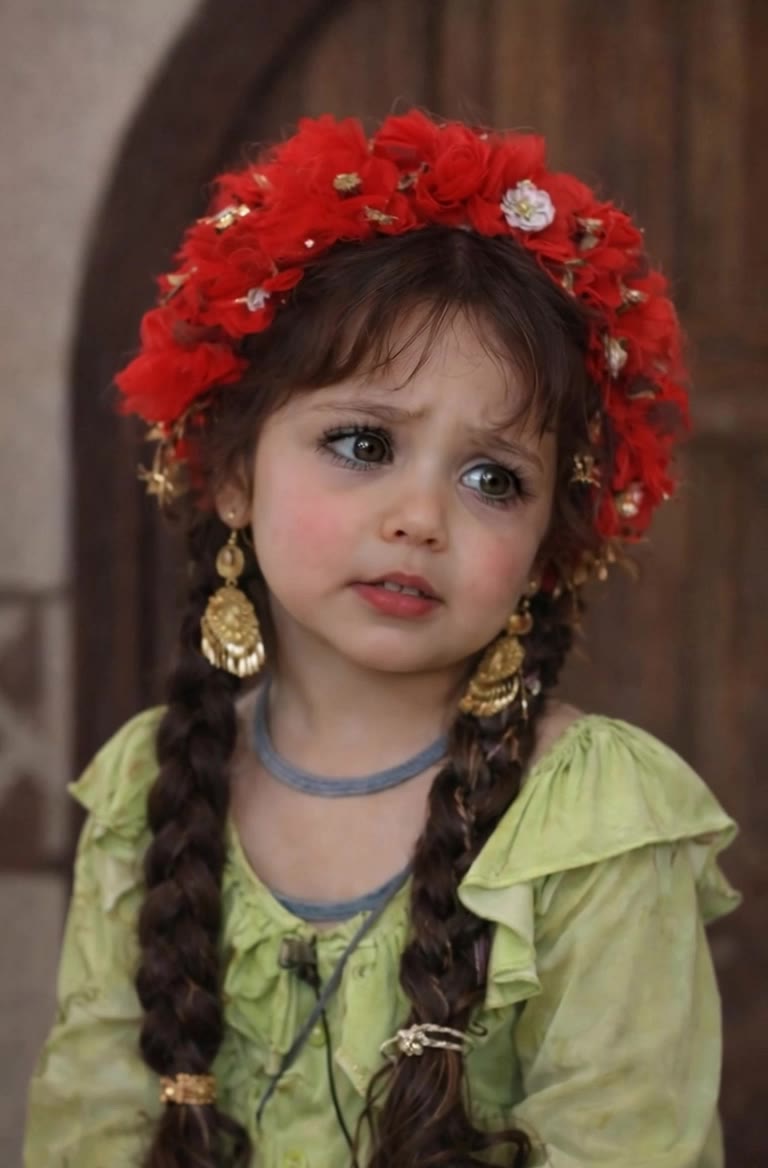
Loop Lip Sync – AI Animation Ideas

Recommended

Pls follow  - loop lip sync AI video
MAX_TT avatar
MAX_TT
Kling AI work 307733273535954 - loop lip sync AI video
CTVBkYmK avatar
CTVBkYmK
lip sync - loop lip sync AI video
POPONE avatar
POPONE
Elite Creator
Lip sync - loop lip sync AI video
00:25
CKNazrIw avatar
CKNazrIw
Kling AI work 299741178657181 - loop lip sync AI video
MRwmmvQy avatar
MRwmmvQy
lip sync - loop lip sync AI video
POPONE avatar
POPONE
Elite Creator
lip sync - loop lip sync AI video
POPONE avatar
POPONE
Elite Creator
Kling AI work 318174677508113 - loop lip sync AI video
RqoPPqJz avatar
RqoPPqJz
Kling AI work 316513779505763 - loop lip sync AI image
qeLqetPK avatar
qeLqetPK
Kling AI work 317902488523427 - loop lip sync AI video
suman avatar
suman
Lip sync - loop lip sync AI video
POPONE avatar
POPONE
Elite Creator
lip sync - loop lip sync AI video
POPONE avatar
POPONE
Elite Creator
Kling AI work 317047335303223 - loop lip sync AI video
YbUIxYcF avatar
YbUIxYcF
Kling AI work 317645501508781 - loop lip sync AI video
FjgdeIrU avatar
FjgdeIrU
Kling AI work 307733305531188 - loop lip sync AI video
CTVBkYmK avatar
CTVBkYmK
lip sync - loop lip sync AI video
POPONE avatar
POPONE
Elite Creator
Kling AI work 299419110528293 - loop lip sync AI video
muTqWxOJ avatar
muTqWxOJ
lip sync attempt - loop lip sync AI video
fseaPIOM avatar
fseaPIOM
Kling AI work 316267879662025 - loop lip sync AI video
wZquotcj avatar
wZquotcj

How to Remove Background from Image

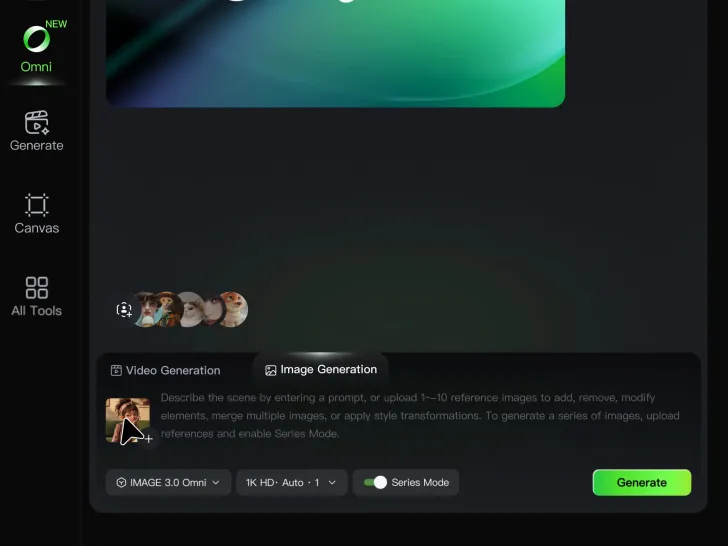
Step 1: Upload Your Image

Step 1: Upload Your Image

Upload the image you want to edit and choose the subject you want to keep. A clear source image makes it easier to separate the subject from the surrounding background.

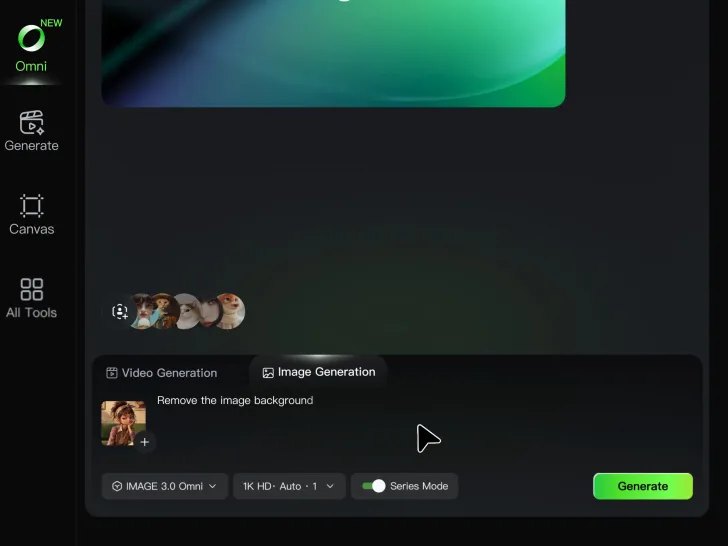
Step 2: Remove or Replace the Background

Step 2: Remove or Replace the Background

Use a simple prompt to remove the existing background while keeping the main subject intact. Keep the result transparent when you need a clean cutout, or describe a new setting if you want to replace the original background directly.

Step 3: Generate and Download

Step 3: Generate and Download

Generate your edited image and review the result. Download the background-free image, or continue refining the new setting, subject details, and overall look with Kling AI.

Key Features of Kling AI Text-to-Video Generator

Precise Text-to-video Generation

Precise Text-to-video Generation

Turn your ideas into videos that closely match your prompt. Kling AI understands detailed descriptions and keeps recurring characters consistent across scenes, preserving their appearance, expressions, and movement throughout the video. Videos support up to 4K resolution, 15 seconds in length, and 60fps playback, depending on your plan.
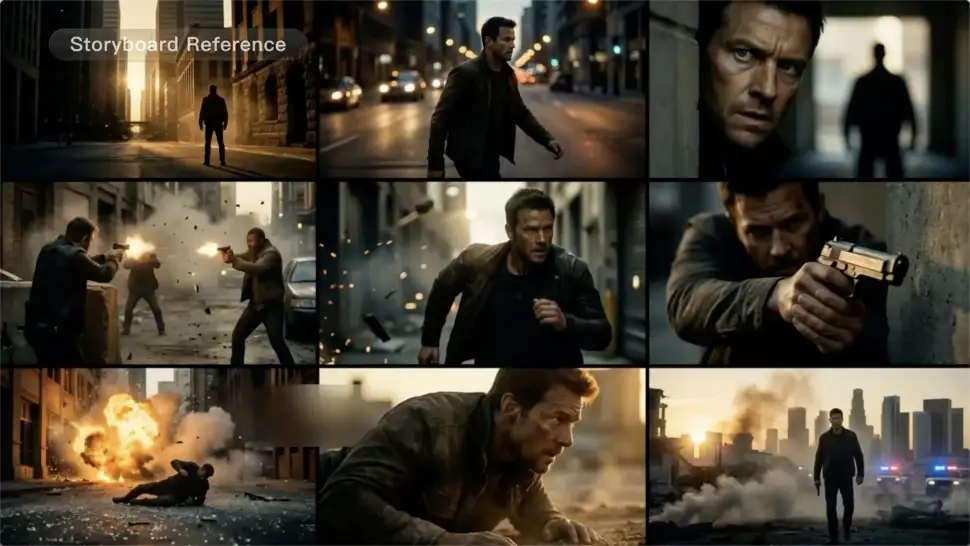
Multi-shot Storyboarding

Multi-shot Storyboarding

Create more complete stories from a single prompt. When your prompt includes multiple scenes, Kling 3.0 can organize them into up to five connected shots with smooth scene transitions, reducing the need for manual editing.
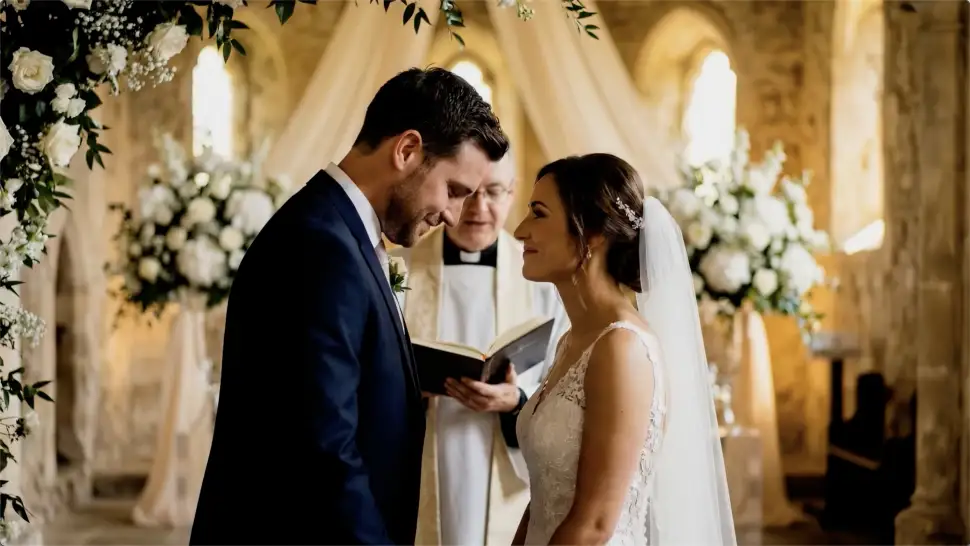
Native Multilingual Audio

Native Multilingual Audio

Create videos with built-in dialogue, sound effects, and ambient audio in five languages: English, Chinese, Japanese, Korean, and Spanish. Regional accent variations are also available, including American, British, and Indian English, to make voices sound more natural.

Apps

Image to Video
Image to Video

Image to Video

Text to Video
Text to Video

Text to Video

Omni
Omni

Omni

Digital Human
Digital Human

Digital Human

Restyle
Restyle

Restyle

Text to Image
Text to Image

Text to Image

60M+
60M+
Users
600M+
600M+
AI Videos Generated
4.7 ★
4.7 ★
App Store
Industry-Leading
Industry-Leading
Cinematic 4K

Reviews

Ozan Sihay

Ozan Sihay

★★★★★

Kling AI allows me to rapidly prototype ideas, refine storytelling elements, and produce visually compelling content efficiently. It has not only accelerated my creative processes, but also deepened my understanding of how AI can enrich visual storytelling.

James Phillips

James Phillips

★★★★★

Kling AI has transformed my workflow by collapsing timelines and democratizing production. It’s shifted my mindset from resource-dependent filmmaking to a boundless creative sandbox, where experimentation yields unexpected beauty.

Jyo John Mulloor

Jyo John Mulloor

★★★★★

Kling AI has been instrumental in transforming my creative workflow, unlocking new dimensions of artistic expression that were once unimaginable. I use Kling AI extensively to develop high-concept visuals, animate surreal dreamscapes, and create AI-assisted films that blur the line between reality and fantasy. Kling AI’s deep learning capabilities have not only enhanced my creative efficiency but also inspired me to explore storytelling in ways I never thought possible.

FAQ

Q1Can I edit an existing image with Kling AI?
Q2Is Kling AI image generator free to use?
Q3Can I create images from reference photos?

Change the Shot Without Reshooting It

Upload your footage, describe the result, and let Kling rebuild the scene around your direction.

Free tier available | Simple prompt editing | Up to 4K output | Fast generation