
Creative Studio
API
Resources
Features
About Us
Download

low angle camera - underwater serenity & fashion photography

Unveil the captivating power of low angle camera shots in fashion photography and serene underwater realms. Start exploring low angle camera ideas and generate your own content with AI.

low angle camera - underwater serenity & fashion photography

Recommended

Kling AI work 313763380663462 - low angle camera AI image
FSBTubwe avatar
FSBTubwe
The camera is fixed at a 100cm s - low angle camera AI image
Shioris avatar
Shioris
Kling AI work 310516974662357 - low angle camera AI image
kNPjMgwI avatar
kNPjMgwI
The camera is fixed at a 100cm s - low angle camera AI image
Shioris avatar
Shioris
Ultra high to ultra low angle - low angle camera AI video
uzaWTLQd avatar
uzaWTLQd
Kling AI work 310512013613612 - low angle camera AI image
eJTWqBGq avatar
eJTWqBGq
Kling AI work 310516555506727 - low angle camera AI image
gGpOFjrk avatar
gGpOFjrk
Kling AI work 310571449614446 - low angle camera AI image
KTgacdQU avatar
KTgacdQU
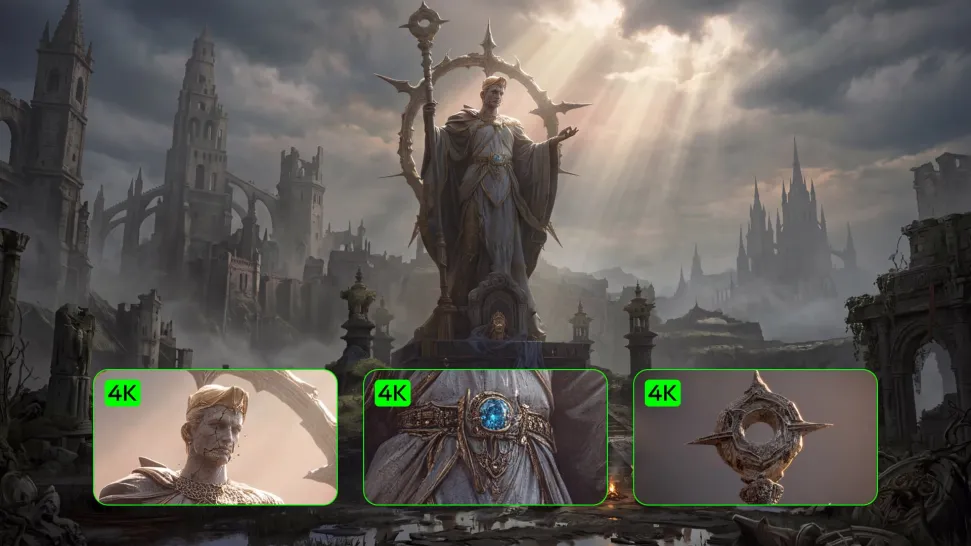
Medieval fantasy labor camp - low angle camera AI video
ThisTwistedGame avatar
ThisTwistedGame
Elite Creator
Heroes Summoned to Another World - low angle camera AI video
vUETJEMm avatar
vUETJEMm
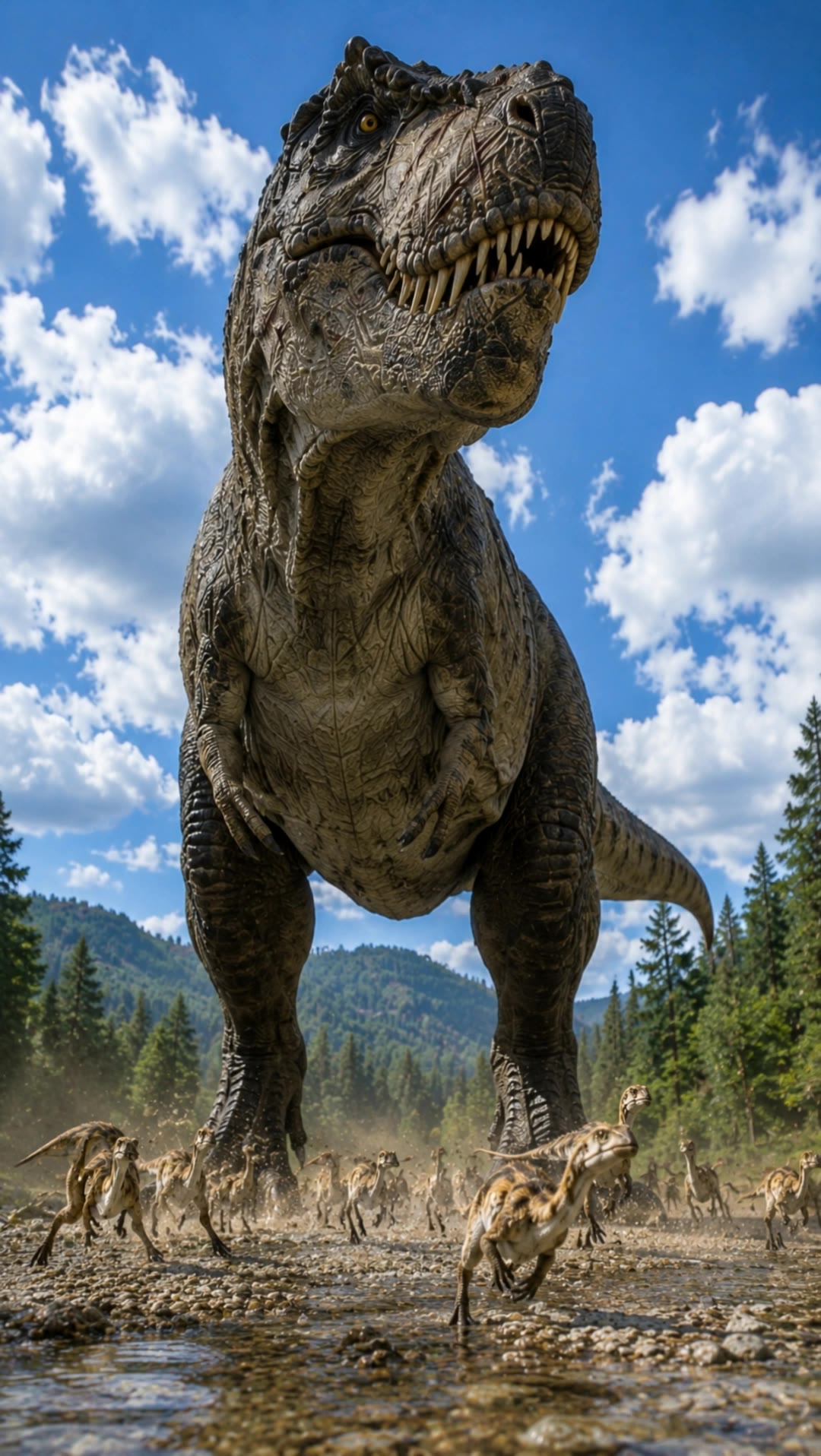
T-rex Low angle tilt up - low angle camera AI video
Vynix.Creative avatar
Vynix.Creative
Elite Creator
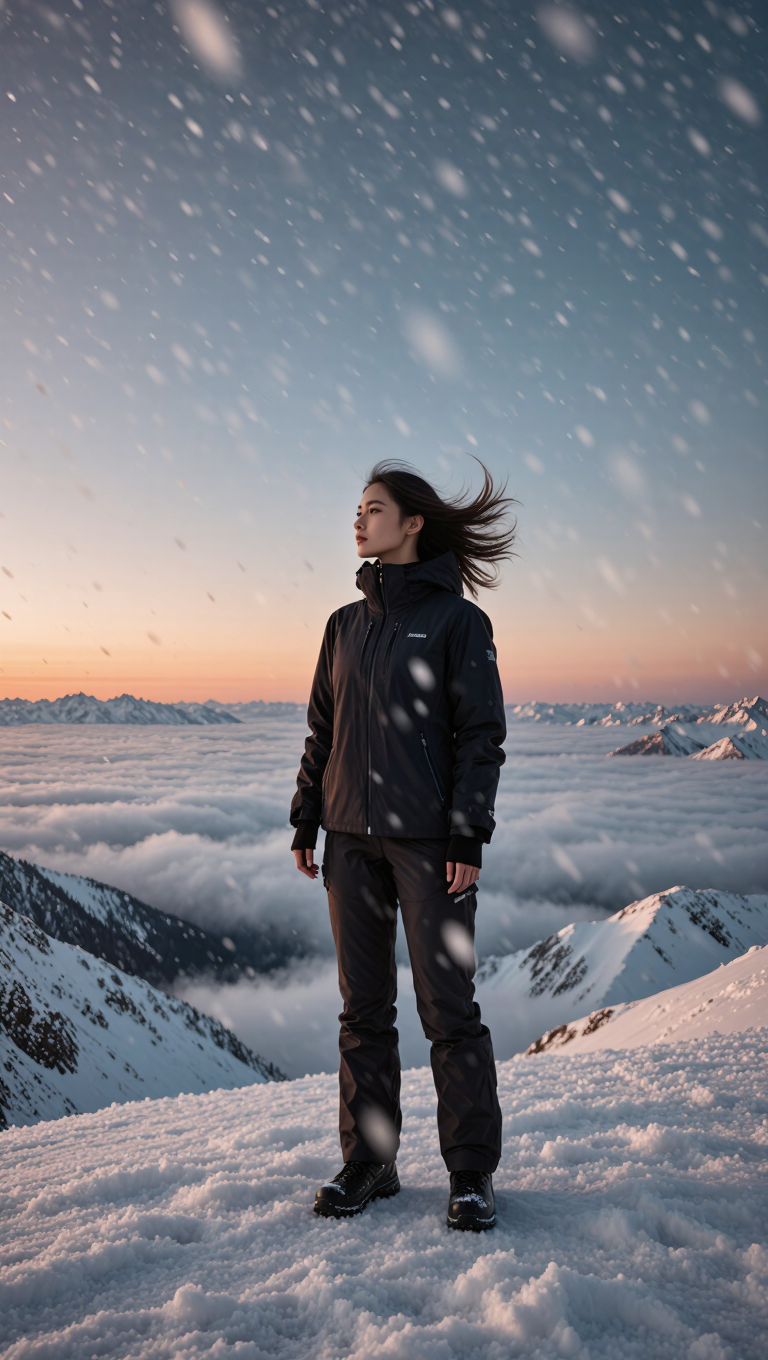
Snowstorm Camera Journey - low angle camera AI video
SUNG YANGHYUN avatar
SUNG YANGHYUN
man in a hurry - low angle camera AI video
Hugues avatar
Hugues
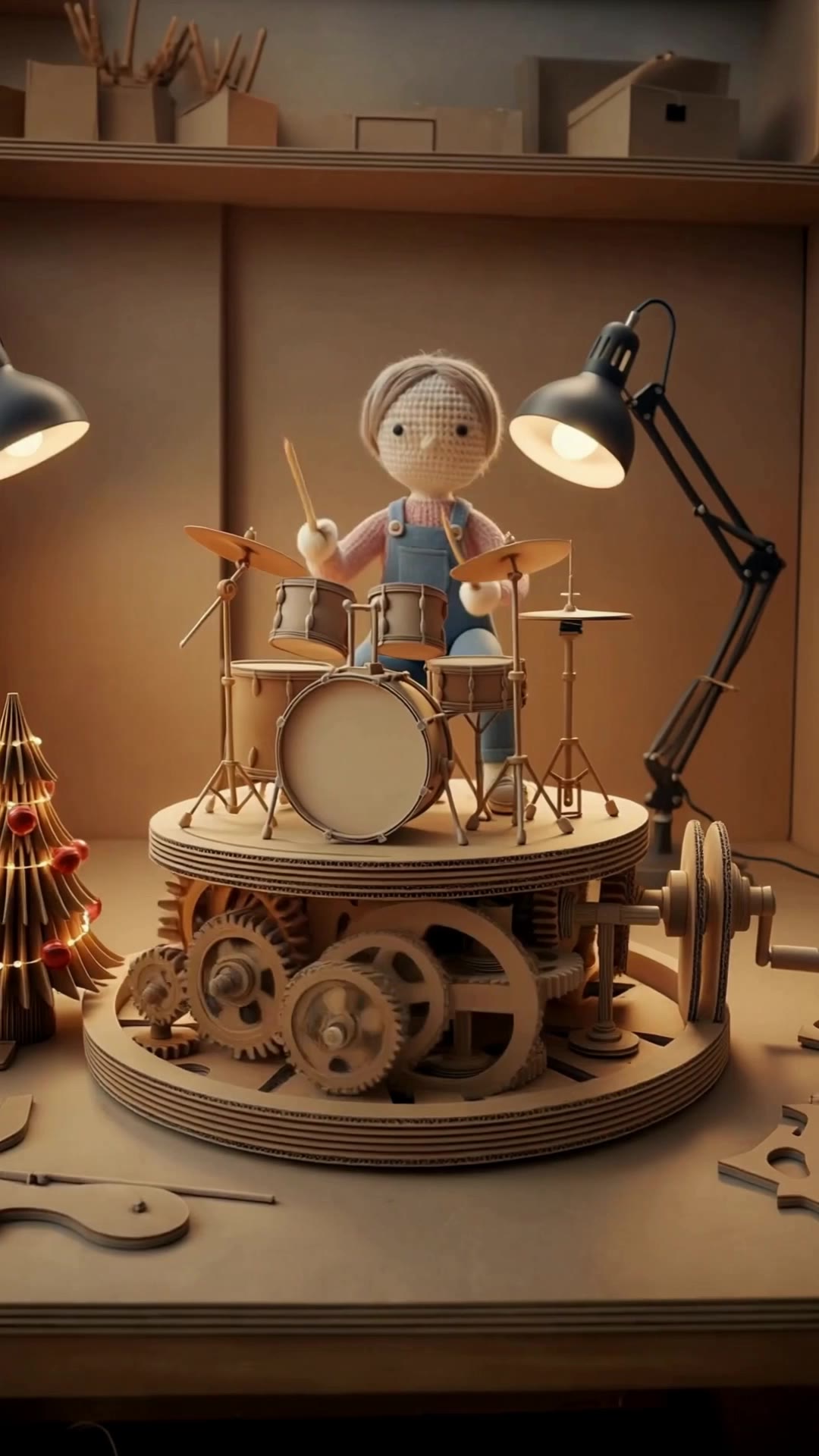
Low Angle — Gears 60% / Doll 40% - low angle camera AI video
craftneed AI avatar
craftneed AI
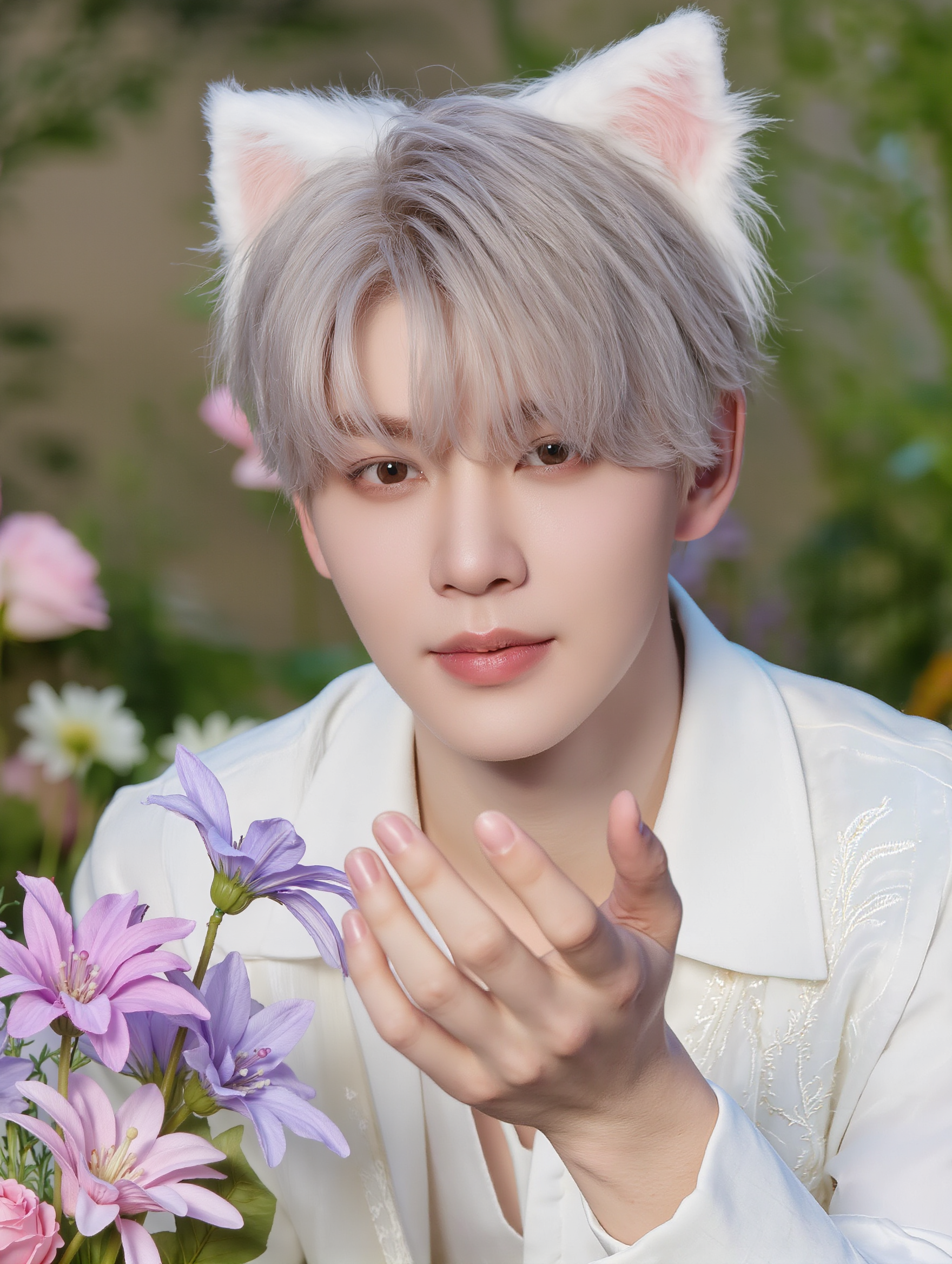
wide & low angle fashion photo - low angle camera AI video
videosAI𝙥𝙧𝙤 avatar
videosAI𝙥𝙧𝙤
Elite Creator
Soldier reborn - low angle camera AI video
Andronicus avatar
Andronicus
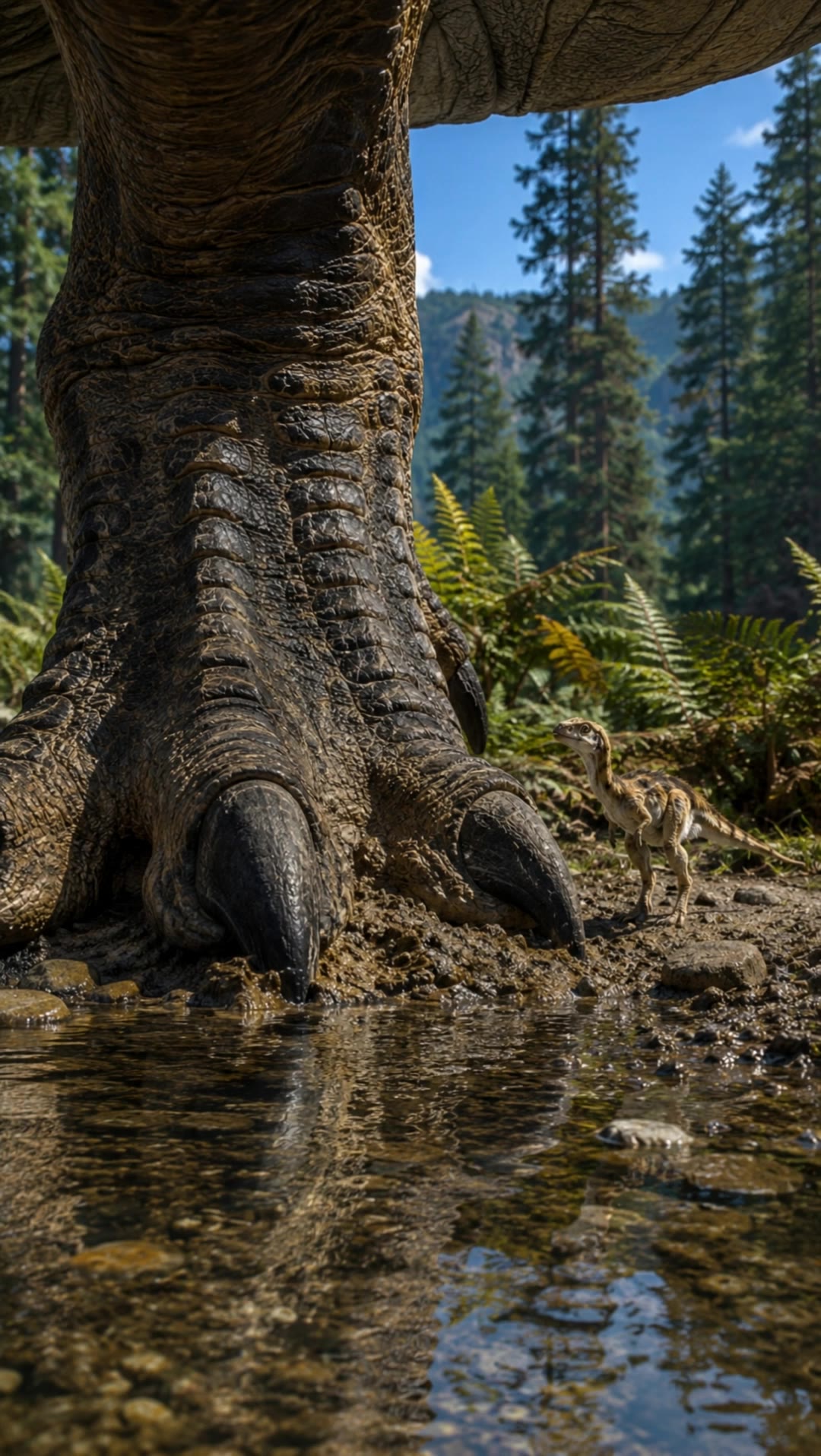
T-rex Low Angle - low angle camera AI video
Vynix.Creative avatar
Vynix.Creative
Elite Creator
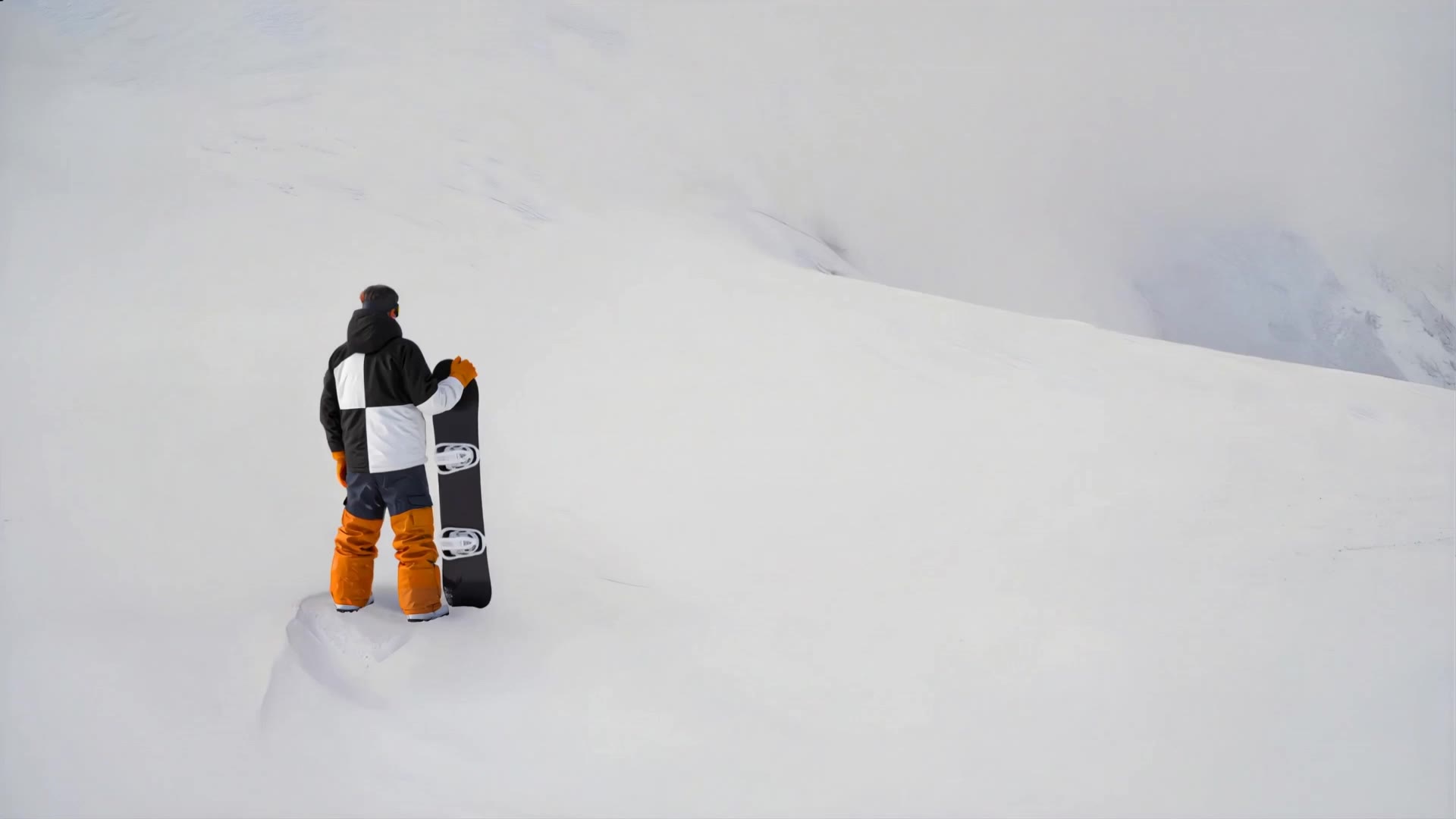
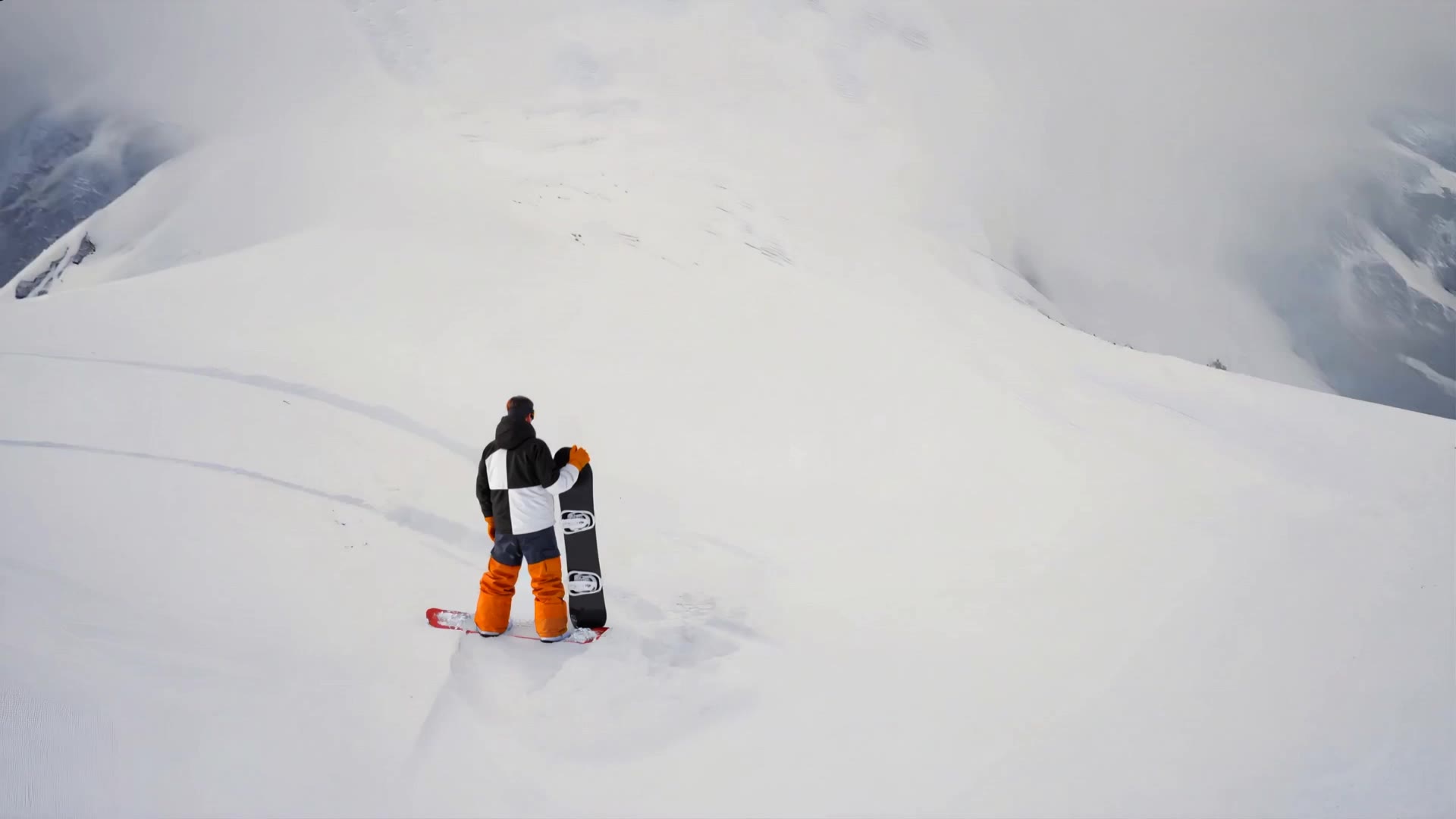
Snowboarder Camera Approach - low angle camera AI video
SUNG YANGHYUN avatar
SUNG YANGHYUN
Kling AI work 310617270502621 - low angle camera AI image
rbSSduEv avatar
rbSSduEv

How to Use Kling AI Face Swap

Step 1: Upload Your Target and References

Step 1: Upload Your Target and References

Add the photo or video you want to edit, then add the face reference you want Kling AI to follow. For video, you can also use multiple views or a character element when you need stronger identity consistency across different angles.

Step 2: Describe the Face Swap You Want

Step 2: Describe the Face Swap You Want

Tell Kling AI which face to replace and what reference to use. For example: "Replace the face in [Image 1] with the face from [Image 2] while keeping all other content unchanged."

Step 3: Generate Your Face Swap

Step 3: Generate Your Face Swap

Choose your preferred output settings, such as the generation mode and aspect ratio, then click Generate. Kling AI will apply your instructions and chosen settings to create your face-swapped image or video.

Why Kling Sets the Standard for Video Creation

Flawless Character Consistency

Flawless Character Consistency

Unlike standard tools that distort faces when moving, Kling Video 3.0 lets you strictly lock a character’s appearance. Upload a single photo, or use a short video/multiple angles as a reference to completely eliminate the “AI morphing” effect.

Native Audio & Perfect Lip-Sync

Native Audio & Perfect Lip-Sync

Your image doesn’t just move; it speaks. Generate perfectly matched voices and realistic lip movements in multiple languages or regional accents. Even in multi-character scenes, you can precisely assign who speaks—no third-party tools required.

15s Duration & Motion Control

15s Duration & Motion Control

Go beyond simple loops with up to 15 seconds of smooth narrative. Use advanced Motion Control to direct camera pans, tilts, and zooms, or define exact transitions with start and end frame references.

Apps

Image to Video
Image to Video

Image to Video

Text to Video
Text to Video

Text to Video

Omni
Omni

Omni

Digital Human
Digital Human

Digital Human

Restyle
Restyle

Restyle

Text to Image
Text to Image

Text to Image

60M+
60M+
Users
600M+
600M+
AI Videos Generated
4.7 ★
4.7 ★
App Store
Industry-Leading
Industry-Leading
Cinematic 4K

Reviews

Maria Rubtsova

Maria Rubtsova

★★★★★

I’m Maria Rubtsova, an AIGC digital artist passionate about creating stunning visuals in the worlds of fashion, aesthetics, and fantasy. I use KlingAi to bring imagination to life through video. My work is all about exploring beauty, emotion, and the limitless possibilities of digital art.

Samuele Poggi (@visualsk2)

Samuele Poggi (@visualsk2)

★★★★★

I use Kling AI daily to push the limits of AI filmmaking. It allows me to create highly cinematic content, blending AI and VFX to develop innovative projects. It has significantly impacted my creative process, enabling me to achieve complex animations that would otherwise require high production budgets.

KakuDrop

KakuDrop

★★★★★

I have successfully collaborated with world-renowned artists and well-known companies that are recognized globally

FAQ

Q1What languages does Kling AI Text to Speech support?
Q2Can Kling AI Text to Speech handle multiple characters in one video?
Q3Are AI-generated voices realistic or robotic?

Start Creating AI Videos with Kling

Turn your image into a talking, high-quality video in seconds. No watermarks, no complicated setup.

Free tier available (Memberships are watermark-free) | 1080p export (Memberships unlock 4K) | Instant results