Creative Studio
API
Resources
Features
About Us
Download

magi ai video - music video & action movie scene

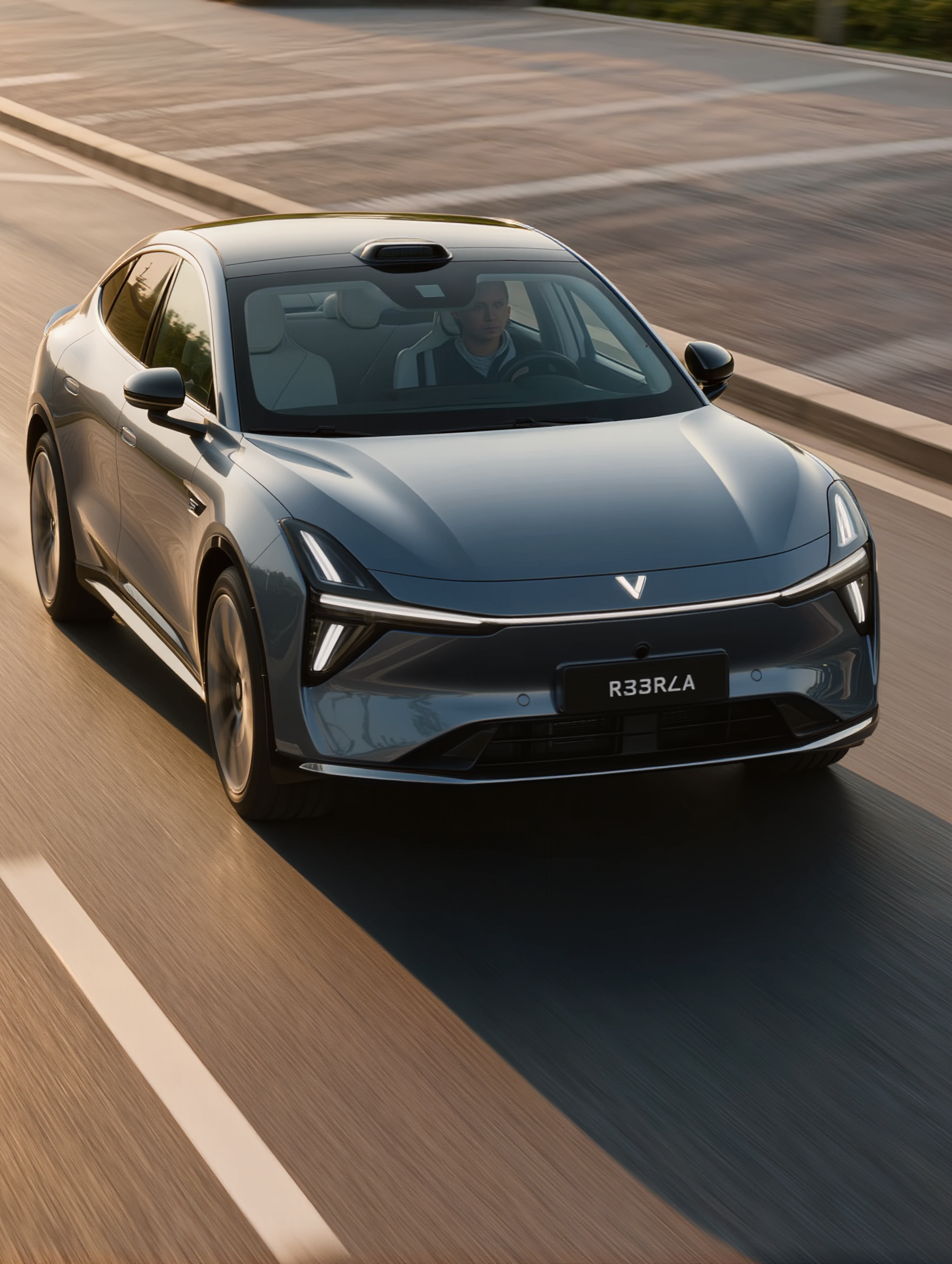
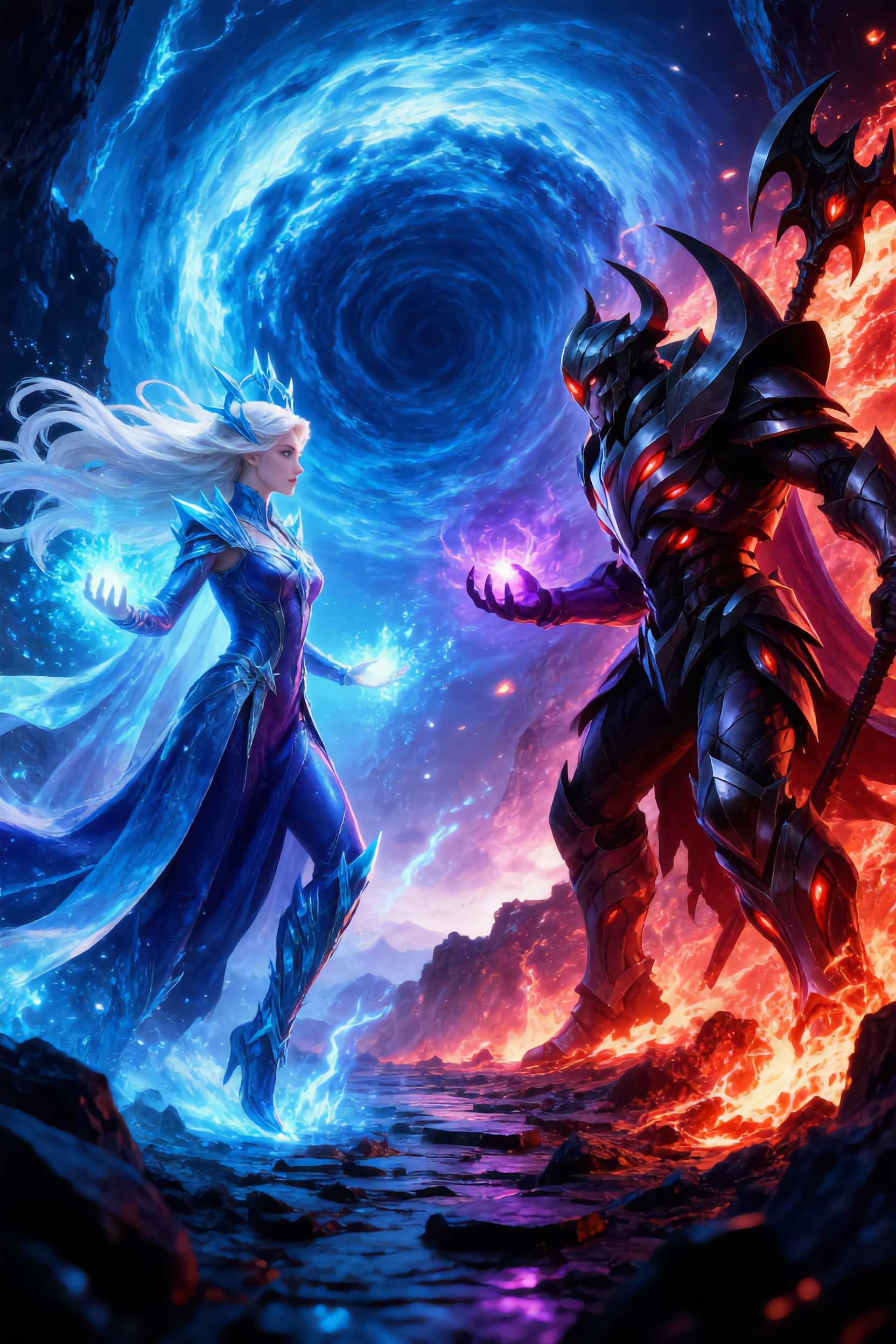
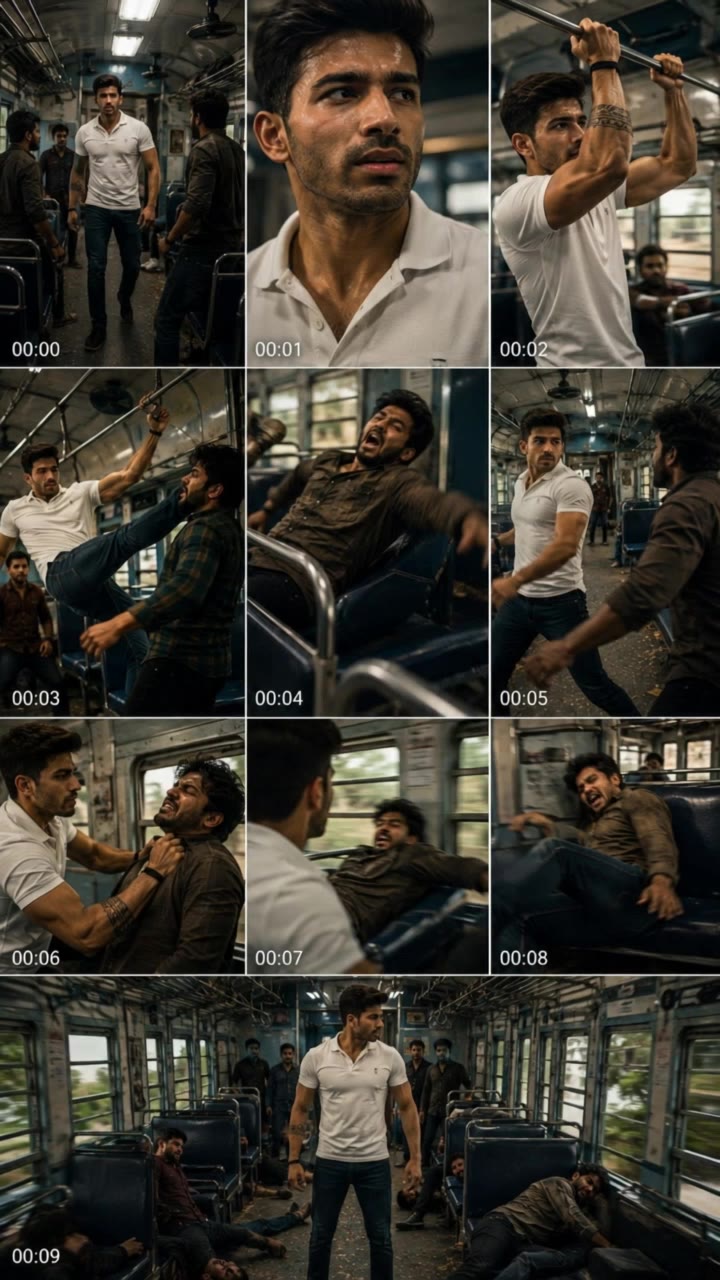
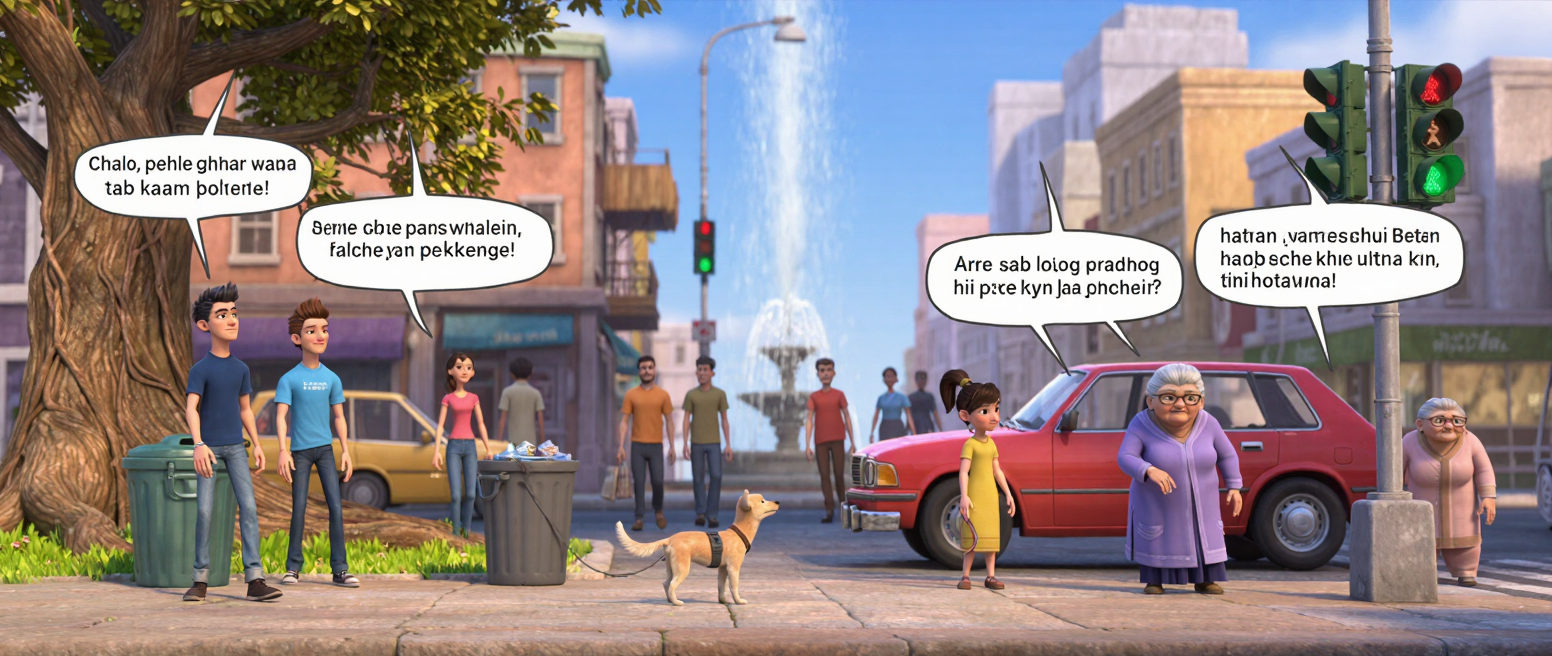
Unleash creativity with magi ai video through ASMR experiences and dynamic action scenes. Start exploring magi ai video ideas and generate your own content with AI.

magi ai video - music video & action movie scene

Recommended

Jesus is born - magi ai video AI video
KLING0990 avatar
KLING0990
Intro video - magi ai video AI video
OgDqfxHk avatar
OgDqfxHk
Use the uploaded video as the ex - magi ai video AI image
NUFsXjGe avatar
NUFsXjGe
do this as an video - magi ai video AI image
CRfdyBMQ avatar
CRfdyBMQ
video ဖန်တီးပေးပါ - magi ai video AI image
RVDtRdhG avatar
RVDtRdhG
Singel video 9 sec - magi ai video AI video
yQojfHud avatar
yQojfHud
Muslims video  - magi ai video AI video
CcVerNoh avatar
CcVerNoh
Before after video tutorial  - magi ai video AI video
OYzXzsPG avatar
OYzXzsPG
Three Kings - magi ai video AI video
KLING0990 avatar
KLING0990
Kling AI work 319515014524351 - magi ai video AI video
mhPsVDoB avatar
mhPsVDoB
ai video  - magi ai video AI video
01:05
jhksnvyT avatar
jhksnvyT
hacer video - magi ai video AI image
wdgONJrh avatar
wdgONJrh
ai video  - magi ai video AI image
rgZYrQNx avatar
rgZYrQNx
Kling AI work 307850307610997 - magi ai video AI video
God’s child avatar
God’s child
general a video about the genesi - magi ai video AI image
bBdlAAMC avatar
bBdlAAMC
Kling AI work 315932911500255 - magi ai video AI video
FpQMAaXY avatar
FpQMAaXY
"A person cycling through a magi - magi ai video AI image
xUjhVVYO avatar
xUjhVVYO
Kling AI work 314574738618896 - magi ai video AI video
ACiYehfT avatar
ACiYehfT
video oromoo  - magi ai video AI image
PpqmtOUs avatar
PpqmtOUs

How to Use Kling AI Face Swap

Step 1: Upload Your Target and References

Step 1: Upload Your Target and References

Add the photo or video you want to edit, then add the face reference you want Kling AI to follow. For video, you can also use multiple views or a character element when you need stronger identity consistency across different angles.

Step 2: Describe the Face Swap You Want

Step 2: Describe the Face Swap You Want

Tell Kling AI which face to replace and what reference to use. For example: "Replace the face in [Image 1] with the face from [Image 2] while keeping all other content unchanged."

Step 3: Generate Your Face Swap

Step 3: Generate Your Face Swap

Choose your preferred output settings, such as the generation mode and aspect ratio, then click Generate. Kling AI will apply your instructions and chosen settings to create your face-swapped image or video.

Why Kling Sets the Standard for Video Creation

Flawless Character Consistency

Flawless Character Consistency

Unlike standard tools that distort faces when moving, Kling Video 3.0 lets you strictly lock a character’s appearance. Upload a single photo, or use a short video/multiple angles as a reference to completely eliminate the “AI morphing” effect.

Native Audio & Perfect Lip-Sync

Native Audio & Perfect Lip-Sync

Your image doesn’t just move; it speaks. Generate perfectly matched voices and realistic lip movements in multiple languages or regional accents. Even in multi-character scenes, you can precisely assign who speaks—no third-party tools required.

15s Duration & Motion Control

15s Duration & Motion Control

Go beyond simple loops with up to 15 seconds of smooth narrative. Use advanced Motion Control to direct camera pans, tilts, and zooms, or define exact transitions with start and end frame references.

Apps

Image to Video
Image to Video

Image to Video

Text to Video
Text to Video

Text to Video

Omni
Omni

Omni

Digital Human
Digital Human

Digital Human

Restyle
Restyle

Restyle

Text to Image
Text to Image

Text to Image

60M+
60M+
Users
600M+
600M+
AI Videos Generated
4.7 ★
4.7 ★
App Store
Industry-Leading
Industry-Leading
Cinematic 4K

Reviews

Jyo John Mulloor

Jyo John Mulloor

★★★★★

Kling AI has been instrumental in transforming my creative workflow, unlocking new dimensions of artistic expression that were once unimaginable. I use Kling AI extensively to develop high-concept visuals, animate surreal dreamscapes, and create AI-assisted films that blur the line between reality and fantasy. Kling AI’s deep learning capabilities have not only enhanced my creative efficiency but also inspired me to explore storytelling in ways I never thought possible.

Halim Alrasihi

Halim Alrasihi

★★★★★

I use AI daily and Kling AI is a crucial part of my workflow, whether for client work or personal projects. What I love most about using Kling AI is that it provides all the tools I need in one place, from keyframes to character references, elements and special effects.

Ozan Sihay

Ozan Sihay

★★★★★

Kling AI allows me to rapidly prototype ideas, refine storytelling elements, and produce visually compelling content efficiently. It has not only accelerated my creative processes, but also deepened my understanding of how AI can enrich visual storytelling.

FAQ

Q1How Can I Choose or Create an Avatar in Kling AI?
Q2Can I Create an AI Avatar From a Photo?
Q3Which Languages Does Kling AI Avatar Support?

Make Something Worth Keeping

Start with a sentence, a sketch, or a visual reference. Shape the idea until the style, composition, and details feel like yours.

Free tier available | Text to Art | Reference Images | Style Transfer