Creative Studio
API
Resources
Features
About Us
Download

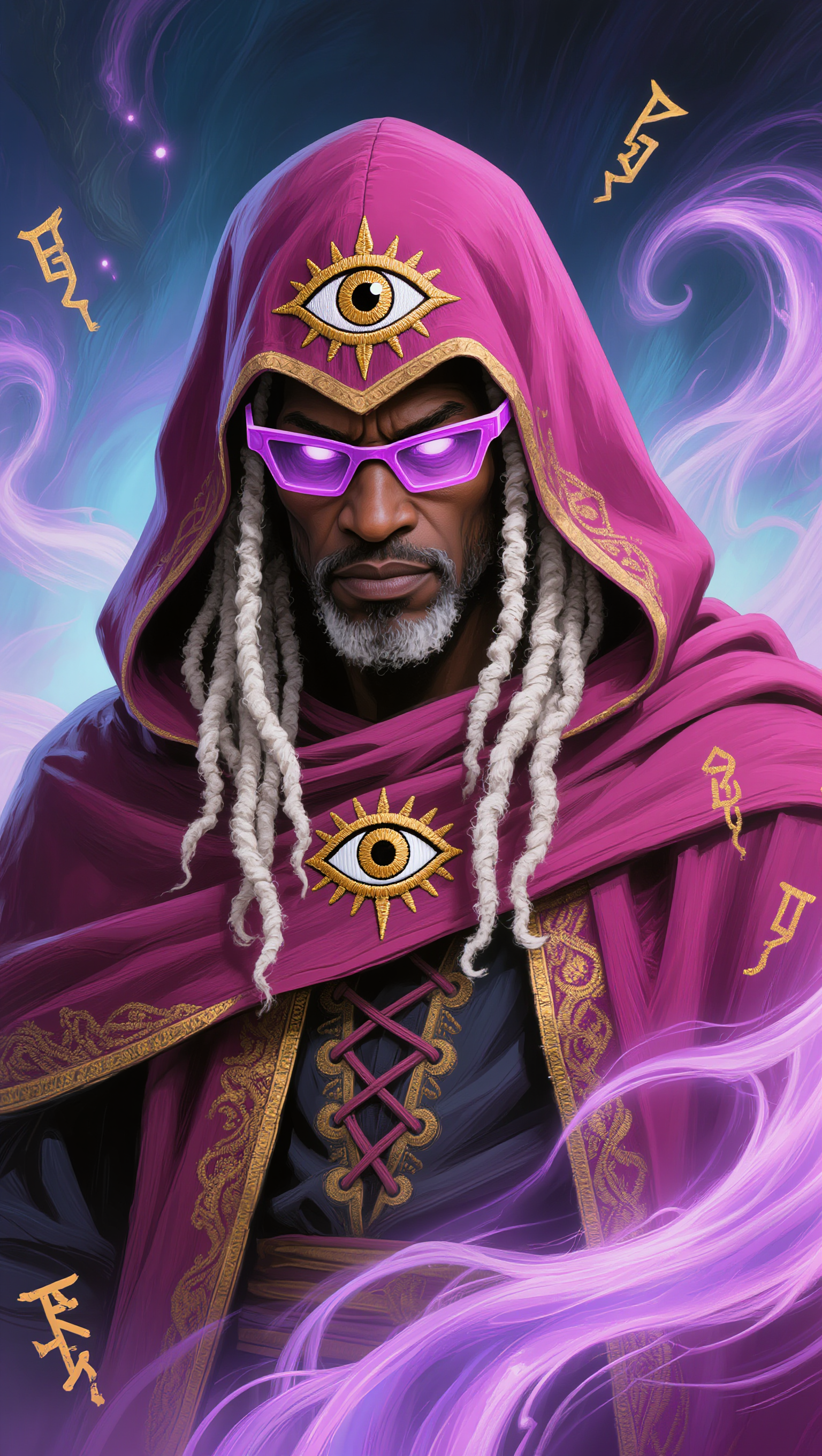
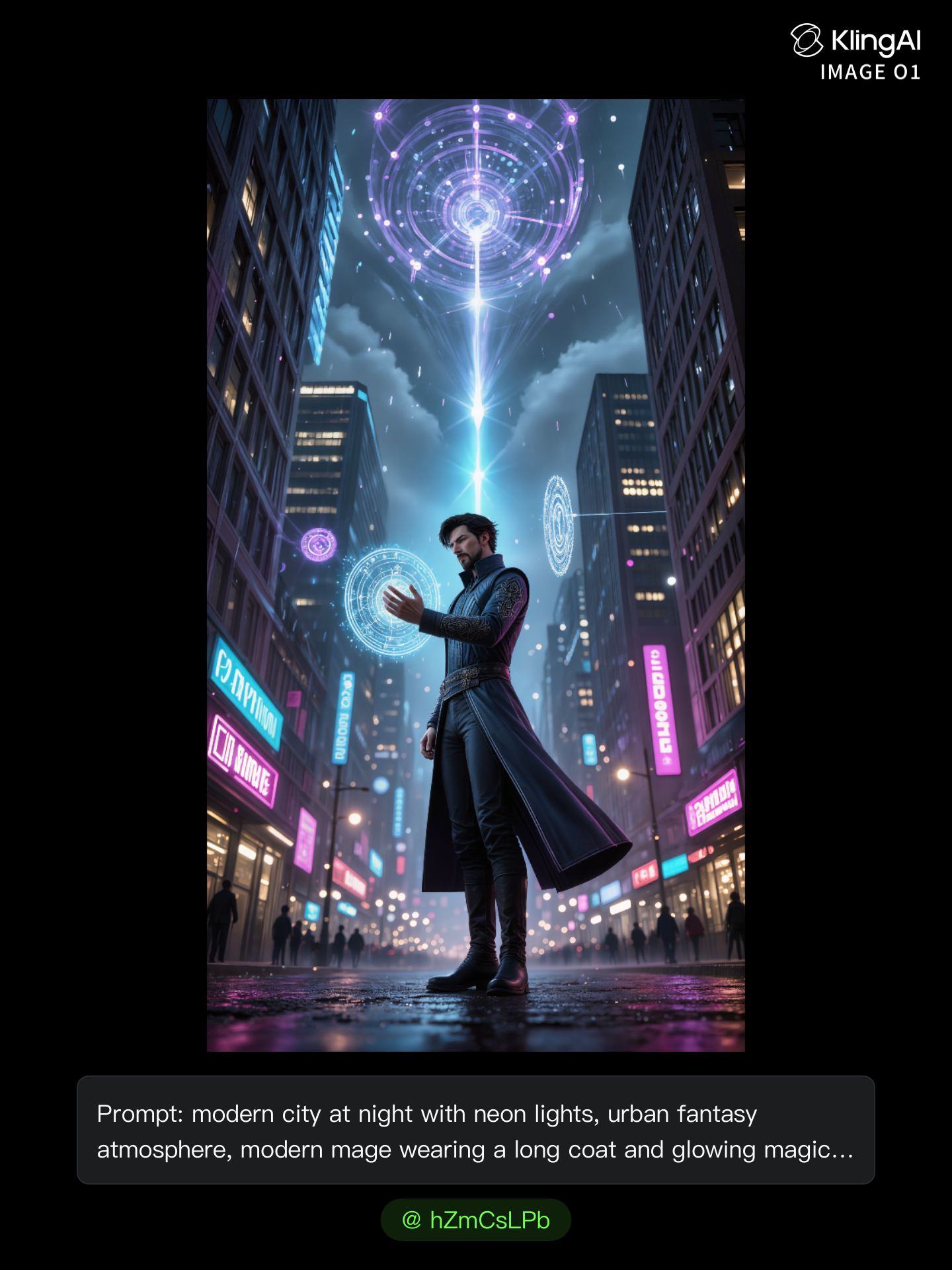
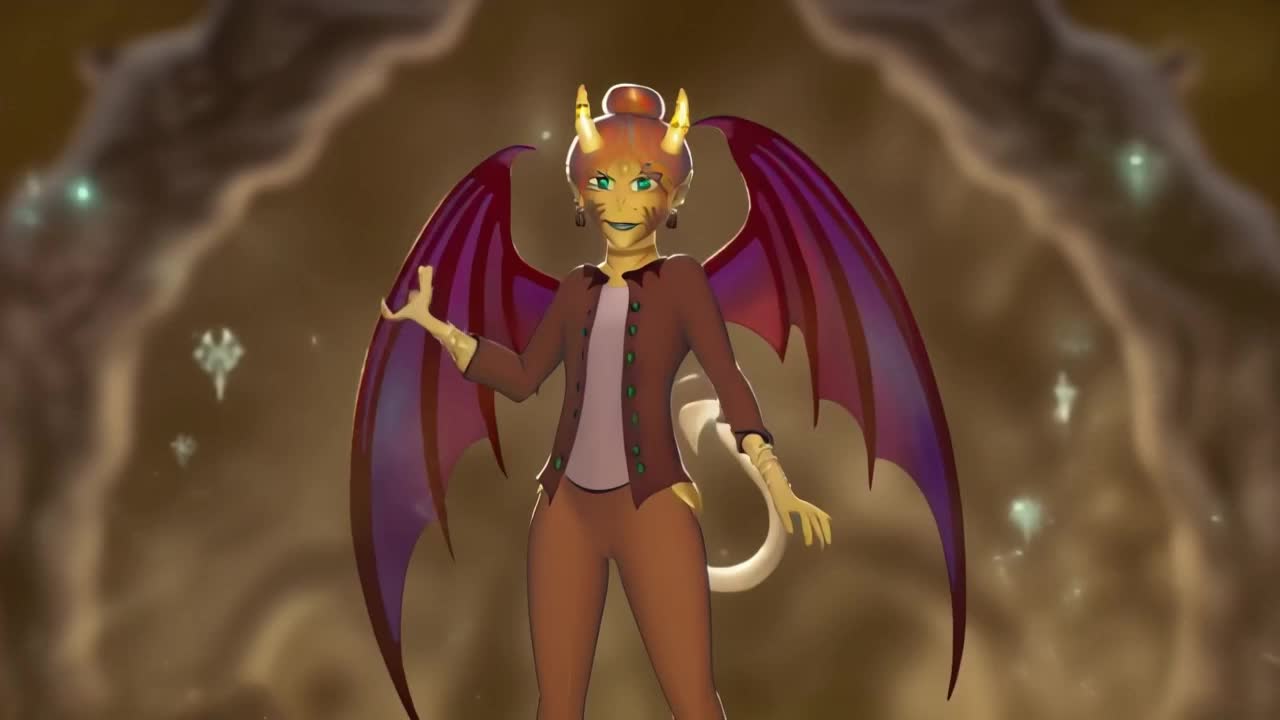
magic art - magic circles & dragon magic

Unveil the enchantment of ancient powers and dynamic environment growth through captivating visual narratives and AI-driven animations. Immerse in the mystique of magic circles, blooming forests, and sorcery spells brought to life with cutting-edge technology. Start exploring magic art ideas and generate your own content with AI.

magic art - magic circles & dragon magic

Recommended

Kling AI work 299570593613417 - magic art AI image
WQBhvFIj avatar
WQBhvFIj
Kling AI work 276825024617275 - magic art AI image
KC with Power Cosmic avatar
KC with Power Cosmic
Kling AI work 276824872668558 - magic art AI image
KC with Power Cosmic avatar
KC with Power Cosmic
Awakening of the Neon Mage - magic art AI image
hZmCsLPb avatar
hZmCsLPb
magic the gathered art attempt - magic art AI image
rTAuRfrC avatar
rTAuRfrC
Awakening of the Neon Mage - magic art AI image
hZmCsLPb avatar
hZmCsLPb
Awakening of the Neon Mage - magic art AI image
hZmCsLPb avatar
hZmCsLPb
Kling AI work 299136979524500 - magic art AI video
xIqRRvDp avatar
xIqRRvDp
Kling AI work 296436207664938 - magic art AI image
BunnyLOVE Studios avatar
BunnyLOVE Studios
Kling AI work 276825024666282 - magic art AI image
KC with Power Cosmic avatar
KC with Power Cosmic
Awakening of the Neon Mage - magic art AI image
hZmCsLPb avatar
hZmCsLPb
Kling AI work 296436207613937 - magic art AI image
BunnyLOVE Studios avatar
BunnyLOVE Studios
Awakening of the Neon Mage - magic art AI image
hZmCsLPb avatar
hZmCsLPb
Awakening of the Neon Mage - magic art AI image
hZmCsLPb avatar
hZmCsLPb
Kling AI work 296436207618943 - magic art AI image
BunnyLOVE Studios avatar
BunnyLOVE Studios
fantasy witch with a magic book - magic art AI video
Wolshebnaja avatar
Wolshebnaja
Awakening of the Neon Mage - magic art AI image
hZmCsLPb avatar
hZmCsLPb
Kling AI work 318110282522873 - magic art AI image
Allianora avatar
Allianora
Kling AI work 316319388505497 - magic art AI video
EnXWUKZR avatar
EnXWUKZR

How to Use Kling AI Image to Image

Upload Your Images

Upload Your Images

Open Image Generation, select IMAGE 3.0 Omni, and upload the image you want to transform and add reference images to carry into the result.

Set the Creative Direction

Set the Creative Direction

You can combine elements from several references, change the style, adjust the camera angle, or enable Image Series mode to create multiple connected visuals in one generation.

Generate and Create More

Generate and Create More

Select the aspect ratio, number of images, and 2K or 4K resolution, then generate and review your results. Download or share the finished image, or use it for your new AI video.

Expand Images Beyond the Frame with More Control

Extend the Scene Naturally Beyond the Frame

Extend the Scene Naturally Beyond the Frame

Add new visual space around your existing image while keeping the expansion connected to the original scene. Kling IMAGE 3.0 can follow visual details such as scenery, color, lighting, and texture, helping newly generated content feel consistent with the source image.

Keep Key Subjects Consistent as the Scene Expands

Keep Key Subjects Consistent as the Scene Expands

Expanding the frame should not change the subject that anchors the image. Kling IMAGE 3.0 automatically preserves your key subjects during extension. Simply specify the person, product, or central element in your prompt to keep them consistent with the original image.

Choose What Appears in the Expanded Area

Choose What Appears in the Expanded Area

The new space does not have to be left entirely to the model. Describe what you want outside the original frame, from a wider room or distant landscape to more sky, architecture, plants, or decorative details, and let Kling IMAGE 3.0 continue the scene around your idea.

Apps

Image to Video
Image to Video

Image to Video

Text to Video
Text to Video

Text to Video

Omni
Omni

Omni

Digital Human
Digital Human

Digital Human

Restyle
Restyle

Restyle

Text to Image
Text to Image

Text to Image

60M+
60M+
Users
600M+
600M+
AI Videos Generated
4.7 ★
4.7 ★
App Store
Industry-Leading
Industry-Leading
Cinematic 4K

Reviews

Déborah

Déborah

★★★★★

I use Kling AI every day. It's amazing to see the almost daily progress it makes. I used AI for fun at first, and I now find that Kling AI's animations allow me to gain professional visibility, with three times more views on my animated posts than on my static posts.

James Phillips

James Phillips

★★★★★

Kling AI has transformed my workflow by collapsing timelines and democratizing production. It’s shifted my mindset from resource-dependent filmmaking to a boundless creative sandbox, where experimentation yields unexpected beauty.

Halim Alrasihi

Halim Alrasihi

★★★★★

I use AI daily and Kling AI is a crucial part of my workflow, whether for client work or personal projects. What I love most about using Kling AI is that it provides all the tools I need in one place, from keyframes to character references, elements and special effects.

FAQ

Q1What is a background remover?
Q2Can I make the background of a photo white?
Q3Is Kling AI Background Remover free?

Keep the Shot. Change the Background.

Remove the background you do not want or move existing footage into a new scene - without rebuilding the shot frame by frame.