Creative Studio
API
Resources
Features
About Us
Download

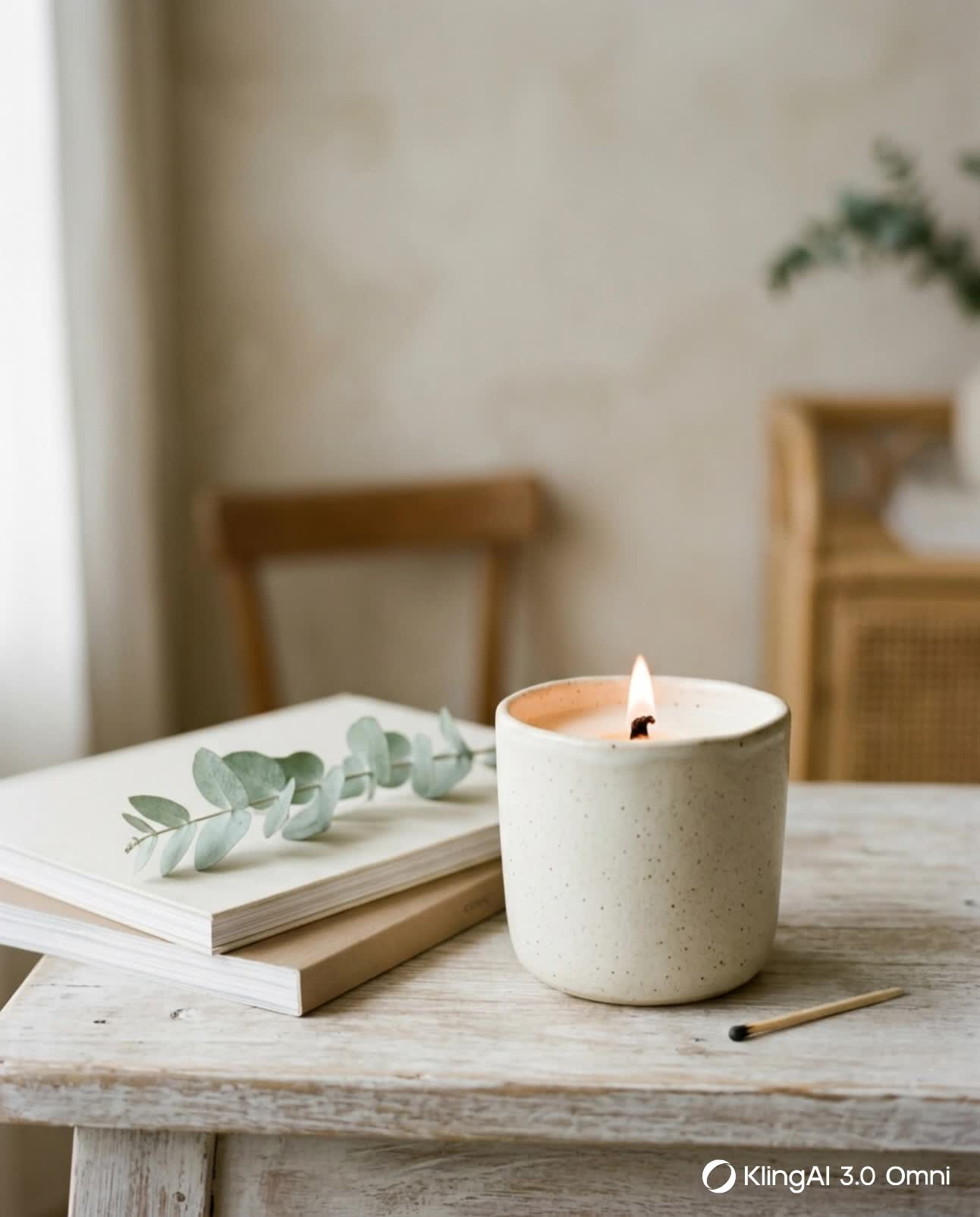
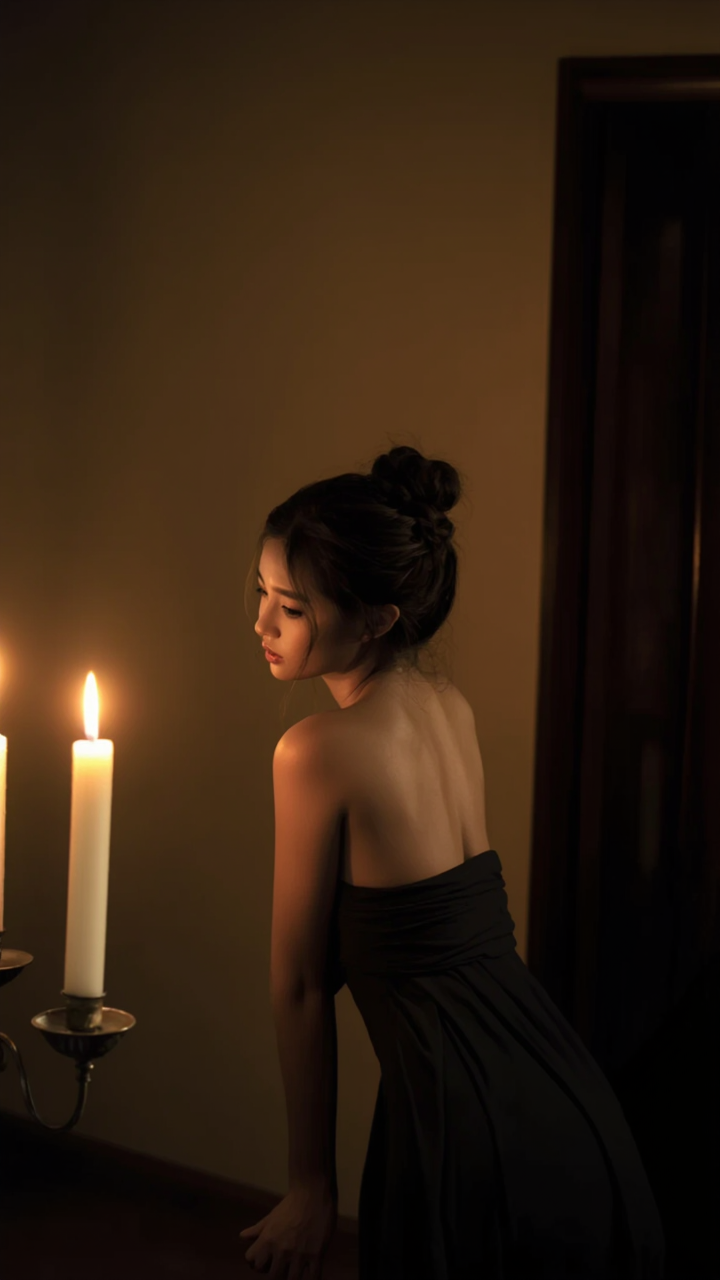
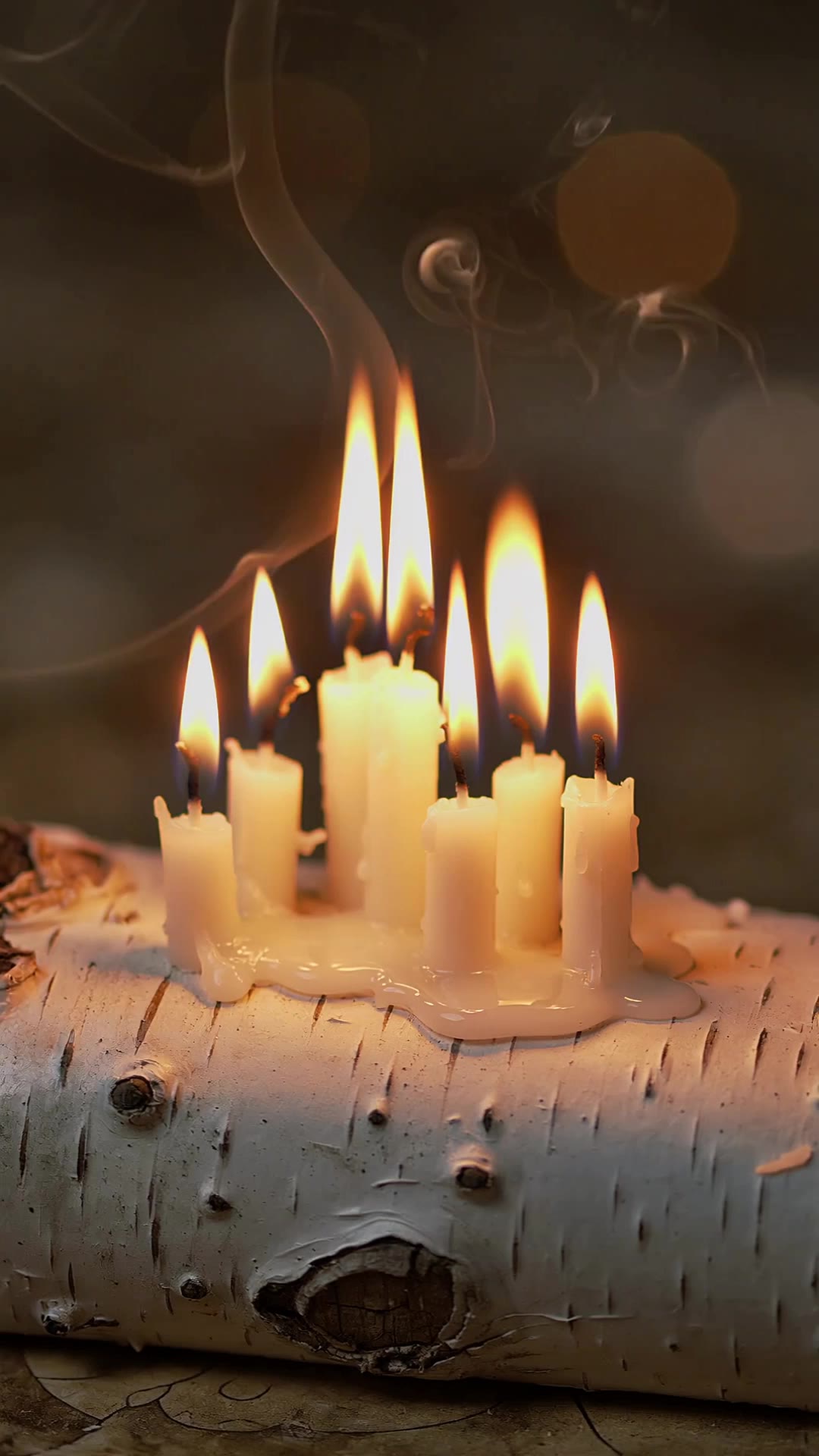
magic candle fighting style - ancient power & cozy ambience

Unveil the mystic blue candle and shimmering magic circles that ignite ancient powers and cozy vibes. Start exploring magic candle fighting style ideas and generate your own content with AI.

magic candle fighting style - ancient power & cozy ambience

Recommended

candle mascot - magic candle fighting style AI video
KLING4648 avatar
KLING4648
Kling AI work 297110906507408 - magic candle fighting style AI video
Chynnas Cozy Lofi avatar
Chynnas Cozy Lofi
Candle light  - magic candle fighting style AI video
WMRNgYnv avatar
WMRNgYnv
The Scream Candle - magic candle fighting style AI video
01:24
virtuamark avatar
virtuamark
Kling AI work 311913115665436 - magic candle fighting style AI video
Hipno avatar
Hipno
candle - magic candle fighting style AI video
00:05
GaEmOoHz avatar
GaEmOoHz
fighting - magic candle fighting style AI video
Newsain avatar
Newsain
Kling AI work 318444241523261 - magic candle fighting style AI video
Princess OceanKiss avatar
Princess OceanKiss
Kling AI work 314337230523064 - magic candle fighting style AI video
EjBDNYtV avatar
EjBDNYtV
Kling AI work 313613357505248 - magic candle fighting style AI image
LoszkaEloszka avatar
LoszkaEloszka
Turning and blowing a candle - magic candle fighting style AI video
BCmYeKoP avatar
BCmYeKoP
Kling AI work 314581142667100 - magic candle fighting style AI image
cherubingsoul avatar
cherubingsoul
2D Fighting made by kling AI - magic candle fighting style AI video
00:10
cOSmnGXW avatar
cOSmnGXW
Kling AI work 317580112529000 - magic candle fighting style AI image
lZZjSFTe avatar
lZZjSFTe
Kling AI work 317817632617381 - magic candle fighting style AI video
NyQhNjli avatar
NyQhNjli
Holiday Candle Warmth - magic candle fighting style AI video
Dev avatar
Dev
Creative Partner
Kling AI work 310169606526625 - magic candle fighting style AI video
vwPQScoo avatar
vwPQScoo
Kling AI work 313613187505772 - magic candle fighting style AI image
LoszkaEloszka avatar
LoszkaEloszka
a robot fighting - magic candle fighting style AI video
mjZaHwue avatar
mjZaHwue

How to Remove an Object from an Image with Kling

Step 1: Upload the Photo You Want to Clean Up

Step 1: Upload the Photo You Want to Clean Up

Upload the photo you want to edit. Start with a clear source image where the unwanted object and surrounding details are easy to distinguish.

Step 2: Describe What You Want to Remove

Step 2: Describe What You Want to Remove

Tell Kling IMAGE 3.0 which object, person, text, or other element you want to remove. Add details such as its position, appearance, or nearby context when the image contains similar elements, and specify what should stay unchanged around the edit.

Step 3: Generate Your Cleaned Image

Step 3: Generate Your Cleaned Image

Choose your preferred image ratio and output quality, then generate your edited image. Select up to 2K resolution for clearer, higher-resolution output.

Edit the Parts That Matter

Change Subjects, Backgrounds, and Style

Change Subjects, Backgrounds, and Style

Keep what works and change what does not. Replace a character or product, update an outfit, remove a distraction, or move the action into a different setting. You can also change the weather, lighting, time of day, or overall look. With Kling VIDEO 3.0 Omni, you can start with a prompt and add a reference image when a face, product, or branded detail needs a closer match.

Reframe the Shot

Reframe the Shot

Keep the original action, then change how the moment is framed. Move in for a close-up, open to a wider view, shift the angle, or rebalance the composition around the subject. The source footage keeps the motion and scene context in place while your prompt sets the new framing.

Extend the Video

Extend the Video

Continue a clip beyond its current ending without building the next scene from scratch. Kling carries the subject, motion, and setting into the new footage; add a prompt when you want to steer what happens next. Use Video Extension when a clip ends too soon, an action needs more time, or the next beat is still missing.

Apps

Image to Video
Image to Video

Image to Video

Text to Video
Text to Video

Text to Video

Omni
Omni

Omni

Digital Human
Digital Human

Digital Human

Restyle
Restyle

Restyle

Text to Image
Text to Image

Text to Image

60M+
60M+
Users
600M+
600M+
AI Videos Generated
4.7 ★
4.7 ★
App Store
Industry-Leading
Industry-Leading
Cinematic 4K

Reviews

Huang Lu (Elson)

Huang Lu (Elson)

★★★★★

I’ve been using Kling AI since its initial release, and it’s remained one of the leading AI media generators ever since. With Kling AI, I’ve created hundreds of videos, collectively amassing millions of views.

Samuele Poggi (@visualsk2)

Samuele Poggi (@visualsk2)

★★★★★

I use Kling AI daily to push the limits of AI filmmaking. It allows me to create highly cinematic content, blending AI and VFX to develop innovative projects. It has significantly impacted my creative process, enabling me to achieve complex animations that would otherwise require high production budgets.

Ozan Sihay

Ozan Sihay

★★★★★

Kling AI allows me to rapidly prototype ideas, refine storytelling elements, and produce visually compelling content efficiently. It has not only accelerated my creative processes, but also deepened my understanding of how AI can enrich visual storytelling.

FAQ

Q1What is an AI clothes changer?
Q2Can I change clothes using text prompts or reference images?
Q3Can I change one clothing item or a full outfit?

Go Beyond the Original Frame

Turn tightly framed images into fuller scenes with Kling IMAGE 3.0. Extend the scene, guide what appears beyond the edges, and keep key subjects and visual style consistent.