Creative Studio
API
Resources
Features
About Us
Download

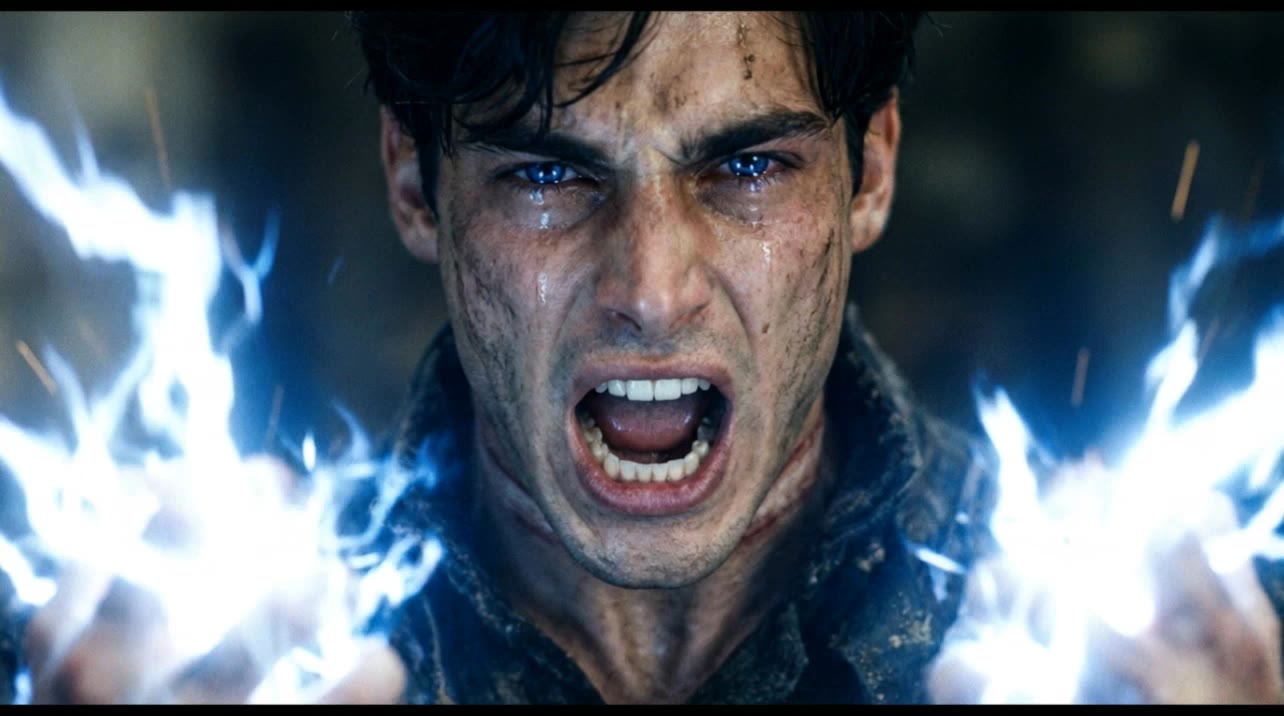
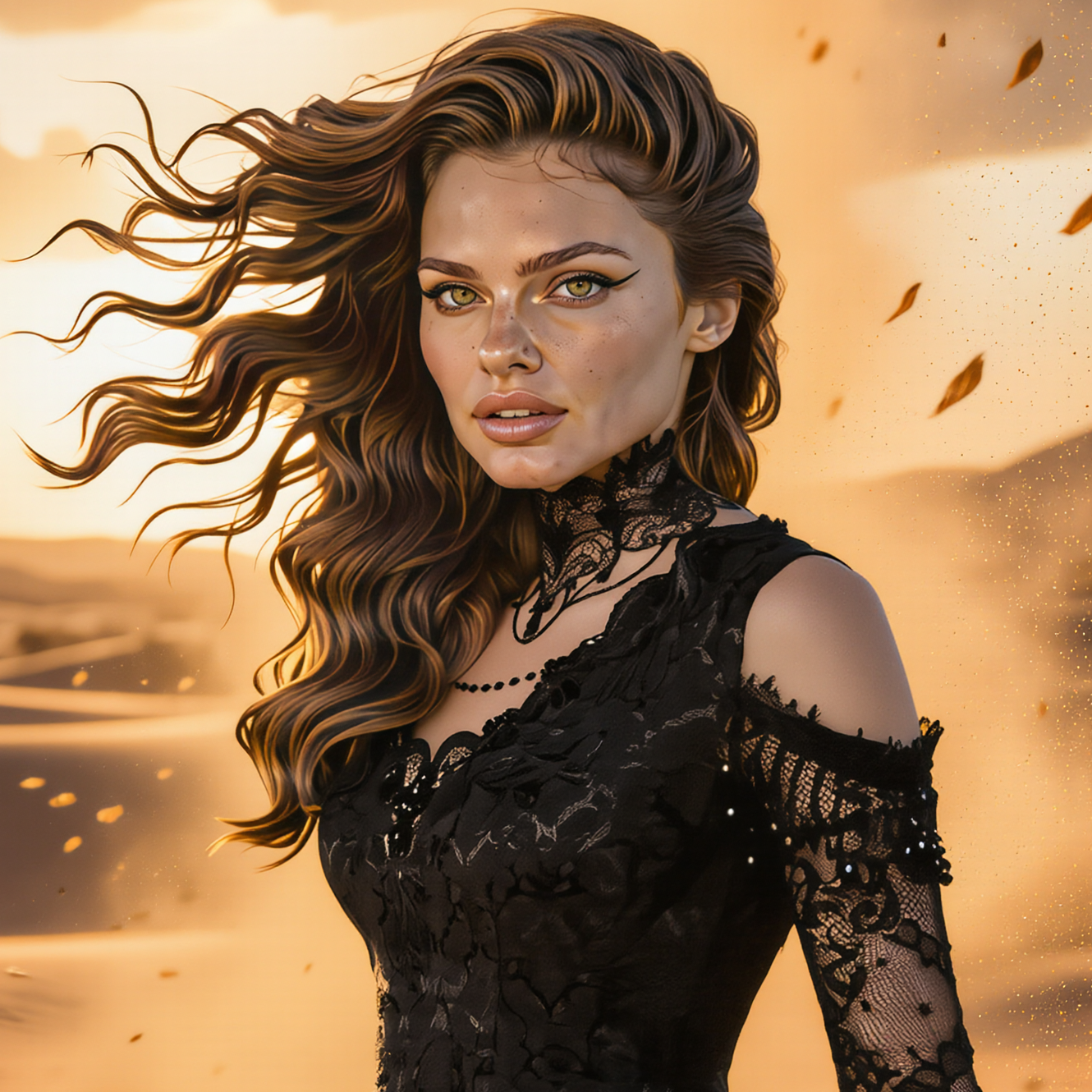
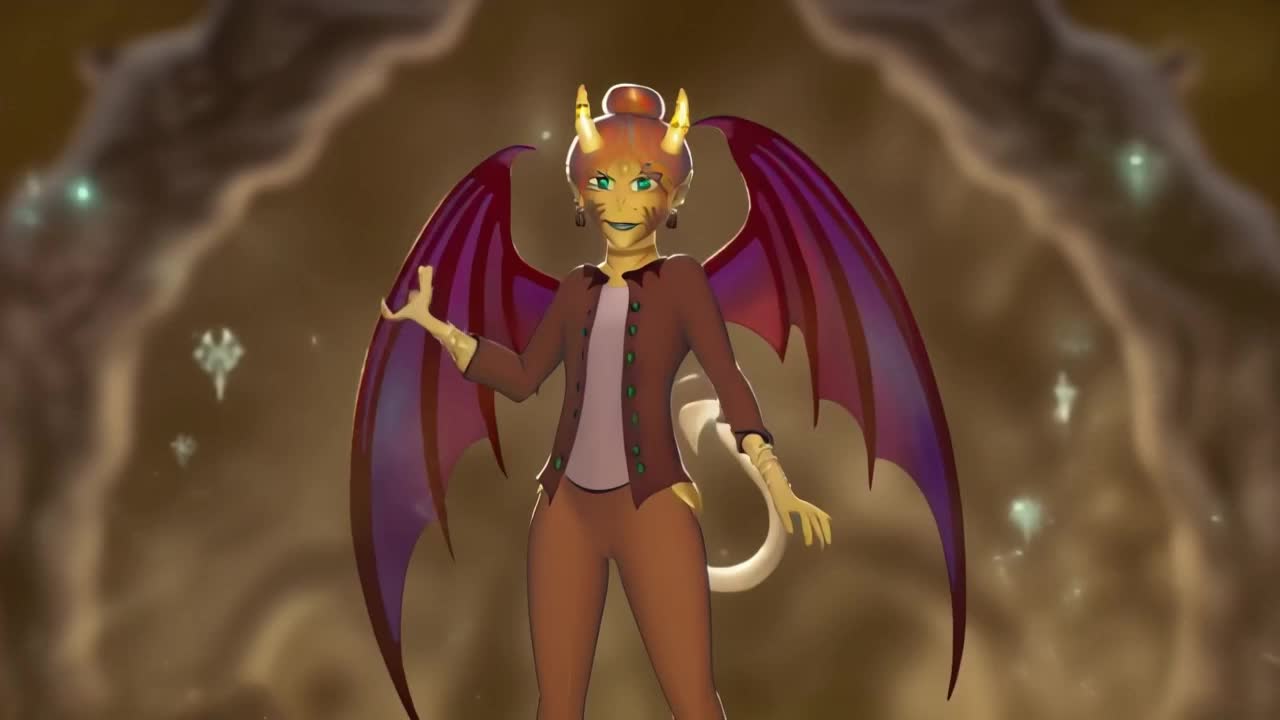
magic gif - Ancient Power & Magic Circles

Unveil the enchantment with ancient mages, blooming forests, and dynamic magic circles. Start exploring magic gif ideas and generate your own content with AI.

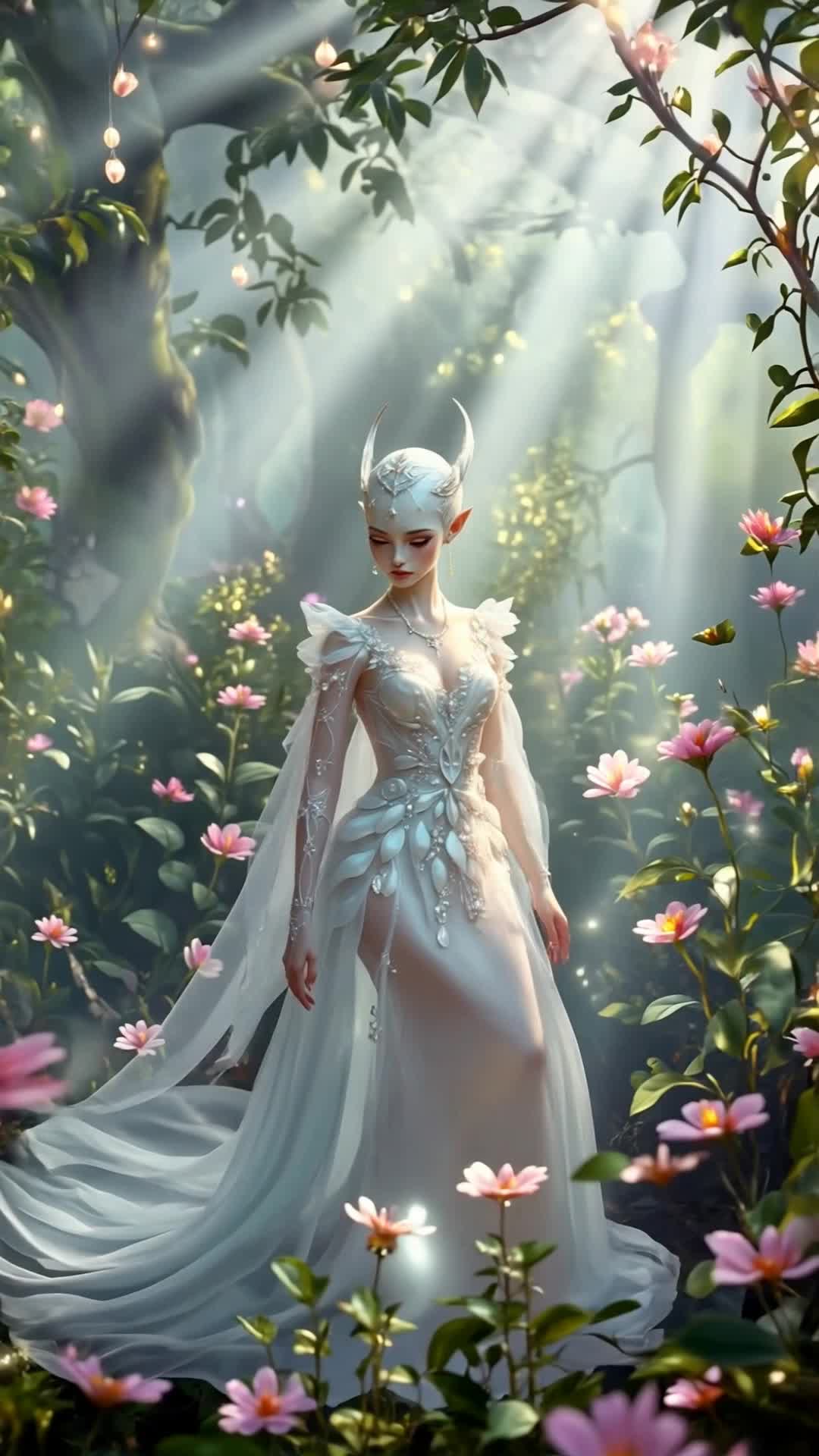
magic gif - Ancient Power & Magic Circles

Recommended

White Magic - magic gif AI video
KLING1838 avatar
KLING1838
Magic Garden - magic gif AI video
lJuawGud avatar
lJuawGud
Magic in her hands - magic gif AI video
JesnaSajan avatar
JesnaSajan
Primal Magic Eruption - magic gif AI video
ThisTwistedGame avatar
ThisTwistedGame
Elite Creator
A little magic - magic gif AI video
VRcreativ avatar
VRcreativ
Elite Creator
Kling AI work 312458815612007 - magic gif AI video
hMkBDlln avatar
hMkBDlln
Kitten wizard, magic happens - magic gif AI video
dewdrop avatar
dewdrop
sand magic Christmas tree - magic gif AI video
desertmira avatar
desertmira
Kling AI work 296436207613937 - magic gif AI image
BunnyLOVE Studios avatar
BunnyLOVE Studios
Magic book - magic gif AI video
lJuawGud avatar
lJuawGud
Magic Room Transformation - magic gif AI video
Dooi avatar
Dooi
magic door - magic gif AI image
MhJqRFFa avatar
MhJqRFFa
magic chests - magic gif AI video
KLING7705 avatar
KLING7705
fantasy witch with a magic book - magic gif AI video
Wolshebnaja avatar
Wolshebnaja
Kling AI work 314123789613769 - magic gif AI image
PurpleTiger avatar
PurpleTiger
Elves' magic - magic gif AI video
taty.inspire.ai avatar
taty.inspire.ai
Elite Creator
Magic Meow - magic gif AI video
awa avatar
awa
Let a magic to began - magic gif AI image
KbxTKvac avatar
KbxTKvac
Cute Winter Bird Magic - magic gif AI video
Натуся avatar
Натуся

How to Edit a Photo with Kling AI

Upload Your Photo

Upload Your Photo

Start with a clear photo. Add a reference image when you have a particular replacement, background, or style in mind.

Tell Kling What to Change

Tell Kling What to Change

Enter a clear text prompt, explaining what should change and what should stay the same. Kling applies the edit to the photo with AI directly, without layers or complex manual steps.

Review and Fine-Tune

Review and Fine-Tune

Check the result and the areas that matter most. When one detail needs more work, update the prompt for that area instead of starting over. Download the finished image and share it.

Create Better Backgrounds with AI

Keep the Subject When Changing Backgrounds

Keep the Subject When Changing Backgrounds

Put a person or product somewhere new without intentionally redesigning what is already working. Tell Kling IMAGE 3.0 which facial details, clothing, product shapes, materials, colors, or other features should stay familiar, then focus your prompt on the world around them.

Bring Your Art Direction into the Background

Bring Your Art Direction into the Background

When you already have a look in mind, show Kling instead of trying to describe every detail from scratch. IMAGE 3.0 supports up to 10 reference images, so you can bring in visuals for the setting, composition, color palette, props, or overall style and explain how you want each reference to influence the result.

Change the Whole Scene or Just One Detail

Change the Whole Scene or Just One Detail

A new background does not always mean starting over with the entire setting. Replace the full scene, or make a smaller change such as adding an object, removing a distraction, changing a surface, or reworking one part of the environment while leaving the rest closer to the original image.

Apps

Image to Video
Image to Video

Image to Video

Text to Video
Text to Video

Text to Video

Omni
Omni

Omni

Digital Human
Digital Human

Digital Human

Restyle
Restyle

Restyle

Text to Image
Text to Image

Text to Image

60M+
60M+
Users
600M+
600M+
AI Videos Generated
4.7 ★
4.7 ★
App Store
Industry-Leading
Industry-Leading
Cinematic 4K

Reviews

Maria Rubtsova

Maria Rubtsova

★★★★★

I’m Maria Rubtsova, an AIGC digital artist passionate about creating stunning visuals in the worlds of fashion, aesthetics, and fantasy. I use KlingAi to bring imagination to life through video. My work is all about exploring beauty, emotion, and the limitless possibilities of digital art.

KakuDrop

KakuDrop

★★★★★

I have successfully collaborated with world-renowned artists and well-known companies that are recognized globally

Vincent Smadja

Vincent Smadja

★★★★★

Kling AI seamlessly integrates into my creative workflow, playing a key role in transforming my images. After generating and upscaling an image, Kling becomes a crucial element, bringing my creations to life with movement and depth.

FAQ

Q1Can AI extend an image without stretching the original content?
Q2Can I control what appears in the expanded part of the image?
Q3How is AI image extension different from resizing or stretching an image?

Make Your Profile Picture Stand Out

Start with the photo you already have and turn it into something you feel better putting your name next to. Keep it professional, make it more personal, or give it a completely different mood—the final look is yours to shape.