Creative Studio
API
Resources
Features
About Us
Download

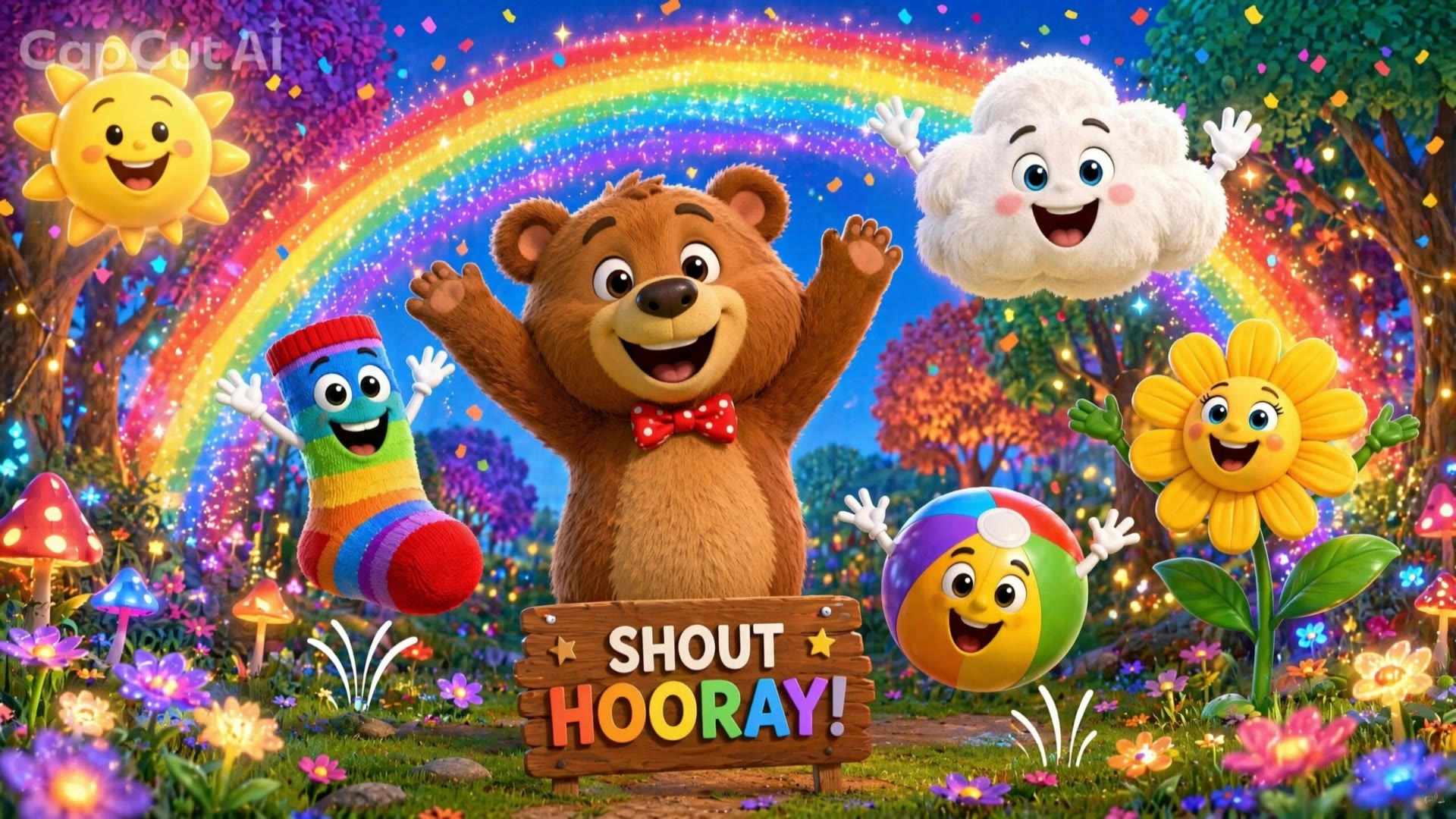
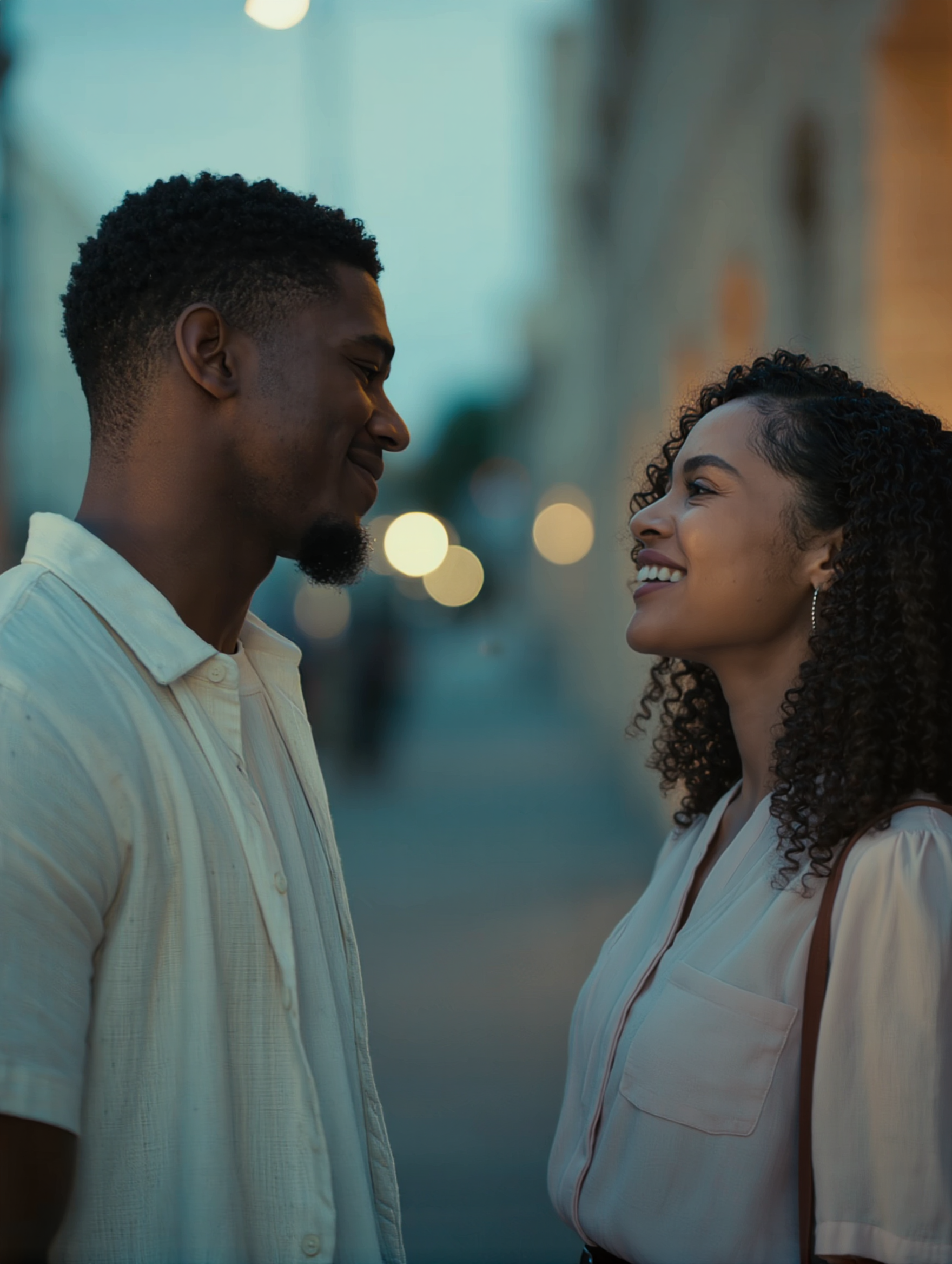
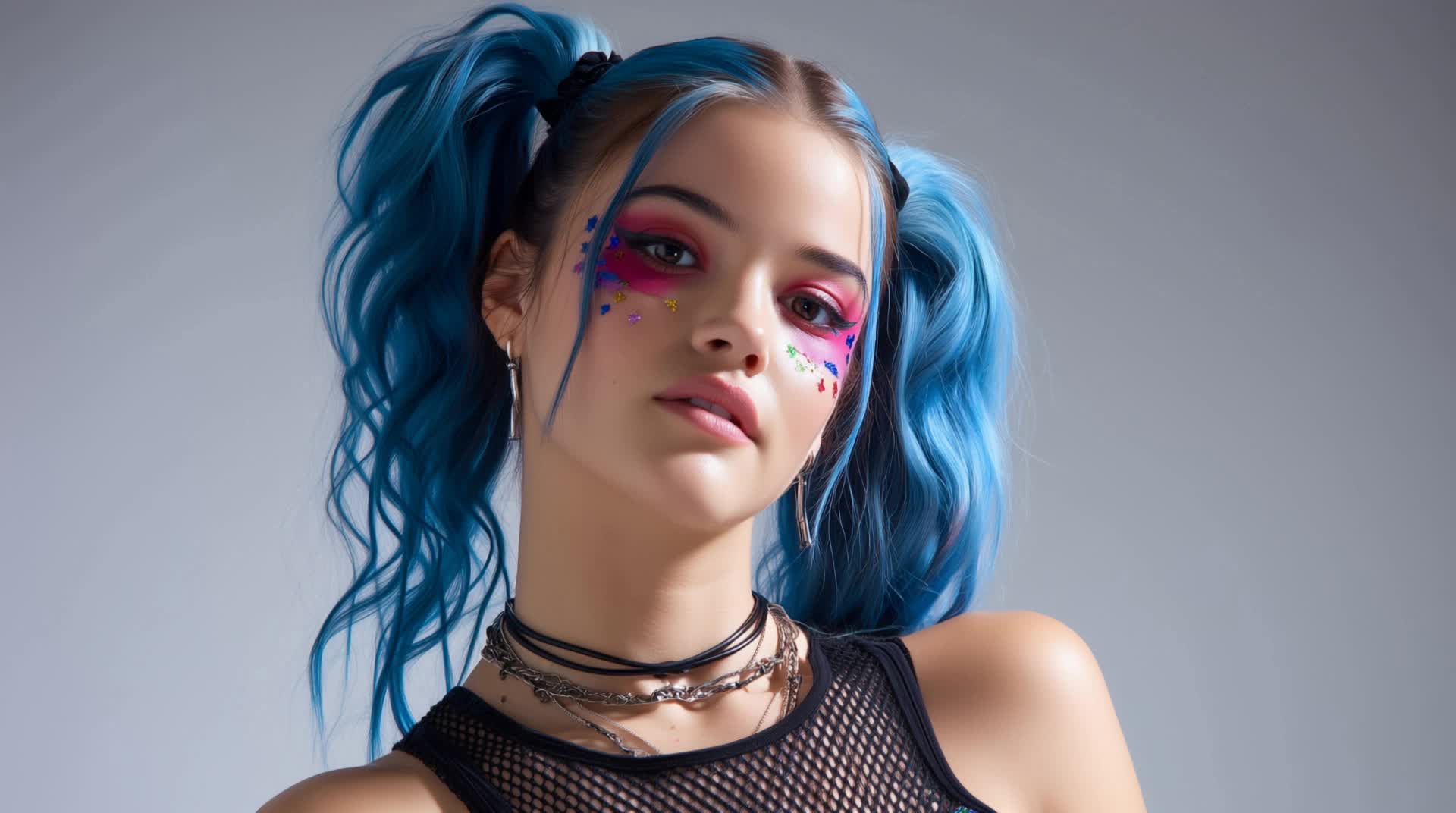
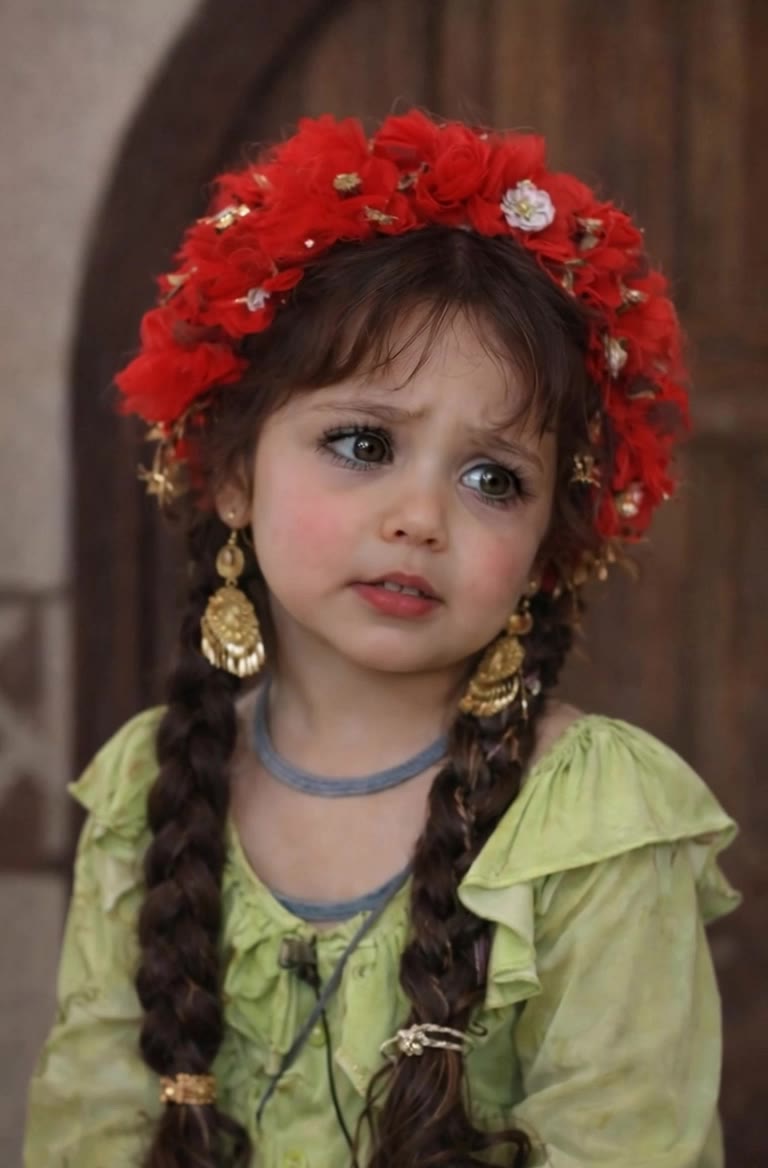
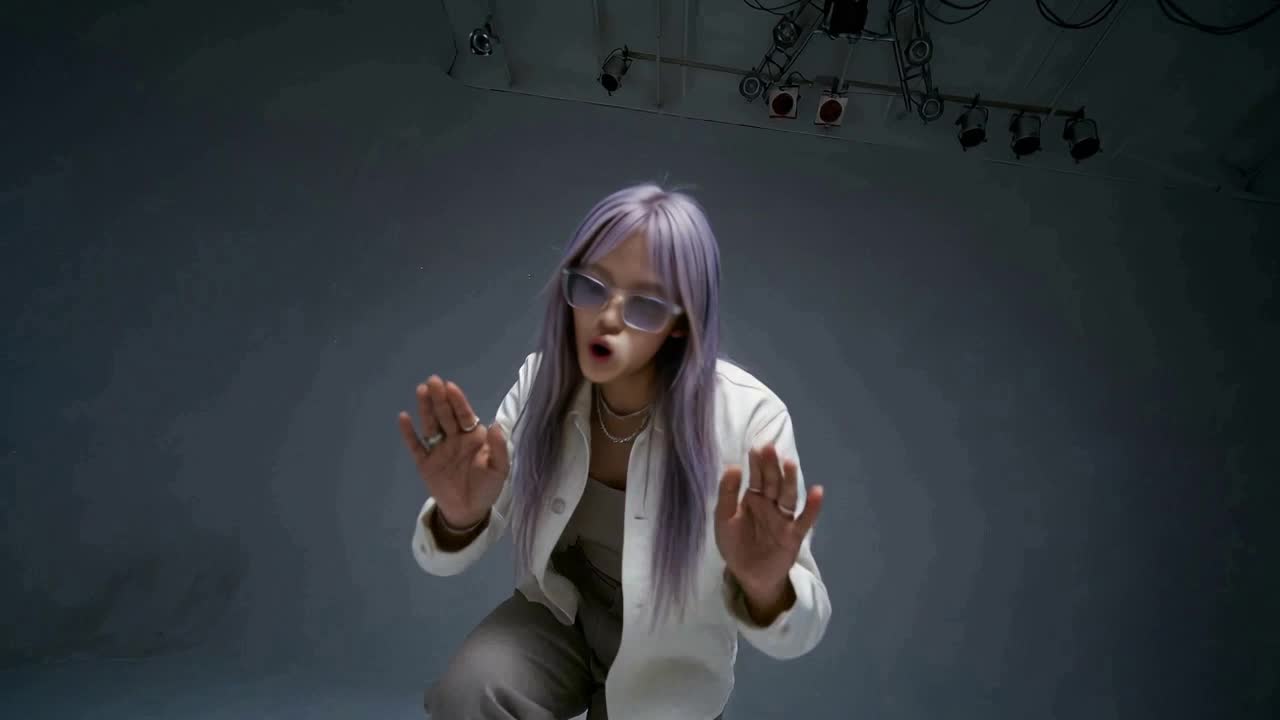
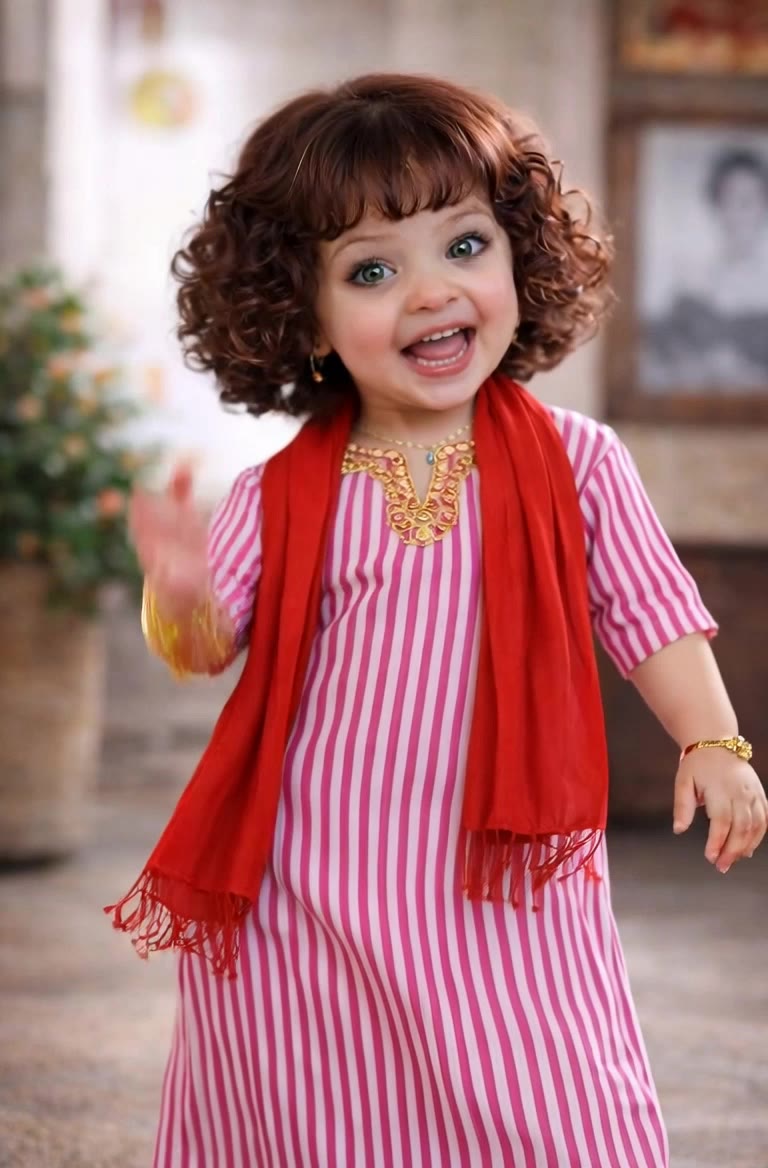
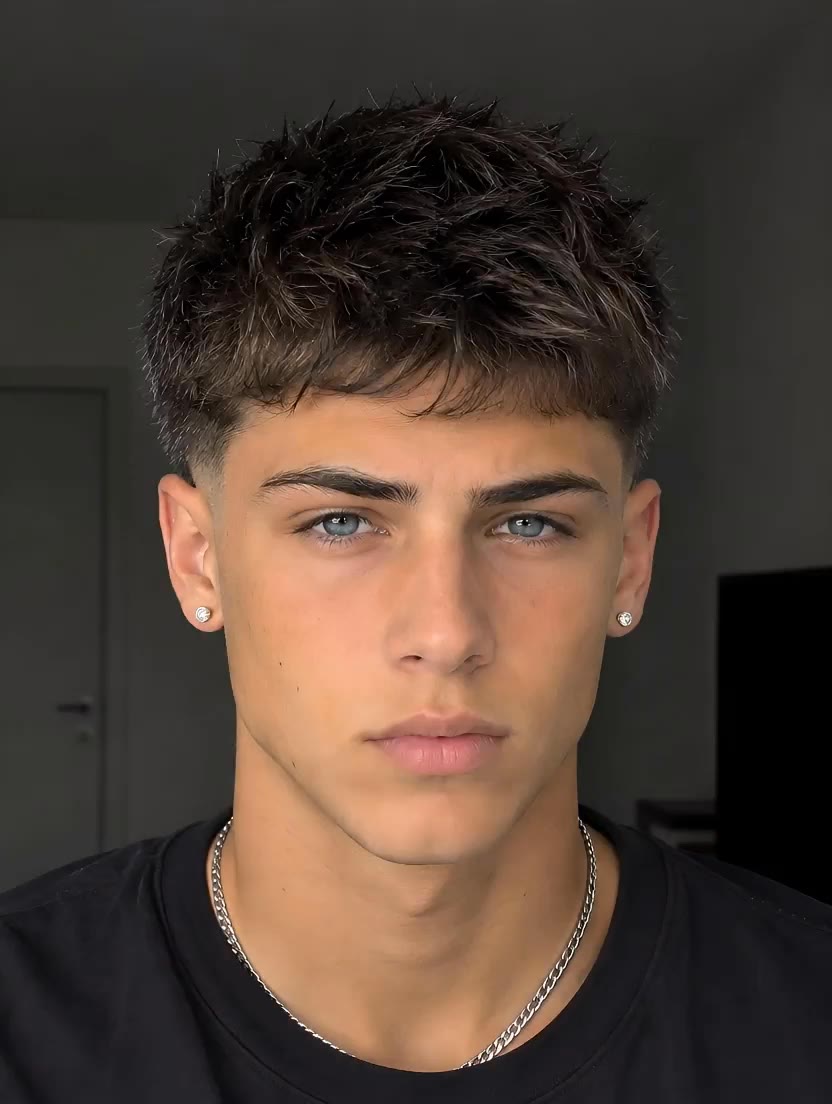
Magic Lip Sync Ideas – AI-Generated Concepts

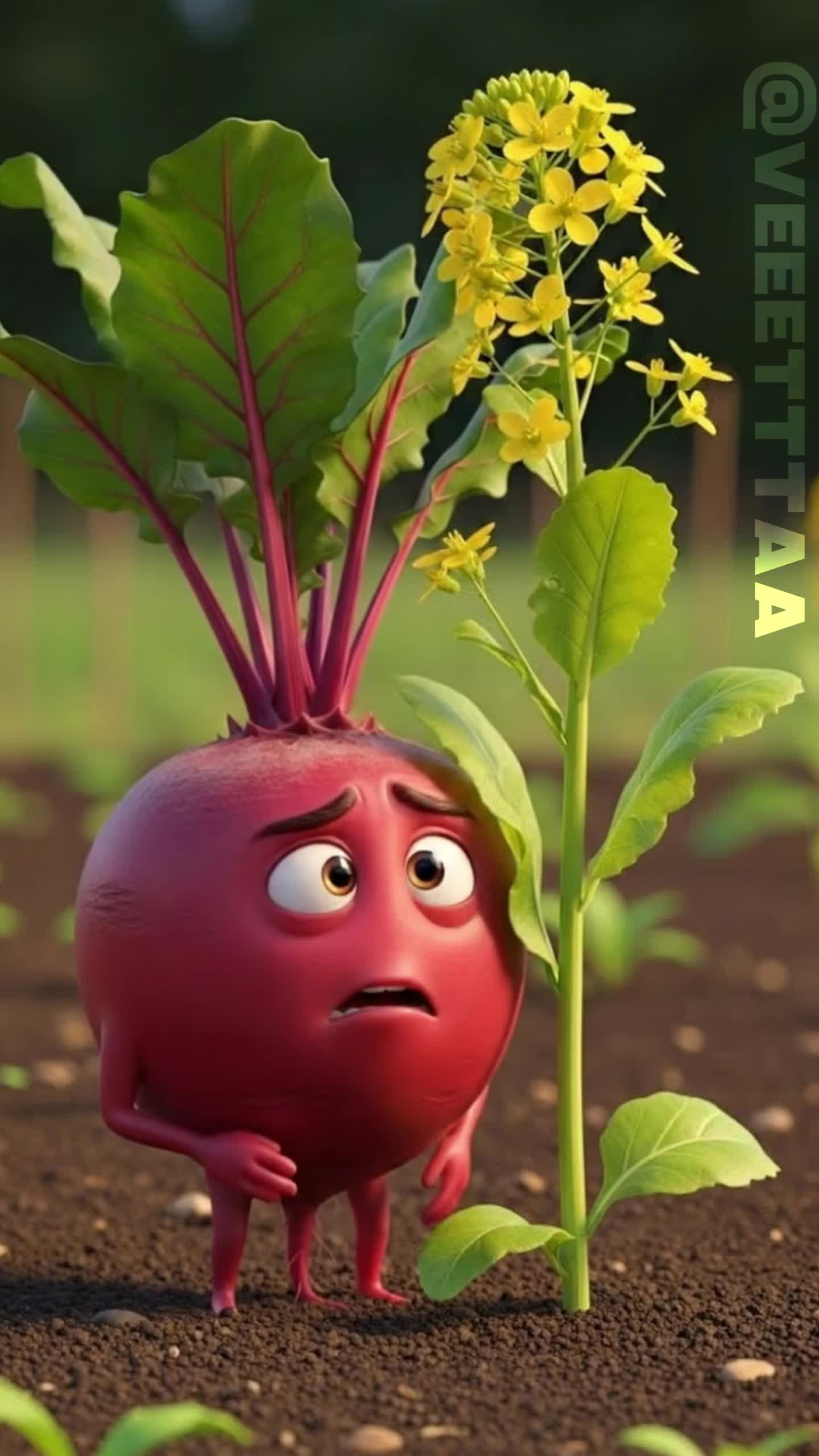
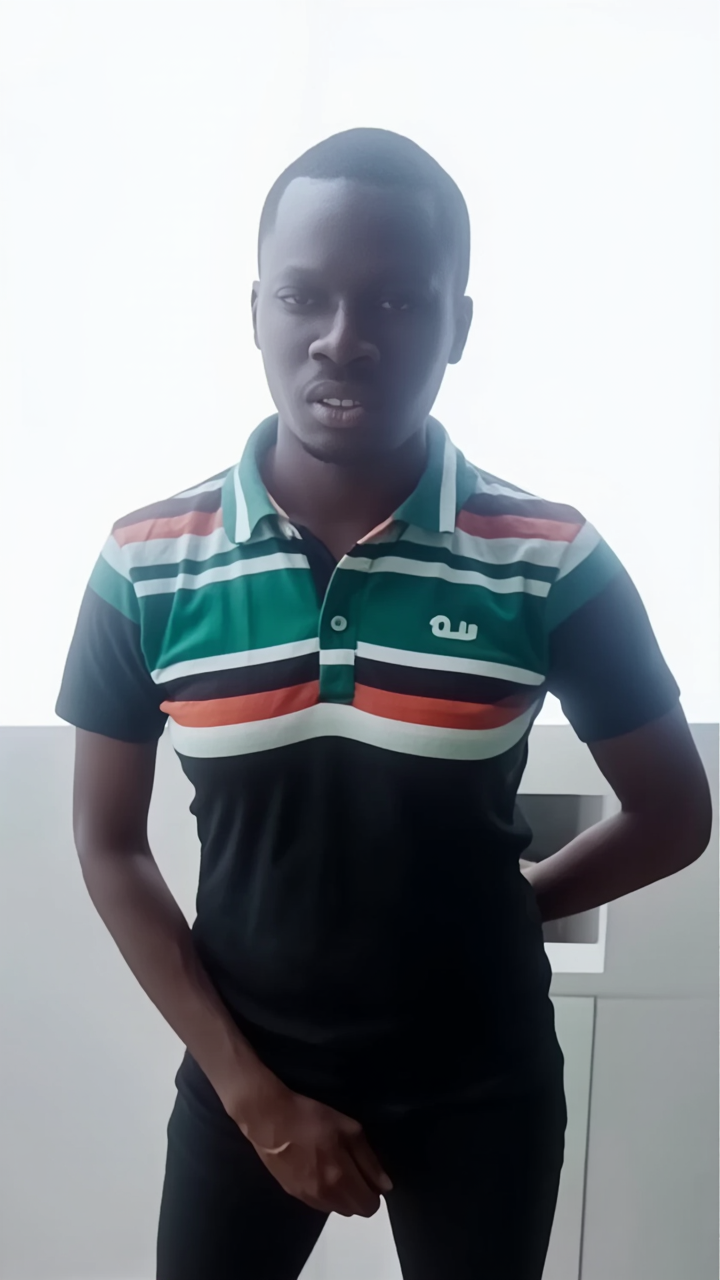
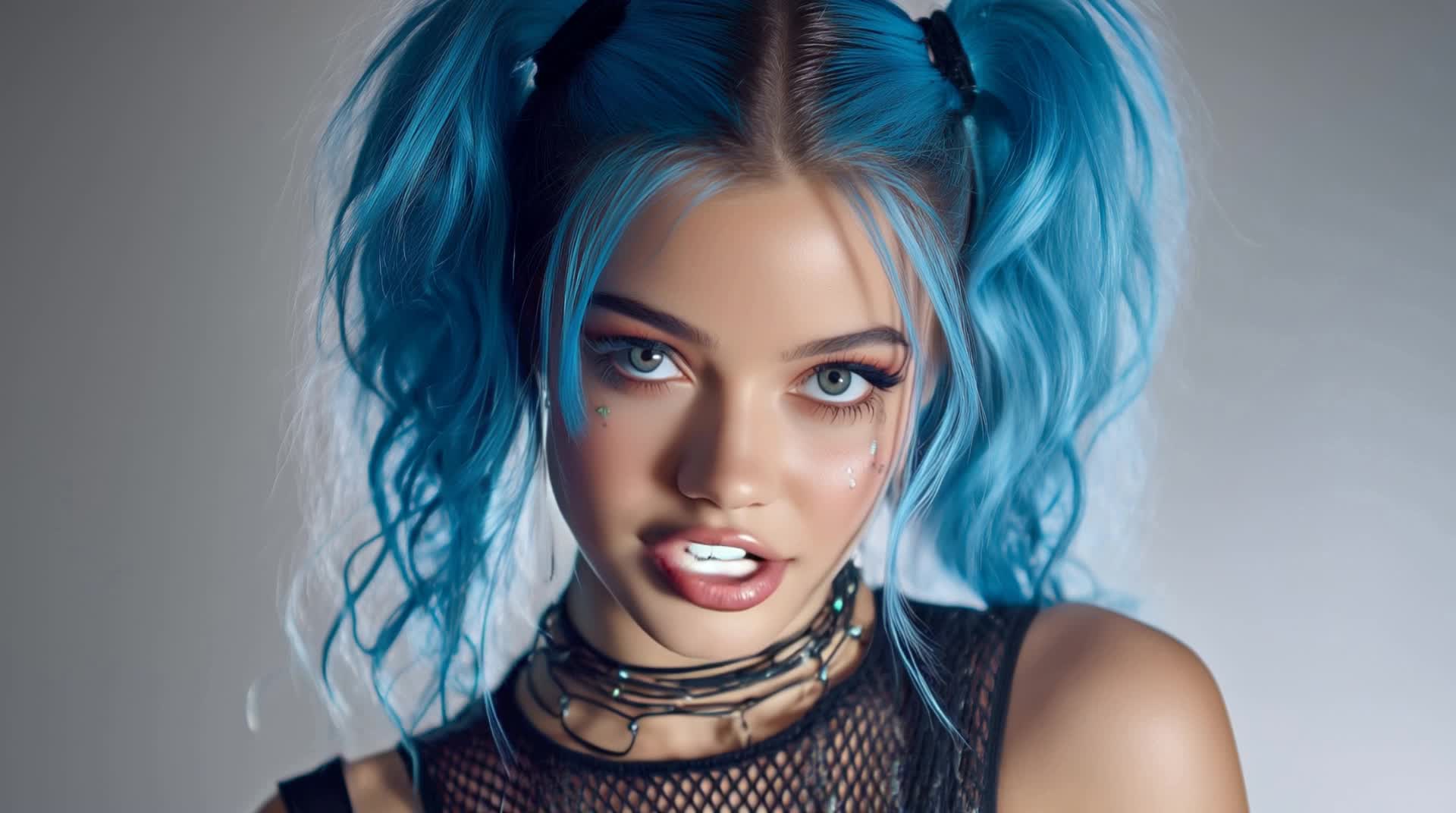
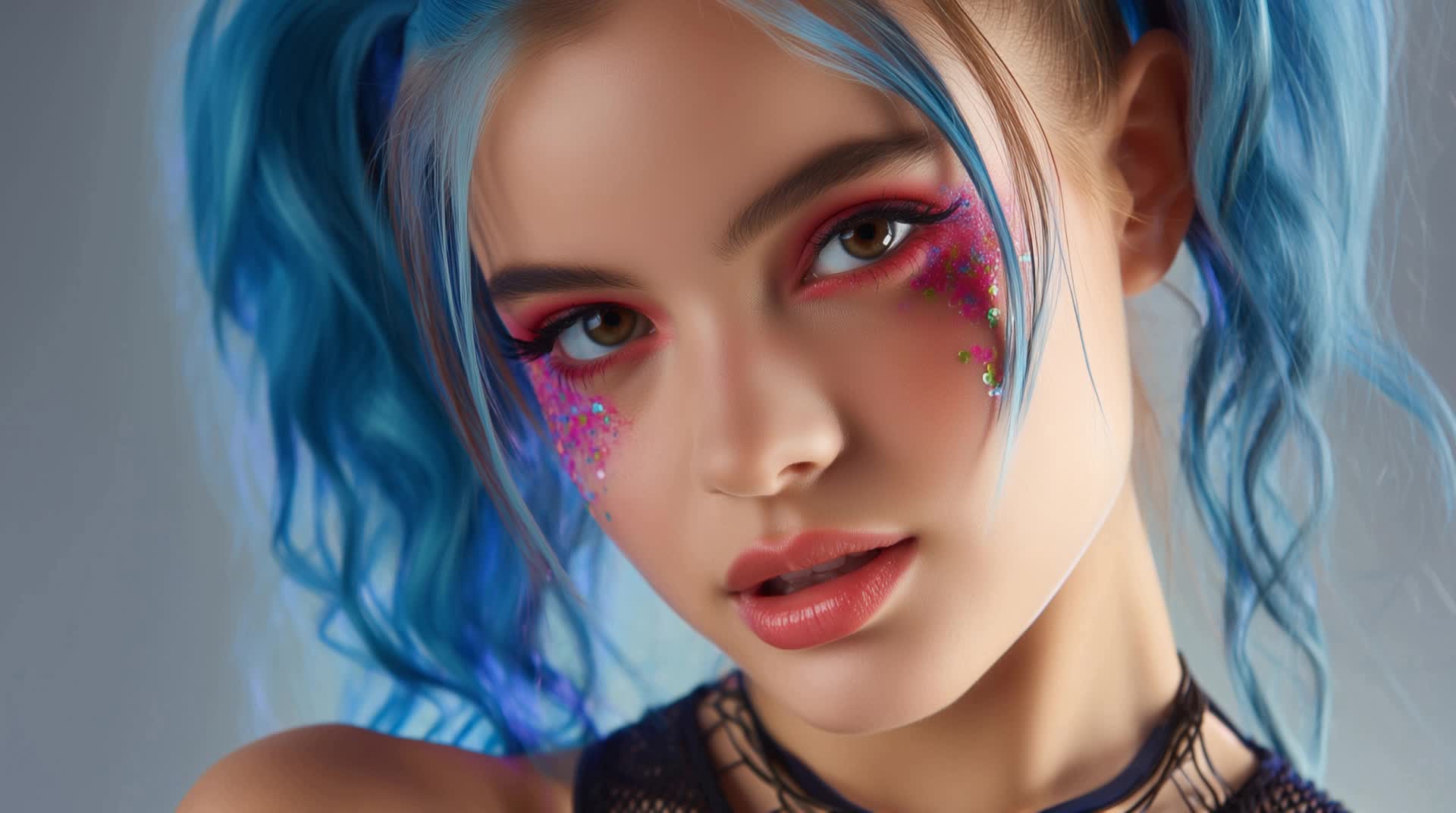
Explore a variety of AI-generated magic lip sync ideas. These concepts are designed to help you quickly find inspiration and create engaging content with minimal effort. Customize the prompts to fit your specific needs and enjoy the convenience of AI-made visuals.

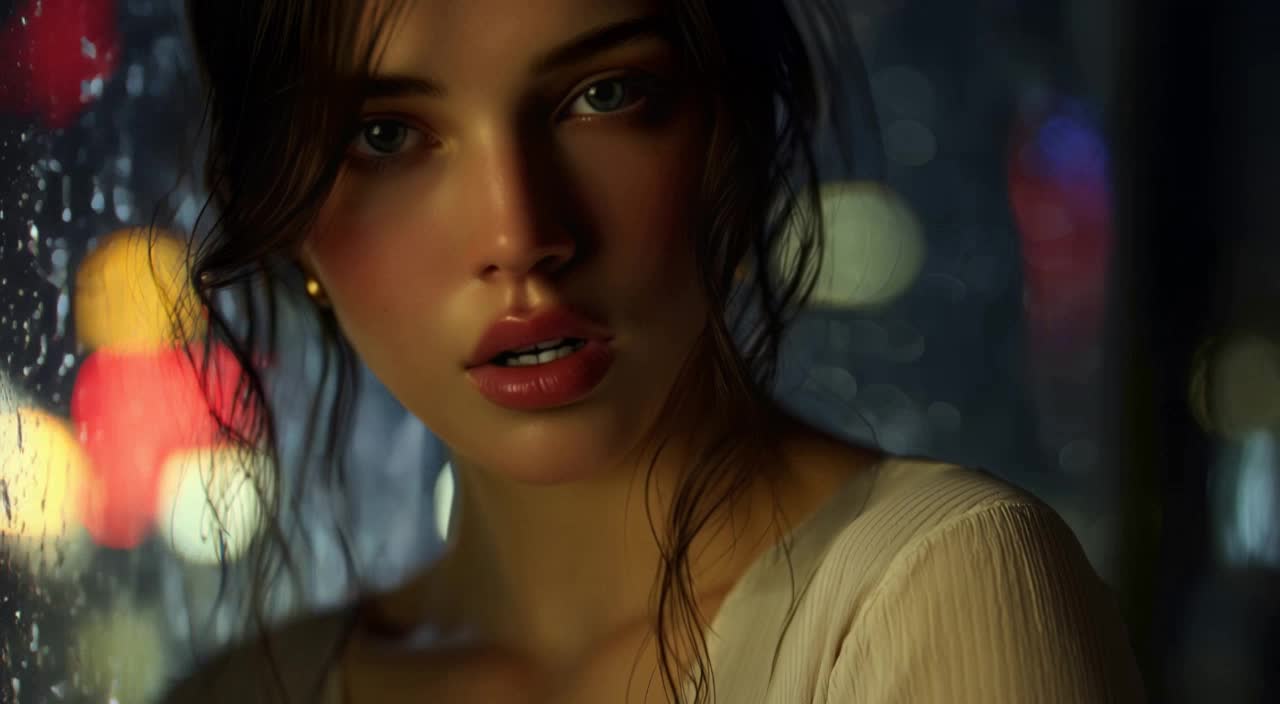
Magic Lip Sync Ideas – AI-Generated Concepts

Recommended

Pls follow  - magic lip sync AI video
MAX_TT avatar
MAX_TT
Lip sync - magic lip sync AI video
POPONE avatar
POPONE
Elite Creator
Kling AI work 314207447615230 - magic lip sync AI video
PlHavHgH avatar
PlHavHgH
Kling AI work 304789970537207 - magic lip sync AI video
G.I.N avatar
G.I.N
lip sync - magic lip sync AI video
POPONE avatar
POPONE
Elite Creator
Kling AI work 299741178657181 - magic lip sync AI video
MRwmmvQy avatar
MRwmmvQy
Kling AI work 314630916522578 - magic lip sync AI video
mItObkKS avatar
mItObkKS
Lip sync test - magic lip sync AI video
oXNHFyaz avatar
oXNHFyaz
Kling AI work 316513779505763 - magic lip sync AI image
qeLqetPK avatar
qeLqetPK
lip sync - magic lip sync AI video
POPONE avatar
POPONE
Elite Creator
Kling AI work 307733273535954 - magic lip sync AI video
CTVBkYmK avatar
CTVBkYmK
Lip sync - magic lip sync AI video
00:25
CKNazrIw avatar
CKNazrIw
Kling AI work 316267879662025 - magic lip sync AI video
wZquotcj avatar
wZquotcj
Kling AI work 316376060663079 - magic lip sync AI image
OBKlzPZW avatar
OBKlzPZW
lip sync - magic lip sync AI video
POPONE avatar
POPONE
Elite Creator
lip sync - magic lip sync AI video
POPONE avatar
POPONE
Elite Creator
Motion Control + Lip Sync - magic lip sync AI video
KEETY avatar
KEETY
Elite Creator
Kling AI work 307733305531188 - magic lip sync AI video
CTVBkYmK avatar
CTVBkYmK

How to Remove Backgrounds with Kling AI

Remove BG in HD

Remove BG in HD

Upload your image and tell Kling what to keep and what to remove. You can also add a transparent reference image to guide the cutout. Keep the background transparent and export in 2K or 4K with IMAGE 3.0 Omni when you need more detail.

Change Photo Backgrounds Directly

Change Photo Backgrounds Directly

If your end goal is a new background, skip the transparent cutout altogether. Describe the scene you want or add a reference image, and Kling can replace the original background while keeping the subject in place.

Remove Video Backgrounds

Remove Video Backgrounds

Upload your clip, tell Kling which subject to keep, and describe the background you want removed or changed. VIDEO 3.0 Omni works with existing footage, so you can update the setting without reshooting or filming against a green screen.

Change Image Colors with Natural Detail

Explore Different Colorways from One Image

Explore Different Colorways from One Image

One photo can give you more than one look. Turn a single product shot, outfit, or creative asset into different color variations without rebuilding the image from scratch. Kling IMAGE 3.0 can update the color direction while helping keep the subject, composition, and surrounding scene consistent.

Match a Color from a Reference Image

Match a Color from a Reference Image

Sometimes a color is easier to show than describe. Upload a product, outfit, design, or other visual reference and tell Kling IMAGE 3.0 which color direction you want to follow. It gives you a simple way to communicate a palette, shade, or overall look without relying on words alone.

Change the Color, Keep the Texture

Change the Color, Keep the Texture

A new shade should still look right on the material underneath it. Kling IMAGE 3.0 can help retain visible details such as fabric texture, metallic reflections, wood grain, glass surfaces, and skin texture as you recolor an object. That means a blue jacket can still look like fabric, and a black cabinet can still look like painted wood.

Apps

Image to Video
Image to Video

Image to Video

Text to Video
Text to Video

Text to Video

Omni
Omni

Omni

Digital Human
Digital Human

Digital Human

Restyle
Restyle

Restyle

Text to Image
Text to Image

Text to Image

60M+
60M+
Users
600M+
600M+
AI Videos Generated
4.7 ★
4.7 ★
App Store
Industry-Leading
Industry-Leading
Cinematic 4K

Reviews

Ozan Sihay

Ozan Sihay

★★★★★

Kling AI allows me to rapidly prototype ideas, refine storytelling elements, and produce visually compelling content efficiently. It has not only accelerated my creative processes, but also deepened my understanding of how AI can enrich visual storytelling.

Vincent Smadja

Vincent Smadja

★★★★★

Kling AI seamlessly integrates into my creative workflow, playing a key role in transforming my images. After generating and upscaling an image, Kling becomes a crucial element, bringing my creations to life with movement and depth.

Huang Lu (Elson)

Huang Lu (Elson)

★★★★★

I’ve been using Kling AI since its initial release, and it’s remained one of the leading AI media generators ever since. With Kling AI, I’ve created hundreds of videos, collectively amassing millions of views.

FAQ

Q1Can I generate multiple variations or a connected image series?
Q2Is Kling AI’s image to image AI free to try?
Q3Can I edit only one part of an image?

Bring Your Character to Life

Add a voice or script to turn your character video into a polished lip-sync performance.

Voiceover | Text to Speech | Audio trimming | Realistic, 3D & 2D character