Creative Studio
API
Resources
Features
About Us
Download

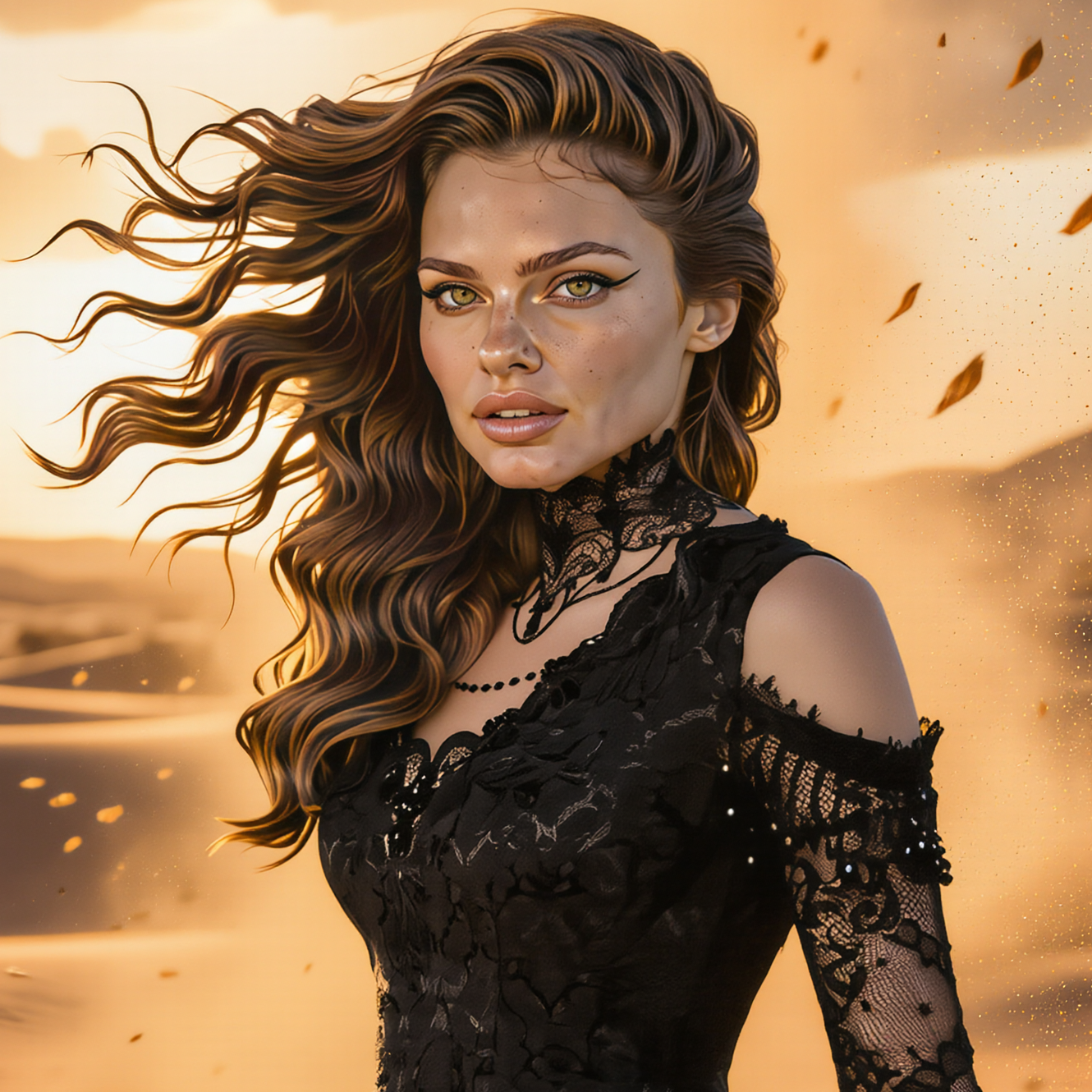
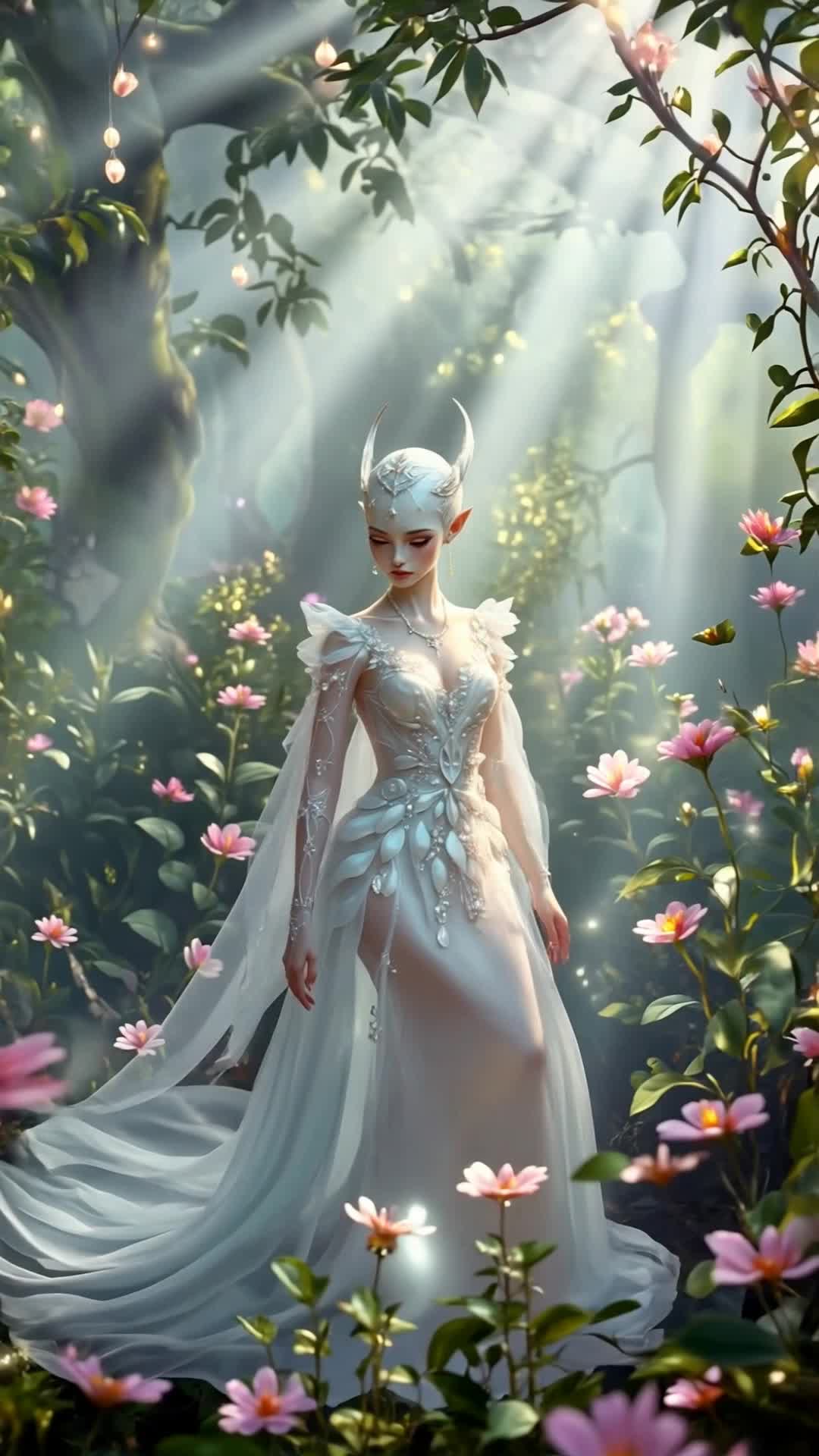
Magic Scene Ideas – AI Image Concepts

Explore AI-generated magic scene ideas for your projects. Quickly create and customize these enchanting visuals with AI assistance.

Magic Scene Ideas – AI Image Concepts

Recommended

Kling AI work 315459499306825 - magic scene AI video
The Dungeon Master avatar
The Dungeon Master
A little magic - magic scene AI video
VRcreativ avatar
VRcreativ
Elite Creator
magic chests - magic scene AI video
KLING7705 avatar
KLING7705
sand magic Christmas tree - magic scene AI video
desertmira avatar
desertmira
Kling AI work 307954120666826 - magic scene AI video
sdDUrlmW avatar
sdDUrlmW
Christmas magic - magic scene AI video
Teide avatar
Teide
Cute Winter Bird Magic - magic scene AI video
Натуся avatar
Натуся
Magic Meow - magic scene AI video
awa avatar
awa
Magic Garden - magic scene AI video
lJuawGud avatar
lJuawGud
fantasy witch with a magic book - magic scene AI video
Wolshebnaja avatar
Wolshebnaja
Kling AI work 311358380524666 - magic scene AI video
QyySyxWT avatar
QyySyxWT
Kling AI work 317814344664548 - magic scene AI video
dodzFnBY avatar
dodzFnBY
The Magic of Santa Claus - magic scene AI video
nao_aiart_047 avatar
nao_aiart_047
White Magic - magic scene AI video
KLING1838 avatar
KLING1838
magic - magic scene AI video
MARTI avatar
MARTI
magic - magic scene AI video
LSqQfaNC avatar
LSqQfaNC
fairy flying in a fantasy world - magic scene AI video
LIQ STUDIO avatar
LIQ STUDIO
Christmas magic. - magic scene AI video
SunoBY avatar
SunoBY
Magic book - magic scene AI video
lJuawGud avatar
lJuawGud

How to Create Images with Kling AI

Write Down You Ideas

Write Down You Ideas

Open the AI Image Generator and choose the model that fits your project. Describe the subject and scene, then add details such as lighting, color, and visual style to shape the result.

Add References Or Not

Add References Or Not

Upload reference images for a character, product, composition, or style. References are optional, but they give Kling AI a clearer visual foundation when specific features, colors, or design details need to carry into the final image.

Generate Your Image

Generate Your Image

Choose your preferred format and output settings, then hit Generate. Once the result is ready, download it directly or open it in the image-to-video workflow to bring it to life with motion.

Remove Objects from Images with More Control

Remove Objects with Simple Text Prompts

Remove Objects with Simple Text Prompts

Skip complex masks and manual retouching. Tell Kling IMAGE 3.0 what you want gone in a text prompt, and it interprets your instruction as a targeted image edit. It gives you a faster way to clean up photos without a complicated editing workflow.

Target the Exact Object You Want Gone

Target the Exact Object You Want Gone

When several similar people or objects appear in the same image, describe the target by its position, appearance, or nearby context. Clearer instructions give you more control over which element is removed while helping reduce unintended changes to unrelated parts of the scene.

Keep the Edited Area Visually Consistent

Keep the Edited Area Visually Consistent

Removing an object also means recreating the area it once covered. Kling IMAGE 3.0 is designed to preserve surrounding style, lighting, and texture during targeted edits, helping the cleared area feel more connected to the rest of the image instead of standing out as an obvious edit.

Apps

Image to Video
Image to Video

Image to Video

Text to Video
Text to Video

Text to Video

Omni
Omni

Omni

Digital Human
Digital Human

Digital Human

Restyle
Restyle

Restyle

Text to Image
Text to Image

Text to Image

60M+
60M+
Users
600M+
600M+
AI Videos Generated
4.7 ★
4.7 ★
App Store
Industry-Leading
Industry-Leading
Cinematic 4K

Reviews

Ozan Sihay

Ozan Sihay

★★★★★

Kling AI allows me to rapidly prototype ideas, refine storytelling elements, and produce visually compelling content efficiently. It has not only accelerated my creative processes, but also deepened my understanding of how AI can enrich visual storytelling.

Déborah

Déborah

★★★★★

I use Kling AI every day. It's amazing to see the almost daily progress it makes. I used AI for fun at first, and I now find that Kling AI's animations allow me to gain professional visibility, with three times more views on my animated posts than on my static posts.

KakuDrop

KakuDrop

★★★★★

I have successfully collaborated with world-renowned artists and well-known companies that are recognized globally

FAQ

Q1Is there a free AI video generator with no watermark?
Q2Can I generate AI videos from text prompts?
Q3Does Kling support audio and talking characters?

Experience Video 3.0 on Kling

Create cinematic, multi-shot videos with native audio and precise control—all in one generation.

Native audio | Multi-shot control | Up to 15s continuous output