Creative Studio
API
Resources
Features
About Us
Download

magic styler - Fairy Magic & Geometric Sorcery

Unveil the enchantment with ancient powers and dynamic AI animations that bring fantastical worlds to life. Immerse in the mystique of magic circles, blooming forests, and soaring fairies. Start exploring magic styler ideas and generate your own content with AI.

magic styler - Fairy Magic & Geometric Sorcery

Recommended

Kling AI work 307954120666826 - magic styler AI video
sdDUrlmW avatar
sdDUrlmW
Magic - magic styler AI video
KristinaChi avatar
KristinaChi
Kling AI work 319749599506011 - magic styler AI image
aMXWFfxQ avatar
aMXWFfxQ
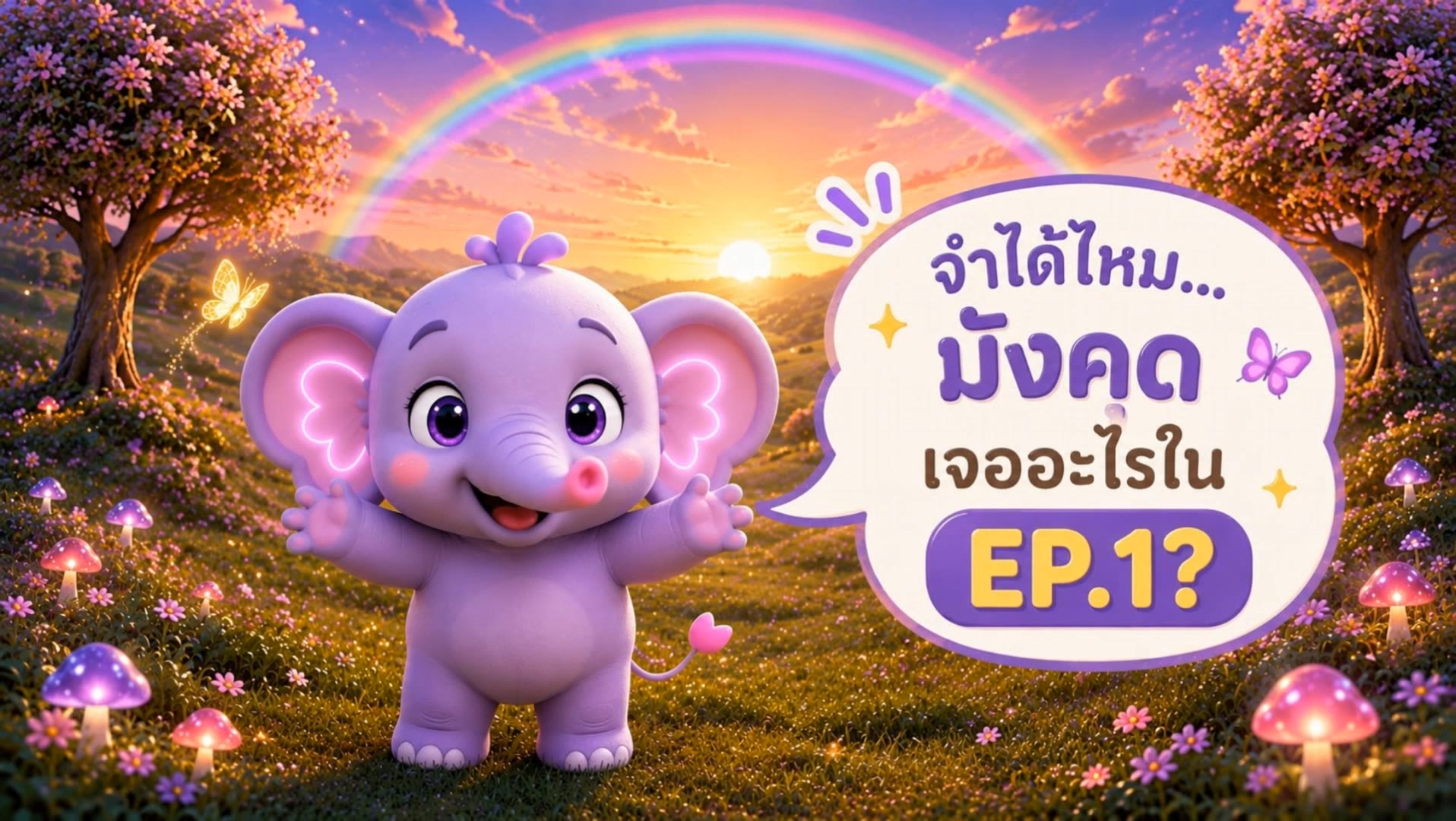
Mangkud’s Magic Words ✨ TRUNK - magic styler AI video
vScCEzQg avatar
vScCEzQg
Kling AI work 296436207613937 - magic styler AI image
BunnyLOVE Studios avatar
BunnyLOVE Studios
Her 2nd transformation - magic styler AI video
boifjuGS avatar
boifjuGS
Kling AI work 310655118506394 - magic styler AI video
PhoeniX.X.Ai avatar
PhoeniX.X.Ai
Mangkud magic word - magic styler AI video
vScCEzQg avatar
vScCEzQg
magic'  - magic styler AI video
Spinning Cards
cGHFFcyy avatar
cGHFFcyy
Kling AI work 299077757617437 - magic styler AI image
TRJYAQas avatar
TRJYAQas
White Magic - magic styler AI video
KLING1838 avatar
KLING1838
fantasy witch with a magic book - magic styler AI video
Wolshebnaja avatar
Wolshebnaja
Kling AI work 306841084536188 - magic styler AI image
imagineX avatar
imagineX
Kling AI work 299022810615820 - magic styler AI image
KC with Power Cosmic avatar
KC with Power Cosmic
A little magic - magic styler AI video
VRcreativ avatar
VRcreativ
Elite Creator
Magic Room Transformation - magic styler AI video
Dooi avatar
Dooi
Kling AI work 306877838502533 - magic styler AI image
SushiCat avatar
SushiCat
A little magic 💕 - magic styler AI video
00:13
7A7PI avatar
7A7PI
Elite Creator

How To Create AI Video From Text

Write Your Prompt

Write Your Prompt

Choose a model and describe the video you want to create in natural language. You can include scenes, characters, actions, or style references.

Customize Your Video

Customize Your Video

Use prompts to guide multiple scenes, actions, and styles within a single generation. Kling AI also supports native multilingual voiceovers and sound effects, so you can shape dialogue and audio direction directly through your prompt.

Generate & Export

Generate & Export

Select your format, including resolution (720p, 1080p, or 4K), duration (3 - 15 seconds), and aspect ratio (16:9, 9:16, or 1:1). Then download your video or keep iterating with new variations for your project.

Create More Realistic Looks with Kling AI

Use Different References for Specific Outfit Details

Use Different References for Specific Outfit Details

Mix and match details from multiple reference images instead of relying on just one. Assign each reference to a different part of the look, from clothing and footwear to smaller accessories, while IMAGE 3.0 Omni combines them into a single outfit. The result is a more controlled styling process and a final look that stays closer to your creative direction.

Change the Outfit, Keep the Person

Change the Outfit, Keep the Person

Changing the clothes should not make the person look like someone else. IMAGE 3.0 Omni helps keep key details such as the face, hairstyle, pose, and overall appearance familiar and recognizable, making it easier to try casual looks, formalwear, or completely different styles while keeping the same person consistent.

Make New Clothes Look Like Part of the Photo

Make New Clothes Look Like Part of the Photo

A convincing AI clothes swap should look like the outfit belongs in the original image. IMAGE 3.0 Omni works with the existing lighting, perspective, textures, and surroundings so the new outfit blends more naturally with the scene, helping fabric, folds, accessories, and other details feel less edited and more like part of a real fashion photo.

Apps

Image to Video
Image to Video

Image to Video

Text to Video
Text to Video

Text to Video

Omni
Omni

Omni

Digital Human
Digital Human

Digital Human

Restyle
Restyle

Restyle

Text to Image
Text to Image

Text to Image

60M+
60M+
Users
600M+
600M+
AI Videos Generated
4.7 ★
4.7 ★
App Store
Industry-Leading
Industry-Leading
Cinematic 4K

Reviews

PJ Ace

PJ Ace

★★★★★

Kling AI has made it easy for us to generate world class visuals for Fortune 500 companies, TV shows and music for big artists. We love the easy of use of the platform and the quality of the generations. My first time using Kling AI, I got 22 million views on just one video. It's that good.

Vincent Smadja

Vincent Smadja

★★★★★

Kling AI seamlessly integrates into my creative workflow, playing a key role in transforming my images. After generating and upscaling an image, Kling becomes a crucial element, bringing my creations to life with movement and depth.

Halim Alrasihi

Halim Alrasihi

★★★★★

I use AI daily and Kling AI is a crucial part of my workflow, whether for client work or personal projects. What I love most about using Kling AI is that it provides all the tools I need in one place, from keyframes to character references, elements and special effects.

FAQ

Q1Can I use multiple people in one Motion Control video?
Q2What kind of images work best for Motion Control?
Q3Can I use this for anime or 3D characters?

Turn Your Ideas into Stunning Images

Create realistic images, character concepts, and creative artwork with Kling AI.

Free tier available | Reference images supported | High-quality output | Fast generation