Creative Studio
API
Resources
Features
About Us
Download

AI-generated magic video ideas

Discover AI-created magic video concepts to enhance your content. Quickly find inspiration and customize these AI results to create captivating magic videos.

AI-generated magic video ideas

Recommended

Spinning Cards - magic video AI video
Spinning Cards
J avatar
J
A little magic - magic video AI video
VRcreativ avatar
VRcreativ
Elite Creator
Use the uploaded video as the ex - magic video AI image
NUFsXjGe avatar
NUFsXjGe
Show me the magic - magic video AI video
KLINIK AI avatar
KLINIK AI
Kling AI work 307275010537474 - magic video AI video
LgQAPmqC avatar
LgQAPmqC
Magic Garden - magic video AI video
lJuawGud avatar
lJuawGud
The Magic of Santa Claus - magic video AI video
nao_aiart_047 avatar
nao_aiart_047
video oromoo  - magic video AI image
PpqmtOUs avatar
PpqmtOUs
Kling AI work 306554521501235 - magic video AI video
Samael Cypher avatar
Samael Cypher
Kling AI work 319638313523396 - magic video AI video
JlVaRqXA avatar
JlVaRqXA
Can you find the MAGIC egg?🥚✨ - magic video AI video
zqCRqnsJ avatar
zqCRqnsJ
Magic book - magic video AI video
lJuawGud avatar
lJuawGud
A Magic box  - magic video AI video
SDsKzoDF avatar
SDsKzoDF
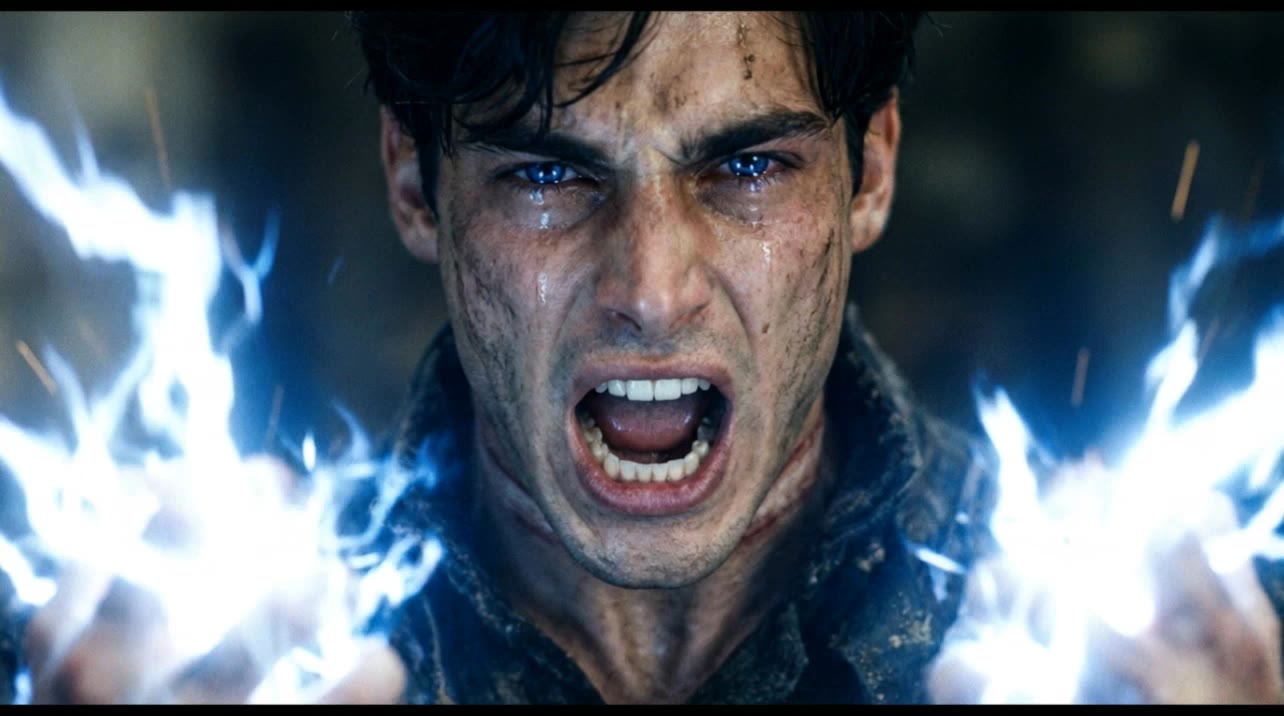
Primal Magic Eruption - magic video AI video
ThisTwistedGame avatar
ThisTwistedGame
Elite Creator
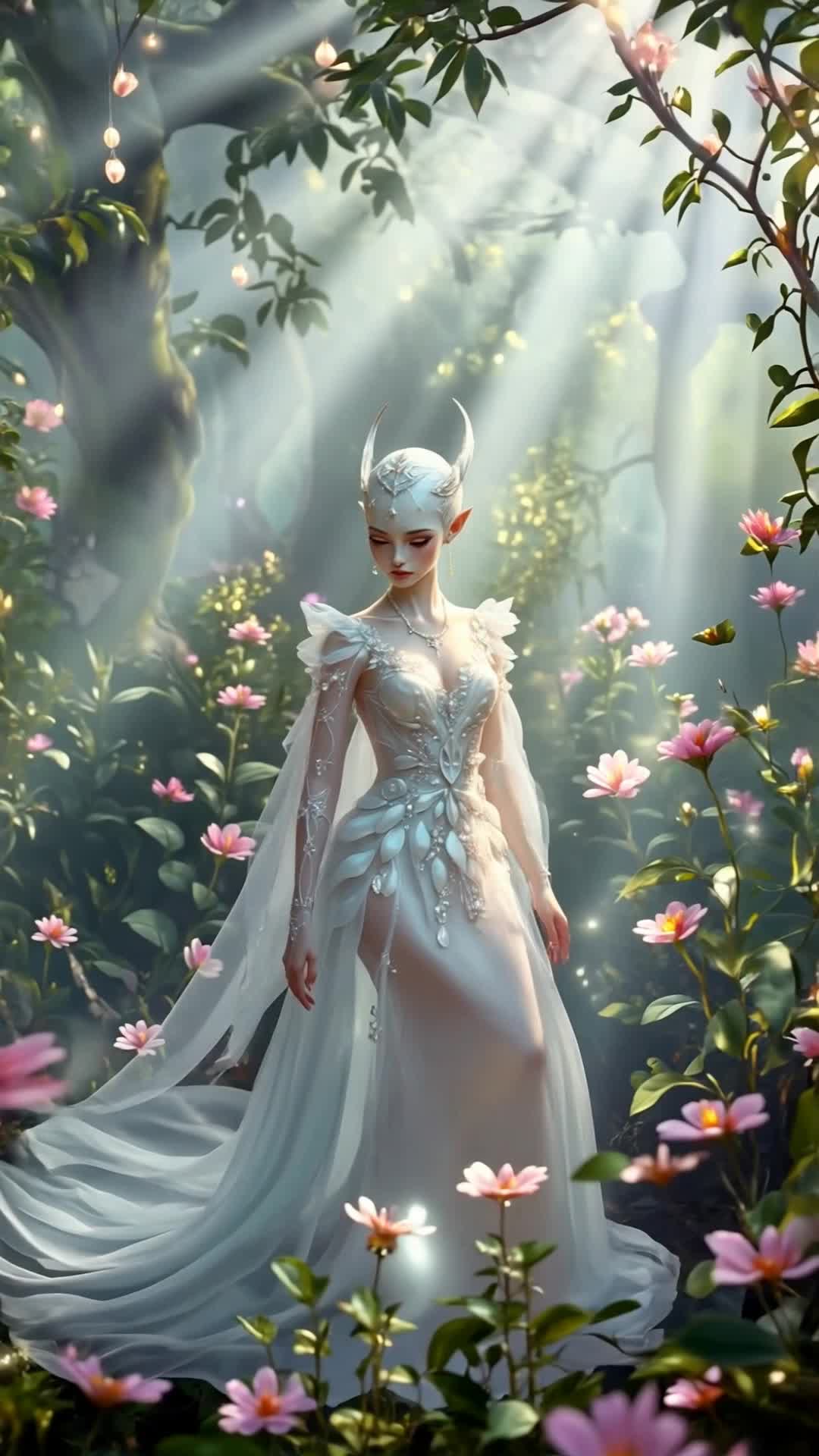
Elves' magic - magic video AI video
taty.inspire.ai avatar
taty.inspire.ai
Elite Creator
Kling AI work 298727321615436 - magic video AI video
lscTOMdm avatar
lscTOMdm
magic chests - magic video AI video
KLING7705 avatar
KLING7705
Kling AI work 309711822612230 - magic video AI video
tUyJEKZX avatar
tUyJEKZX
general a video about the genesi - magic video AI image
bBdlAAMC avatar
bBdlAAMC

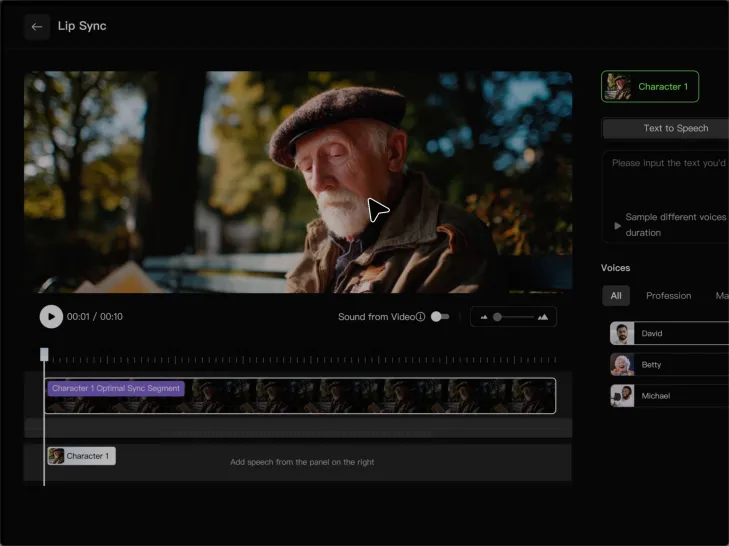
How to Lip Sync a Video in Kling AI

Choose a Clear Character Video

Choose a Clear Character Video

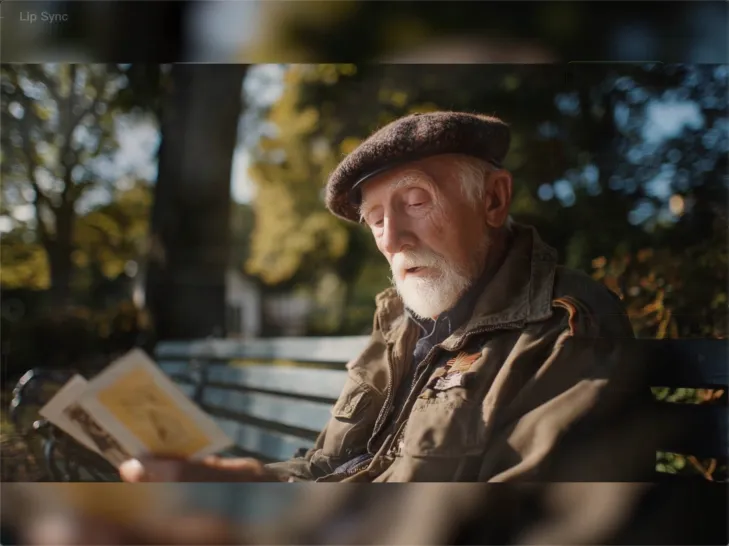
Choose a supported Kling AI clip with a full, clearly visible face. Lip Sync works with realistic, 3D, and 2D human characters.

Add Audio or Enter a Script

Add Audio or Enter a Script

Upload a voiceover or singing track, or use Text to Speech to generate a voice. Trim the audio if it runs longer than the video.

Generate and Review

Generate and Review

Generate the lip sync and preview the result. If the timing feels off, trim the audio or adjust the Text to Speech speed.

Make Avatars Perform, Not Just Speak

More Choice, Without Losing Consistency

More Choice, Without Losing Consistency

Start with a preset avatar, select a character from your Kling AI Assets, upload an image of your own, or create someone new with AI Image. Use a polished presenter for a product demo, a creator-style host for an ad, or a more stylized character when the idea calls for it. For recurring content, save the character with the voice and performance settings you use most. The same on-screen identity is ready for the next script, without putting the setup together again.

Give Each Script the Right Delivery

Give Each Script the Right Delivery

Use a finished voiceover when the delivery is already in place, or start with written copy and choose a text-to-speech voice. Adjust the pace and emotional tone so a product pitch feels confident, a lesson stays clear, and social content can take on more energy. You can write your own performance direction or use one of Kling AI’s suggestions for the selected character. The same avatar can also deliver content in English, Chinese, Japanese, or Korean while keeping a familiar appearance on screen.
Let Movement Carry the Message

Let Movement Carry the Message

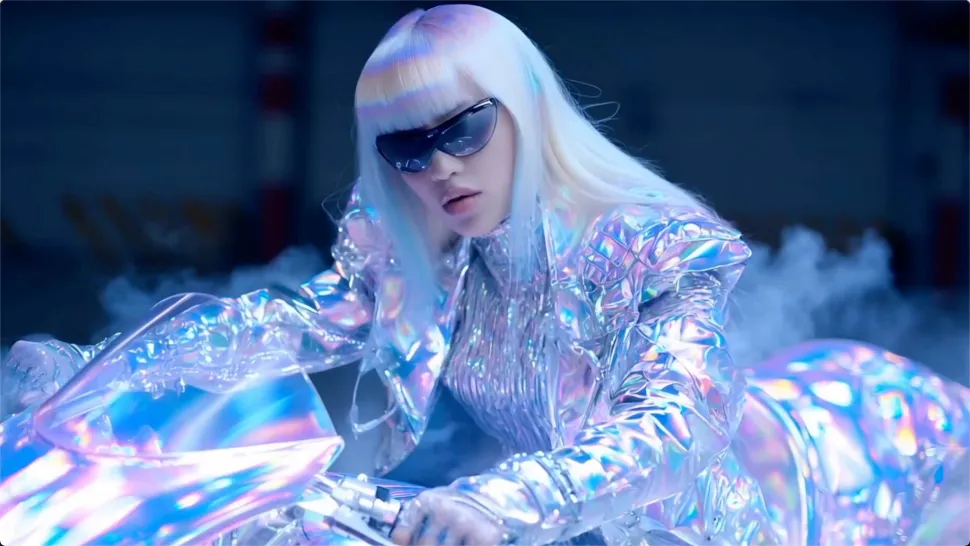
Natural lip sync is only part of the performance. An avatar can point to a product, handle an object, gesture through an explanation, react to the words, or move with the rhythm of a song. Avatar 2.0 improves hand stability and overall action quality, so the movement supports the scene instead of drawing attention away from it. Voice, expression, and body language come together as one performance—not a still image with audio layered over it.

Apps

Image to Video
Image to Video

Image to Video

Text to Video
Text to Video

Text to Video

Omni
Omni

Omni

Digital Human
Digital Human

Digital Human

Restyle
Restyle

Restyle

Text to Image
Text to Image

Text to Image

60M+
60M+
Users
600M+
600M+
AI Videos Generated
4.7 ★
4.7 ★
App Store
Industry-Leading
Industry-Leading
Cinematic 4K

Reviews

Jyo John Mulloor

Jyo John Mulloor

★★★★★

Kling AI has been instrumental in transforming my creative workflow, unlocking new dimensions of artistic expression that were once unimaginable. I use Kling AI extensively to develop high-concept visuals, animate surreal dreamscapes, and create AI-assisted films that blur the line between reality and fantasy. Kling AI’s deep learning capabilities have not only enhanced my creative efficiency but also inspired me to explore storytelling in ways I never thought possible.

KakuDrop

KakuDrop

★★★★★

I have successfully collaborated with world-renowned artists and well-known companies that are recognized globally

Halim Alrasihi

Halim Alrasihi

★★★★★

I use AI daily and Kling AI is a crucial part of my workflow, whether for client work or personal projects. What I love most about using Kling AI is that it provides all the tools I need in one place, from keyframes to character references, elements and special effects.

FAQ

Q1What languages does Kling AI Dubbing support?
Q2Can Kling VIDEO 3.0 handle multiple characters in one conversation?
Q3How does AI dubbing work?

Remove Distractions. Make Every Image Count.

Clean up portraits, product shots, travel photos, social content, and other images by removing the elements that pull attention away from what matters.