
OMLOrqgU
0
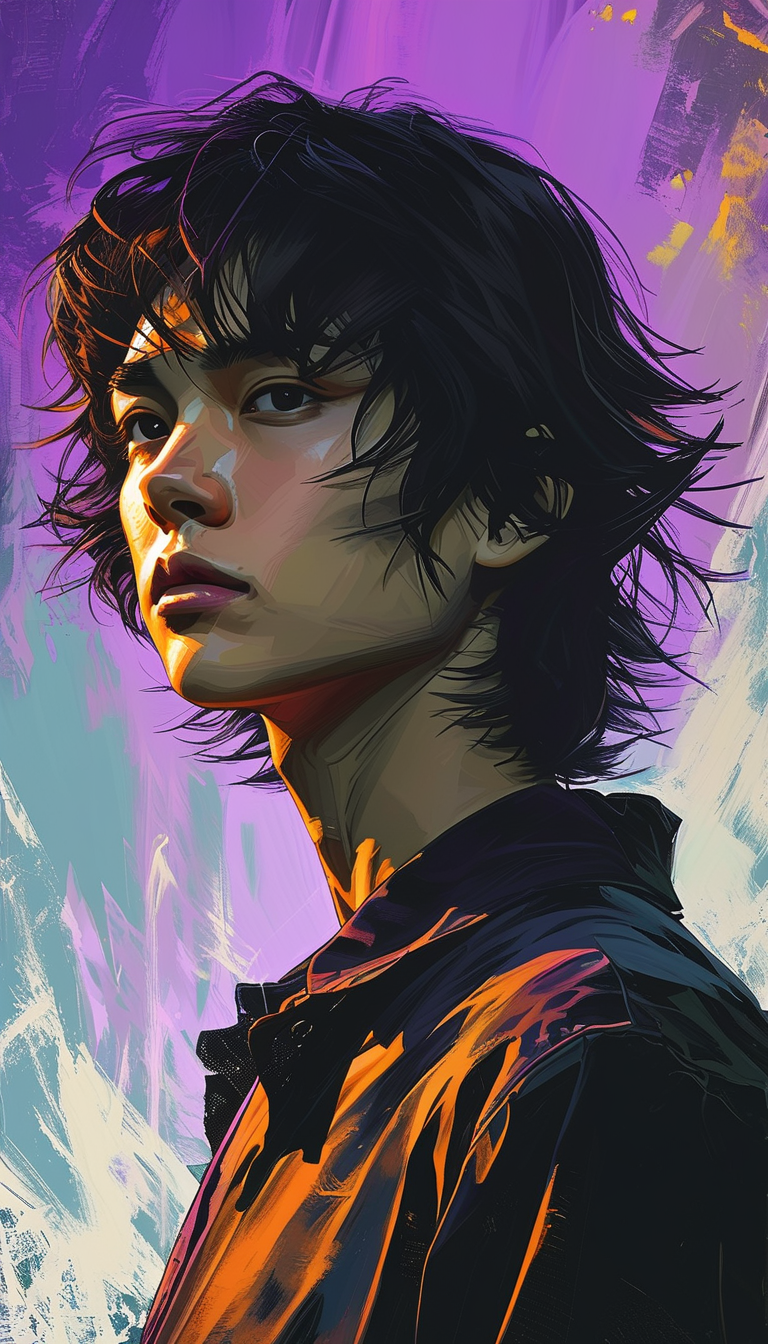
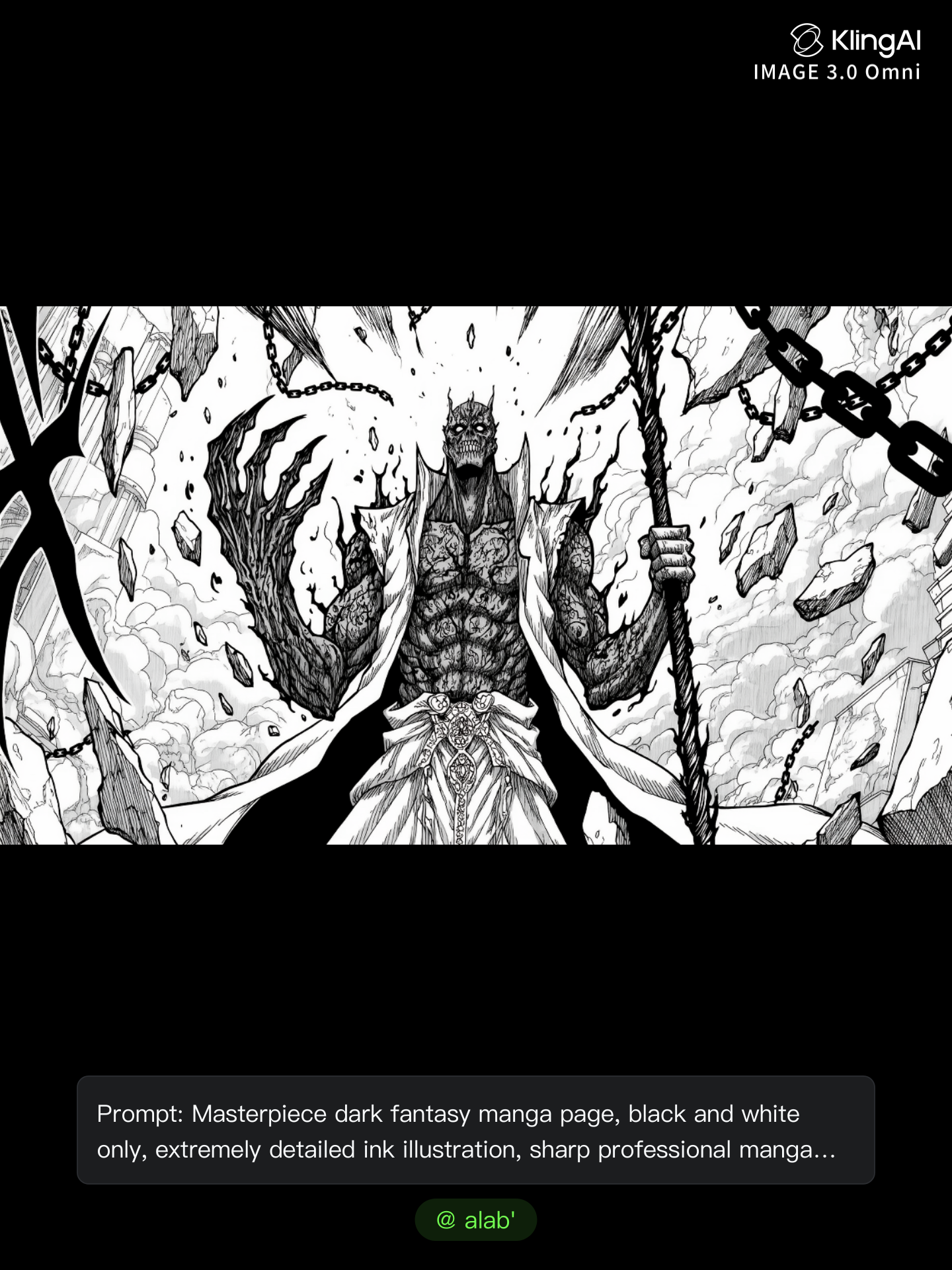
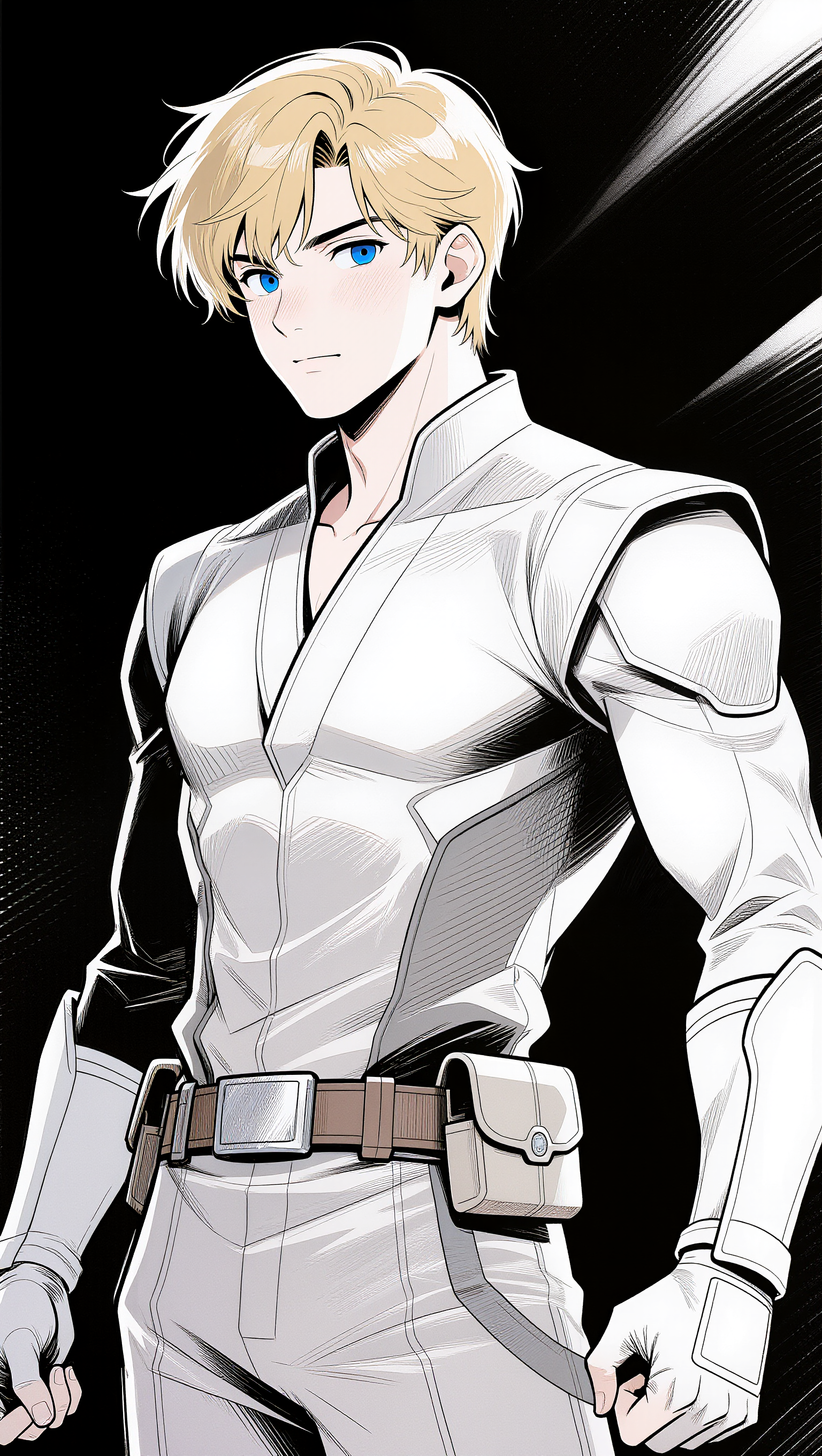
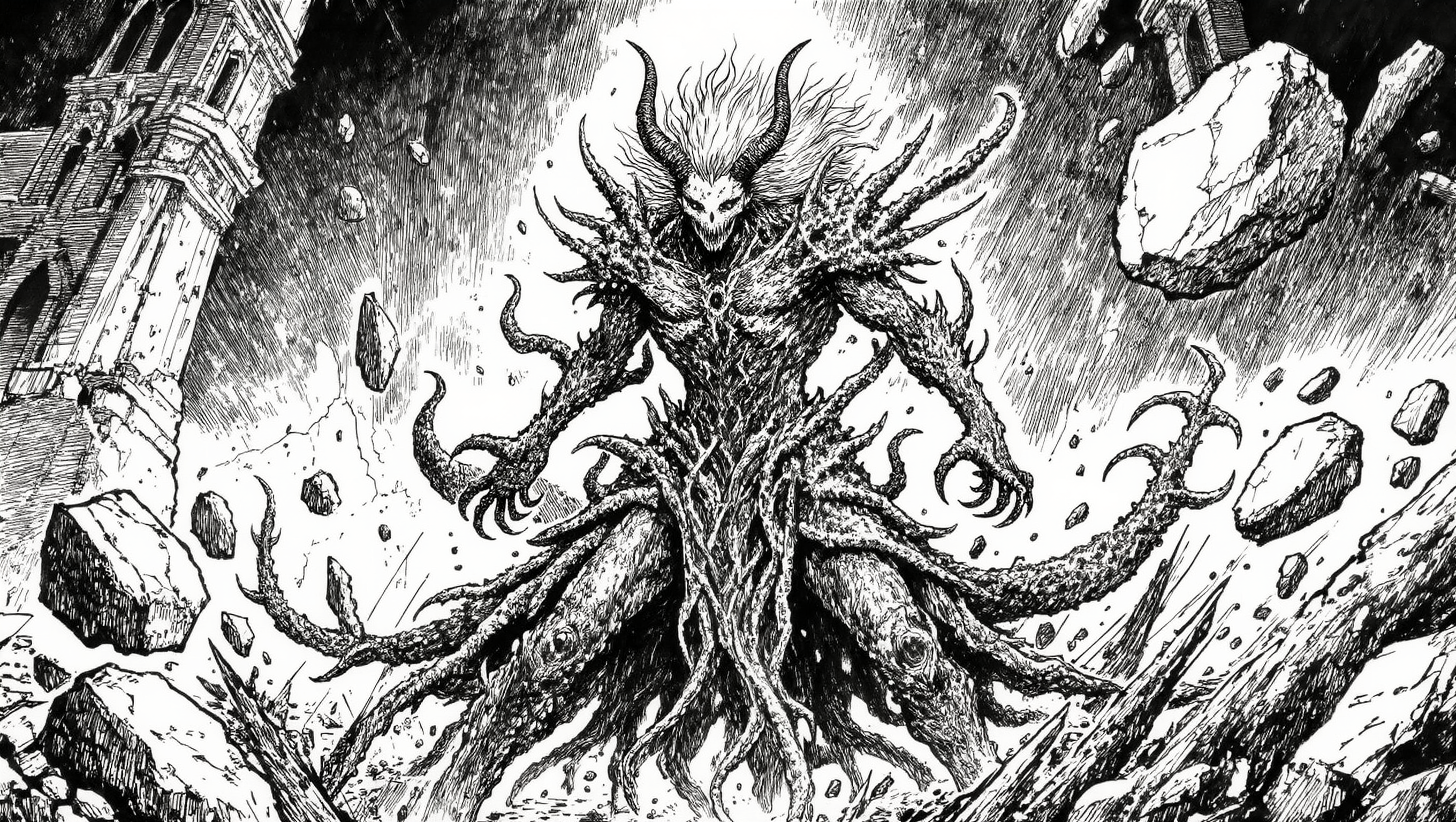
Get eye-catching manga banner designs created with AI. Enhance your promotions with professional and unique designs.

-8x.png?x-kcdn-pid=112372&x-oss-process=image%2Fresize%2Cw_100%2Ch_100%2Cm_mfit)






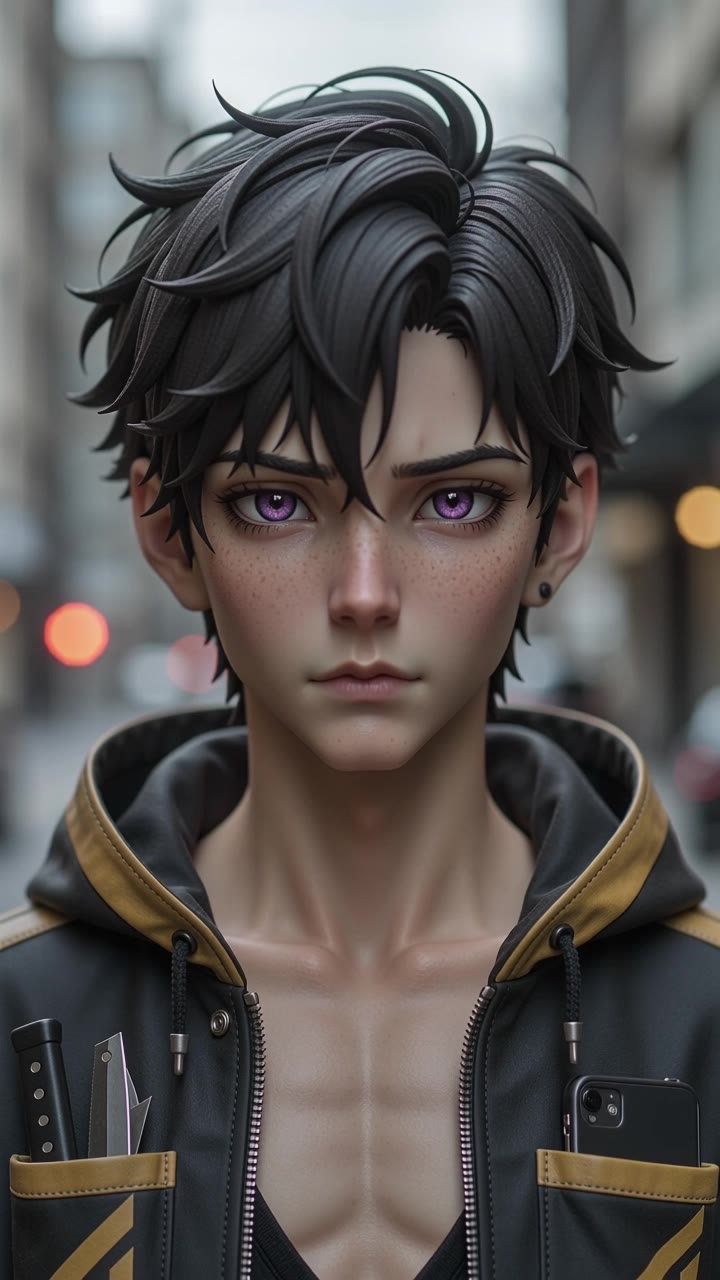


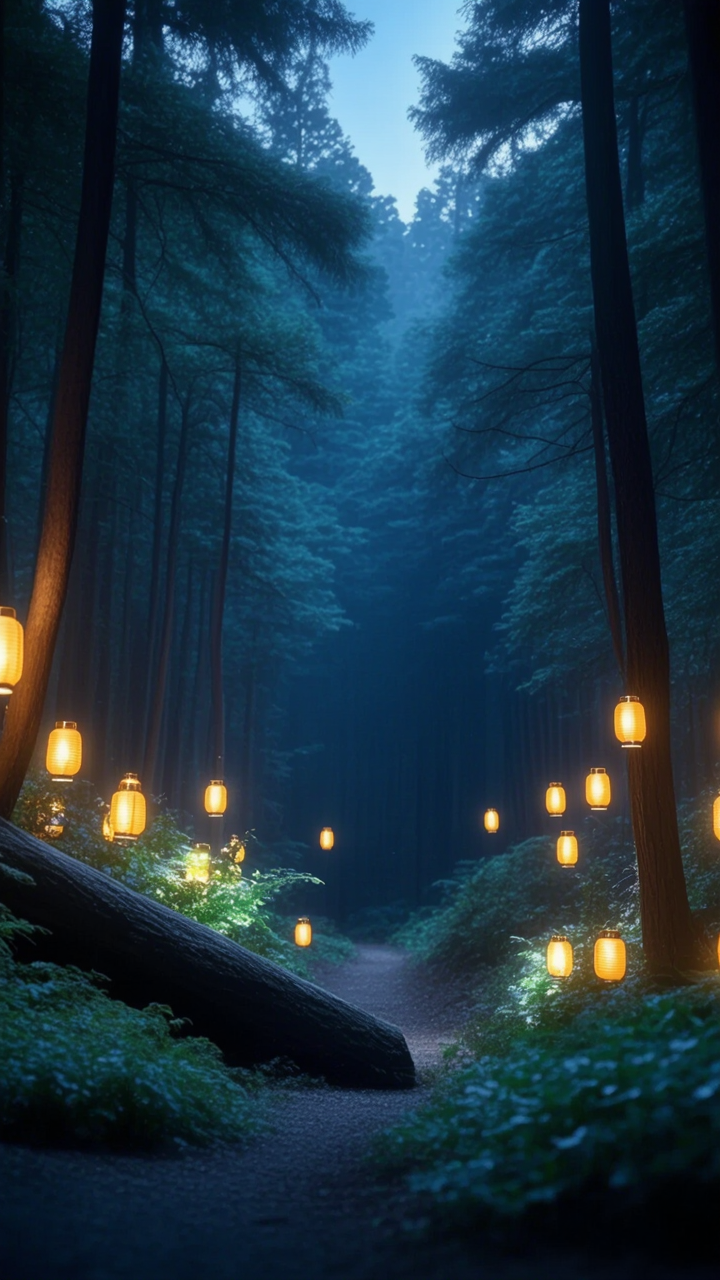

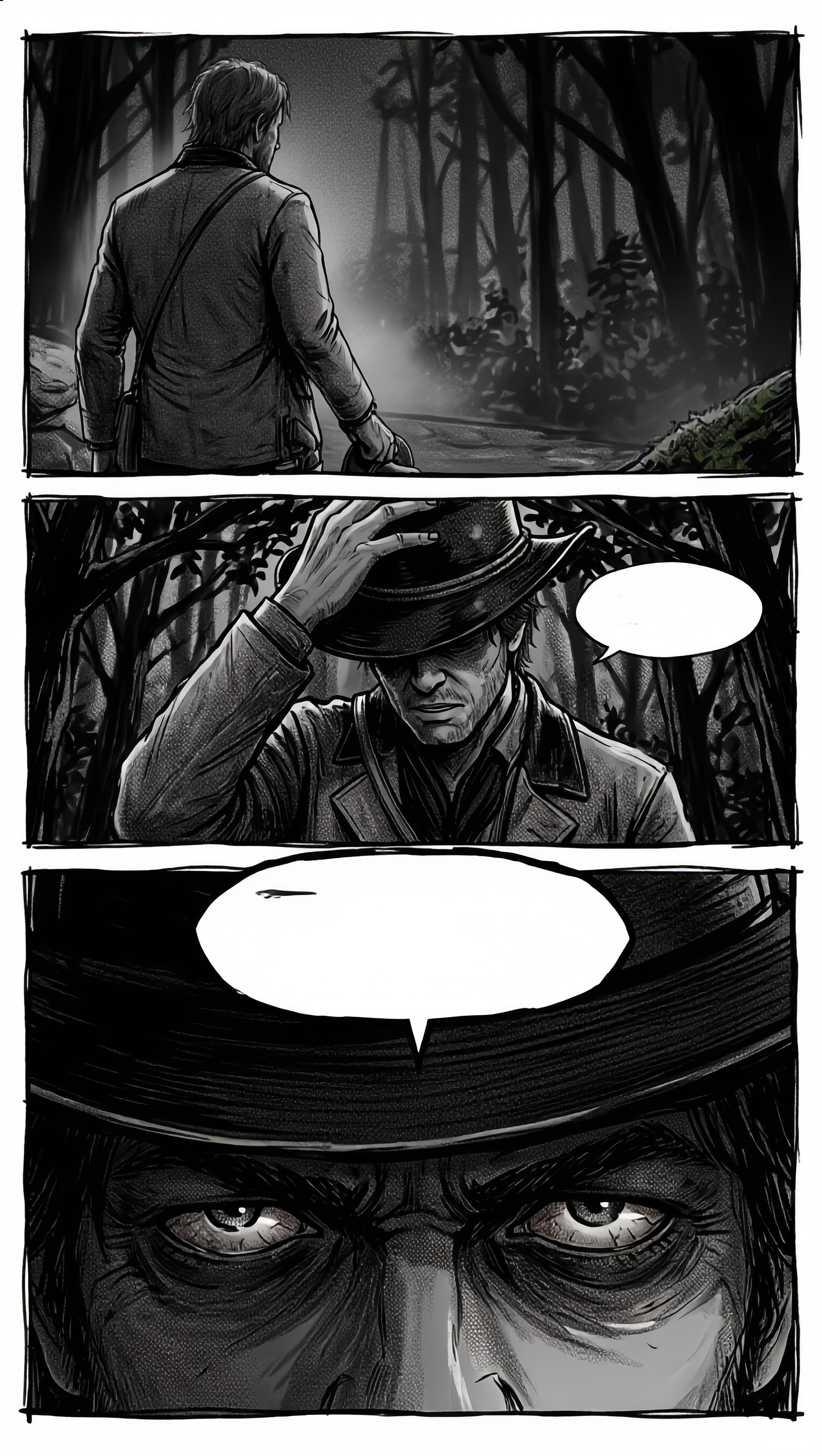
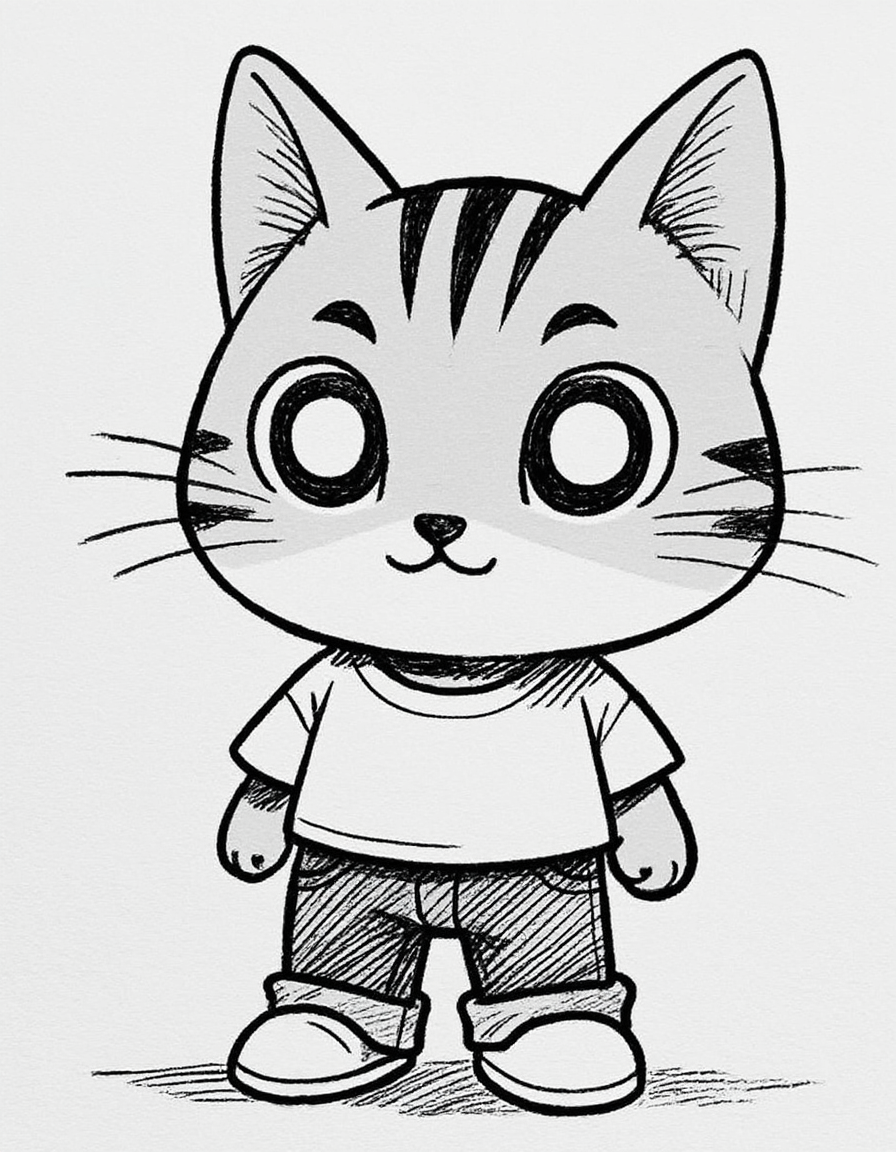
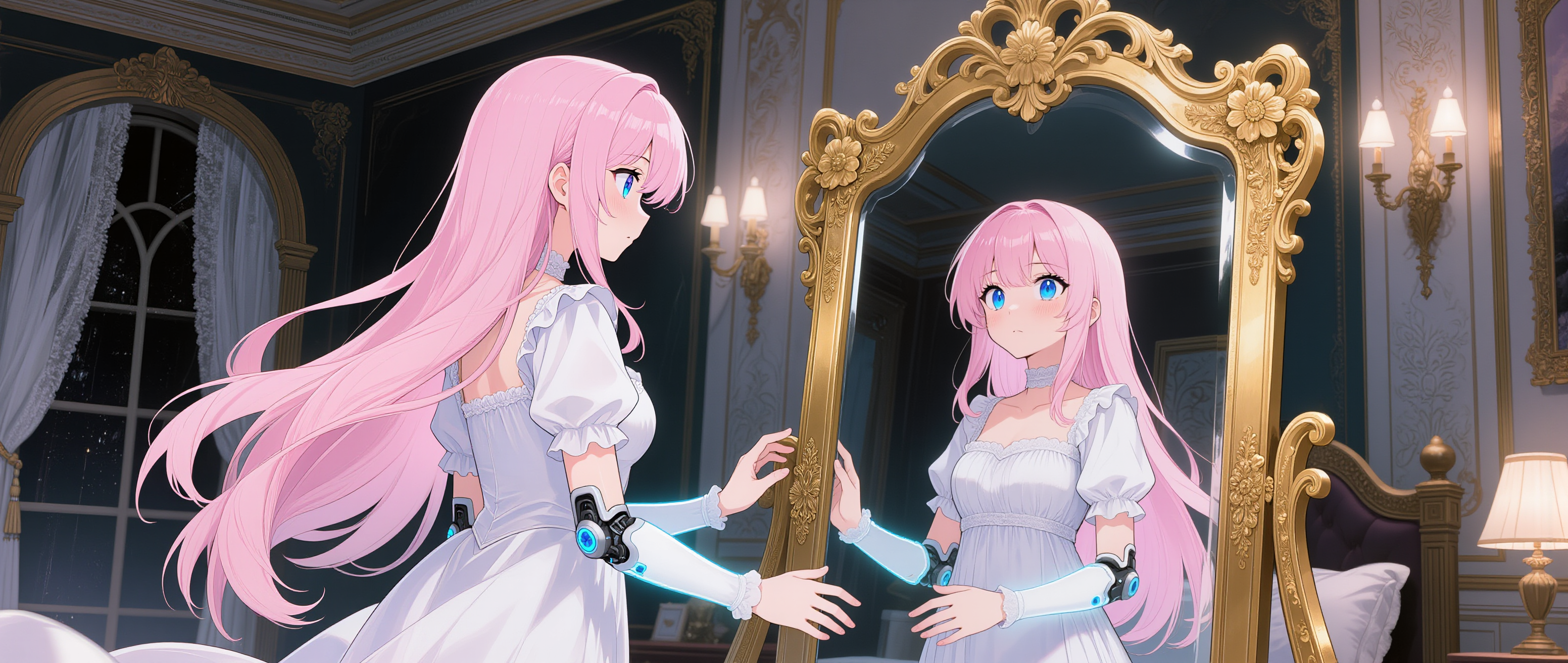
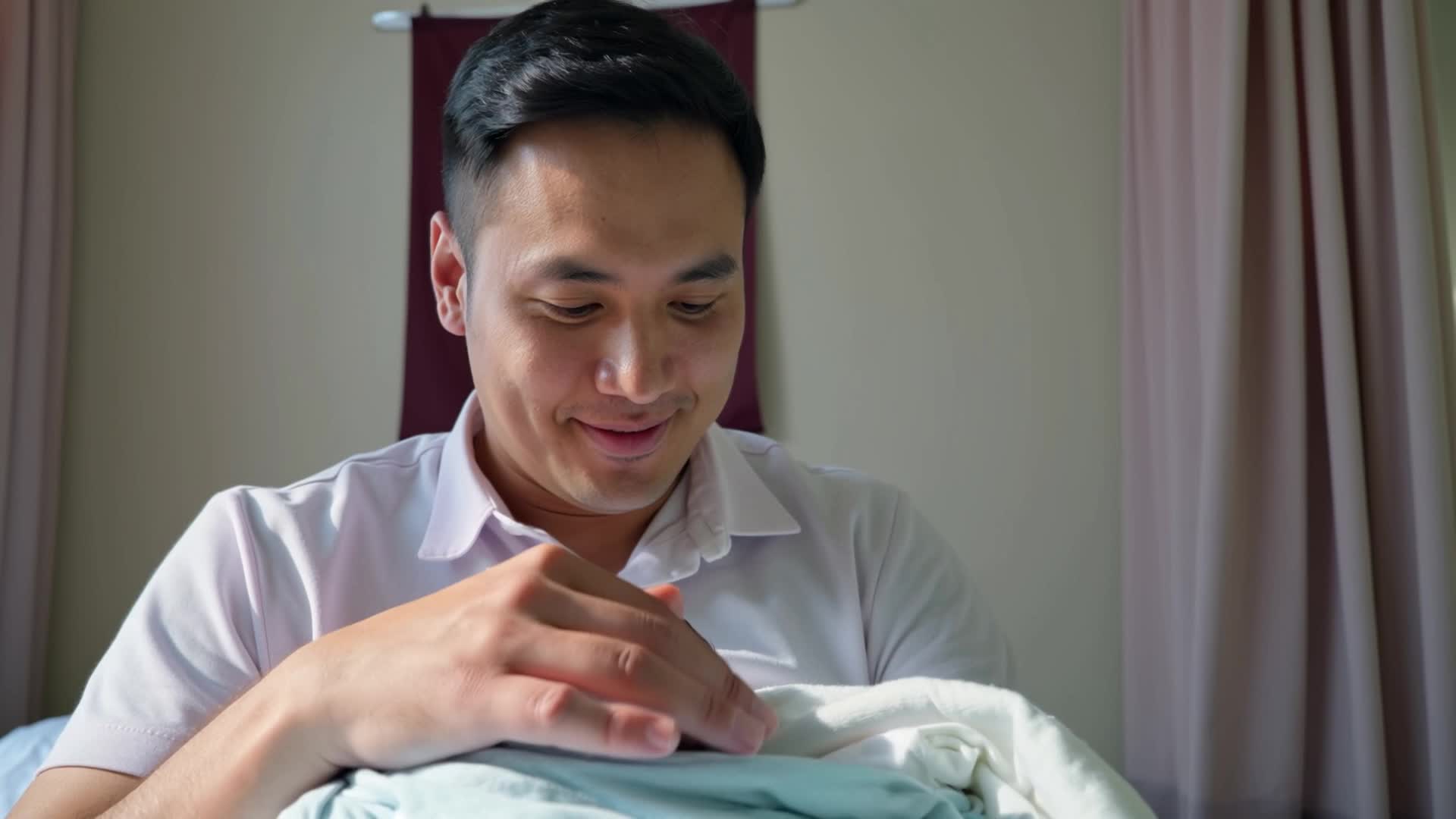

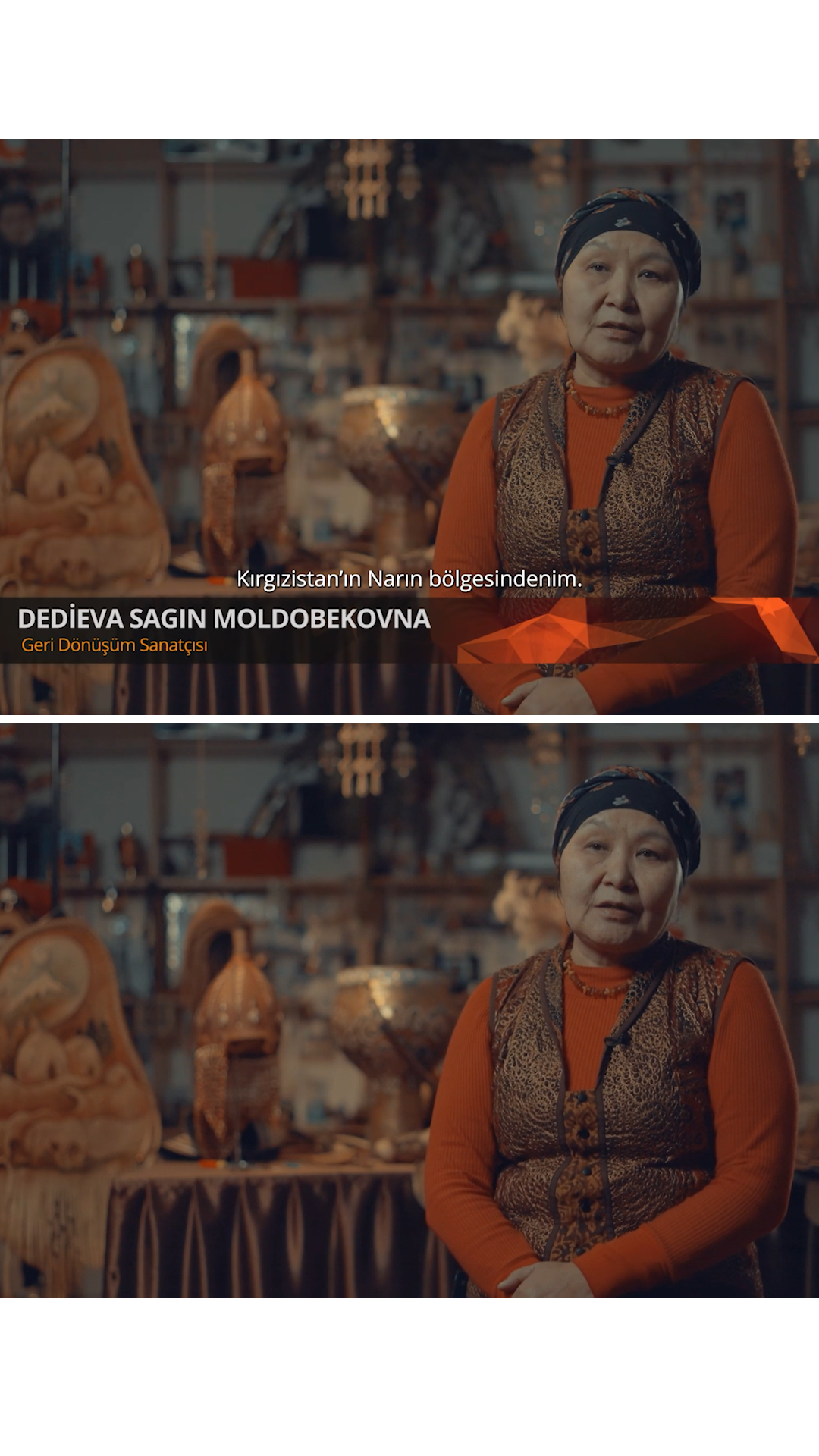




Unlike standard tools that distort faces when moving, Kling Video 3.0 lets you strictly lock a character’s appearance. Upload a single photo, or use a short video/multiple angles as a reference to completely eliminate the “AI morphing” effect.

Your video isn’t just silent footage; it speaks. Generate perfectly matched voices and realistic lip movements in multiple languages or regional accents. Even in multi-character scenes, you can precisely assign who speaks—no third-party tools required.

Go beyond a basic 3-second clip. Kling 3.0 extends generation to 15 seconds of smooth, uninterrupted narrative. You can even use native storyboard controls to direct multi-shot sequences in a single click—outputting in crystal-clear 4K for professional use.

















I’m Maria Rubtsova, an AIGC digital artist passionate about creating stunning visuals in the worlds of fashion, aesthetics, and fantasy. I use KlingAi to bring imagination to life through video. My work is all about exploring beauty, emotion, and the limitless possibilities of digital art.

Kling AI allows me to rapidly prototype ideas, refine storytelling elements, and produce visually compelling content efficiently. It has not only accelerated my creative processes, but also deepened my understanding of how AI can enrich visual storytelling.

I use AI daily and Kling AI is a crucial part of my workflow, whether for client work or personal projects. What I love most about using Kling AI is that it provides all the tools I need in one place, from keyframes to character references, elements and special effects.
Create realistic images, character concepts, and creative artwork with Kling AI.
Free tier available | Reference images supported | High-quality output | Fast generation
