
Creative Studio
API
Resources
Features
About Us
Download

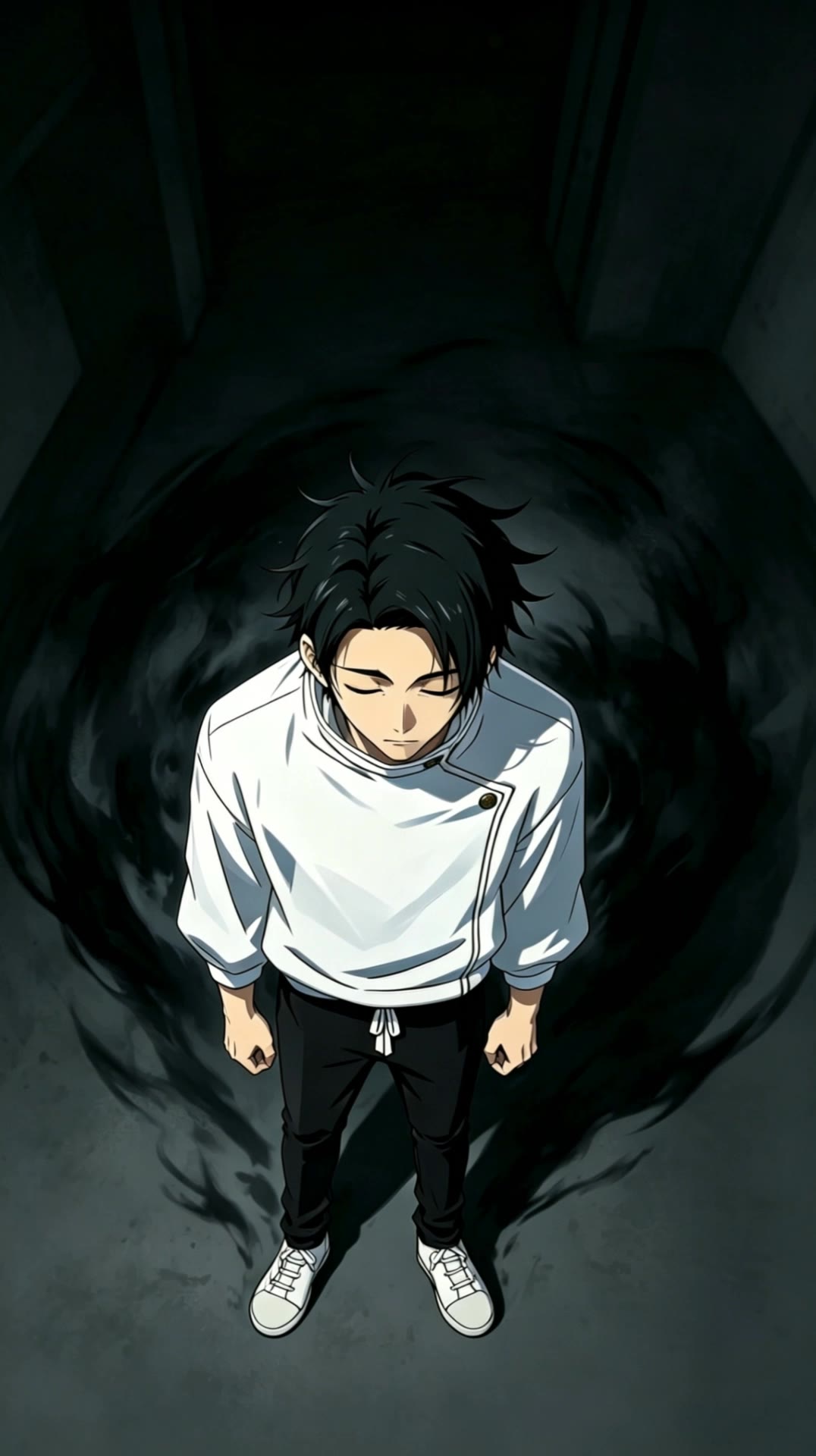
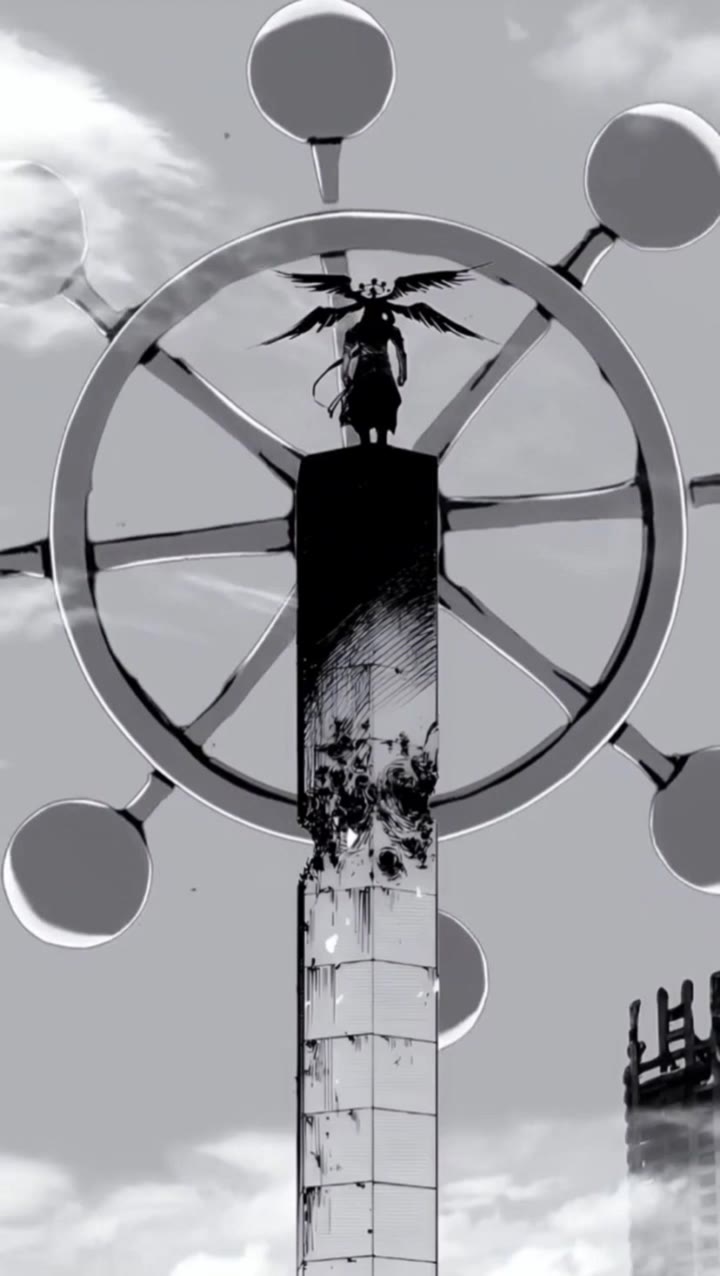
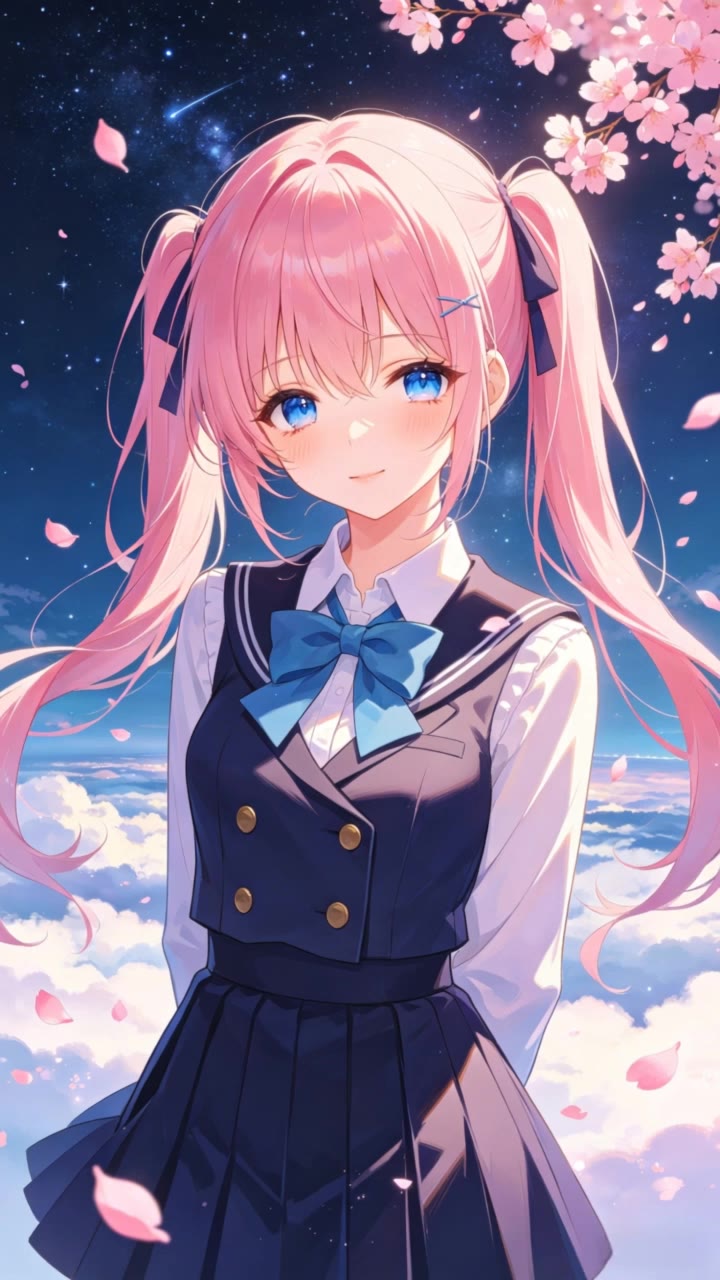
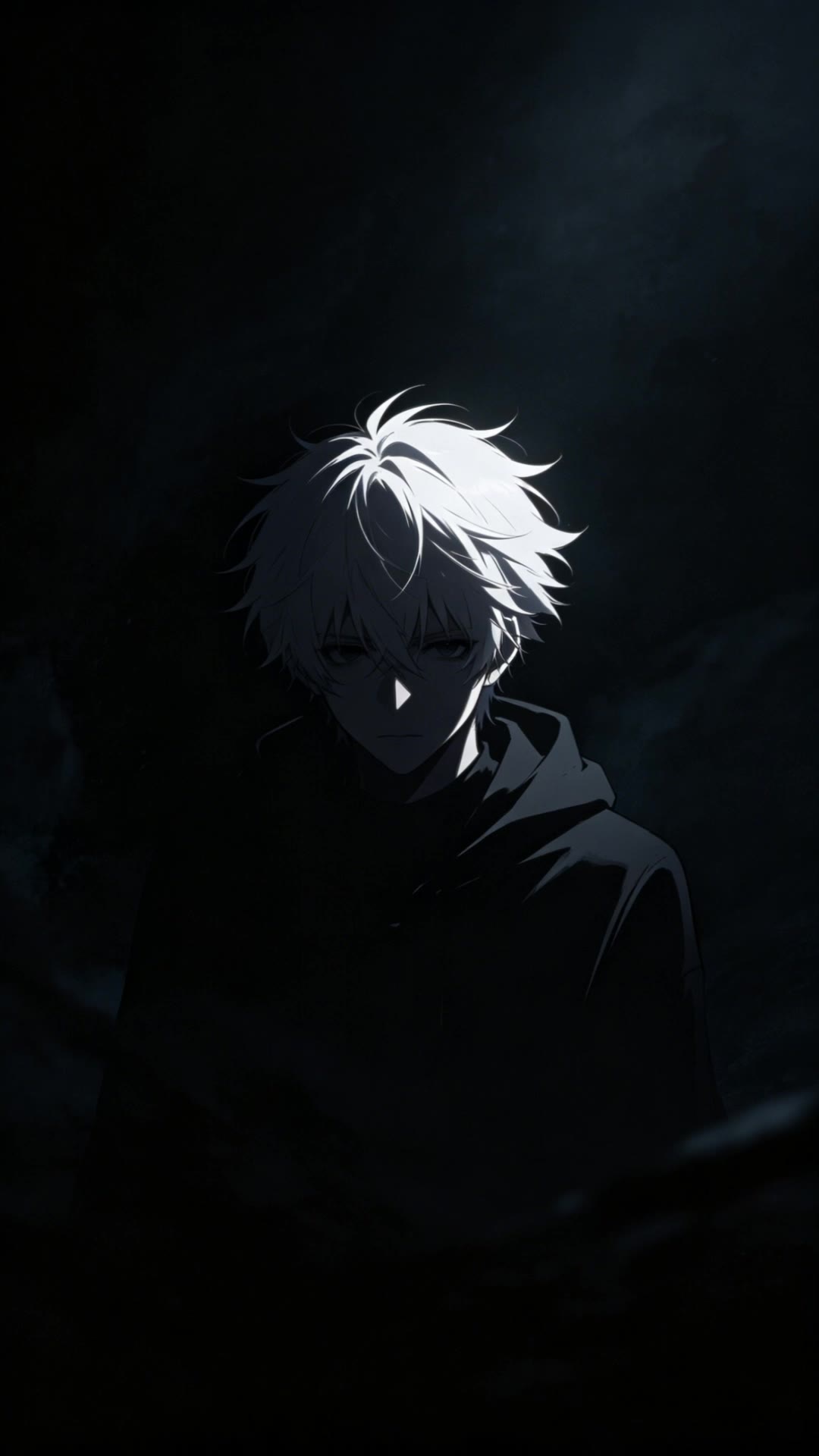
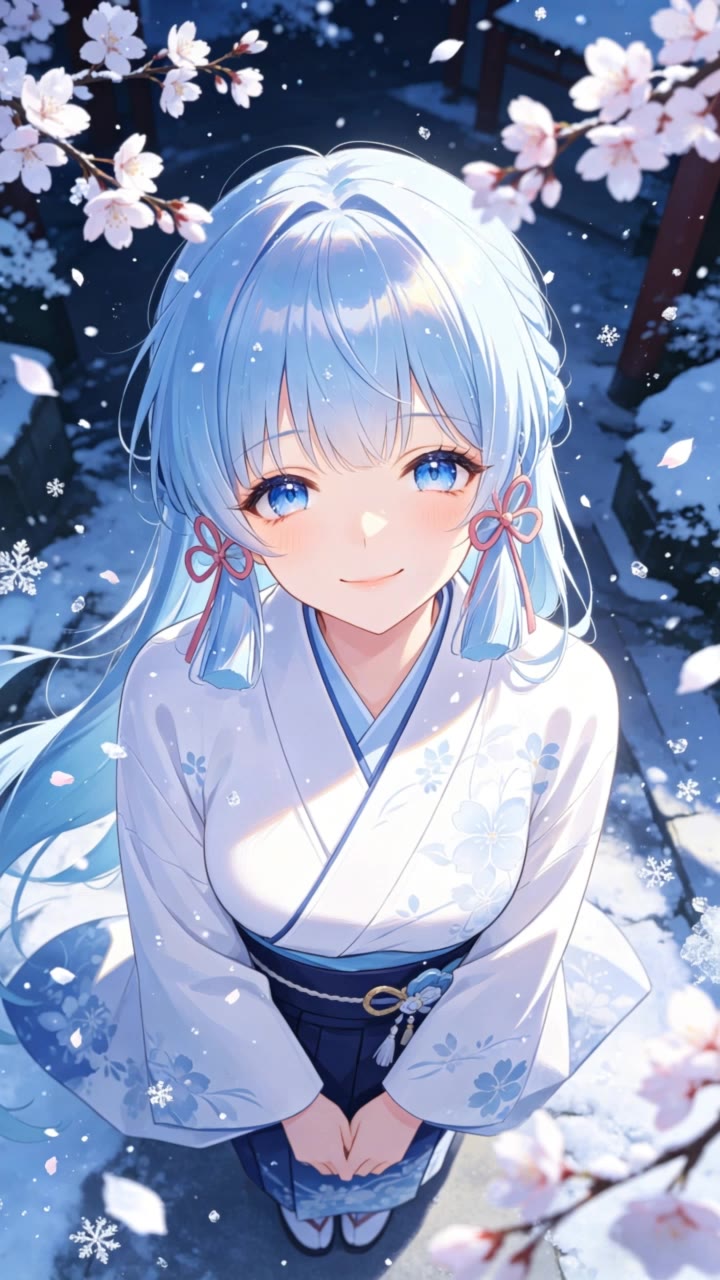
AI-generated manga desktop wallpapers – Stunning and detailed

Decorate your desktop with stunning and detailed AI-generated manga wallpapers.

AI-generated manga desktop wallpapers – Stunning and detailed

Recommended

Kling AI work 309815124618881 - manga desktop wallpaper AI video
ujMZuQjG avatar
ujMZuQjG
wallpaper - manga desktop wallpaper AI video
EDCxWRhK avatar
EDCxWRhK
Kling AI work 312146701661906 - manga desktop wallpaper AI video
VsYhzsKN avatar
VsYhzsKN
Live Wallpaper - manga desktop wallpaper AI video
Louis avatar
Louis
Elite Creator
Kling AI work 310709108610750 - manga desktop wallpaper AI video
ygypzfLj avatar
ygypzfLj
Kling AI work 312987730662832 - manga desktop wallpaper AI video
KaPZxaLZ avatar
KaPZxaLZ
Kling AI work 296340153505776 - manga desktop wallpaper AI video
gtgFCxuS avatar
gtgFCxuS
Kling AI work 296461099617933 - manga desktop wallpaper AI image
TurbM3L0s3/AlohaKaim avatar
TurbM3L0s3/AlohaKaim
wallpaper - manga desktop wallpaper AI video
EDCxWRhK avatar
EDCxWRhK
wallpaper - manga desktop wallpaper AI video
EDCxWRhK avatar
EDCxWRhK
Kling AI work 296426171610350 - manga desktop wallpaper AI video
adGbBrgx avatar
adGbBrgx
Kling AI work 317588863618144 - manga desktop wallpaper AI image
JDpxyjKi avatar
JDpxyjKi
Kling AI work 317581797663735 - manga desktop wallpaper AI video
obVZVXqQ avatar
obVZVXqQ
Kling AI work 310741268614977 - manga desktop wallpaper AI video
tdbjRRVP avatar
tdbjRRVP
wallpaper - manga desktop wallpaper AI video
EDCxWRhK avatar
EDCxWRhK
Manga drawing - manga desktop wallpaper AI image
artisticvideo avatar
artisticvideo
Elite Creator
Kling AI work 314168764662224 - manga desktop wallpaper AI video
RvqDGFga avatar
RvqDGFga
Kling AI work 314194822505337 - manga desktop wallpaper AI video
oDhrtlaA avatar
oDhrtlaA
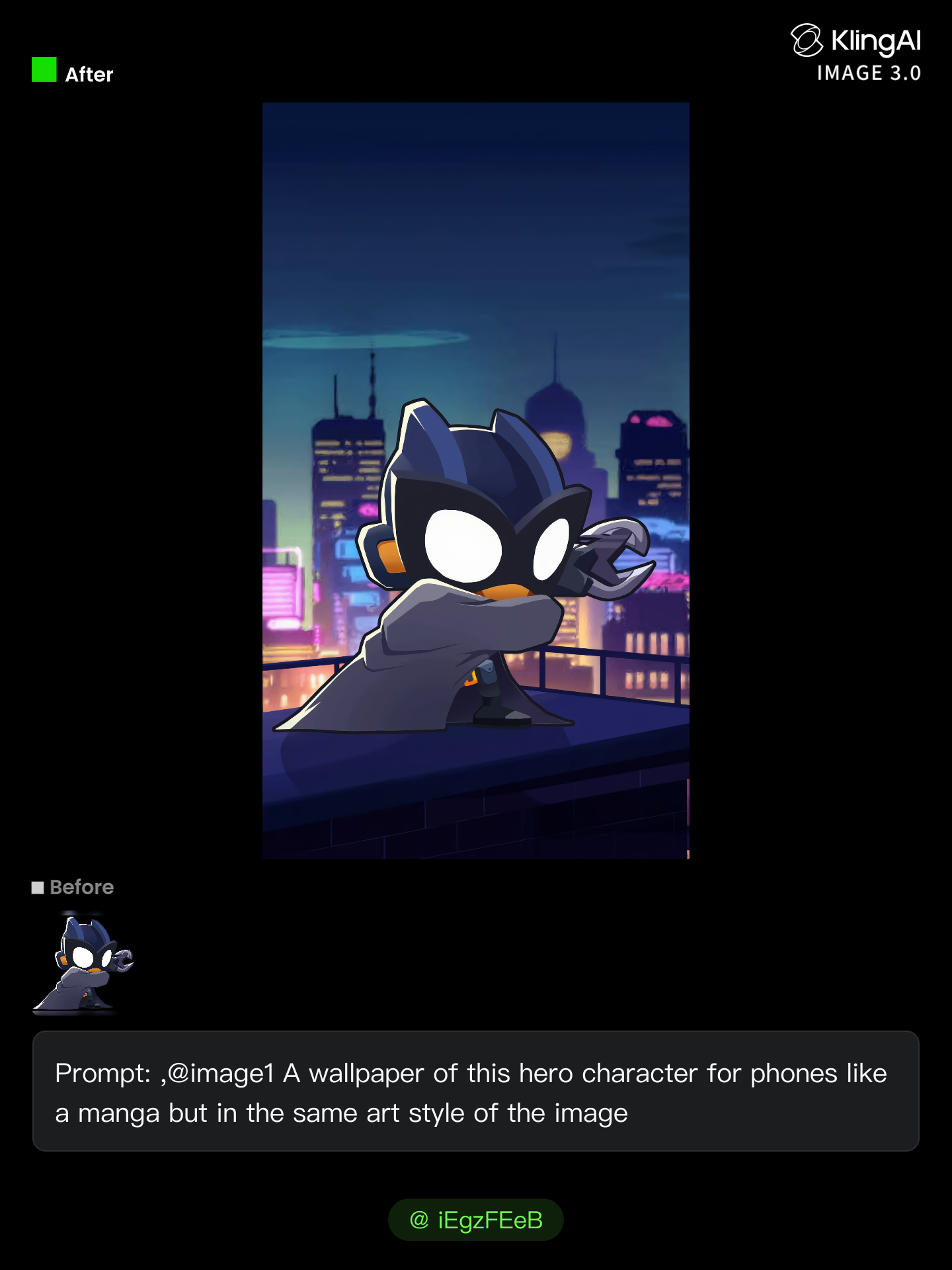
Kling AI work 313465296661952 - manga desktop wallpaper AI image
iEgzFEeB avatar
iEgzFEeB

How to Extend an Image with AI

Step 1: Upload and Describe

Step 1: Upload and Describe

Upload the image you want to expand, such as a portrait, product photo, landscape, or social media visual. Use a text prompt to specify which side to extend and what should appear in the new area, such as more sky, scenery, or background details, while keeping the main subject unchanged.

Step 2: Choose the Output Settings and Generate

Step 2: Choose the Output Settings and Generate

Choose the image ratio, number of outputs, and resolution, then generate your extended image. Creating multiple versions makes it easier to compare the results and choose your favorite.

Step 3: Expand Your Image with Image Expansion

Step 3: Expand Your Image with Image Expansion

Open the Image Expansion workflow when you want a dedicated way to extend an existing image. Upload your source image, describe what should appear beyond the original frame, choose from the available output settings, and generate the expanded result.

Choose the Right Voice Workflow

Add New Audio to an Existing Video

Add New Audio to an Existing Video

Use the dedicated Lip Sync tool when your character video is already created. Upload a voiceover or song, or generate speech from text, then match the new audio to the character’s mouth movements.

Generate Dialogue with the Scene

Generate Dialogue with the Scene

Starting from scratch? Kling VIDEO 3.0 and VIDEO 3.0 Omni create dialogue, lip movement, visuals, sound effects, and ambience together. Native Audio supports Chinese, English, Japanese, Korean, and Spanish.

Keep Character and Voice Consistent

Keep Character and Voice Consistent

Create a reusable Character Element from images or a video, bind a voice tone, and carry the same appearance and voice into new scenes with VIDEO 3.0 Omni.

Apps

Image to Video
Image to Video

Image to Video

Text to Video
Text to Video

Text to Video

Omni
Omni

Omni

Digital Human
Digital Human

Digital Human

Restyle
Restyle

Restyle

Text to Image
Text to Image

Text to Image

60M+
60M+
Users
600M+
600M+
AI Videos Generated
4.7 ★
4.7 ★
App Store
Industry-Leading
Industry-Leading
Cinematic 4K

Reviews

Halim Alrasihi

Halim Alrasihi

★★★★★

I use AI daily and Kling AI is a crucial part of my workflow, whether for client work or personal projects. What I love most about using Kling AI is that it provides all the tools I need in one place, from keyframes to character references, elements and special effects.

Ozan Sihay

Ozan Sihay

★★★★★

Kling AI allows me to rapidly prototype ideas, refine storytelling elements, and produce visually compelling content efficiently. It has not only accelerated my creative processes, but also deepened my understanding of how AI can enrich visual storytelling.

Vincent Smadja

Vincent Smadja

★★★★★

Kling AI seamlessly integrates into my creative workflow, playing a key role in transforming my images. After generating and upscaling an image, Kling becomes a crucial element, bringing my creations to life with movement and depth.

FAQ

Q1Can I create images from reference photos?
Q2How do I create an AI image with Kling AI?
Q3How do I write a good AI image prompt?

Change the Shot Without Reshooting It

Upload your footage, describe the result, and let Kling rebuild the scene around your direction.

Free tier available | Simple prompt editing | Up to 4K output | Fast generation