
Creative Studio
API
Resources
Features
About Us
Download

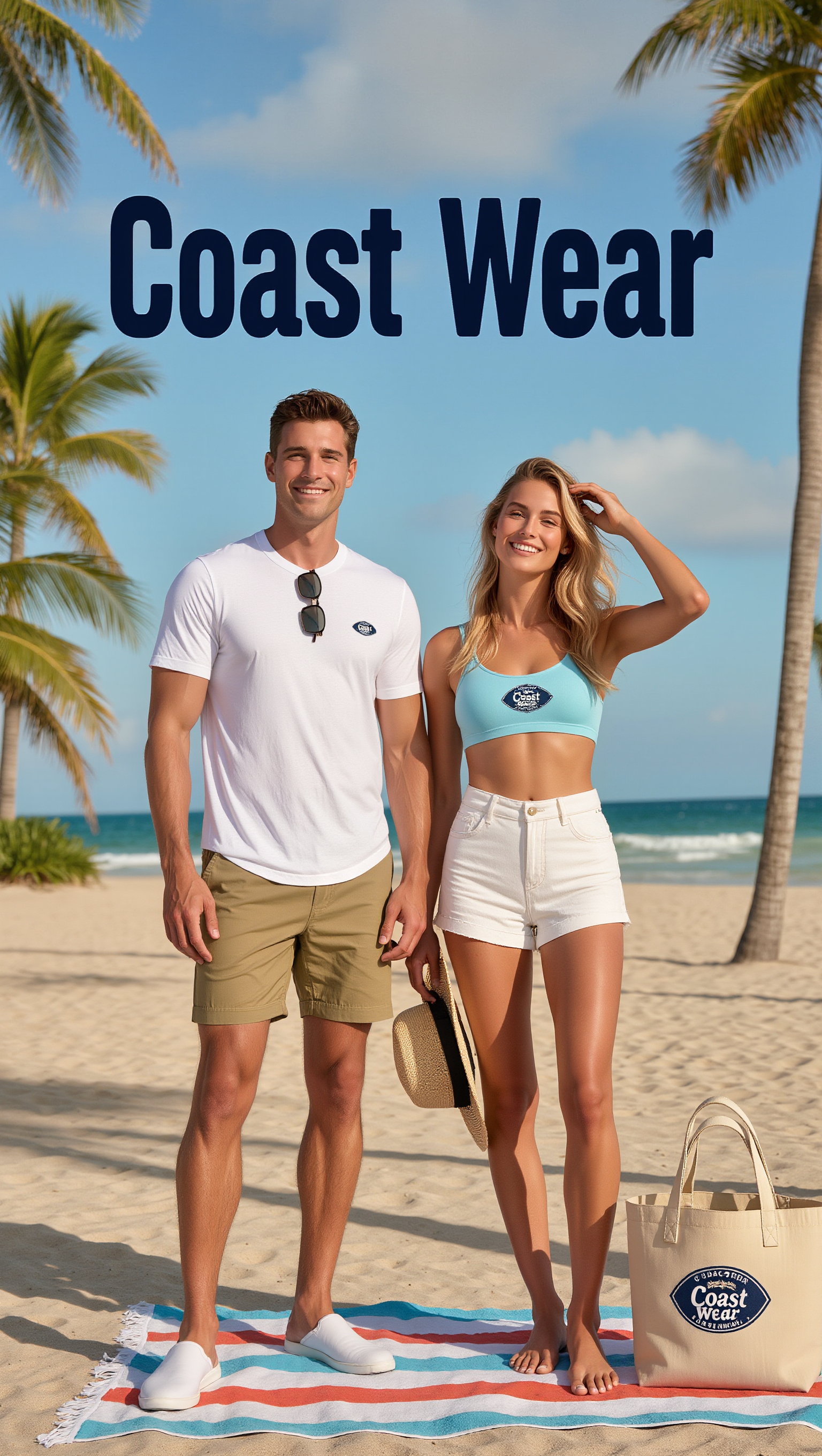
AI-generated marketing intent ideas

Explore AI-made visuals for marketing intent. Quickly find inspiration with AI, customize to fit your brand, and create professional designs without expertise.

AI-generated marketing intent ideas

Recommended

marketing - marketing intent AI video
00:10
SAHER HADDAD avatar
SAHER HADDAD
Kling AI work 297498377663471 - marketing intent AI image
LSpgUwhI avatar
LSpgUwhI
Kling AI work 286369386531877 - marketing intent AI image
aMqYDqKe avatar
aMqYDqKe
Kling AI work 286853614530612 - marketing intent AI image
aMqYDqKe avatar
aMqYDqKe
marketing  - marketing intent AI image
Steven Ogus avatar
Steven Ogus
Kling AI work 308924677666055 - marketing intent AI video
Ciao avatar
Ciao
Kling AI work 315244670526497 - marketing intent AI video
VSnmmozT avatar
VSnmmozT
Kling AI work 296803742506892 - marketing intent AI video
ocQJfwXu avatar
ocQJfwXu
Kling AI work 286852923505419 - marketing intent AI image
aMqYDqKe avatar
aMqYDqKe
Marketing - marketing intent AI video
owWlPyZC avatar
owWlPyZC
Kling AI work 308958001662009 - marketing intent AI image
mOCxtmJr avatar
mOCxtmJr
Kling AI work 286853256502082 - marketing intent AI image
aMqYDqKe avatar
aMqYDqKe
Kling AI work 286368808656088 - marketing intent AI image
aMqYDqKe avatar
aMqYDqKe
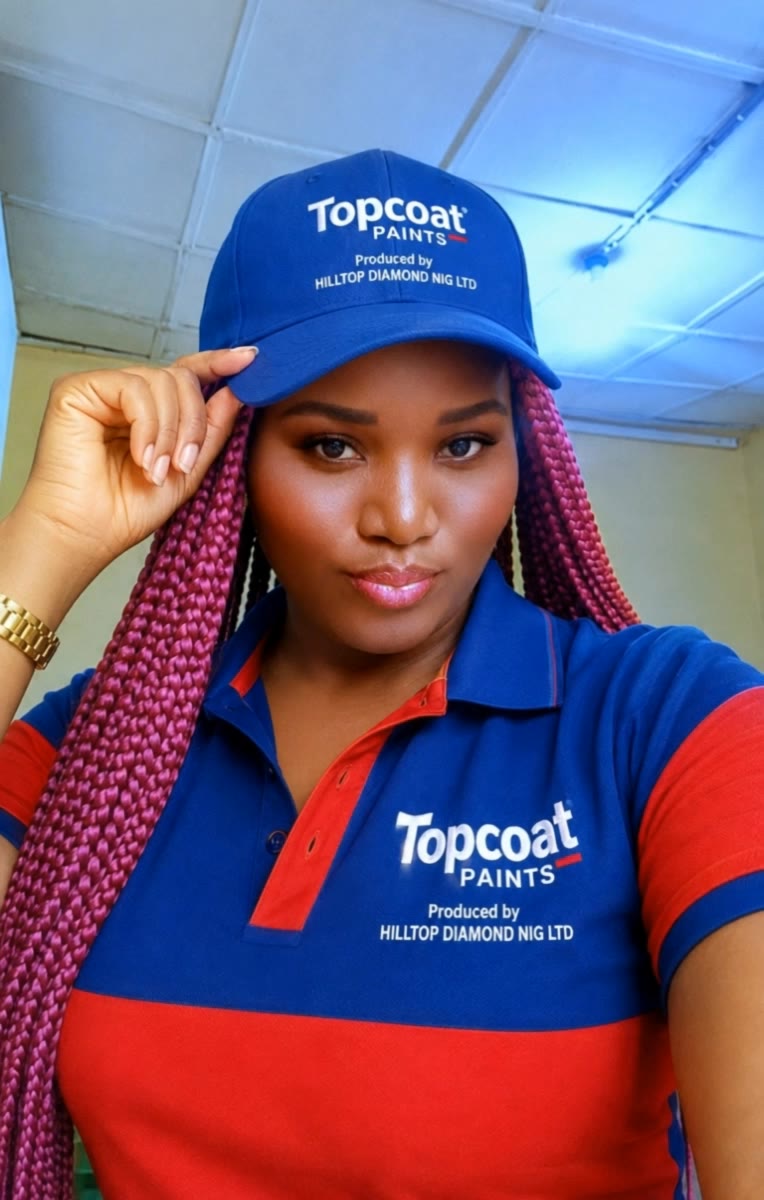
Topcoat paint is one the best. - marketing intent AI video
rkgchmUK avatar
rkgchmUK
advertising and marketing - marketing intent AI image
FgFDUNNJ avatar
FgFDUNNJ
Kling AI work 286853159531810 - marketing intent AI image
aMqYDqKe avatar
aMqYDqKe
Kling AI work 317322190502303 - marketing intent AI video
GQzIAmUI avatar
GQzIAmUI
Kling AI work 286853536664000 - marketing intent AI image
aMqYDqKe avatar
aMqYDqKe
Kling AI work 315079817500596 - marketing intent AI video
FIycUgSM avatar
FIycUgSM

How to Remove Watermarks from Photos with Kling AI

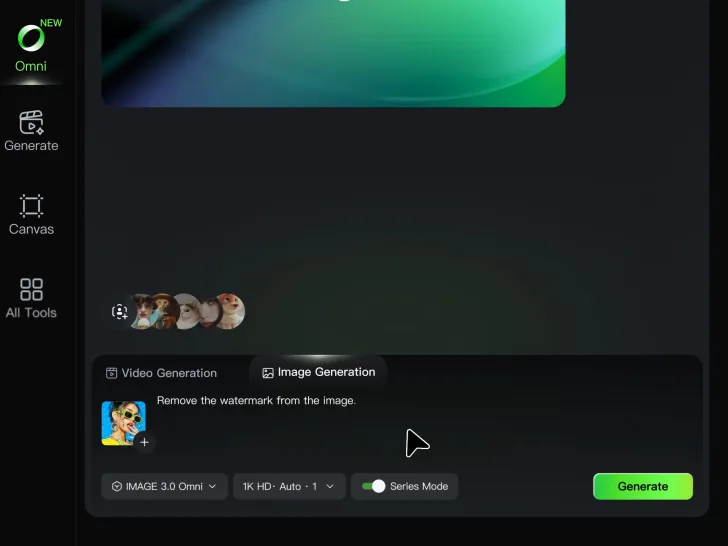
Step 1: Upload Your Image

Step 1: Upload Your Image

Upload the image you want to clean up. For the best starting point, choose an image where the watermark or unwanted mark is clearly visible.

Step 2: Describe the Change

Step 2: Describe the Change

Tell Kling AI what you want removed. Keep the instruction focused on the edit, and mention any important parts of the image you want to leave as they are.

Step 3: Generate and Review

Step 3: Generate and Review

Generate your edited image at higher output resolutions and review the result. Kling AI removes unwanted elements while keeping your image clear and detailed.

What’s New in Video 3.0

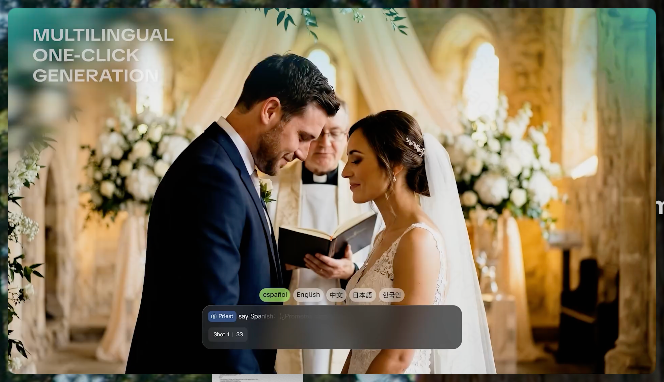
Cinematic Audiovisual Synergy

Cinematic Audiovisual Synergy

Cinematic AI Video Generator with Native Audio Create multi-shot cinematic sequences with native audio and precise character-level lip-sync in one seamless automated content creation output. This next-generation AI video production model ensures perfect audio-visual alignment for professional storytelling.
Ultimate Element & Character Consistency

Ultimate Element & Character Consistency

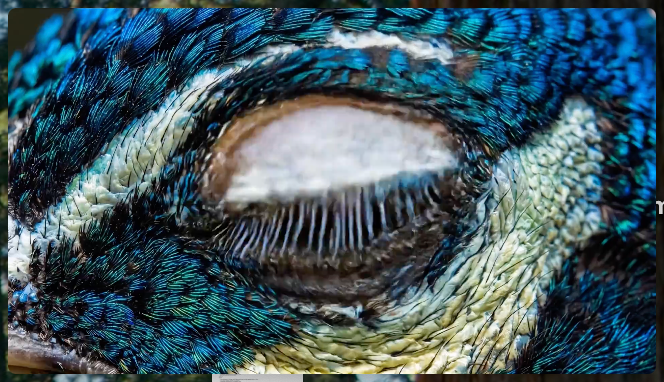
Stable Character Consistency for Professional Filmmaking Maintain perfect character consistency and object stability across frames, ensuring a reliable visual identity even with complex camera movements. Our AI video model locks subjects to prevent flickering, delivering high-fidelity results for advanced video generation.
Professional Commercial Rendering

Professional Commercial Rendering

High-Fidelity 15s Sequences and Native Text Rendering Produce up to 15 seconds of uninterrupted video featuring clear, readable native text rendering—perfect for professional ads, product demos, and commercial content. This feature optimizes commercial video production by preserving brand elements directly within the AI-generated video.

Apps

Image to Video
Image to Video

Image to Video

Text to Video
Text to Video

Text to Video

Omni
Omni

Omni

Digital Human
Digital Human

Digital Human

Restyle
Restyle

Restyle

Text to Image
Text to Image

Text to Image

60M+
60M+
Users
600M+
600M+
AI Videos Generated
4.7 ★
4.7 ★
App Store
Industry-Leading
Industry-Leading
Cinematic 4K

Reviews

Maria Rubtsova

Maria Rubtsova

★★★★★

I’m Maria Rubtsova, an AIGC digital artist passionate about creating stunning visuals in the worlds of fashion, aesthetics, and fantasy. I use KlingAi to bring imagination to life through video. My work is all about exploring beauty, emotion, and the limitless possibilities of digital art.

James Phillips

James Phillips

★★★★★

Kling AI has transformed my workflow by collapsing timelines and democratizing production. It’s shifted my mindset from resource-dependent filmmaking to a boundless creative sandbox, where experimentation yields unexpected beauty.

Halim Alrasihi

Halim Alrasihi

★★★★★

I use AI daily and Kling AI is a crucial part of my workflow, whether for client work or personal projects. What I love most about using Kling AI is that it provides all the tools I need in one place, from keyframes to character references, elements and special effects.

FAQ

Q1Does changing image color reduce resolution?
Q2Can I recolor clothes, products, cars, or furniture with AI?
Q3How long does it take to recolor an image with AI?

Get More From Your Video in 4K

Keep the footage you already have and give it a higher-resolution finish. Upscale short videos to 4K, bring out more visible detail, and use prompts or references when you want more control over the final result.