
Creative Studio
API
Resources
Features
About Us
Download

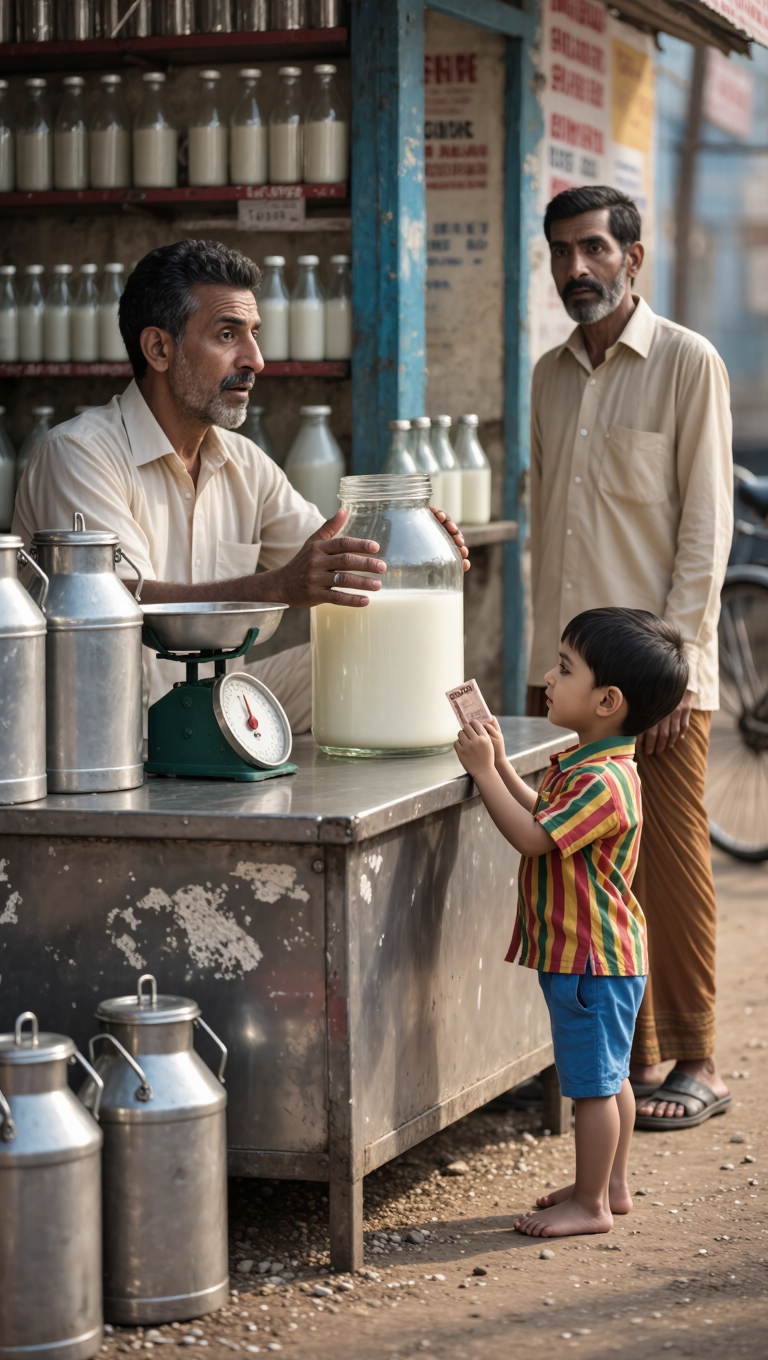
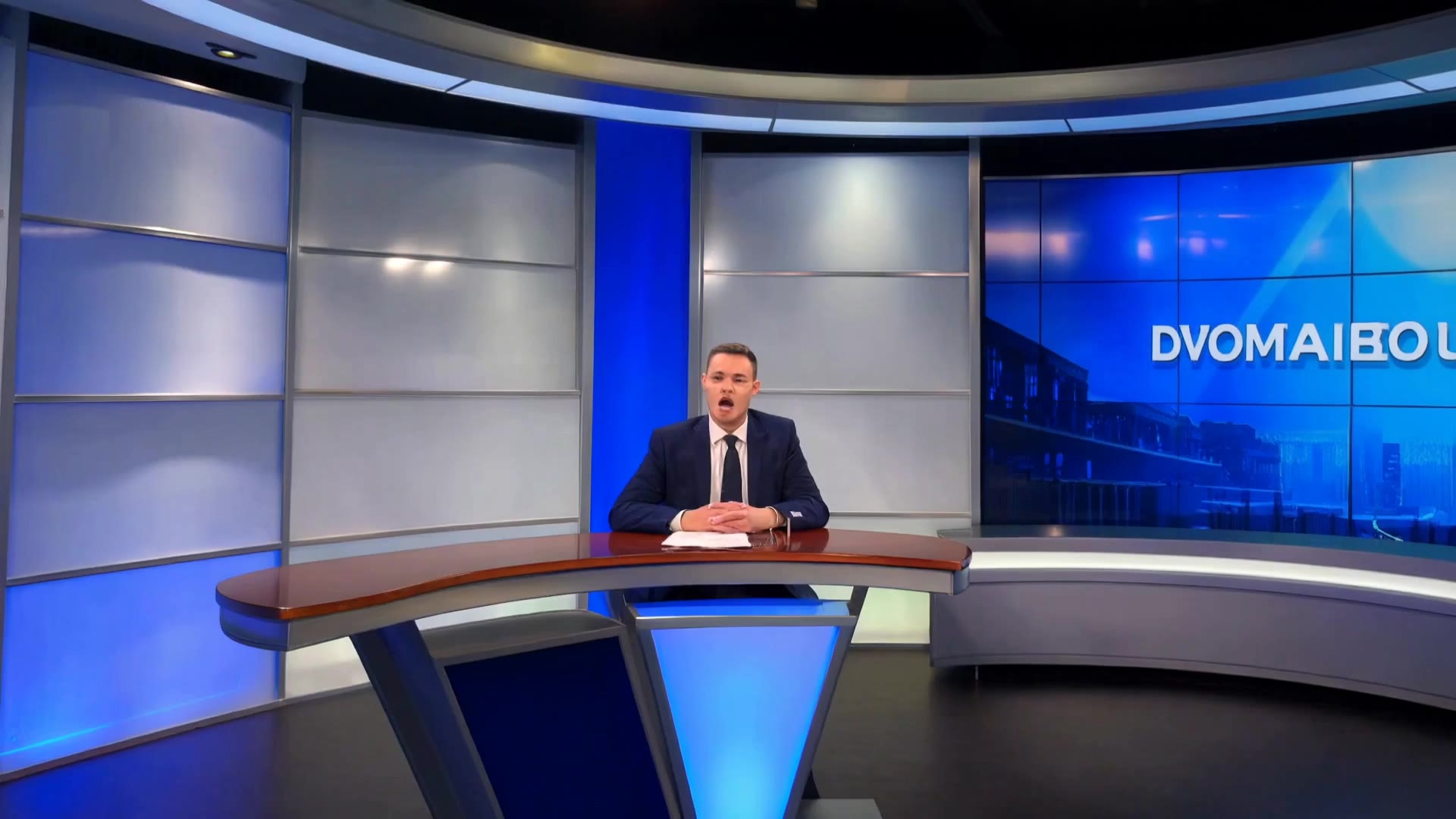
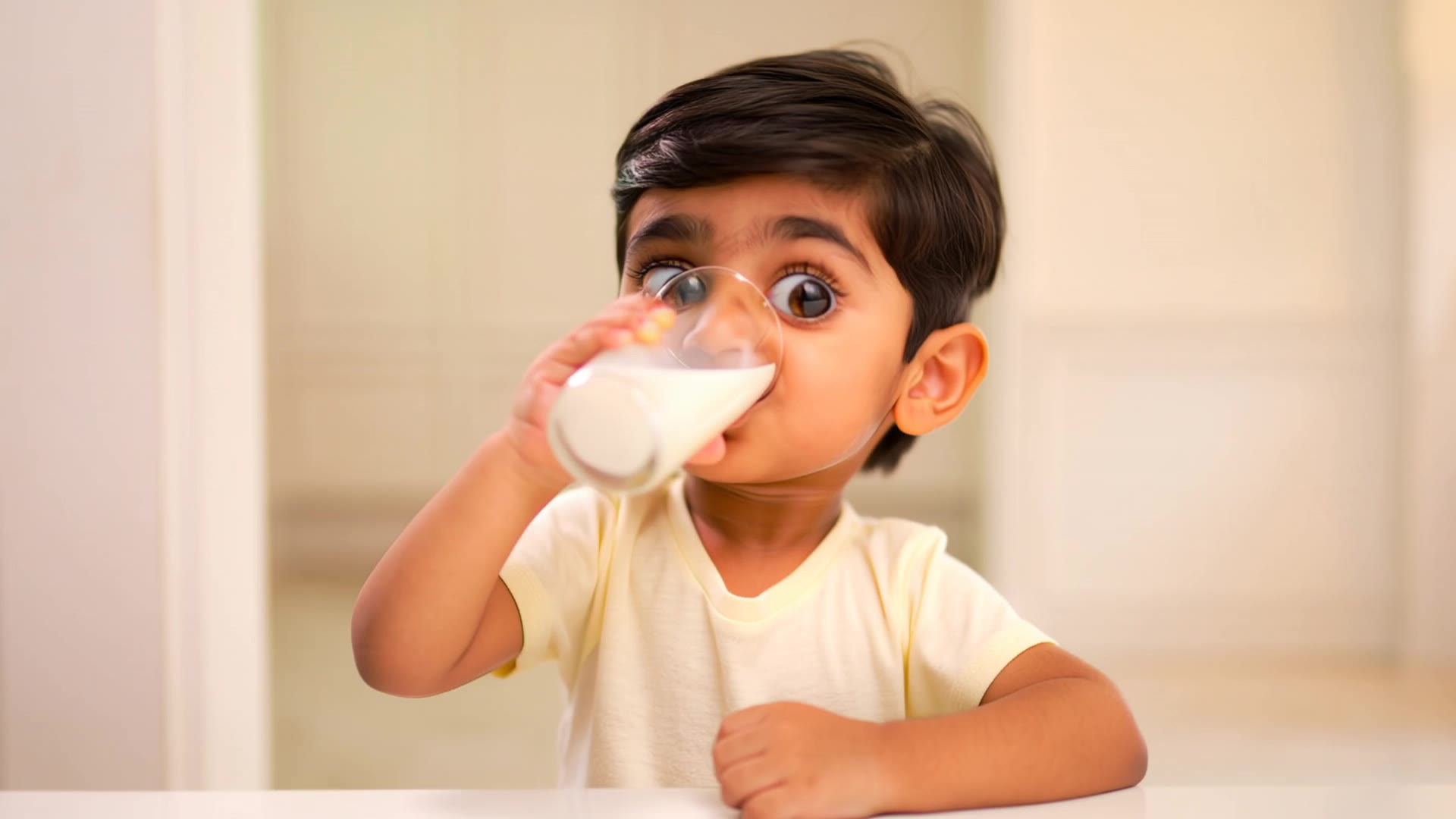
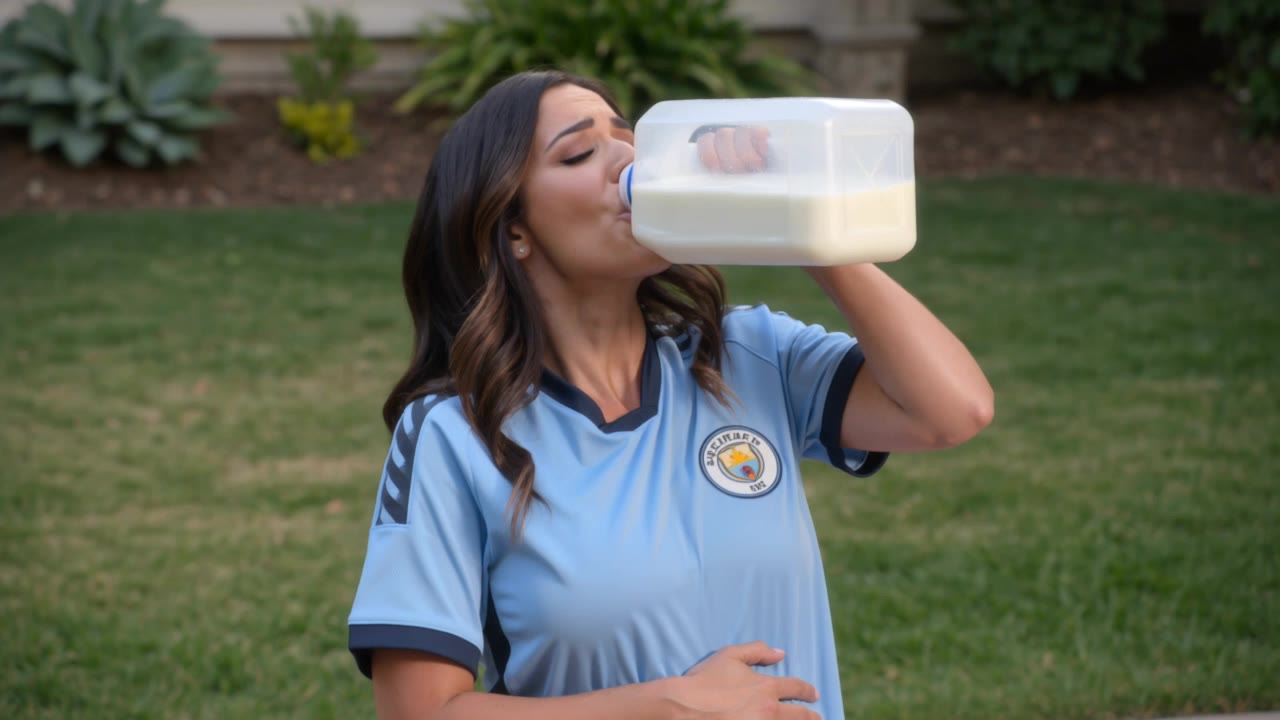
Milk Video Ideas – AI-Generated Content

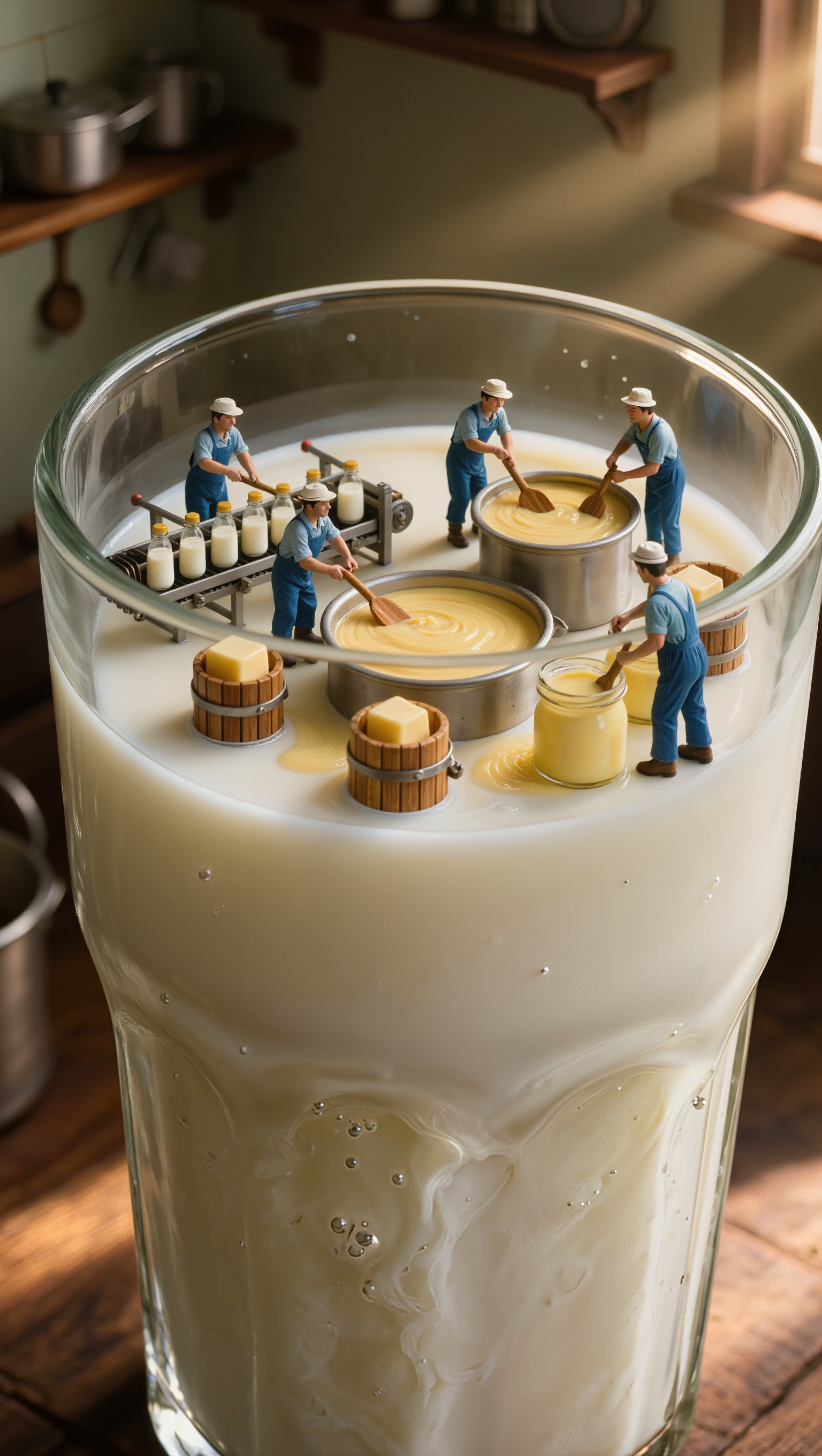
Get AI-generated milk video ideas. Explore multiple concepts to find the perfect fit. Easy to customize and use for your projects.

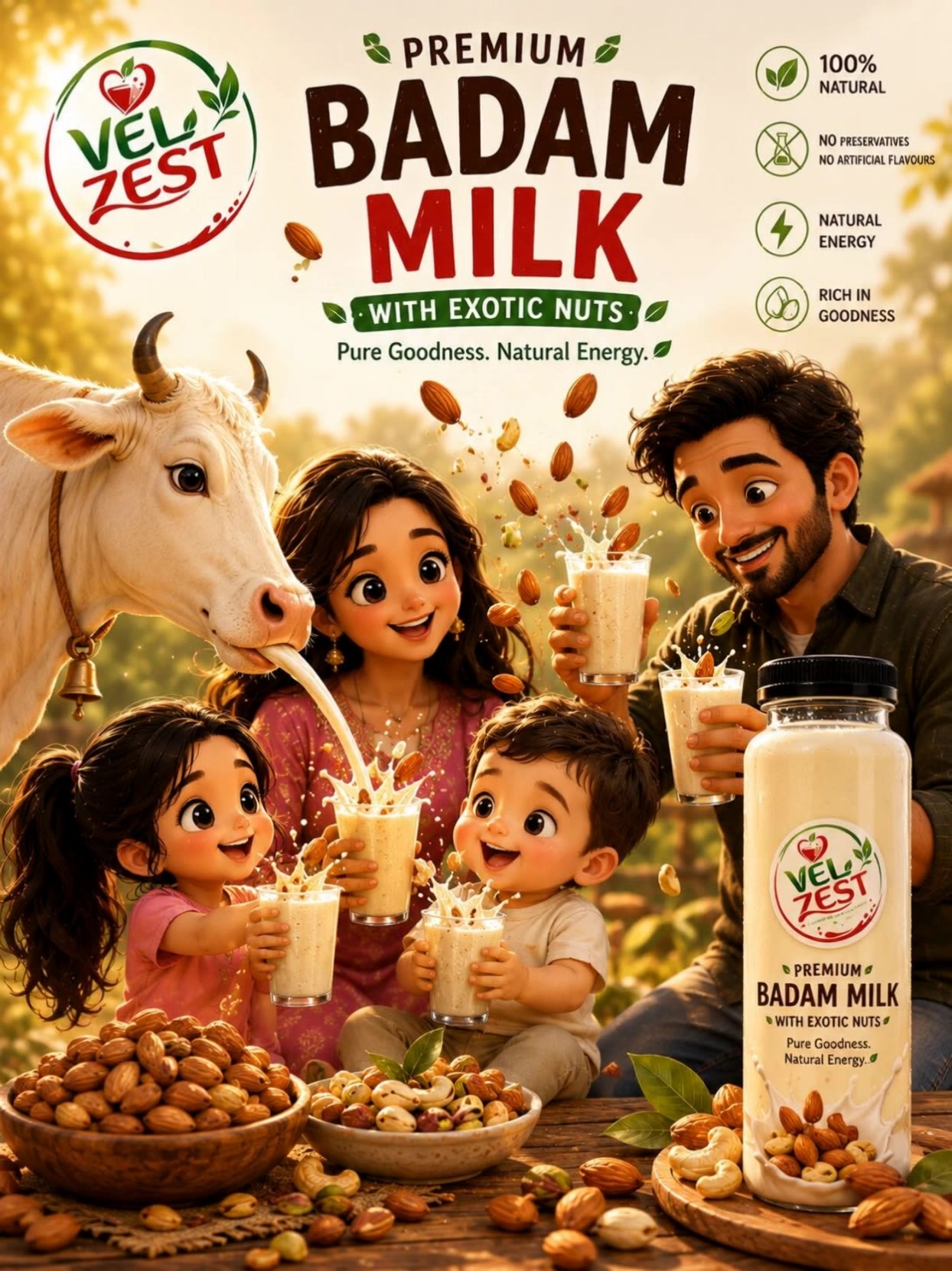
Milk Video Ideas – AI-Generated Content

Recommended

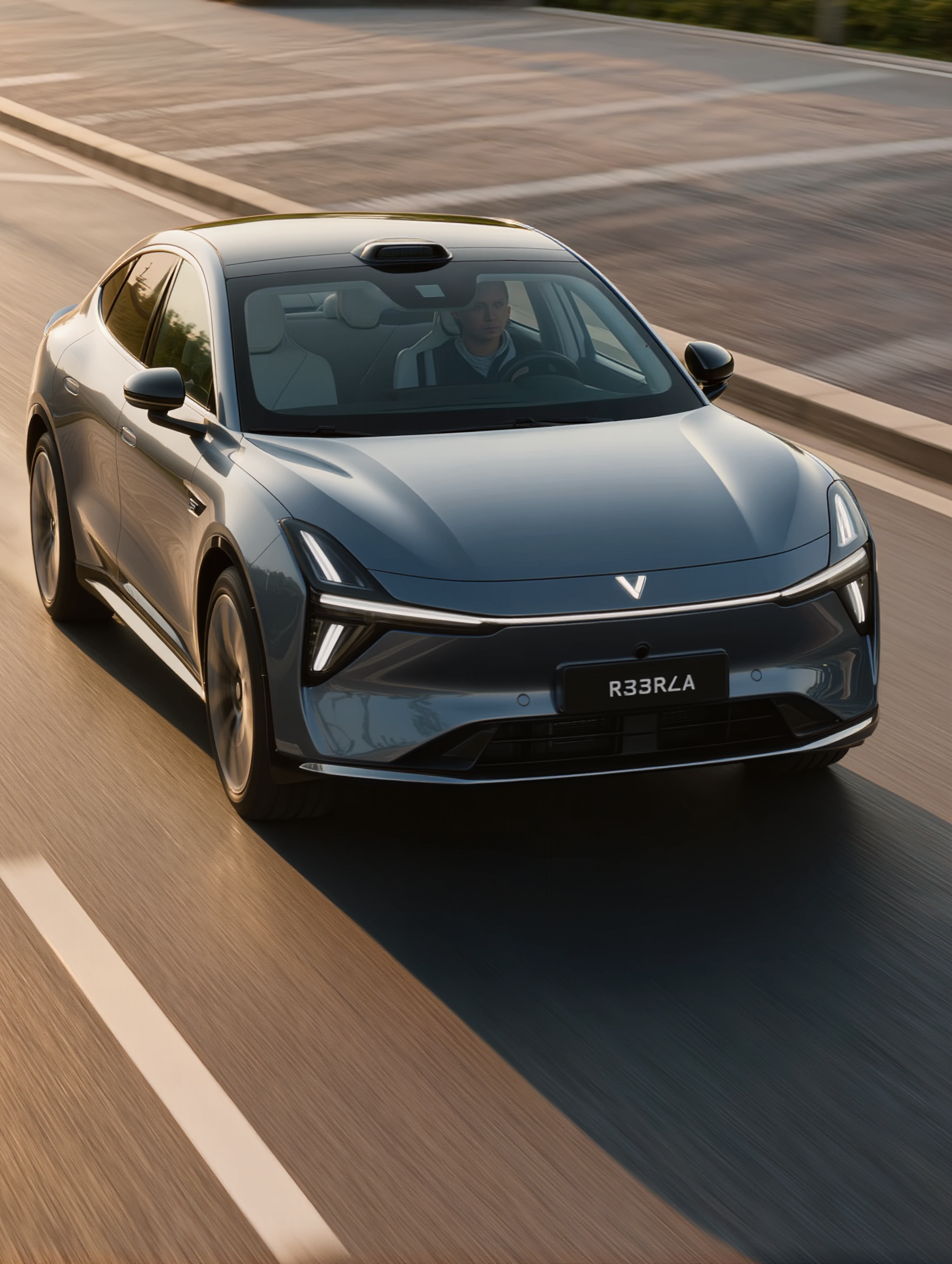
Kling AI work 307727696530082 - milk video AI video
nPYQwVbn avatar
nPYQwVbn
Milk - milk video AI video
KLING8328 avatar
KLING8328
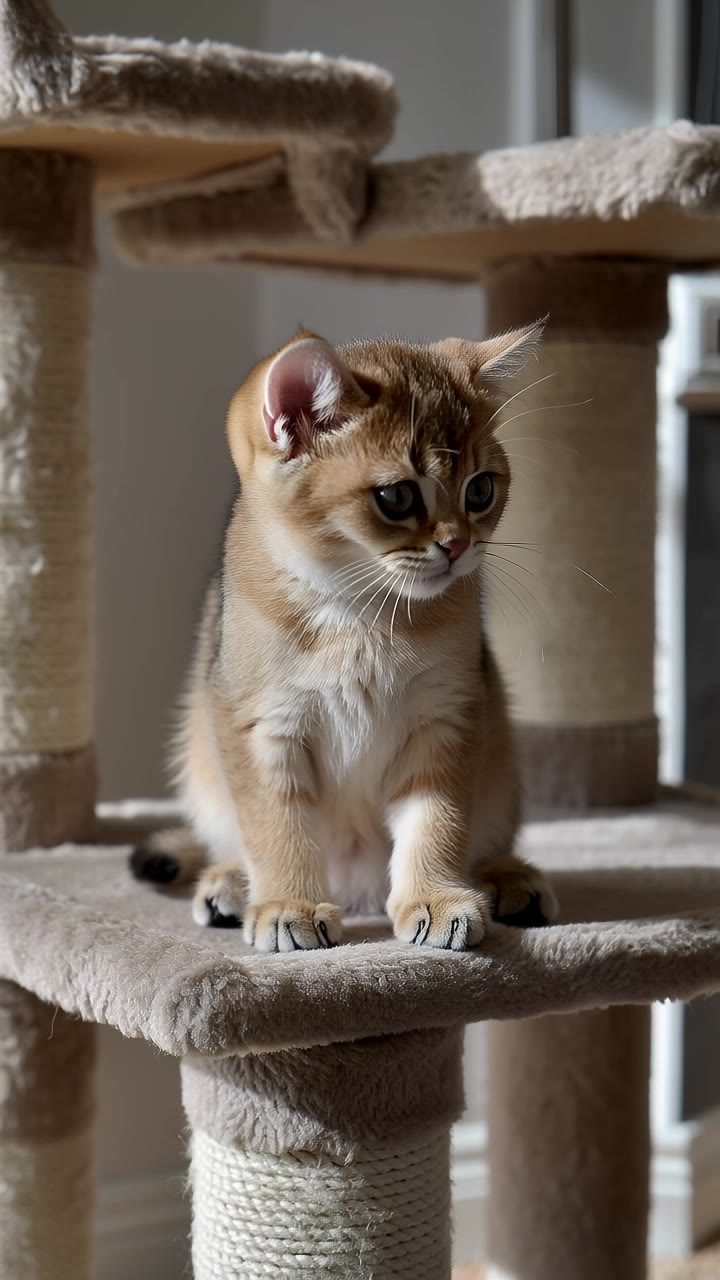
Kling AI work 313971088507746 - milk video AI video
Cozy Oddities ASMR avatar
Cozy Oddities ASMR
Kling AI work 315396285664335 - milk video AI video
yKtWUtkM avatar
yKtWUtkM
Kling AI work 295855135610597 - milk video AI video
Ali.Mirzayev avatar
Ali.Mirzayev
Kling AI work 306328903664547 - milk video AI video
CXpHkDTV avatar
CXpHkDTV
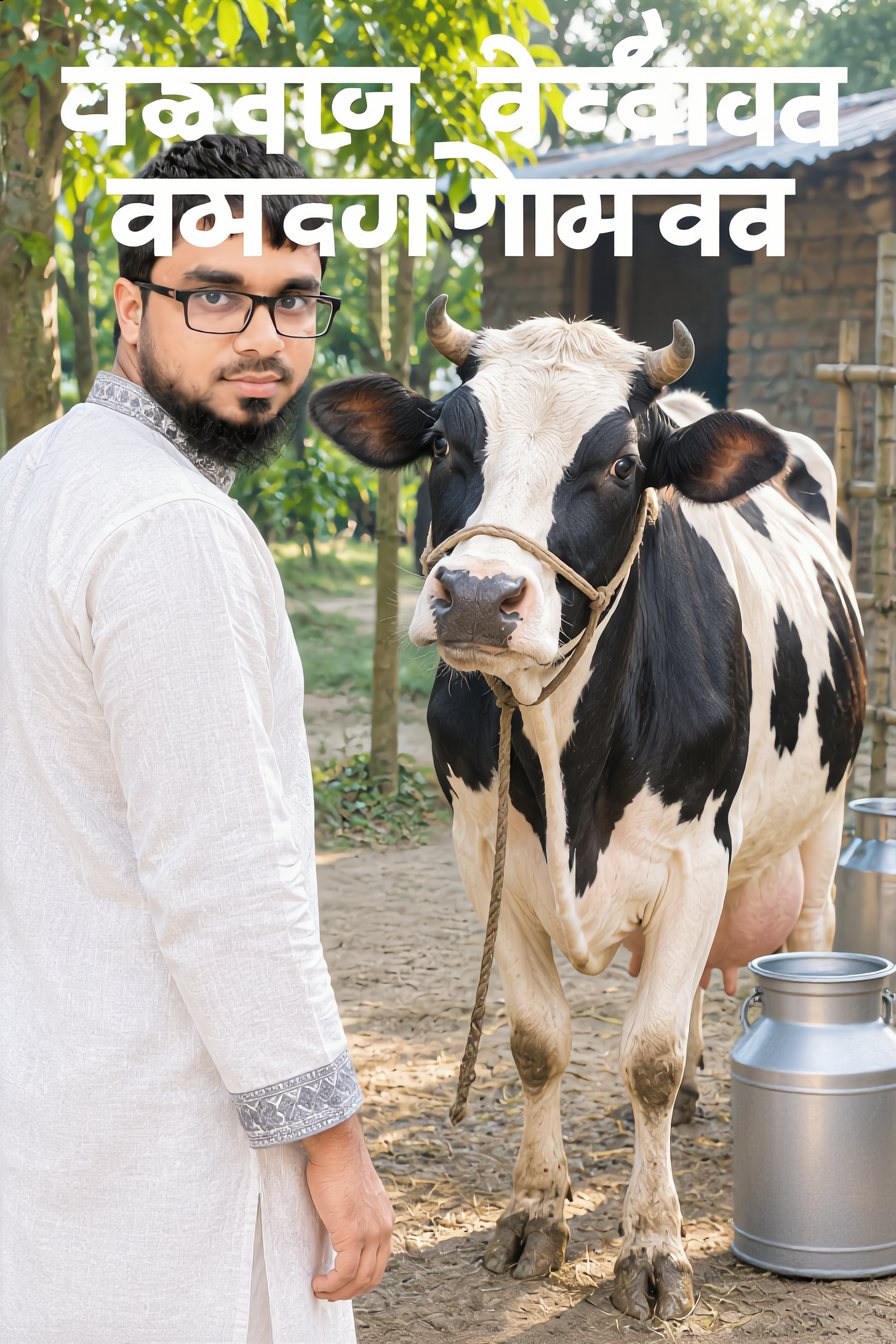
soy milk - milk video AI video
bcbkaEpd avatar
bcbkaEpd
Kling AI work 296422514617728 - milk video AI video
bPhiRoGG avatar
bPhiRoGG
Kling AI work 319056230618087 - milk video AI video
HOCULvIt avatar
HOCULvIt
Kling AI work 296391010664483 - milk video AI video
Dopenk avatar
Dopenk
Kling AI work 319707269662083 - milk video AI image
zXImVSlb avatar
zXImVSlb
Kling AI work 295621554528605 - milk video AI video
YIjHTCQQ avatar
YIjHTCQQ
Drinking Milk - milk video AI video
Mr. Rabbit avatar
Mr. Rabbit
Elite Creator
Kling AI work 311772351668667 - milk video AI video
lDgQKzub avatar
lDgQKzub
Kling AI work 311509068610100 - milk video AI video
HYahpHmq avatar
HYahpHmq
Too Eager For Milk! 🍼🤤 - milk video AI video
animalz24official avatar
animalz24official
Kling AI work 316180870502904 - milk video AI video
VmgSxFLF avatar
VmgSxFLF
Bisco - milk video AI video
vpEirpql avatar
vpEirpql
Fresh Milk Morning Scene - AI Vi - milk video AI video
ZeOyvhaV avatar
ZeOyvhaV

How to Use Kling AI Text to Speech

Step 1: Enter the Video Generation Workspace

Step 1: Enter the Video Generation Workspace

Edit your prompt to set the scene, characters, and style, or upload a reference image to shape the look of your video.

Step 2: Add Dialogue and Speech Instructions

Step 2: Add Dialogue and Speech Instructions

Add dialogue to your prompt and clearly specify which character speaks each line. You can also describe the language or dialect, speaking pace, tone, and delivery style in the prompt to guide how each character sounds.

Step 3: Choose Your Settings and Generate

Step 3: Choose Your Settings and Generate

Choose your resolution (720p, 1080p, or 4K), video length (3–15 seconds), and aspect ratio (16:9, 9:16, or 1:1). Then click Generate to create your video.

Make Avatars Perform, Not Just Speak

More Choice, Without Losing Consistency

More Choice, Without Losing Consistency

Start with a preset avatar, select a character from your Kling AI Assets, upload an image of your own, or create someone new with AI Image. Use a polished presenter for a product demo, a creator-style host for an ad, or a more stylized character when the idea calls for it. For recurring content, save the character with the voice and performance settings you use most. The same on-screen identity is ready for the next script, without putting the setup together again.

Give Each Script the Right Delivery

Give Each Script the Right Delivery

Use a finished voiceover when the delivery is already in place, or start with written copy and choose a text-to-speech voice. Adjust the pace and emotional tone so a product pitch feels confident, a lesson stays clear, and social content can take on more energy. You can write your own performance direction or use one of Kling AI’s suggestions for the selected character. The same avatar can also deliver content in English, Chinese, Japanese, or Korean while keeping a familiar appearance on screen.

Let Movement Carry the Message

Let Movement Carry the Message

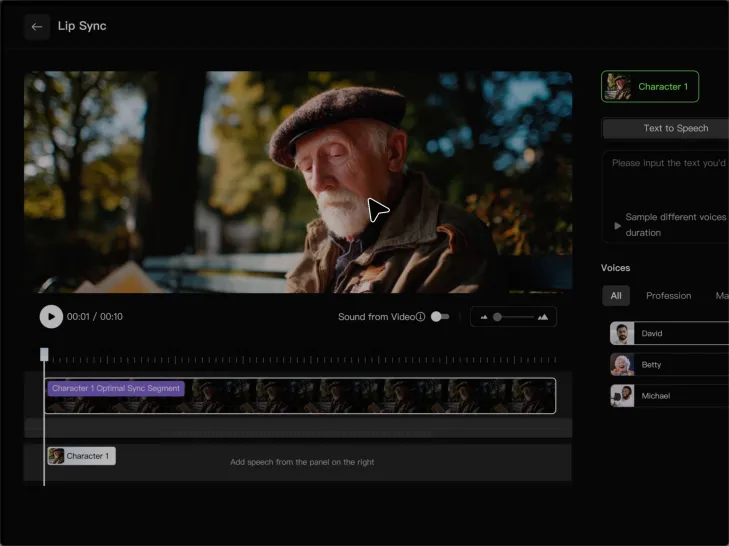
Natural lip sync is only part of the performance. An avatar can point to a product, handle an object, gesture through an explanation, react to the words, or move with the rhythm of a song. Avatar 2.0 improves hand stability and overall action quality, so the movement supports the scene instead of drawing attention away from it. Voice, expression, and body language come together as one performance—not a still image with audio layered over it.

Apps

Image to Video
Image to Video

Image to Video

Text to Video
Text to Video

Text to Video

Omni
Omni

Omni

Digital Human
Digital Human

Digital Human

Restyle
Restyle

Restyle

Text to Image
Text to Image

Text to Image

60M+
60M+
Users
600M+
600M+
AI Videos Generated
4.7 ★
4.7 ★
App Store
Industry-Leading
Industry-Leading
Cinematic 4K

Reviews

Vincent Smadja

Vincent Smadja

★★★★★

Kling AI seamlessly integrates into my creative workflow, playing a key role in transforming my images. After generating and upscaling an image, Kling becomes a crucial element, bringing my creations to life with movement and depth.

Déborah

Déborah

★★★★★

I use Kling AI every day. It's amazing to see the almost daily progress it makes. I used AI for fun at first, and I now find that Kling AI's animations allow me to gain professional visibility, with three times more views on my animated posts than on my static posts.

PJ Ace

PJ Ace

★★★★★

Kling AI has made it easy for us to generate world class visuals for Fortune 500 companies, TV shows and music for big artists. We love the easy of use of the platform and the quality of the generations. My first time using Kling AI, I got 22 million views on just one video. It's that good.

FAQ

Q1Can I create voices for multiple characters?
Q2Does Kling AI support multiple languages?
Q3Can I keep the same character voice across different videos?

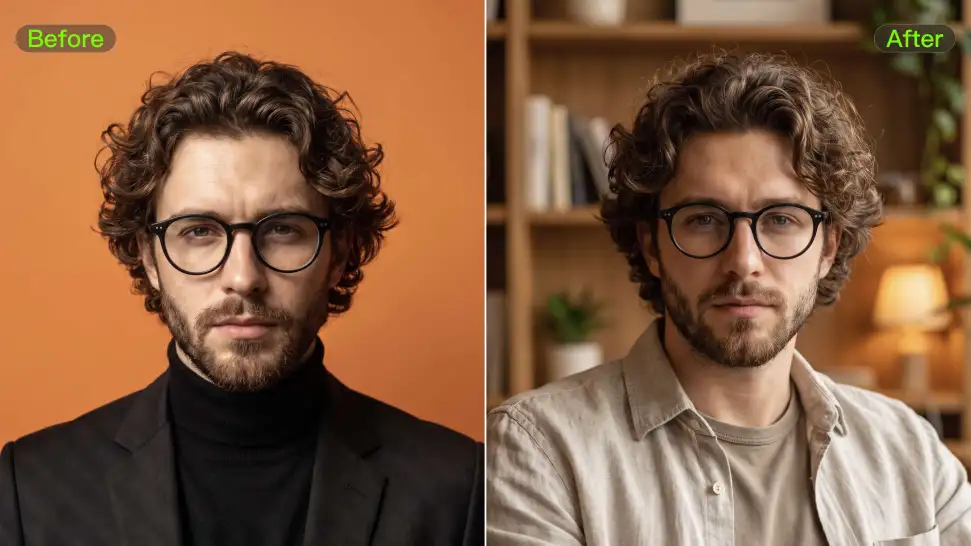
Remove Distractions. Make Every Image Count.

Clean up portraits, product shots, travel photos, social content, and other images by removing the elements that pull attention away from what matters.