Creative Studio
API
Resources
Features
About Us
Download

Miniature AI Image Ideas – AI-Generated Art

Discover AI-generated miniature image ideas. Easily create and adapt visuals for your projects.

Miniature AI Image Ideas – AI-Generated Art

Recommended

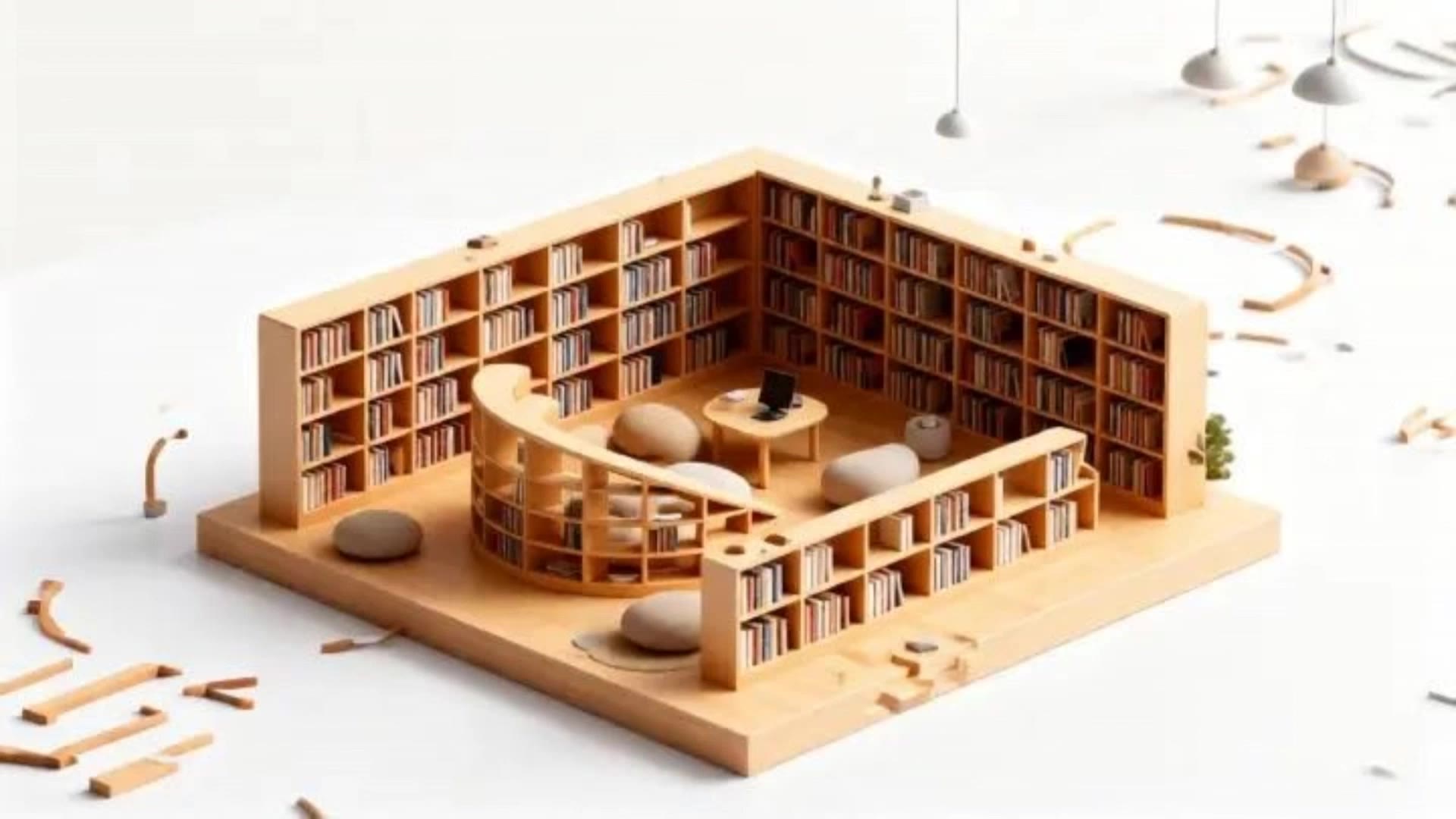
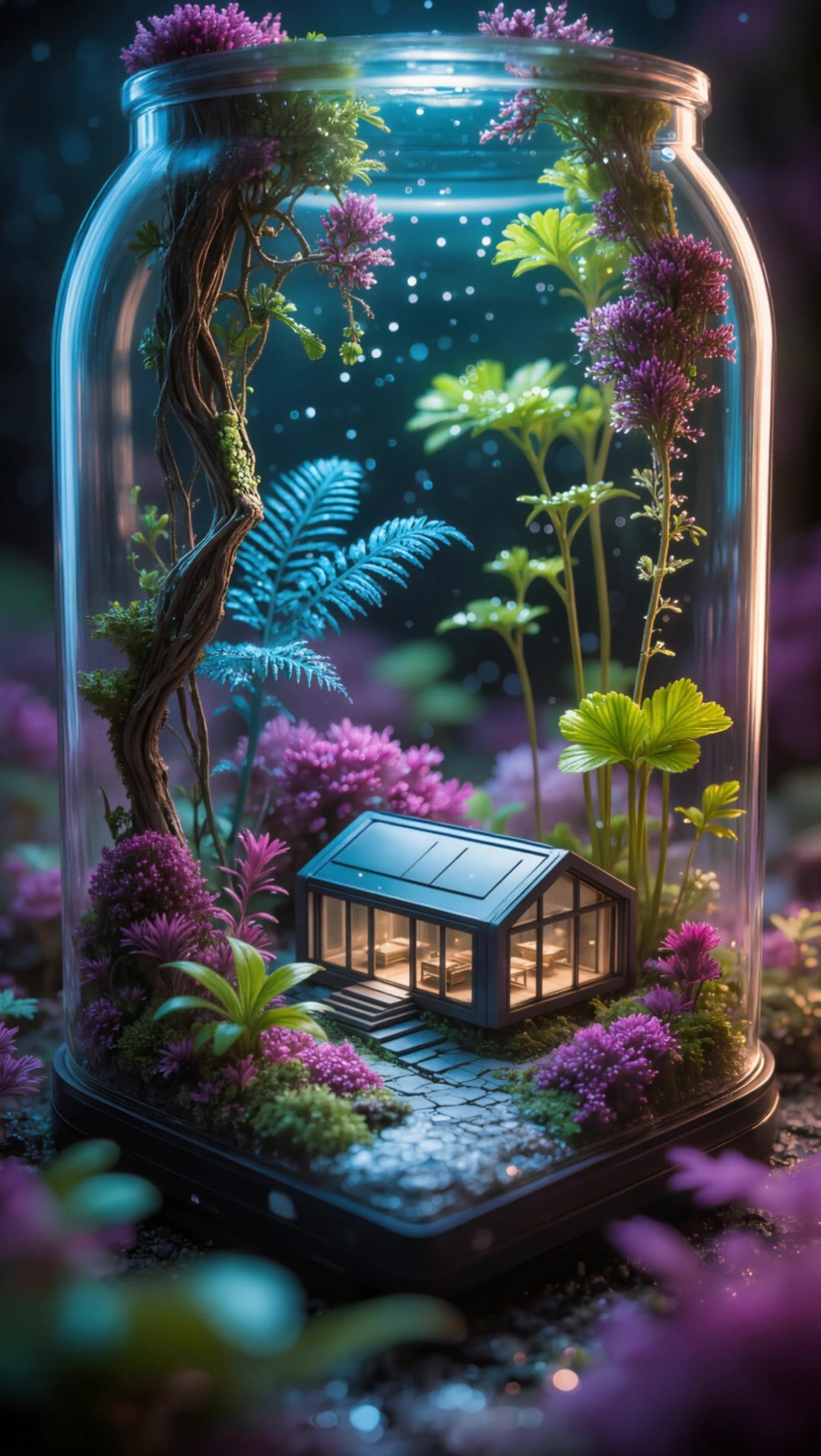
Miniature forest - miniature ai image AI image
G avatar
G
Kling AI work 309667787661128 - miniature ai image AI video
yLPMqJco avatar
yLPMqJco
Kling AI work 316790444610393 - miniature ai image AI image
IUdkBgFz avatar
IUdkBgFz
animation of miniature peopl - miniature ai image AI video
Luminous Whisper avatar
Luminous Whisper
Kling AI work 296914365617827 - miniature ai image AI video
aisteja avatar
aisteja
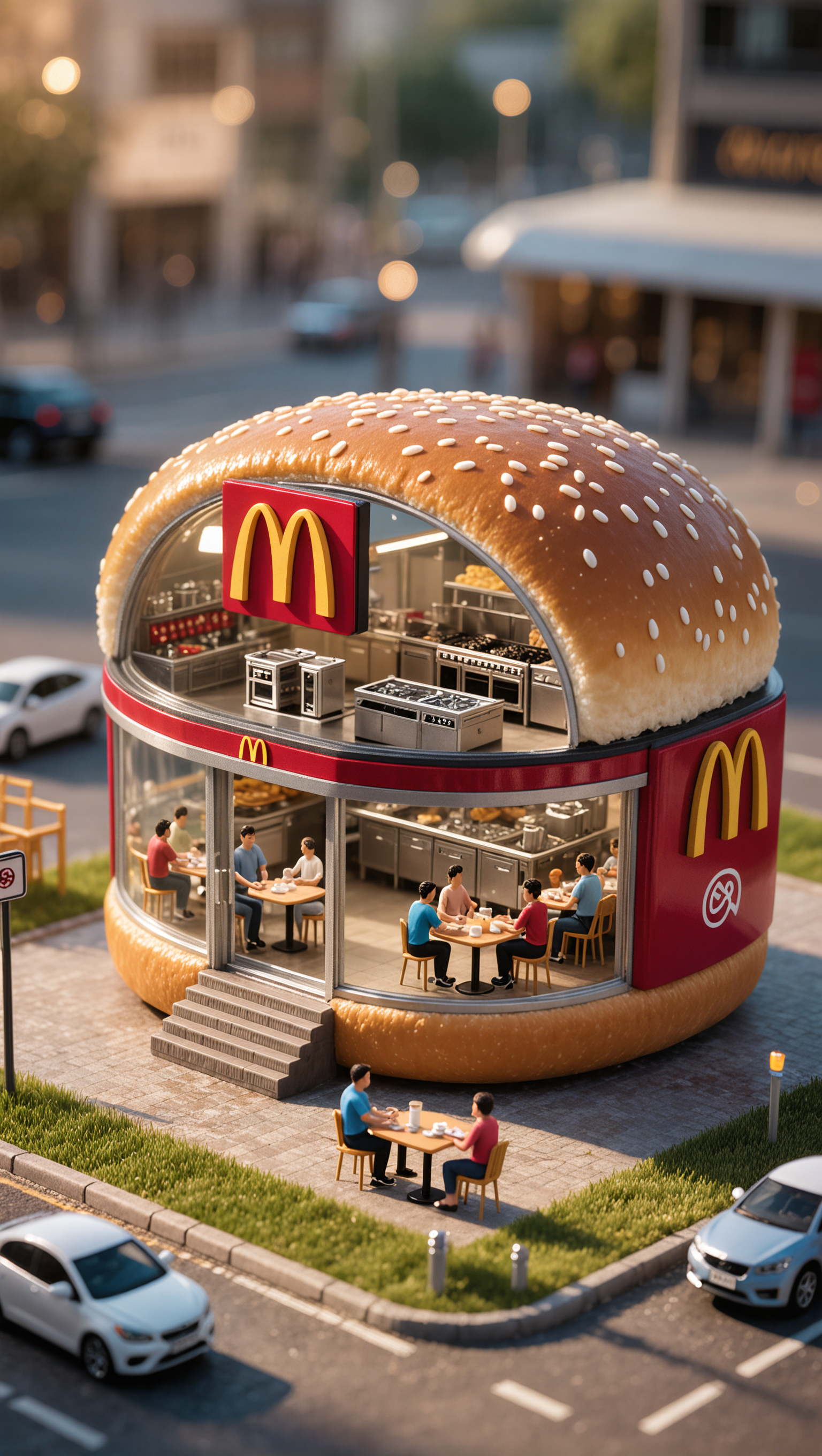
Miniature McDonald's - miniature ai image AI image
eiai avatar
eiai
The Miniature Jar House of 2025 - miniature ai image AI video
Dreamscape AI avatar
Dreamscape AI
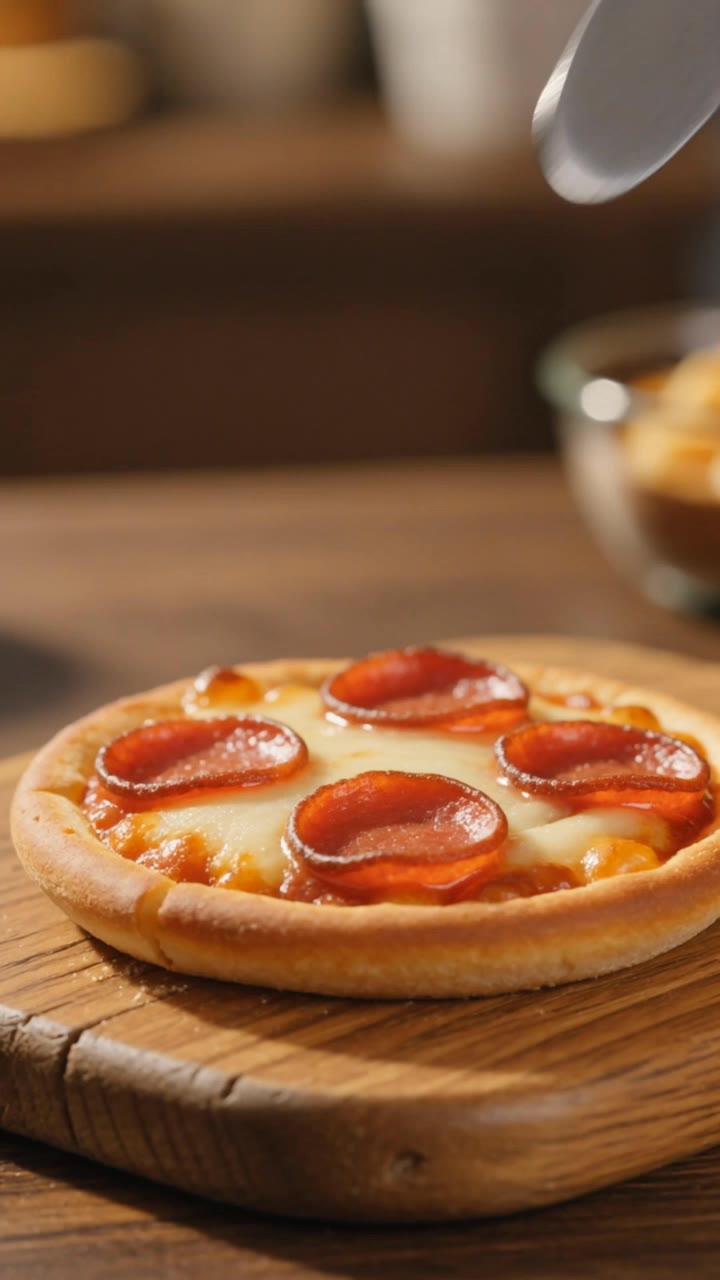
miniature pizza - miniature ai image AI video
ychgDIPp avatar
ychgDIPp
3D miniature - miniature ai image AI image
Jomo Man avatar
Jomo Man
animation of miniature peopl - miniature ai image AI video
Luminous Whisper avatar
Luminous Whisper
 image 1 - miniature ai image AI image
CXThSvTE avatar
CXThSvTE
3D miniature - miniature ai image AI image
Jomo Man avatar
Jomo Man
Miniature aai making Puralpoli - miniature ai image AI video
XKZmYtPt avatar
XKZmYtPt
animation of miniature peopl - miniature ai image AI video
Luminous Whisper avatar
Luminous Whisper
the first reference image briefl - miniature ai image AI video
craftneed AI avatar
craftneed AI
3D miniature - miniature ai image AI image
Jomo Man avatar
Jomo Man
Assisi miniature diorama - miniature ai image AI image
frascapix avatar
frascapix
animation of miniature peopl - miniature ai image AI video
Luminous Whisper avatar
Luminous Whisper
animation of miniature peopl - miniature ai image AI video
Luminous Whisper avatar
Luminous Whisper

How to Create AI Backgrounds in High-Quality

Start with Your Photo

Start with Your Photo

Upload the person, product, or image you want to work with. If you already have a location, mood, composition, or visual style in mind, add reference images to give Kling AI a clearer direction.

Describe the New Scene

Describe the New Scene

Describe what you want behind the subject and what should stay familiar. You might ask for a clean studio, a sunlit kitchen, a city rooftop, or something more imaginative. If you are using references, explain which parts of them you want to follow.

Generate a High-Quality Background

Generate a High-Quality Background

Choose your preferred aspect ratio and output resolution, then generate the image. Kling IMAGE 3.0 supports output up to 2K. For higher-resolution native 4K output, use Kling IMAGE 3.0 Omni.

From Clean Cutouts to Completely New Backgrounds

Clean Cutouts, Ready to Use

Clean Cutouts, Ready to Use

Clear away a distracting background without tracing around the subject by hand. Create transparent product shots, portraits, logos, and graphics for listings, profile images, presentations, and design work. When you need a higher-resolution de-priming effect, IMAGE 3.0 Omni also supports 2K and 4K output.

Go Straight to the Background You Want

Go Straight to the Background You Want

Already know what belongs behind the subject? Skip the extra editing and go straight to the final look. Describe a new setting or add a reference image to guide it, whether you're refreshing a product shot, portrait, social graphic, or campaign visual.

Refresh Video Footage Without Reshooting

Refresh Video Footage Without Reshooting

Keep the clip you already have and change the setting around it. With VIDEO 3.0 Omni, use a prompt or reference image to update backgrounds for ads, product videos, presenter clips, and social content—without another shoot or a green screen.

Apps

Image to Video
Image to Video

Image to Video

Text to Video
Text to Video

Text to Video

Omni
Omni

Omni

Digital Human
Digital Human

Digital Human

Restyle
Restyle

Restyle

Text to Image
Text to Image

Text to Image

60M+
60M+
Users
600M+
600M+
AI Videos Generated
4.7 ★
4.7 ★
App Store
Industry-Leading
Industry-Leading
Cinematic 4K

Reviews

Jyo John Mulloor

Jyo John Mulloor

★★★★★

Kling AI has been instrumental in transforming my creative workflow, unlocking new dimensions of artistic expression that were once unimaginable. I use Kling AI extensively to develop high-concept visuals, animate surreal dreamscapes, and create AI-assisted films that blur the line between reality and fantasy. Kling AI’s deep learning capabilities have not only enhanced my creative efficiency but also inspired me to explore storytelling in ways I never thought possible.

Samuele Poggi (@visualsk2)

Samuele Poggi (@visualsk2)

★★★★★

I use Kling AI daily to push the limits of AI filmmaking. It allows me to create highly cinematic content, blending AI and VFX to develop innovative projects. It has significantly impacted my creative process, enabling me to achieve complex animations that would otherwise require high production budgets.

Ozan Sihay

Ozan Sihay

★★★★★

Kling AI allows me to rapidly prototype ideas, refine storytelling elements, and produce visually compelling content efficiently. It has not only accelerated my creative processes, but also deepened my understanding of how AI can enrich visual storytelling.

FAQ

Q1How does AI remove a background from an image?
Q2Can I use a reference image for a new background?
Q3Can AI remove backgrounds while preserving hair and fine details?

Create a Whole New Look from One Photo

Swap outfits, mix references, and explore new styles with IMAGE 3.0 Omni. Keep the person recognizable and let new clothing blend naturally into the original photo.