
Creative Studio
API
Resources
Features
About Us
Download

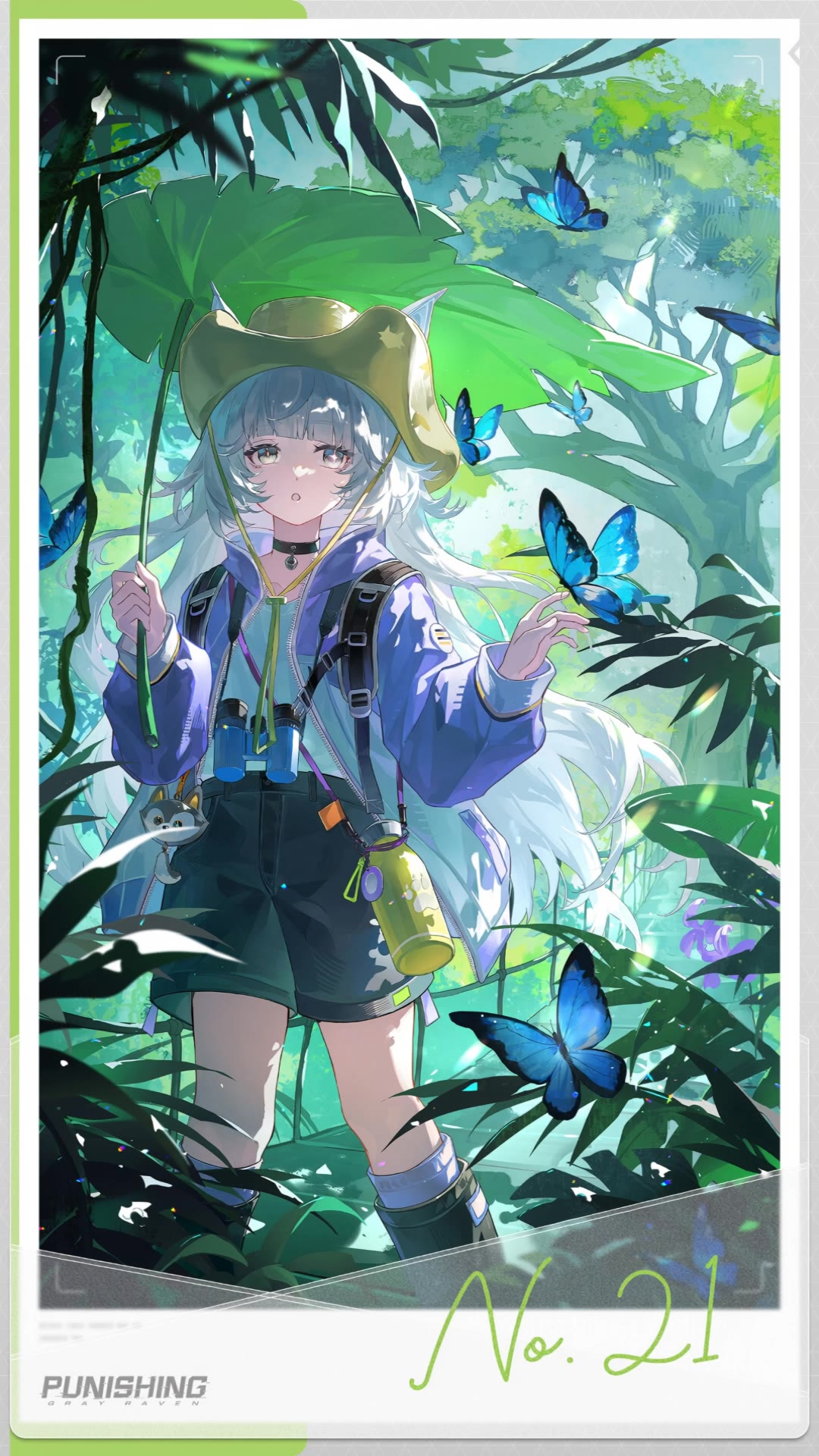
Model Wallpaper Ideas – AI-Generated Fashion Designs

Explore AI-generated model wallpaper ideas. Get unique and fashion-inspired designs that can be easily customized. Perfect for fashion enthusiasts and model admirers.

Model Wallpaper Ideas – AI-Generated Fashion Designs

Recommended

knight wallpaper - model wallpaper AI video
cristian prado avatar
cristian prado
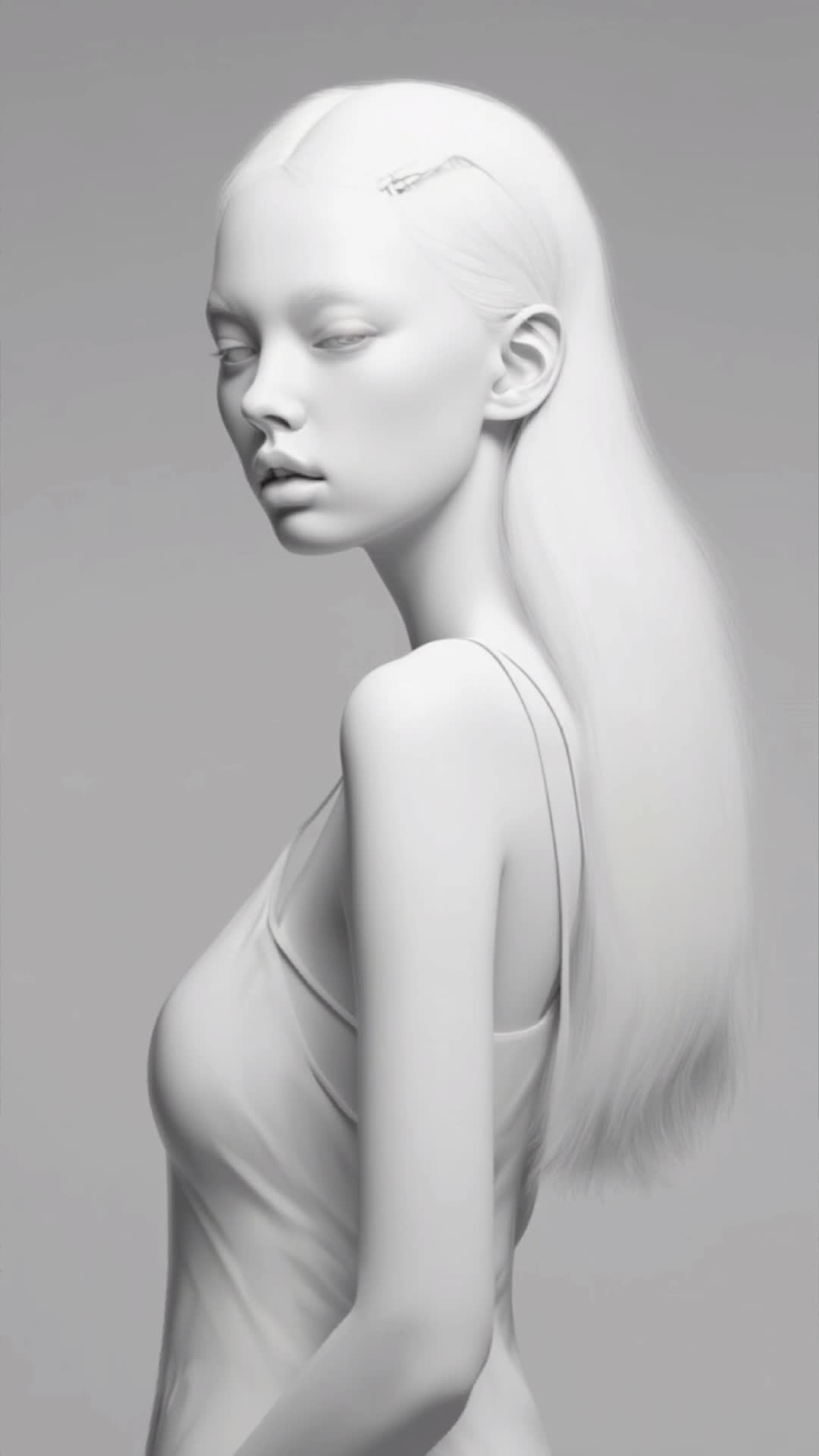
Model - model wallpaper AI image
artisticvideo avatar
artisticvideo
Elite Creator
Kling AI work 309178580610711 - model wallpaper AI video
wallpaper avatar
wallpaper
pop art style fox wallpaper - model wallpaper AI image
Dreaming 2 avatar
Dreaming 2
Kling AI work 307001283665550 - model wallpaper AI image
Dreaming avatar
Dreaming
Elite Creator
Kling IMAGE 3.0 Model User Guide - model wallpaper AI image
YxIAgcaB avatar
YxIAgcaB
Kling AI work 309003577661243 - model wallpaper AI video
GhGfLbHl avatar
GhGfLbHl
fashion model - model wallpaper AI video
wDYmnijO avatar
wDYmnijO
Live Wallpaper - model wallpaper AI video
Louis avatar
Louis
Elite Creator
wallpaper - model wallpaper AI video
EDCxWRhK avatar
EDCxWRhK
wallpaper - model wallpaper AI video
EDCxWRhK avatar
EDCxWRhK
Base Model - model wallpaper AI video
Base Model
cWojPAyt avatar
cWojPAyt
Kling AI work 297263586301875 - model wallpaper AI video
hGKuuxOQ avatar
hGKuuxOQ
Kling AI work 309737875661782 - model wallpaper AI video
Young avatar
Young
racoon wallpaper with mug - model wallpaper AI video
Dreaming 2 avatar
Dreaming 2
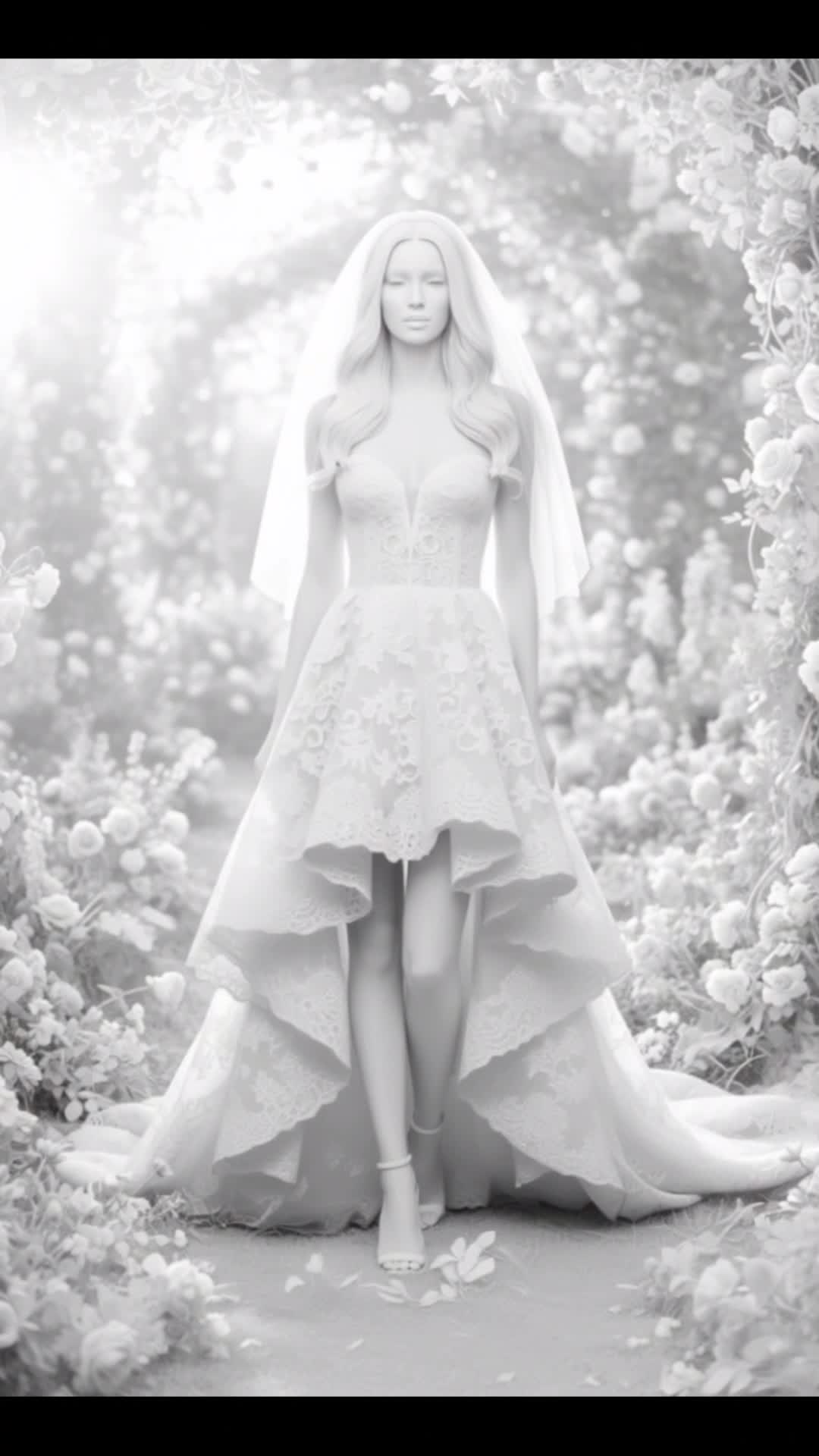
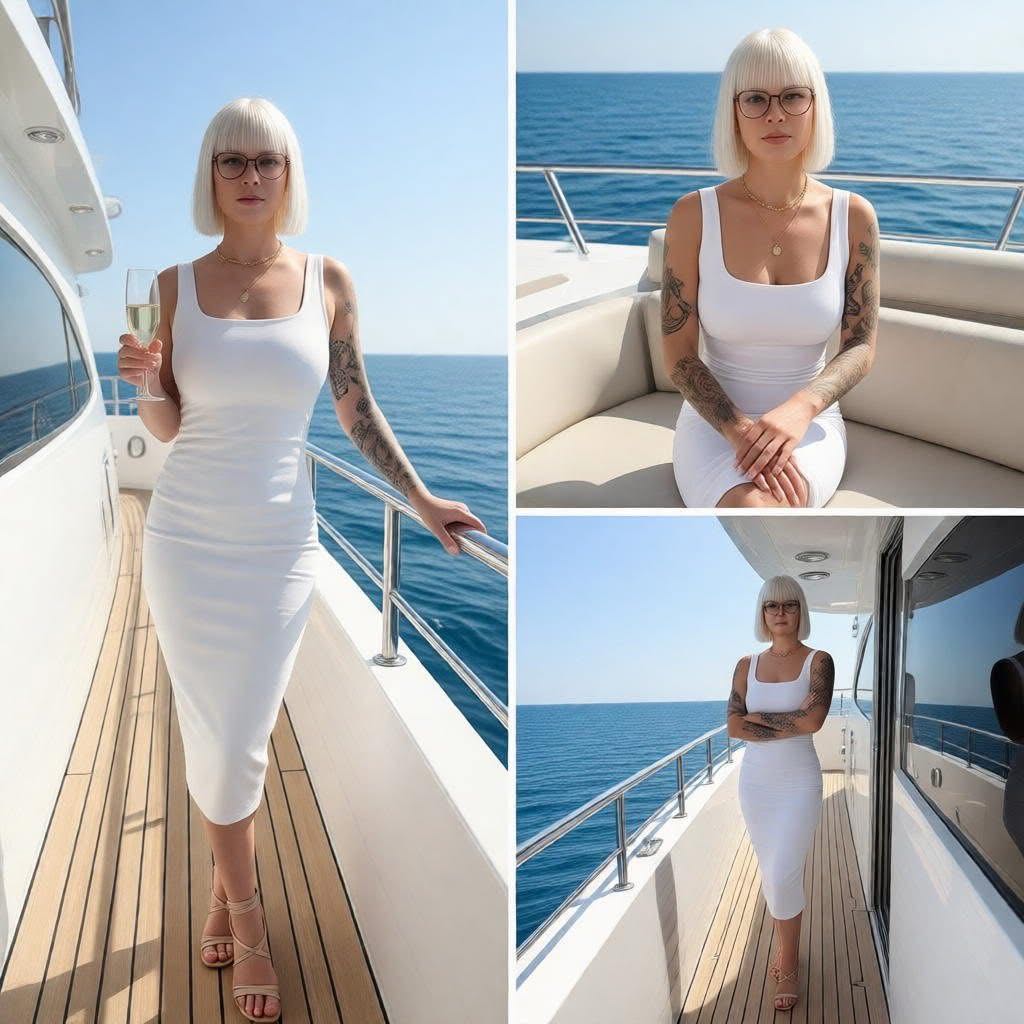
model in white - model wallpaper AI image
Eman Daman avatar
Eman Daman
Kling AI work 297266513315164 - model wallpaper AI video
uYWvXGMn avatar
uYWvXGMn
wallpaper blue jay - model wallpaper AI video
Dreaming 2 avatar
Dreaming 2
model in white - model wallpaper AI image
Eman Daman avatar
Eman Daman

How to Remove Backgrounds with Kling AI

Remove BG in HD

Remove BG in HD

Upload your image and tell Kling what to keep and what to remove. You can also add a transparent reference image to guide the cutout. Keep the background transparent and export in 2K or 4K with IMAGE 3.0 Omni when you need more detail.

Change Photo Backgrounds Directly

Change Photo Backgrounds Directly

If your end goal is a new background, skip the transparent cutout altogether. Describe the scene you want or add a reference image, and Kling can replace the original background while keeping the subject in place.

Remove Video Backgrounds

Remove Video Backgrounds

Upload your clip, tell Kling which subject to keep, and describe the background you want removed or changed. VIDEO 3.0 Omni works with existing footage, so you can update the setting without reshooting or filming against a green screen.

Edit the Parts That Matter

Change Subjects, Backgrounds, and Style

Change Subjects, Backgrounds, and Style

Keep what works and change what does not. Replace a character or product, update an outfit, remove a distraction, or move the action into a different setting. You can also change the weather, lighting, time of day, or overall look. With Kling VIDEO 3.0 Omni, you can start with a prompt and add a reference image when a face, product, or branded detail needs a closer match.

Reframe the Shot

Reframe the Shot

Keep the original action, then change how the moment is framed. Move in for a close-up, open to a wider view, shift the angle, or rebalance the composition around the subject. The source footage keeps the motion and scene context in place while your prompt sets the new framing.

Extend the Video

Extend the Video

Continue a clip beyond its current ending without building the next scene from scratch. Kling carries the subject, motion, and setting into the new footage; add a prompt when you want to steer what happens next. Use Video Extension when a clip ends too soon, an action needs more time, or the next beat is still missing.

Apps

Image to Video
Image to Video

Image to Video

Text to Video
Text to Video

Text to Video

Omni
Omni

Omni

Digital Human
Digital Human

Digital Human

Restyle
Restyle

Restyle

Text to Image
Text to Image

Text to Image

60M+
60M+
Users
600M+
600M+
AI Videos Generated
4.7 ★
4.7 ★
App Store
Industry-Leading
Industry-Leading
Cinematic 4K

Reviews

Huang Lu (Elson)

Huang Lu (Elson)

★★★★★

I’ve been using Kling AI since its initial release, and it’s remained one of the leading AI media generators ever since. With Kling AI, I’ve created hundreds of videos, collectively amassing millions of views.

Maria Rubtsova

Maria Rubtsova

★★★★★

I’m Maria Rubtsova, an AIGC digital artist passionate about creating stunning visuals in the worlds of fashion, aesthetics, and fantasy. I use KlingAi to bring imagination to life through video. My work is all about exploring beauty, emotion, and the limitless possibilities of digital art.

PJ Ace

PJ Ace

★★★★★

Kling AI has made it easy for us to generate world class visuals for Fortune 500 companies, TV shows and music for big artists. We love the easy of use of the platform and the quality of the generations. My first time using Kling AI, I got 22 million views on just one video. It's that good.

FAQ

Q1What is the difference between Lip Sync and Native Audio?
Q2Can I lip sync a photo?
Q3How does lip sync AI work?

Make Something Worth Keeping

Start with a sentence, a sketch, or a visual reference. Shape the idea until the style, composition, and details feel like yours.

Free tier available | Text to Art | Reference Images | Style Transfer