Creative Studio
API
Resources
Features
About Us
Download

monday motivatio - AngryBunny & CoffeeDiorama

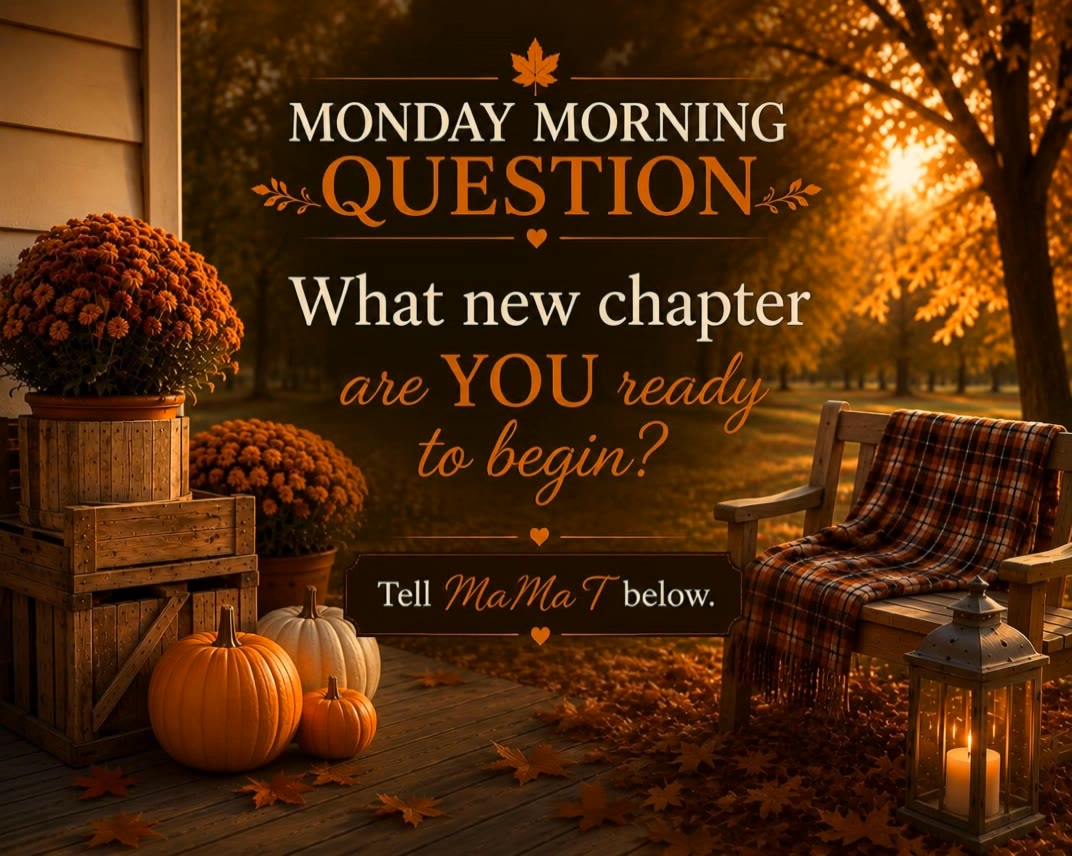
Embrace the whimsy of Monday mornings with an angry bunny's smoothie fail and a charming "Monday Vibes" coffee diorama. Find humor and energy to kickstart your week. Start exploring monday motivatio ideas and generate your own content with AI.

monday motivatio - AngryBunny & CoffeeDiorama

Recommended

MONDAY - monday motivatio AI video
Mokstory Studio avatar
Mokstory Studio
SLICKED-BACK HAIR & REFLECTIVE N - monday motivatio AI image
Dreaming avatar
Dreaming
Elite Creator
Kling AI work 301868739530468 - monday motivatio AI image
BtpeiDwT avatar
BtpeiDwT
Kling AI work 318175300665030 - monday motivatio AI image
My Nguyen avatar
My Nguyen
Kling AI work 316748567525589 - monday motivatio AI video
RadiantKreations avatar
RadiantKreations
Question of change - monday motivatio AI video
KNrbWnjP avatar
KNrbWnjP
Kling AI work 293892961664262 - monday motivatio AI video
Aryan Singh avatar
Aryan Singh
It is Monday again! - monday motivatio AI video
Tsumuji_ai avatar
Tsumuji_ai
Creative Partner
Kling AI work 307935537508103 - monday motivatio AI image
cDJEaqWG avatar
cDJEaqWG
Kling AI work 312487031664743 - monday motivatio AI video
NfHdNFHZ avatar
NfHdNFHZ
Kling AI work 315337641528700 - monday motivatio AI video
marcsegala avatar
marcsegala
36 days til fall - monday motivatio AI video
KNrbWnjP avatar
KNrbWnjP
Kling AI work 313517822615810 - monday motivatio AI video
XkJJjwyF avatar
XkJJjwyF
Kling AI work 302292173532197 - monday motivatio AI video
ve.rotari avatar
ve.rotari
Elite Creator
Kling AI work 318411461523409 - monday motivatio AI video
KxFMlPiN avatar
KxFMlPiN
Kling AI work 312553517665208 - monday motivatio AI video
RSLlXBpV avatar
RSLlXBpV
Kling AI work 311694523528766 - monday motivatio AI video
ChrisCrypto213 avatar
ChrisCrypto213
Kling AI work 318318575616350 - monday motivatio AI video
enHYhLng avatar
enHYhLng
Kling AI work 309869618528889 - monday motivatio AI video
eDmSldCa avatar
eDmSldCa

How to Create Images with Kling AI

Write Down You Ideas

Write Down You Ideas

Open the AI Image Generator and choose the model that fits your project. Describe the subject and scene, then add details such as lighting, color, and visual style to shape the result.

Add References Or Not

Add References Or Not

Upload reference images for a character, product, composition, or style. References are optional, but they give Kling AI a clearer visual foundation when specific features, colors, or design details need to carry into the final image.

Generate Your Image

Generate Your Image

Choose your preferred format and output settings, then hit Generate. Once the result is ready, download it directly or open it in the image-to-video workflow to bring it to life with motion.

Make Avatars Perform, Not Just Speak

More Choice, Without Losing Consistency

More Choice, Without Losing Consistency

Start with a preset avatar, select a character from your Kling AI Assets, upload an image of your own, or create someone new with AI Image. Use a polished presenter for a product demo, a creator-style host for an ad, or a more stylized character when the idea calls for it. For recurring content, save the character with the voice and performance settings you use most. The same on-screen identity is ready for the next script, without putting the setup together again.

Give Each Script the Right Delivery

Give Each Script the Right Delivery

Use a finished voiceover when the delivery is already in place, or start with written copy and choose a text-to-speech voice. Adjust the pace and emotional tone so a product pitch feels confident, a lesson stays clear, and social content can take on more energy. You can write your own performance direction or use one of Kling AI’s suggestions for the selected character. The same avatar can also deliver content in English, Chinese, Japanese, or Korean while keeping a familiar appearance on screen.

Let Movement Carry the Message

Let Movement Carry the Message

Natural lip sync is only part of the performance. An avatar can point to a product, handle an object, gesture through an explanation, react to the words, or move with the rhythm of a song. Avatar 2.0 improves hand stability and overall action quality, so the movement supports the scene instead of drawing attention away from it. Voice, expression, and body language come together as one performance—not a still image with audio layered over it.

Apps

Image to Video
Image to Video

Image to Video

Text to Video
Text to Video

Text to Video

Omni
Omni

Omni

Digital Human
Digital Human

Digital Human

Restyle
Restyle

Restyle

Text to Image
Text to Image

Text to Image

60M+
60M+
Users
600M+
600M+
AI Videos Generated
4.7 ★
4.7 ★
App Store
Industry-Leading
Industry-Leading
Cinematic 4K

Reviews

James Phillips

James Phillips

★★★★★

Kling AI has transformed my workflow by collapsing timelines and democratizing production. It’s shifted my mindset from resource-dependent filmmaking to a boundless creative sandbox, where experimentation yields unexpected beauty.

Vincent Smadja

Vincent Smadja

★★★★★

Kling AI seamlessly integrates into my creative workflow, playing a key role in transforming my images. After generating and upscaling an image, Kling becomes a crucial element, bringing my creations to life with movement and depth.

Déborah

Déborah

★★★★★

I use Kling AI every day. It's amazing to see the almost daily progress it makes. I used AI for fun at first, and I now find that Kling AI's animations allow me to gain professional visibility, with three times more views on my animated posts than on my static posts.

FAQ

Q1What happens if the reference motion and image don’t match?
Q2What is the difference between Kling 2.6 and 3.0 Motion Control?
Q3Can I use multiple people in one Motion Control video?

Start Controlling Character Motion

Stop accepting distorted AI movements. Upload your reference and let Kling replicate it precisely.

Works on humans, anime & 3D | High-precision motion | Zero distortion