

aAapZhMa
3
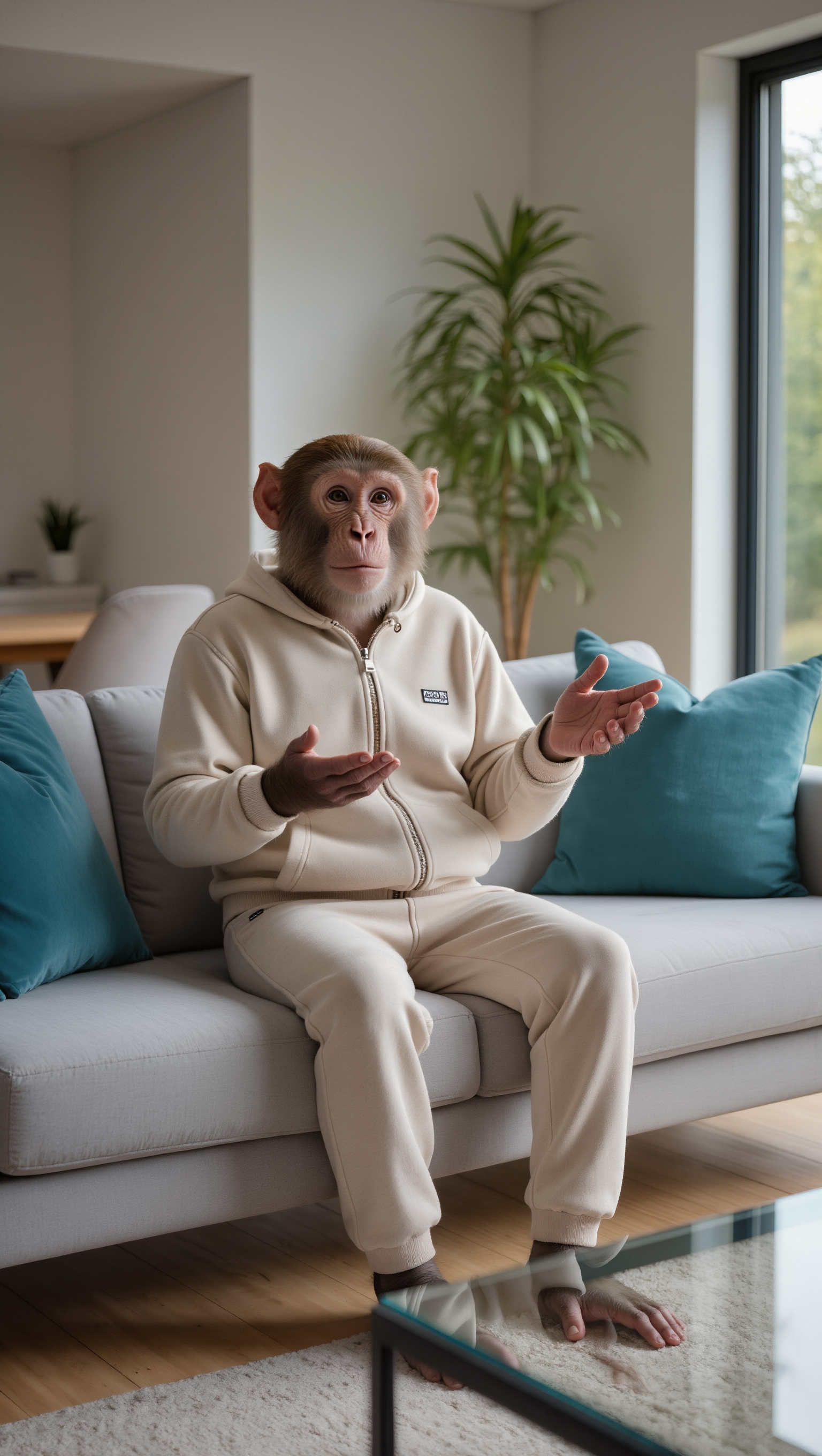
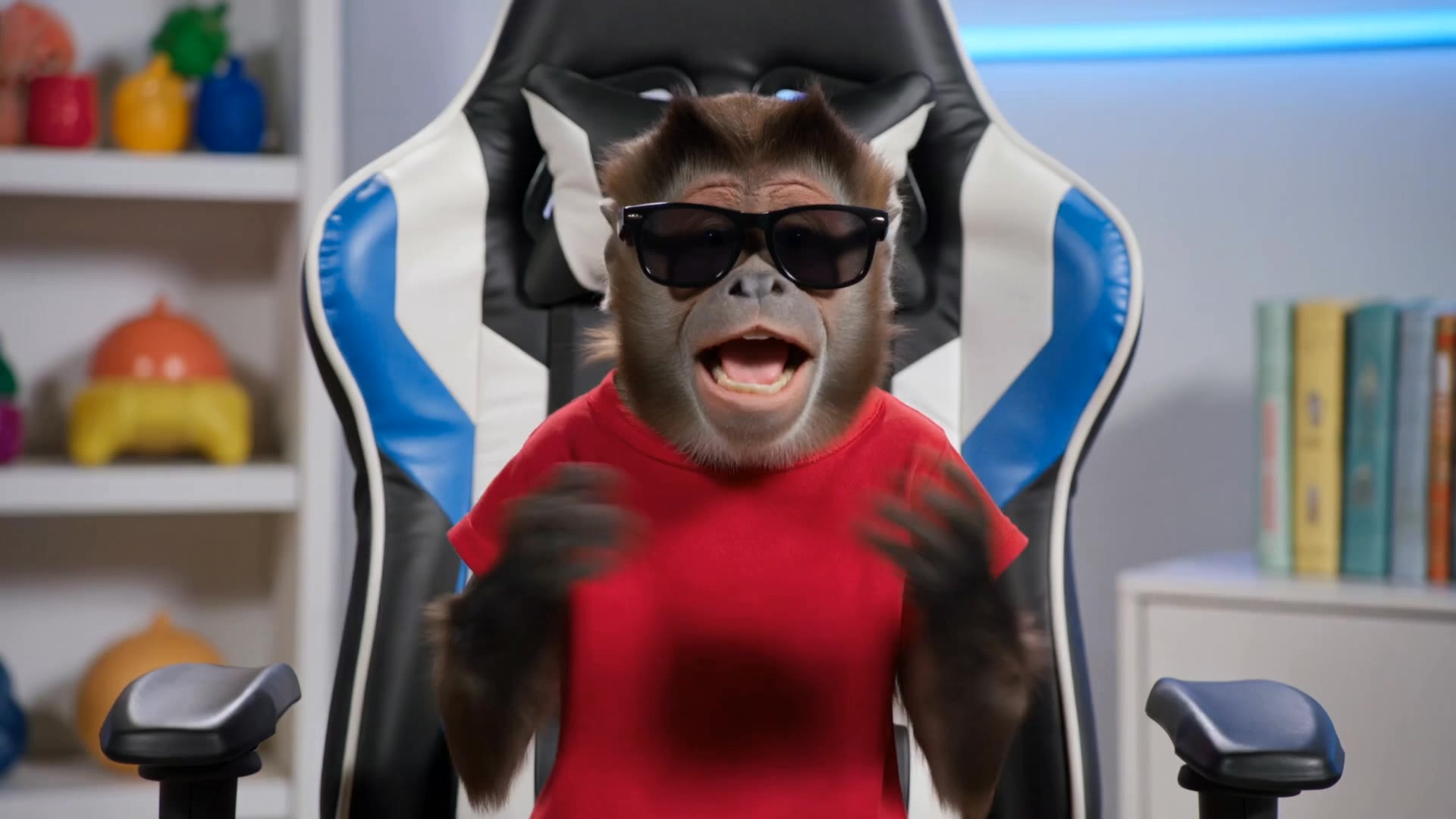
Explore AI-generated monkey style ideas to create playful visuals. Quickly find and adapt these concepts to fit your fun and whimsical projects.

























Kling AI makes watermark removal easier with intuitive text-based editing. Simply describe what you want to remove, such as a watermark, logo, or unwanted text, and Kling IMAGE 3.0 analyzes your instructions to create a cleaner image. No complex editing skills are required, making professional-quality image cleanup accessible to everyone.

A small cleanup should not require changing the whole image. Kling IMAGE 3.0 supports localized editing while helping preserve surrounding style, lighting, texture, and composition. This makes it easier to remove a distracting mark while keeping the rest of the image close to the source.

When the unwanted mark is easy to identify visually, use Kling AI's separate Removel tool to mark the area directly. It gives you another way to start the cleanup when selecting the target yourself feels more straightforward than describing the edit in a prompt.

















I use Kling AI every day. It's amazing to see the almost daily progress it makes. I used AI for fun at first, and I now find that Kling AI's animations allow me to gain professional visibility, with three times more views on my animated posts than on my static posts.

I’ve been using Kling AI since its initial release, and it’s remained one of the leading AI media generators ever since. With Kling AI, I’ve created hundreds of videos, collectively amassing millions of views.

Kling AI has made it easy for us to generate world class visuals for Fortune 500 companies, TV shows and music for big artists. We love the easy of use of the platform and the quality of the generations. My first time using Kling AI, I got 22 million views on just one video. It's that good.
Create character dialogue, multilingual voices, consistent voice identities, ambience, and sound effects with Kling VIDEO 3.0.
Multilingual Dialogue | Multi-Character Voices | Native Audio