Creative Studio
API
Resources
Features
About Us
Download

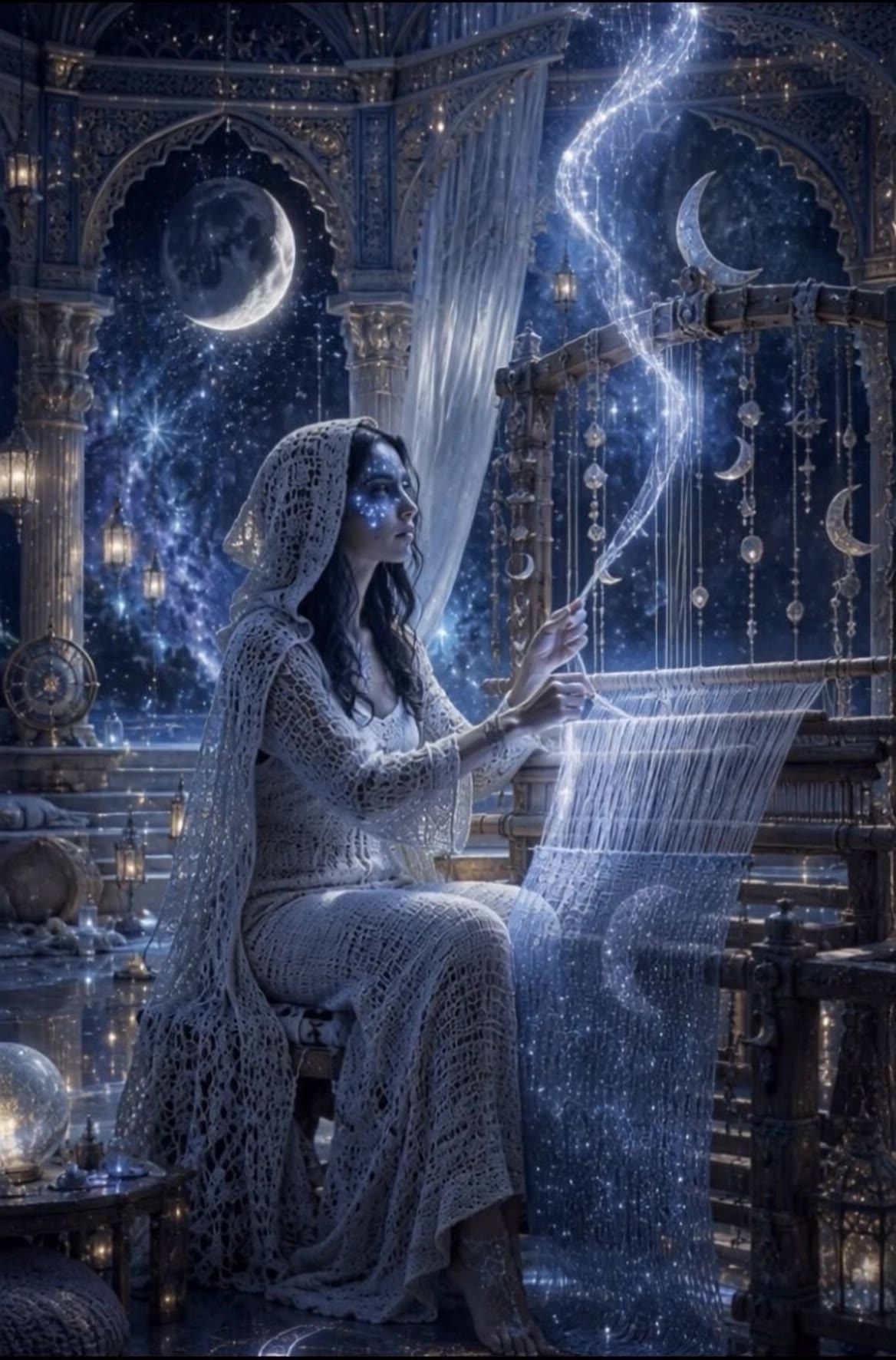
AI moon inpaint ideas – Explore celestial designs

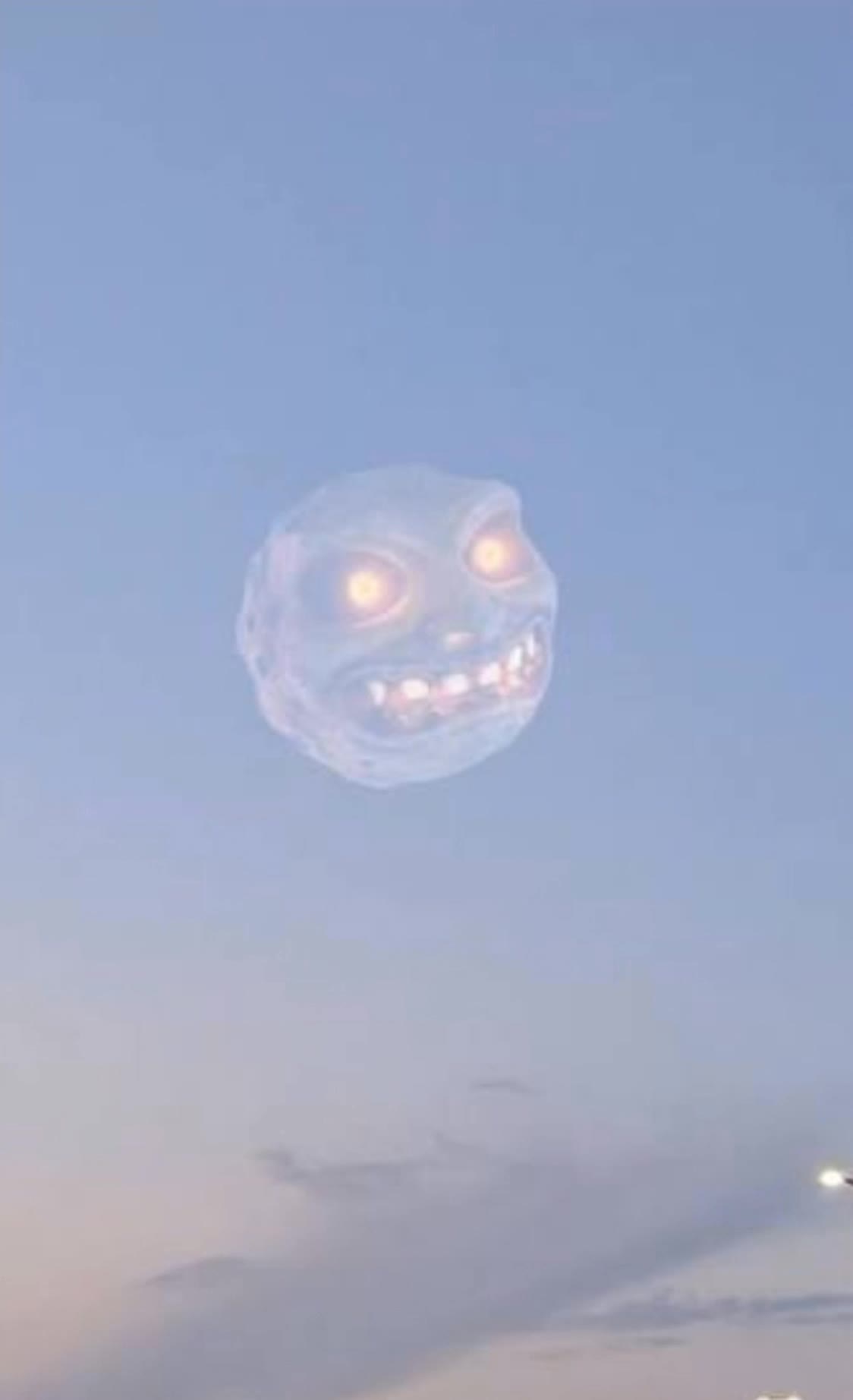
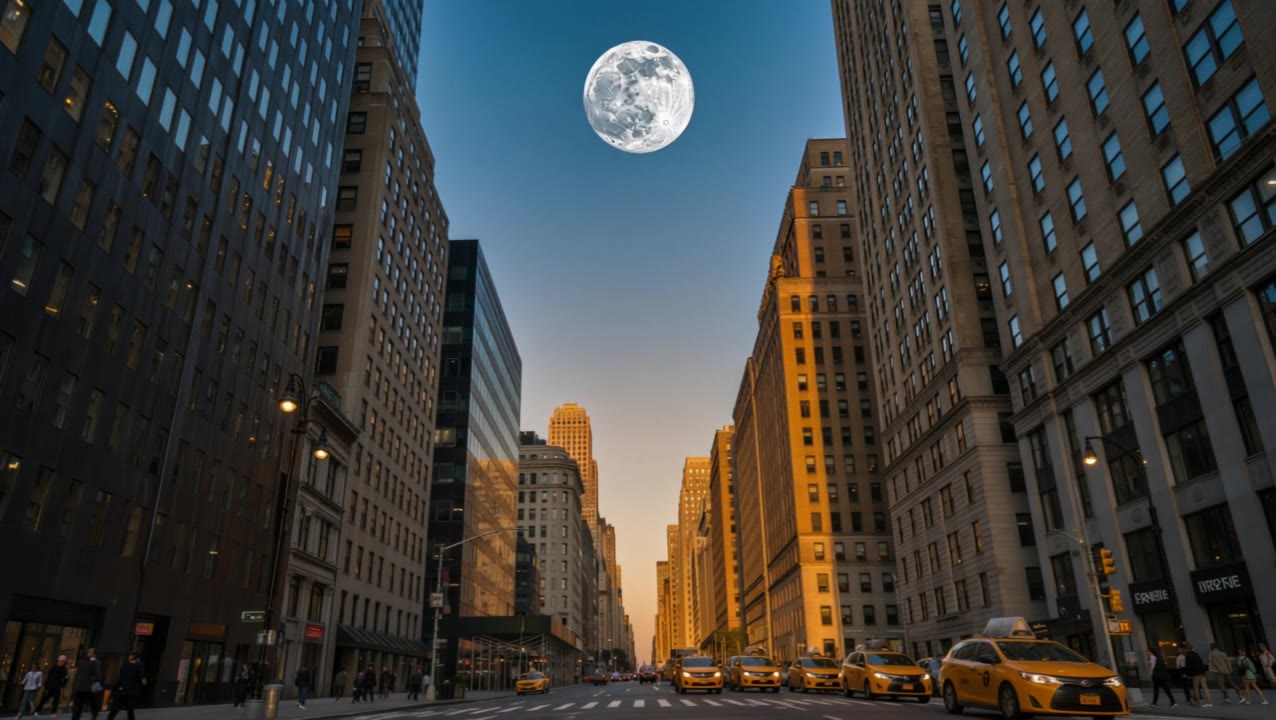
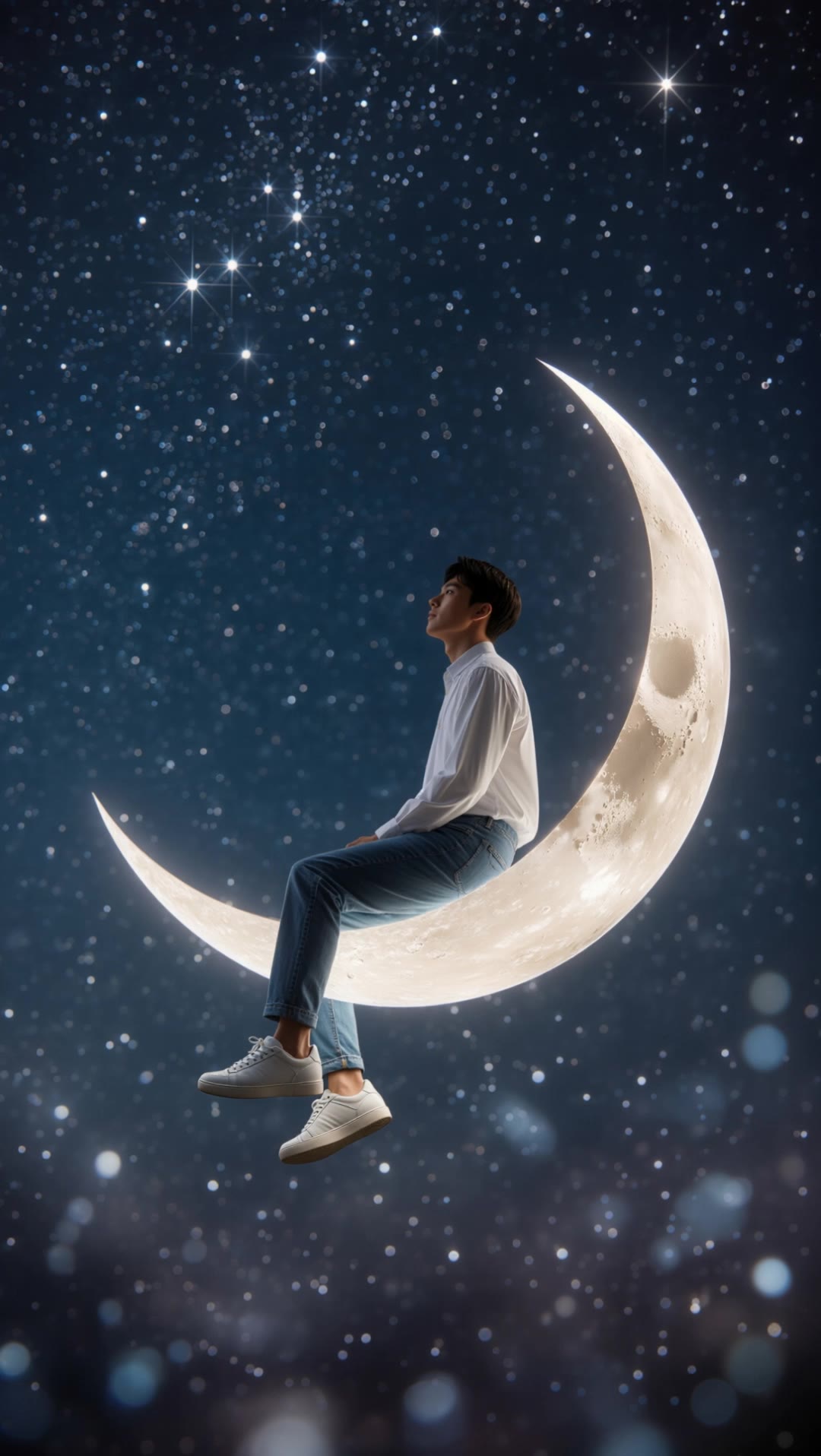
Explore AI-generated moon inpaint ideas. These AI-made visuals offer quick, customizable designs perfect for any project. Ideal for those seeking unique, celestial-themed artwork without needing design skills.

AI moon inpaint ideas – Explore celestial designs

Recommended

Kling AI work 311806414618977 - moon inpaint AI video
KLING8007 avatar
KLING8007
Moon bed - moon inpaint AI video
Designbkk avatar
Designbkk
Moon fairy - moon inpaint AI video
Manuetta Moon avatar
Manuetta Moon
Moon - moon inpaint AI video
InsanneDreams avatar
InsanneDreams
Elite Creator
Moon - moon inpaint AI video
KLING3156 avatar
KLING3156
The crescent moon - moon inpaint AI video
02:05
Slim Tree avatar
Slim Tree
Kling AI work 312475196615119 - moon inpaint AI video
hFlWrRbv avatar
hFlWrRbv
Kling AI work 313345168665170 - moon inpaint AI video
Megra  avatar
Megra
Moon Goddess - moon inpaint AI video
qOtCEskh avatar
qOtCEskh
To the moon and back - moon inpaint AI video
Anastasiia Kot avatar
Anastasiia Kot
Moon - moon inpaint AI video
Ai-believable avatar
Ai-believable
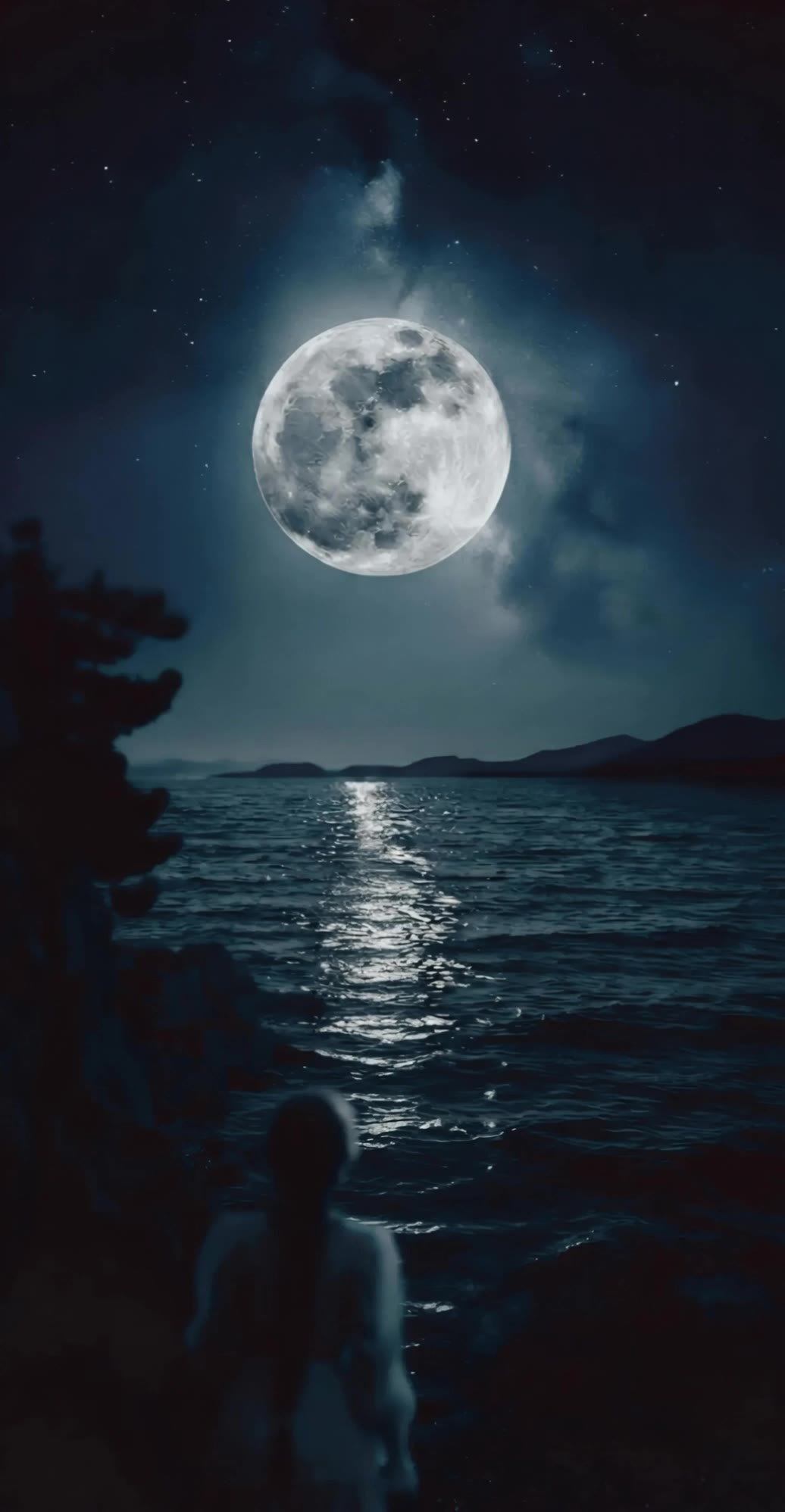
Lake Moon - moon inpaint AI video
Ale Facal avatar
Ale Facal
Moon changing its phases😮😮 - moon inpaint AI video
vqlUUgaQ avatar
vqlUUgaQ
Kling AI work 315076523508122 - moon inpaint AI video
kintsugi avatar
kintsugi
full moon - moon inpaint AI video
KLING3156 avatar
KLING3156
zoom on the moon - moon inpaint AI video
Arkanjul Filmz avatar
Arkanjul Filmz
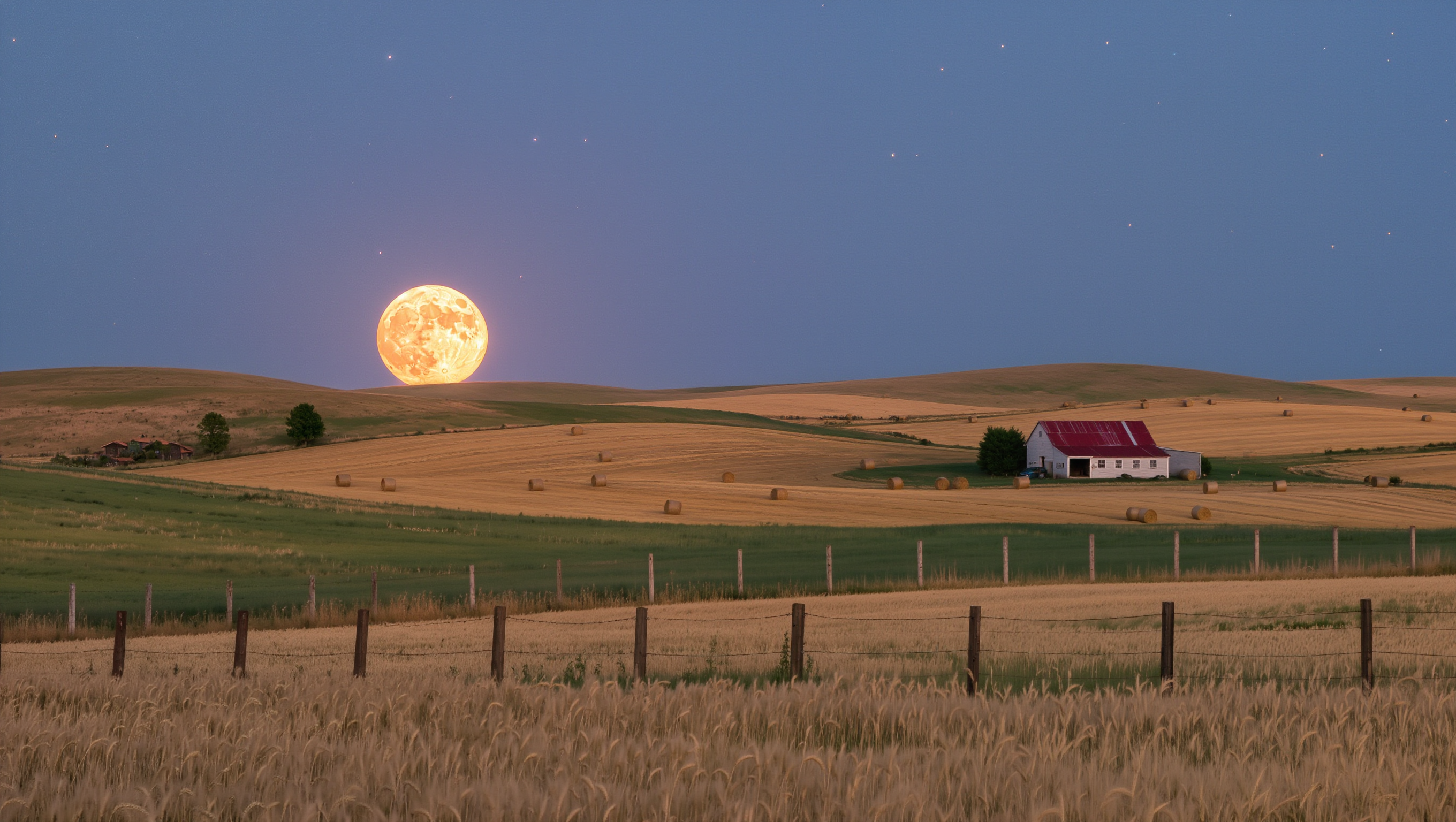
Harvest moon - moon inpaint AI image
Iceblossom avatar
Iceblossom
moon woke up - moon inpaint AI video
HizFqyiG avatar
HizFqyiG

How to Use Kling AI Art Generator

Start with a Prompt

Start with a Prompt

Open IMAGE 3.0 Omni. Write what you want to make, upload an existing image, or add references that show the character, object, composition, or style you want Kling to follow.

Set the Art Direction

Set the Art Direction

Add the details that matter to the piece: medium, palette, mood, lighting, framing, perspective, or another visual cue. When you use several references, tell Kling what each one contributes instead of leaving the relationship between them ambiguous.

Generate and Keep Working

Generate and Keep Working

Generate the artwork, review the result, and adjust the prompt or creative direction if needed. For connected images, continue the idea with Image Series.

Choose the Right Voice Workflow

Add New Audio to an Existing Video

Add New Audio to an Existing Video

Use the dedicated Lip Sync tool when your character video is already created. Upload a voiceover or song, or generate speech from text, then match the new audio to the character’s mouth movements.

Generate Dialogue with the Scene

Generate Dialogue with the Scene

Starting from scratch? Kling VIDEO 3.0 and VIDEO 3.0 Omni create dialogue, lip movement, visuals, sound effects, and ambience together. Native Audio supports Chinese, English, Japanese, Korean, and Spanish.

Keep Character and Voice Consistent

Keep Character and Voice Consistent

Create a reusable Character Element from images or a video, bind a voice tone, and carry the same appearance and voice into new scenes with VIDEO 3.0 Omni.

Apps

Image to Video
Image to Video

Image to Video

Text to Video
Text to Video

Text to Video

Omni
Omni

Omni

Digital Human
Digital Human

Digital Human

Restyle
Restyle

Restyle

Text to Image
Text to Image

Text to Image

60M+
60M+
Users
600M+
600M+
AI Videos Generated
4.7 ★
4.7 ★
App Store
Industry-Leading
Industry-Leading
Cinematic 4K

Reviews

Maria Rubtsova

Maria Rubtsova

★★★★★

I’m Maria Rubtsova, an AIGC digital artist passionate about creating stunning visuals in the worlds of fashion, aesthetics, and fantasy. I use KlingAi to bring imagination to life through video. My work is all about exploring beauty, emotion, and the limitless possibilities of digital art.

Jyo John Mulloor

Jyo John Mulloor

★★★★★

Kling AI has been instrumental in transforming my creative workflow, unlocking new dimensions of artistic expression that were once unimaginable. I use Kling AI extensively to develop high-concept visuals, animate surreal dreamscapes, and create AI-assisted films that blur the line between reality and fantasy. Kling AI’s deep learning capabilities have not only enhanced my creative efficiency but also inspired me to explore storytelling in ways I never thought possible.

Vincent Smadja

Vincent Smadja

★★★★★

Kling AI seamlessly integrates into my creative workflow, playing a key role in transforming my images. After generating and upscaling an image, Kling becomes a crucial element, bringing my creations to life with movement and depth.

FAQ

Q1Can Kling AI dub an existing video?
Q2What languages does Kling AI Dubbing support?
Q3Can Kling VIDEO 3.0 handle multiple characters in one conversation?

Start Creating AI Videos with Kling

Turn your image into a talking, high-quality video in seconds. No watermarks, no complicated setup.

Free tier available (Memberships are watermark-free) | 1080p export (Memberships unlock 4K) | Instant results