
Creative Studio
API
Resources
Features
About Us
Download

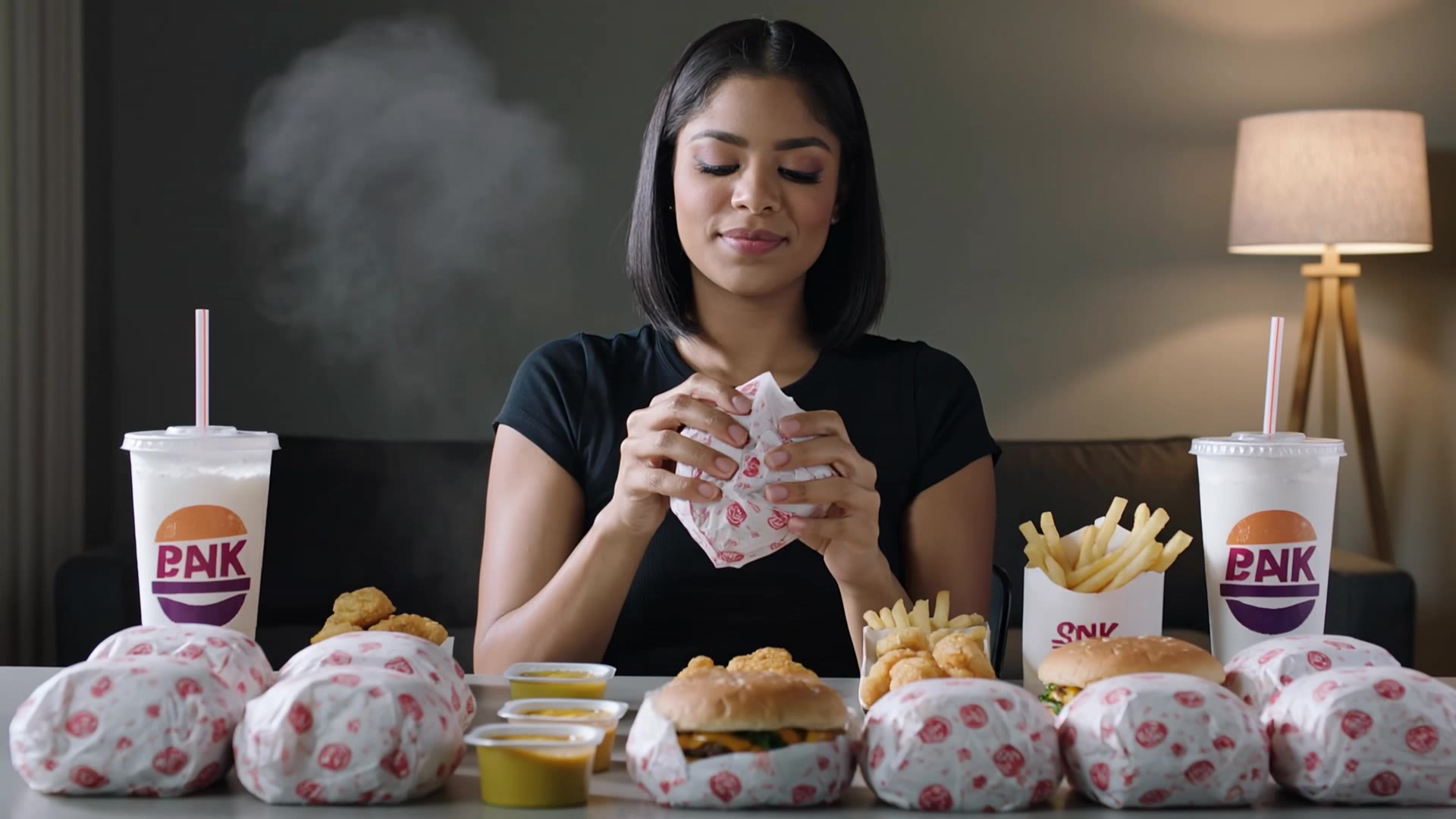
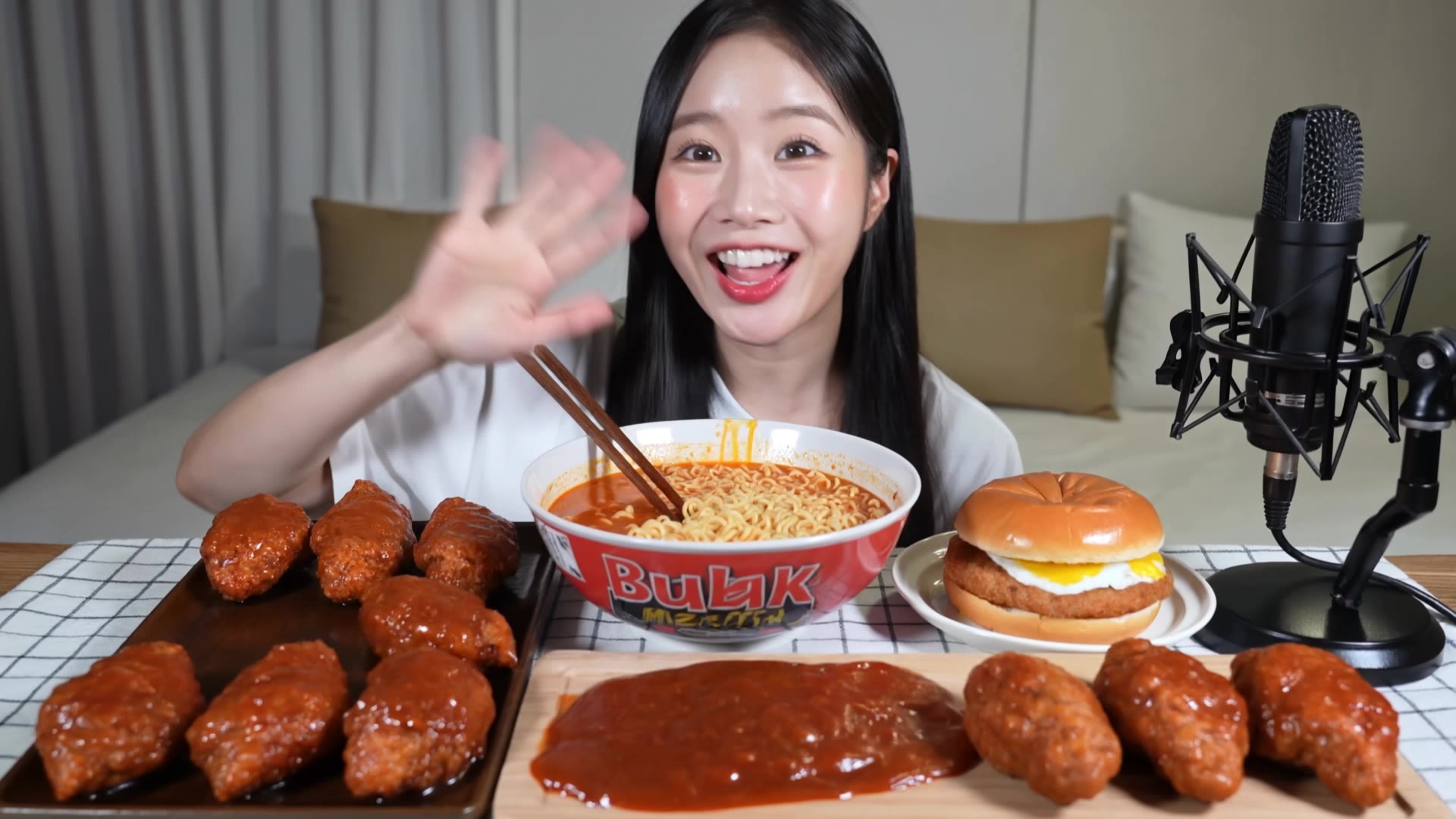
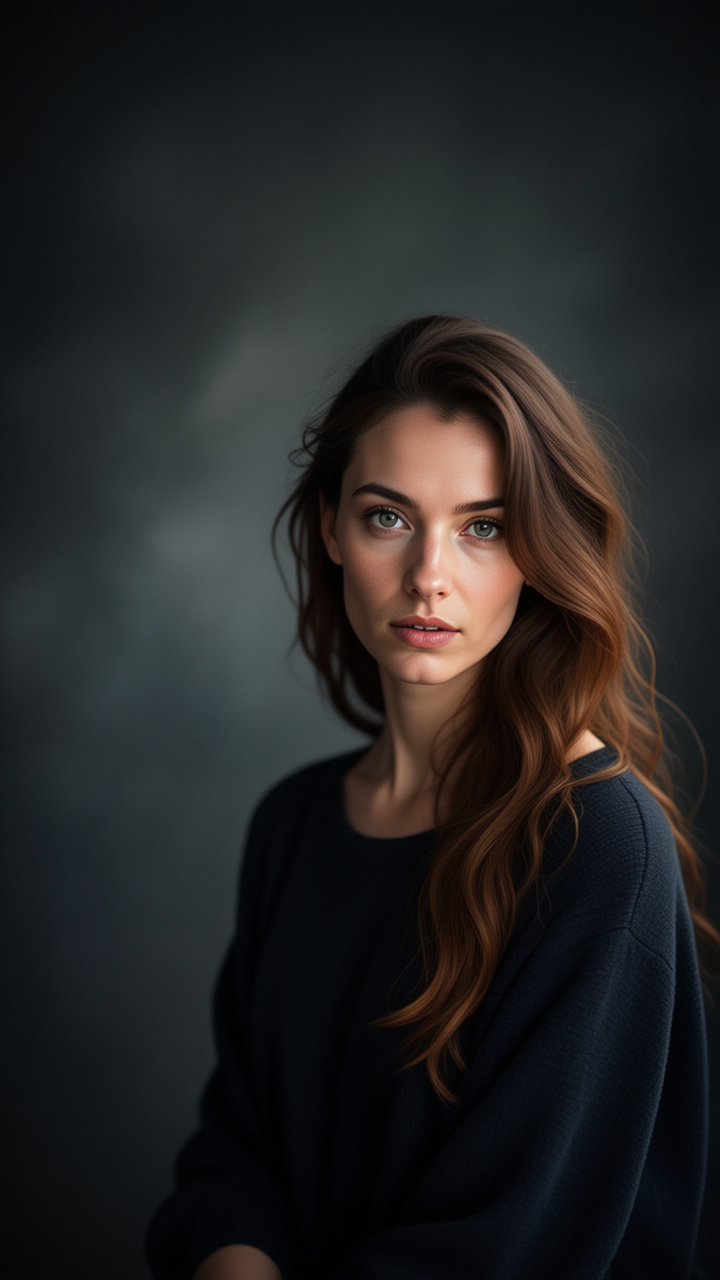
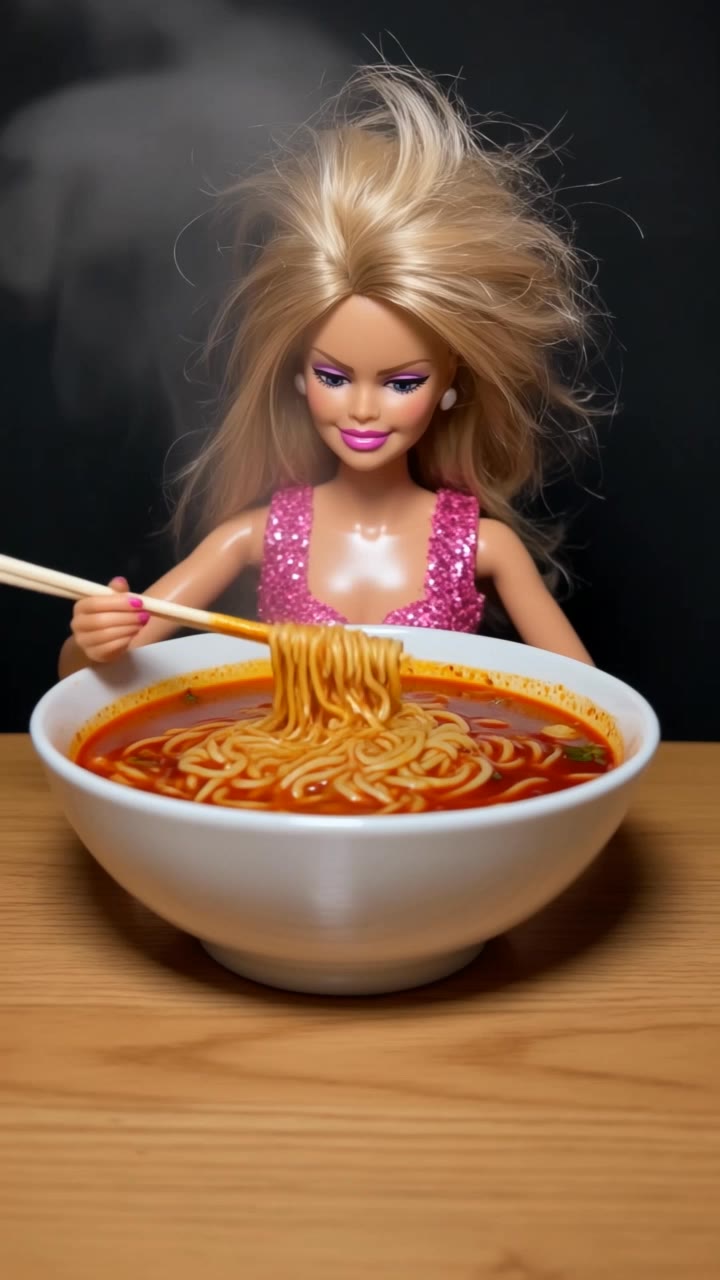
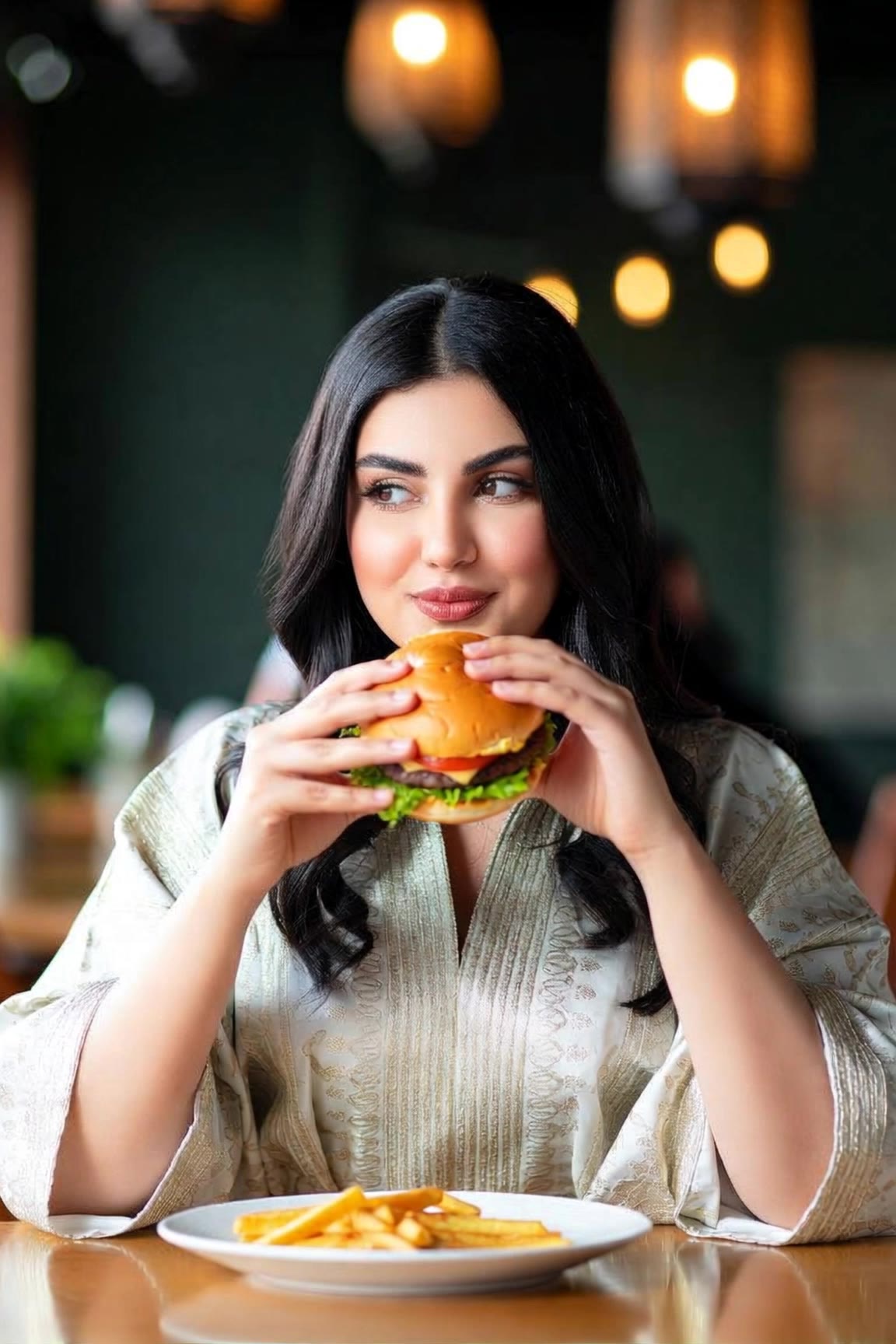
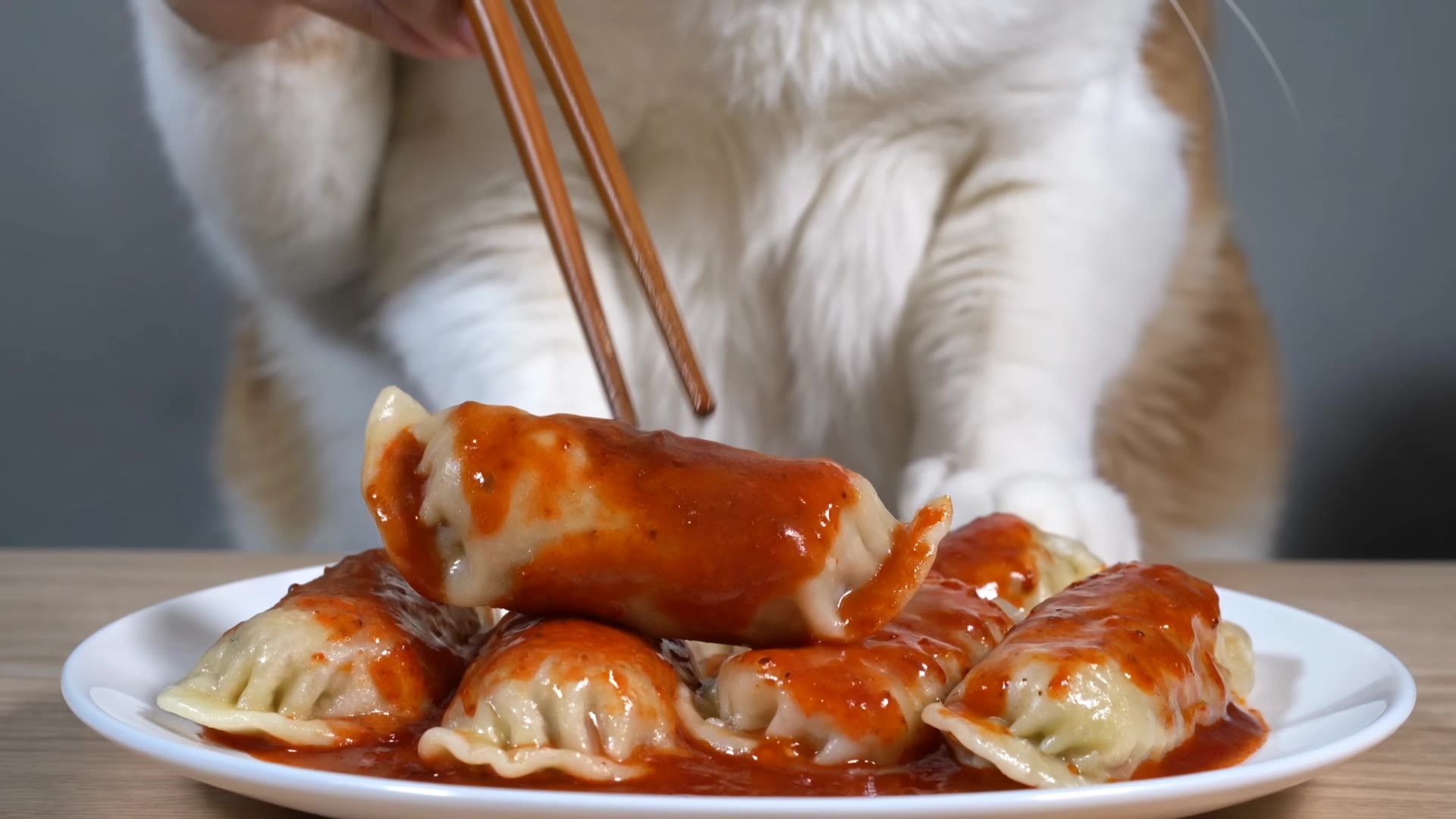
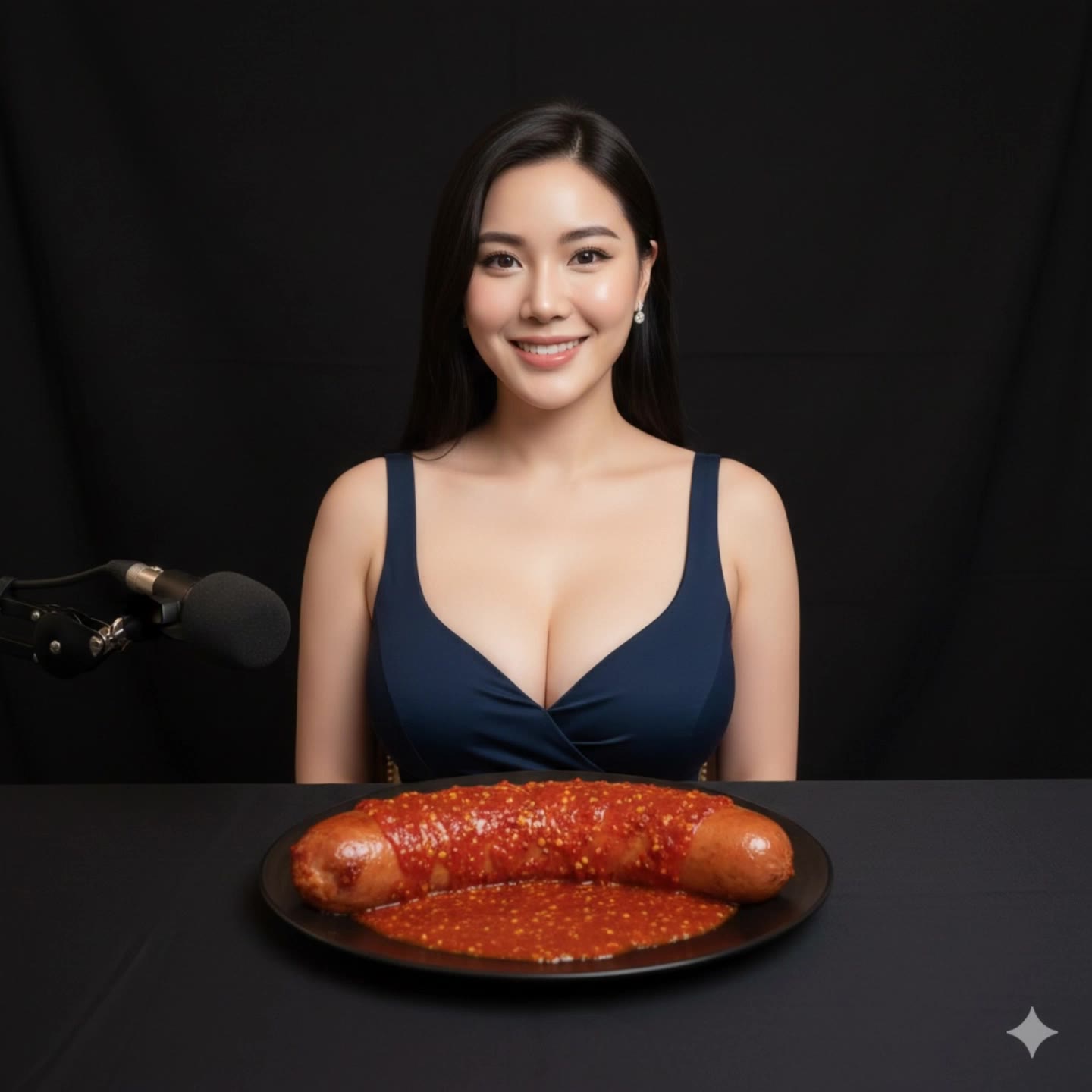
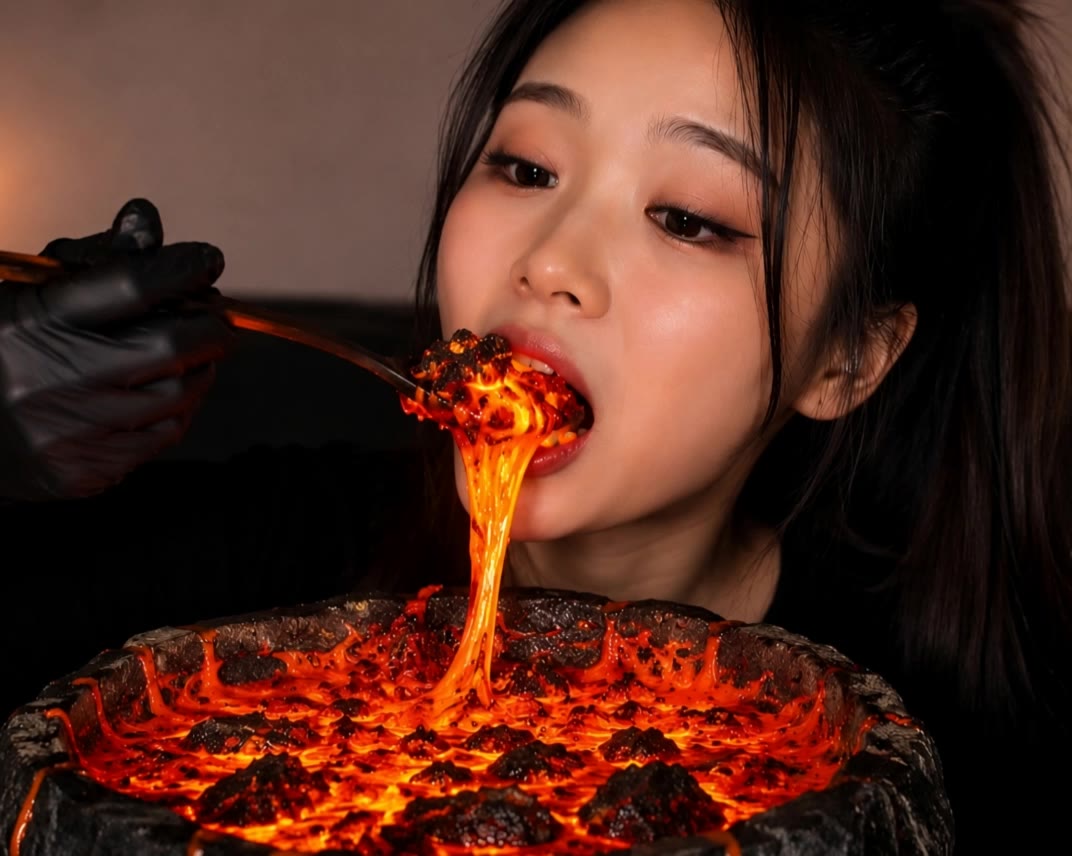
Mukbang YouTube Thumbnail Ideas – AI-Generated Inspirations

Explore AI-generated mukbang YouTube thumbnail ideas. Quickly find inspirations that fit your theme and style. Customize and use them with ease.

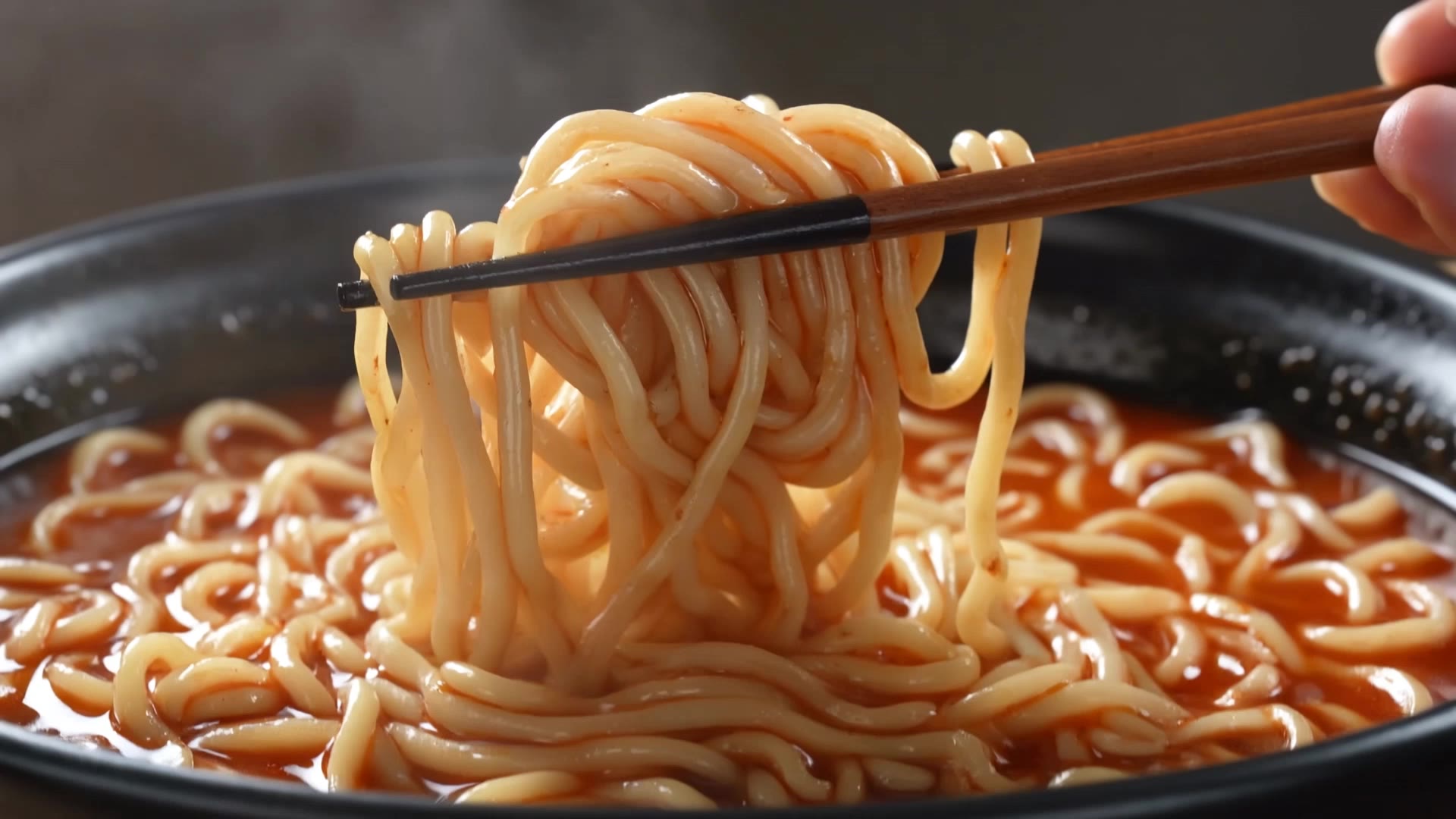
Mukbang YouTube Thumbnail Ideas – AI-Generated Inspirations

Recommended

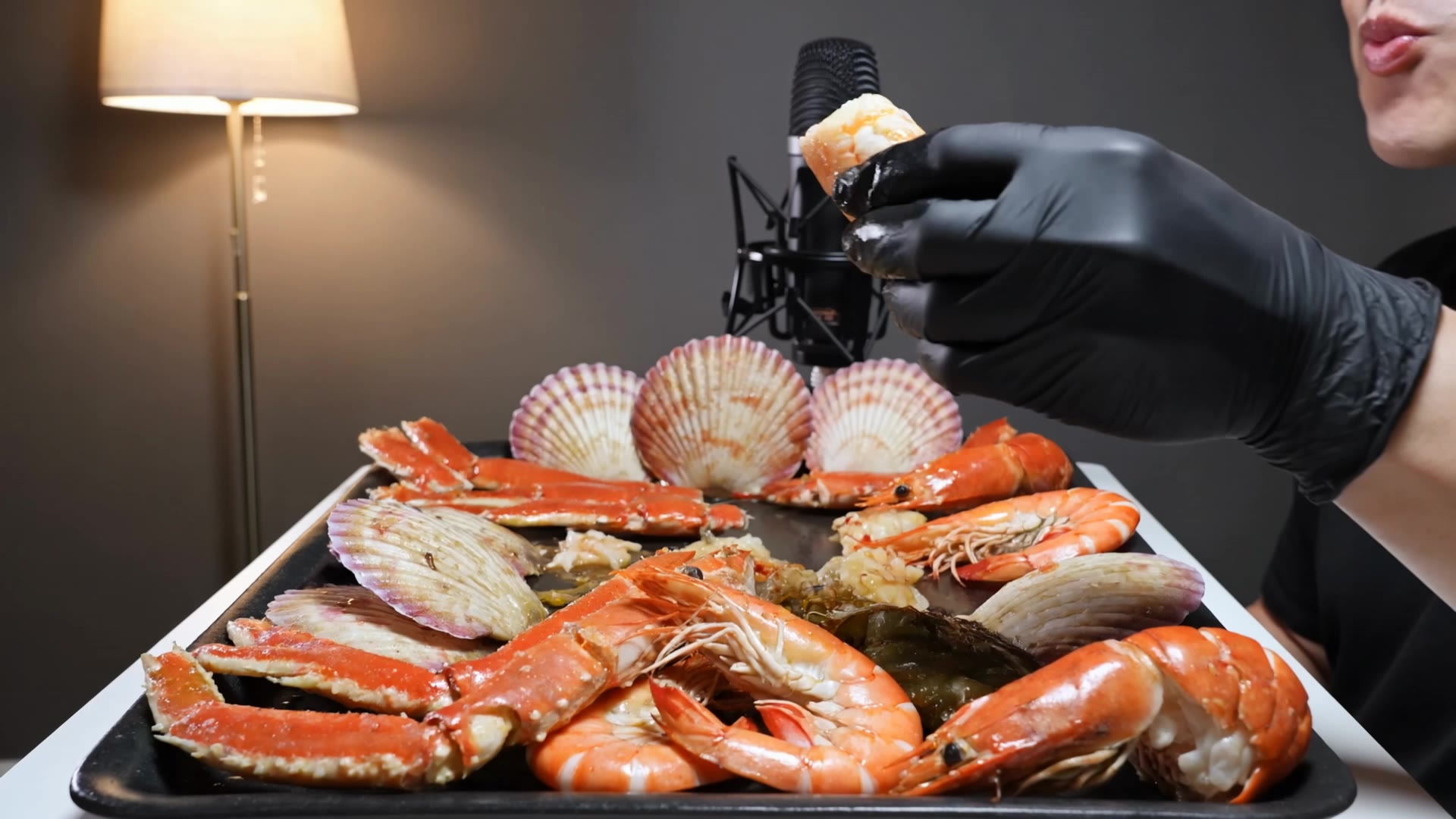
Kling AI work 295557669614079 - mukbang youtube thumbnail AI video
lasHsydR avatar
lasHsydR
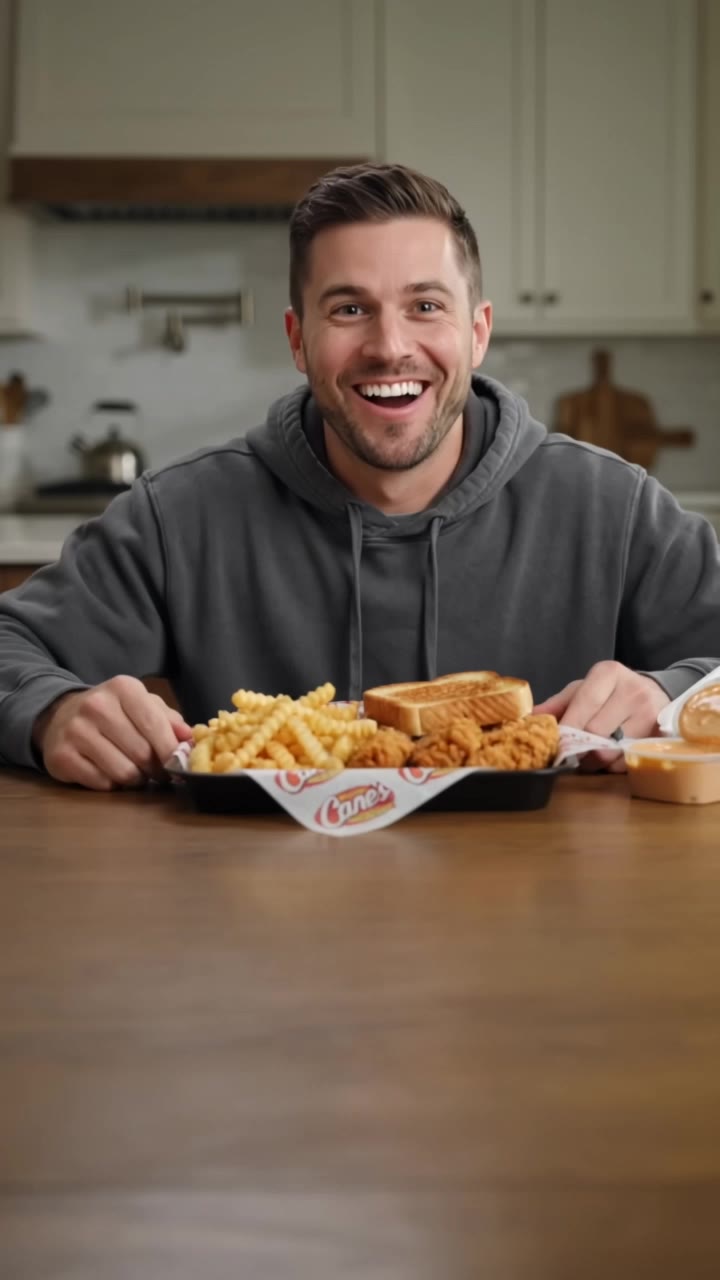
Kling AI work 306406194534118 - mukbang youtube thumbnail AI video
sshmMqyu avatar
sshmMqyu
Kling AI work 314223033668893 - mukbang youtube thumbnail AI video
VolAsNFw avatar
VolAsNFw
Kling AI work 312469992521507 - mukbang youtube thumbnail AI video
uZbSUsYt avatar
uZbSUsYt
Kling AI work 304494603534417 - mukbang youtube thumbnail AI image
rptFEbcV avatar
rptFEbcV
kira - mukbang youtube thumbnail AI video
ASIAN ANGEL avatar
ASIAN ANGEL
Kling AI work 314231838660380 - mukbang youtube thumbnail AI video
TtZLPZLV avatar
TtZLPZLV
Kling AI work 314193770667191 - mukbang youtube thumbnail AI video
Twike avatar
Twike
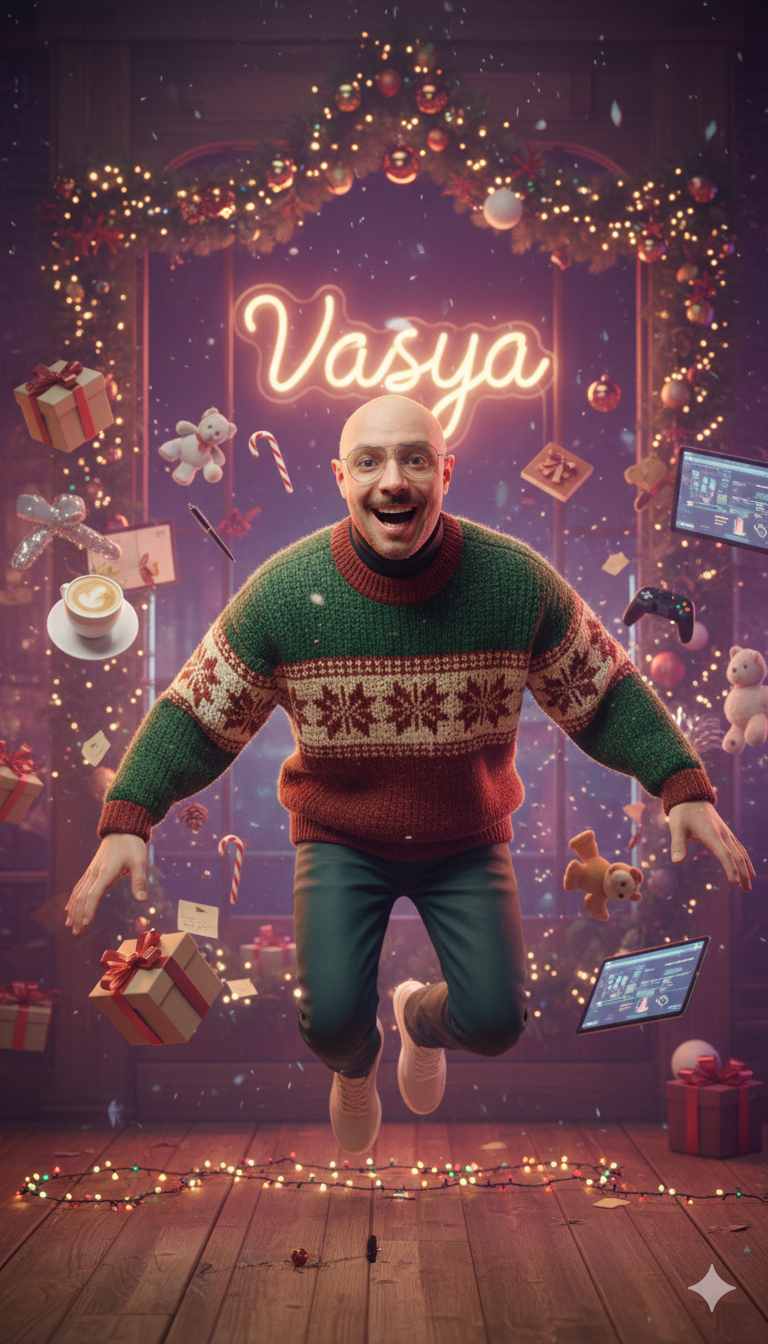
Kling AI work 298451220310471 - mukbang youtube thumbnail AI image
VASYA avatar
VASYA
Kling AI work 298632886527731 - mukbang youtube thumbnail AI image
VASYA avatar
VASYA
Kling AI work 296841782664845 - mukbang youtube thumbnail AI video
Chynnas Cozy Lofi avatar
Chynnas Cozy Lofi
Kling AI work 310444814613973 - mukbang youtube thumbnail AI image
gera avatar
gera
Mukbang - mukbang youtube thumbnail AI video
rTIZbpZG avatar
rTIZbpZG
Kling AI work 306622555537776 - mukbang youtube thumbnail AI video
vero avatar
vero
Kling AI work 298492465527985 - mukbang youtube thumbnail AI image
VASYA avatar
VASYA
Kling AI work 298668020651490 - mukbang youtube thumbnail AI video
bayz avatar
bayz
Kling AI work 314133477615032 - mukbang youtube thumbnail AI video
tbuSPLzr avatar
tbuSPLzr
Kling AI work 314741069613509 - mukbang youtube thumbnail AI video
cute girl lia avatar
cute girl lia
Kling AI work 300694606618011 - mukbang youtube thumbnail AI video
FlpGcnCv avatar
FlpGcnCv

How to Create Cinematic AI Videos with Kling

Upload or Describe Your Vision

Upload or Describe Your Vision

Start by uploading a reference photo or entering a text prompt to define your character, style, and scene.

Adjust Settings & Motion

Adjust Settings & Motion

Refine your video by locking character consistency, adjusting motion intensity, or adding native AI audio and lip-sync.

Generate & Export in 4K

Generate & Export in 4K

Click generate to produce your high-fidelity video. Preview the results and export your masterpiece in stunning 4K resolution.

Create More Realistic Looks with Kling AI

Use Different References for Specific Outfit Details

Use Different References for Specific Outfit Details

Mix and match details from multiple reference images instead of relying on just one. Assign each reference to a different part of the look, from clothing and footwear to smaller accessories, while IMAGE 3.0 Omni combines them into a single outfit. The result is a more controlled styling process and a final look that stays closer to your creative direction.

Change the Outfit, Keep the Person

Change the Outfit, Keep the Person

Changing the clothes should not make the person look like someone else. IMAGE 3.0 Omni helps keep key details such as the face, hairstyle, pose, and overall appearance familiar and recognizable, making it easier to try casual looks, formalwear, or completely different styles while keeping the same person consistent.

Make New Clothes Look Like Part of the Photo

Make New Clothes Look Like Part of the Photo

A convincing AI clothes swap should look like the outfit belongs in the original image. IMAGE 3.0 Omni works with the existing lighting, perspective, textures, and surroundings so the new outfit blends more naturally with the scene, helping fabric, folds, accessories, and other details feel less edited and more like part of a real fashion photo.

Apps

Image to Video
Image to Video

Image to Video

Text to Video
Text to Video

Text to Video

Omni
Omni

Omni

Digital Human
Digital Human

Digital Human

Restyle
Restyle

Restyle

Text to Image
Text to Image

Text to Image

60M+
60M+
Users
600M+
600M+
AI Videos Generated
4.7 ★
4.7 ★
App Store
Industry-Leading
Industry-Leading
Cinematic 4K

Reviews

PJ Ace

PJ Ace

★★★★★

Kling AI has made it easy for us to generate world class visuals for Fortune 500 companies, TV shows and music for big artists. We love the easy of use of the platform and the quality of the generations. My first time using Kling AI, I got 22 million views on just one video. It's that good.

Huang Lu (Elson)

Huang Lu (Elson)

★★★★★

I’ve been using Kling AI since its initial release, and it’s remained one of the leading AI media generators ever since. With Kling AI, I’ve created hundreds of videos, collectively amassing millions of views.

Halim Alrasihi

Halim Alrasihi

★★★★★

I use AI daily and Kling AI is a crucial part of my workflow, whether for client work or personal projects. What I love most about using Kling AI is that it provides all the tools I need in one place, from keyframes to character references, elements and special effects.

FAQ

Q1Can I upload multiple images to improve accuracy?
Q2How do I keep the face from changing or distorting?
Q3What is the difference between Kling 2.6 and 3.0 Motion Control?

Your Next Visual Starts Here

Start with a sentence, a sketch, or a reference photo. Shape the composition, dial in the details, and keep iterating in Kling AI.

Free tier available | Text-to-image | Image-to-image | Fast generation