Creative Studio
API
Resources
Features
About Us
Download

AI-generated muscle poster ideas – Get inspired

Muscle poster ideas created with AI. Get inspired with unique and customizable muscle poster concepts. AI helps you quickly explore different styles and themes for your fitness designs.


AI-generated muscle poster ideas – Get inspired

Recommended

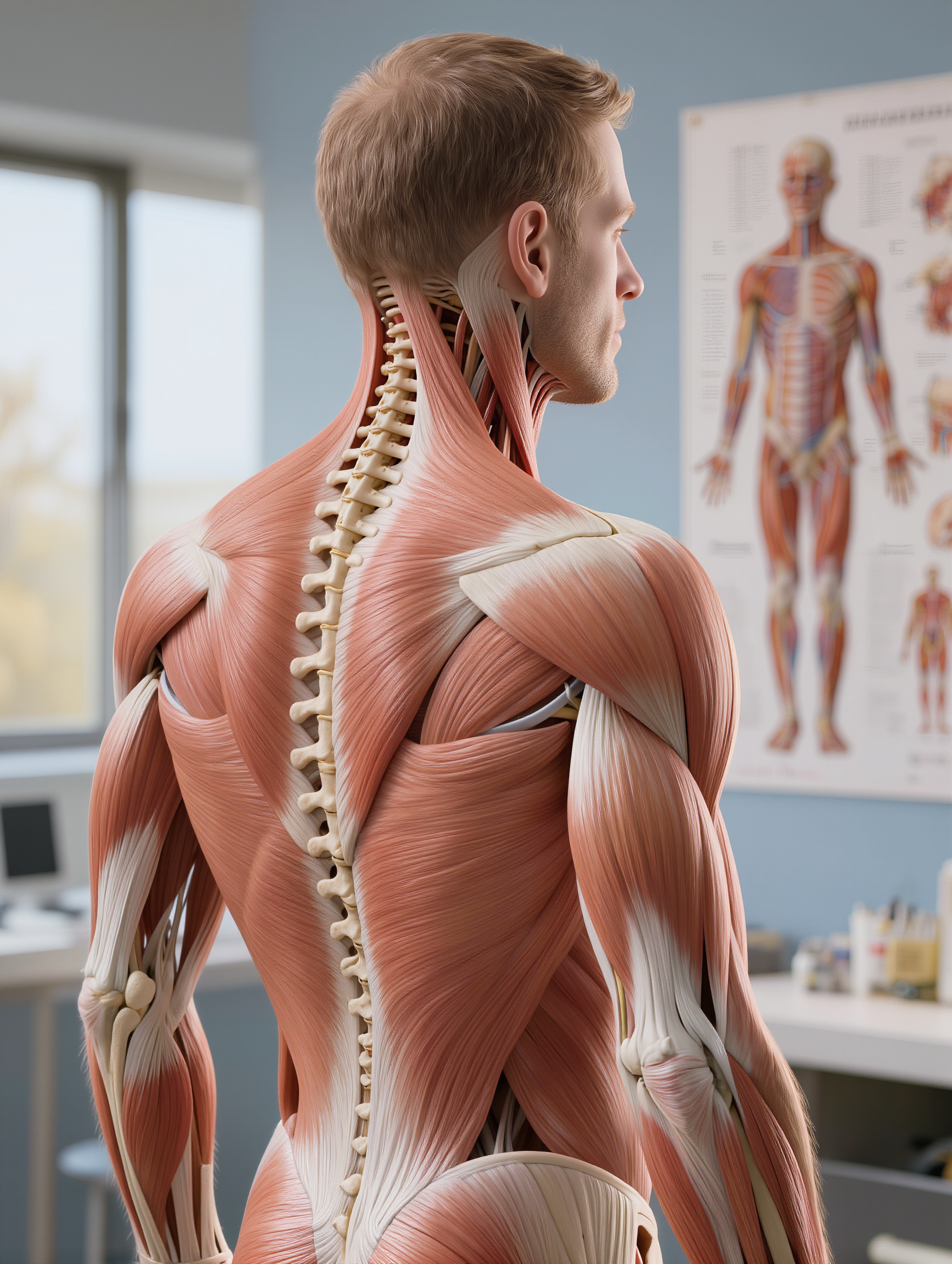
Kling AI work 318805290528177 - muscle AI image
uMKZaTVg avatar
uMKZaTVg
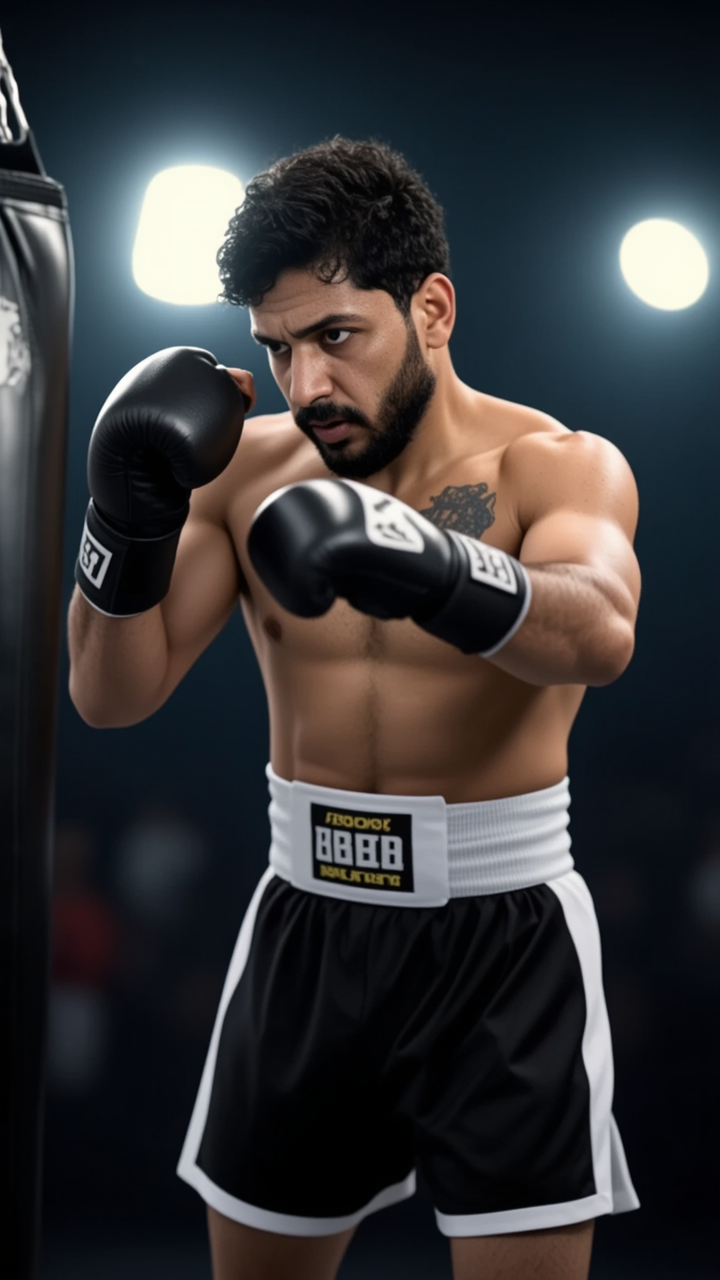
Kling AI work 312325020506885 - muscle AI video
@Bros AI Studio avatar
@Bros AI Studio
Elite Creator
Kling AI work 318858678321041 - muscle AI video
Ghiuri avatar
Ghiuri
Kling AI work 315573216663386 - muscle AI image
rUVyBtBr avatar
rUVyBtBr
Kling AI work 316710632501016 - muscle AI image
ZZeFPUjG avatar
ZZeFPUjG
Kling AI work 306381801615370 - muscle AI video
YzMbXSua avatar
YzMbXSua
Kling AI work 319403339613007 - muscle AI video
AZGXWDhh avatar
AZGXWDhh
fine muscle definition - muscle AI video
KS_V avatar
KS_V
Elite Creator
Kling AI work 318805290507180 - muscle AI image
uMKZaTVg avatar
uMKZaTVg
Kling AI work 318454456528946 - muscle AI video
Rom Baro avatar
Rom Baro
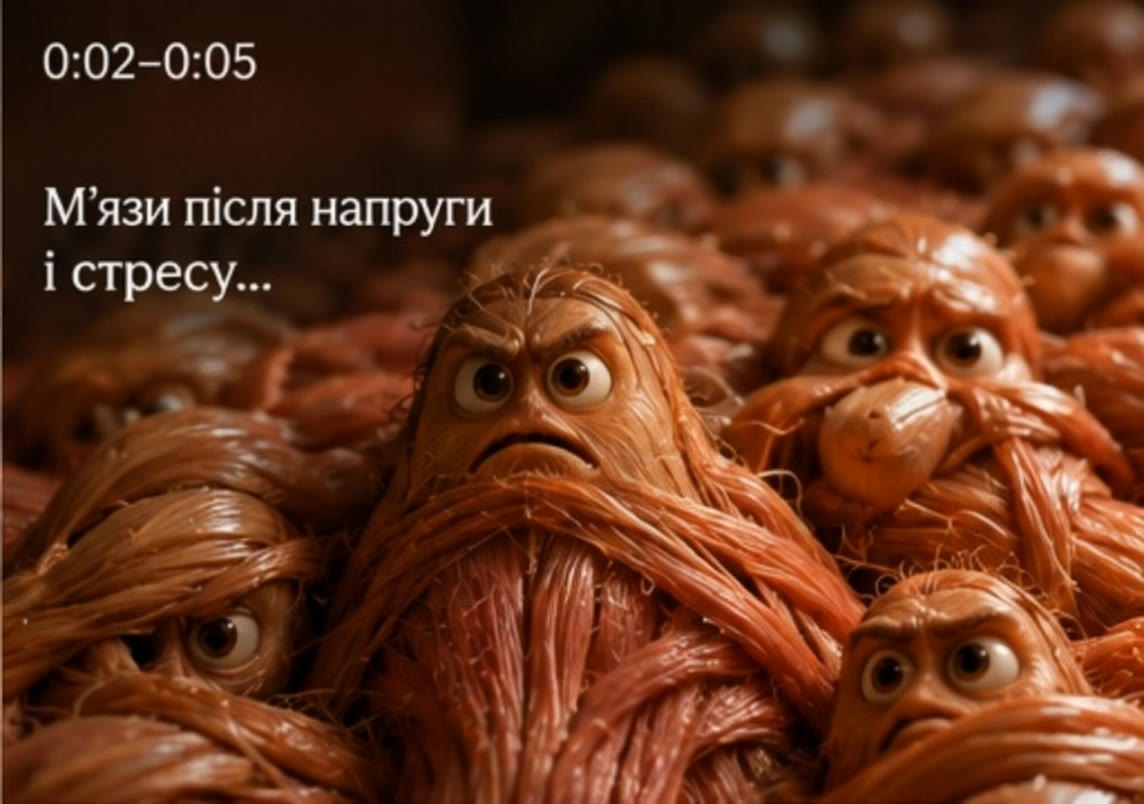
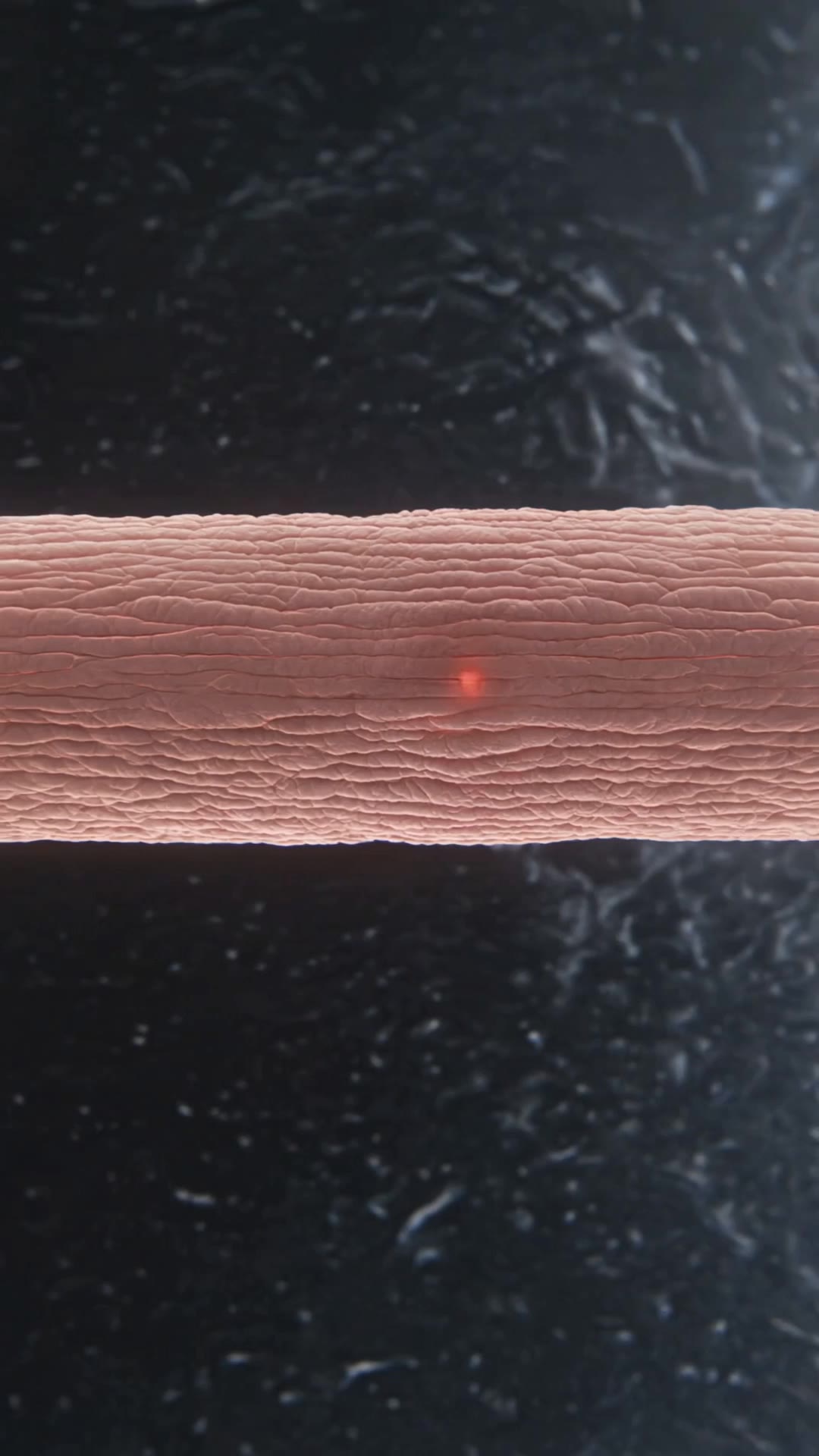
tear in the muscle - muscle AI video
Mr.samasota avatar
Mr.samasota
Kling AI work 313327065501756 - muscle AI video
bWFPeSug avatar
bWFPeSug
Kling AI work 311772452614678 - muscle AI image
TUkXZhaq avatar
TUkXZhaq
Kling AI work 306291795507303 - muscle AI video
YzMbXSua avatar
YzMbXSua
Kling AI work 306850759668324 - muscle AI video
gwDPfRbw avatar
gwDPfRbw
Kling AI work 318858124301752 - muscle AI video
Ghiuri avatar
Ghiuri
Kling AI work 312567454502852 - muscle AI video
Mr. E avatar
Mr. E
Kling AI work 319464463306627 - muscle AI video
Ghiuri avatar
Ghiuri
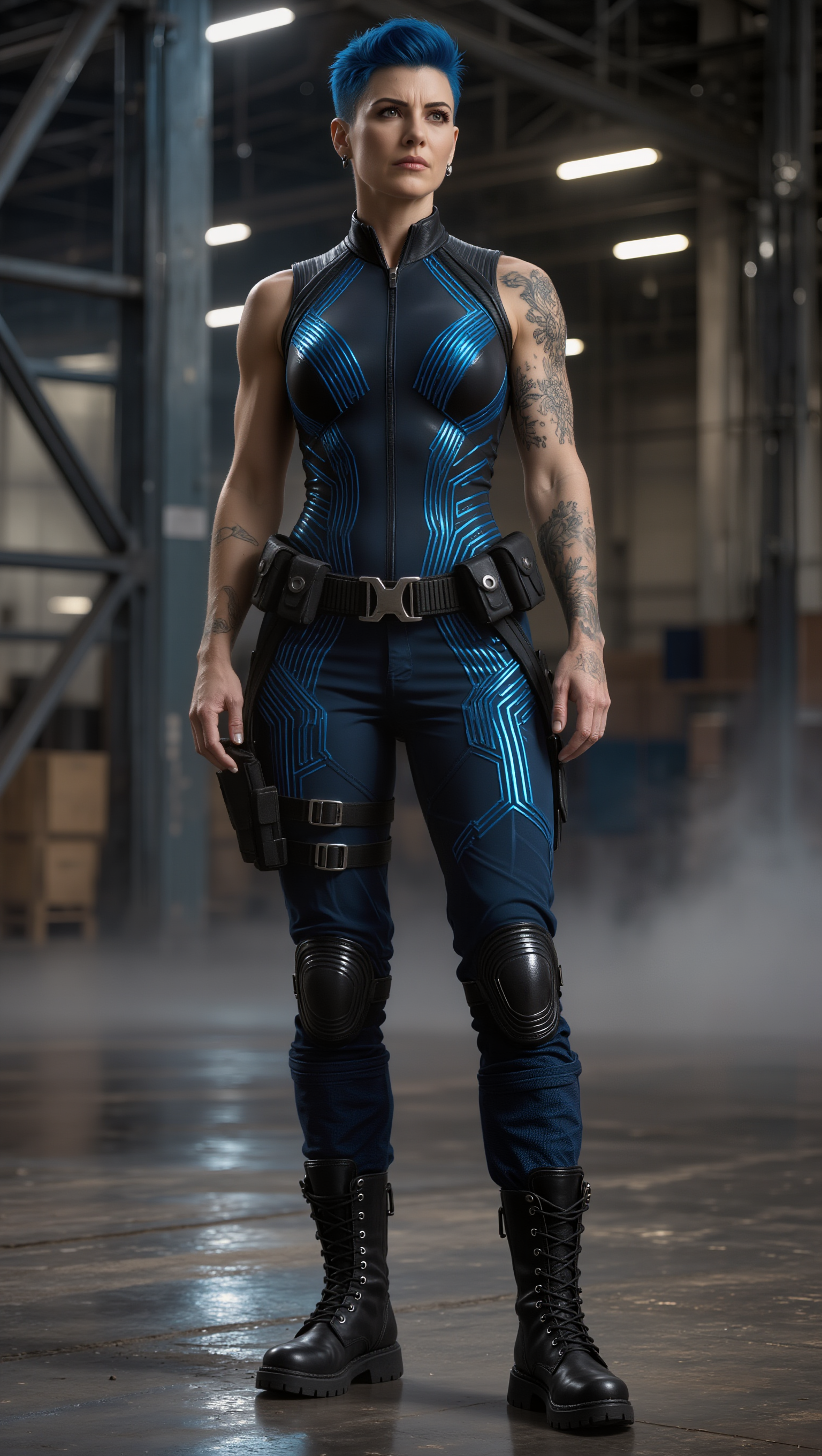
Cyber muscle woman - muscle AI image
Eman Daman avatar
Eman Daman

How to Remove Backgrounds with Kling AI

Remove BG in HD

Remove BG in HD

Upload your image and tell Kling what to keep and what to remove. You can also add a transparent reference image to guide the cutout. Keep the background transparent and export in 2K or 4K with IMAGE 3.0 Omni when you need more detail.

Change Photo Backgrounds Directly

Change Photo Backgrounds Directly

If your end goal is a new background, skip the transparent cutout altogether. Describe the scene you want or add a reference image, and Kling can replace the original background while keeping the subject in place.

Remove Video Backgrounds

Remove Video Backgrounds

Upload your clip, tell Kling which subject to keep, and describe the background you want removed or changed. VIDEO 3.0 Omni works with existing footage, so you can update the setting without reshooting or filming against a green screen.

Make Images Clearer, Sharper, and More Detailed

Make Soft or Blurry-Looking Images Clearer

Make Soft or Blurry-Looking Images Clearer

Improve images that look soft, blurry, or short on detail so important subjects appear clearer and easier to recognize. Kling IMAGE 3.0 Omni can refine facial features, object edges, textures, and other key areas while preserving the overall look and character of the original image.

Enhance Low-Resolution Images in 2K/4K

Enhance Low-Resolution Images in 2K/4K

Need more resolution for a larger screen, campaign visual, product image, or creative project? Use your existing image as the starting point and generate a higher-resolution version in native 2K or 4K. You get more room for fine textures and visual detail to come through, making your result better suited to larger displays, print, presentations, and other high-resolution uses.

Improve Color and Lighting Your Way

Improve Color and Lighting Your Way

If your image feels too dark, flat, or visually uneven, describe the look you want and guide changes to lighting, shadows, contrast, color tone, or saturation. You can create softer light, richer color, or a more balanced finish while keeping control over the overall visual direction.

Apps

Image to Video
Image to Video

Image to Video

Text to Video
Text to Video

Text to Video

Omni
Omni

Omni

Digital Human
Digital Human

Digital Human

Restyle
Restyle

Restyle

Text to Image
Text to Image

Text to Image

60M+
60M+
Users
600M+
600M+
AI Videos Generated
4.7 ★
4.7 ★
App Store
Industry-Leading
Industry-Leading
Cinematic 4K

Reviews

Maria Rubtsova

Maria Rubtsova

★★★★★

I’m Maria Rubtsova, an AIGC digital artist passionate about creating stunning visuals in the worlds of fashion, aesthetics, and fantasy. I use KlingAi to bring imagination to life through video. My work is all about exploring beauty, emotion, and the limitless possibilities of digital art.

Halim Alrasihi

Halim Alrasihi

★★★★★

I use AI daily and Kling AI is a crucial part of my workflow, whether for client work or personal projects. What I love most about using Kling AI is that it provides all the tools I need in one place, from keyframes to character references, elements and special effects.

Ozan Sihay

Ozan Sihay

★★★★★

Kling AI allows me to rapidly prototype ideas, refine storytelling elements, and produce visually compelling content efficiently. It has not only accelerated my creative processes, but also deepened my understanding of how AI can enrich visual storytelling.

FAQ

Q1Does Kling AI support 2K or 4K image generation?
Q2Can I turn an image created with Kling AI into a video?
Q3How do I create an AI image with Kling AI?

Your Next Visual Starts Here

Start with a sentence, a sketch, or a reference photo. Shape the composition, dial in the details, and keep iterating in Kling AI.

Free tier available | Text-to-image | Image-to-image | Fast generation