
Creative Studio
API
Resources
Features
About Us
Download

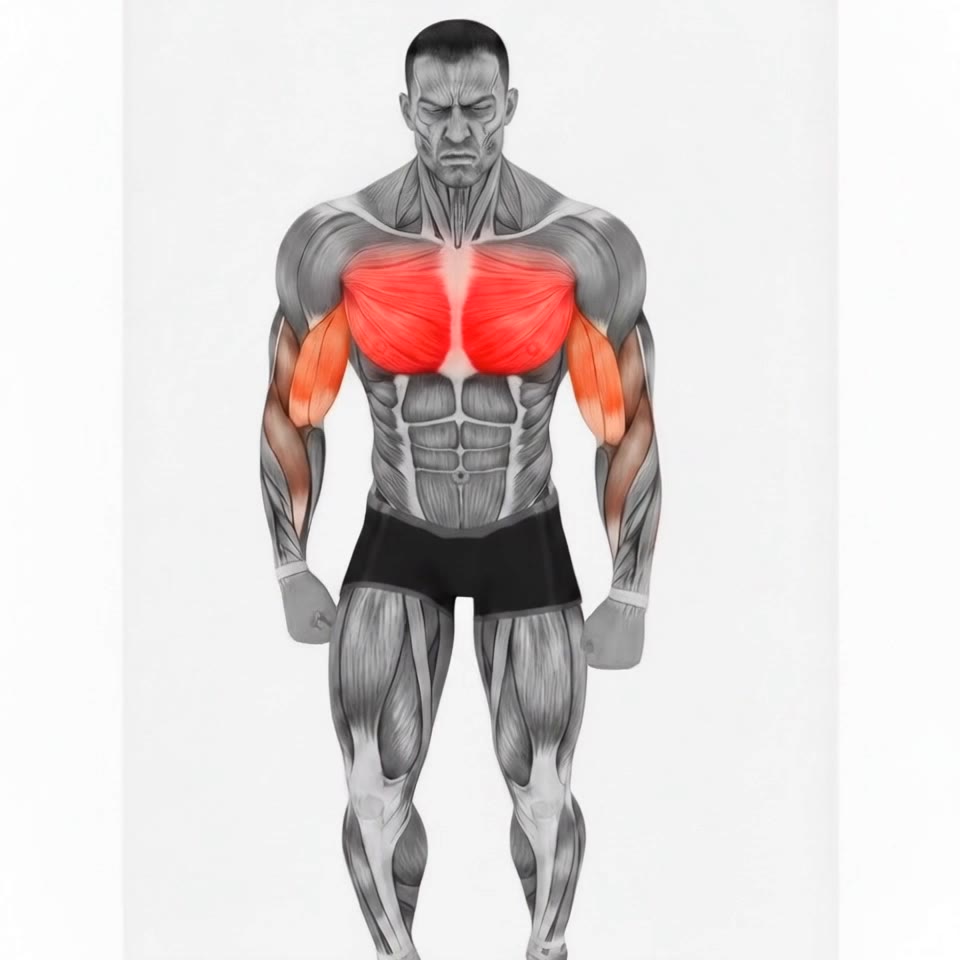
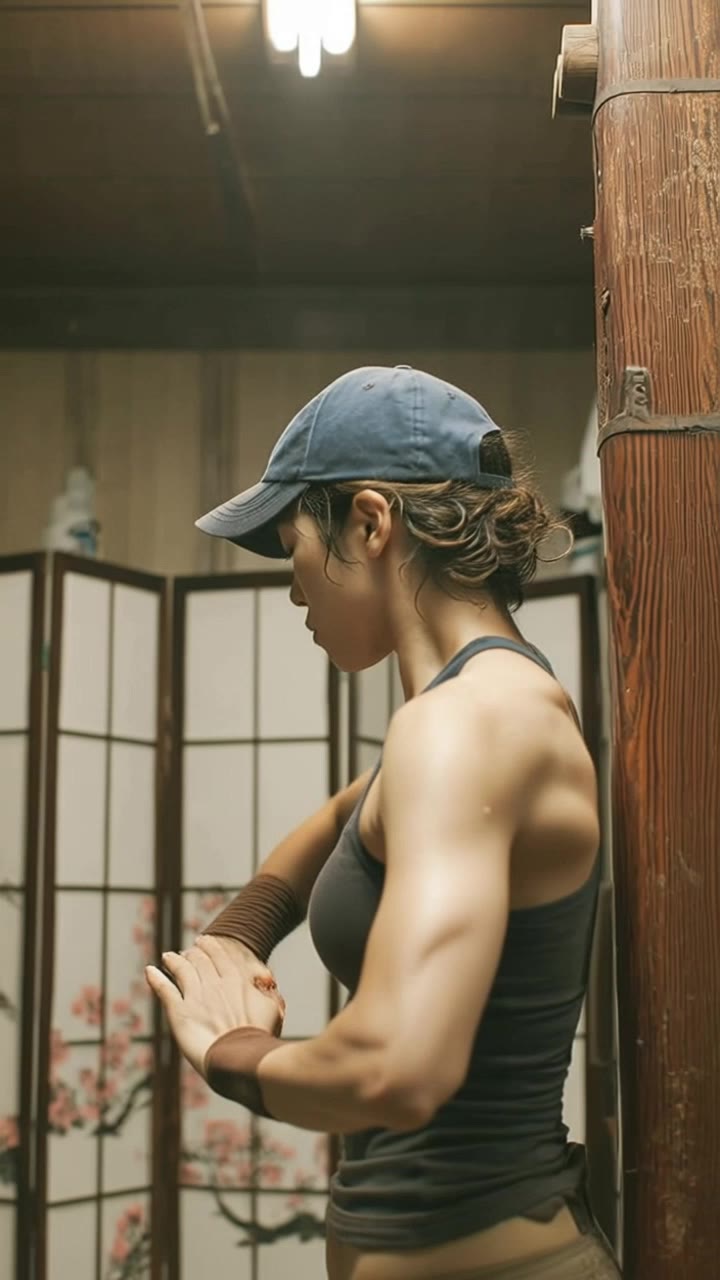
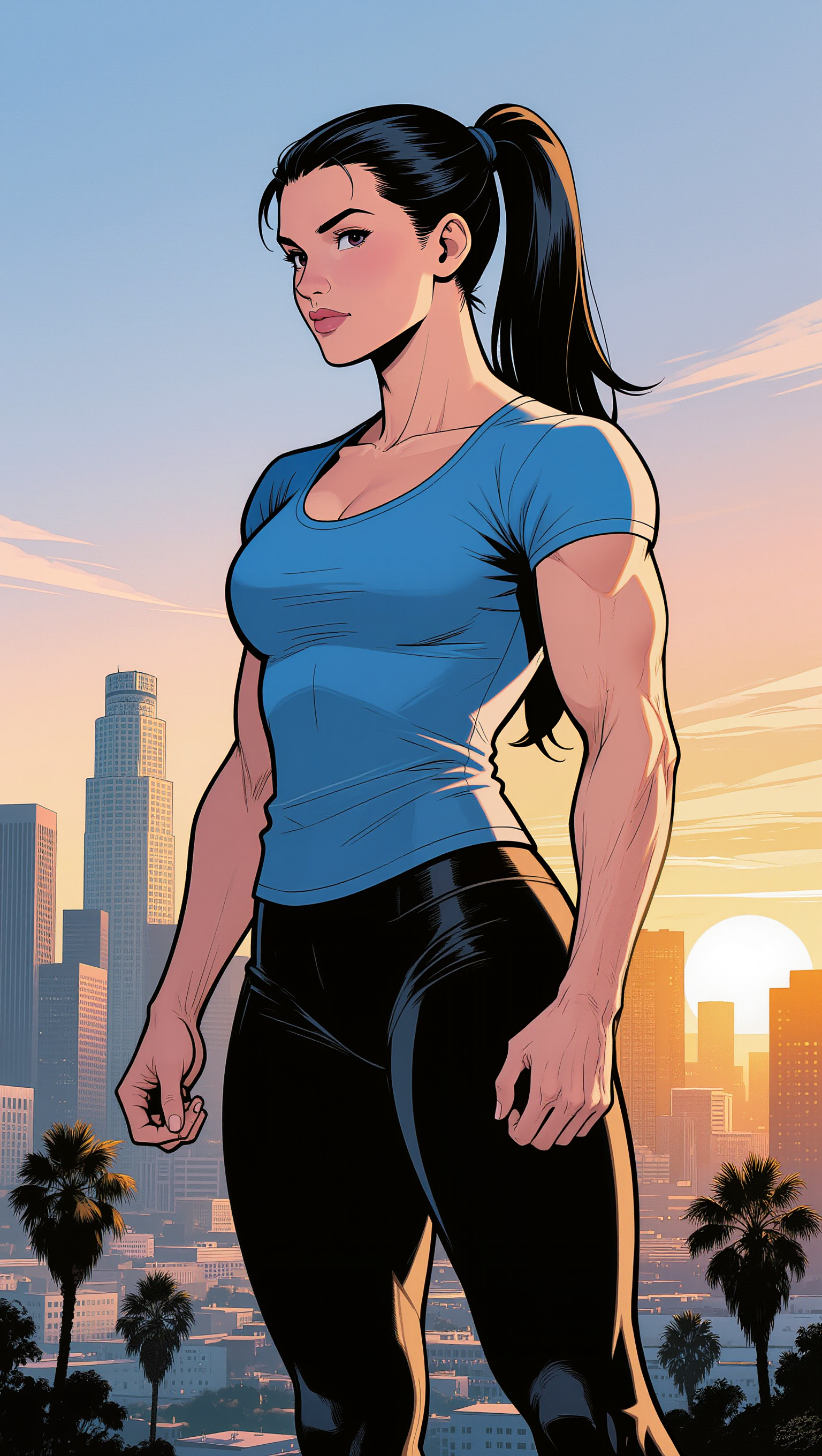
Muscle Wallpaper Ideas – AI-Generated Strength Designs

Explore AI-generated muscle wallpaper ideas. Get unique and strength-inspired designs that can be easily customized. Perfect for fitness enthusiasts and bodybuilders.

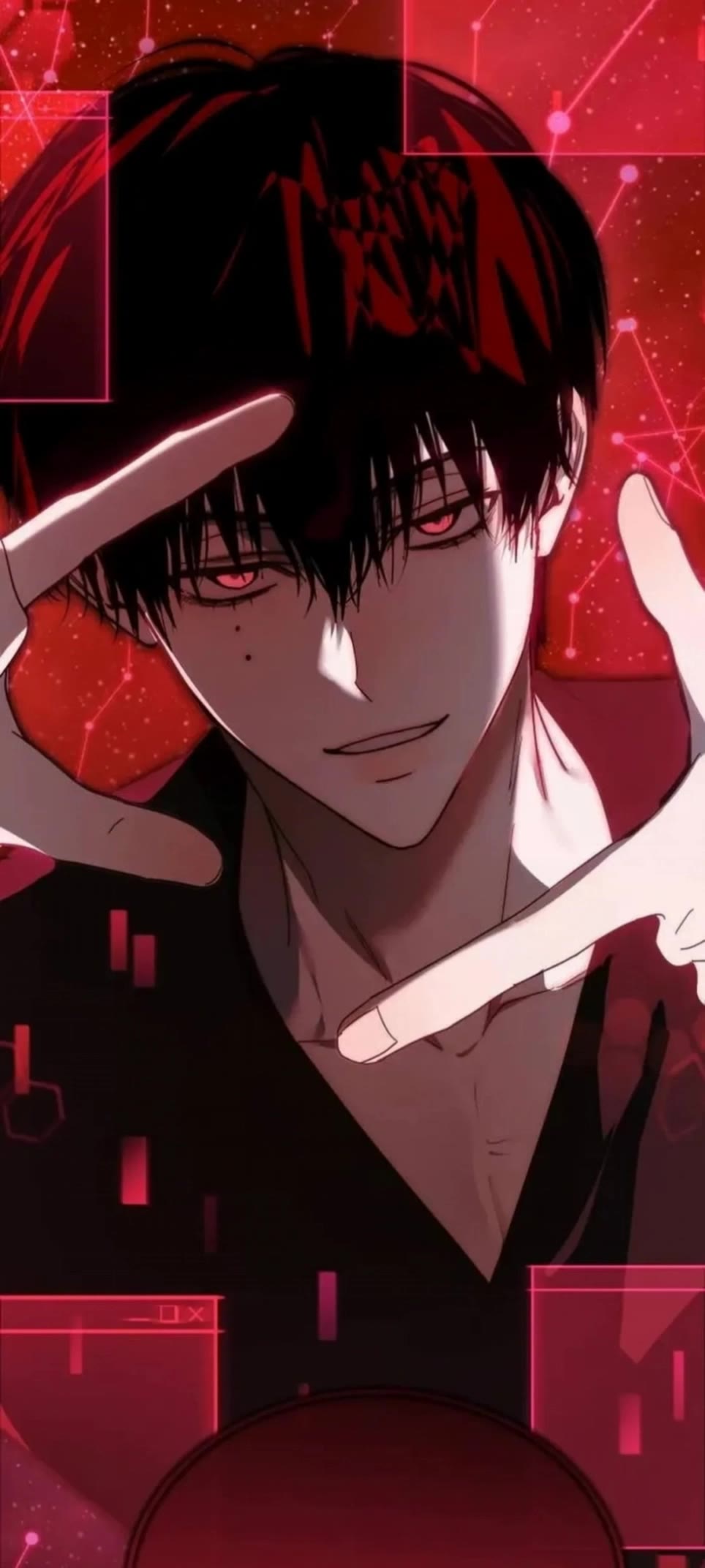
Muscle Wallpaper Ideas – AI-Generated Strength Designs

Recommended

Kling AI work 309072522615109 - muscle wallpaper AI video
wallpaper avatar
wallpaper
wallpaper - muscle wallpaper AI video
EDCxWRhK avatar
EDCxWRhK
Kling AI work 309598057665593 - muscle wallpaper AI video
lmSinFvs avatar
lmSinFvs
wallpaper - muscle wallpaper AI video
EDCxWRhK avatar
EDCxWRhK
Kling AI work 309003577661243 - muscle wallpaper AI video
GhGfLbHl avatar
GhGfLbHl
wallpaper - muscle wallpaper AI video
EDCxWRhK avatar
EDCxWRhK
wallpaper - muscle wallpaper AI video
EDCxWRhK avatar
EDCxWRhK
wallpaper - muscle wallpaper AI video
EDCxWRhK avatar
EDCxWRhK
Kling AI work 309092813615407 - muscle wallpaper AI video
wallpaper avatar
wallpaper
wallpaper - muscle wallpaper AI video
EDCxWRhK avatar
EDCxWRhK
Kling AI work 309253286617978 - muscle wallpaper AI video
70243518 avatar
70243518
Kling AI work 306480184615728 - muscle wallpaper AI video
Mic avatar
Mic
Kling AI work 309616388521786 - muscle wallpaper AI video
Jeane Studio avatar
Jeane Studio
wallpaper - muscle wallpaper AI video
EDCxWRhK avatar
EDCxWRhK
wallpaper - muscle wallpaper AI video
EDCxWRhK avatar
EDCxWRhK
Kling AI work 308534002663896 - muscle wallpaper AI video
70243518 avatar
70243518
Kling AI work 309178580610711 - muscle wallpaper AI video
wallpaper avatar
wallpaper
wallpaper - muscle wallpaper AI video
EDCxWRhK avatar
EDCxWRhK
wallpaper - muscle wallpaper AI video
EDCxWRhK avatar
EDCxWRhK

How to Create Images with Kling AI

Write Down You Ideas

Write Down You Ideas

Open the AI Image Generator and choose the model that fits your project. Describe the subject and scene, then add details such as lighting, color, and visual style to shape the result.

Add References Or Not

Add References Or Not

Upload reference images for a character, product, composition, or style. References are optional, but they give Kling AI a clearer visual foundation when specific features, colors, or design details need to carry into the final image.

Generate Your Image

Generate Your Image

Choose your preferred format and output settings, then hit Generate. Once the result is ready, download it directly or open it in the image-to-video workflow to bring it to life with motion.

Edit the Parts That Matter

Change Subjects, Backgrounds, and Style

Change Subjects, Backgrounds, and Style

Keep what works and change what does not. Replace a character or product, update an outfit, remove a distraction, or move the action into a different setting. You can also change the weather, lighting, time of day, or overall look. With Kling VIDEO 3.0 Omni, you can start with a prompt and add a reference image when a face, product, or branded detail needs a closer match.

Reframe the Shot

Reframe the Shot

Keep the original action, then change how the moment is framed. Move in for a close-up, open to a wider view, shift the angle, or rebalance the composition around the subject. The source footage keeps the motion and scene context in place while your prompt sets the new framing.

Extend the Video

Extend the Video

Continue a clip beyond its current ending without building the next scene from scratch. Kling carries the subject, motion, and setting into the new footage; add a prompt when you want to steer what happens next. Use Video Extension when a clip ends too soon, an action needs more time, or the next beat is still missing.

Apps

Image to Video
Image to Video

Image to Video

Text to Video
Text to Video

Text to Video

Omni
Omni

Omni

Digital Human
Digital Human

Digital Human

Restyle
Restyle

Restyle

Text to Image
Text to Image

Text to Image

60M+
60M+
Users
600M+
600M+
AI Videos Generated
4.7 ★
4.7 ★
App Store
Industry-Leading
Industry-Leading
Cinematic 4K

Reviews

James Phillips

James Phillips

★★★★★

Kling AI has transformed my workflow by collapsing timelines and democratizing production. It’s shifted my mindset from resource-dependent filmmaking to a boundless creative sandbox, where experimentation yields unexpected beauty.

Halim Alrasihi

Halim Alrasihi

★★★★★

I use AI daily and Kling AI is a crucial part of my workflow, whether for client work or personal projects. What I love most about using Kling AI is that it provides all the tools I need in one place, from keyframes to character references, elements and special effects.

Maria Rubtsova

Maria Rubtsova

★★★★★

I’m Maria Rubtsova, an AIGC digital artist passionate about creating stunning visuals in the worlds of fashion, aesthetics, and fantasy. I use KlingAi to bring imagination to life through video. My work is all about exploring beauty, emotion, and the limitless possibilities of digital art.

FAQ

Q1Does Kling support AI lip sync?
Q2Can I edit a video with AI using text?
Q3Do I need professional video editing experience when using AI video editor?

Take Your Photo in a New Direction

Start with the image you have and rework it for the look, message, or moment you have in mind.

Object removal | Background changes | Portrait retouching | Photo restyling