Creative Studio
API
Resources
Features
About Us
Download

AI-generated music video ideas

Get inspired by AI-made music video concepts. Quickly explore different styles and themes to create engaging content for your audience.

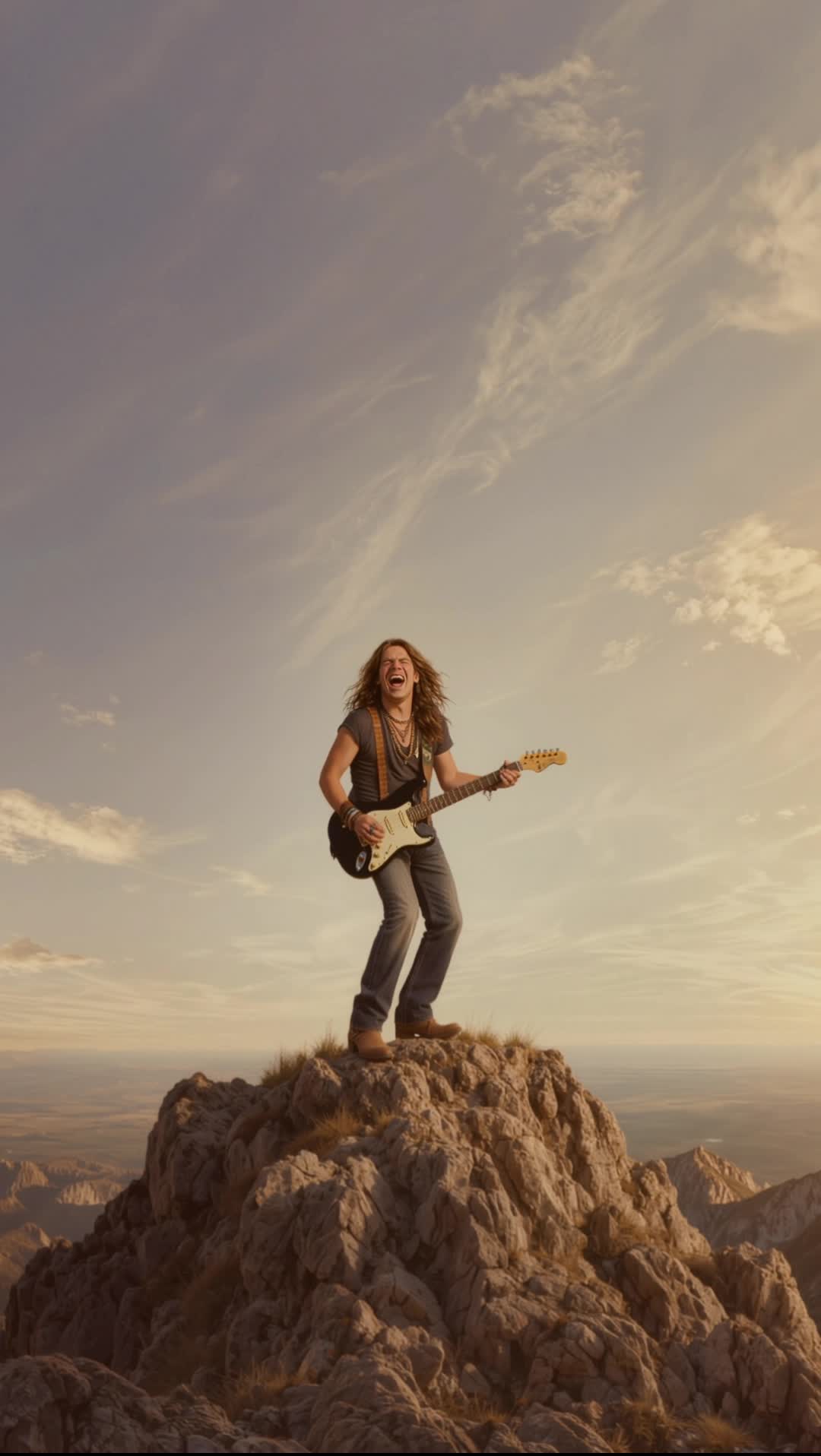
AI-generated music video ideas

Recommended

Warmth of Autumn Music - music video generator AI video
ai.Mila.studio avatar
ai.Mila.studio
Elite Creator
80s music video - music video generator AI video
00:38
artisticvideo avatar
artisticvideo
Elite Creator
Kling AI work 316976620503734 - music video generator AI video
KBKxLWbv avatar
KBKxLWbv
Goodbye for Now | AI Music Video - music video generator AI video
02:20
Cross Faders Studio avatar
Cross Faders Studio
K-pop music video - music video generator AI video
01:15
SecondPlan avatar
SecondPlan
Elite Creator
text to video - music video generator AI video
Be Direct Ai avatar
Be Direct Ai
Elite Creator
A video of a little dog - music video generator AI video
HW_email2 avatar
HW_email2
Religion. Music video - music video generator AI video
05:47
Oleg Kuvaev avatar
Oleg Kuvaev
First Video! - music video generator AI video
QKGeqpbT avatar
QKGeqpbT
Prompt generator gambar AI mahak - music video generator AI image
ℹ️MissKAKADU🌼 avatar
ℹ️MissKAKADU🌼
VFX IN A mUSIC VIDEO - music video generator AI video
bzmDlDas avatar
bzmDlDas
Mechanical Toy Generator - music video generator AI video
ADLAN AI avatar
ADLAN AI
my first video - music video generator AI video
YVOPEWaw avatar
YVOPEWaw
Just Let the Music Move - music video generator AI video
josegOly avatar
josegOly
Watching music video - music video generator AI video
Lua_Muna avatar
Lua_Muna
Music in the Forest - music video generator AI video
Caelion Asterwyn avatar
Caelion Asterwyn
When Raindrops Read Music - music video generator AI video
ai.Mila.studio avatar
ai.Mila.studio
Elite Creator
Scene for My New Music Video - music video generator AI video
Kriando Arte avatar
Kriando Arte
Music cat - music video generator AI video
ISOLDA8502 avatar
ISOLDA8502

How to Create Images with Kling AI

Write Down You Ideas

Write Down You Ideas

Open the AI Image Generator and choose the model that fits your project. Describe the subject and scene, then add details such as lighting, color, and visual style to shape the result.

Add References Or Not

Add References Or Not

Upload reference images for a character, product, composition, or style. References are optional, but they give Kling AI a clearer visual foundation when specific features, colors, or design details need to carry into the final image.

Generate Your Image

Generate Your Image

Choose your preferred format and output settings, then hit Generate. Once the result is ready, download it directly or open it in the image-to-video workflow to bring it to life with motion.

One Image-to-Image Generator, More Ways to Create

Refine With Precision

Refine With Precision

Bring in up to 10 reference images to keep the subject, color, shape, and visual details that matter, then update only what needs to change. Whether you’re reworking a background, adjusting lighting, or refining a product or character, IMAGE 3.0 helps the new image stay true to the original while making the edit feel clean, natural, and intentional.

Restyle With Freedom

Restyle With Freedom

Give any image a fresh look in more than one way. Start with the built-in style library to recreate a look in one click, or upload your original image with a reference to follow a specific visual direction. Kling AI image-to-image model carries over the qualities that define the style while keeping the subject clear and the composition intact.

Generate Image Series in 4K

Generate Image Series in 4K

Start with one image or several references and generate a connected set in one pass. IMAGE 3.0 Omni keeps characters, products, style, and tone consistent from image to image, while still allowing new actions, framing, camera angles, and shot types. Native 4K output makes it well suited to cinematic multi-shot storyboards, product image sets, and character design.

Apps

Image to Video
Image to Video

Image to Video

Text to Video
Text to Video

Text to Video

Omni
Omni

Omni

Digital Human
Digital Human

Digital Human

Restyle
Restyle

Restyle

Text to Image
Text to Image

Text to Image

60M+
60M+
Users
600M+
600M+
AI Videos Generated
4.7 ★
4.7 ★
App Store
Industry-Leading
Industry-Leading
Cinematic 4K

Reviews

Huang Lu (Elson)

Huang Lu (Elson)

★★★★★

I’ve been using Kling AI since its initial release, and it’s remained one of the leading AI media generators ever since. With Kling AI, I’ve created hundreds of videos, collectively amassing millions of views.

Jyo John Mulloor

Jyo John Mulloor

★★★★★

Kling AI has been instrumental in transforming my creative workflow, unlocking new dimensions of artistic expression that were once unimaginable. I use Kling AI extensively to develop high-concept visuals, animate surreal dreamscapes, and create AI-assisted films that blur the line between reality and fantasy. Kling AI’s deep learning capabilities have not only enhanced my creative efficiency but also inspired me to explore storytelling in ways I never thought possible.

Samuele Poggi (@visualsk2)

Samuele Poggi (@visualsk2)

★★★★★

I use Kling AI daily to push the limits of AI filmmaking. It allows me to create highly cinematic content, blending AI and VFX to develop innovative projects. It has significantly impacted my creative process, enabling me to achieve complex animations that would otherwise require high production budgets.

FAQ

Q1Can Kling AI retouch portraits?
Q2Can I change the lighting, colors, or camera angle?
Q3Can Kling AI edit text inside an image?

Remove the Background. Create What Comes Next.

Remove the background, replace the scene, and take your visual somewhere new with Kling AI.

Free tier available | Image and video workflows | High-resolution options