Creative Studio
API
Resources
Features
About Us
Download

Music Video Ideas – AI-Generated Content

Discover AI-generated music video ideas. Create engaging and unique content with ease.

Music Video Ideas – AI-Generated Content

Recommended

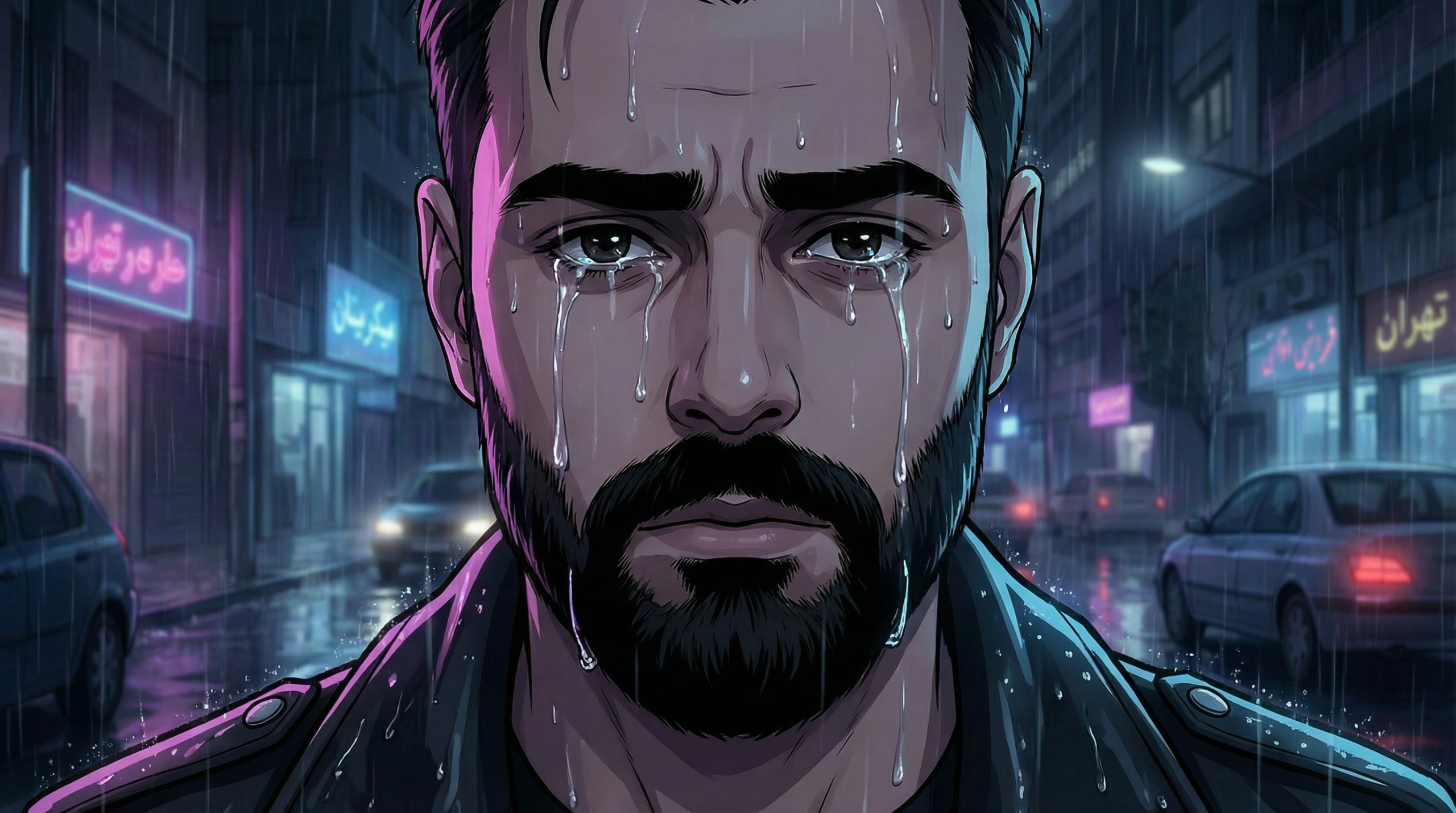
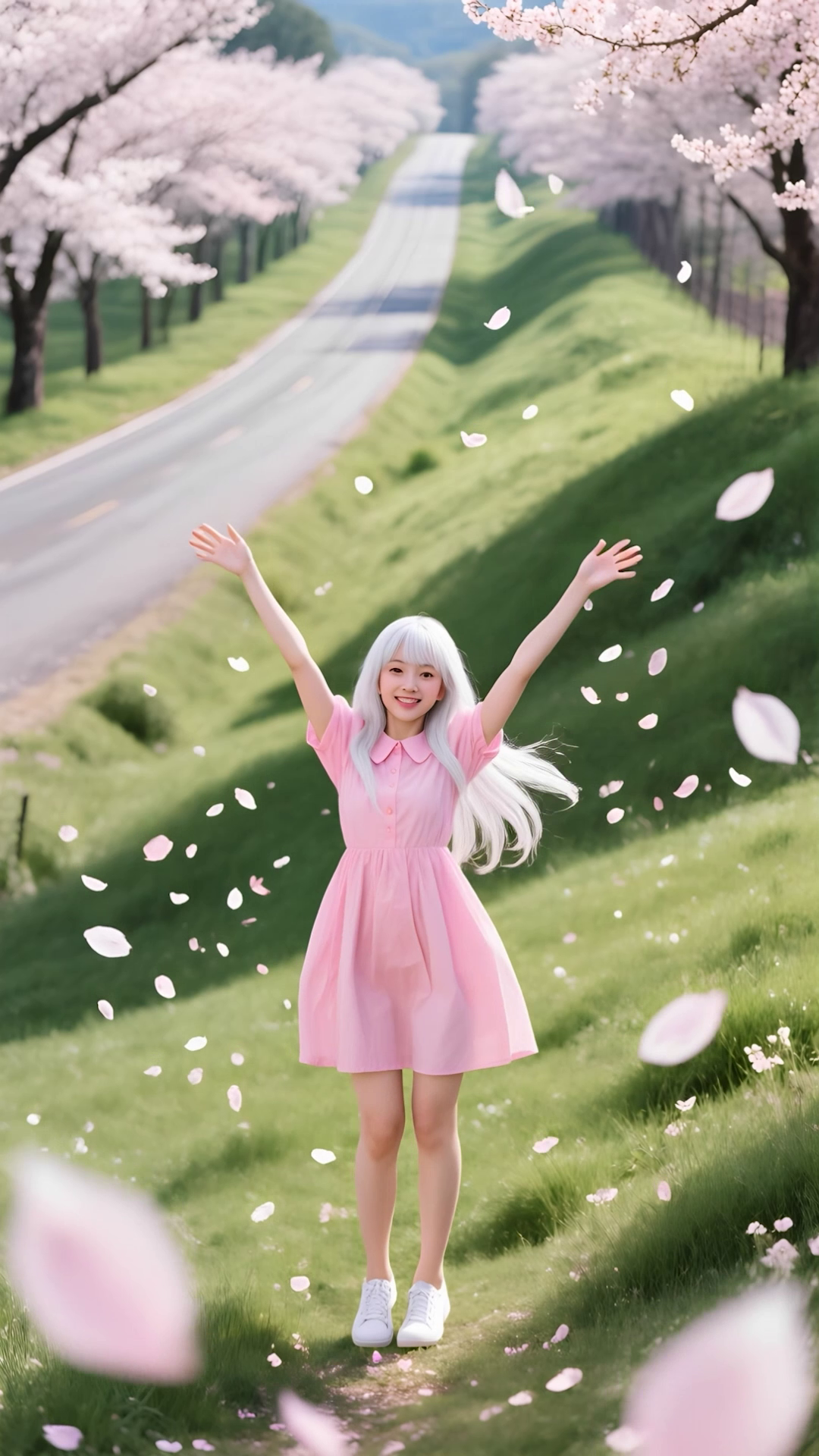
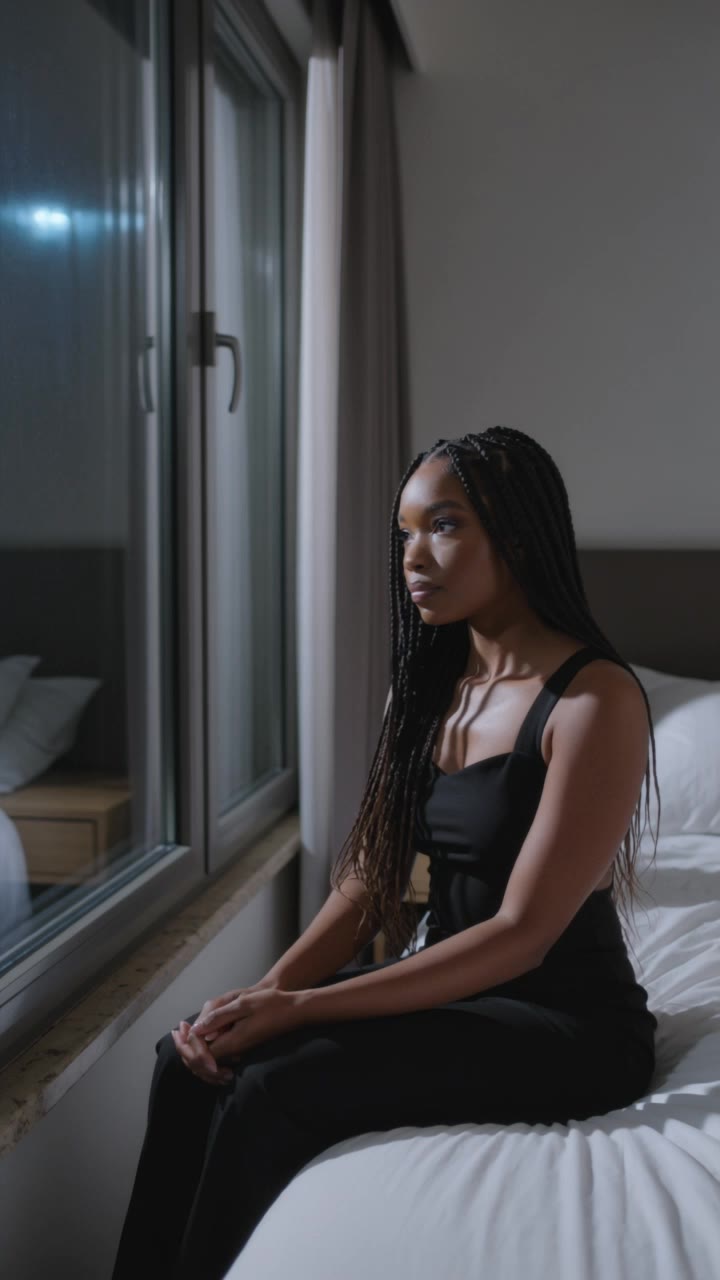
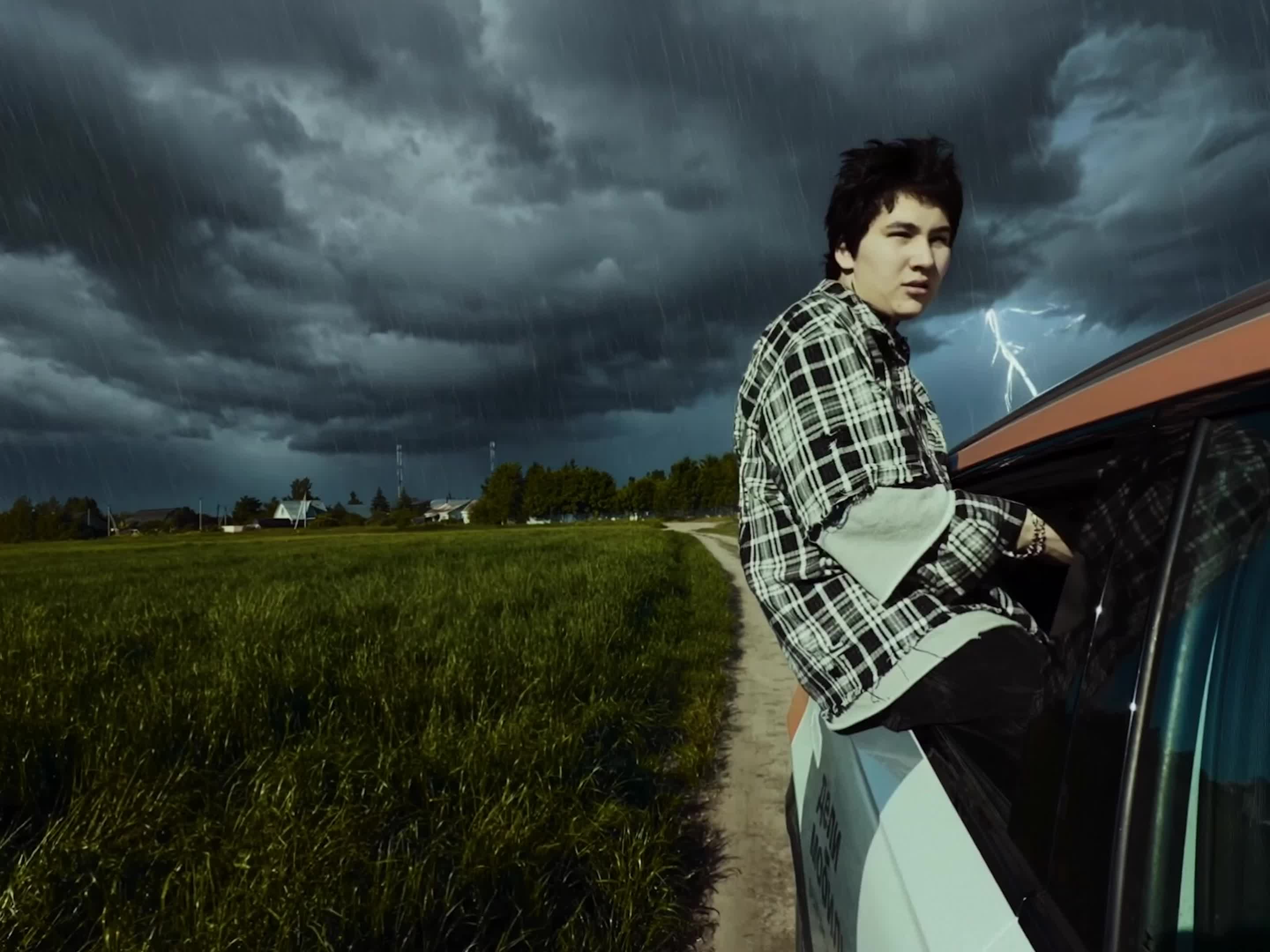
Music Video - music video video AI video
04:03
Ugur Takoz avatar
Ugur Takoz
Divune - Music Video - music video video AI video
03:03
EiXCpOYN avatar
EiXCpOYN
Watching music video - music video video AI video
Lua_Muna avatar
Lua_Muna
video oromoo  - music video video AI image
PpqmtOUs avatar
PpqmtOUs
Exciting music video - music video video AI video
00:51
SecondPlan avatar
SecondPlan
Elite Creator
cinematic video  - music video video AI video
KmlkWohO avatar
KmlkWohO
MUSIC VIDEO - music video video AI video
00:16
ERXMuwwu avatar
ERXMuwwu
Use the uploaded video as the ex - music video video AI image
NUFsXjGe avatar
NUFsXjGe
K-pop music video - music video video AI video
01:15
SecondPlan avatar
SecondPlan
Elite Creator
ANIMATION MUSIC VIDEO - music video video AI video
00:32
bzmDlDas avatar
bzmDlDas
Music video - music video video AI video
00:20
Korkoha Inc. avatar
Korkoha Inc.
Music Video - music video video AI video
00:29
OOXDkNIy avatar
OOXDkNIy
Rap of  audio and video - music video video AI video
BozzyBoy avatar
BozzyBoy
CONJURE - MUSIC VIDEO - music video video AI video
03:07
CTgpySeY avatar
CTgpySeY
Music video  - music video video AI video
ltMNVhFp avatar
ltMNVhFp
like a music video - music video video AI video
ナナ avatar
ナナ
A scene from the music video - music video video AI video
kaei_wat avatar
kaei_wat
Create a cinematic music video f - music video video AI video
zewwcWve avatar
zewwcWve
my first ai video - music video video AI video
ROAxKBqM avatar
ROAxKBqM

How to Create AI Video Dubbing with Kling

Step 1: Set Up Your Characters and Scene

Step 1: Set Up Your Characters and Scene

Describe the characters and scene you want to create, or add supported image or Character Element references when you already have a specific look in mind. Make each speaker easy to identify before adding dialogue.

Step 2: Add Dialogue and Set Each Voice

Step 2: Add Dialogue and Set Each Voice

Write each character’s lines and keep them clearly paired with the right speaker. Add the language, accent, tone, or delivery to your prompt when you want to shape how each line sounds, and mix supported languages within the same scene when needed.

Step 3: Generate with Native Audio

Step 3: Generate with Native Audio

Generate the video with Native Audio to create dialogue, lip movements, visuals, ambience, and supporting sound together. Enable Multi-Shot when you want the conversation to unfold across different shots, camera angles, or scene beats.

Remove Objects from Images with More Control

Remove Objects with Simple Text Prompts

Remove Objects with Simple Text Prompts

Skip complex masks and manual retouching. Tell Kling IMAGE 3.0 what you want gone in a text prompt, and it interprets your instruction as a targeted image edit. It gives you a faster way to clean up photos without a complicated editing workflow.

Target the Exact Object You Want Gone

Target the Exact Object You Want Gone

When several similar people or objects appear in the same image, describe the target by its position, appearance, or nearby context. Clearer instructions give you more control over which element is removed while helping reduce unintended changes to unrelated parts of the scene.

Keep the Edited Area Visually Consistent

Keep the Edited Area Visually Consistent

Removing an object also means recreating the area it once covered. Kling IMAGE 3.0 is designed to preserve surrounding style, lighting, and texture during targeted edits, helping the cleared area feel more connected to the rest of the image instead of standing out as an obvious edit.

Apps

Image to Video
Image to Video

Image to Video

Text to Video
Text to Video

Text to Video

Omni
Omni

Omni

Digital Human
Digital Human

Digital Human

Restyle
Restyle

Restyle

Text to Image
Text to Image

Text to Image

60M+
60M+
Users
600M+
600M+
AI Videos Generated
4.7 ★
4.7 ★
App Store
Industry-Leading
Industry-Leading
Cinematic 4K

Reviews

Jyo John Mulloor

Jyo John Mulloor

★★★★★

Kling AI has been instrumental in transforming my creative workflow, unlocking new dimensions of artistic expression that were once unimaginable. I use Kling AI extensively to develop high-concept visuals, animate surreal dreamscapes, and create AI-assisted films that blur the line between reality and fantasy. Kling AI’s deep learning capabilities have not only enhanced my creative efficiency but also inspired me to explore storytelling in ways I never thought possible.

Maria Rubtsova

Maria Rubtsova

★★★★★

I’m Maria Rubtsova, an AIGC digital artist passionate about creating stunning visuals in the worlds of fashion, aesthetics, and fantasy. I use KlingAi to bring imagination to life through video. My work is all about exploring beauty, emotion, and the limitless possibilities of digital art.

Samuele Poggi (@visualsk2)

Samuele Poggi (@visualsk2)

★★★★★

I use Kling AI daily to push the limits of AI filmmaking. It allows me to create highly cinematic content, blending AI and VFX to develop innovative projects. It has significantly impacted my creative process, enabling me to achieve complex animations that would otherwise require high production budgets.

FAQ

Q1Is Kling AI’s image to image AI free to try?
Q2Can I generate multiple variations or a connected image series?
Q3Can Kling AI keep faces, characters, or products consistent?

Bring Your Character to Life

Add a voice or script to turn your character video into a polished lip-sync performance.

Voiceover | Text to Speech | Audio trimming | Realistic, 3D & 2D character