Creative Studio
API
Resources
Features
About Us
Download

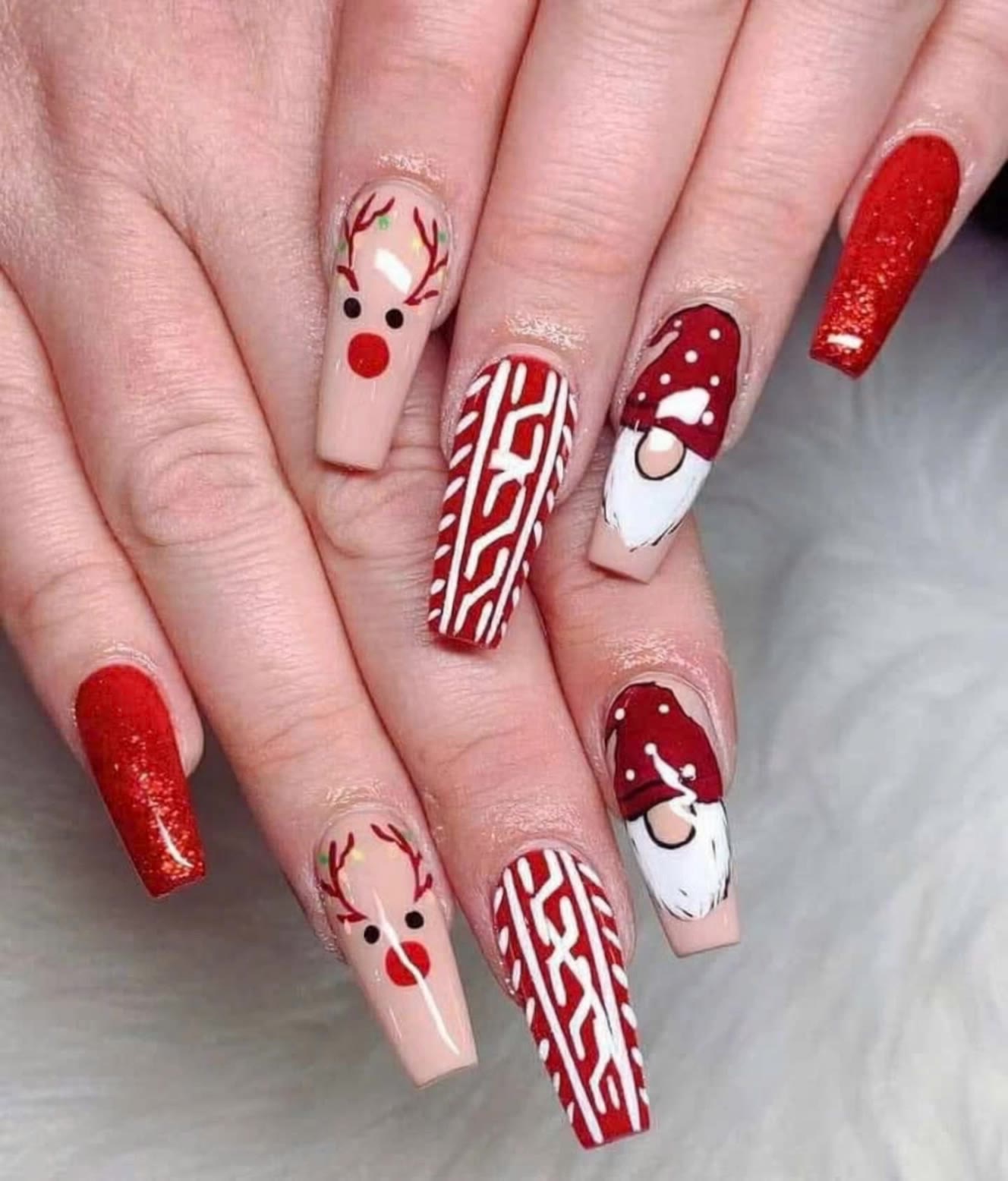
Nails Image to Video – AI-Generated Transformations

Transform your nail images into videos with AI. Explore AI-generated ideas that bring your nail art to life. Customize and adapt these AI results for unique video creations.


Nails Image to Video – AI-Generated Transformations

Recommended

Kling AI work 294534118613815 - nails image to video AI video
PgilaHWl avatar
PgilaHWl
 image 1 - nails image to video AI image
CXThSvTE avatar
CXThSvTE
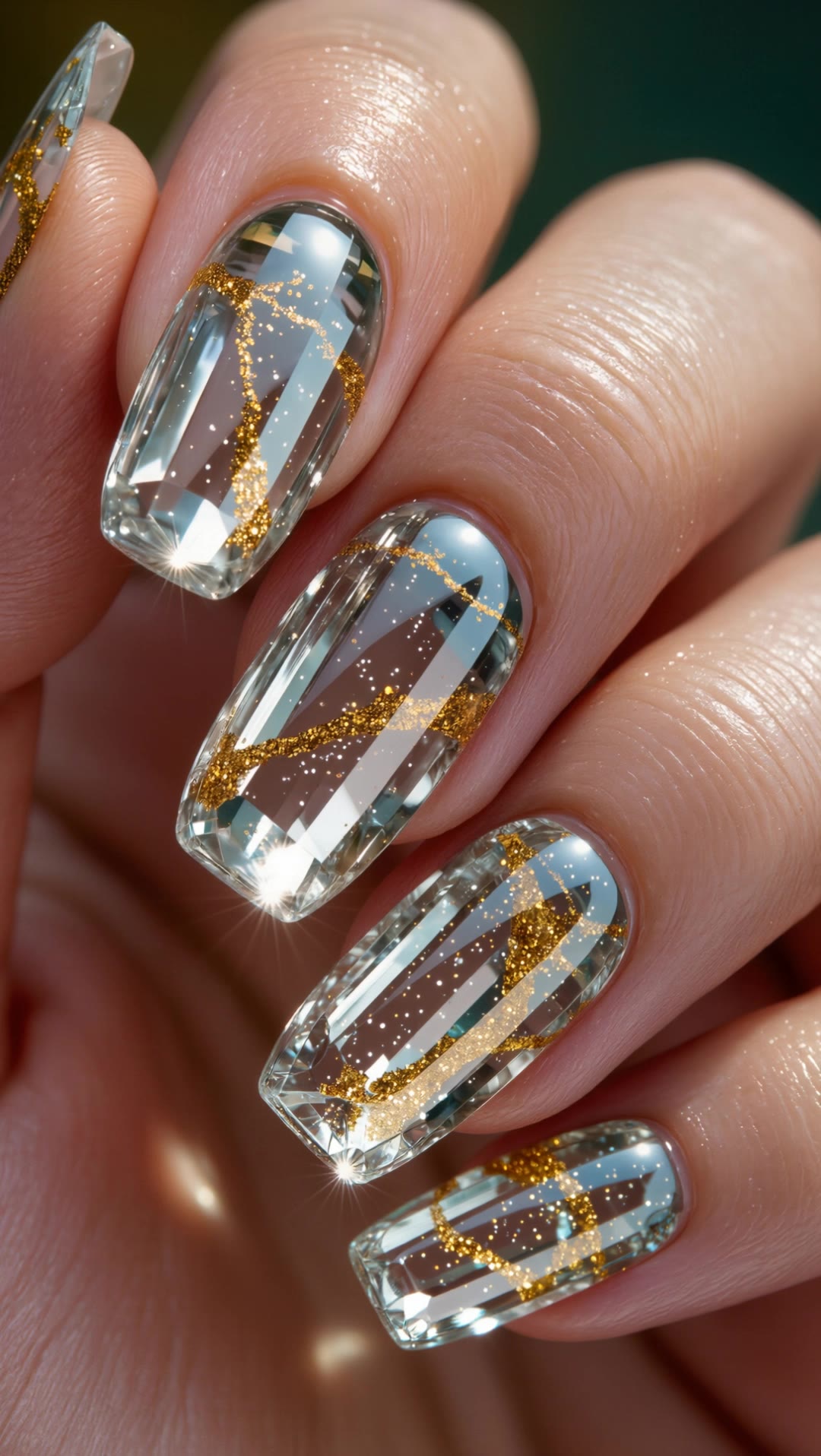
Crystal Gold Kintsugi Nails - nails image to video AI video
kosmodjon avatar
kosmodjon
Kling AI work 317129937307406 - nails image to video AI video
het avatar
het
Kling AI work 296134512520426 - nails image to video AI video
wiSjFUWf avatar
wiSjFUWf
Beautification Express - nails image to video AI image
Gigantic Power avatar
Gigantic Power
Kling AI work 314908241500230 - nails image to video AI video
TaiZooaK avatar
TaiZooaK
LA REGINA — Official Music Video - nails image to video AI video
vpTUHPNy avatar
vpTUHPNy
Show off nails. - nails image to video AI video
KLING6694 avatar
KLING6694
Show off nails. - nails image to video AI video
KLING6694 avatar
KLING6694
Kling AI work 306859895610130 - nails image to video AI video
eKIoYVNV avatar
eKIoYVNV
Kling O1: Image to Video - nails image to video AI video
01:14
tinta.artificial avatar
tinta.artificial
Show off nails. - nails image to video AI video
KLING6694 avatar
KLING6694
Kling AI work 315823200525634 - nails image to video AI video
rTfdbyWI avatar
rTfdbyWI
Image to video - nails image to video AI video
tKCRyKxK avatar
tKCRyKxK
Kling AI work 318755521663729 - nails image to video AI video
qooOXdam avatar
qooOXdam
Show off nails. - nails image to video AI video
KLING6694 avatar
KLING6694
Nails Cloud Danser - nails image to video AI video
xYWAJyXg avatar
xYWAJyXg

How to Remove Watermarks from Photos with Kling AI

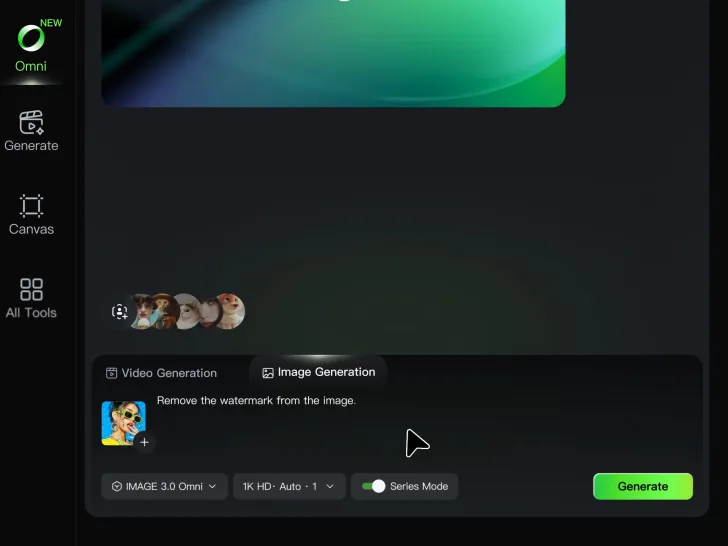
Step 1: Upload Your Image

Step 1: Upload Your Image

Upload the image you want to clean up. For the best starting point, choose an image where the watermark or unwanted mark is clearly visible.

Step 2: Describe the Change

Step 2: Describe the Change

Tell Kling AI what you want removed. Keep the instruction focused on the edit, and mention any important parts of the image you want to leave as they are.

Step 3: Generate and Review

Step 3: Generate and Review

Generate your edited image at higher output resolutions and review the result. Kling AI removes unwanted elements while keeping your image clear and detailed.

What’s New in Video 3.0

Cinematic Audiovisual Synergy

Cinematic Audiovisual Synergy

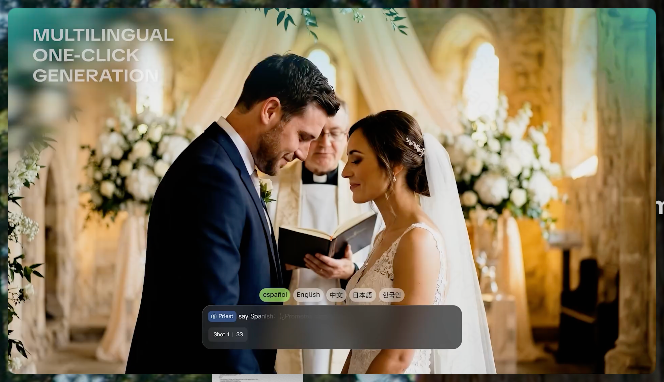
Cinematic AI Video Generator with Native Audio Create multi-shot cinematic sequences with native audio and precise character-level lip-sync in one seamless automated content creation output. This next-generation AI video production model ensures perfect audio-visual alignment for professional storytelling.
Ultimate Element & Character Consistency

Ultimate Element & Character Consistency

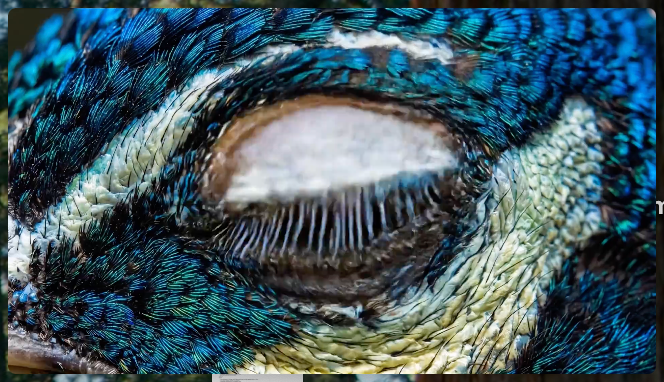
Stable Character Consistency for Professional Filmmaking Maintain perfect character consistency and object stability across frames, ensuring a reliable visual identity even with complex camera movements. Our AI video model locks subjects to prevent flickering, delivering high-fidelity results for advanced video generation.
Professional Commercial Rendering

Professional Commercial Rendering

High-Fidelity 15s Sequences and Native Text Rendering Produce up to 15 seconds of uninterrupted video featuring clear, readable native text rendering—perfect for professional ads, product demos, and commercial content. This feature optimizes commercial video production by preserving brand elements directly within the AI-generated video.

Apps

Image to Video
Image to Video

Image to Video

Text to Video
Text to Video

Text to Video

Omni
Omni

Omni

Digital Human
Digital Human

Digital Human

Restyle
Restyle

Restyle

Text to Image
Text to Image

Text to Image

60M+
60M+
Users
600M+
600M+
AI Videos Generated
4.7 ★
4.7 ★
App Store
Industry-Leading
Industry-Leading
Cinematic 4K

Reviews

Jyo John Mulloor

Jyo John Mulloor

★★★★★

Kling AI has been instrumental in transforming my creative workflow, unlocking new dimensions of artistic expression that were once unimaginable. I use Kling AI extensively to develop high-concept visuals, animate surreal dreamscapes, and create AI-assisted films that blur the line between reality and fantasy. Kling AI’s deep learning capabilities have not only enhanced my creative efficiency but also inspired me to explore storytelling in ways I never thought possible.

Maria Rubtsova

Maria Rubtsova

★★★★★

I’m Maria Rubtsova, an AIGC digital artist passionate about creating stunning visuals in the worlds of fashion, aesthetics, and fantasy. I use KlingAi to bring imagination to life through video. My work is all about exploring beauty, emotion, and the limitless possibilities of digital art.

Déborah

Déborah

★★★★★

I use Kling AI every day. It's amazing to see the almost daily progress it makes. I used AI for fun at first, and I now find that Kling AI's animations allow me to gain professional visibility, with three times more views on my animated posts than on my static posts.

FAQ

Q1Can I refine the color after the first AI edit?
Q2Does changing image color reduce resolution?
Q3Can I edit the colour of an image online?

Get More From Your Video in 4K

Keep the footage you already have and give it a higher-resolution finish. Upscale short videos to 4K, bring out more visible detail, and use prompts or references when you want more control over the final result.