Creative Studio
API
Resources
Features
About Us
Download

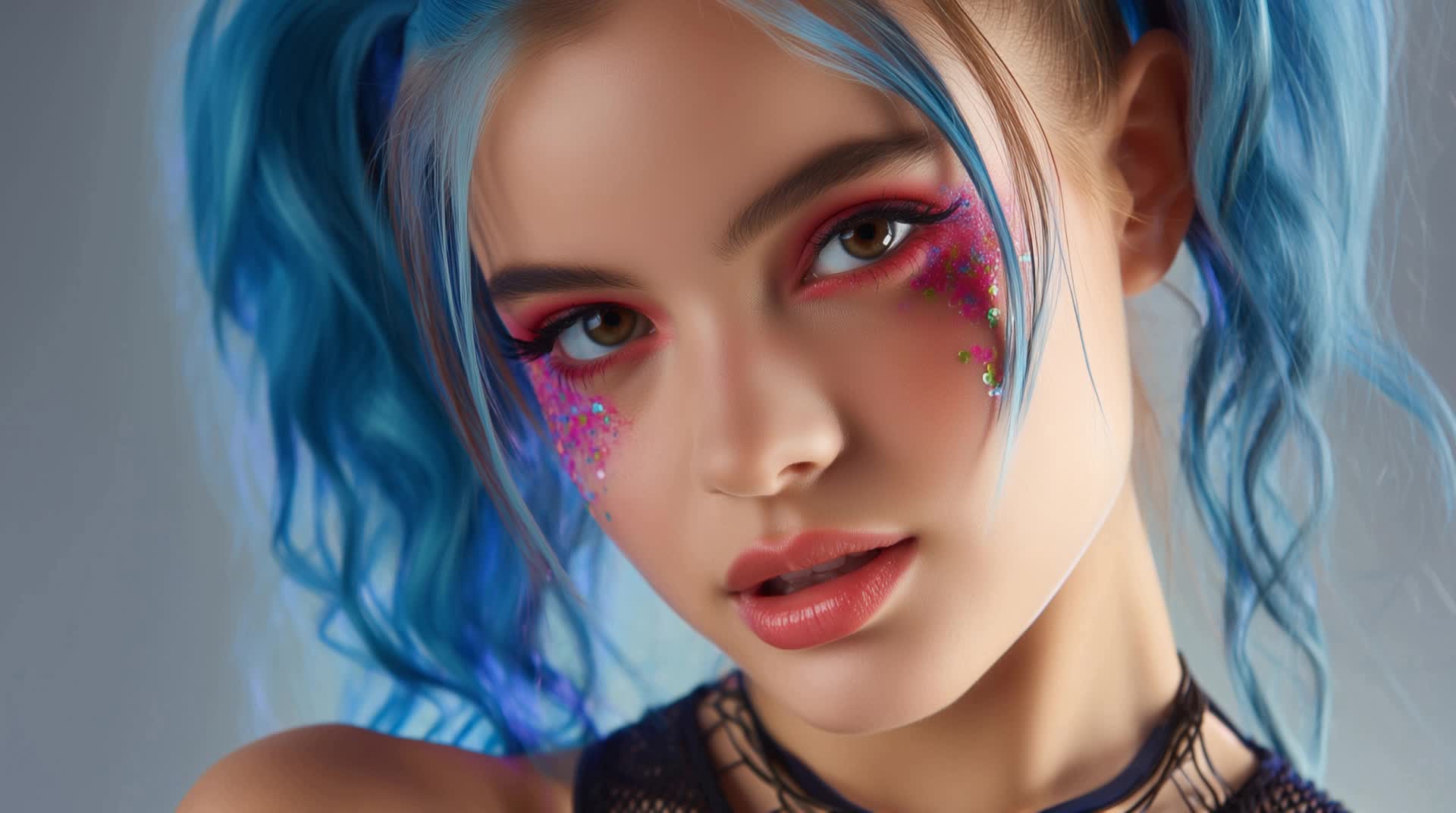
Nails Lip Sync – AI-Generated Inspiration

Get inspired with AI-generated nails lip sync ideas. Create and customize these concepts with ease.

Nails Lip Sync – AI-Generated Inspiration

Recommended

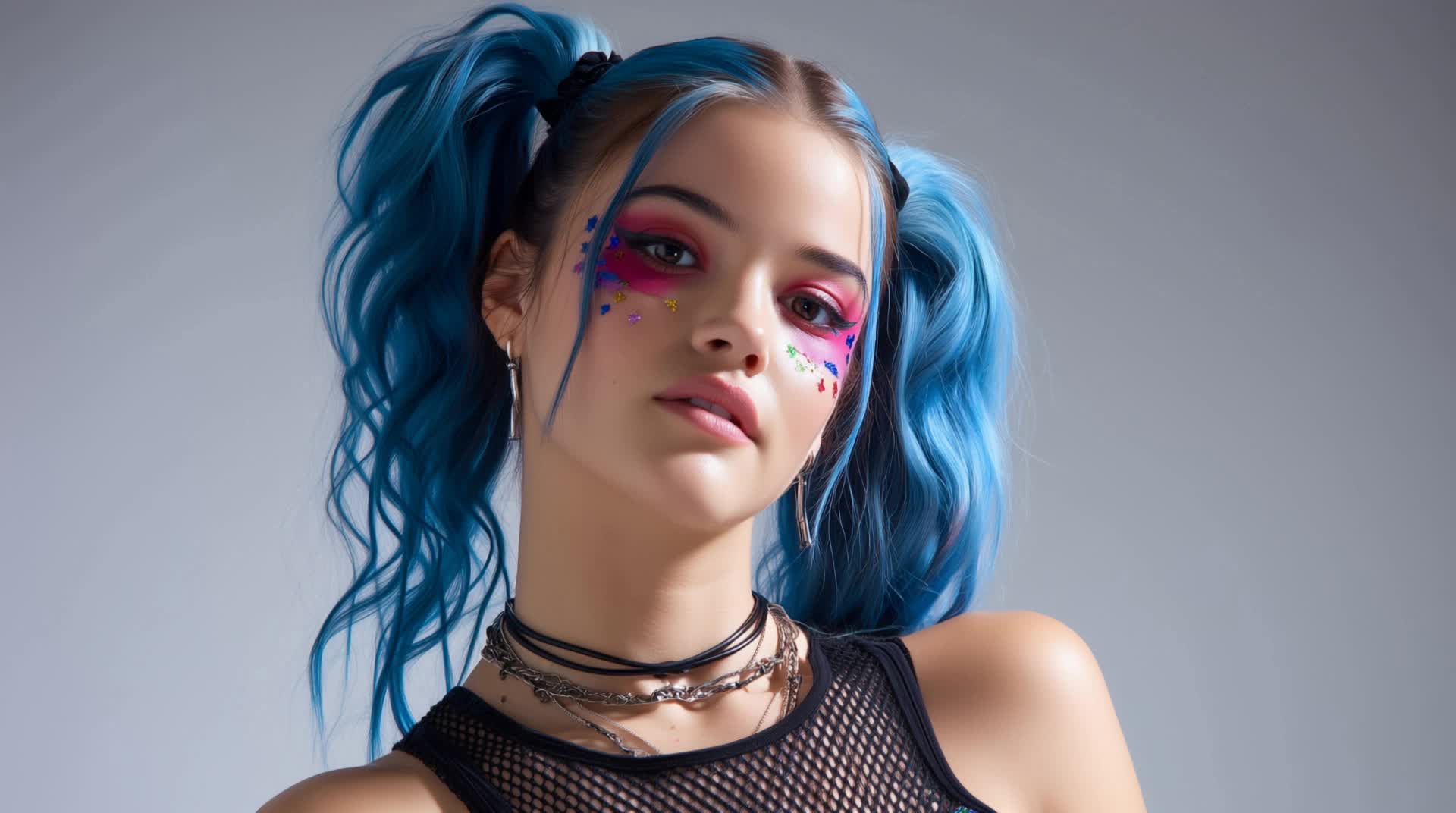
Kling AI work 316518858611345 - nails lip sync AI image
ctQOoRQI avatar
ctQOoRQI
lip sync - nails lip sync AI video
POPONE avatar
POPONE
Elite Creator
Lip sync - nails lip sync AI video
POPONE avatar
POPONE
Elite Creator
Motion Control + Lip Sync - nails lip sync AI video
KEETY avatar
KEETY
Elite Creator
Me Lip Sync Tool - nails lip sync AI video
EpbmNHYv avatar
EpbmNHYv
lip sync - nails lip sync AI video
POPONE avatar
POPONE
Elite Creator
Kling AI work 311017356612109 - nails lip sync AI image
Aii_girl avatar
Aii_girl
lip sync - nails lip sync AI video
POPONE avatar
POPONE
Elite Creator
Lip sync test - nails lip sync AI video
oXNHFyaz avatar
oXNHFyaz
Kling AI work 314730748664891 - nails lip sync AI image
LdimhEPr avatar
LdimhEPr
Kling AI work 314731168611115 - nails lip sync AI image
LdimhEPr avatar
LdimhEPr
Kling AI work 299741178657181 - nails lip sync AI video
MRwmmvQy avatar
MRwmmvQy
Lip sync - nails lip sync AI video
00:25
CKNazrIw avatar
CKNazrIw
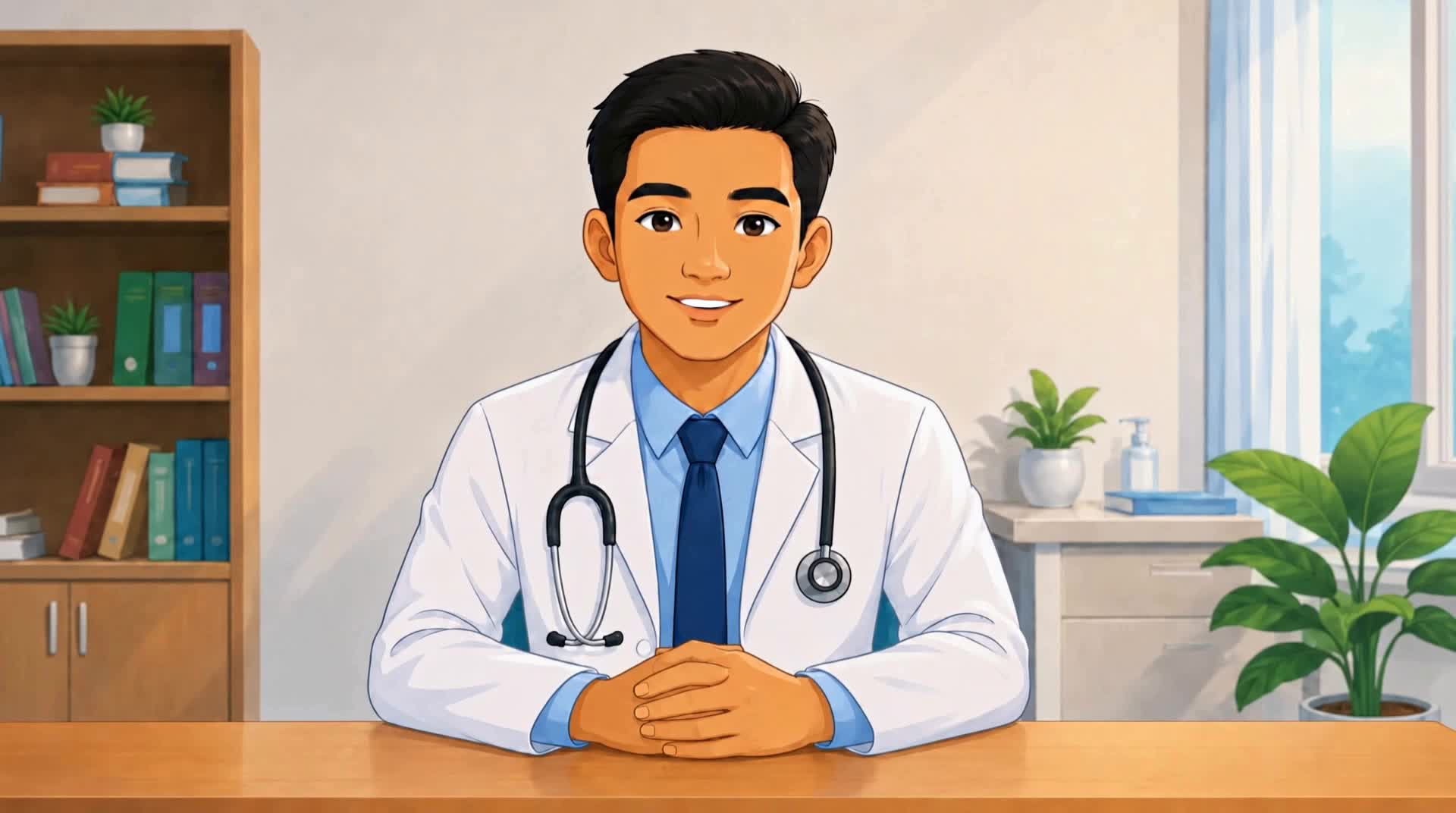
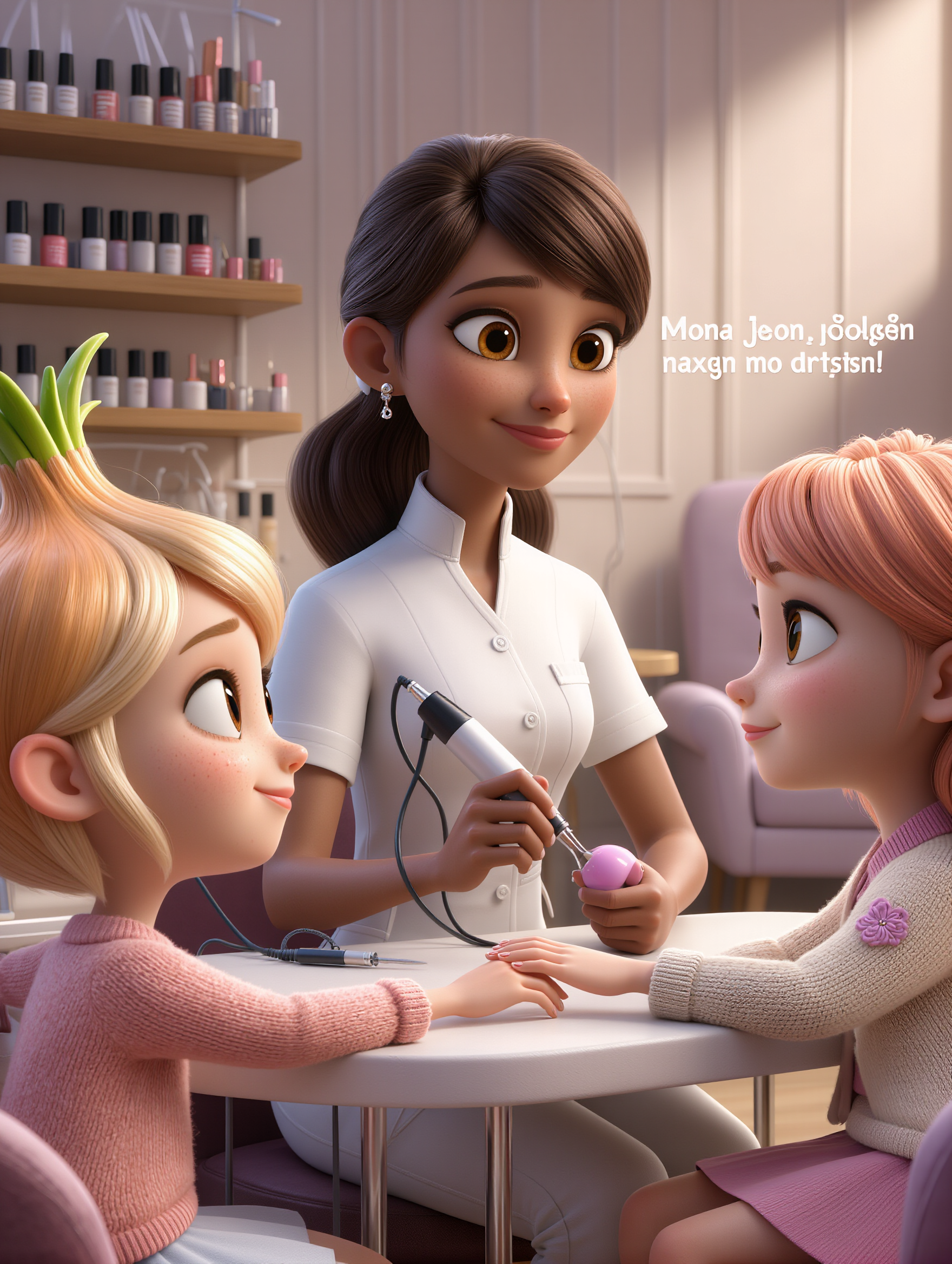
Nail master - nails lip sync AI image
NZhKYLDF avatar
NZhKYLDF
lip sync attempt - nails lip sync AI video
fseaPIOM avatar
fseaPIOM
lip sync - nails lip sync AI video
POPONE avatar
POPONE
Elite Creator
Pls follow  - nails lip sync AI video
MAX_TT avatar
MAX_TT
Kling AI work 316513779505763 - nails lip sync AI image
qeLqetPK avatar
qeLqetPK
Kling AI work 307733273535954 - nails lip sync AI video
CTVBkYmK avatar
CTVBkYmK

How to Generate AI Voices from Text with Kling AI

Step 1: Set Up Your Characters

Step 1: Set Up Your Characters

Start with a character in your prompt, or add a supported image, Character Element, or video reference when you already have a specific character in mind.

Step 2: Add Dialogue and Voice Direction

Step 2: Add Dialogue and Voice Direction

Write each character's dialogue and make the speaker clear in your prompt. Add directions for the language, accent, tone, emotion, or delivery when they matter to the scene. For scenes with multiple speakers, keep each character's name, line, and voice direction clearly connected.

Step 3: Generate Videos with Native Audio

Step 3: Generate Videos with Native Audio

Generate with Native Audio to create the dialogue as part of the video itself. Kling VIDEO 3.0 Omni produces voice, facial performance, lip movement, visuals, ambience, and supporting sound within the same generation.

Key Features of Kling AI Text-to-Image Generator

Create Detailed Images From Text Prompts

Create Detailed Images From Text Prompts

Turn your text descriptions into detailed images with Kling AI. Describe the subject, scene, style, and composition you want, and the model transforms your prompt into visuals that match your creative direction. Create realistic portraits, cinematic scenes, product visuals, and artistic images directly from text.

Keep Characters And Visual Elements Consistent

Keep Characters And Visual Elements Consistent

Create characters and visual concepts that remain consistent across different images. Kling IMAGE 3.0 uses reference images to preserve important details, including appearance, clothing, objects, and overall style. This makes it easier to create character designs, brand visuals, and image series with a consistent look.

Explore Different Styles And Variations

Explore Different Styles And Variations

Explore different visual directions with prompts and reference images. Adjust composition, perspective, lighting, and style to create new variations while keeping the main concept consistent. This helps you test different ideas and develop visuals for artwork, marketing materials, and creative projects.

Apps

Image to Video
Image to Video

Image to Video

Text to Video
Text to Video

Text to Video

Omni
Omni

Omni

Digital Human
Digital Human

Digital Human

Restyle
Restyle

Restyle

Text to Image
Text to Image

Text to Image

60M+
60M+
Users
600M+
600M+
AI Videos Generated
4.7 ★
4.7 ★
App Store
Industry-Leading
Industry-Leading
Cinematic 4K

Reviews

Huang Lu (Elson)

Huang Lu (Elson)

★★★★★

I’ve been using Kling AI since its initial release, and it’s remained one of the leading AI media generators ever since. With Kling AI, I’ve created hundreds of videos, collectively amassing millions of views.

Maria Rubtsova

Maria Rubtsova

★★★★★

I’m Maria Rubtsova, an AIGC digital artist passionate about creating stunning visuals in the worlds of fashion, aesthetics, and fantasy. I use KlingAi to bring imagination to life through video. My work is all about exploring beauty, emotion, and the limitless possibilities of digital art.

Déborah

Déborah

★★★★★

I use Kling AI every day. It's amazing to see the almost daily progress it makes. I used AI for fun at first, and I now find that Kling AI's animations allow me to gain professional visibility, with three times more views on my animated posts than on my static posts.

FAQ

Q1Why do AI-generated videos sometimes look inconsistent?
Q2Is Kling AI free to use online?
Q3What makes Kling 3.0 different from earlier versions?

Ready to See What Your Image Can Become?

Create a finished visual designed to stand out, tell your story, and take your idea further with Kling AI.

Free tier available | Image stylization | 2K/4K output