Creative Studio
API
Resources
Features
About Us
Download

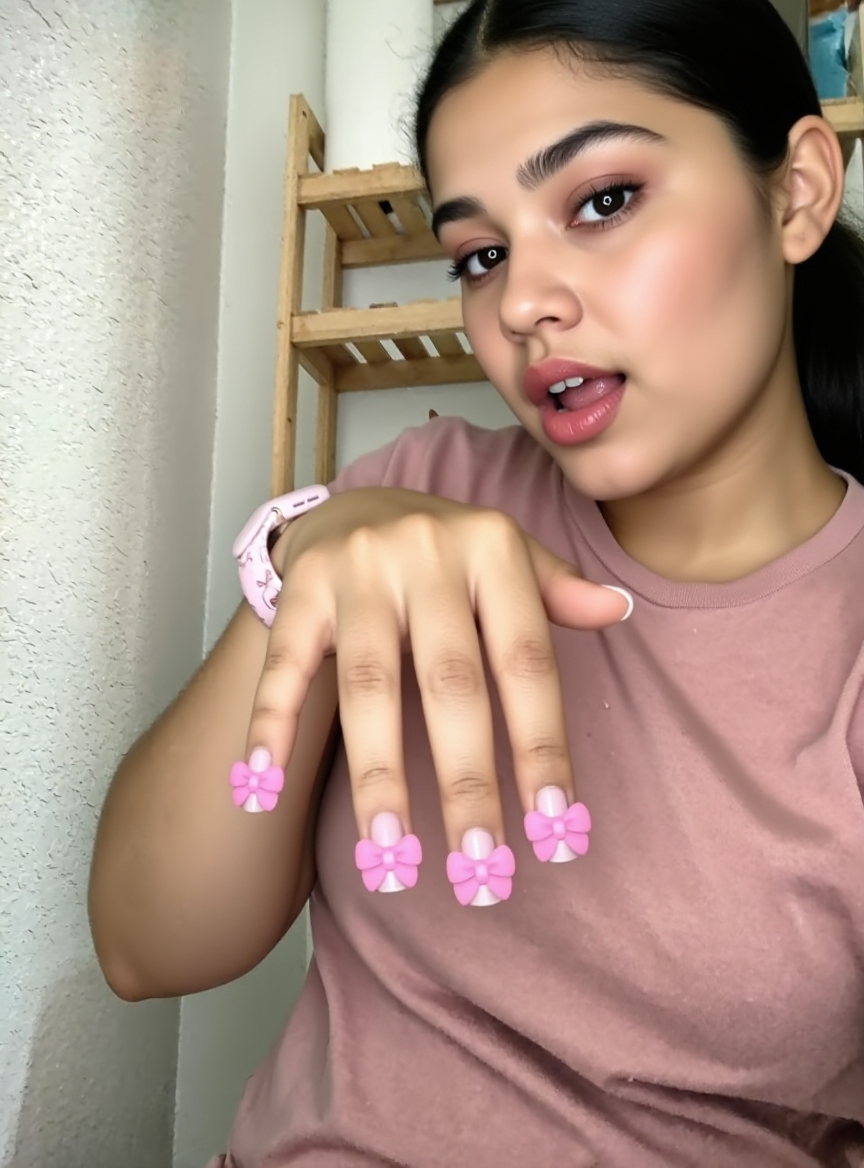
Nails TikTok Profile Picture – AI-Made PFP Ideas

Create unique Nails-themed TikTok profile pictures with AI. Easily adapt and customize your PFP to stand out on social media.

Nails TikTok Profile Picture – AI-Made PFP Ideas

Recommended

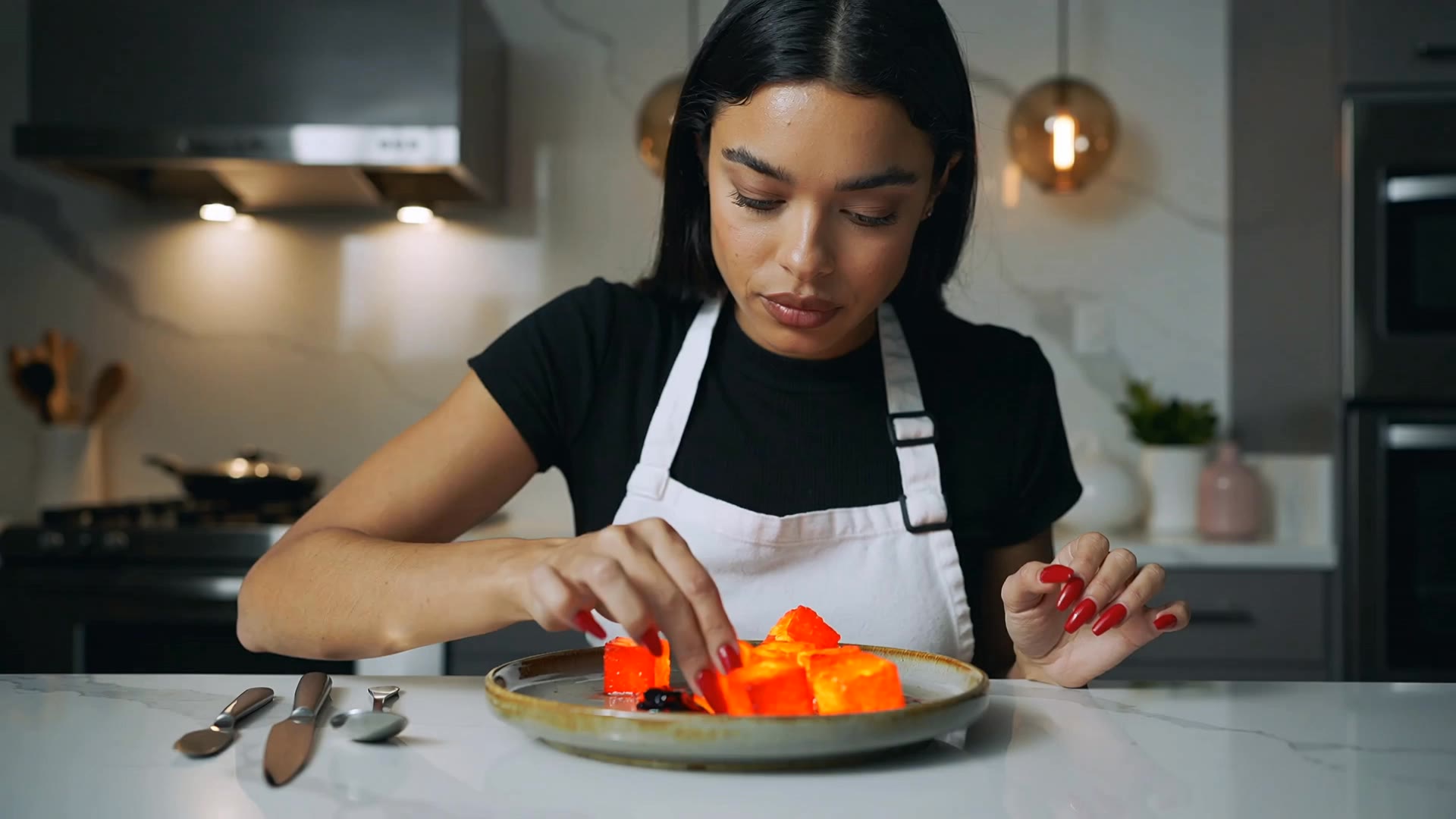
Kling AI work 313826097663926 - nails tiktok profile picture AI video
NdfmogNn avatar
NdfmogNn
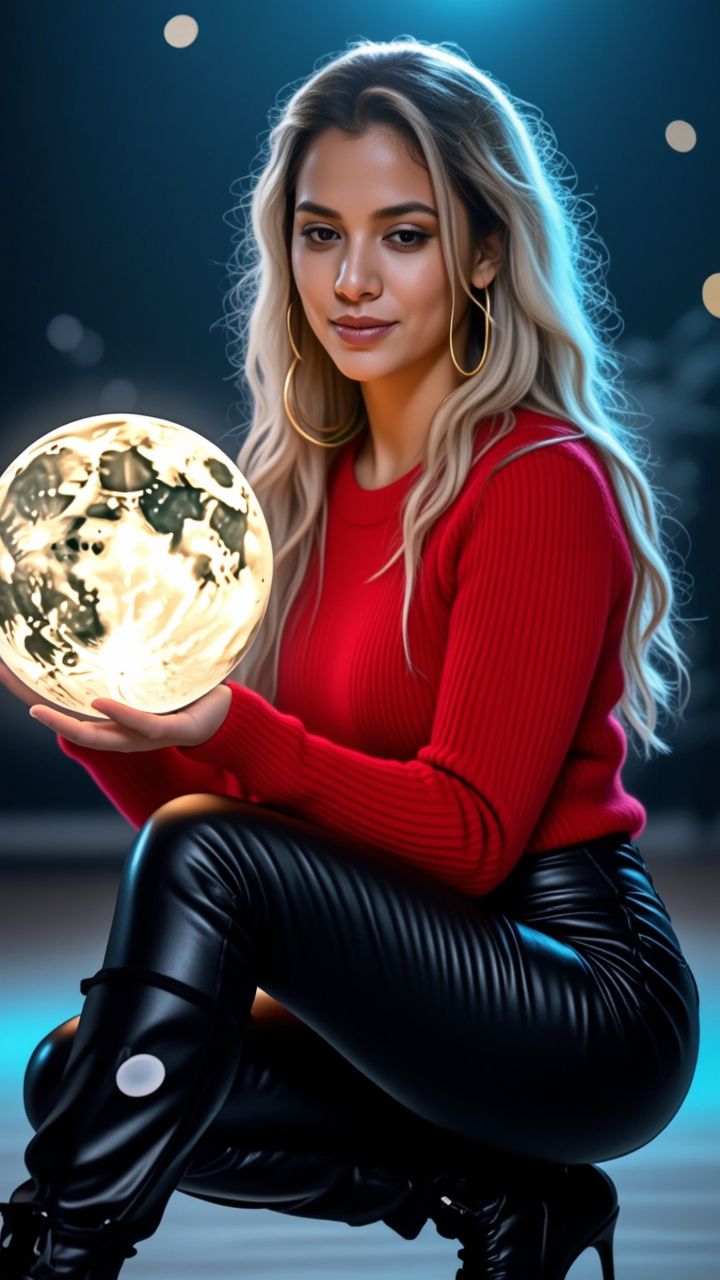
Kling AI work 297061840614412 - nails tiktok profile picture AI image
MuiQeOMd avatar
MuiQeOMd
Valentine’s Day nails - nails tiktok profile picture AI image
LSPJ avatar
LSPJ
Kling AI work 310998898665335 - nails tiktok profile picture AI image
QsMbIzwX avatar
QsMbIzwX
Kling AI work 311878487613030 - nails tiktok profile picture AI video
POSSIBILITY MEDIA avatar
POSSIBILITY MEDIA
Kling AI work 306821036662361 - nails tiktok profile picture AI image
lime#v avatar
lime#v
Kling AI work 308769199665331 - nails tiktok profile picture AI image
Wolfman avatar
Wolfman
Kling AI work 308062872662375 - nails tiktok profile picture AI video
Vessia LLC avatar
Vessia LLC
Kling AI work 307096015661377 - nails tiktok profile picture AI video
SIXYHwhK avatar
SIXYHwhK
Valentine’s Day nails - nails tiktok profile picture AI image
LSPJ avatar
LSPJ
Nails - nails tiktok profile picture AI image
WrcbnSvl avatar
WrcbnSvl
Kling AI work 321277890522414 - nails tiktok profile picture AI image
BNMqPzud avatar
BNMqPzud
Kling AI work 318712114508288 - nails tiktok profile picture AI video
DiamondsBaee_ avatar
DiamondsBaee_
Kling AI work 306859895610130 - nails tiktok profile picture AI video
eKIoYVNV avatar
eKIoYVNV
Valentine’s Day nails - nails tiktok profile picture AI image
LSPJ avatar
LSPJ
Kling AI work 321277759522820 - nails tiktok profile picture AI image
BNMqPzud avatar
BNMqPzud
Kling AI work 310601074523892 - nails tiktok profile picture AI video
CoNAluYL avatar
CoNAluYL
Kling AI work 310205358523460 - nails tiktok profile picture AI image
Coco avatar
Coco
Kling AI work 321277890528426 - nails tiktok profile picture AI image
BNMqPzud avatar
BNMqPzud

How to Use Kling AI Image to Image

Upload Your Images

Upload Your Images

Open Image Generation, select IMAGE 3.0 Omni, and upload the image you want to transform and add reference images to carry into the result.

Set the Creative Direction

Set the Creative Direction

You can combine elements from several references, change the style, adjust the camera angle, or enable Image Series mode to create multiple connected visuals in one generation.

Generate and Create More

Generate and Create More

Select the aspect ratio, number of images, and 2K or 4K resolution, then generate and review your results. Download or share the finished image, or use it for your new AI video.

Expand Images Beyond the Frame with More Control

Extend the Scene Naturally Beyond the Frame

Extend the Scene Naturally Beyond the Frame

Add new visual space around your existing image while keeping the expansion connected to the original scene. Kling IMAGE 3.0 can follow visual details such as scenery, color, lighting, and texture, helping newly generated content feel consistent with the source image.

Keep Key Subjects Consistent as the Scene Expands

Keep Key Subjects Consistent as the Scene Expands

Expanding the frame should not change the subject that anchors the image. Kling IMAGE 3.0 automatically preserves your key subjects during extension. Simply specify the person, product, or central element in your prompt to keep them consistent with the original image.

Choose What Appears in the Expanded Area

Choose What Appears in the Expanded Area

The new space does not have to be left entirely to the model. Describe what you want outside the original frame, from a wider room or distant landscape to more sky, architecture, plants, or decorative details, and let Kling IMAGE 3.0 continue the scene around your idea.

Apps

Image to Video
Image to Video

Image to Video

Text to Video
Text to Video

Text to Video

Omni
Omni

Omni

Digital Human
Digital Human

Digital Human

Restyle
Restyle

Restyle

Text to Image
Text to Image

Text to Image

60M+
60M+
Users
600M+
600M+
AI Videos Generated
4.7 ★
4.7 ★
App Store
Industry-Leading
Industry-Leading
Cinematic 4K

Reviews

Huang Lu (Elson)

Huang Lu (Elson)

★★★★★

I’ve been using Kling AI since its initial release, and it’s remained one of the leading AI media generators ever since. With Kling AI, I’ve created hundreds of videos, collectively amassing millions of views.

Halim Alrasihi

Halim Alrasihi

★★★★★

I use AI daily and Kling AI is a crucial part of my workflow, whether for client work or personal projects. What I love most about using Kling AI is that it provides all the tools I need in one place, from keyframes to character references, elements and special effects.

Vincent Smadja

Vincent Smadja

★★★★★

Kling AI seamlessly integrates into my creative workflow, playing a key role in transforming my images. After generating and upscaling an image, Kling becomes a crucial element, bringing my creations to life with movement and depth.

FAQ

Q1What is a background remover?
Q2How do I remove the background from an image online?
Q3Can I remove backgrounds in HD quality?

Keep the Shot. Change the Background.

Remove the background you do not want or move existing footage into a new scene - without rebuilding the shot frame by frame.