Creative Studio
API
Resources
Features
About Us
Download

name style for tattoo - come alive & minimalistic sketch

Uncover unique name style for tattoo designs featuring animated elements and minimalist sketches. Embrace the magic of tattoos coming alive with dynamic and transformative art. Start exploring name style for tattoo ideas and generate your own content with AI.

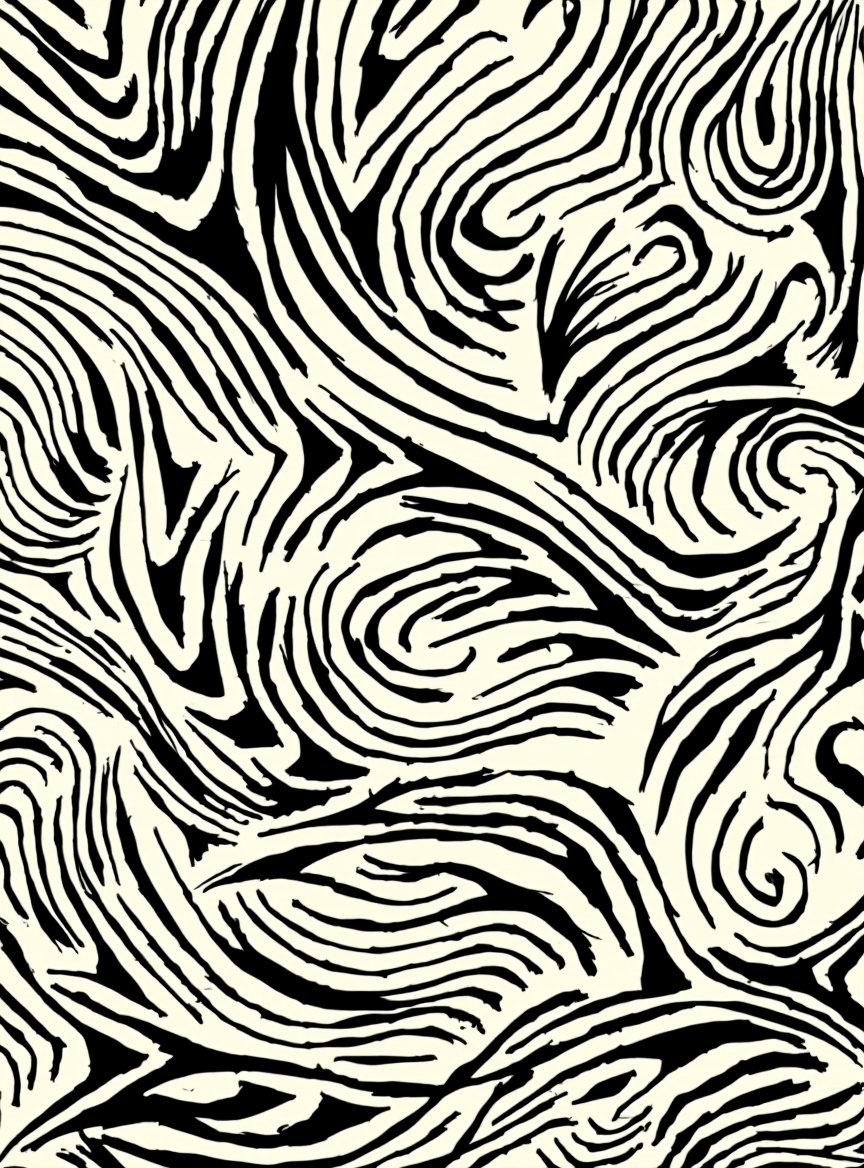
name style for tattoo - come alive & minimalistic sketch

Recommended

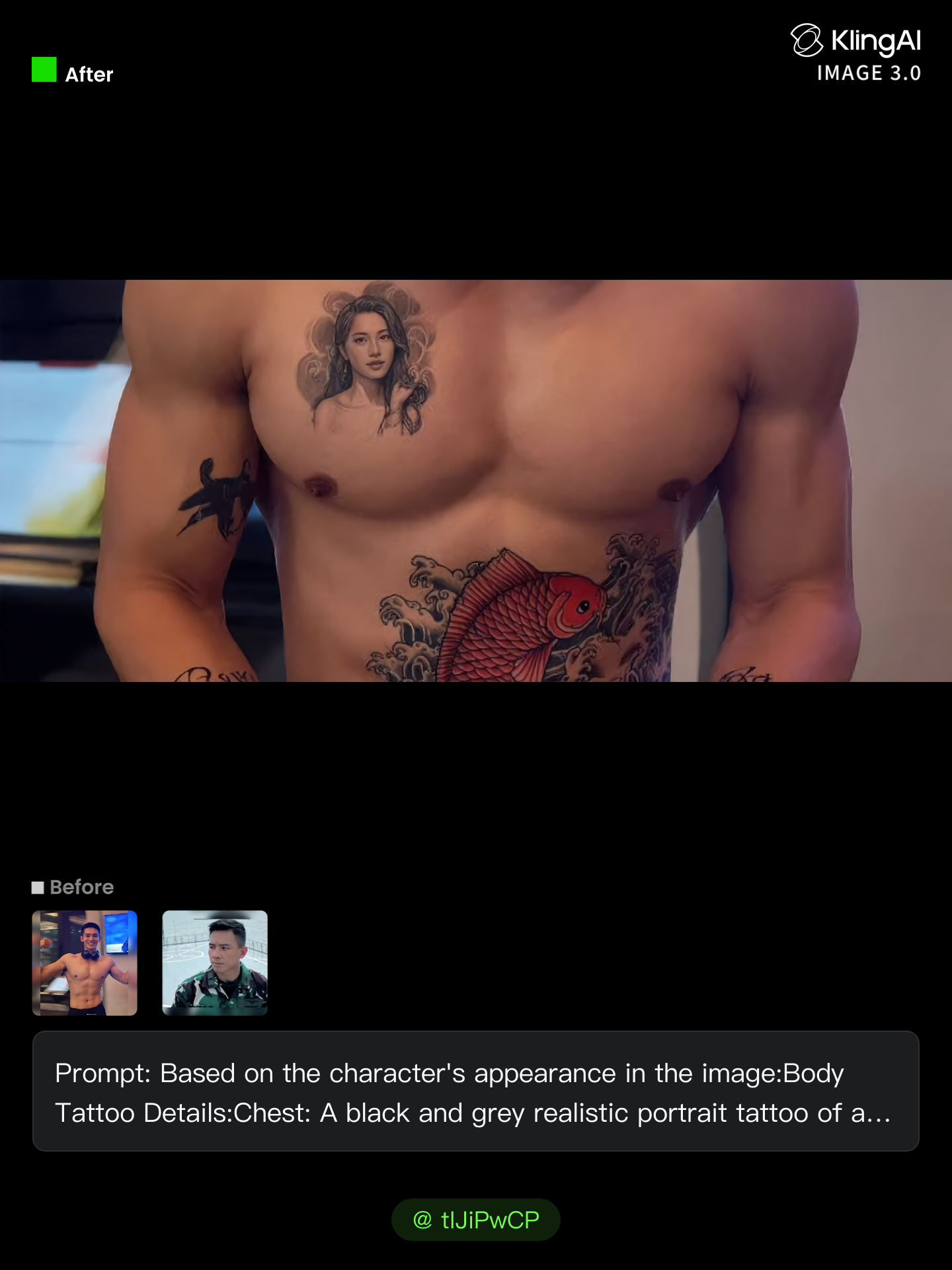
Kling AI work 312725538506891 - name style for tattoo AI image
Future avatar
Future
Kling AI work 307215950537362 - name style for tattoo AI image
KLING2637 avatar
KLING2637
Kling AI work 314163555526844 - name style for tattoo AI image
esjYydaV avatar
esjYydaV
Kling AI work 307133456610932 - name style for tattoo AI image
BunnyLOVE Studios avatar
BunnyLOVE Studios
Kling AI work 313916078663918 - name style for tattoo AI image
Future avatar
Future
Kling AI work 312469612500394 - name style for tattoo AI image
klGQSQLB avatar
klGQSQLB
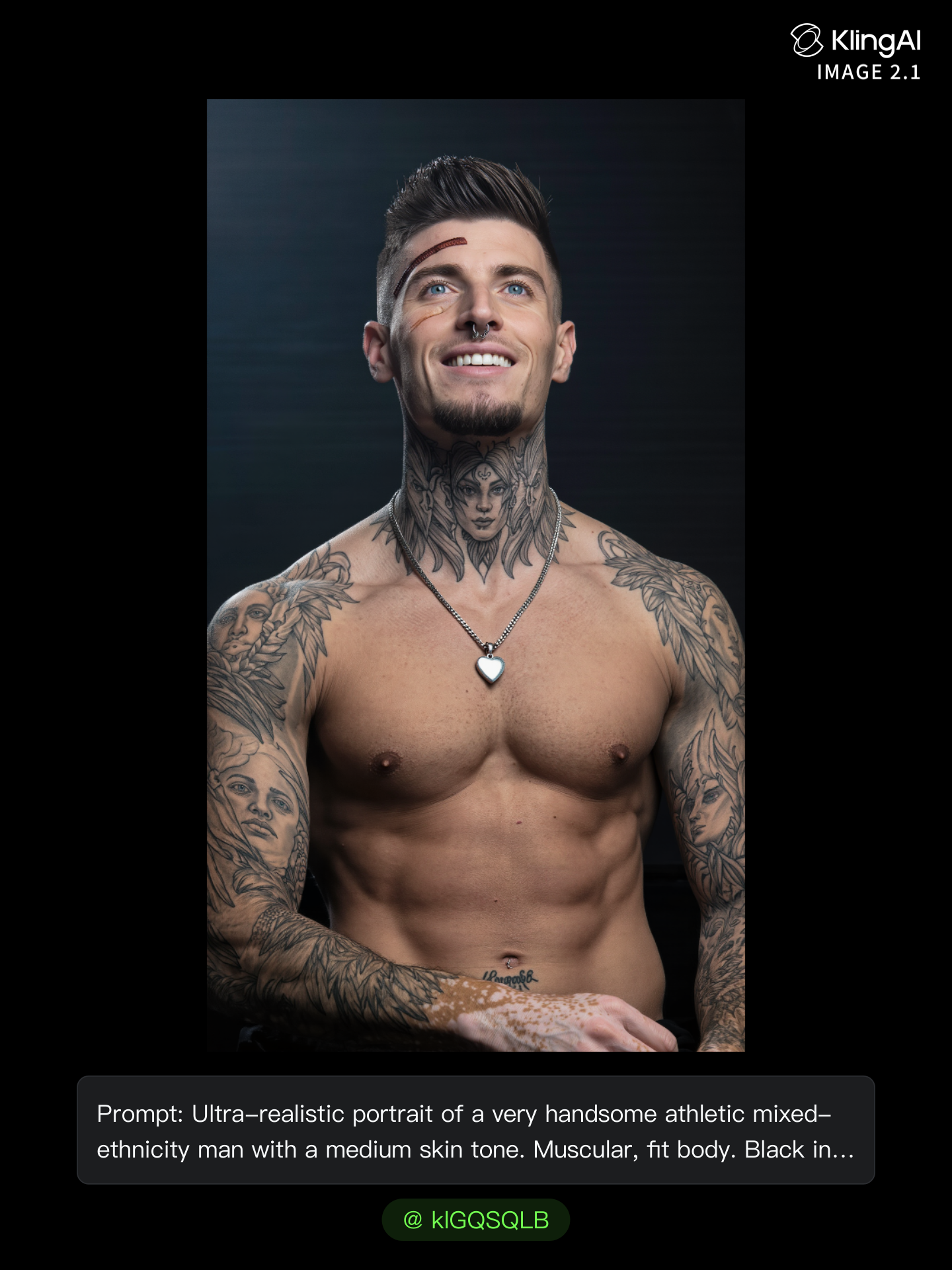
Kling AI work 317840616506998 - name style for tattoo AI image
PNunLEkX avatar
PNunLEkX
Kling AI work 306761238668923 - name style for tattoo AI image
33333 avatar
33333
Kling AI work 316705655614914 - name style for tattoo AI image
mhdish7 avatar
mhdish7
Kling AI work 319868848508927 - name style for tattoo AI image
hi im kiana avatar
hi im kiana
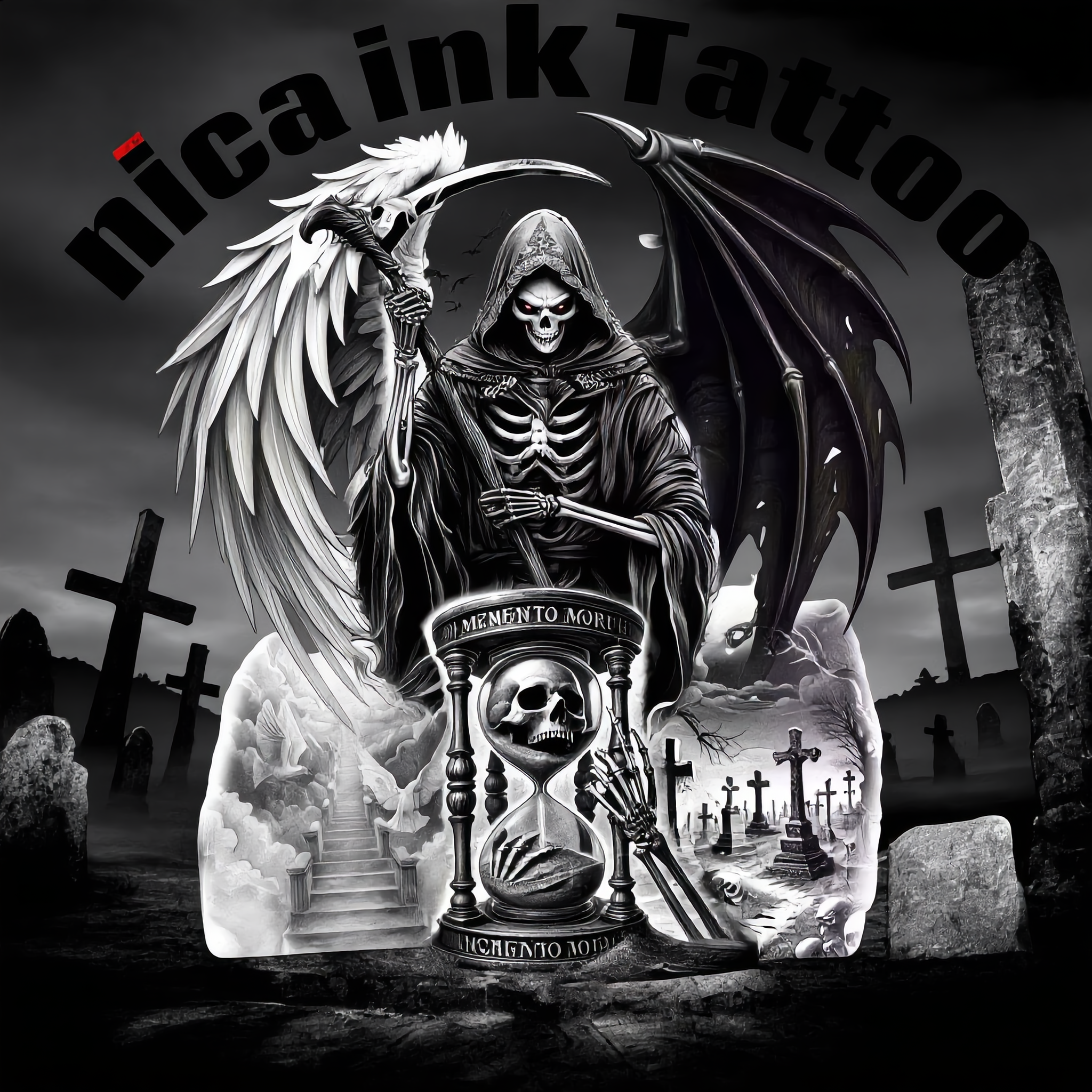
nica ink Tattoo  - name style for tattoo AI image
QqUqeBnl avatar
QqUqeBnl
Kling AI work 316854435506916 - name style for tattoo AI image
ytOkdIvD avatar
ytOkdIvD
Kling AI work 306508512617290 - name style for tattoo AI image
tIJiPwCP avatar
tIJiPwCP
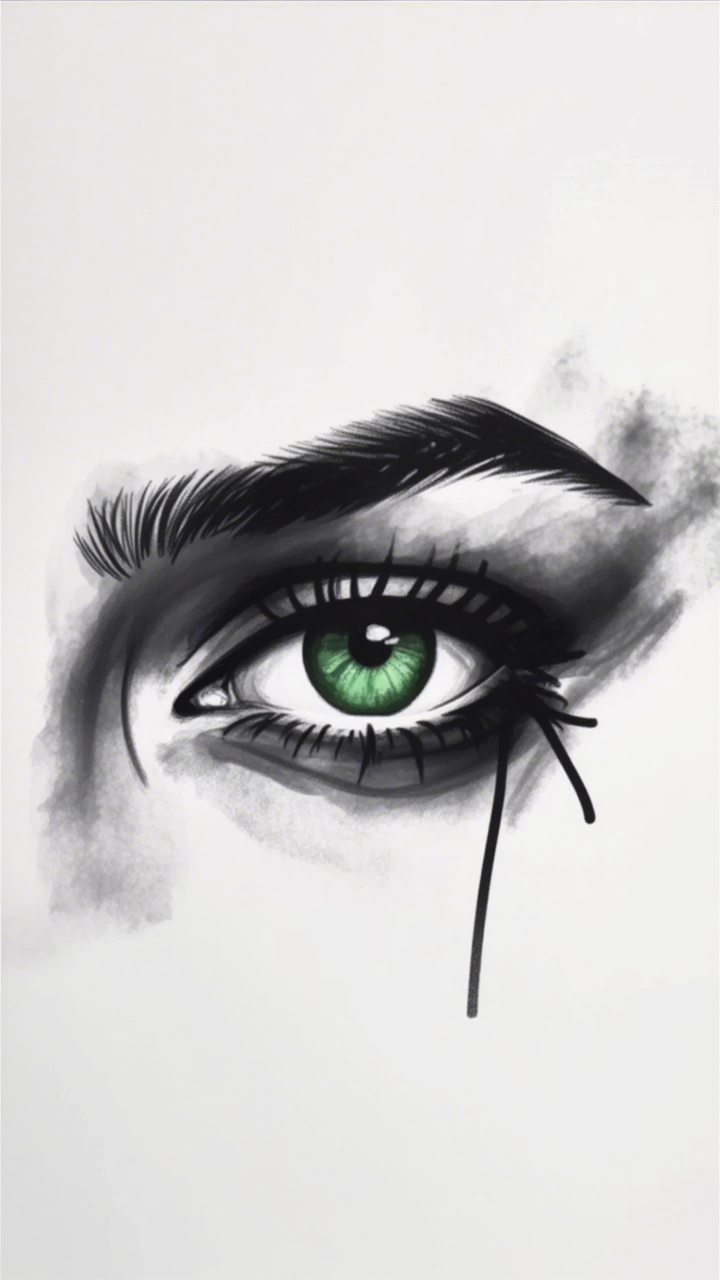
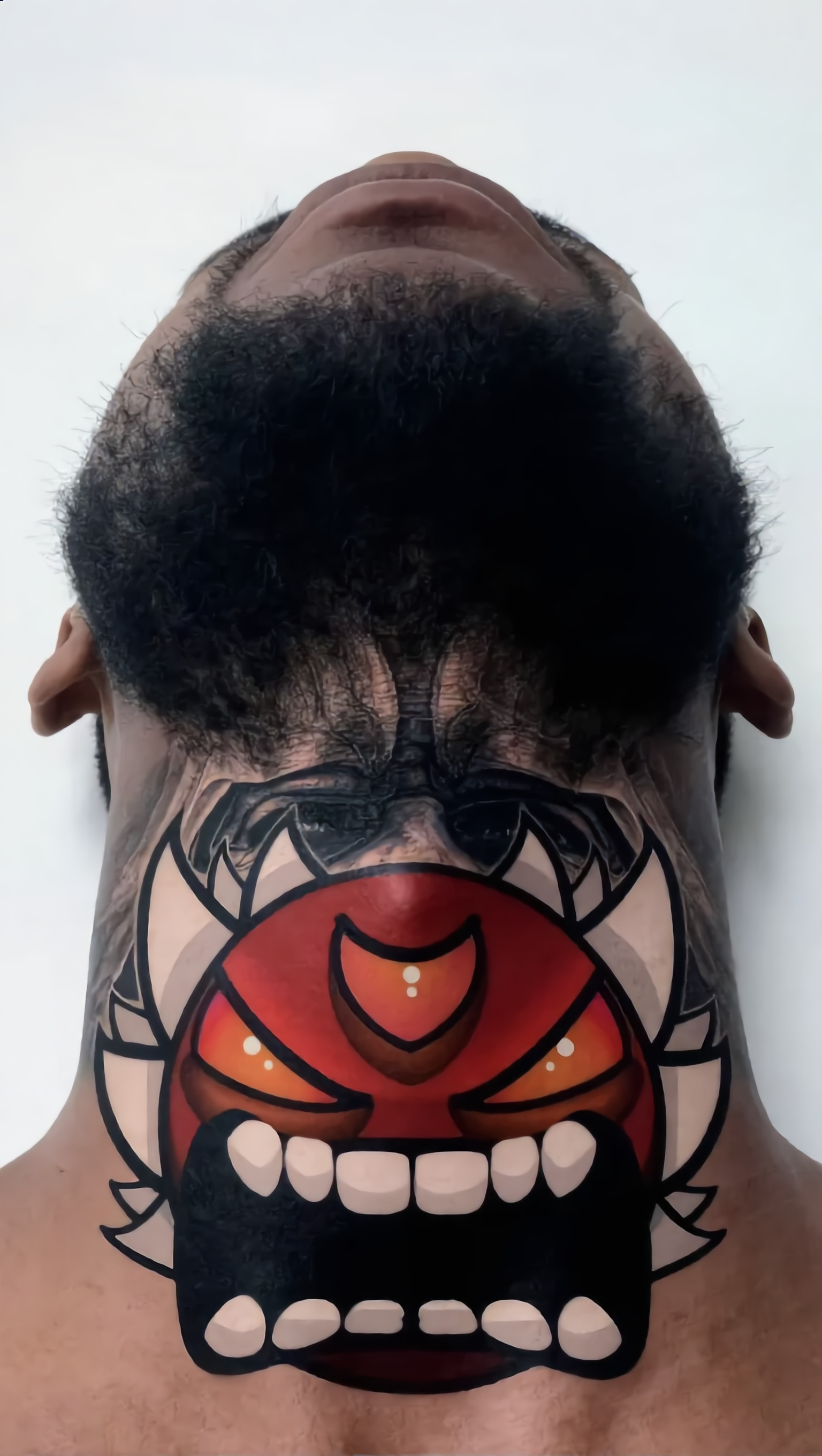
Eye tattoo - name style for tattoo AI image
AlexCreo avatar
AlexCreo
Kling AI work 313473817661363 - name style for tattoo AI image
BunnyLOVE Studios avatar
BunnyLOVE Studios
Kling AI work 305891989533725 - name style for tattoo AI image
WjKgTHNq avatar
WjKgTHNq
Kling AI work 310561248525890 - name style for tattoo AI image
mJnTHdmq avatar
mJnTHdmq
Tatted uppp - name style for tattoo AI image
zIwmgwBn avatar
zIwmgwBn
Kling AI work 314059907506339 - name style for tattoo AI image
Alana avatar
Alana

How to Extend an Image with AI

Step 1: Upload and Describe

Step 1: Upload and Describe

Upload the image you want to expand, such as a portrait, product photo, landscape, or social media visual. Use a text prompt to specify which side to extend and what should appear in the new area, such as more sky, scenery, or background details, while keeping the main subject unchanged.

Step 2: Choose the Output Settings and Generate

Step 2: Choose the Output Settings and Generate

Choose the image ratio, number of outputs, and resolution, then generate your extended image. Creating multiple versions makes it easier to compare the results and choose your favorite.

Step 3: Expand Your Image with Image Expansion

Step 3: Expand Your Image with Image Expansion

Open the Image Expansion workflow when you want a dedicated way to extend an existing image. Upload your source image, describe what should appear beyond the original frame, choose from the available output settings, and generate the expanded result.

Choose the Right Voice Workflow

Add New Audio to an Existing Video

Add New Audio to an Existing Video

Use the dedicated Lip Sync tool when your character video is already created. Upload a voiceover or song, or generate speech from text, then match the new audio to the character’s mouth movements.

Generate Dialogue with the Scene

Generate Dialogue with the Scene

Starting from scratch? Kling VIDEO 3.0 and VIDEO 3.0 Omni create dialogue, lip movement, visuals, sound effects, and ambience together. Native Audio supports Chinese, English, Japanese, Korean, and Spanish.

Keep Character and Voice Consistent

Keep Character and Voice Consistent

Create a reusable Character Element from images or a video, bind a voice tone, and carry the same appearance and voice into new scenes with VIDEO 3.0 Omni.

Apps

Image to Video
Image to Video

Image to Video

Text to Video
Text to Video

Text to Video

Omni
Omni

Omni

Digital Human
Digital Human

Digital Human

Restyle
Restyle

Restyle

Text to Image
Text to Image

Text to Image

60M+
60M+
Users
600M+
600M+
AI Videos Generated
4.7 ★
4.7 ★
App Store
Industry-Leading
Industry-Leading
Cinematic 4K

Reviews

Jyo John Mulloor

Jyo John Mulloor

★★★★★

Kling AI has been instrumental in transforming my creative workflow, unlocking new dimensions of artistic expression that were once unimaginable. I use Kling AI extensively to develop high-concept visuals, animate surreal dreamscapes, and create AI-assisted films that blur the line between reality and fantasy. Kling AI’s deep learning capabilities have not only enhanced my creative efficiency but also inspired me to explore storytelling in ways I never thought possible.

Déborah

Déborah

★★★★★

I use Kling AI every day. It's amazing to see the almost daily progress it makes. I used AI for fun at first, and I now find that Kling AI's animations allow me to gain professional visibility, with three times more views on my animated posts than on my static posts.

James Phillips

James Phillips

★★★★★

Kling AI has transformed my workflow by collapsing timelines and democratizing production. It’s shifted my mindset from resource-dependent filmmaking to a boundless creative sandbox, where experimentation yields unexpected beauty.

FAQ

Q1Can I design an avatar from scratch without uploading a photo?
Q2Can I download a high-resolution avatar?
Q3Is this the same as Kling AI Avatar?

Give the Subject a Better Setting

Create a new setting while keeping your subject recognizable. Use prompts and visual references to shape backgrounds for portraits, product visuals, and campaign creative.