Creative Studio
API
Resources
Features
About Us
Download

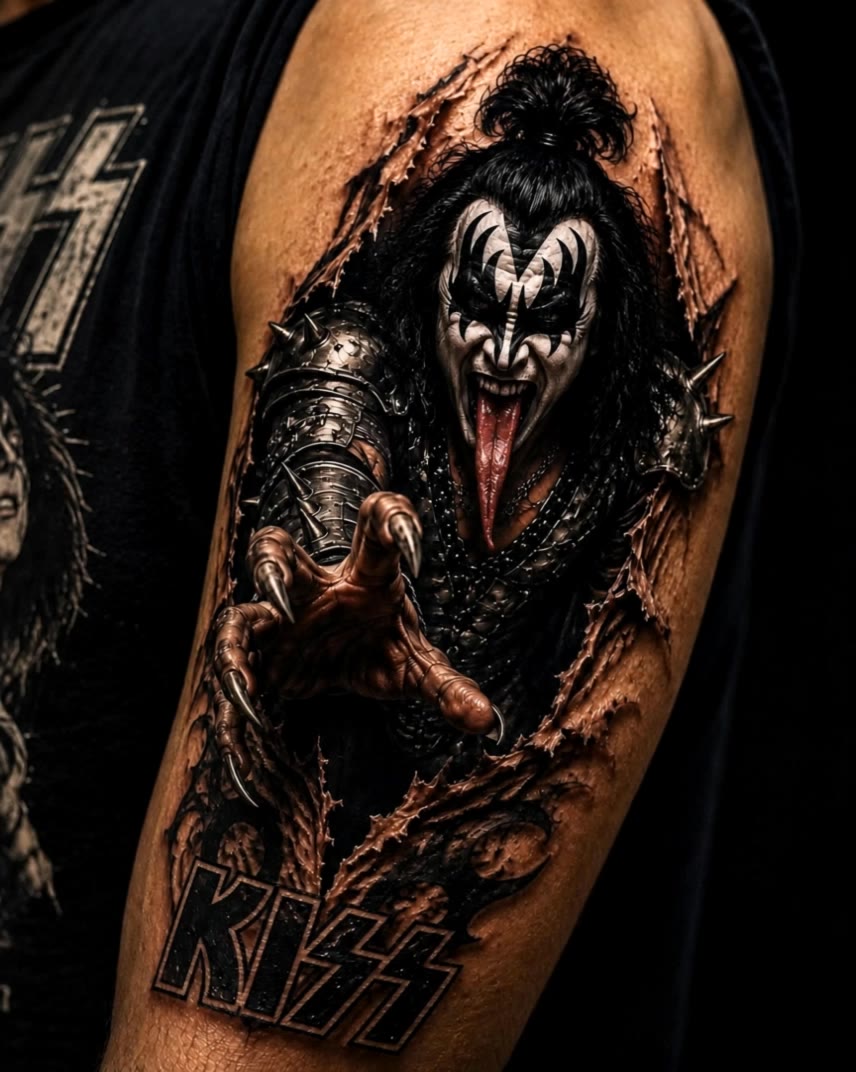
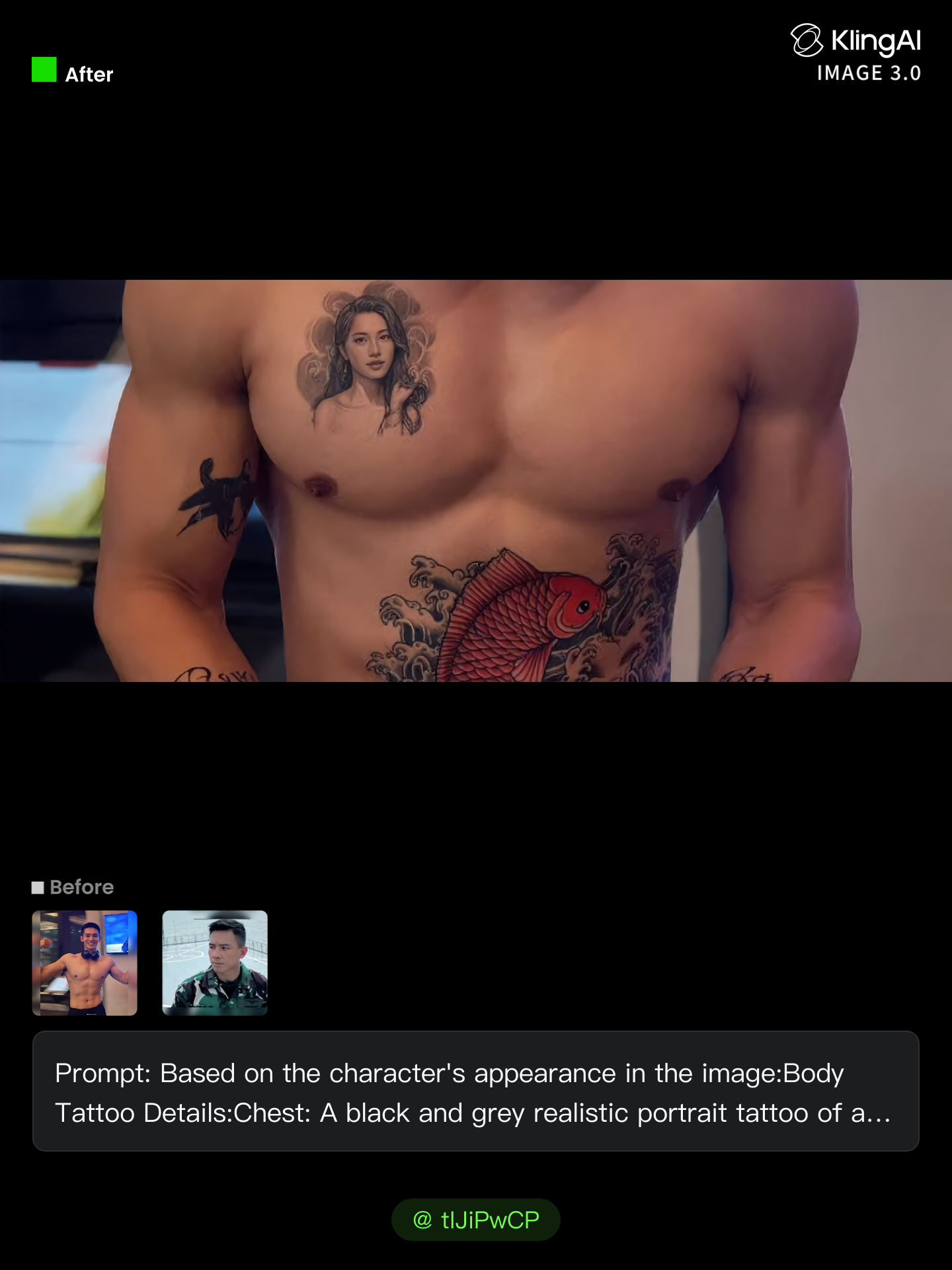
name to tattoo converter - alive tattoos & transformative designs

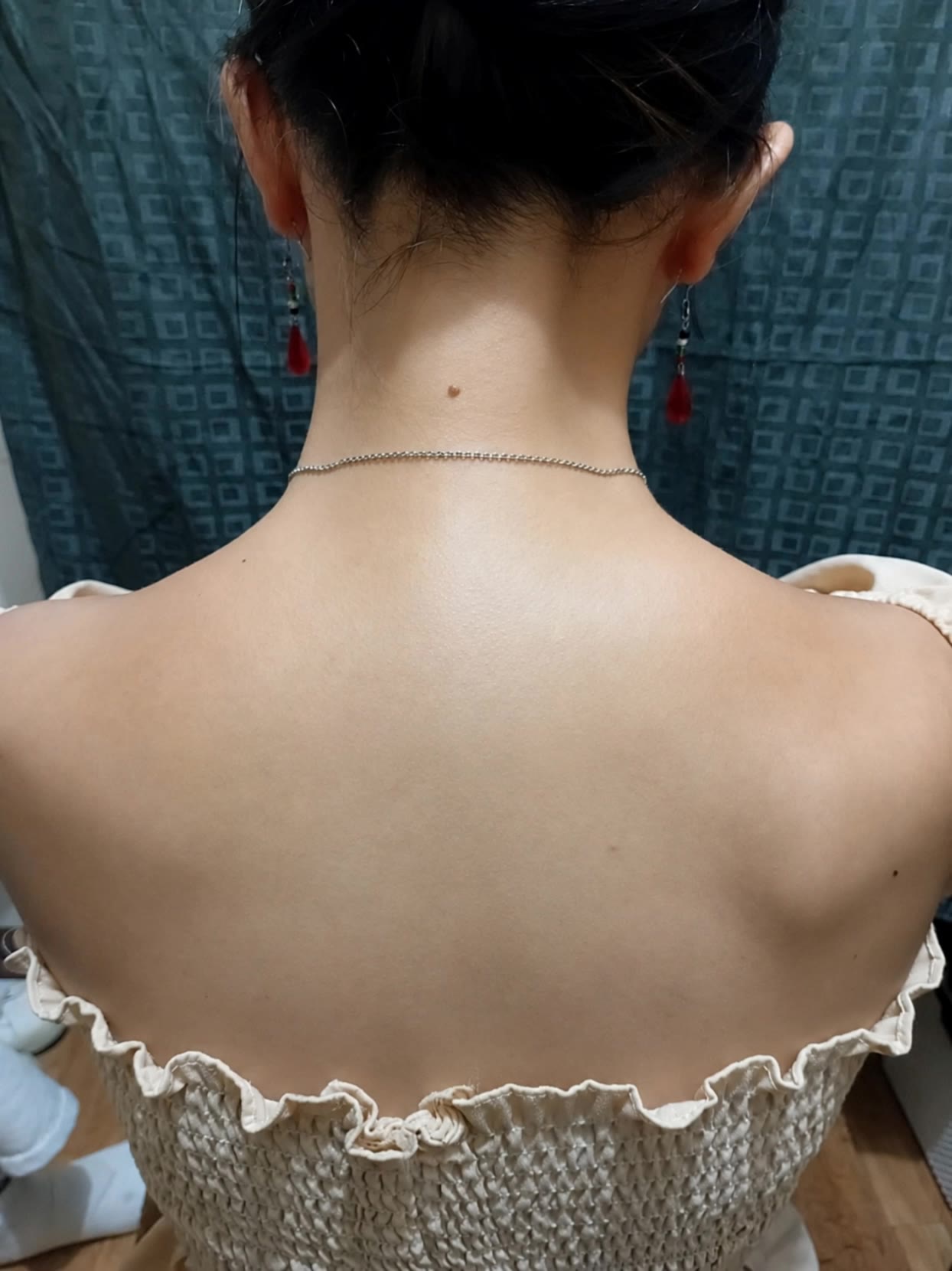
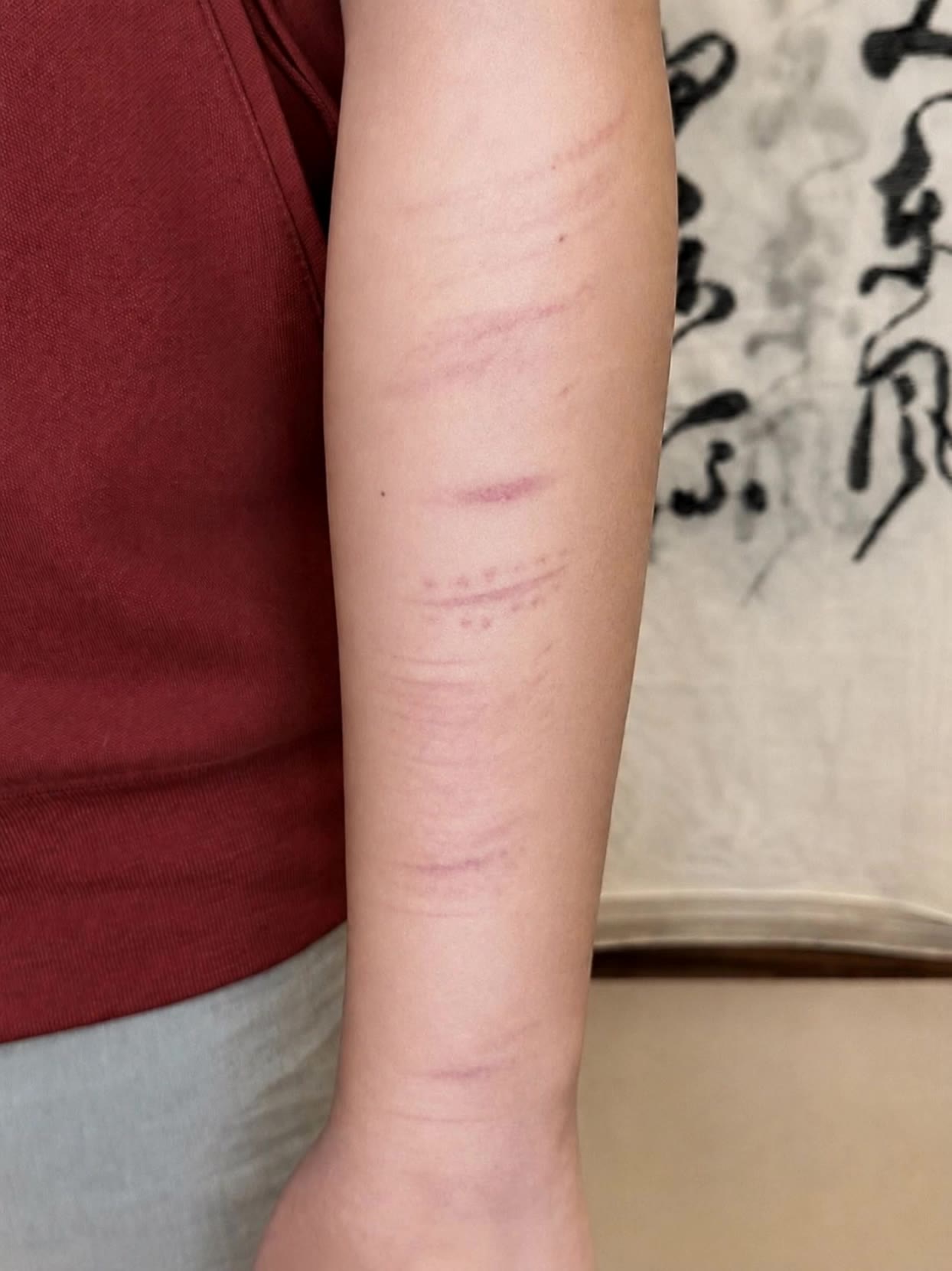
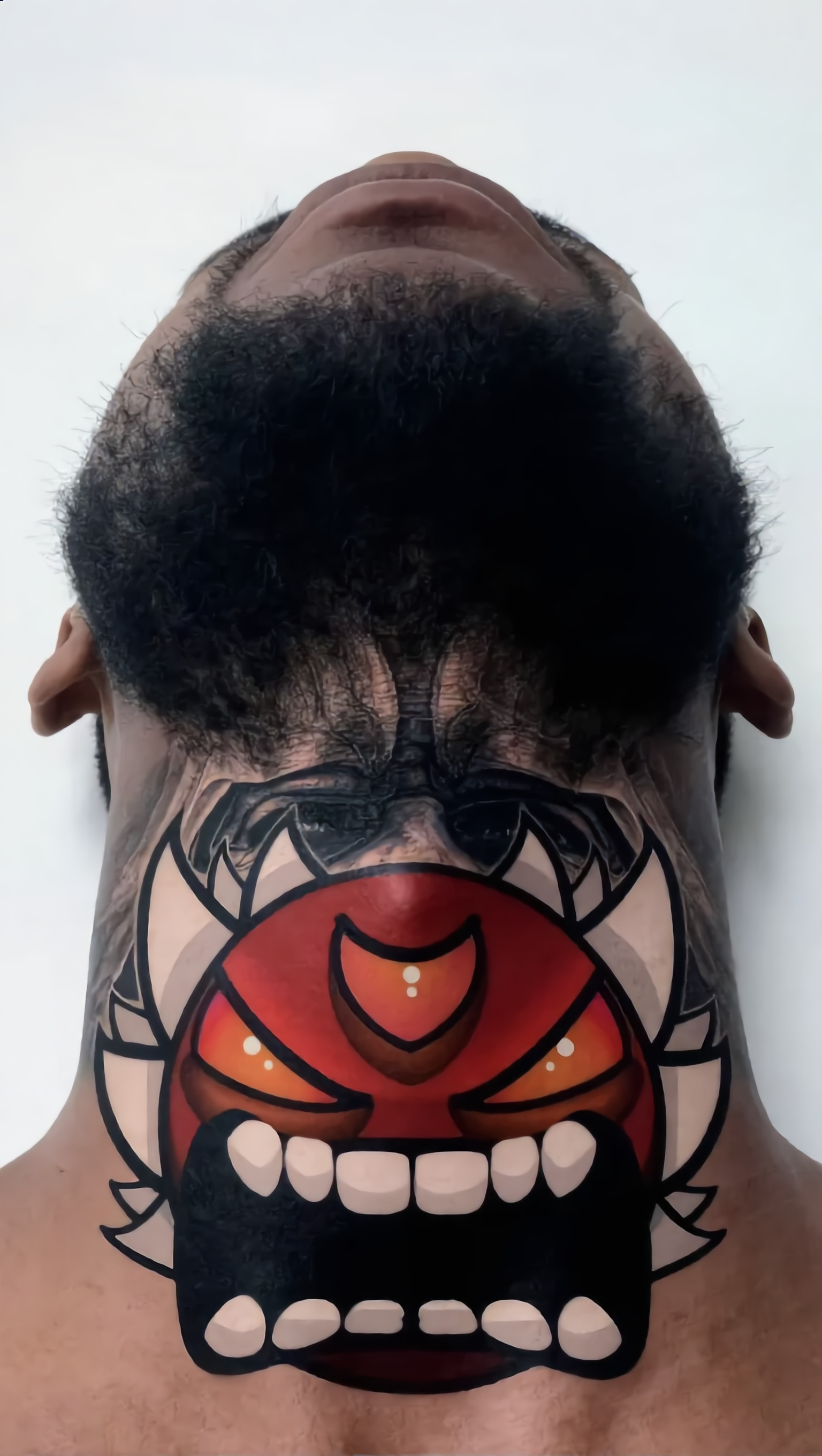
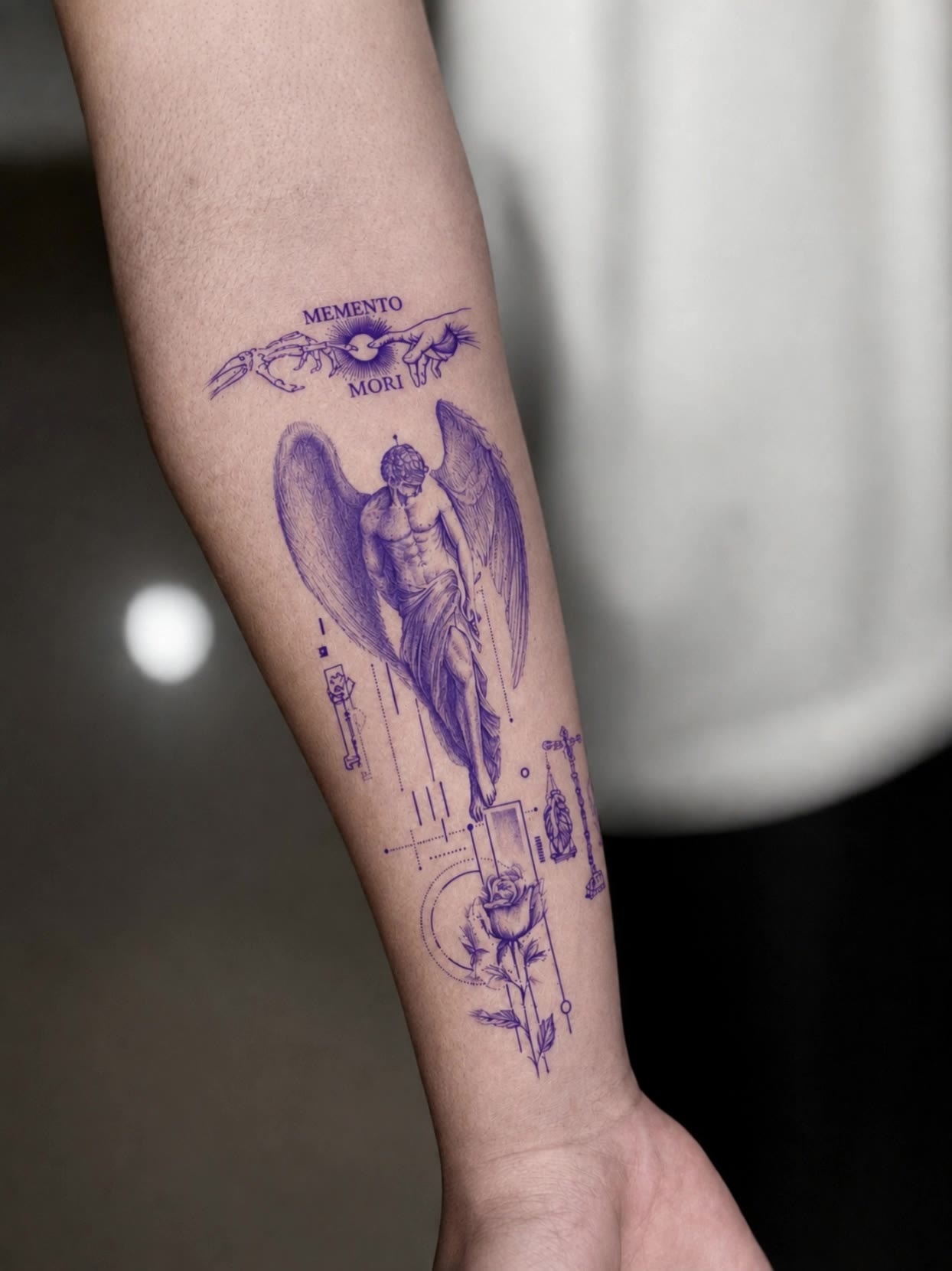
Unleash your creativity with dynamic, animated tattoo designs and transform ordinary names into extraordinary artwork. Dive into unique tattoo concepts inspired by living tattoos and innovative AI-generated stencils. Start exploring name to tattoo converter ideas and generate your own content with AI.

name to tattoo converter - alive tattoos & transformative designs

Recommended

Kling AI work 300693911529868 - name to tattoo converter AI video
ndLlPncE avatar
ndLlPncE
Kling AI work 316006059617826 - name to tattoo converter AI video
Garoustattoo avatar
Garoustattoo
Kling AI work 313033626666148 - name to tattoo converter AI video
DOcORpvP avatar
DOcORpvP
Kling AI work 313356157524680 - name to tattoo converter AI video
CofsBqMP avatar
CofsBqMP
Kling AI work 310978989522611 - name to tattoo converter AI video
vKmdjAXg avatar
vKmdjAXg
Kling AI work 313724735660764 - name to tattoo converter AI video
fNnmpdob avatar
fNnmpdob
Kling AI work 317861473521111 - name to tattoo converter AI video
Garoustattoo avatar
Garoustattoo
Kling AI work 307349000534879 - name to tattoo converter AI video
tQQwVCTE avatar
tQQwVCTE
Kling AI work 312899781613133 - name to tattoo converter AI video
vMlkyNYh avatar
vMlkyNYh
Kling AI work 316290152503305 - name to tattoo converter AI video
Garoustattoo avatar
Garoustattoo
Tatted uppp - name to tattoo converter AI image
zIwmgwBn avatar
zIwmgwBn
Kling AI work 312207617664819 - name to tattoo converter AI video
YweDsrZI avatar
YweDsrZI
Kling AI work 312725538506891 - name to tattoo converter AI image
Future avatar
Future
Kling AI work 312702663616266 - name to tattoo converter AI video
Grimttt avatar
Grimttt
Kling AI work 316705655614914 - name to tattoo converter AI image
mhdish7 avatar
mhdish7
Kling AI work 319524891528953 - name to tattoo converter AI video
GMAN_ROCKZ avatar
GMAN_ROCKZ
Kling AI work 313378546665727 - name to tattoo converter AI video
gdDgIOGT avatar
gdDgIOGT
Eye tattoo - name to tattoo converter AI image
AlexCreo avatar
AlexCreo
Kling AI work 306508512617290 - name to tattoo converter AI image
tIJiPwCP avatar
tIJiPwCP

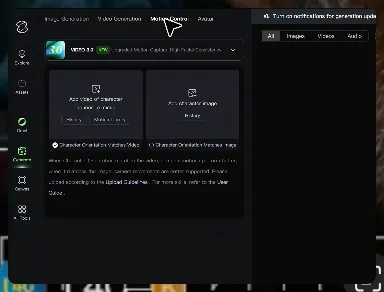
How to Master AI Motion Control in 3 Steps

Upload Your Assets

Upload Your Assets

Provide a static character image and a motion reference video showing the exact expressions you want to replicate.

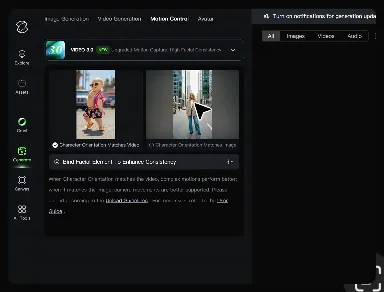
Bind Face Subject

Bind Face Subject

Enable this feature to lock facial consistency. Upload multi-angle photos to create a precise facial reference map.

Generate & Export

Generate & Export

Process your motion-controlled video and download the final render in high resolution.

Create Voices That Match Your Characters

Generate Character Voices Directly with the Video

Generate Character Voices Directly with the Video

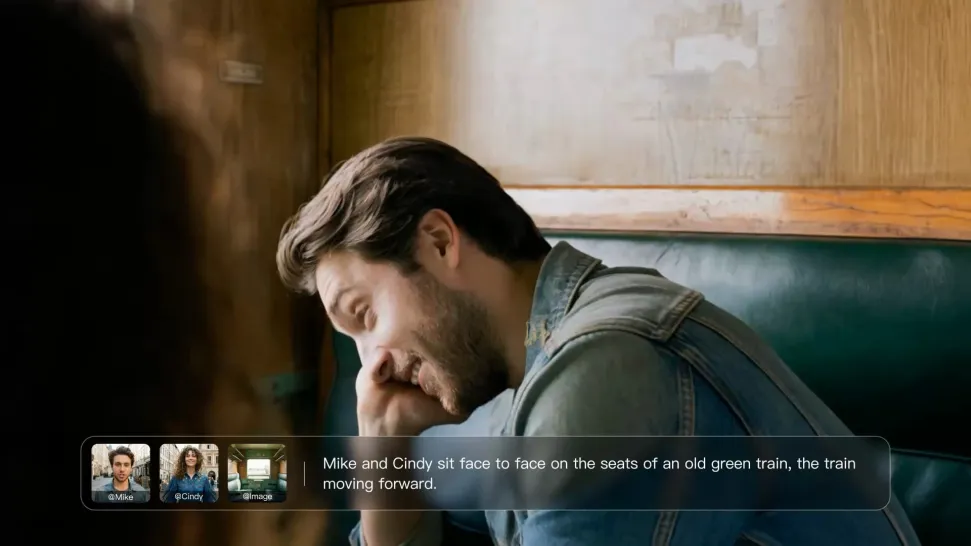
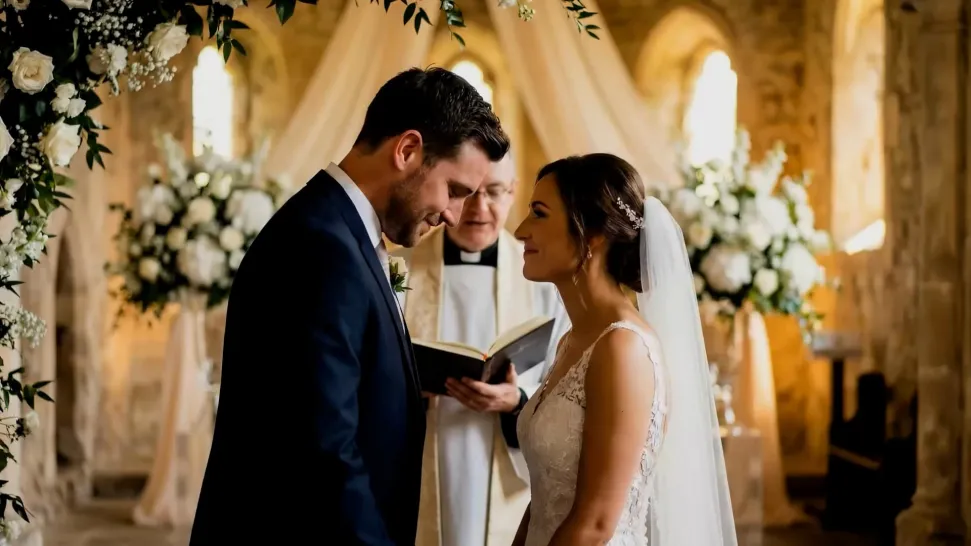
Write the dialogue into your video prompt and let Kling generate the spoken performance together with the scene. Because voice, facial performance, mouth movement, visuals, ambience, and supporting sound are created in the same workflow, the dialogue feels connected to what the character is doing on screen rather than added as a separate layer afterward.
Create Dialogue Across Languages and Accents

Create Dialogue Across Languages and Accents

Create character voices in multiple languages, including English, Chinese, Japanese, Korean, and Spanish. You can also customize accents, dialects, and speaking styles to make characters sound more authentic for different regions, cultures, and story settings.
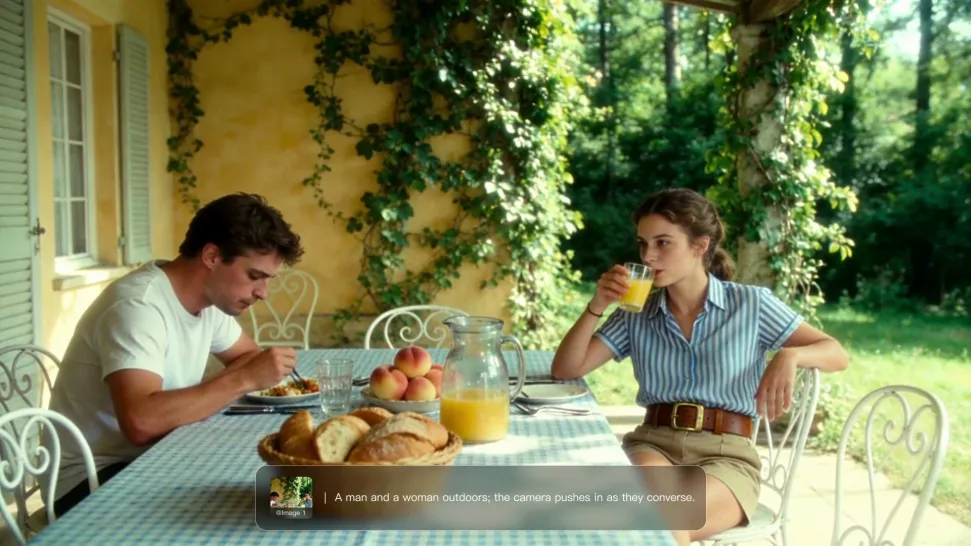
Keep a Character's Voice Consistent Across Scenes

Keep a Character's Voice Consistent Across Scenes

For recurring characters, Kling VIDEO 3.0 Omni lets you add voice to reusable Character Elements. A character can carry both recognizable visual traits and a connected voice into supported future generations. This makes it easier to build recurring presenters, fictional characters, or story leads that not only look familiar across scenes, but also keep a more consistent vocal identity.

Apps

Image to Video
Image to Video

Image to Video

Text to Video
Text to Video

Text to Video

Omni
Omni

Omni

Digital Human
Digital Human

Digital Human

Restyle
Restyle

Restyle

Text to Image
Text to Image

Text to Image

60M+
60M+
Users
600M+
600M+
AI Videos Generated
4.7 ★
4.7 ★
App Store
Industry-Leading
Industry-Leading
Cinematic 4K

Reviews

Jyo John Mulloor

Jyo John Mulloor

★★★★★

Kling AI has been instrumental in transforming my creative workflow, unlocking new dimensions of artistic expression that were once unimaginable. I use Kling AI extensively to develop high-concept visuals, animate surreal dreamscapes, and create AI-assisted films that blur the line between reality and fantasy. Kling AI’s deep learning capabilities have not only enhanced my creative efficiency but also inspired me to explore storytelling in ways I never thought possible.

Vincent Smadja

Vincent Smadja

★★★★★

Kling AI seamlessly integrates into my creative workflow, playing a key role in transforming my images. After generating and upscaling an image, Kling becomes a crucial element, bringing my creations to life with movement and depth.

Samuele Poggi (@visualsk2)

Samuele Poggi (@visualsk2)

★★★★★

I use Kling AI daily to push the limits of AI filmmaking. It allows me to create highly cinematic content, blending AI and VFX to develop innovative projects. It has significantly impacted my creative process, enabling me to achieve complex animations that would otherwise require high production budgets.

FAQ

Q1Do I need a finished script to create an AI video?
Q2Does script-to-video AI automatically split a script into shots?
Q3What should I look for in the best script-to-video AI?

Give Your Next Video a Cinematic 4K Finish

Start with the footage you already have. Improve visual quality, refine lighting and color with prompts, and choose 4K output when you need a higher-resolution result.