

NItVuFHN
0
Discover creative ideas for Nano Banana Kling. AI-made visuals offer quick inspiration and customizable options for your projects.


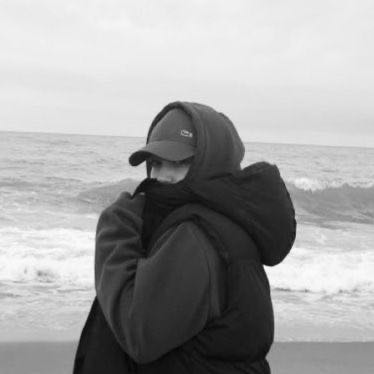







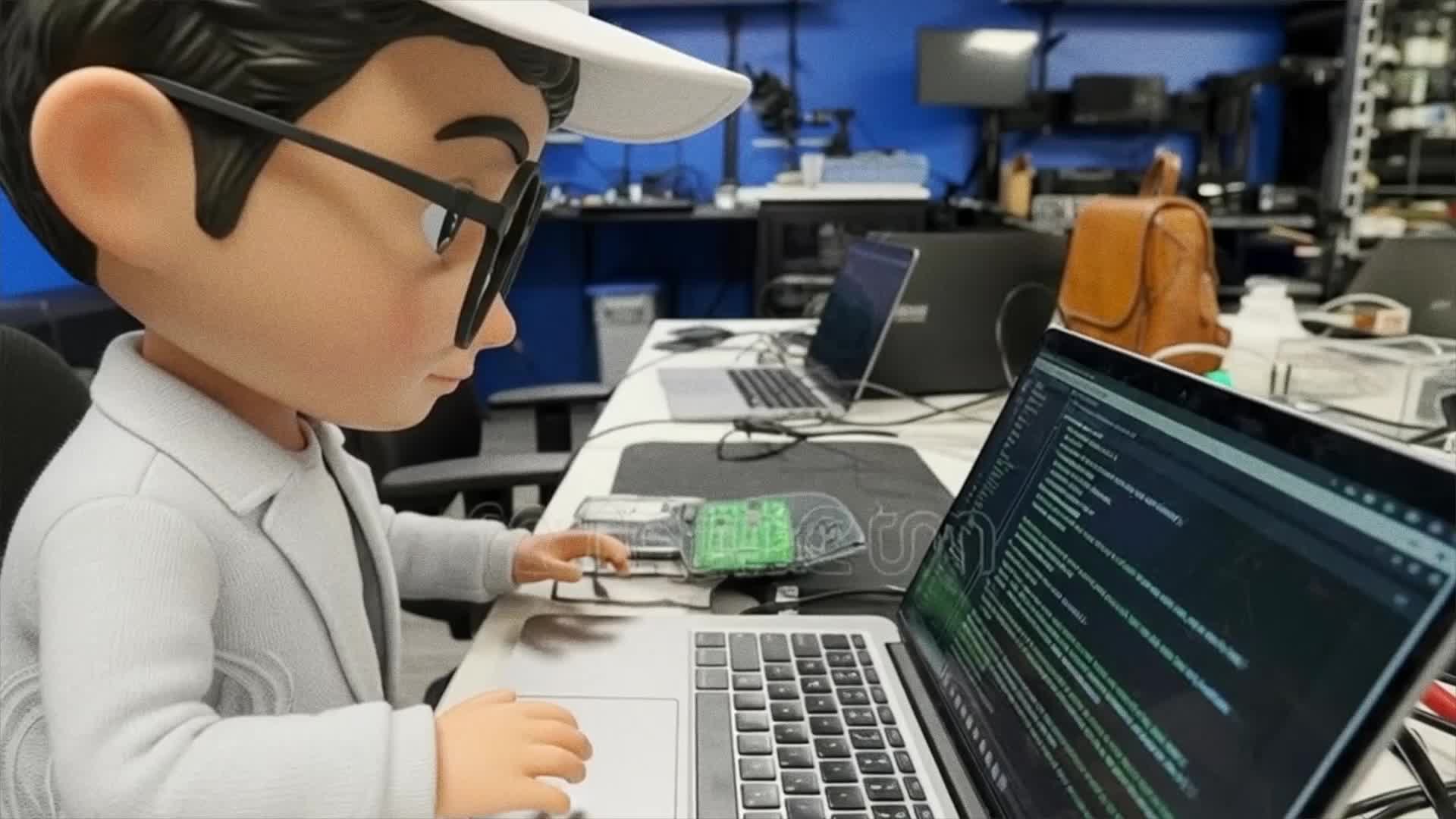







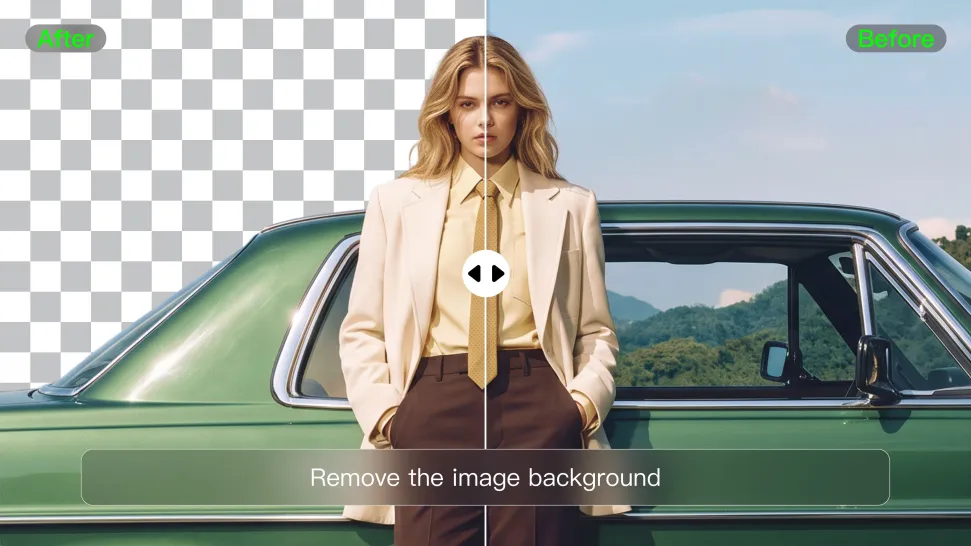
When you want to isolate a person, product, or other subject, Kling AI keeps background removal simple. A short prompt like “Remove the background” or “Keep the person and remove everything behind them” can clear away the surroundings without tracing edges by hand.
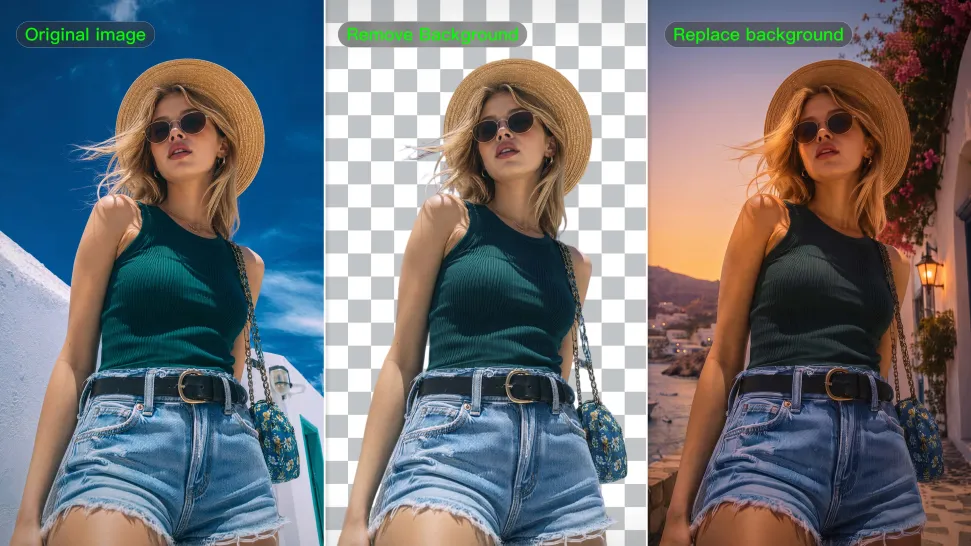
Removing the background does not mean you want the subject itself to change. Kling IMAGE 3.0 supports targeted image editing while helping preserve important visual characteristics such as the subject's appearance, shape, style, lighting, and texture. You can also specify what should stay unchanged when the image includes details that matter to the final result.
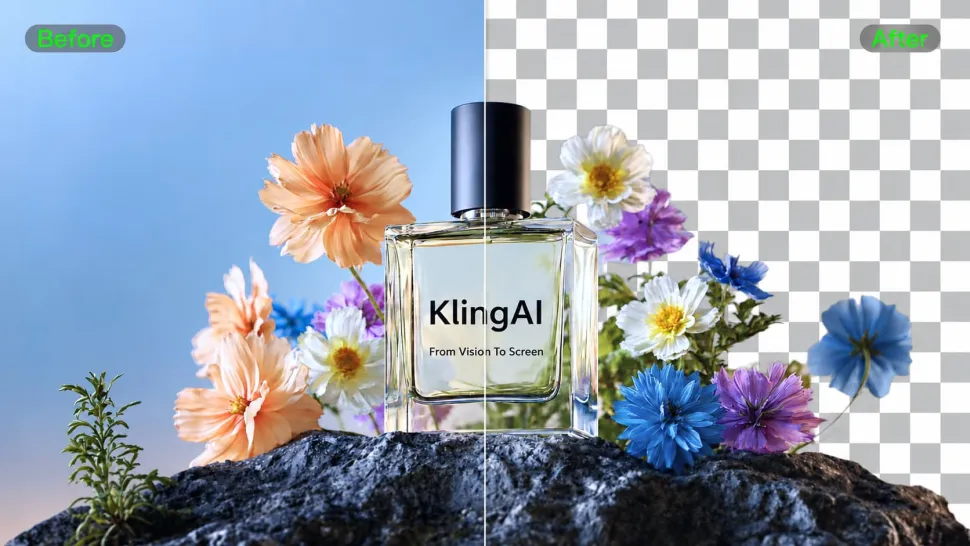
When you need more detail or higher resolution, Kling IMAGE 3.0 Omni lets you create images with background removals and output them in 2K or 4K. They’re ideal for product displays, posters, marketing assets, presentations, and designs that need to work across different sizes.

















Kling AI has been instrumental in transforming my creative workflow, unlocking new dimensions of artistic expression that were once unimaginable. I use Kling AI extensively to develop high-concept visuals, animate surreal dreamscapes, and create AI-assisted films that blur the line between reality and fantasy. Kling AI’s deep learning capabilities have not only enhanced my creative efficiency but also inspired me to explore storytelling in ways I never thought possible.

Kling AI has made it easy for us to generate world class visuals for Fortune 500 companies, TV shows and music for big artists. We love the easy of use of the platform and the quality of the generations. My first time using Kling AI, I got 22 million views on just one video. It's that good.

I’ve been using Kling AI since its initial release, and it’s remained one of the leading AI media generators ever since. With Kling AI, I’ve created hundreds of videos, collectively amassing millions of views.
Start with the image you have and rework it for the look, message, or moment you have in mind.
Object removal | Background changes | Portrait retouching | Photo restyling
