Creative Studio
API
Resources
Features
About Us
Download

nano banana prompt - cutting & surreal landscapes

Dive into unique visual themes like hyperrealistic banana imagery and whimsical banana-inspired characters. Start exploring nano banana prompt ideas and generate your own content with AI.

nano banana prompt - cutting & surreal landscapes

Recommended

Kling AI work 310344566506669 - nano banana prompt AI image
NItVuFHN avatar
NItVuFHN
Kling AI work 312708409615176 - nano banana prompt AI image
CzhfLQme avatar
CzhfLQme
Happy Moose - nano banana prompt AI video
Bumblebee avatar
Bumblebee
Kling AI work 317215086302597 - nano banana prompt AI image
ukGeZhck avatar
ukGeZhck
Kling AI work 300030377613435 - nano banana prompt AI video
Louma avatar
Louma
Kling AI work 311506071611971 - nano banana prompt AI image
tEOvgyua avatar
tEOvgyua
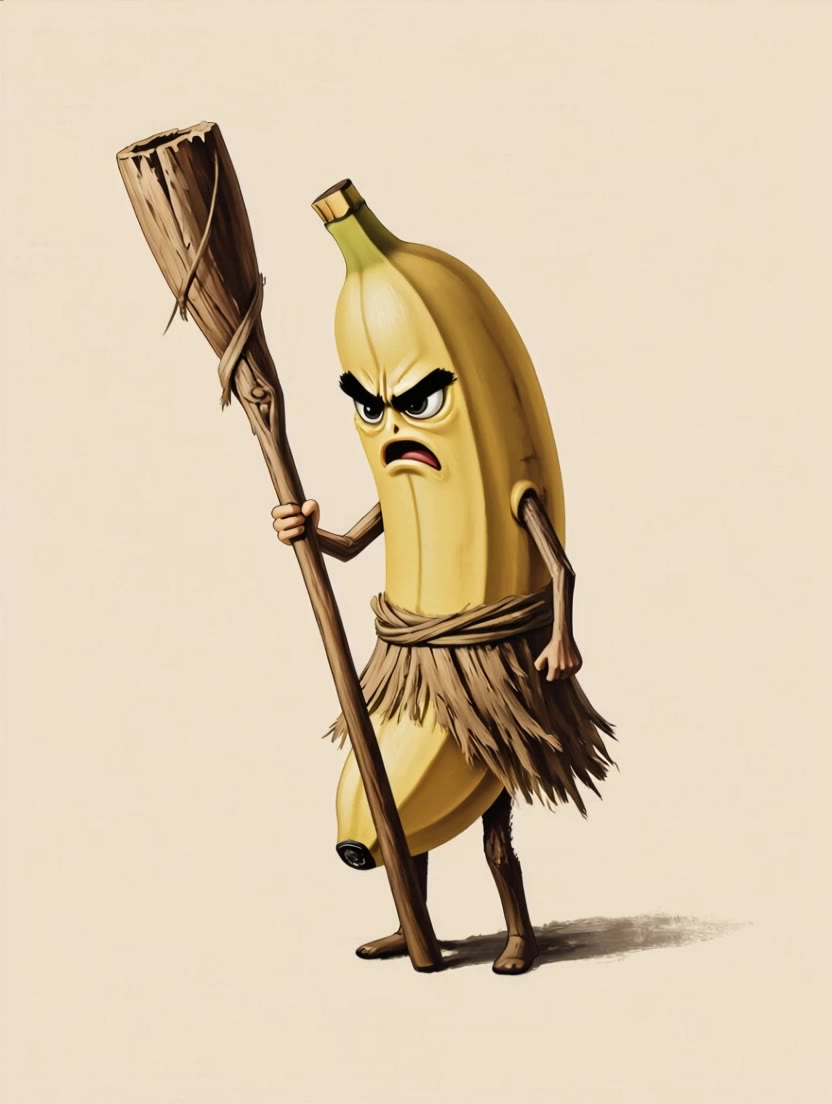
Grumpy banana - nano banana prompt AI video
gAcGTmMH avatar
gAcGTmMH
Kling AI work 315216982611207 - nano banana prompt AI video
dzlhhJKq avatar
dzlhhJKq
Kling AI work 299186876612741 - nano banana prompt AI image
AoWvVtCT avatar
AoWvVtCT
Kling AI work 309489395505822 - nano banana prompt AI image
EFhvNhCv avatar
EFhvNhCv
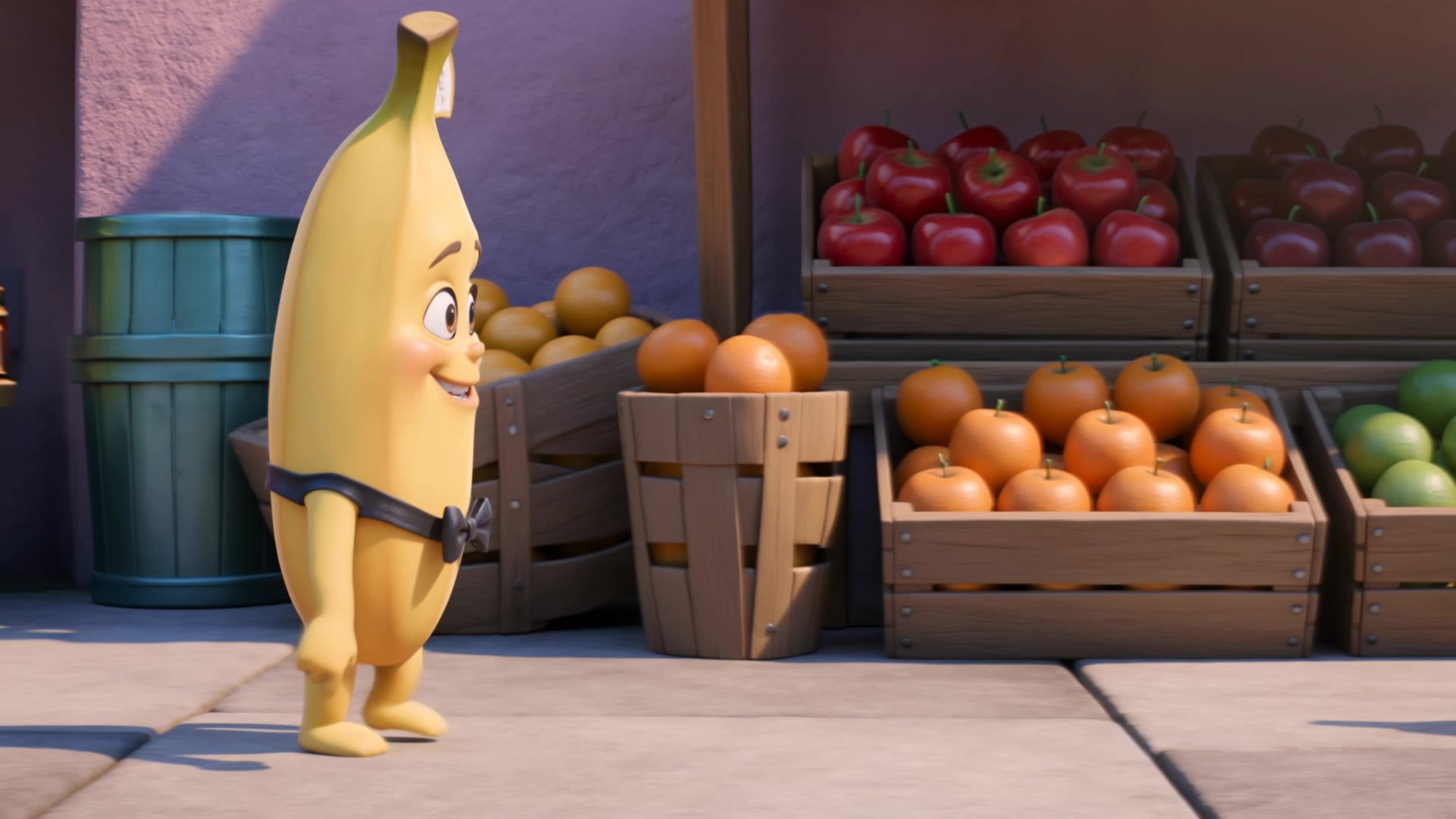
banana ai humanoid  - nano banana prompt AI image
OOqdZhbo avatar
OOqdZhbo
banana - nano banana prompt AI video
laozhpZQ avatar
laozhpZQ
Kling AI work 307137024500956 - nano banana prompt AI image
zwqUcKHH avatar
zwqUcKHH
Kling AI work 308239816664858 - nano banana prompt AI image
LdWetsCo avatar
LdWetsCo
Kling AI work 312157456500528 - nano banana prompt AI video
JMsDLstd avatar
JMsDLstd
Kling AI work 308240108663007 - nano banana prompt AI image
LdWetsCo avatar
LdWetsCo
Kling AI work 306759431535143 - nano banana prompt AI video
NKYEVEDB avatar
NKYEVEDB
Kling AI work 307476904508692 - nano banana prompt AI video
kbGSqAVn avatar
kbGSqAVn
nano - nano banana prompt AI video
00:05
KeuZfRwq avatar
KeuZfRwq

How to Use Kling AI Face Swap

Step 1: Upload Your Target and References

Step 1: Upload Your Target and References

Add the photo or video you want to edit, then add the face reference you want Kling AI to follow. For video, you can also use multiple views or a character element when you need stronger identity consistency across different angles.

Step 2: Describe the Face Swap You Want

Step 2: Describe the Face Swap You Want

Tell Kling AI which face to replace and what reference to use. For example: "Replace the face in [Image 1] with the face from [Image 2] while keeping all other content unchanged."

Step 3: Generate Your Face Swap

Step 3: Generate Your Face Swap

Choose your preferred output settings, such as the generation mode and aspect ratio, then click Generate. Kling AI will apply your instructions and chosen settings to create your face-swapped image or video.

Why Kling Sets the Standard for Video Creation

Flawless Character Consistency

Flawless Character Consistency

Unlike standard tools that distort faces when moving, Kling Video 3.0 lets you strictly lock a character’s appearance. Upload a single photo, or use a short video/multiple angles as a reference to completely eliminate the “AI morphing” effect.

Native Audio & Perfect Lip-Sync

Native Audio & Perfect Lip-Sync

Your image doesn’t just move; it speaks. Generate perfectly matched voices and realistic lip movements in multiple languages or regional accents. Even in multi-character scenes, you can precisely assign who speaks—no third-party tools required.

15s Duration & Motion Control

15s Duration & Motion Control

Go beyond simple loops with up to 15 seconds of smooth narrative. Use advanced Motion Control to direct camera pans, tilts, and zooms, or define exact transitions with start and end frame references.

Apps

Image to Video
Image to Video

Image to Video

Text to Video
Text to Video

Text to Video

Omni
Omni

Omni

Digital Human
Digital Human

Digital Human

Restyle
Restyle

Restyle

Text to Image
Text to Image

Text to Image

60M+
60M+
Users
600M+
600M+
AI Videos Generated
4.7 ★
4.7 ★
App Store
Industry-Leading
Industry-Leading
Cinematic 4K

Reviews

Ozan Sihay

Ozan Sihay

★★★★★

Kling AI allows me to rapidly prototype ideas, refine storytelling elements, and produce visually compelling content efficiently. It has not only accelerated my creative processes, but also deepened my understanding of how AI can enrich visual storytelling.

KakuDrop

KakuDrop

★★★★★

I have successfully collaborated with world-renowned artists and well-known companies that are recognized globally

Jyo John Mulloor

Jyo John Mulloor

★★★★★

Kling AI has been instrumental in transforming my creative workflow, unlocking new dimensions of artistic expression that were once unimaginable. I use Kling AI extensively to develop high-concept visuals, animate surreal dreamscapes, and create AI-assisted films that blur the line between reality and fantasy. Kling AI’s deep learning capabilities have not only enhanced my creative efficiency but also inspired me to explore storytelling in ways I never thought possible.

FAQ

Q1How does Kling AI Text to Speech work?
Q2How much does Kling AI Text to Speech cost?
Q3What is Text to Speech?

Bring Out the Best in Every Image

Transform ordinary images into refined visuals with Kling AI. Enhance details, improve the overall look, and create images that better match your creative direction.

AI image quality enhancement | Prompt-guided refinement | 2K/4K output